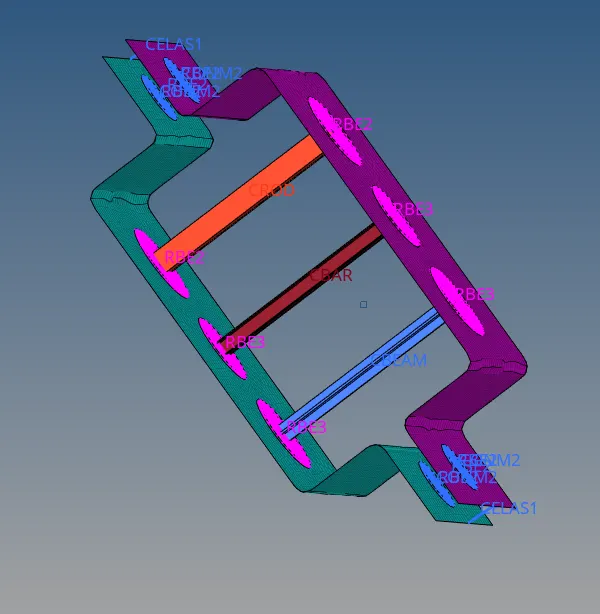
Week 4-1D Element Creation Challenge
Aim : Meshing the Given component with the Size of 5 Units and Creating 1D elements on the component with given cross-section and DOF
Procedure : Import the Given Model and extract the midsurface from the model as follows
Geometry>Mid surface>Auto Extract > Click Extract.


thus midsurface is created.
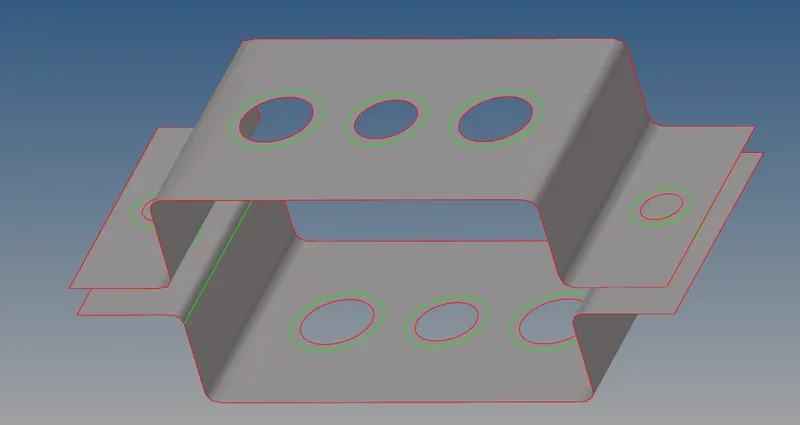
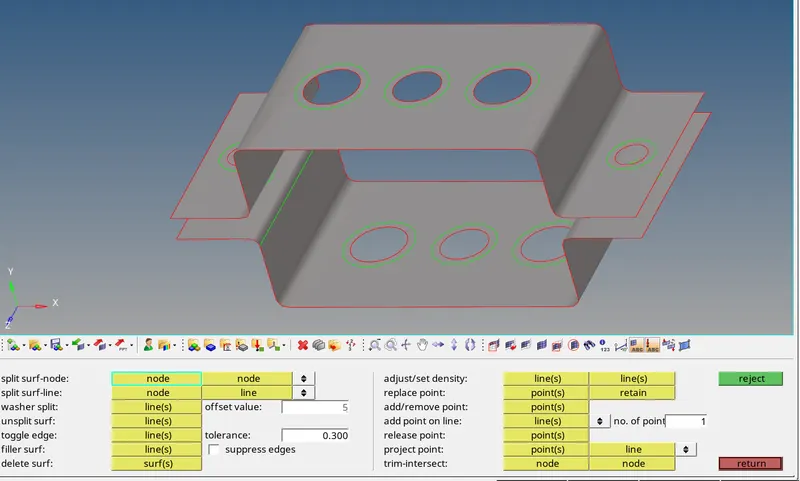
Creating Washer Split: Washer split is created at all holes to make proper mesh
To create washer Split As follows Quick Edits> washer Split > Off set Value -5 .

Mesh Generation: To generate Mesh Procedure As follows - 2D>Automesh>element size -5units>mesh
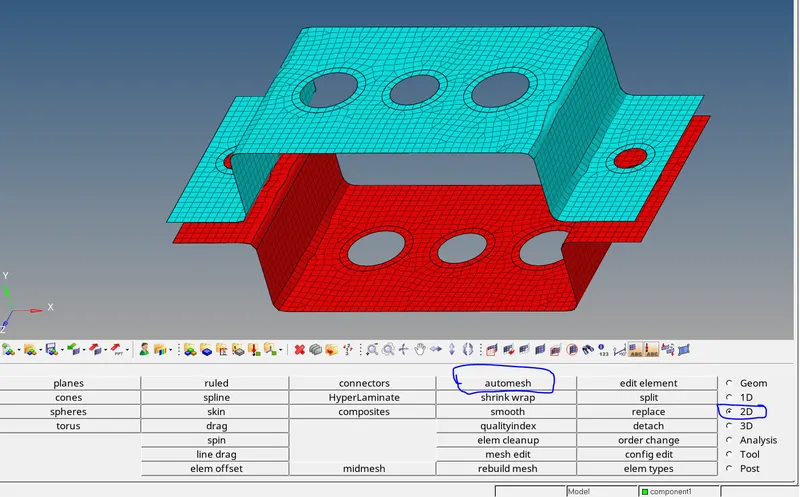

Thus mesh will be generated .
Creating RBE2 Elements :
create Rbe2 Elements at A hole As follows - 1D>Rigids>create>select calcualte nodes> nodes by path. then select all nodes at holes
Dof should be 1.


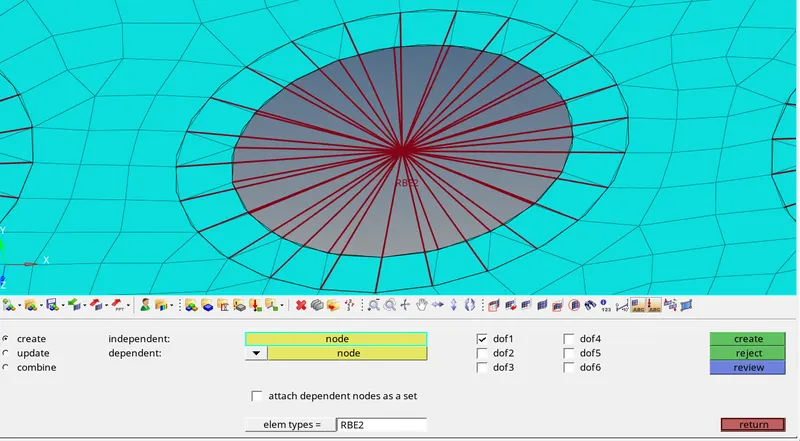
thus Rb2 elements are created .
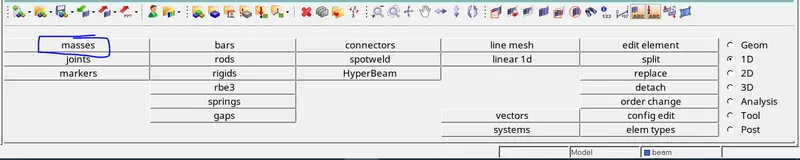
Applying Mass : apply mass at a hole as follows 1D>Masses> Select two nodes > mass=10>create.

Creating Rbe3 Elements: select 2d >Rb3> Create> select all nodes at holes B,C .


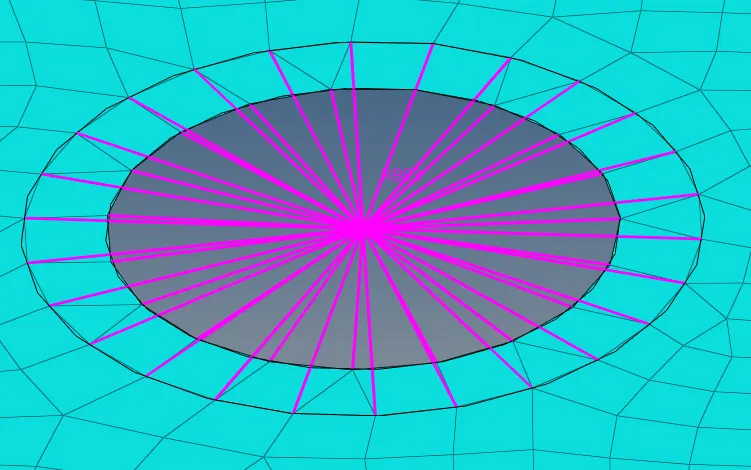
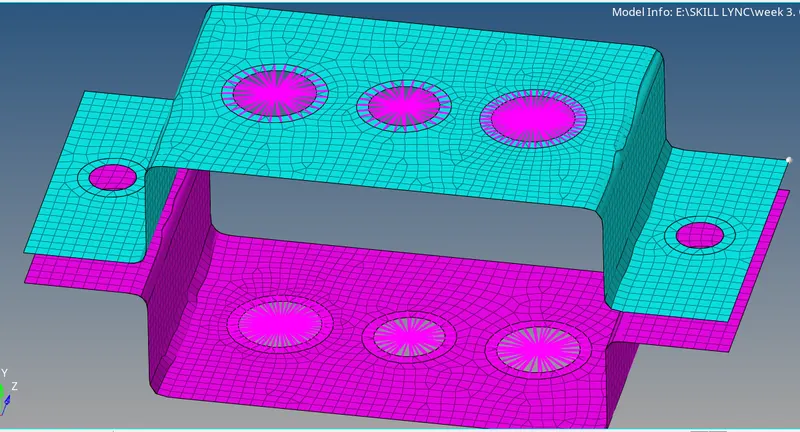
thus rbe3 elements are created.
Creating rod, bar and beam:
For creating rod beam and bar as follow procedure as follows
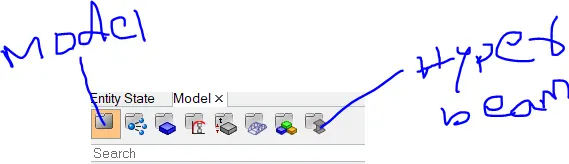
1D>hyperbeam>standard section>section type-solid circle>create
then it opens hyper beam view then create


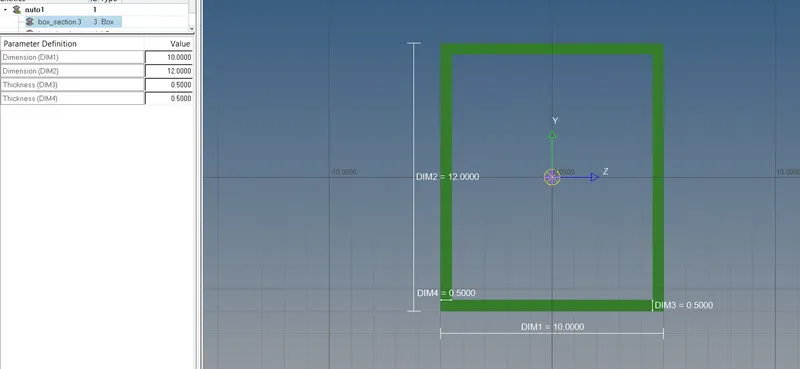
1, box section as per given dimensions
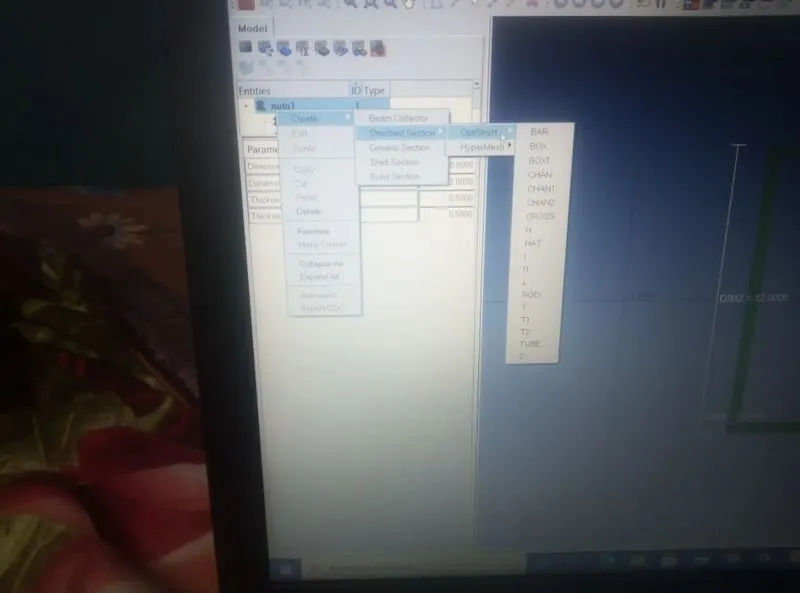
Create>standard sections>optistuct>box.
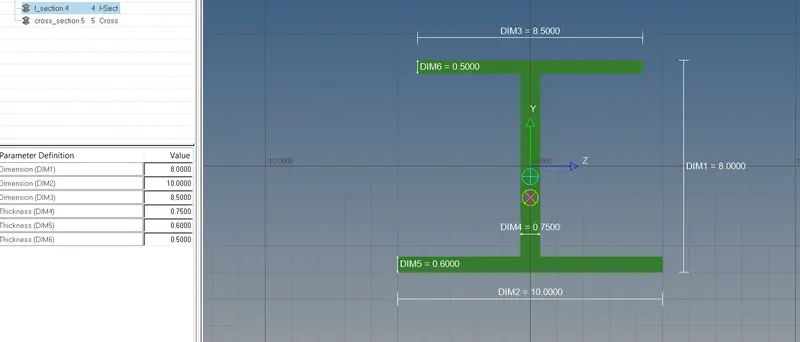
Beam element-I section: Create>standard sections>optistuct>I
Bar element-I section: Create>standard sections>optistuct>X
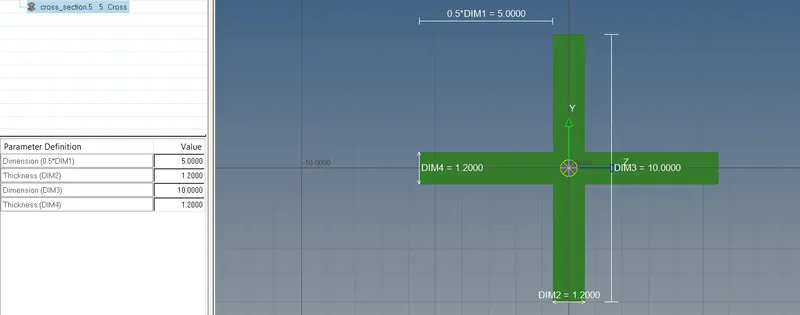
Click on model and create rod element at A hole as follows
1D>Rods > select two hole nodes of B

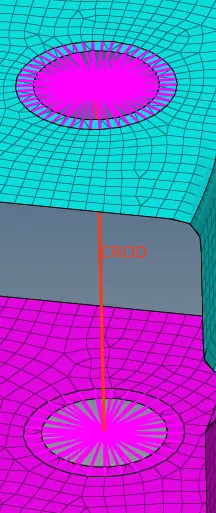
create Bar (I section ) element at B hole as follows
1D>Bar > select two hole nodes of B > select x direction.

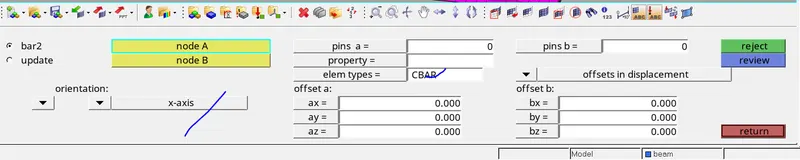
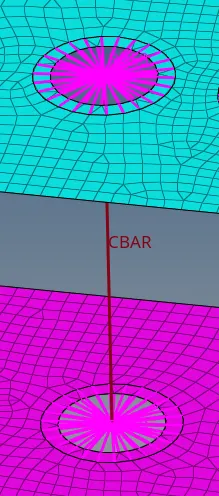
create beam (X section ) element at B hole as follows
1D>Bar > select two hole nodes of B > select x direction.

thus bar , beam and rod are created
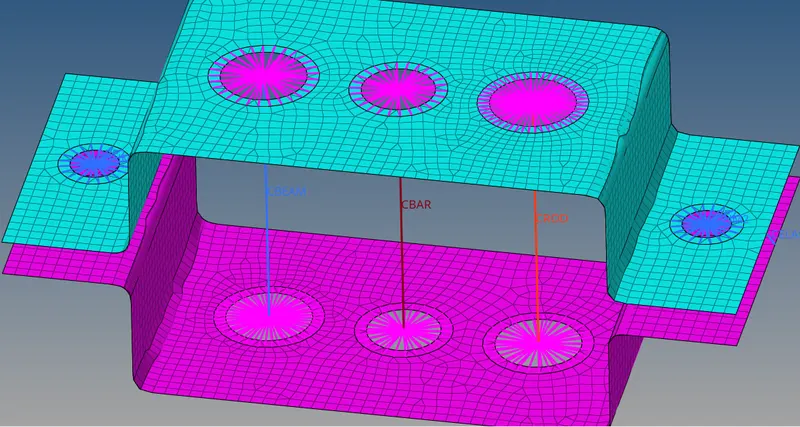
Now add all rod ,beam and bar elements in components by using organise option
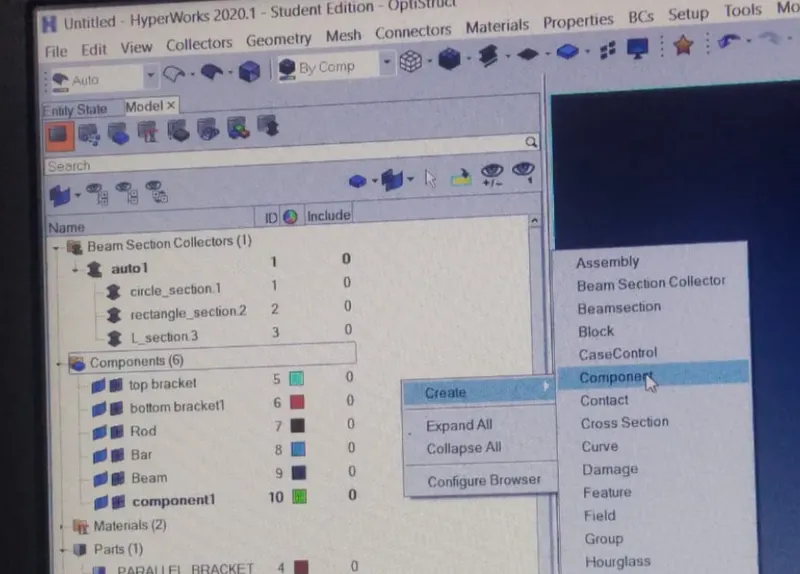


Udating Elements :
Now update the rod ,beam and bar elements
Bar: Box section


C bar - I section :


C Beam - X section :



Rbe2 Element:
Create Rbe2 clink at D and E holes .and apply mass 10
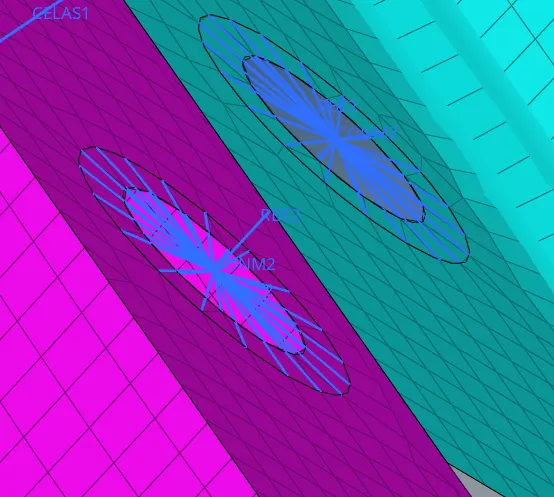
Spring: Create springs to join both top and bottom brackets
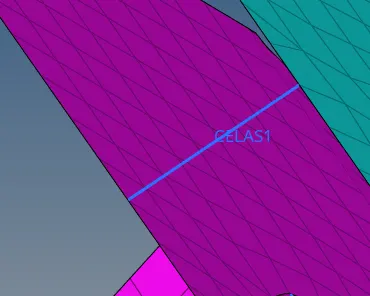
Thus Bracket with required componeents are created.