Week 6-Meshing of Hood Challenge
OBJECTIVES:-
- Mesh the given component with given quality criteria and assign thickness
PROCEDURE:-
- Open the hyper works
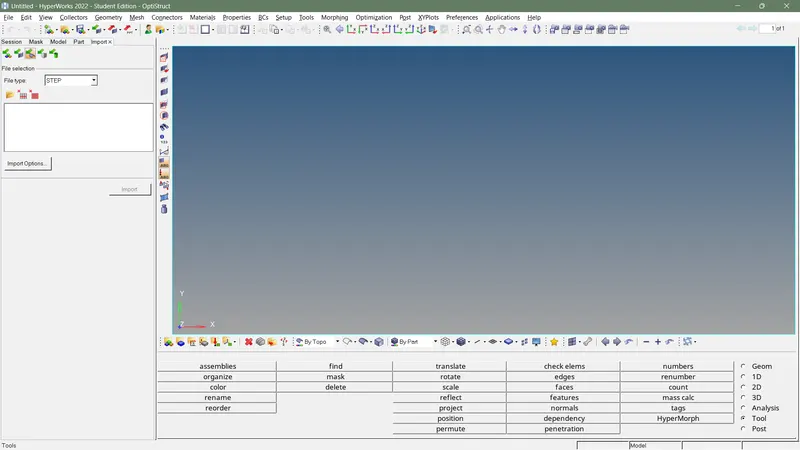
- select import geometry and select type then select file ,click import
- here all part of the geometry has symmetry on its one of axis other than small portion
- delete one of half of the geometry
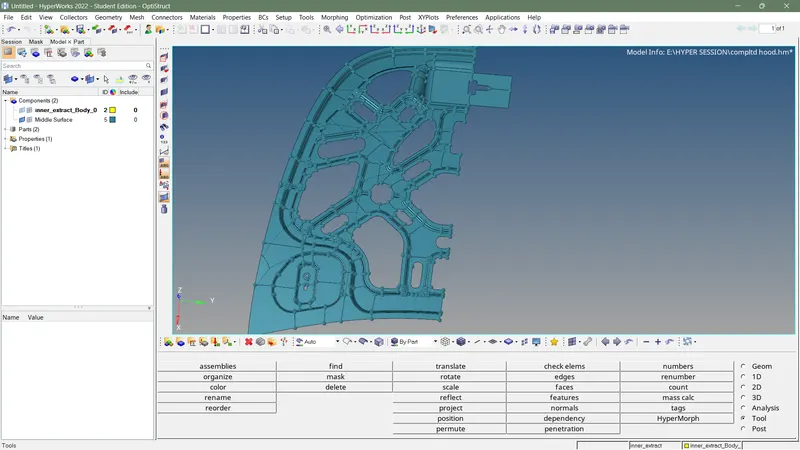
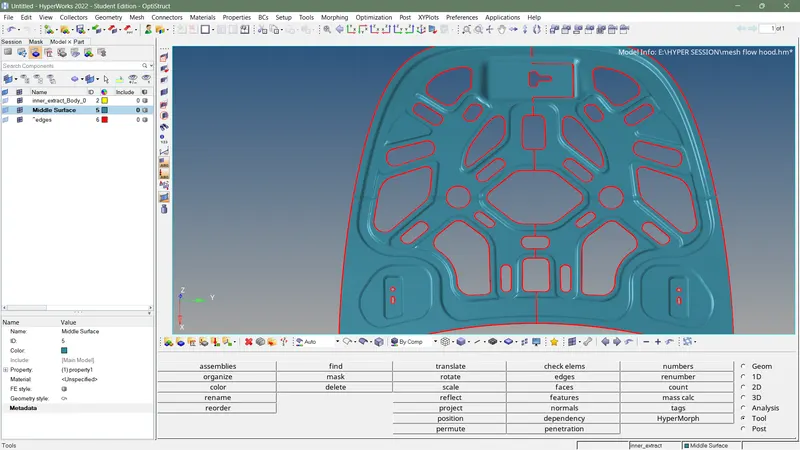
- adjust free edges and other missing surface using apropriately
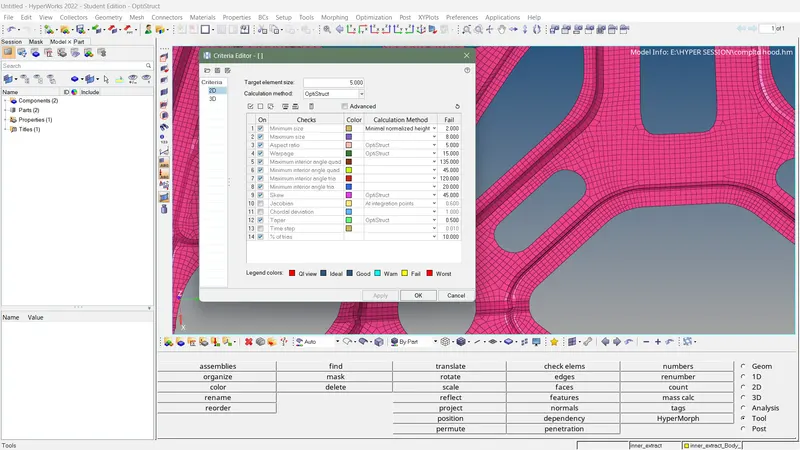
- input quality criteria as given
- defeature the geometry by using defeature option and toggle line option
- toggle the line which cause element minimum size issue
- mesh more difficult part firstly using automesh and select element type as mixed
- if there any poor mesh flow present rebuild the mesh using rebuild option in 2D panel
- avoid triangle element touching the feature line or free edges by using swap and split option in quality index
- smooth mesh flow using smooth option given in 2D panel
- after meshing all part of mid surface and check quality issue araised or not
- reflect the whole element on the mid surface byusing the reflect option in tool panel by duplicating original elements
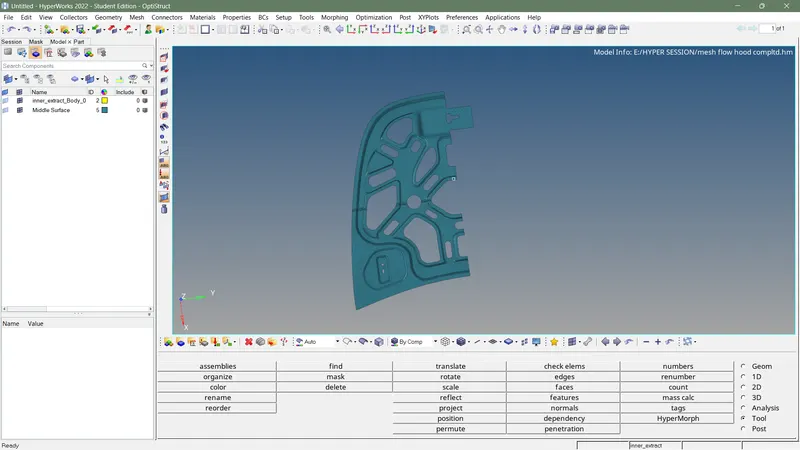
- check for connectivity
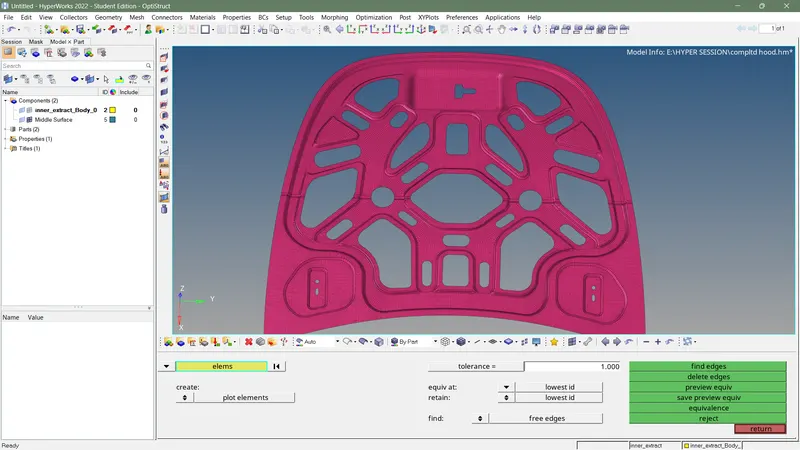
- check for free edges using edges in tool panel
- if there any un necessary edges present delete free edges
- edges on joint of 2 half part can easily fix using equalance option in edges
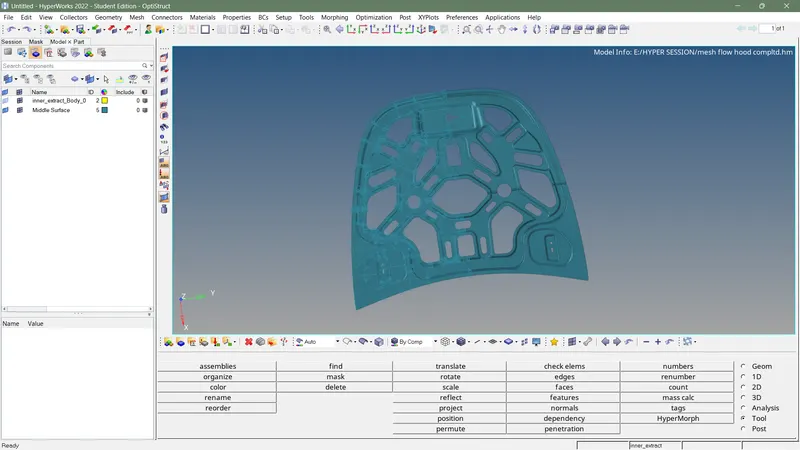
- rearrange mesh flow
- create new property and add thickness
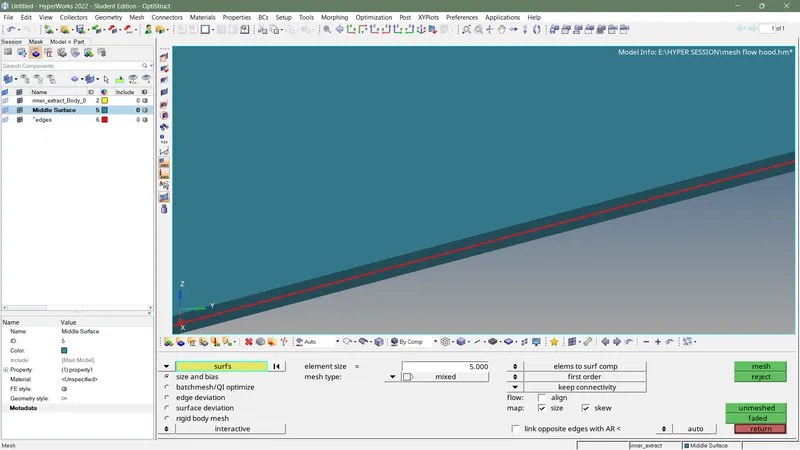
- finish the challenges