Week 6-Meshing of Hood Challenge
AIM :
To extract the mid surface for the component and mesh the given hood component with the given target element size of 5 mm mentioned quality criteria.
Follow the below-mentioned quality criteria, mesh the component given below and assign thickness:
Target Element Length = 5mm
|
S.N |
Quality Criteria |
Value |
|
1 |
Aspect Ratio |
5 |
|
2 |
Skewness |
45 |
|
3 |
Warping |
15 |
|
4 |
Taper |
0.5 |
|
5 |
Min. Length |
2mm |
|
6 |
Max. Length |
8mm |
|
7 |
Min angle Quad |
45 |
|
8 |
Max angle Quad |
135 |
|
9 |
Min angle Tria |
20 |
|
10 |
Max angle Tria |
120 |
|
11 |
Tria % |
10 |
PROCEDURE :
- Import the geometry by clicking on the import option and select import geometry.
- Select the file type to '.hm'.
- Browse and select the file to be imported
- Click the import button
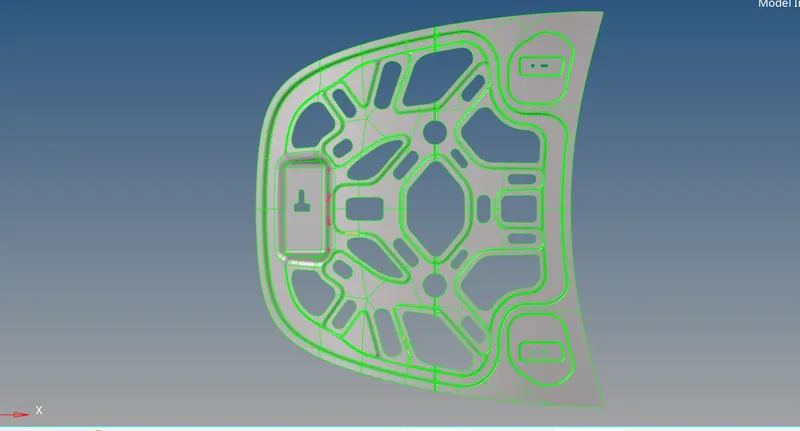
- Once import the cad model and and check for geomentrical issues
- In my model are facing geomentrical issues in triple cons only
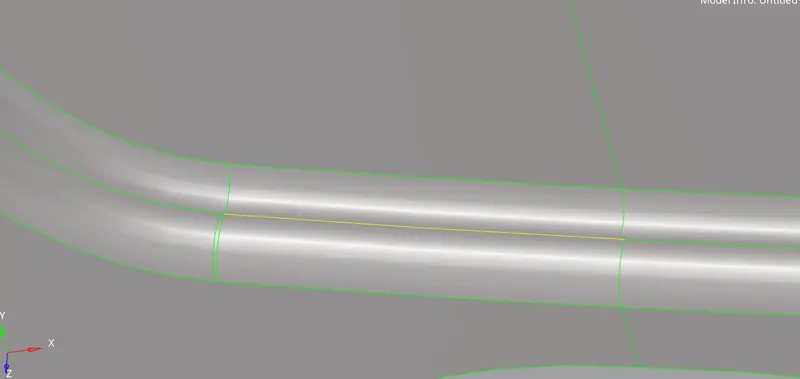
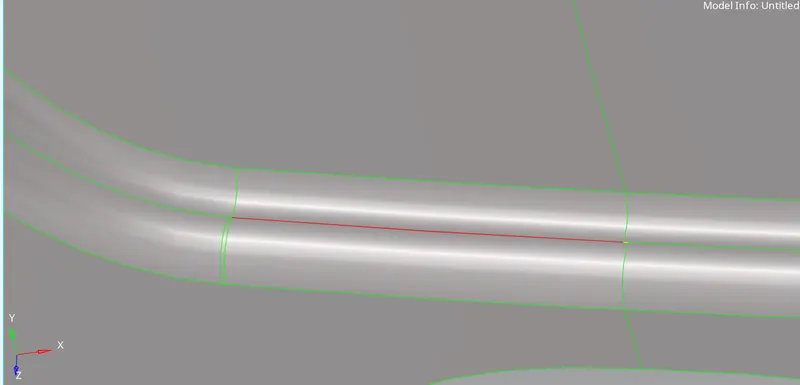
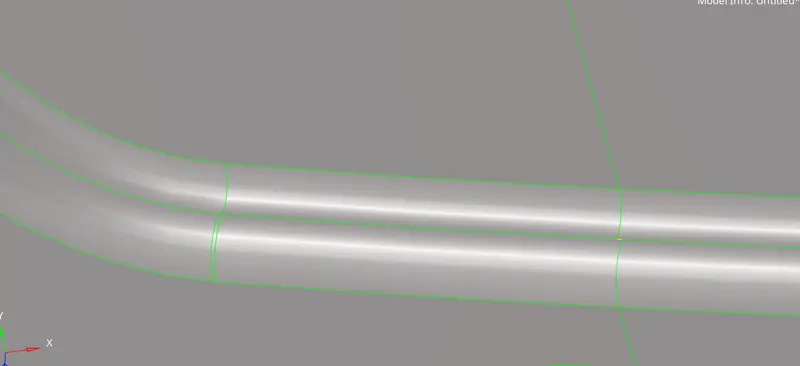
- After clear the geomentical issues now go to extract the method
- 4 extract options are avalable in hypermesh in my option is (geomentry - midsuraface - offset)
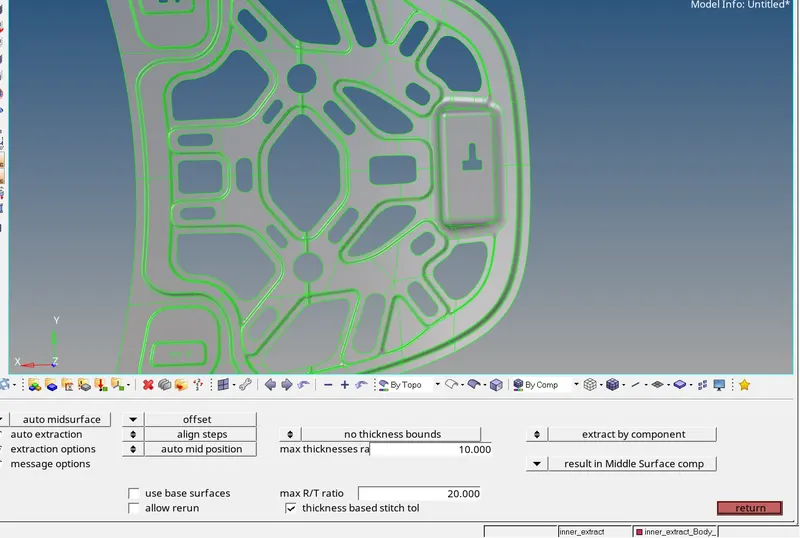
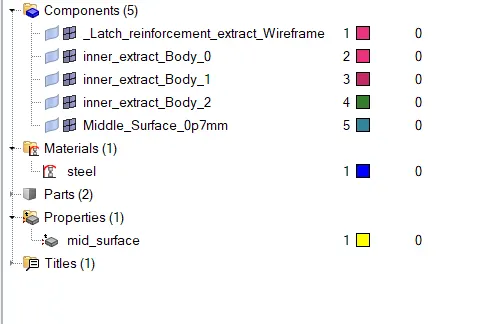
- Once generated the midsurface create the component of the midsurface
- Create the material and assign the material type of the part
- Create the properties of the midsurface and assign the material and thichness
- Create the component of the midsurface and assign the properties
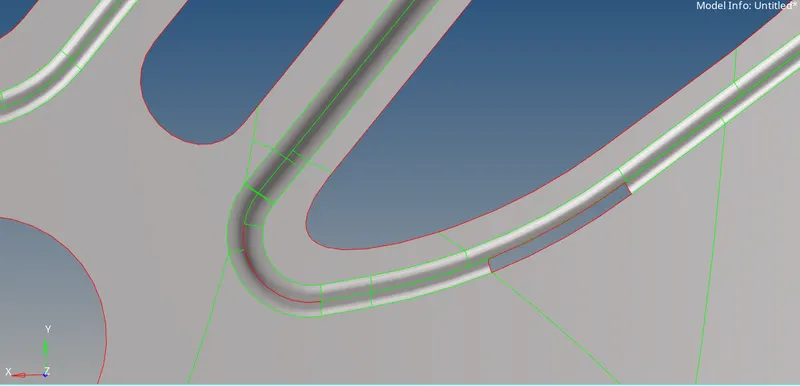
- After check the surfaces and feature line
- In my model unchecked surface and surface is not attached to the other surface tis issues are presented in my midsurface
- Unchecked surface area are create the new surface by using (geomentry - fillet surf )
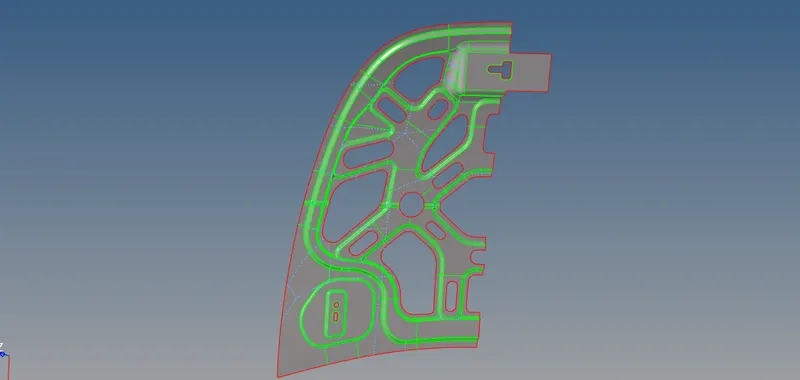
- After finsh the midsurface geomentrical cleanup next go the mesh part
- My model is symmentric part then i will delete the one half of the midsurface
- Now are the arrage the feature line depent upon our mesh flow
- Some feature lines near to each other one of the lines are toggle
- other unwanted feature line are toggle some feature are create depent upon our mesh flow
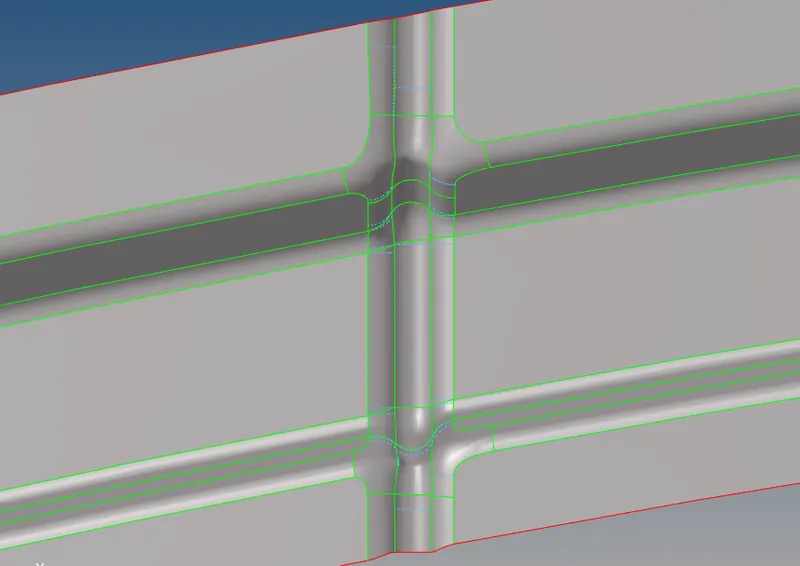
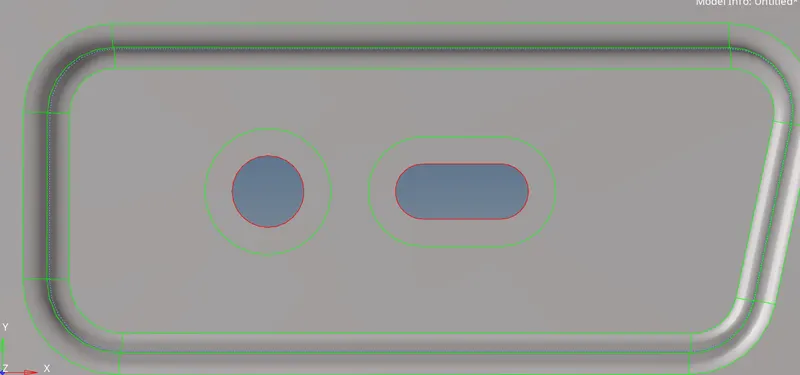
- And now cretae the washer split aruong the hole area
- Washer splits help us better mesh flow around the area
- Now create the mesh in my midsuface
- Mainly iam focused on no opposite trais, trai are not touching each other, no bach to back trias, tias are not touching feature line and free edges
- Iam using tool for better mesh flow rebulit option, rebuilt is used for reconstruction the elements for better mesh flow
- Moving the trias front and backward is collapse option, tiras are moving sidewards is using split option
- After finsh the mesh in one half the elements are refelect to the other half by using (tool - reflect)
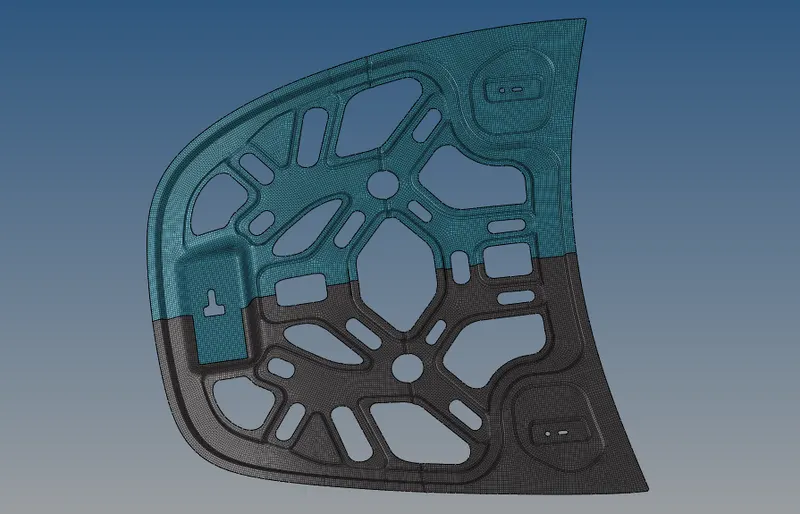
- And now ckeck the freee edges of the element and stritch the two half of elements
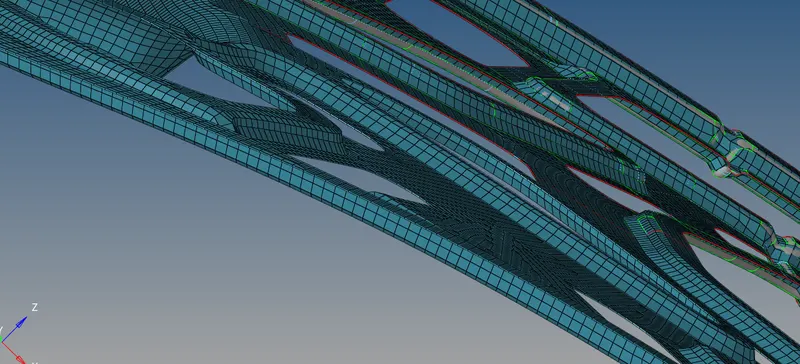
- Finally chech the assing the thickness of the properties
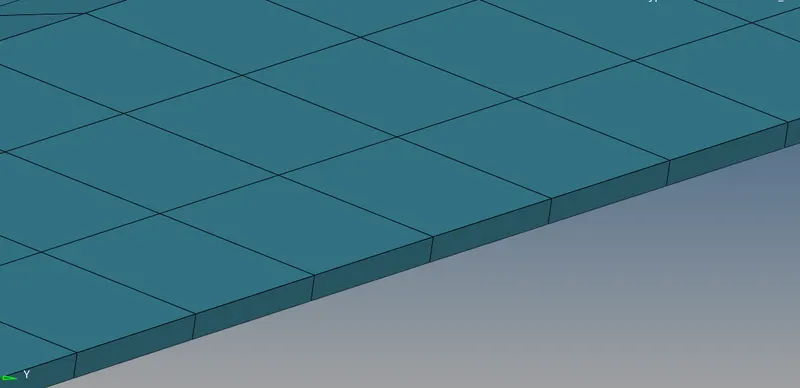
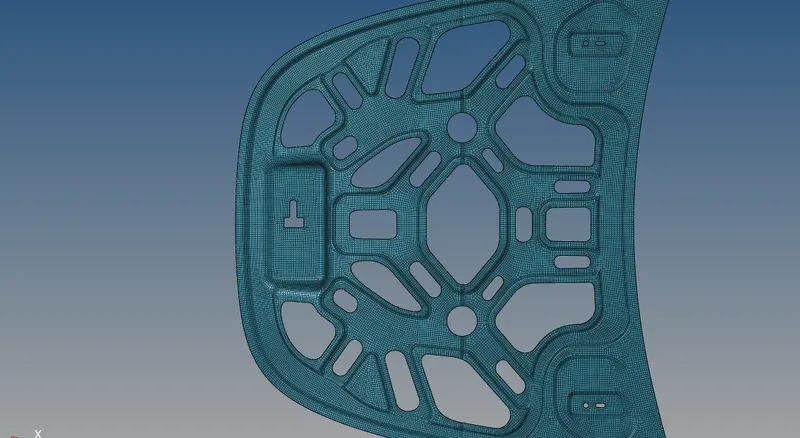
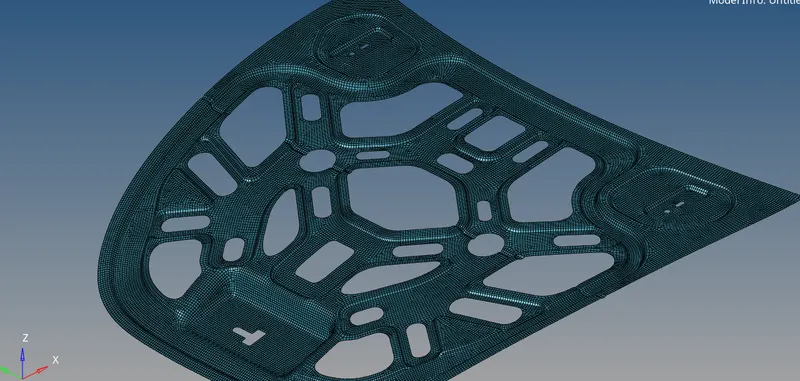
CONCLUSION:
In this challenge, we learn how to do a better mesh flow on the curvy region and how to handlr trains and better mesh flow.