Week 6-Meshing of Hood Challenge
Aim :- Mesh a hood model with mentioned quality criteria.
OBJECTIVE:
- Extract the mid surface
- Geometry cleanup
- Meshing given hood model using the given quality criteria checks
- Good mesh flow.
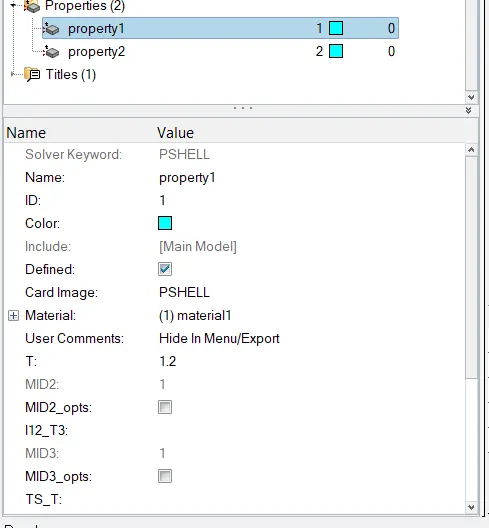
- Assign thickness
PROCEDURE :
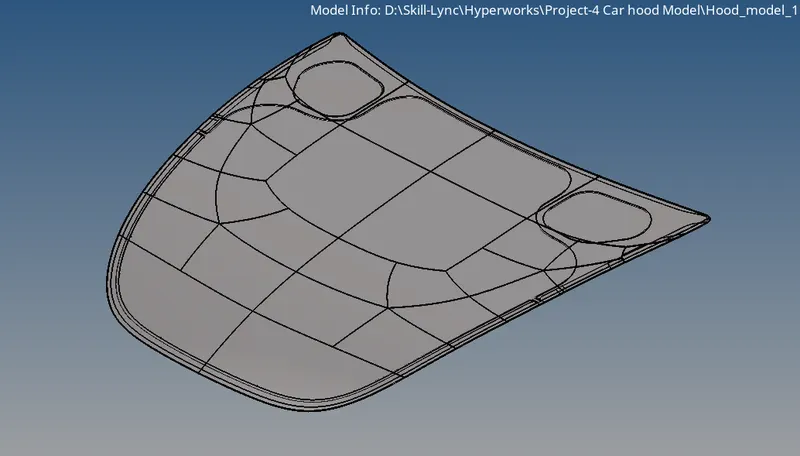
- Import the component and click F to see the component in the GUI area as shown below.
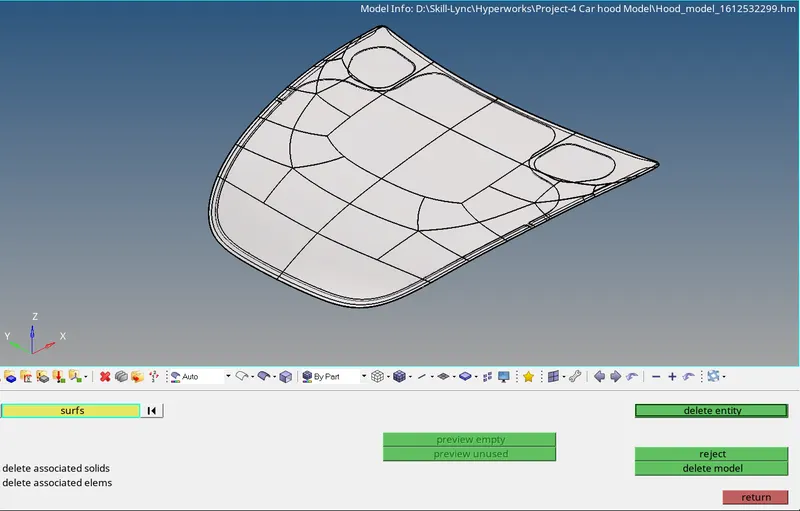
- Delete the solid so that we can work on the surface.
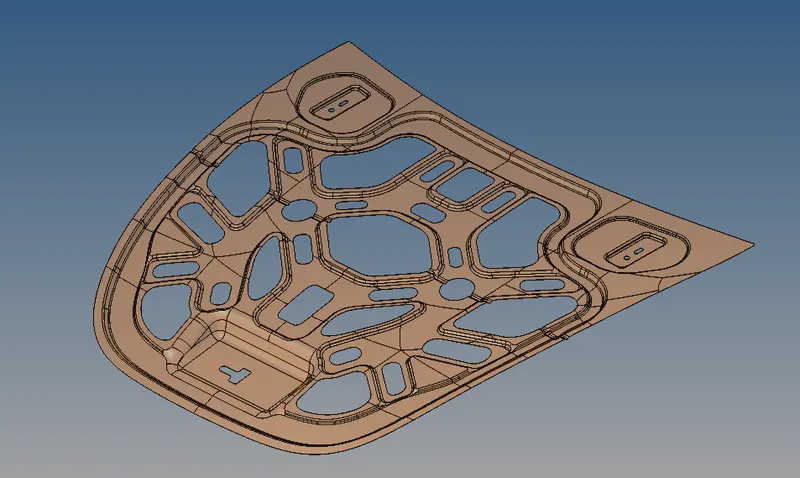
Inner extract :-
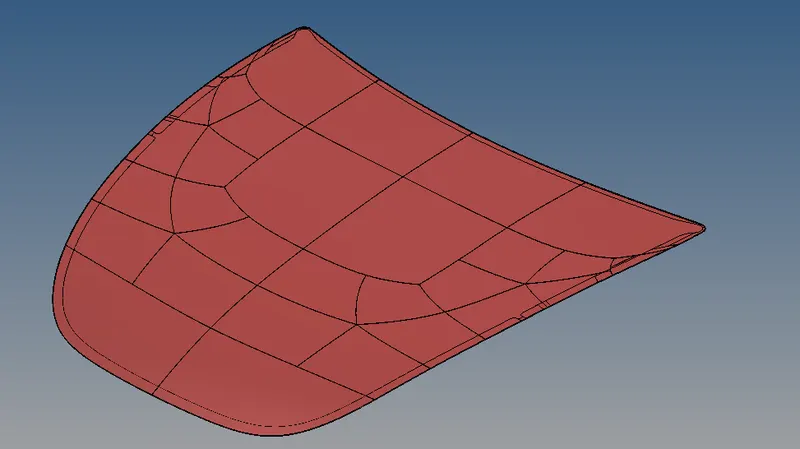
Outer Extract :-
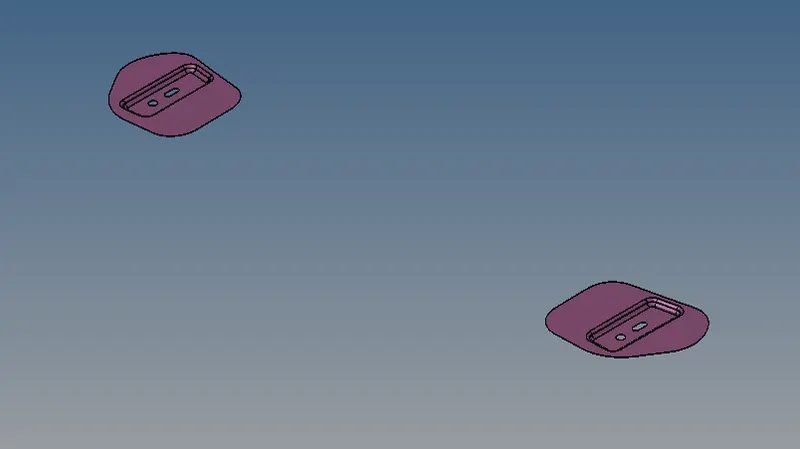
hinge reinforcement extract :-
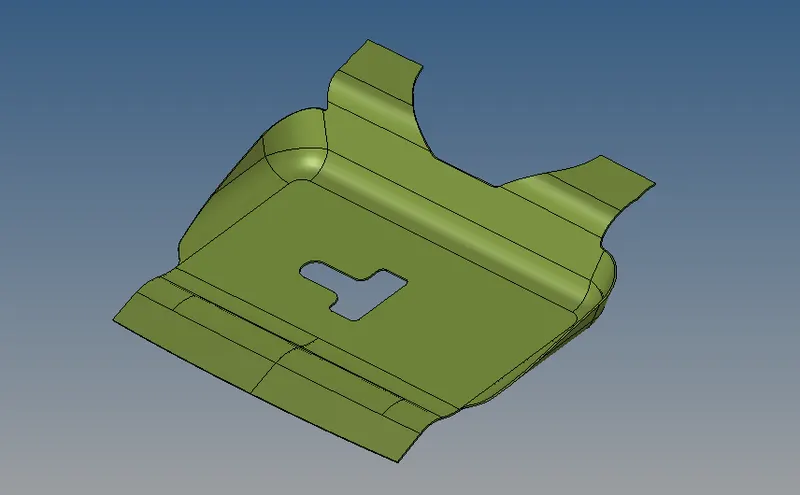
Latch reinforcement extract :-
- Generate Mid-surface & geometry clean-up for all parts, saved in diff. components :-
- view in topo mode for looking for any free edge present in model
- Geom-midsurface
- Mid-surface of Inner extract :-
- add construction line for better mesh flow
- Geom-Quick edit-split surf line
- Geom-Quick edit-split node
- Geom-Quick edit-toggle edge
- Geom-Quick edit-delete surf
- Geom-Quick edit-filler surf
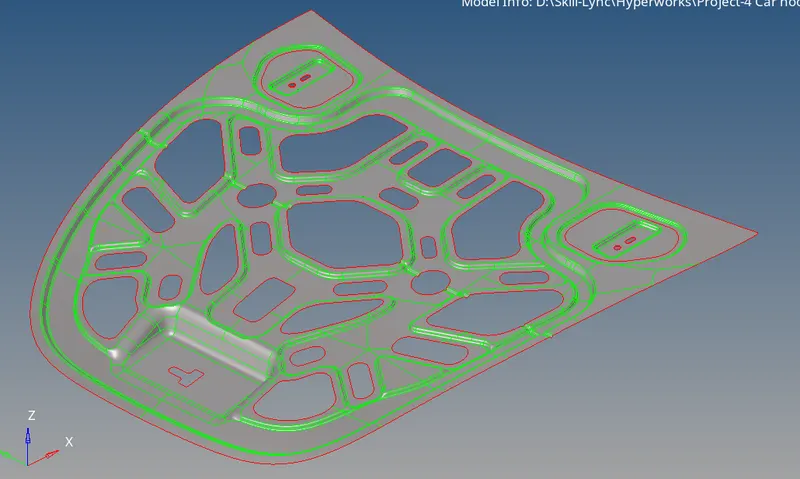
As inner ectract is symmentric about X-axis we can delete half section for reduce time
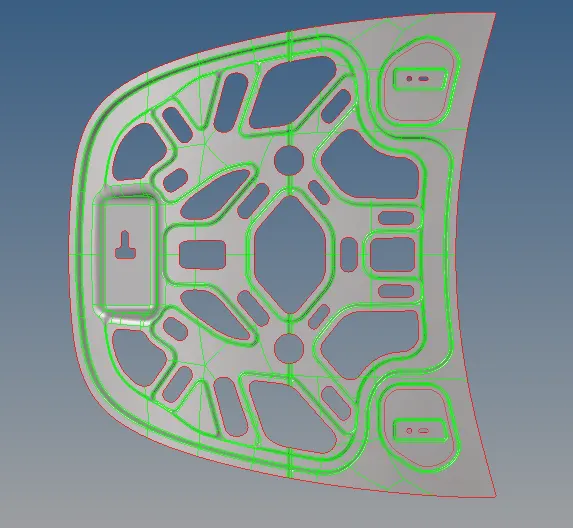
option used - Delete-surf
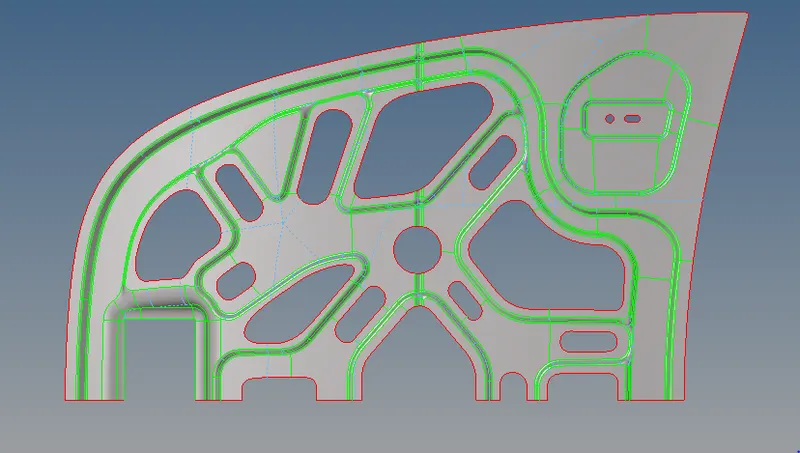
For better mesh flow toggle some lines as shown in snap :-
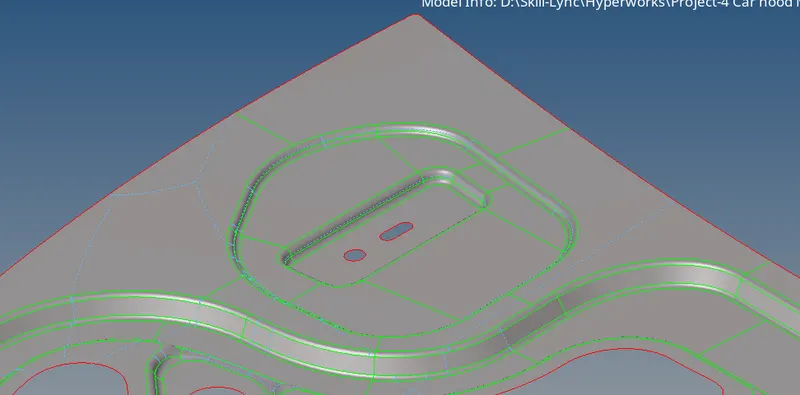
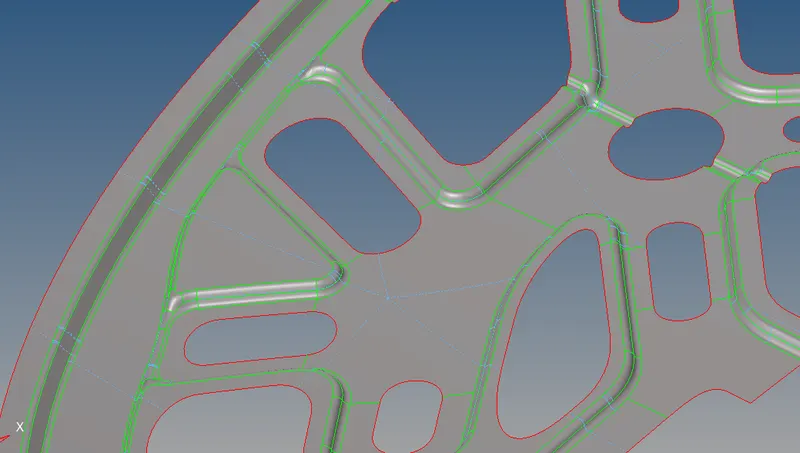
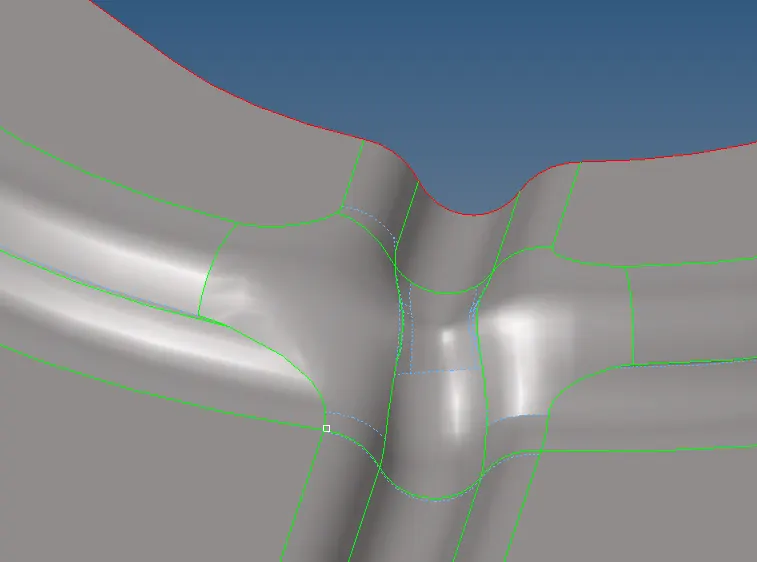
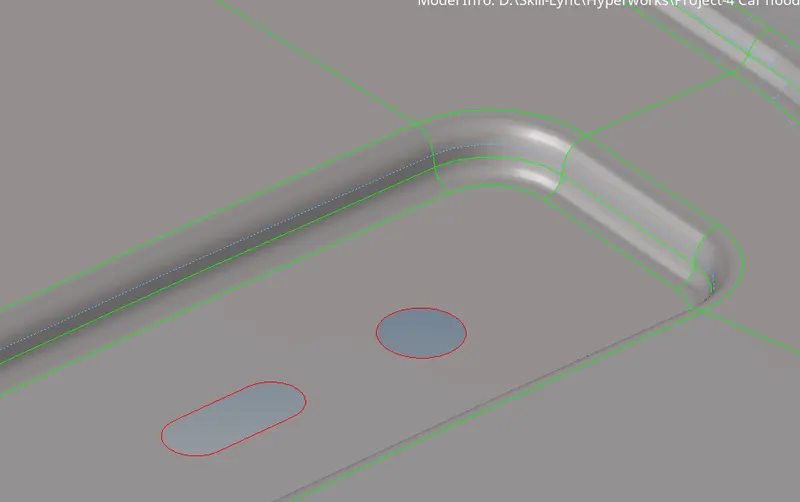
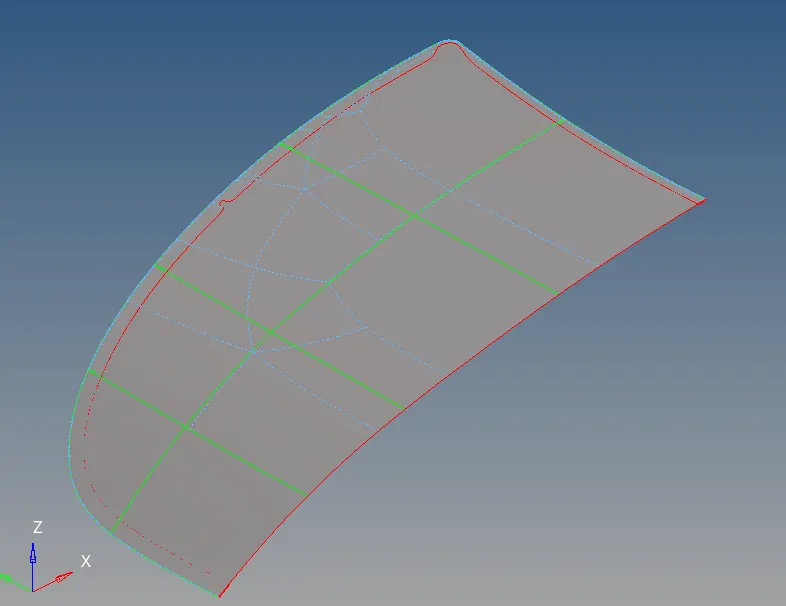
2. Outer Extract :-
- add construction line for better mesh flow
- Geom-Quick edit-split surf line
- Geom-Quick edit-split node
- Geom-Quick edit-toggle edge
- Geom-Quick edit-delete surf
- Geom-Quick edit-filler surf
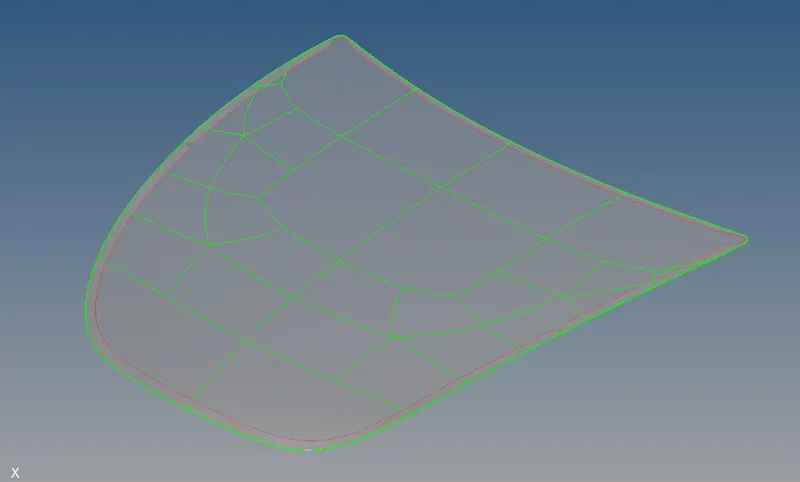
As outer ectract is symmentric about X-axis we can delete half section for reduce time.
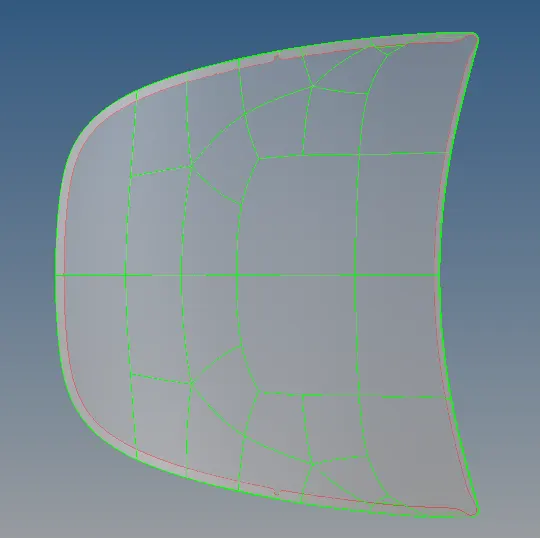
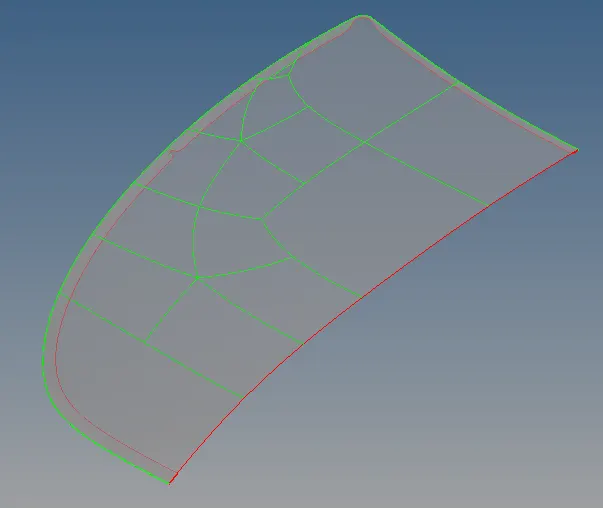
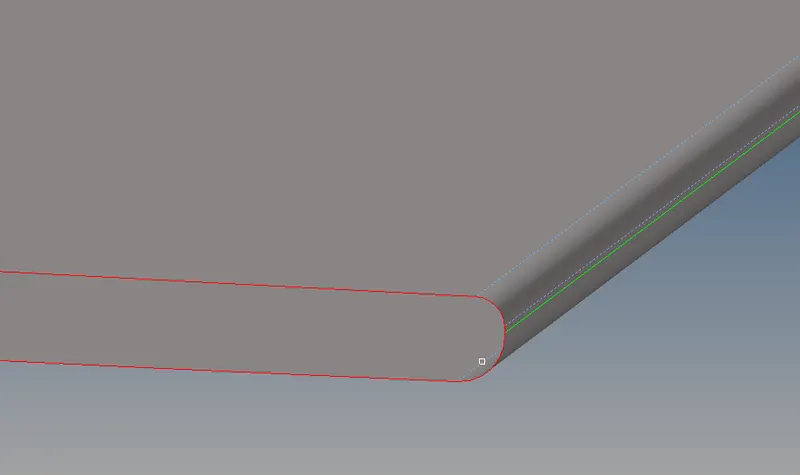
For better mesh flow toggle some lines as shown in snap :-
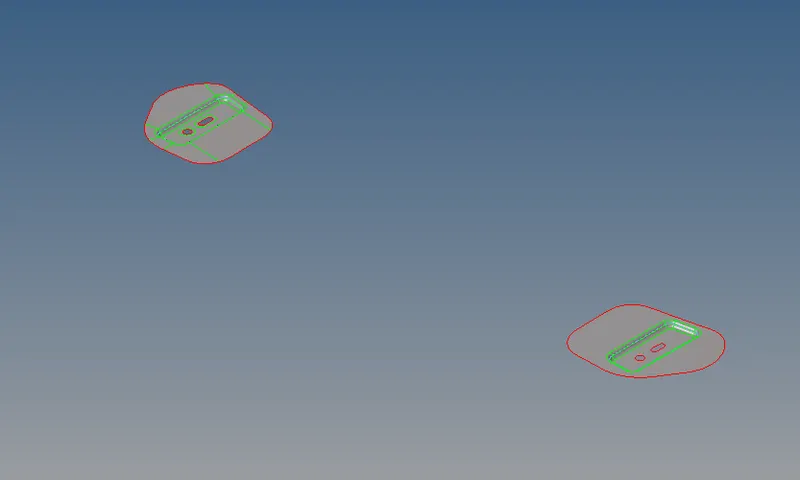
Mid-surface hinge reinforcement extract :-
- add construction line for better mesh flow
- Geom-Quick edit-split surf line
- Geom-Quick edit-split node
- Geom-Quick edit-toggle edge
- Geom-Quick edit-delete surf
- Geom-Quick edit-filler surf
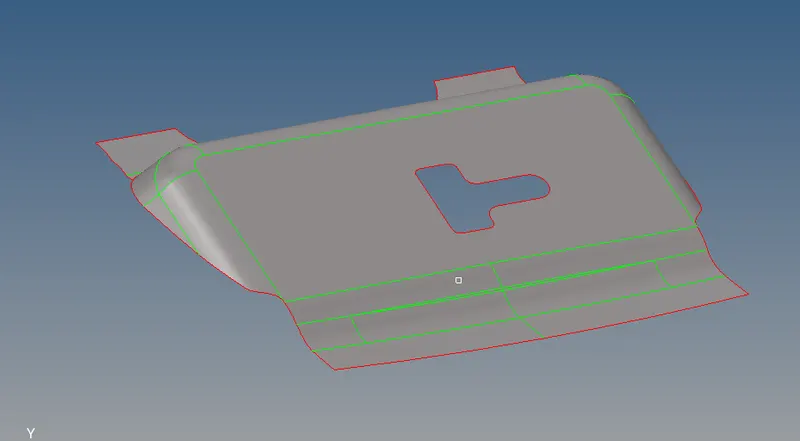
- Mid-surface Latch reinforcement extract :-
- add construction line for better mesh flow
- Geom-Quick edit-split surf line
- Geom-Quick edit-split node
- Geom-Quick edit-toggle edge
- Geom-Quick edit-delete surf
- Geom-Quick edit-filler surf
- add construction line for better mesh flow
- Geom-Quick edit-split surf line
- Geom-Quick edit-split node
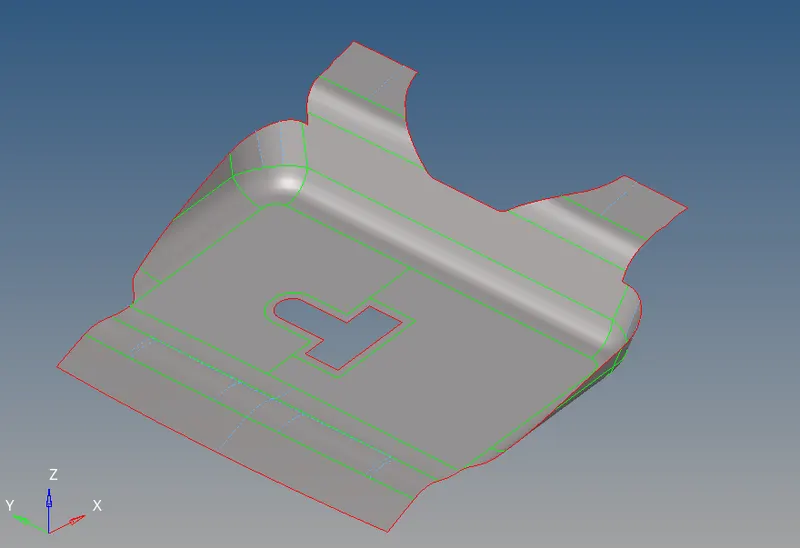
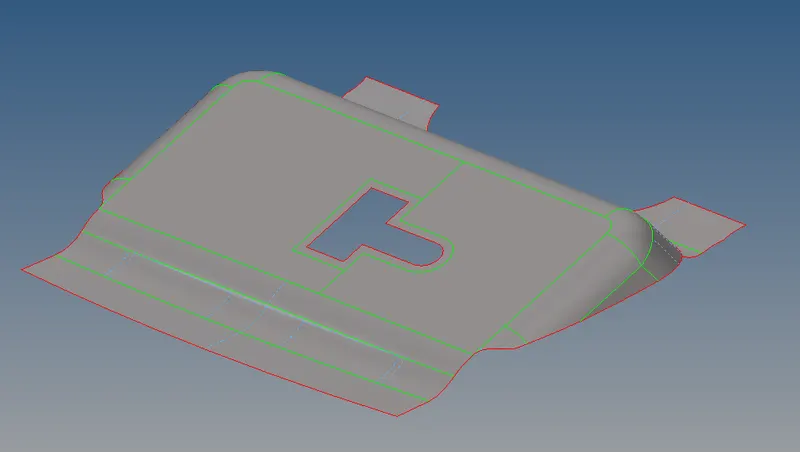
- Before meshing the qiality criteria requirements can be filled by the command: preferences + criteria file settings
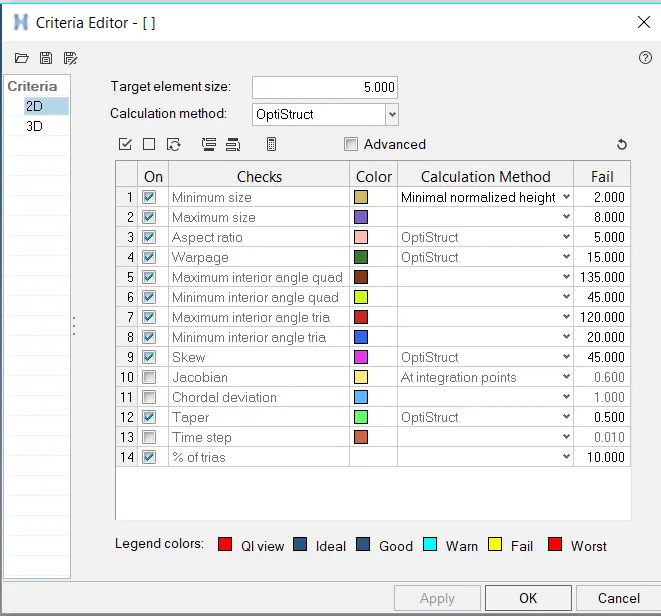
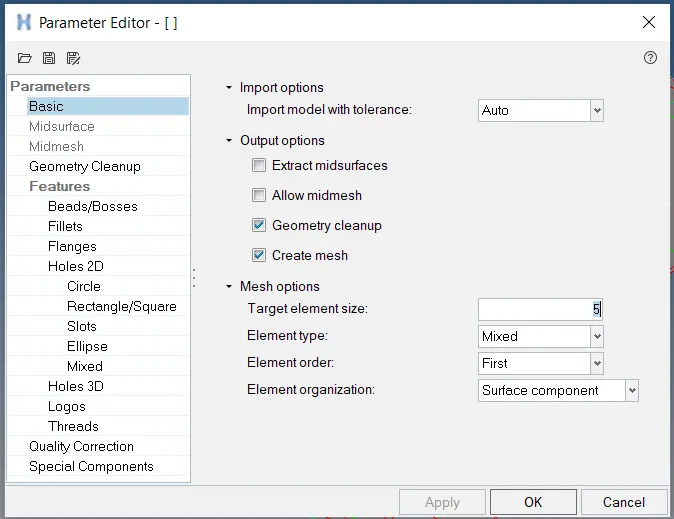
- Now meshing the parts one by one
1 Inner Panel meshing :-
Option used :-
- 2D- automesh -surf
- 2D - rebuilt
- 2D - qualityindex - all options
- 2D - edit element
- Geom - node edit
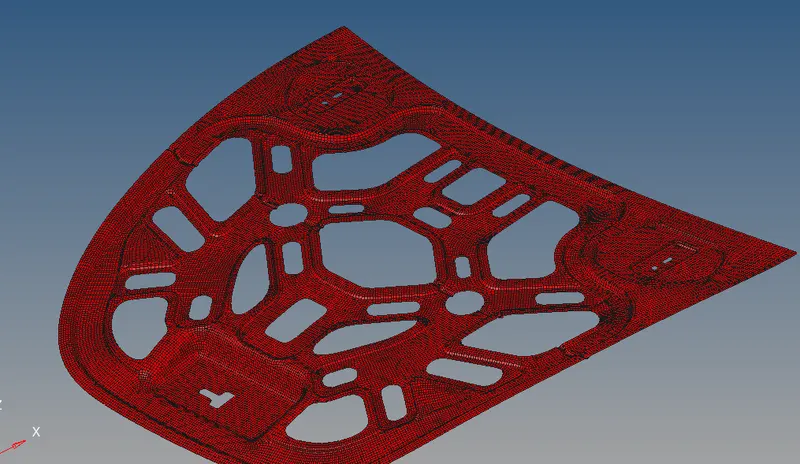
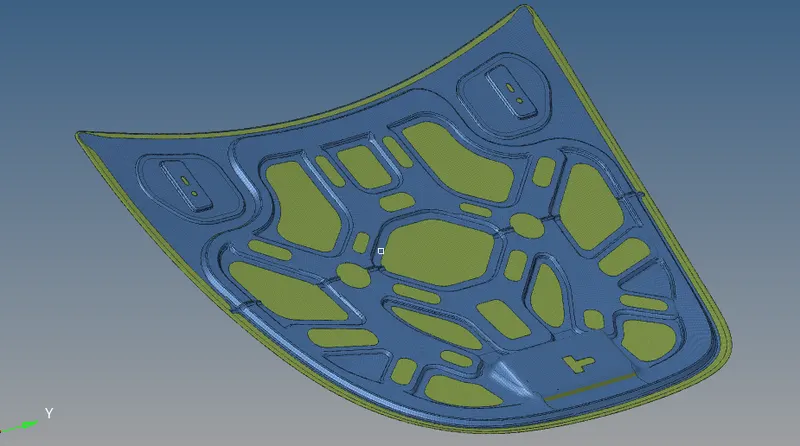
Some Meshing Snap
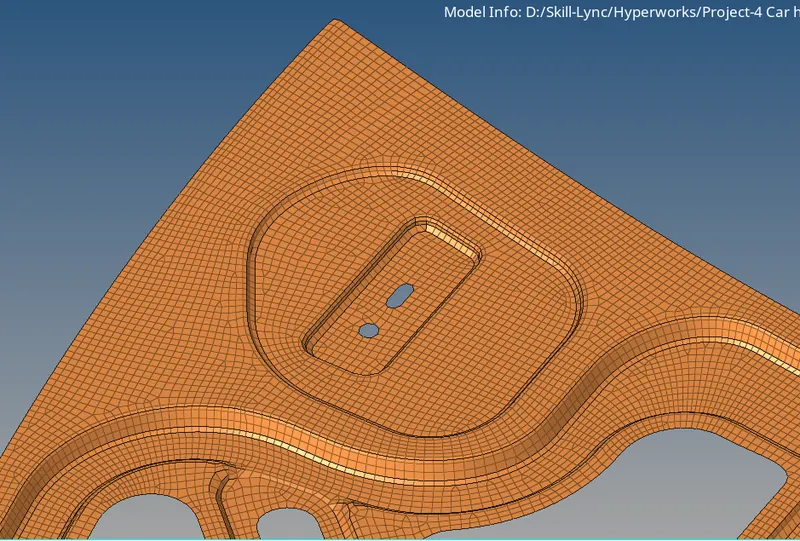
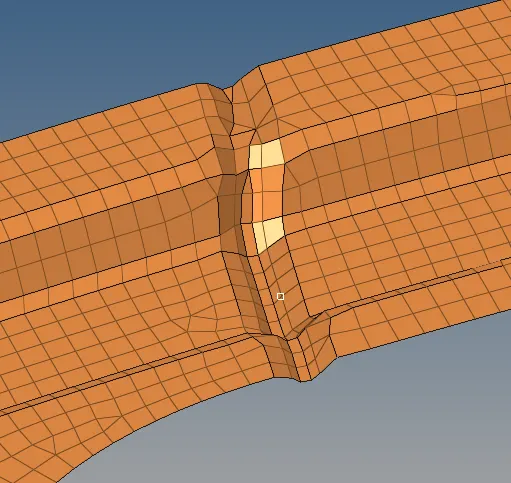
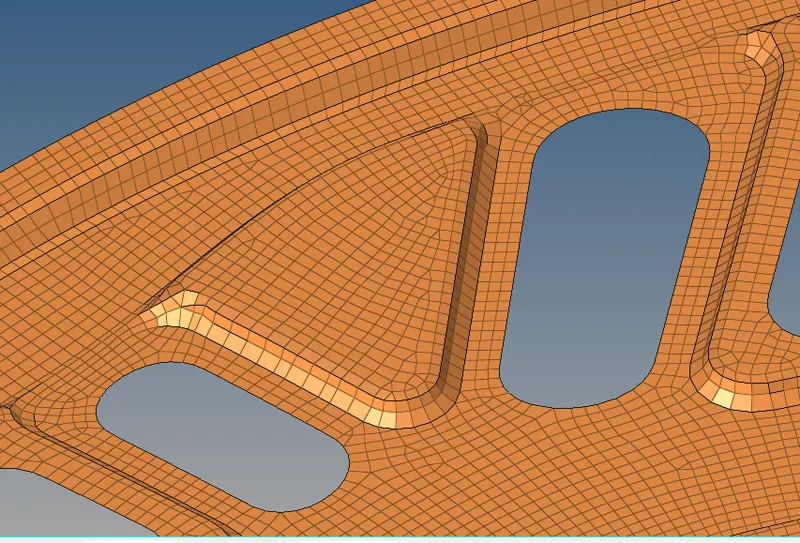
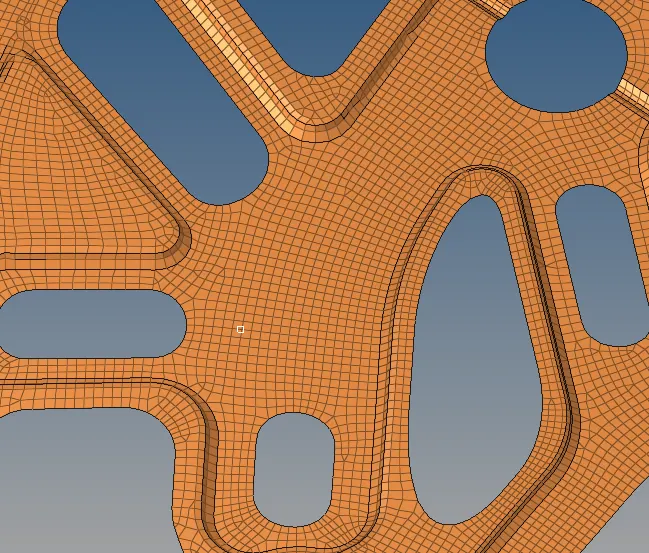
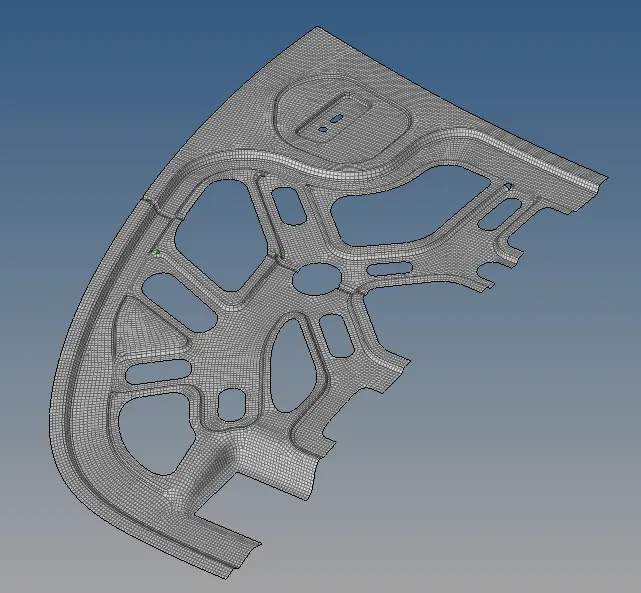
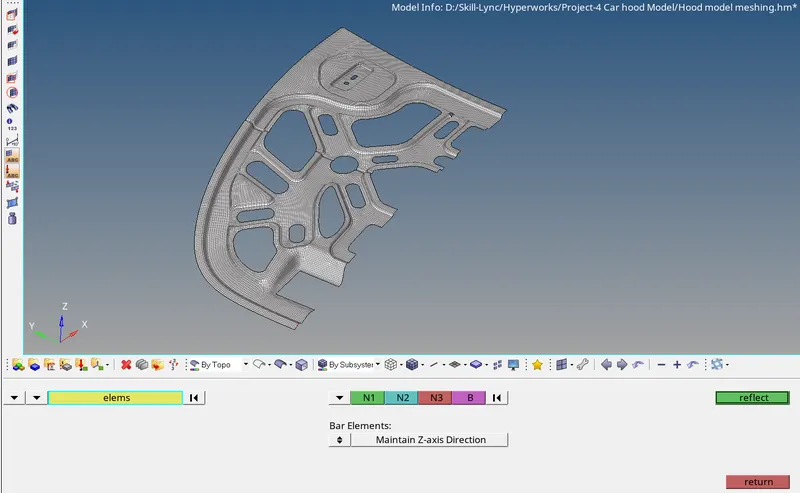
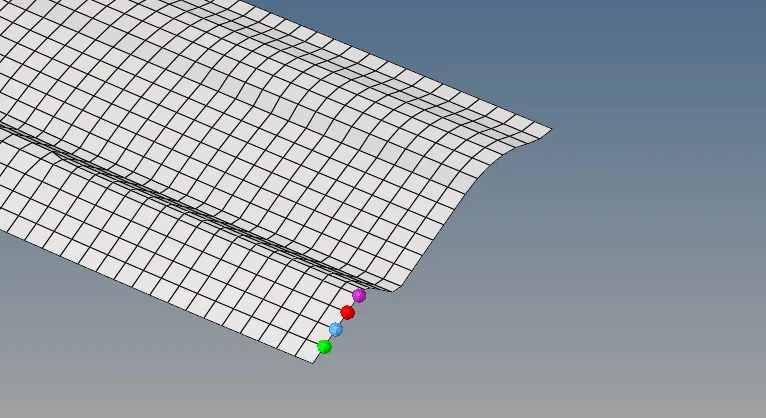
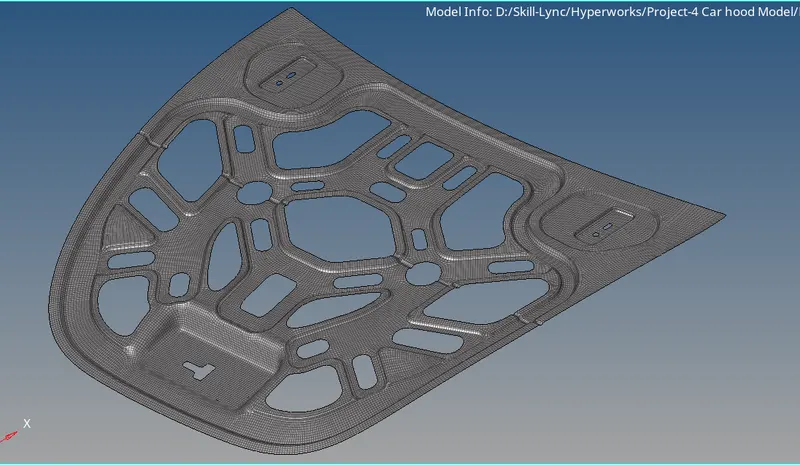
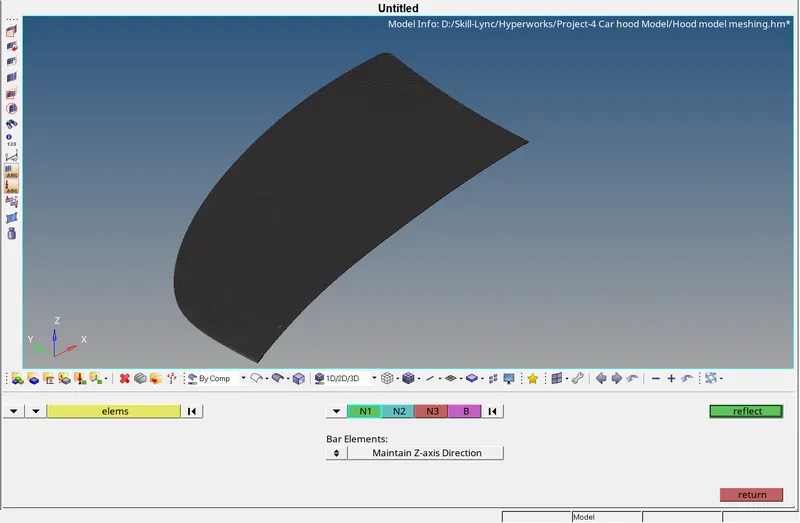
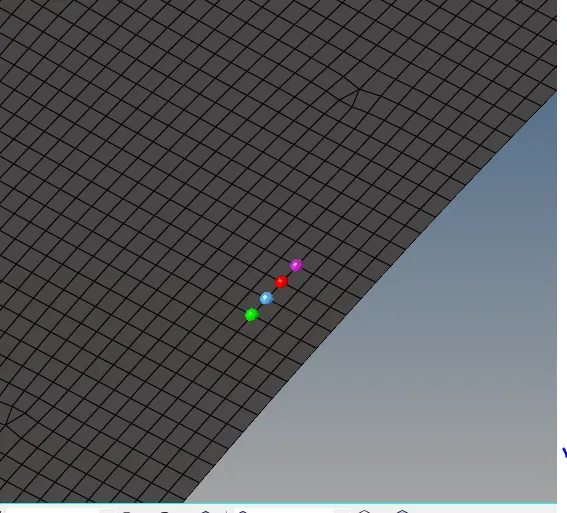
Next step is to reflect the elements to complete capture of inner hood model
- Tools - reflect - elements
1 Outer Panel meshing :-
Option used :-
- 2D- automesh -surf
- 2D - rebuilt
- 2D - qualityindex - all options
- 2D - edit element
- Geom - node edit
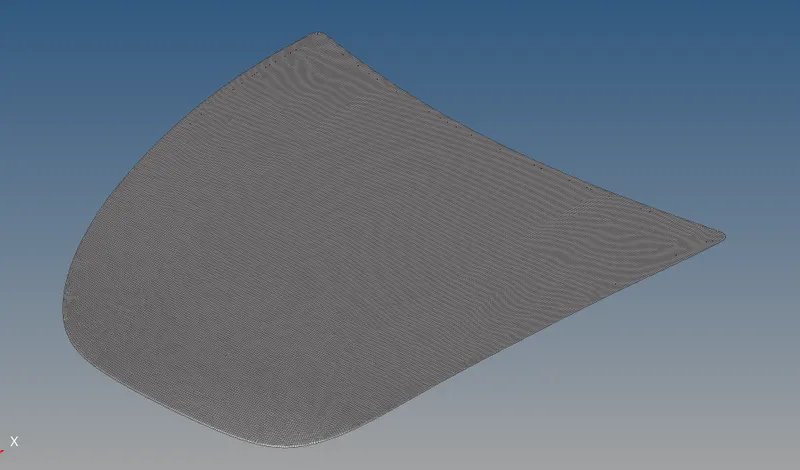
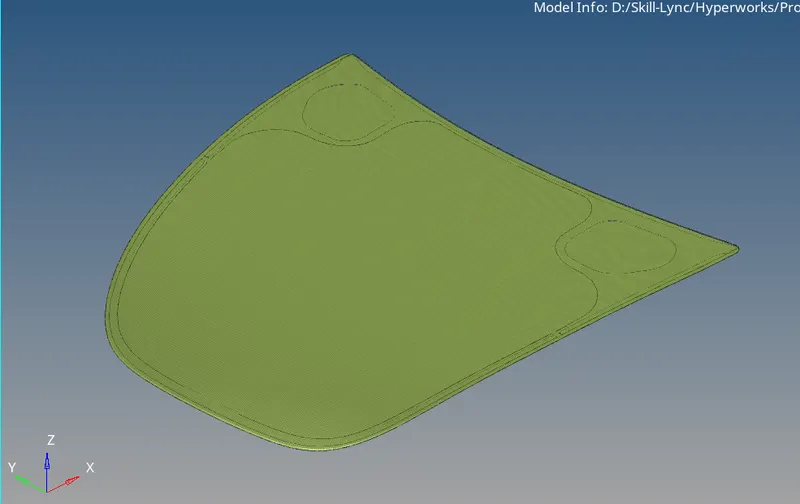
Some Meshing Snap :-
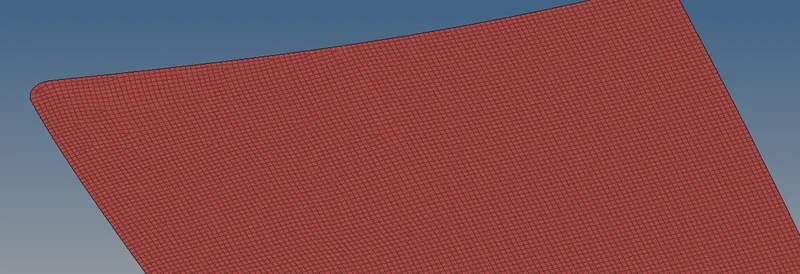
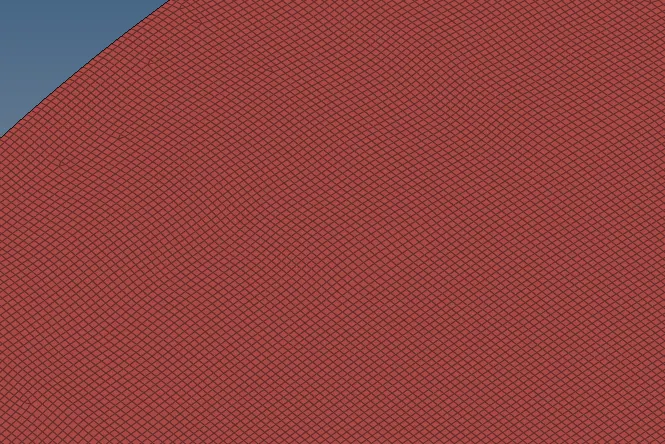
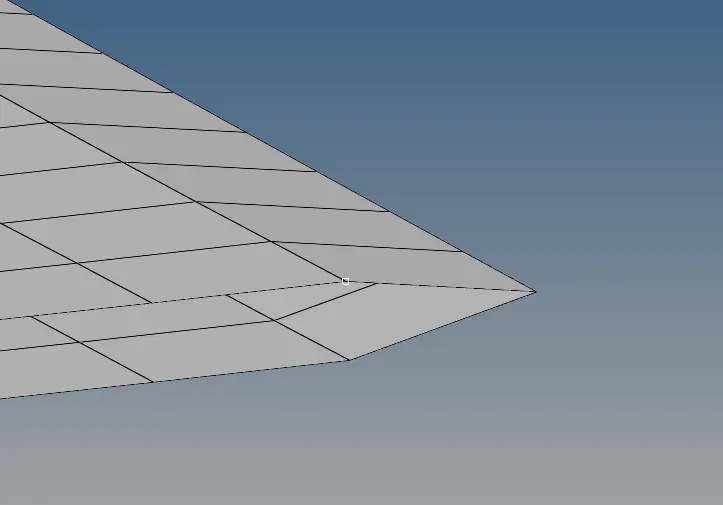
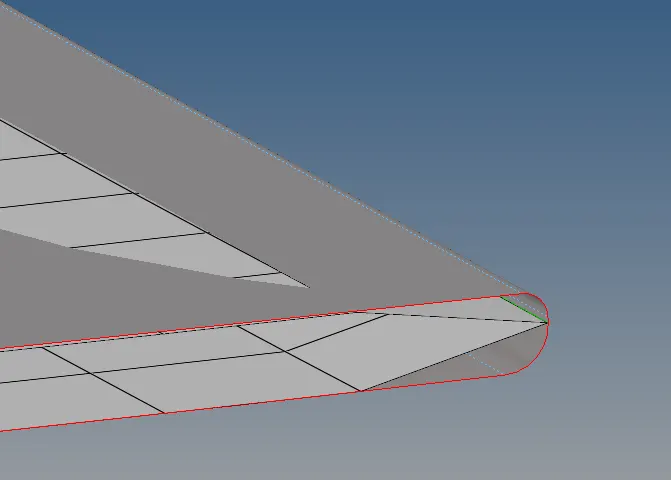
Next step is to reflect the elements to complete capture of inner hood model
- Tools - reflect - elements
3) Meshibf of hinge reinforcement extract :-
Option used :-
- 2D- automesh -surf
- 2D - rebuilt
- 2D - qualityindex - all options
- 2D - edit element
- Geom - node edit
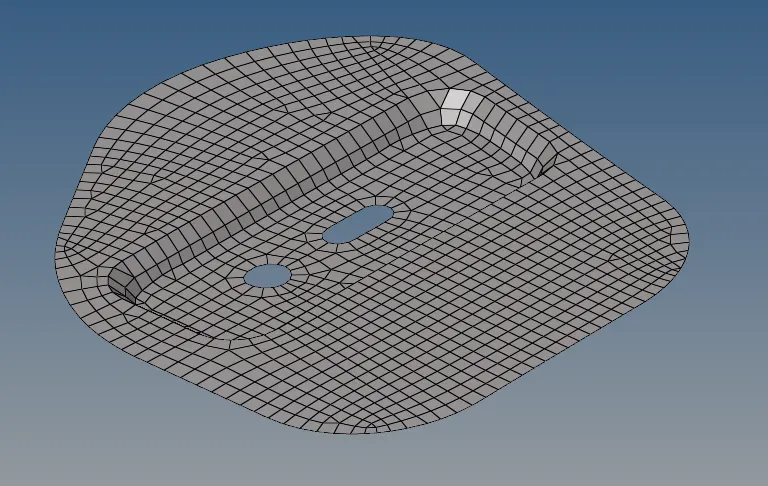
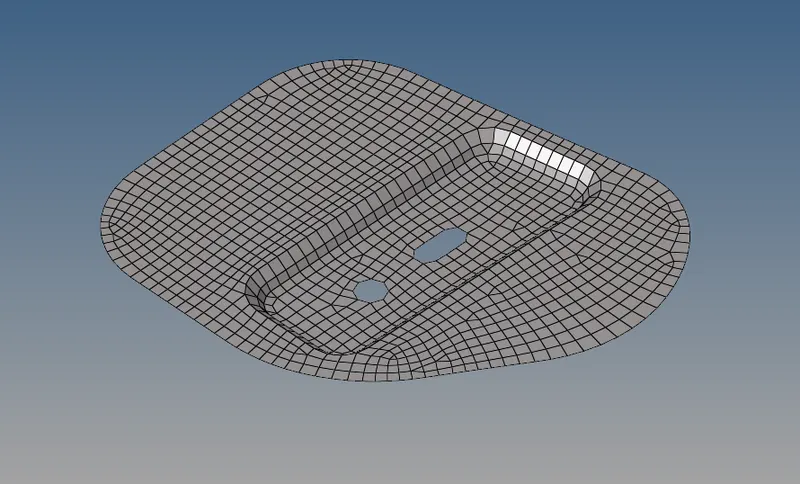
4) Meshing of Latch reinforcement extract :-
- 2D- automesh -surf
- 2D - rebuilt
- 2D - qualityindex - all options
- 2D - edit element
- Geom - node edit
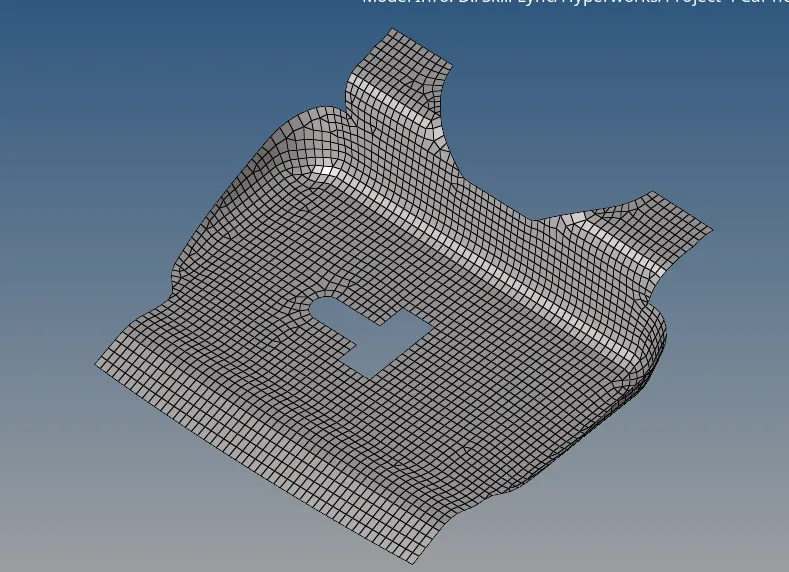
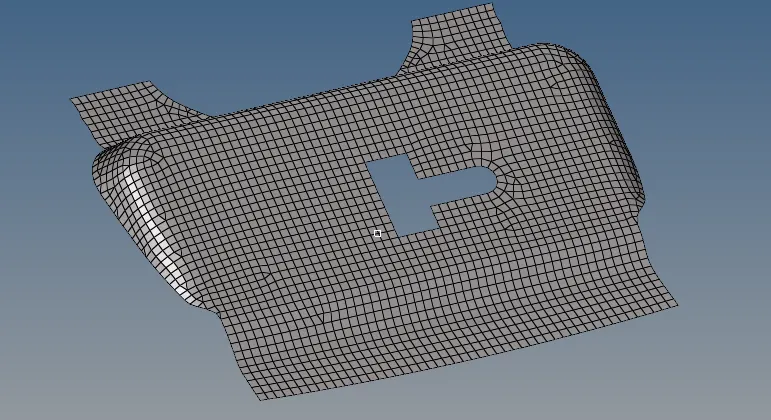
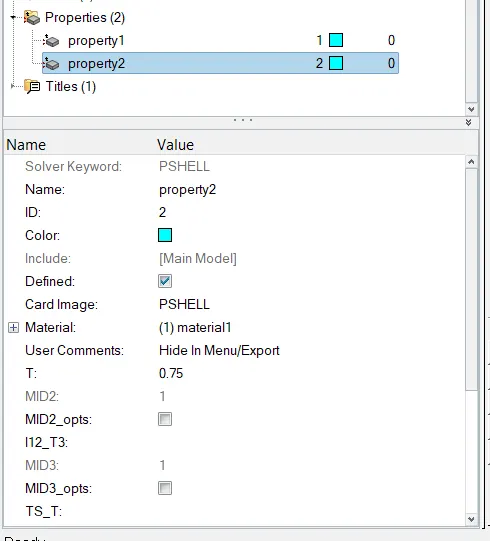
Next step is to assign thickness to all parts :-
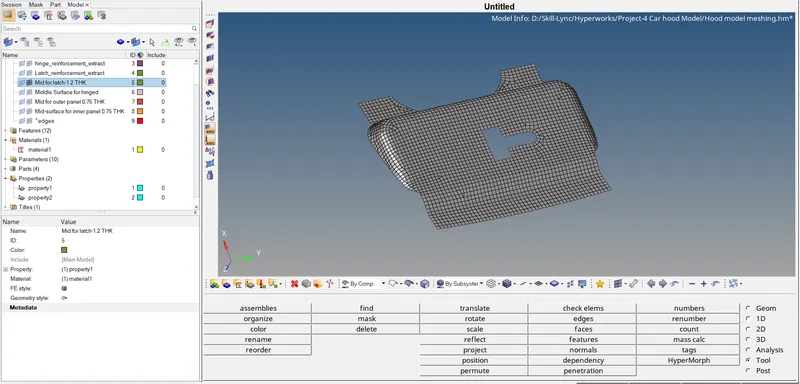
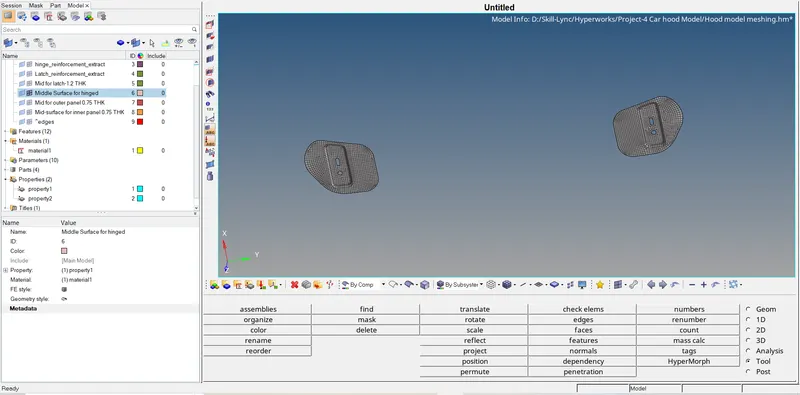
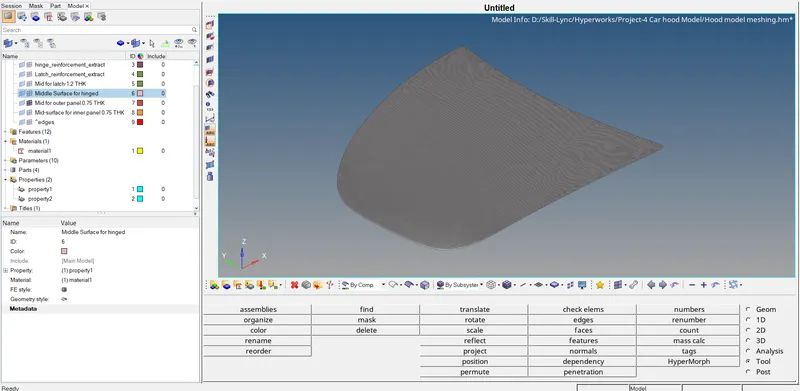
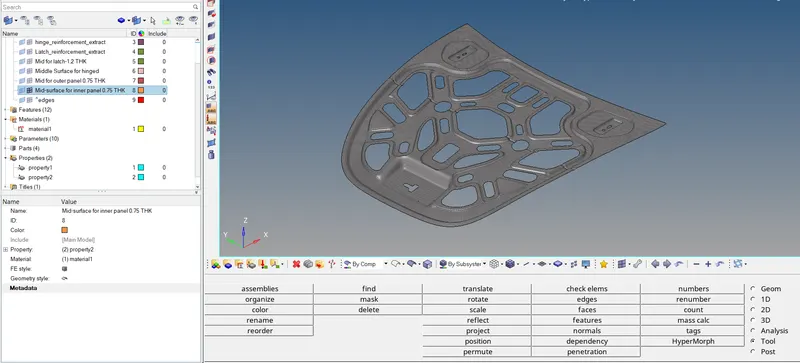
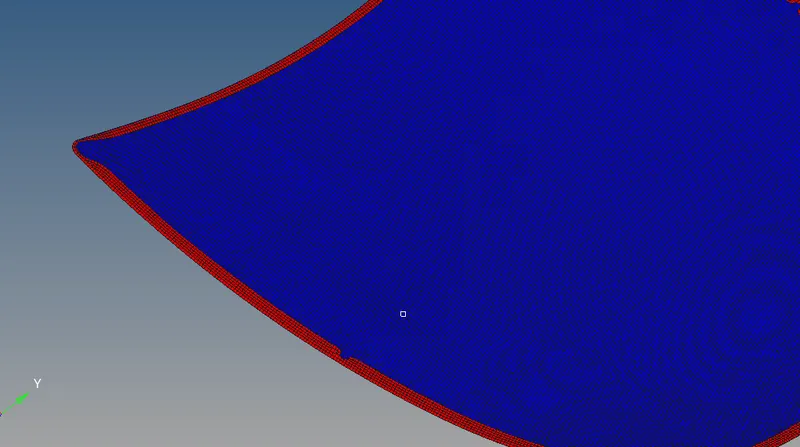
Checks for free edges and normals after meshing :-
Tools - edges elements
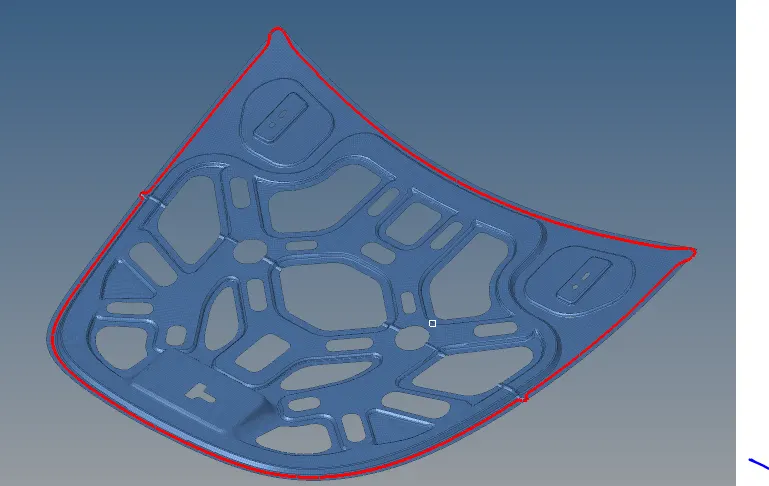
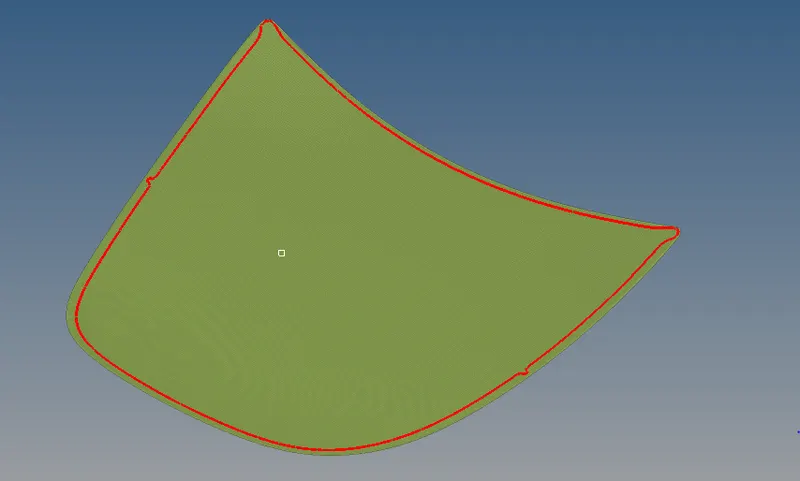
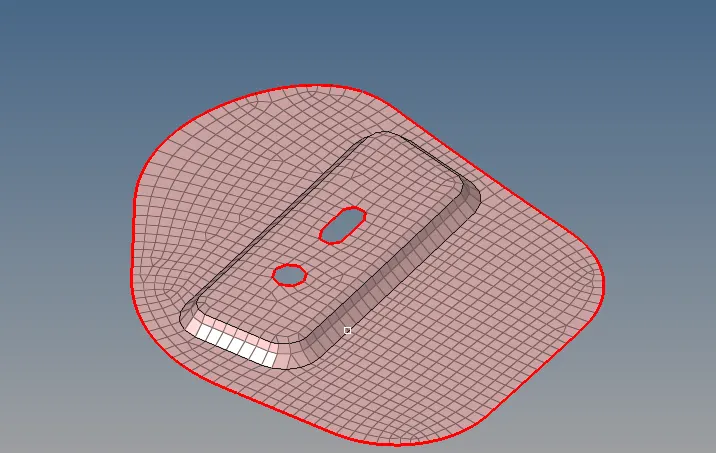
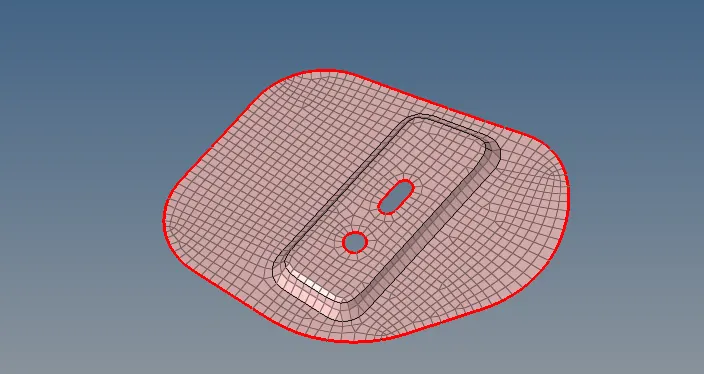
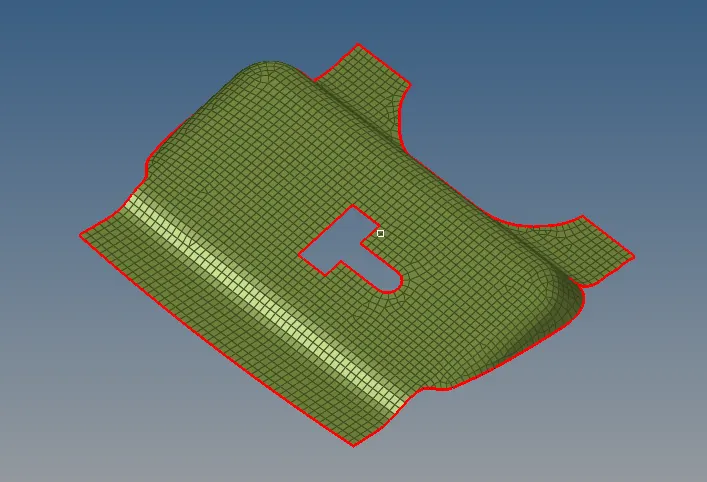
Normals check for al elements :-
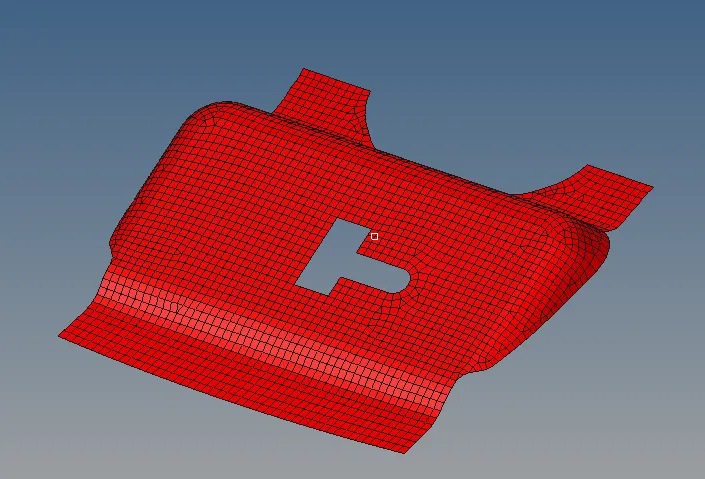
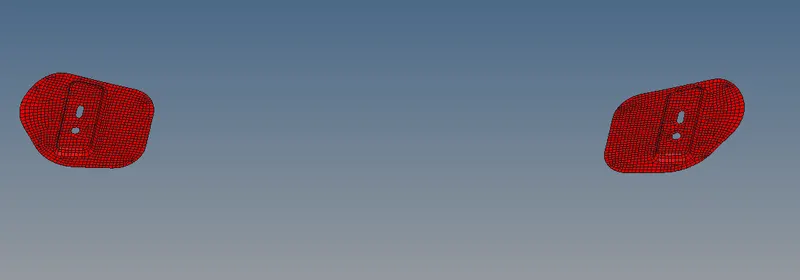
CONCLUSION:
The mid surface has been extracted for the given hood panel and the mesh was generated within the given quality criteria.