Week 6-Meshing of Hood Challenge
Aim :- Meshing of hood challenge.
Ans :-
1) Geometry Import -
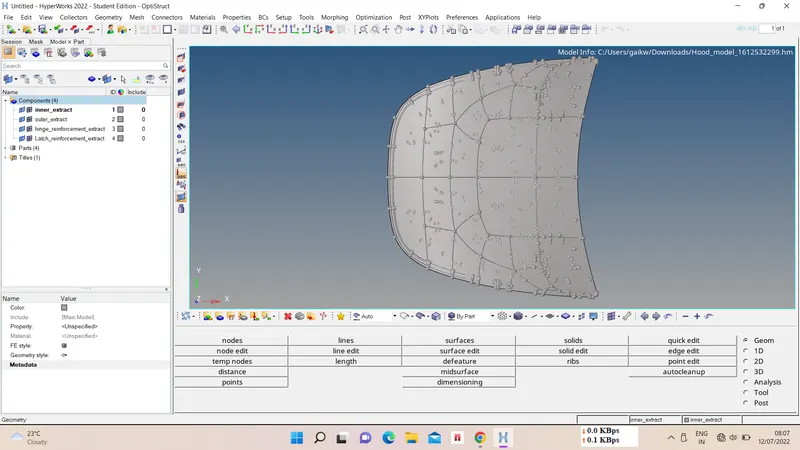
First import the model using import model option, these model consist of 4 components as below
i) outer panel
ii) inner panel
iii) hinge
iv) latch
2) Midsurfacing and geometry cleanup -
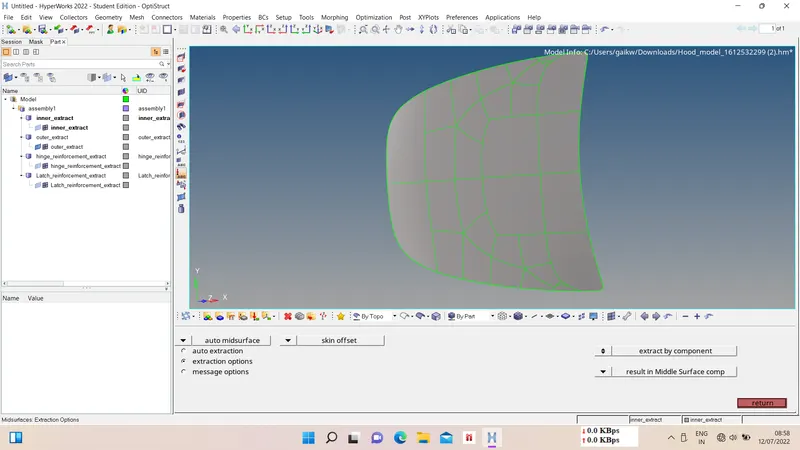
We have to take midsurface of above components for 2D meshing purpose and do geometry cleanup on it.
for midsurfacing, Geom - auto midsurface - skin offset - select surfs. - extract.
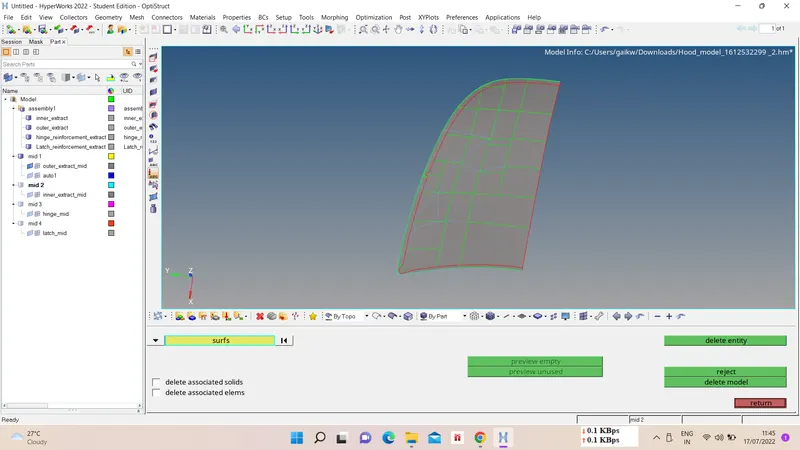
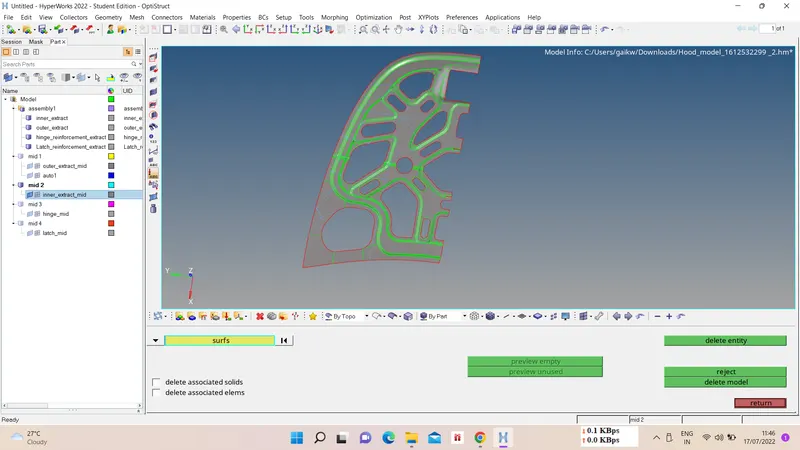
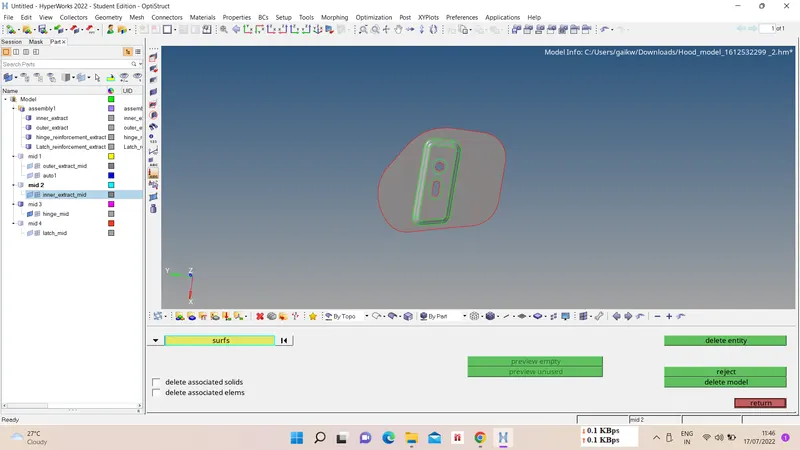
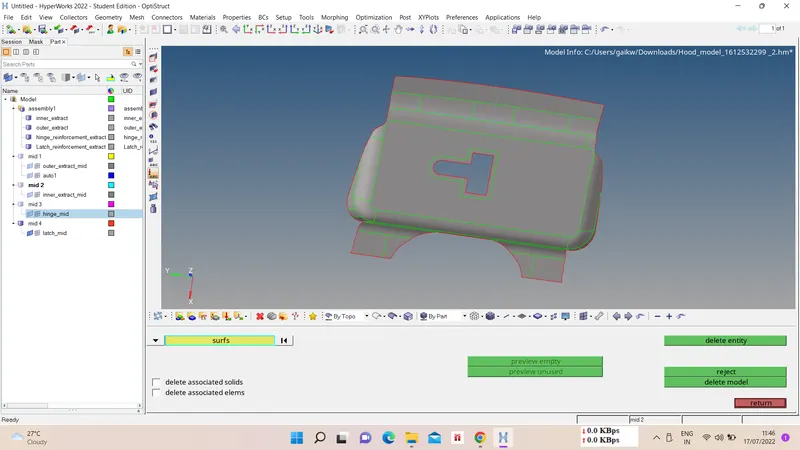
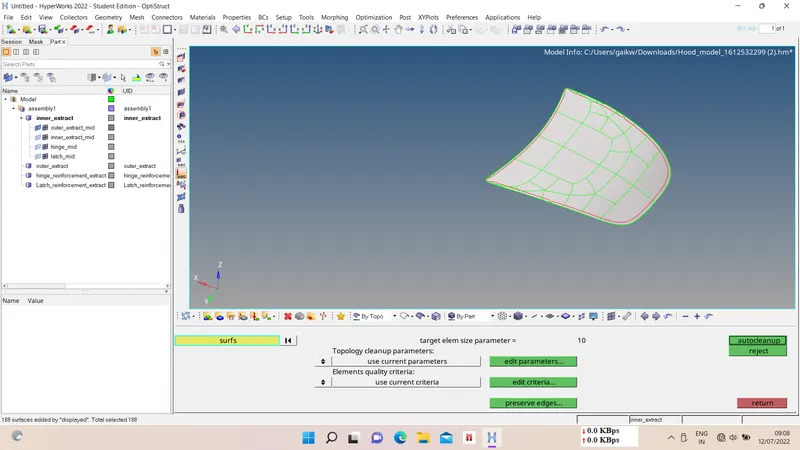
for geometry cleanup, Geom - autocleanup - select component - ok.
3) Quality criteria -
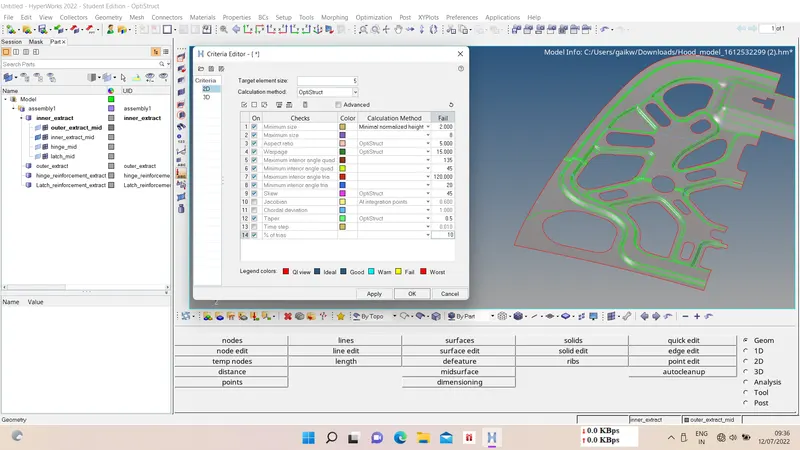
We have to give quality criteria for meshing purpose, for that preferences - criteria file setting - quality crieria - apply - ok.
| S.N | Quality Criteria | Value |
| 1 | Aspect Ratio | 5 |
| 2 | Skewness | 45 |
| 3 | Warping | 15 |
| 4 | Taper | 0.5 |
| 5 | Min. Length | 2 Units |
| 6 | Max. Length | 8 Units |
| 7 | Min angle Quad | 45 |
| 8 | Max angle Quad | 135 |
| 9 | Min angle Tria | 20 |
| 10 | Max angle Tria | 120 |
| 10 | Tria % | 10 |
4) Meshing and mesh improvement -
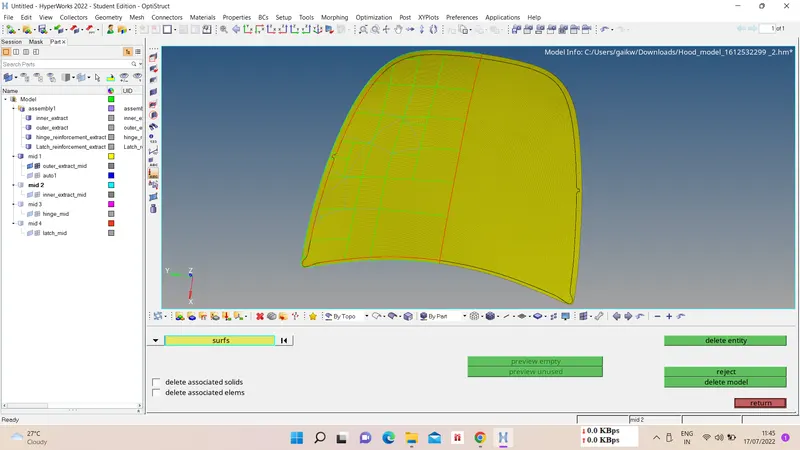
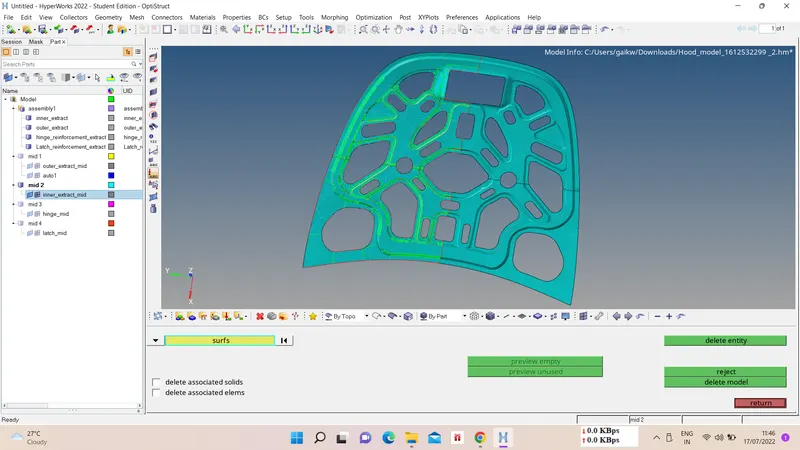
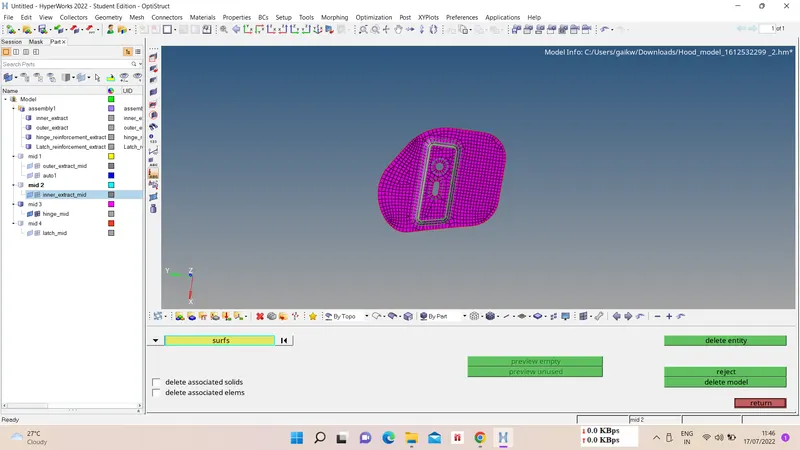
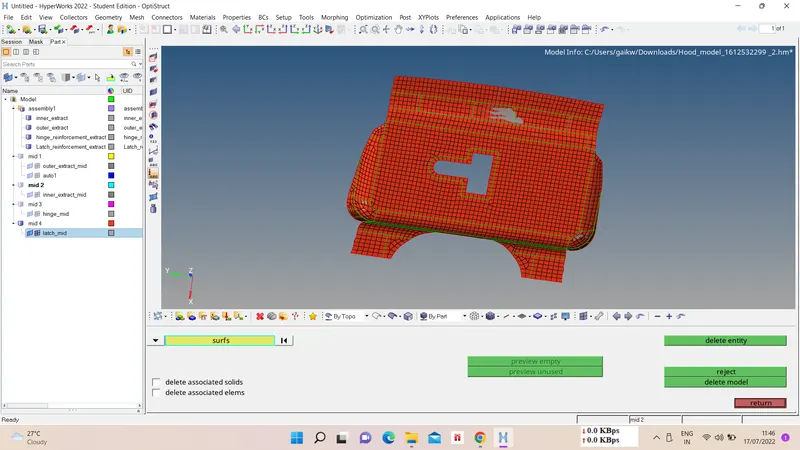
Now we have to mesh the extracted midsurface of component for target element length of 5. For symmetrical components we can split it into half and then reflect the other half after the meshing is done.
For meshing, 2D - automesh - choose surfs. - provide element length - mesh type - mesh.
For improving mesh quality we can remesh, smooth, split-combine-create elements, rebuild mesh, etc. options can be used.
5) Property and Thickness assigning and Reflect -
Now we have to reflect the completed symmetrical part for given axis, for that tool - reflect - choose elems. - select axis - base point - reflect.
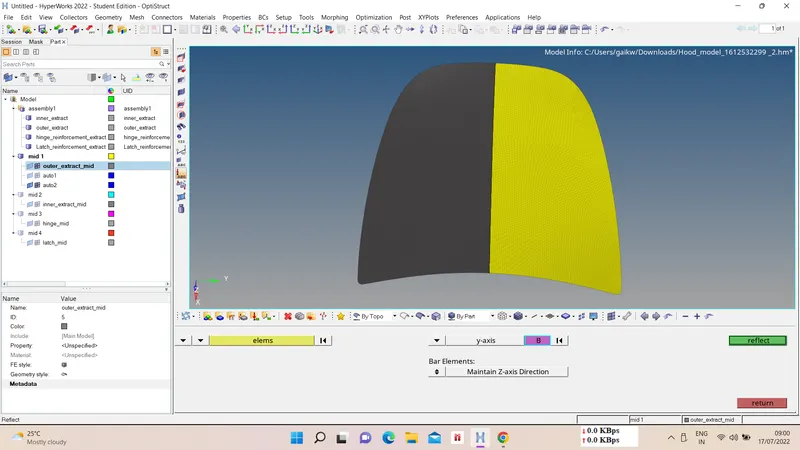
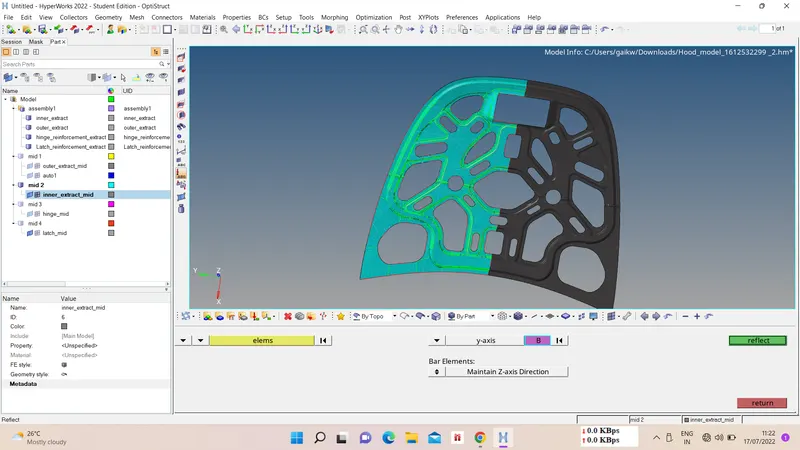
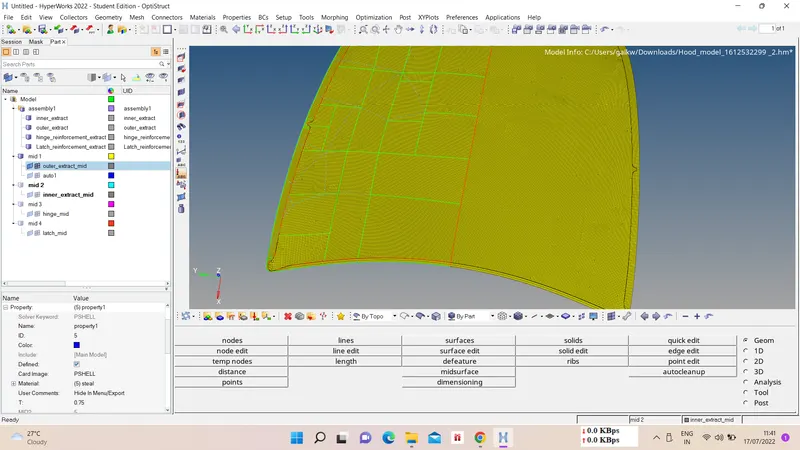
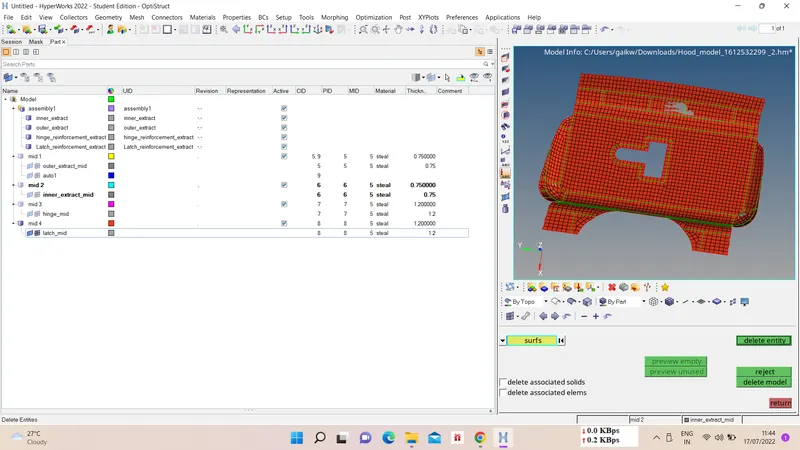
Now we have to assign property for meshed parts with thickness and material, for that create new property and assign material to it with thickness.
G-drive link :-
https://drive.google.com/file/d/1p7AkFcirk4XSZTc9r3rZH0eSsCvPjwXe/view?usp=sharing