Week 6-Meshing of Hood Challenge
For this week's challenge,
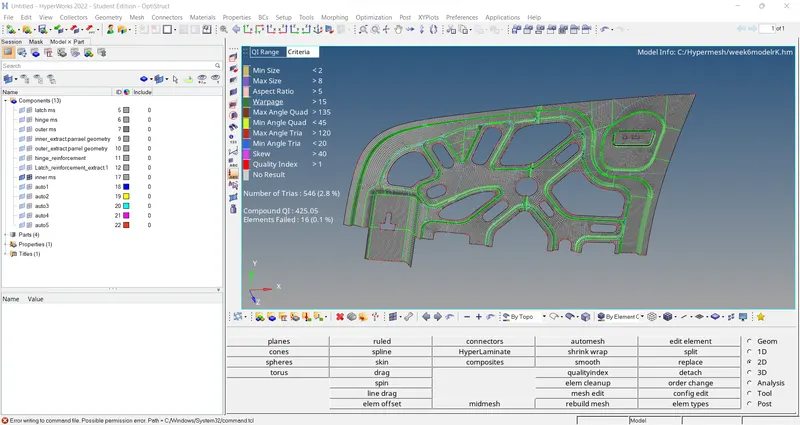
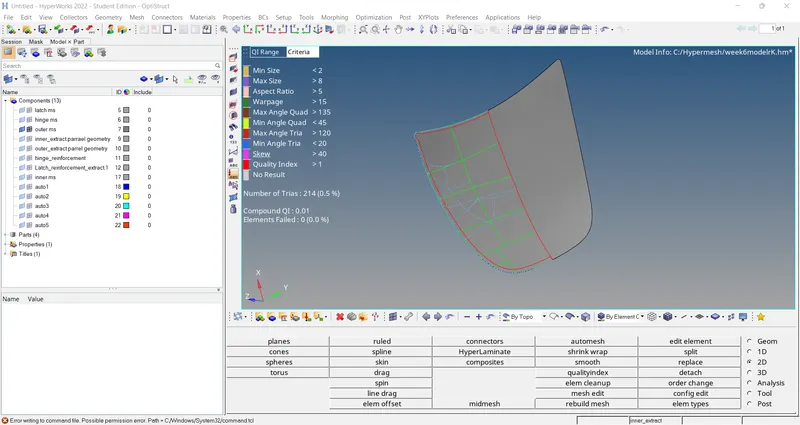
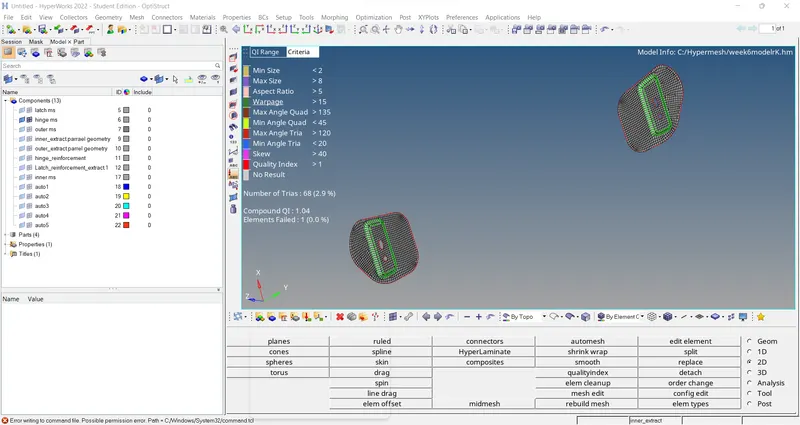
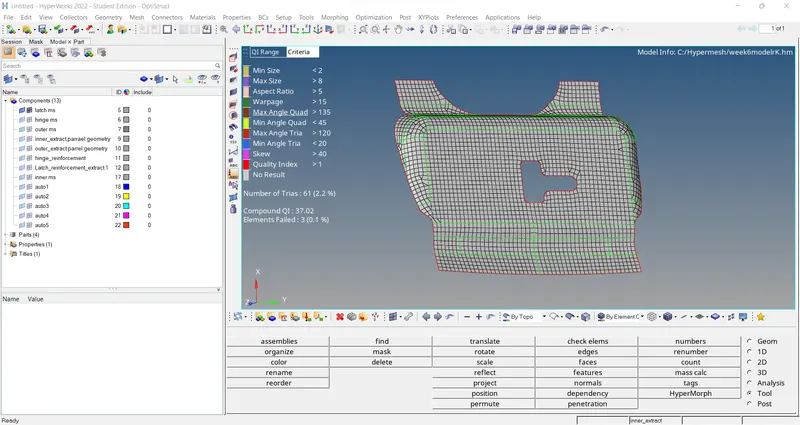
Follow the below-mentioned quality criteria, mesh the component given below and assign thickness:
Target Element Length = 5 Units
| S.N | Quality Criteria | Value |
| 1 | Aspect Ratio | 5 |
| 2 | Skewness | 45 |
| 3 | Warping | 15 |
| 4 | Taper | 0.5 |
| 5 | Min. Length | 2 Units |
| 6 | Max. Length | 8 Units |
| 7 | Min angle Quad | 45 |
| 8 | Max angle Quad | 135 |
| 9 | Min angle Tria | 20 |
| 10 | Max angle Tria | 120 |
| 10 | Tria % | 10 |
(Note: Make sure that all the mid-surface is done separately for each component and then meshed. Attach the hypermesh model files (.hm) with the challenge)
You will have to submit a detailed report describing whatever you have performed in the challenge. You will be graded for the report as well
Things to Remember while Meshing
- Use the 'Mixed' (Not Quad) option to generate the mesh for this challenge because we are preparing the model for crash & safety simulations. The quad-only mesh is preferred for durability and structural simulations.
- The minimum length errors in the Hemming regions are acceptable because the hemming region has a very small cross-section when compared to our minimum length. If you want to avoid the minimum length error in the hemming, follow the below procedure
- Toggle all the split lines which are all less than the minimum length.
- Go to midline option (Geom → lines → Midline)
- Select the two fillet edges on the hemming portion and create a mid-line.
- Then, go to trim with lines option (Geom → surface edit → Trim with lines → with lines)
- Define N1 and N2 in that direction, the trim would happen. Nodes can be selected by left click on the line and holding it will turn the line to white, then select where you want to place the N1 and N2 and trim.
ANSWER-:
1) extract the model then i create mid surface .
2) unwanted line toggle and replace the point.
3)i mesh the model then try ti reduce the tria.