Week 6-Meshing of Hood Challenge
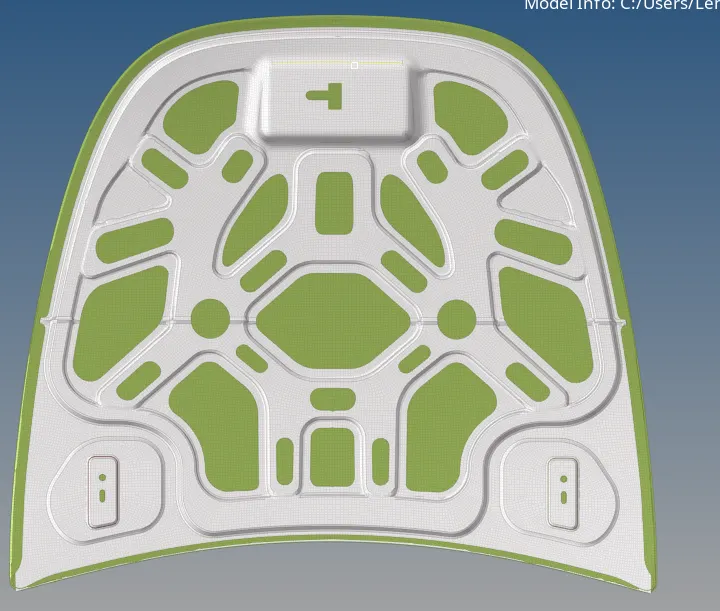
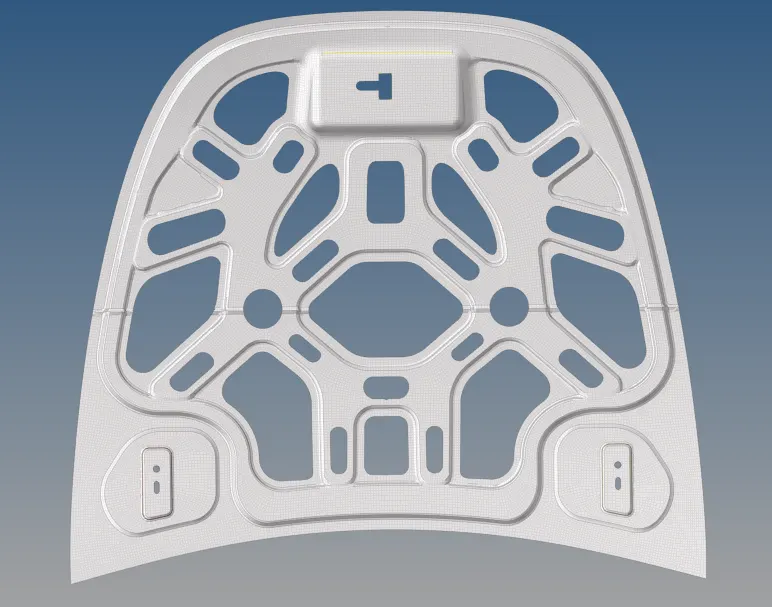
BACK DOOR MODEL
AIM:- MESHING THE BACK DOOR COMPONENT WITH GIVEN QUALITY CRITERIA.
PROCEDURE:- TO PERFORM MESHING ON THE GIVEN COMPONENT FOLLOWING STEPS TO BE FOLLOWED.
1.importing the model :-
2.CHECKING MODEL- Very first step is to check the given model and understand the geometry .
it may help for how to start the modeling. check the thickness at multiple places , checking any geometry default.
3. EXTRACTING MID SURFACE- Extracting mid surface have two methods are in hypermesh 1. auto midsurface and 2. is offseting the surface
4. Auto Midsurface- geometry >> midsurface>> select surface and extract.
5. Offset - just selecting the upper surface and offseting to the middle of the geometry
here we need to calculate the thckness of the model.
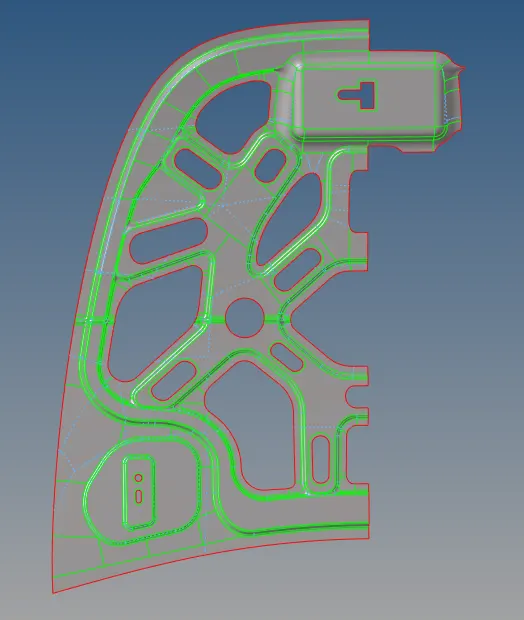
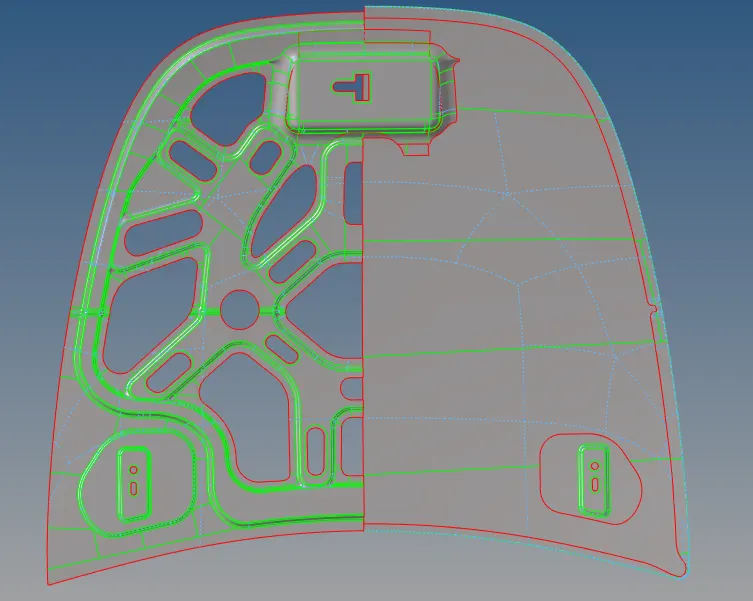
geometry>> surface edit >> offset>> selecting the surface>> duplicate >> add thickness>> check vector normal >>hit offset.
auto cleanup-- this help to supress the edges of the surface having the distance between is less than the length of the element.
splitting surfaces :-cut the surfaces in parts to obtain good and controlled mesh flow
MESHING:-
use the command of automesh with given target element size .
change the quality criteria given for the challenge.
improve the mesh flow with the mltiple method provided in the hypermesh.
cleanup tools in quality index -place nodes , drag tria, split quad, element optimize , node optimize
check elements:- after meshing element is to be checked for the given quality criteria
and improve if elements failed to quality required.
after optimizing good mesh flow edges is to be checked
not to have any gaps between the elements
Applying thickness :-
thickness applied in properties as 0.75 and 1.2 as the thickness of the model given.
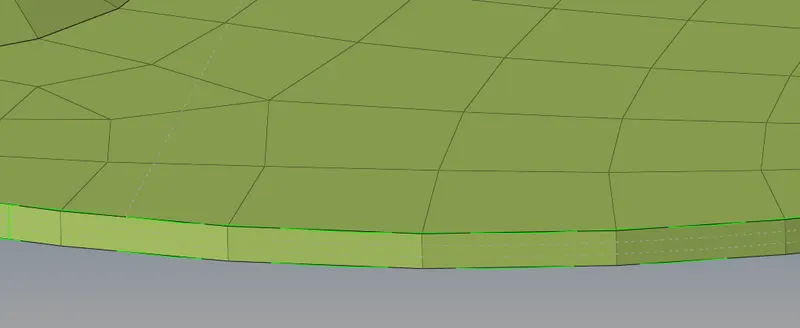
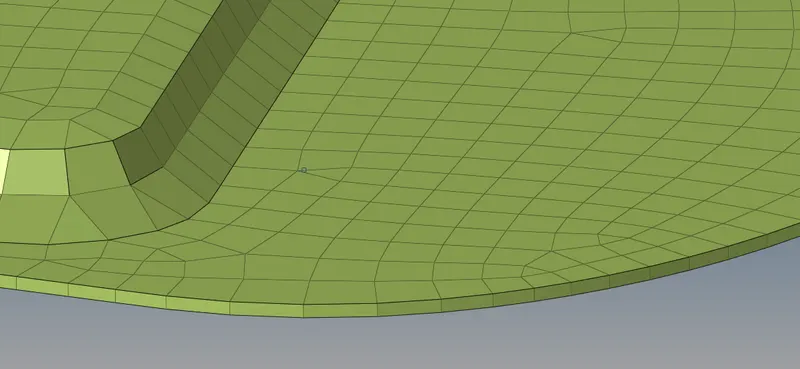
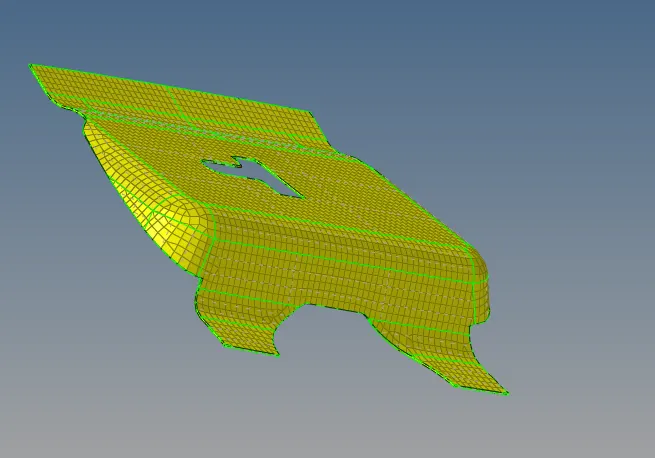
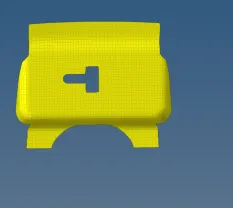
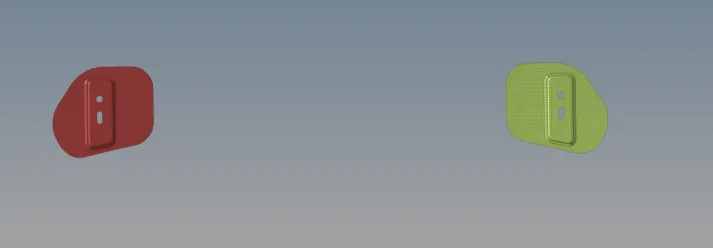
final model:-
LEARNING OUTCOMES:-
1. LEARNED THE PROCESS OF MESHING
2. PRACTISED VARIOUS METHOD OF THE MODELING .
3. USED SHORTCUT KEYS TO REDUCE THE REQUIRED TIME.
4. IMPROVISING THE MESH FLOW
5. NEW COMMANDS LEARNED LIKE REFLECT, FIND EDGE, FIND FACES, REBUILD MESH.