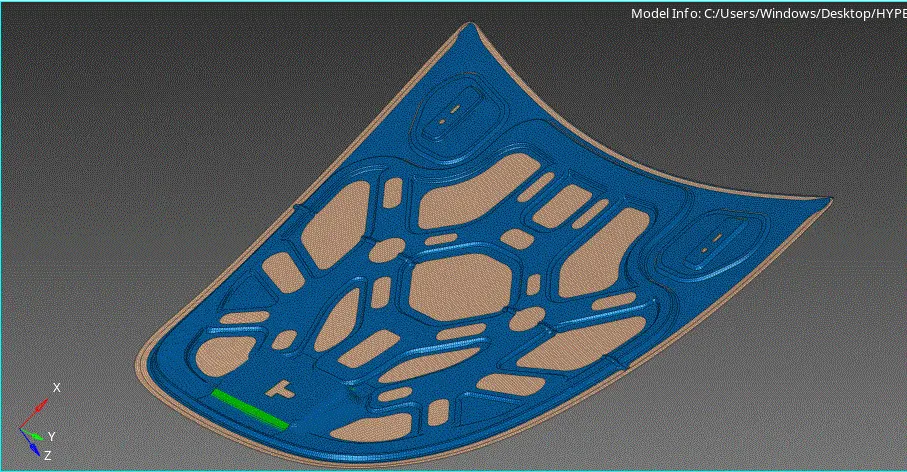
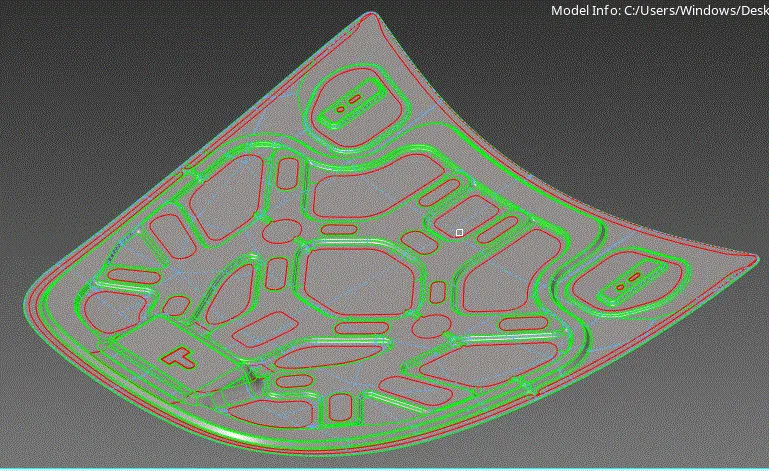
Week 6-Meshing of Hood Challenge
AIM: To Extract the mid surfaces of the components in the HOOD model and to them mesh with the given quality criteria
PROCEDURE:
- import the model from the IMPORT MODEL deck
- press F if the mde id not visible on the screen
- chect the number of components present in the model from MODEL TREE
- delete all the solids from all the four component
NOTE: create, new components to work on and check the current component before starting , because if are working on component 2 , but the current set is on component 1 then all the working aspects are assoiate to the comp1 but not comp1
- make four new components for four new mid surfaces to be created
- extract the mid surfaces and associate them with , new components created in the MODEL tree
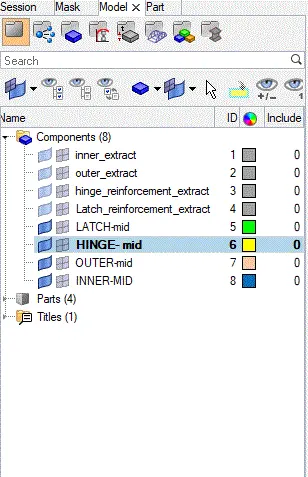
MID-SURFACE and MESHING:
- proceed one - by one for extracting the midsurfaces
- lets, move to the INNER component mid surface
- take the mis durface by , selecting surfaces>ATTACHED BY>create
NOTE: DON'T give the ALL optionas it select all th components other than the current working component
- as you can see there is an un attachment beteen the surfaces at the bending
- this can be coverd by creating a new surface
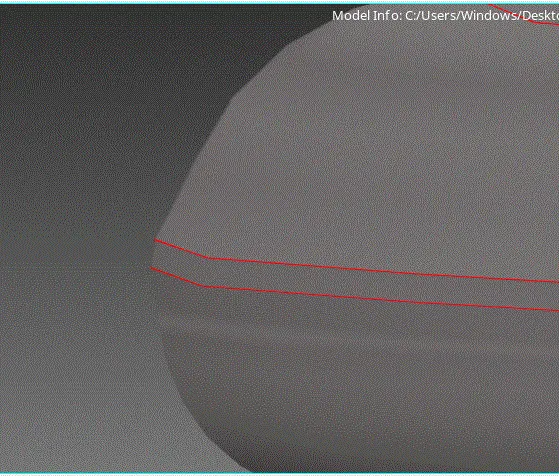
- create a mid line, as shown
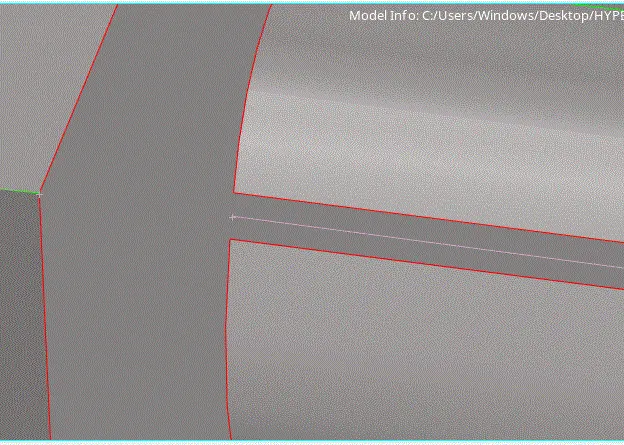
- create a new surface SURFACES>LINE1/LINE2
- A Sharp edge is formed as shown in the omage
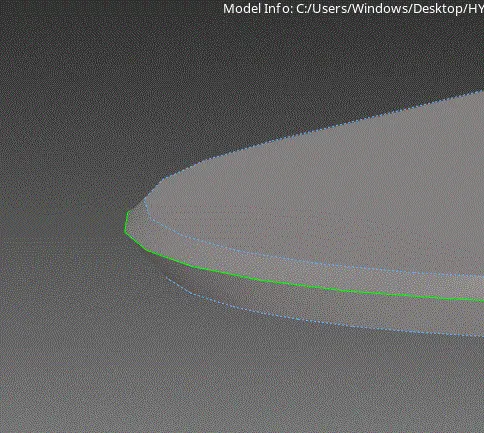
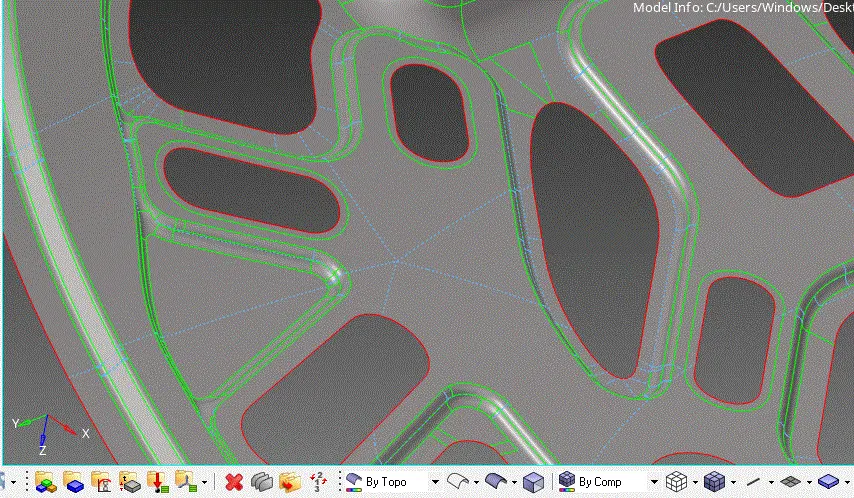
- give auto clean option , as it supresses (toggle ) the un wanted construction lines that give the error while meshing
- check all the supressed surfaces, if further supperesing is required, do it manually by, TOGGLE option
- subpressed should, as given that it should not effect the meshing quality criteria
- blue coloured dotted lines show the suppressed lines or toggled limes
MESHING:
- before the meshing give the qualitt criteria in CRITERIA FILES
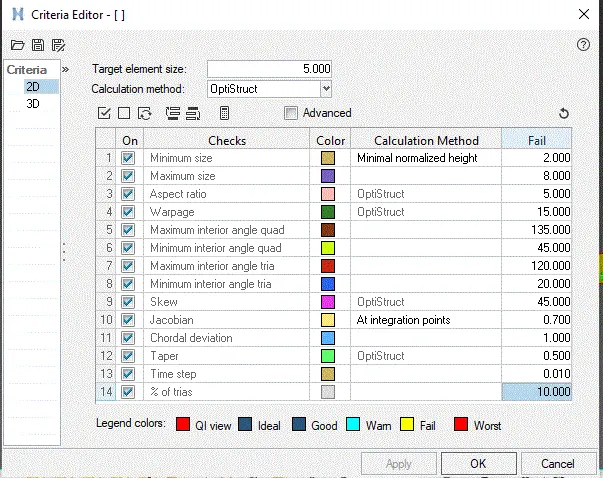
- start the meshing AUTOMESH> ELEMENT SIZE>MIXED
- give the mesh, and go to quality index and see the number of errors that are happnening
- this can be reduced by, remeshing the selected area, smoothing them, or by elememt optimize or node optimize options
NOTE: WHILE meshing the components,seen there are in first order type
- the meshed emenents of all the components, are as shown
LATCH:
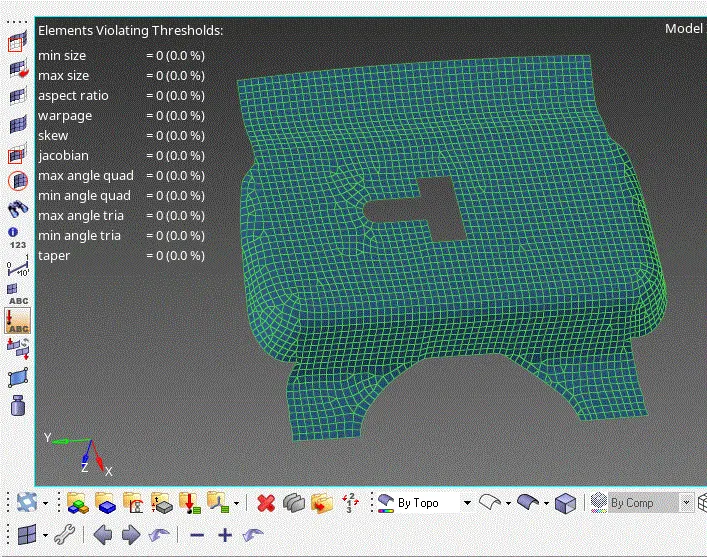
HINGE:
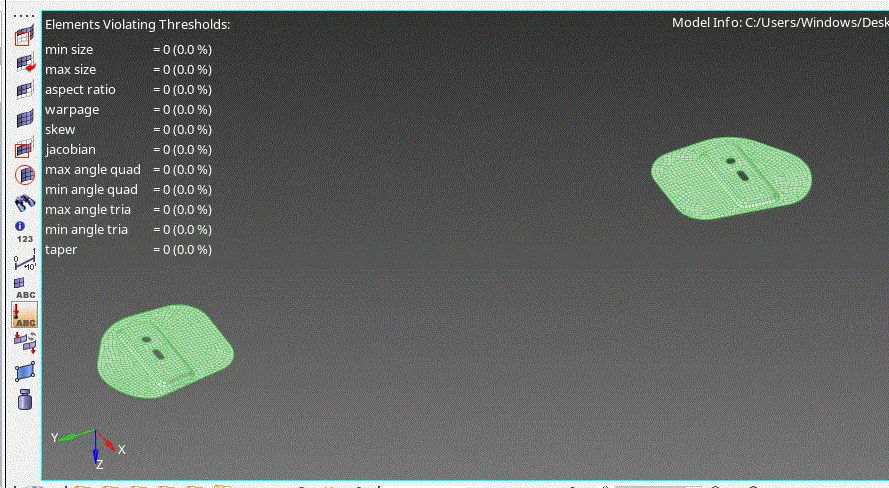
INNER HOOD:
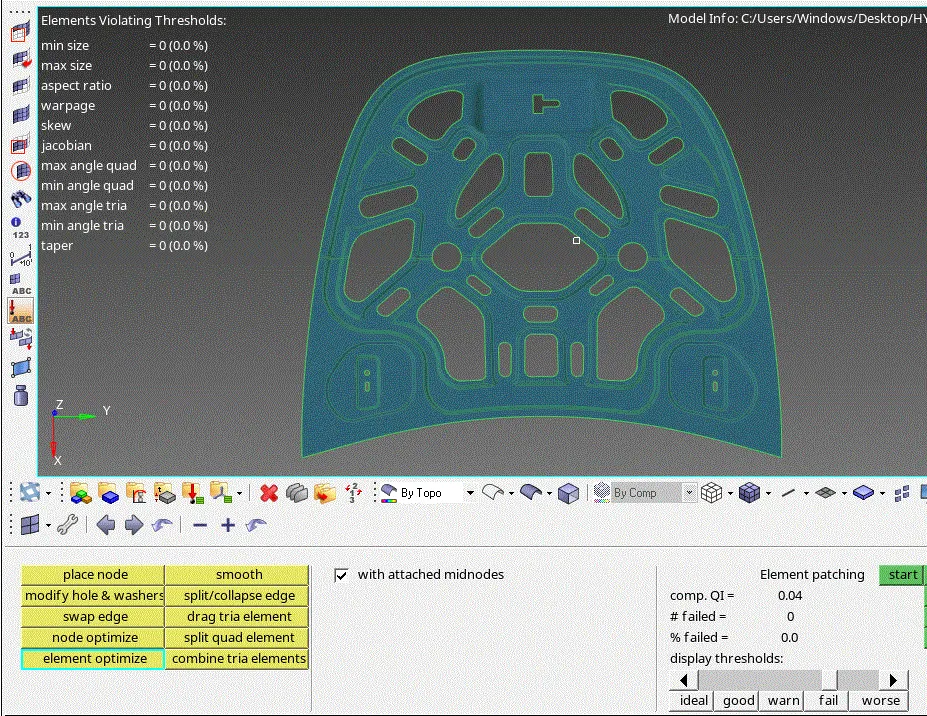
OUTTER HOOD:
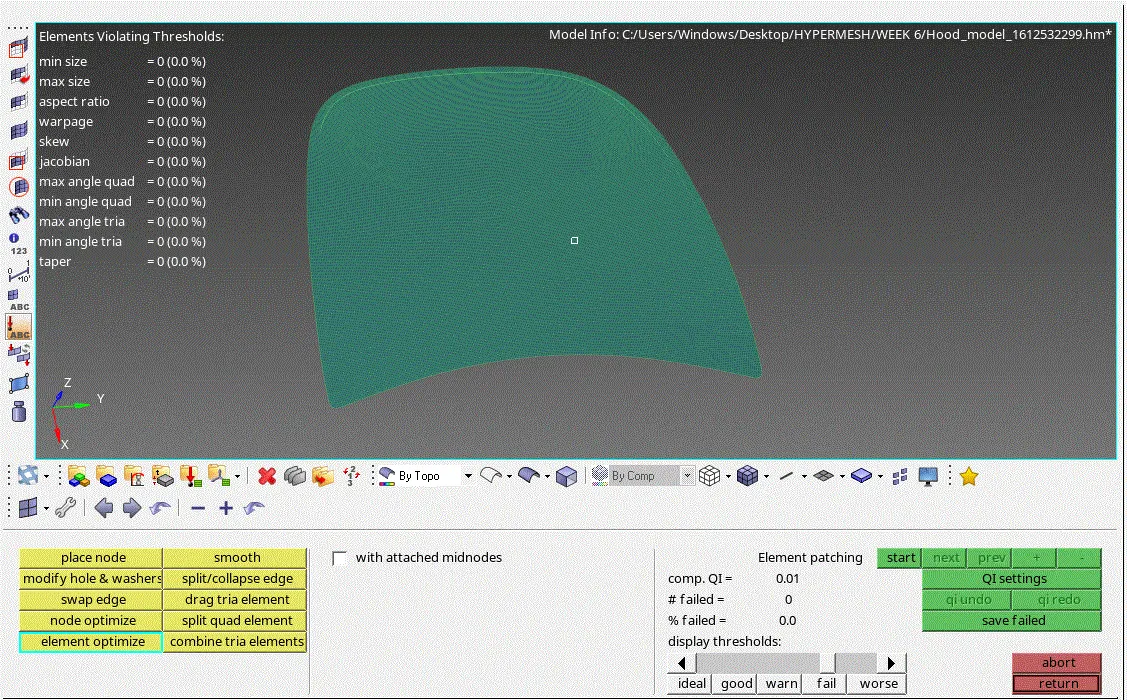
- THE FINAL meshed mid surfaces of all the components are as shown.