Week 6 - Creating connection for Rear door
Creating connection for Rear Door
Aim:
To create connections for the front door by using different 1D elements.
Procedures:
The Side Door model is loaded into ANSA as .ansa file and then the connection creation process follows as listed below,
1.Geometry and FE Check:
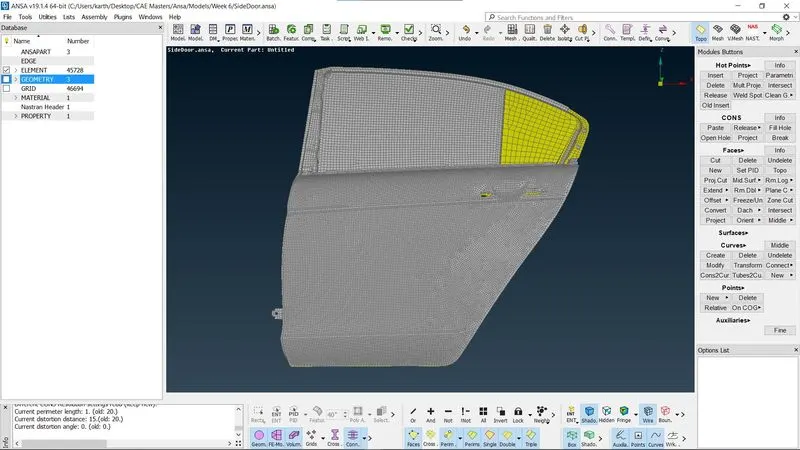
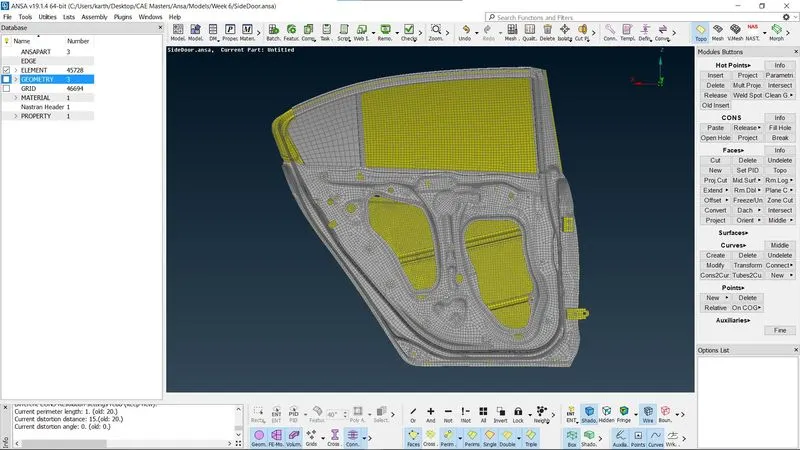
The model is checked for geometry and unmeshed parts using "Checks Manager" untill the geometry is found to be good , any error that persists is fixed.
2.PID Assigning:
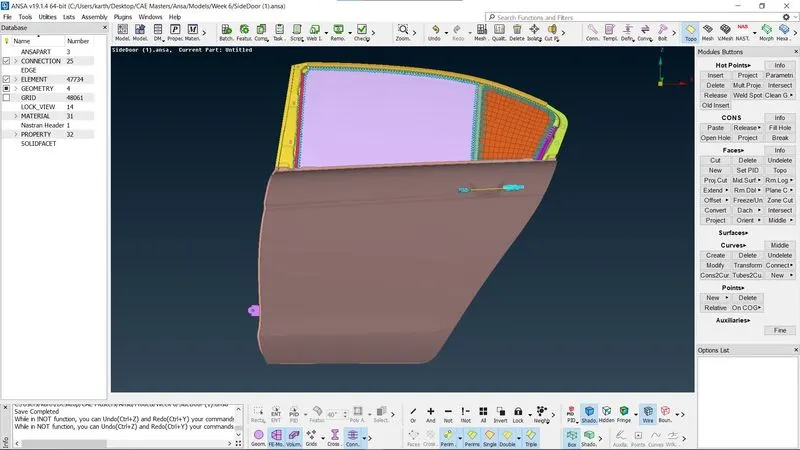
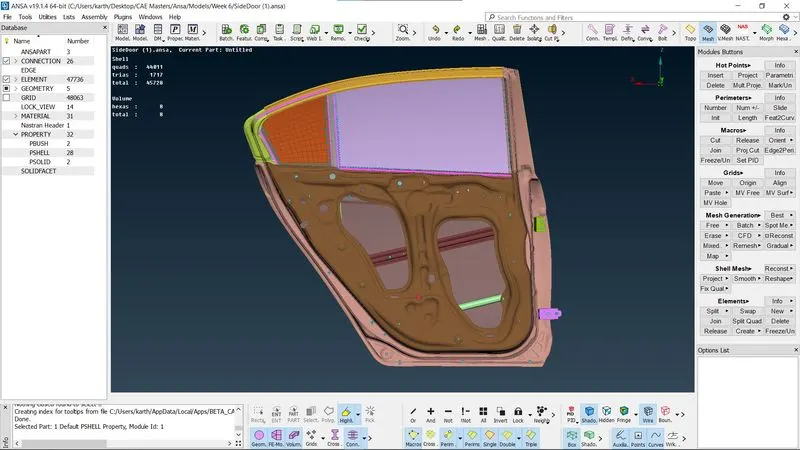
After geometry and topo clean up the meshed models is assigned various PID as per necessary requirements by "Property manager > New > PSHELL > Apply > Selection of the appropriate part".
3.Connections for Bolts:
The bolt holes are identified and the bolt connection is is made by using the "NASTRAN module > Elements > RBE2>Many Nodes>Select nodes>Ok> Finish"
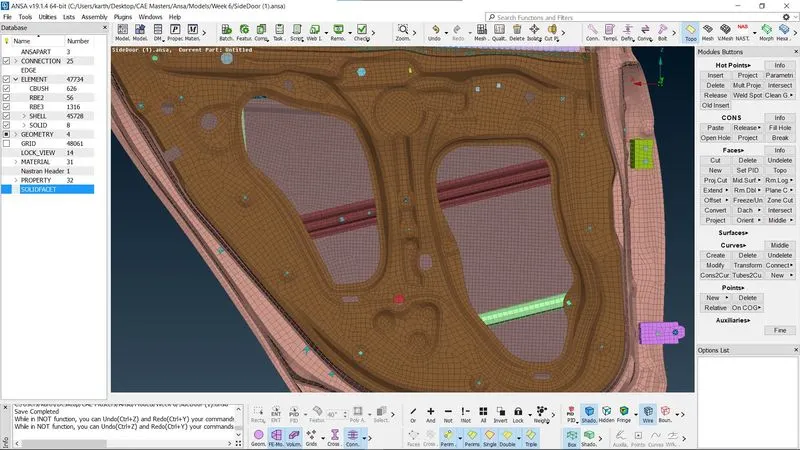
4.Connections for Spot-welding:
First Create a 3D point then convert it into spot weld point and use the connection manager to select the point and form a RBE3-HEXA-RBE3 with P1 P1 and P3. Then give the search distance and realize the parts and apply the weld. For spot weld a new solid volume is created between P1, P2 and P3 As PSOLID.
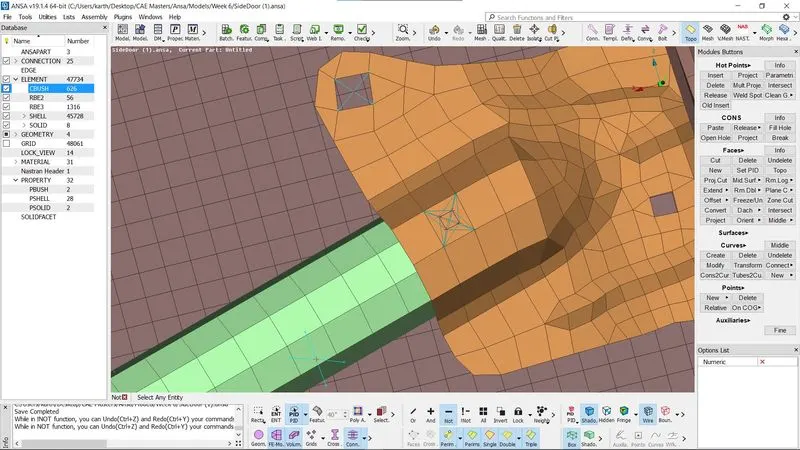
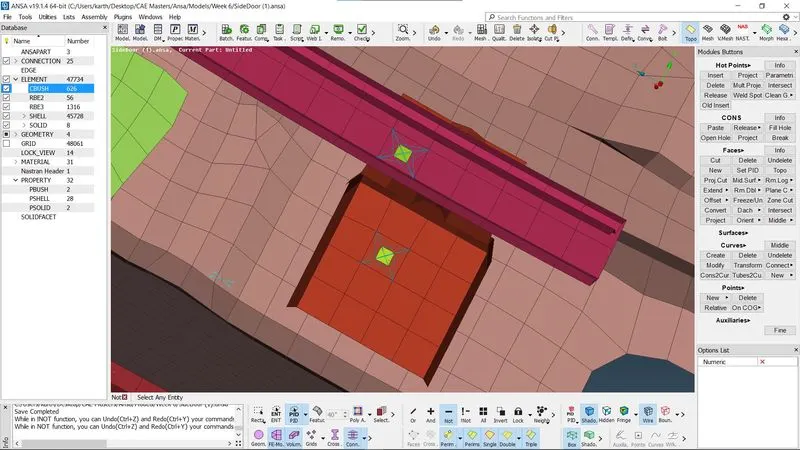
5.Connection for door Hinge:
Use RBE2 command in "NASTRAN module > Elements > RBE2>Many Nodes>Select nodes>Ok> Finish" to create bolt connections separately then join the two connections by using "NASTRAN module > Elements > RBE2 > Two Nodes >Select nodes > Ok > Finish".
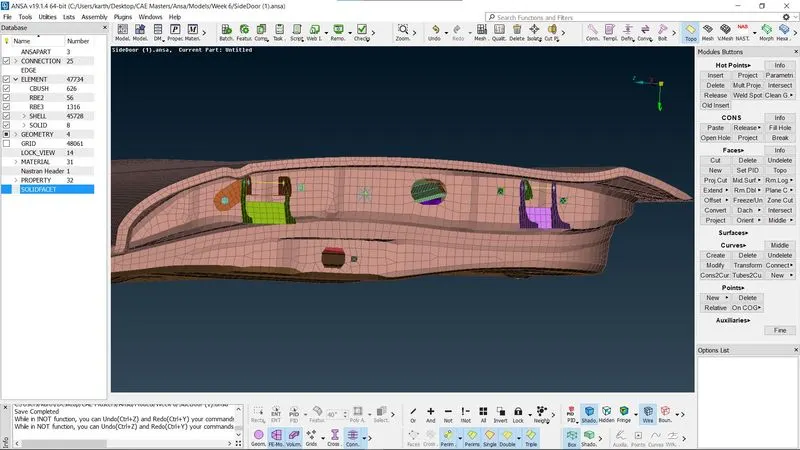
6.Connection for Door handle:
Similar to the door hinge , Use RBE2 command in "NASTRAN module > Elements > RBE2>Many Nodes>Select nodes>Ok> Finish" to create bolt connections separately then join the two connections by using "NASTRAN module > Elements > RBE2 > Two Nodes >Select nodes > Ok > Finish".
7.Connections for Door Glass:
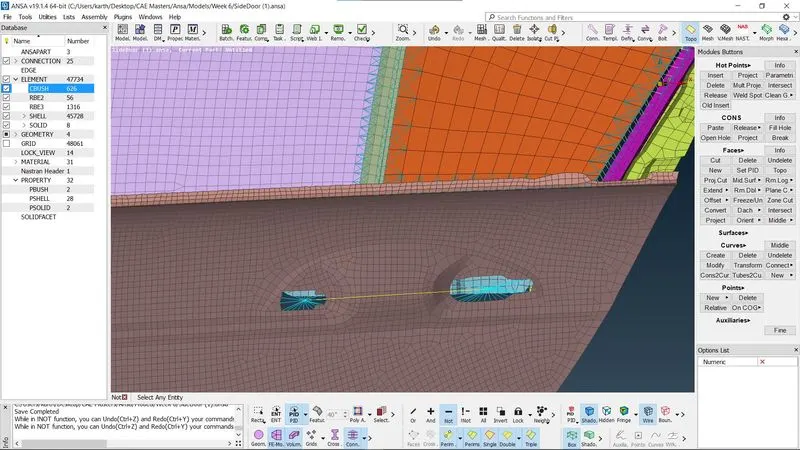
For Door Glass connections create Curves around the glass using "Mesh> Perimeter > Feat2Curve". Then offset the curve on the both sides in Y direction at 10mm distance. Convert the curves into Spotline following that use the connection manager to select the curve and create CBUSH under RBE3-CBUSH-RBE3 by assigning P1, P2, S , Search distance and PBUSH ID. The PBUSH ID is created for all CBUSH connections. Finally click Realize Apply to finish the connection.
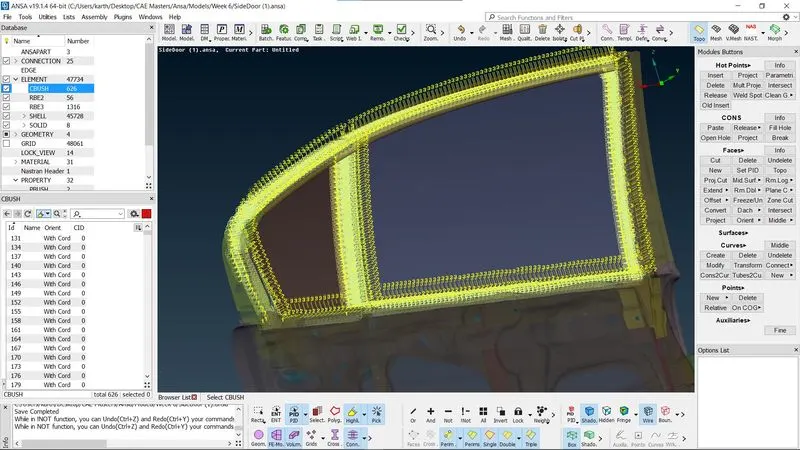
The procedure isw followed for all the side of the glass on both inner paneel and outer panel.
Learning Outcomes:
In this challenge I learned how to create connections for an FE models. The connection types such as RBE2-Two and many nodes, RBE3-CBUSH-RBE3- CBUSH, RBE3-HEXA-RBE3 - Spot weld.
Conclusion:
The Connection creation is completed in this challenge in ANSA for a Side Door model FE.