Week 6 - Creating connection for Rear door
PROCEDURE -: The rear door model is open the NASTRAN profile, the FE model with no geometry has the same PID for the whole component, then realize all connection at every different part the model has been created with different PIDs.
some steps are here :
1) first go to the NASTRAN module after that go to element group then use RBE2 connections and joint the elements.
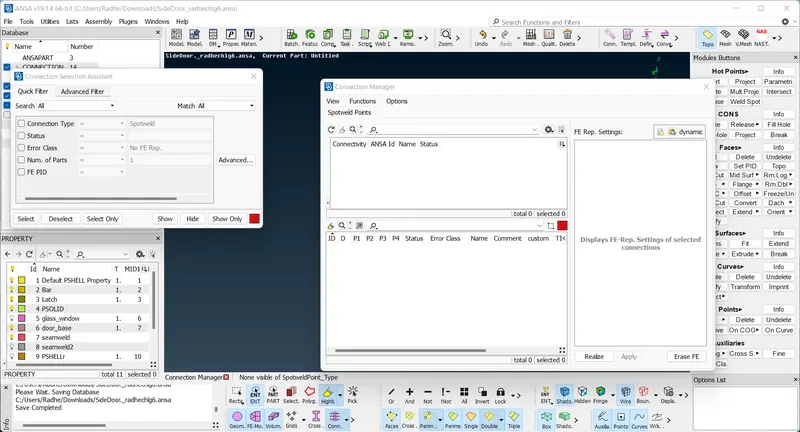
2) go to the topo module then go to point group use a on cog options then go to the convert options and use a 3D points. and hit middle mouse button then select the spot weld after that go to connection manager then select the p1 and p2 and given the value of needs then RBE3-HEXA-RBE3 then realize.
3) create the connections to the mirror go to the mesh module then perimeters group and feat to curve option use and select the line. then use the convert to curves option and then go to the connection manager given the value then use RBE3-CBUSH-RBE3 then realize.
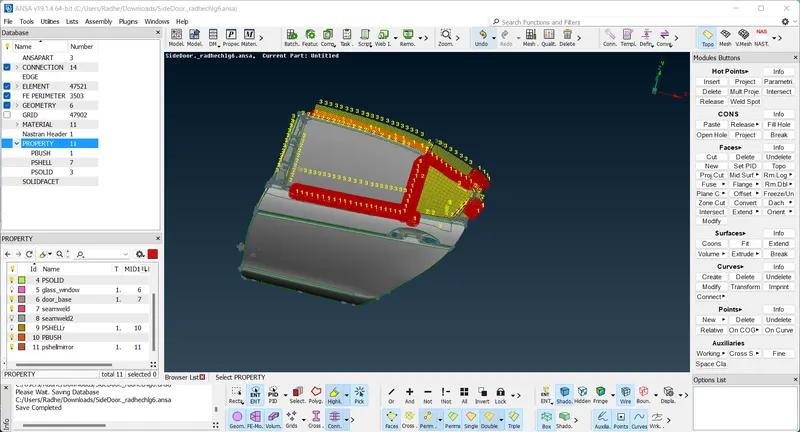
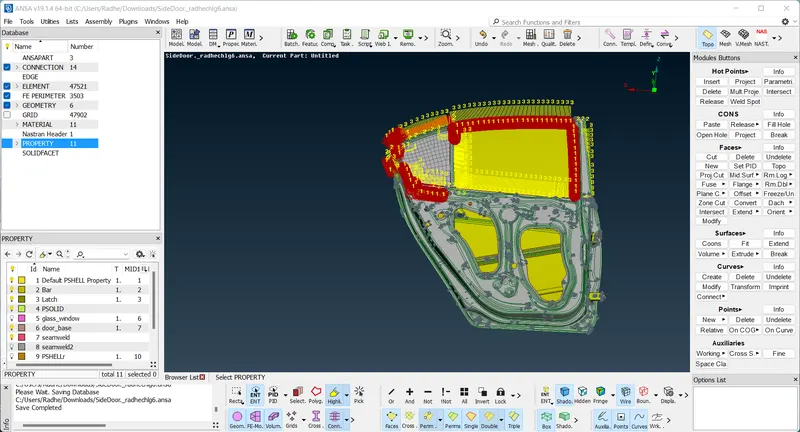
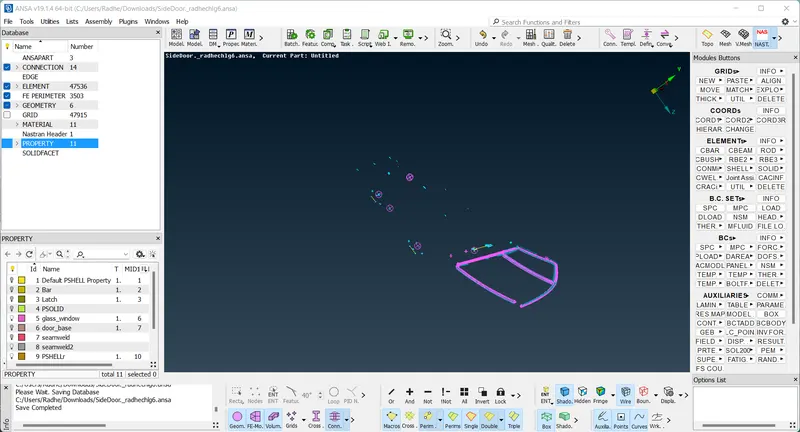
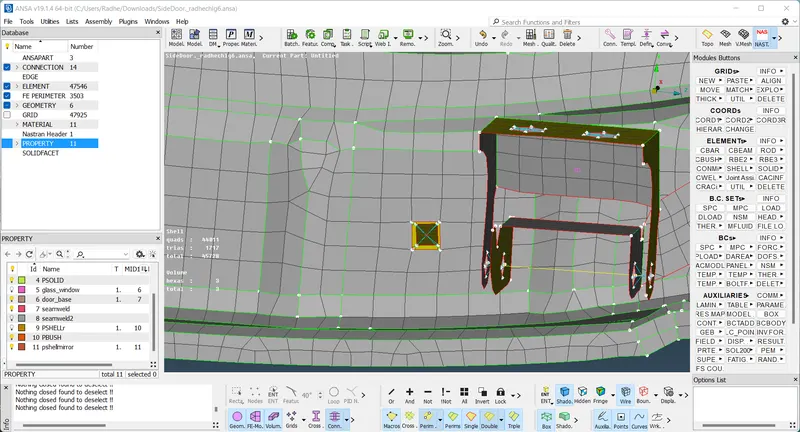
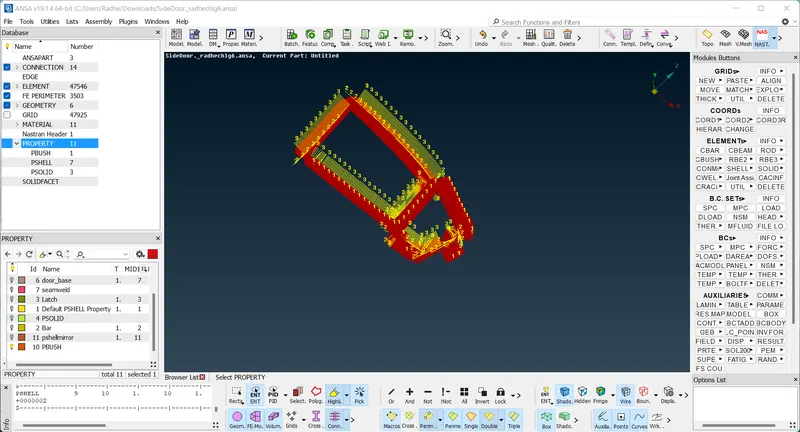
RESULT -: successfully create 1D connections for front door model. learn to the properly given the connection.