Week 6 - Creating connection for Rear door
Aim - Performe suitable connections for the given sidedoor FE model
Procedure -
1.After recieving the model i started with the side door window
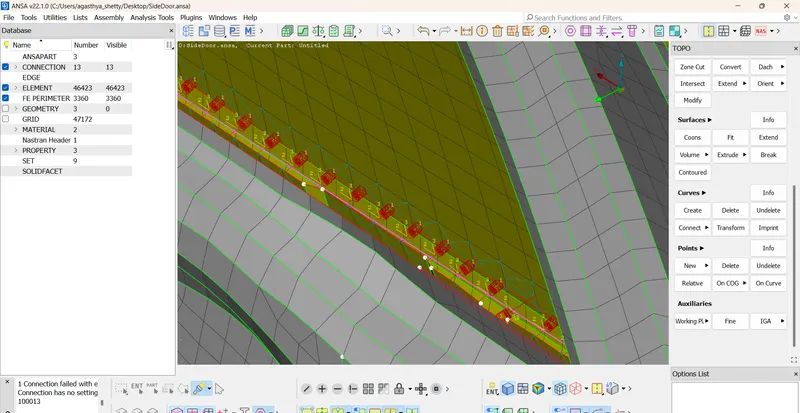
i converted the fe to curves and later moved the curve half way from the window
2.later converted the curve in the convert option to spot line
3.Later in the connection manager selected the curve
4.After this i gave the s-10 selected the p1 and p2 accordingly
5.Changed the fe rep type as rbe3-cbush-rbe3 and selected a new cbush id and gave a search distance 20
6.Hence i did this to all the curve and covered the window with the cbush connections
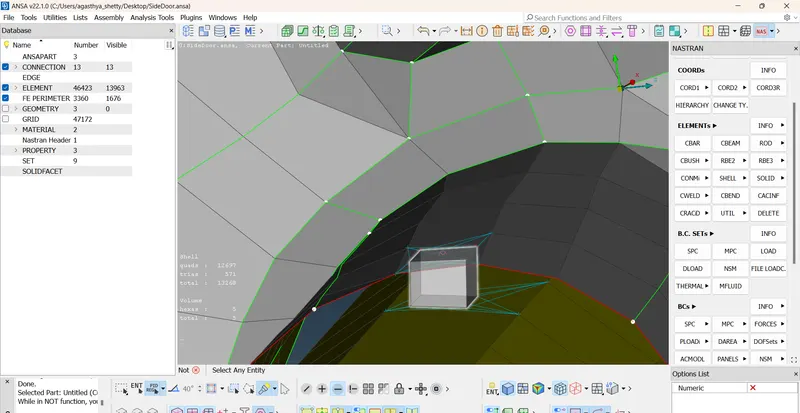
7.Later on i created a cog point and converted the 3d-point to a bolt and connedted the door hinges
8.Connedted the hinges through rbe2- multinode connections
9.I did the rbe2 connection in the pannel whereever necessary
10.later did a 3dpoint and connecte the inner pannel with a spot weld connection
conclusion
The connections are done wherever necessary
The connections module has thought me the varios conections that can be made in the model before simulation to make the body rigid
so that the simulation is easily carried out