Week 6 - Creating connection for Rear door
This week, the connections for the front door by using different 1D elements are taught in detail.
Now for the given Rear door FE model, Create and Apply different PIDs for different components. By using the same technique and the elements as shown in the video, Perform suitable connections. (No thickness need to be assigned to FE as intention is just to deploy connections)
(Refer “Model Requirements” in “Grading Policy” to know what to be done in the model)
Write a detailed report on why you choose a certain type of element for connecting certain parts of the door. ( Refer “Report Requirements” in “Grading Policy” to know what to be added in the report)
AIM -: Apply the connections for the front door by using different 1D connections and NASTRAN profile.
OBJECTIVE -: the front door model is given for the connections diffenent types of 1D connections and makes the proper connections and attaches the FE model.
NASTRAN -: the NVH stands for noise, vibration and harshness study and modification of noise and vibration characteristics of vehicles.
CONNECTIONS -: there are three types of connections 1D, 2D and 3D. they required to be joint through - bolt, welding, adhesive etc. and there are many types of connections in the NAS profile such as RBE2, RBE3, SPOT WELD, SEAM WELD, etc.
PROCEDURE -: The rear door model is open the NASTRAN profile, the FE model with no geometry has the same PID for the whole component, then realize all connection at every different part the model has been created with different PIDs.
some steps are here :
1) first go to the NASTRAN module after that go to element group then use RBE2 connections and joint the elements.
2) go to the topo module then go to point group use a on cog options then go to the convert options and use a 3D points. and hit middle mouse button then select the spot weld after that go to connection manager then select the p1 and p2 and given the value of needs then RBE3-HEXA-RBE3 then realize.
3) create the connections to the mirror go to the mesh module then perimeters group and feat to curve option use and select the line. then use the convert to curves option and then go to the connection manager given the value then use RBE3-CBUSH-RBE3 then realize.
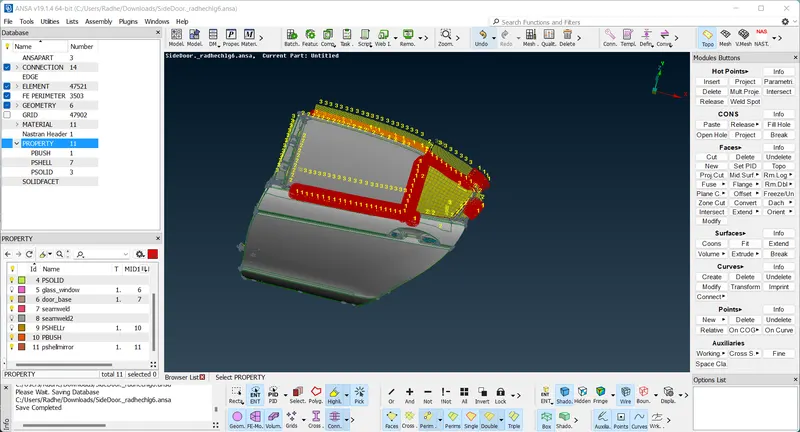
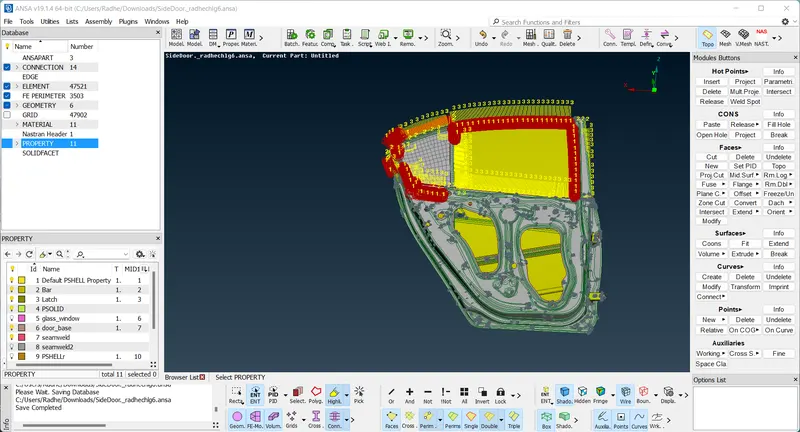
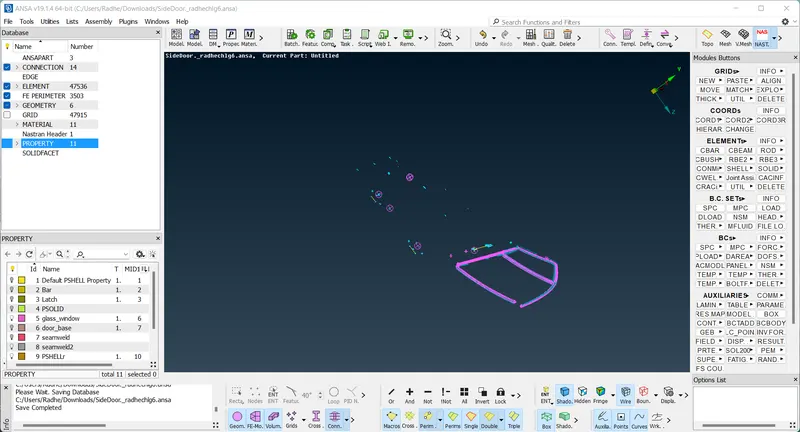
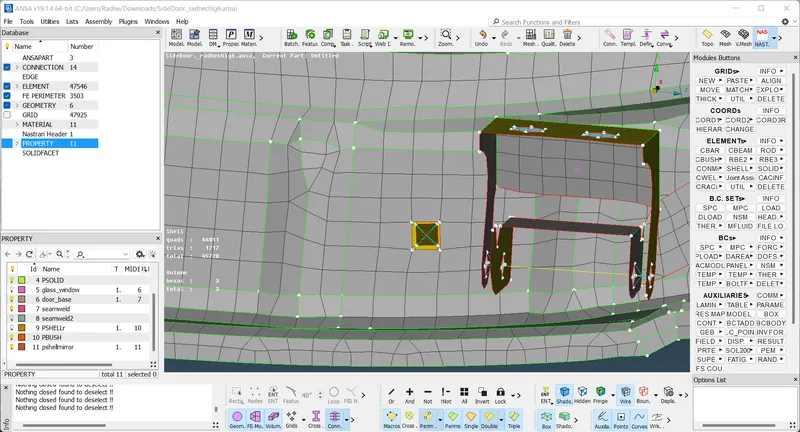
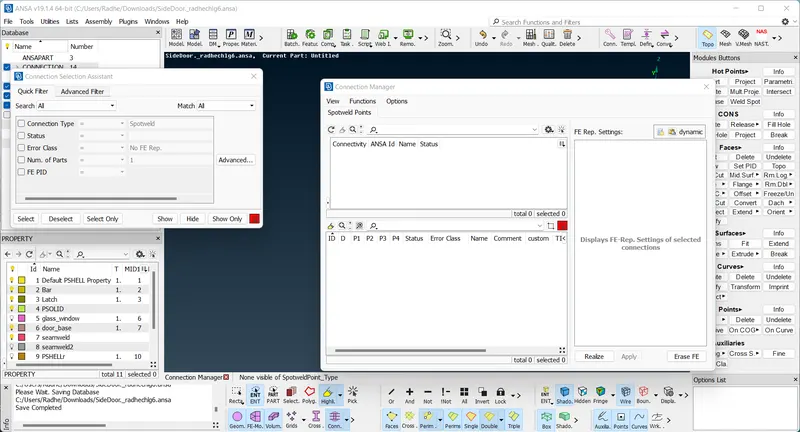
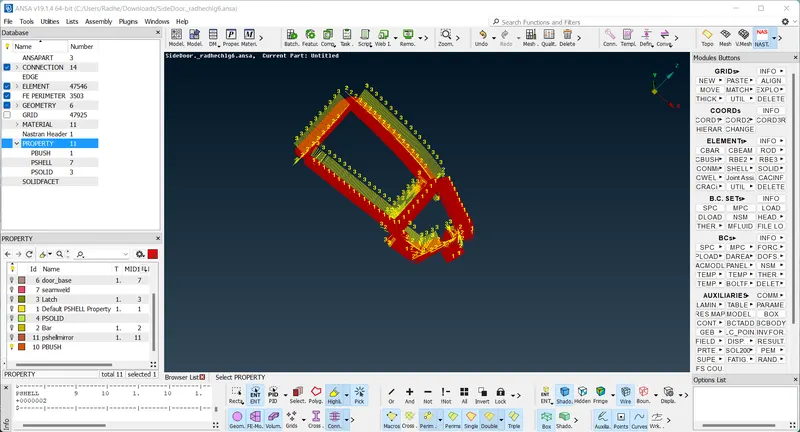
RESULT -: successfully create 1D connections for front door model. learn to the properly given the connection.