Creating connection for Rear door
Connections in ANSA:
The geometry of the rear door is shown below:
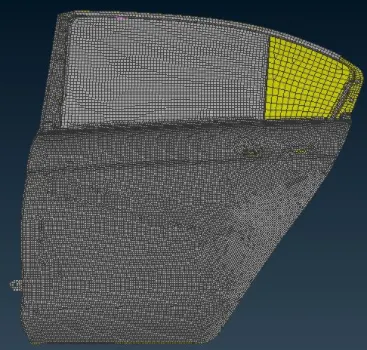
Bolt connection for hinge:
For bolt connection we need to represent the ONCOG point, then convert the 3D point to bolt and connect the bolt connection as shown.
Select connection manager>> select COG point>> select P1 and P2 FE type bolt.
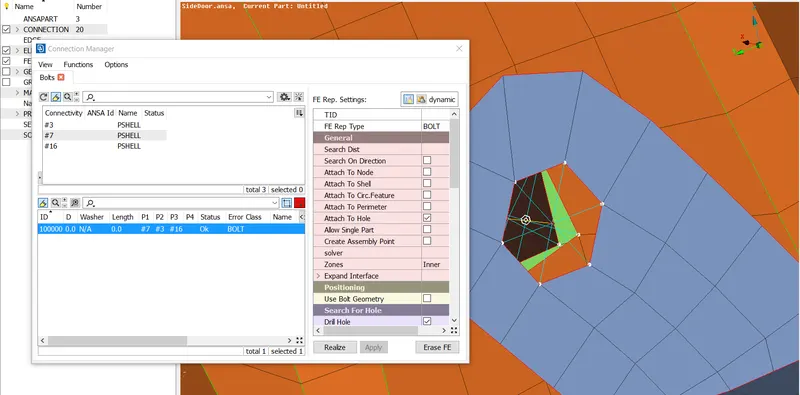
fig 1
Two nodes RE 2 connection:
The door is the moving part, to move them in simulation process, the connection should be adequate. So, the DOF should be constrained to 5 in z direction.
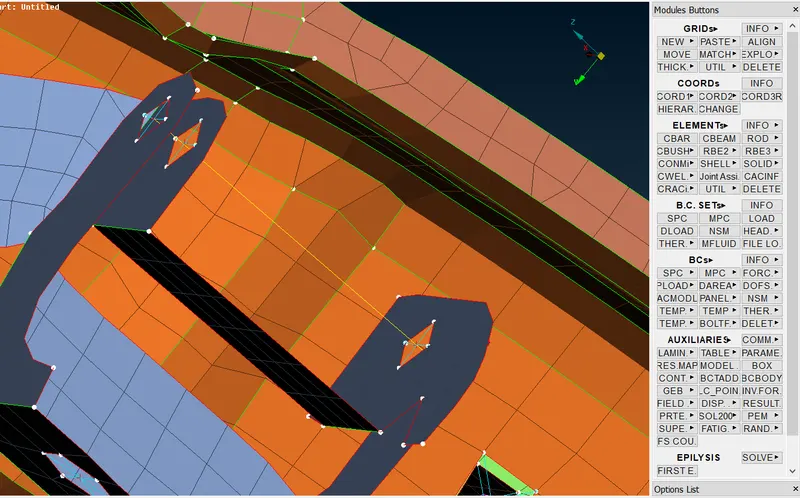
fig 2
Spot welding:
For spot weld connection we need to create a COG point and then convert them as spotweld.
Select COG point>>convert tab change to spot weld.
Go to connection manager>> select spot weld point>> select P1 and P2 and FE type RBE3-HEXA-RBE3
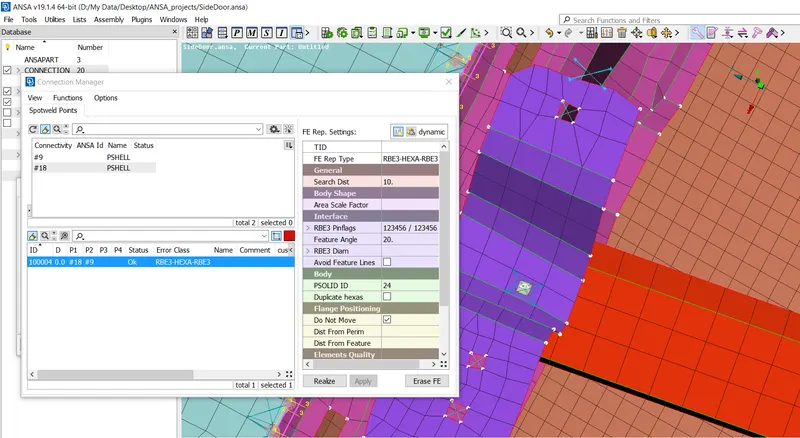
fig 3
Some single holes are connected with RBE 2 connection
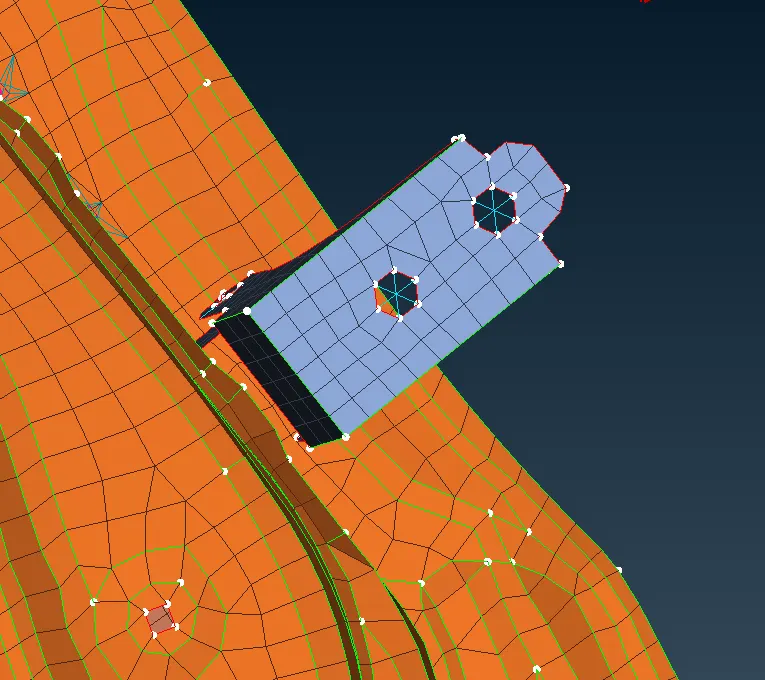
fig 4
Handle connection representation:
For handle connection we need to convert with RBE2 connection and the convert with two node RBE 2 connection with mass. For this handle connection we provide a mass of 0.001tonnes.
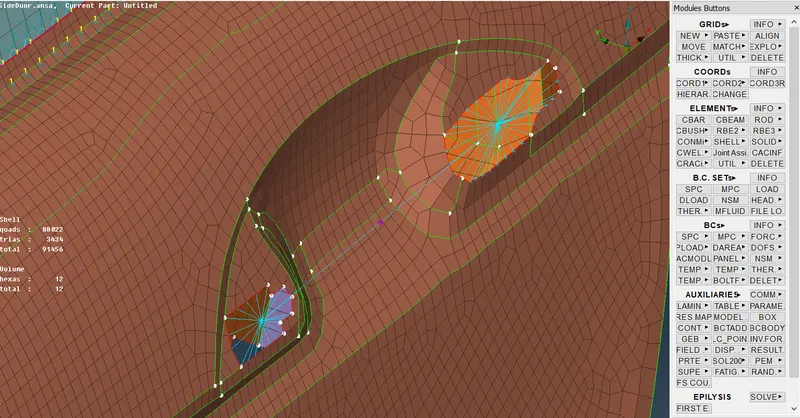
fig 5
Bush connection for glass window:
A curve around the window pane is created.
Go to mesh console>> perimeter>> fea2curve option is selected.
After creating the curve, we need to convert the curve as spot line and set a new bush PID.
Connection manager>> select P1 and P2 and FE type RBE3-CBUSH-RBE3.
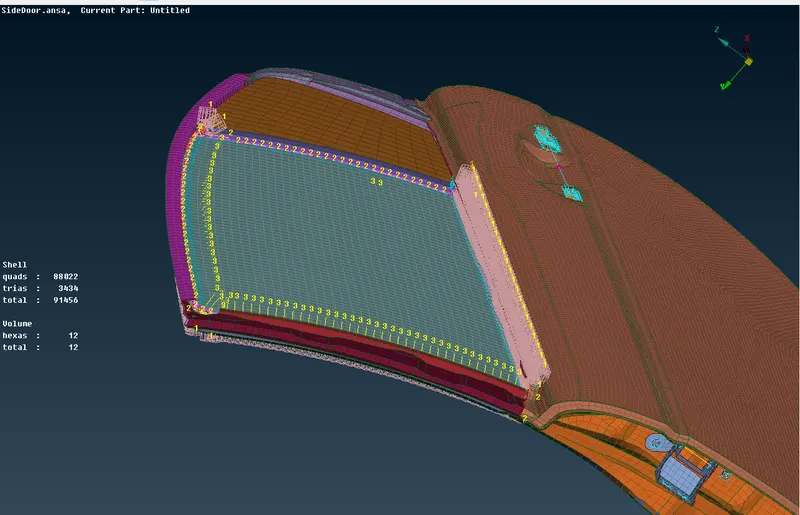
fig 6
Final representation of bush connection.
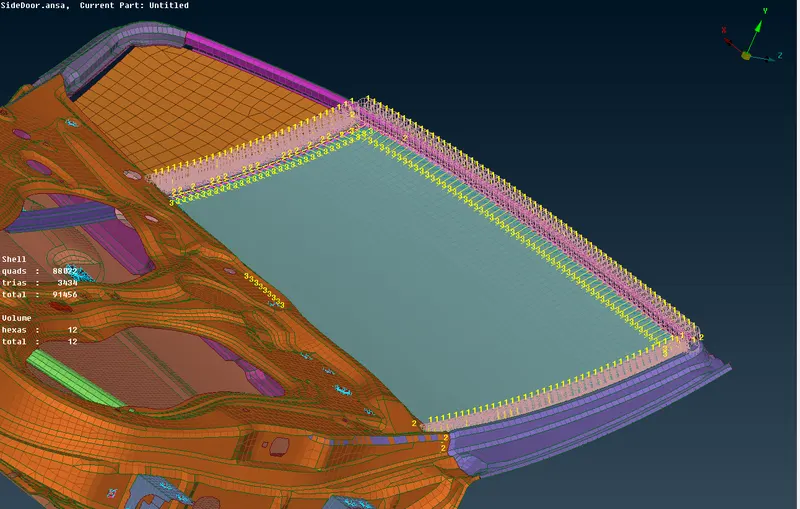
fig 7
Inner connections deployed:
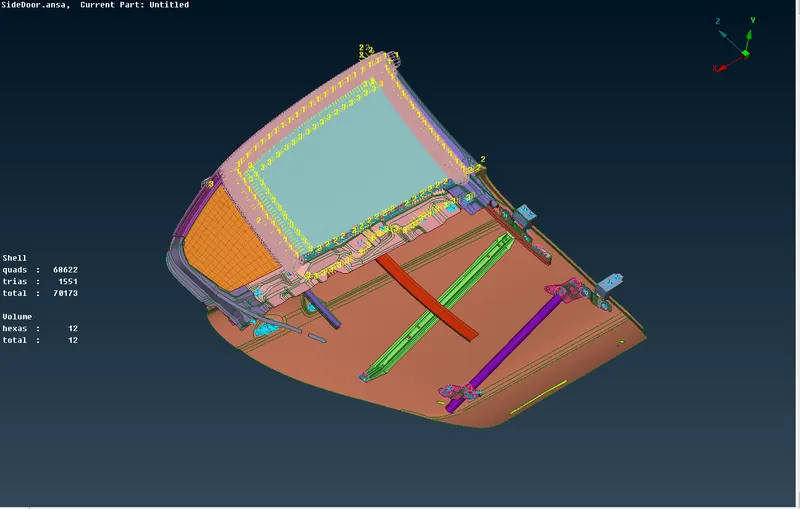
fig 8
Conclusions:
The rear side door of the car body has been connected properly.
Connections used are RBE2, RBE3, spot weld, CBUSH.