Week 6- Challenge
Week 6: Quality Criteria & 2D meshing:
Overview:
This is a report on Week 6 challenge of the Hypermesh for FEA Plastic and Sheet Metal Applications course.
Model Files:
Objective:
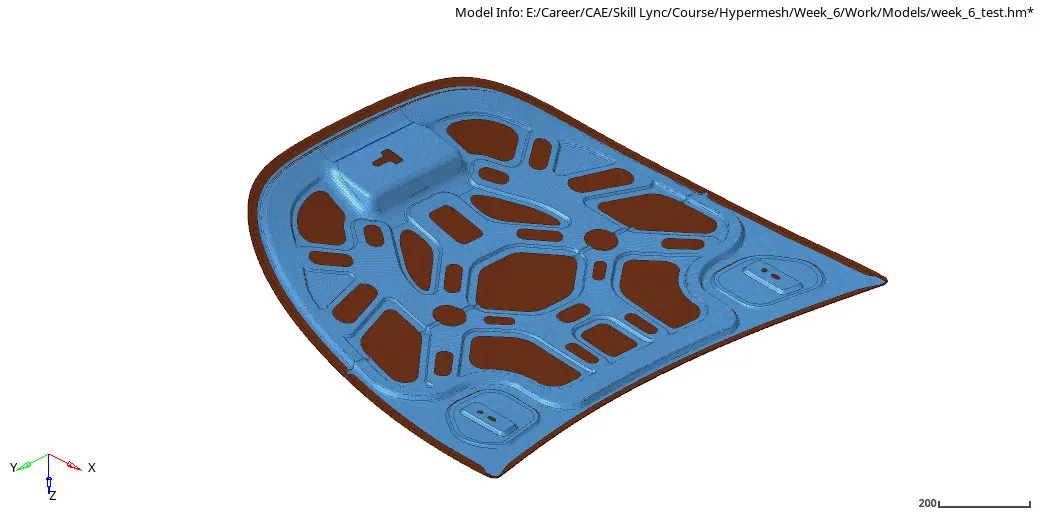
To import the given step file in Hypermesh environment and to mesh the hood components for the given quality criteria.
Cad model image:
Procedure:
General steps for Geometry cleanup:
1. Import the stp file inside Hypermesh.
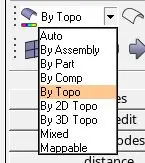
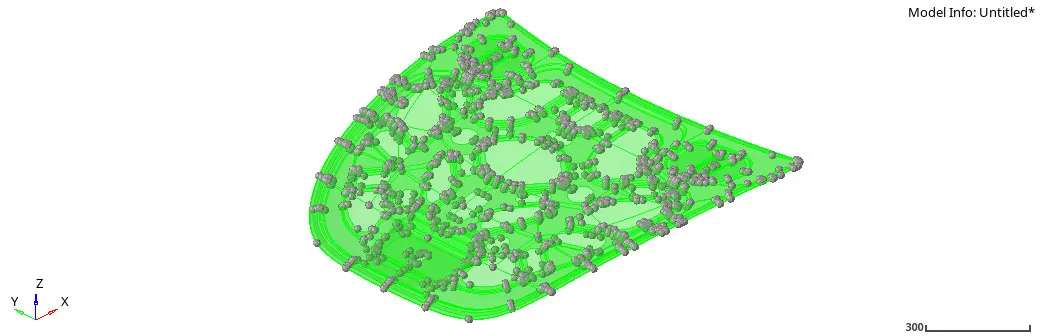
2. Enable Display fixed points in the tool bar and set visualization option as “By Topo”
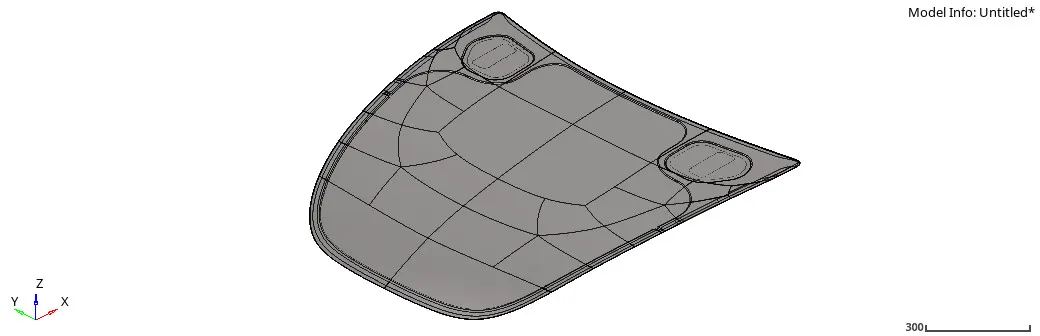
3. The imported geometry will now look like this:
Geometry Cleanup and mid surface extraction:
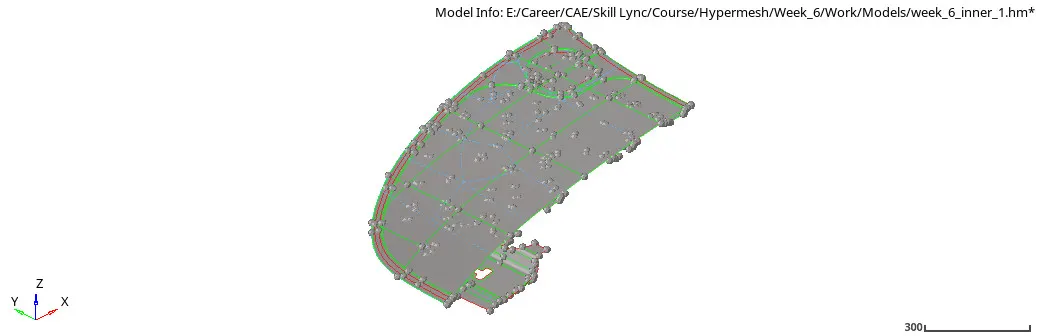
1. Perform basic geometry cleanup with the tools in Geometry panel on the surfaces.
2. Delete all the solid components. Extract midsurface for all the components individually.
3. Identify symmetry in components and remove them. For example it is enough to mesh one side of the outer panel, later which can be mirrored due to symmetry.
4. Perform Geometry cleanup on the mid-surfaces of the components, to account for minimum element length.
Meshing:
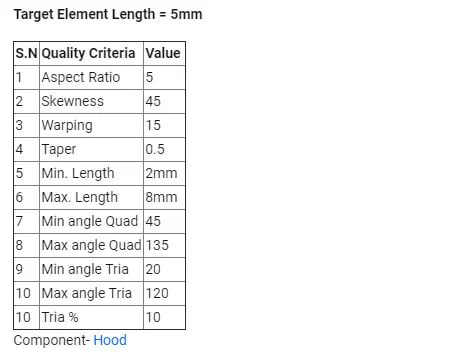
1. Open Criteria File settings and enter all the required quality criteria.
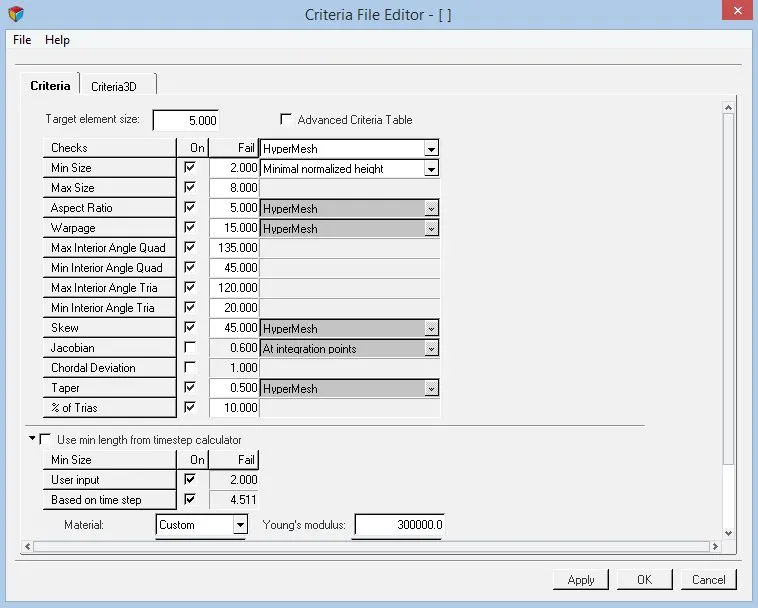
2. Mesh the components individually with target element size = 5mm, with low tria elements concentration.
3. Use automesh panel with element size set to 5 and mesh type as mixed i.e., both quads and trias.

4. Use cleanup tools in qualityindex panel under 2D menu to ensure the quality of mesh follows the given quality criteria in the table above.

5. Use quick edit panel in Geometry menu to toggle edges and split surfaces appropriately along with automesh panel and qualityindex panel side by side to get a good mesh pattern and flow.
6. Check for continuity in mesh with edges panel in tools menu. Select the elements and click find edges to know if all elements are in equivalence. Notice how there is some free edges in the following image.
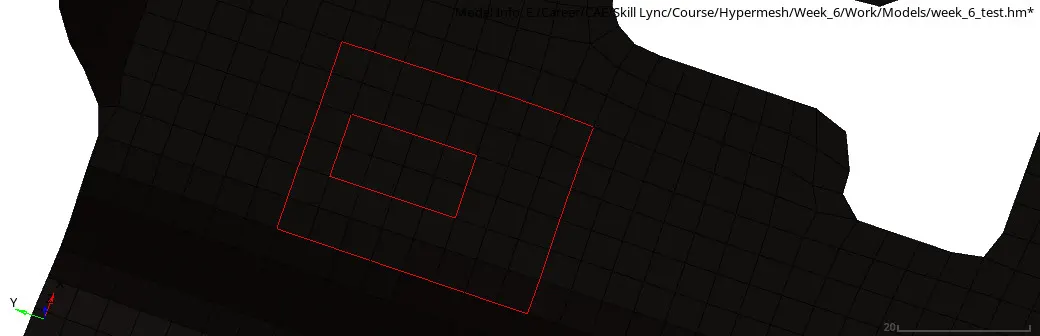

7. Finally the mesh in the symmetric components are duplicated and mirrored with reflect tool in tools menu.

8. The free edges between the mirrored components and original mesh are equivalence with the edges tool.
Tria elements percentage Table:
The permissible Tria elements percent is 10%. The table gives Tria percent for all components
|
Components |
Tria elements % |
|
Latch |
1.6 |
|
Hinge |
1.9 |
|
Outer panel |
0.40 |
|
Inner panel |
3.6 |
|
Entire hood |
1.8 |
The entire Hood model has a tria percentage of 1.8%.

Results and conclusion:
The Midsurface of Hood components were extracted and the geometry was cleaned up. 2D meshing was done on the midsurface and quality of the elements was checked.
Quality of Mesh is very important in an FE model, for better and accurate solutions. Quality criteria are to be followed and good mesh flow is to be maintained.
Final model images:
Latch Midsurface Mesh:
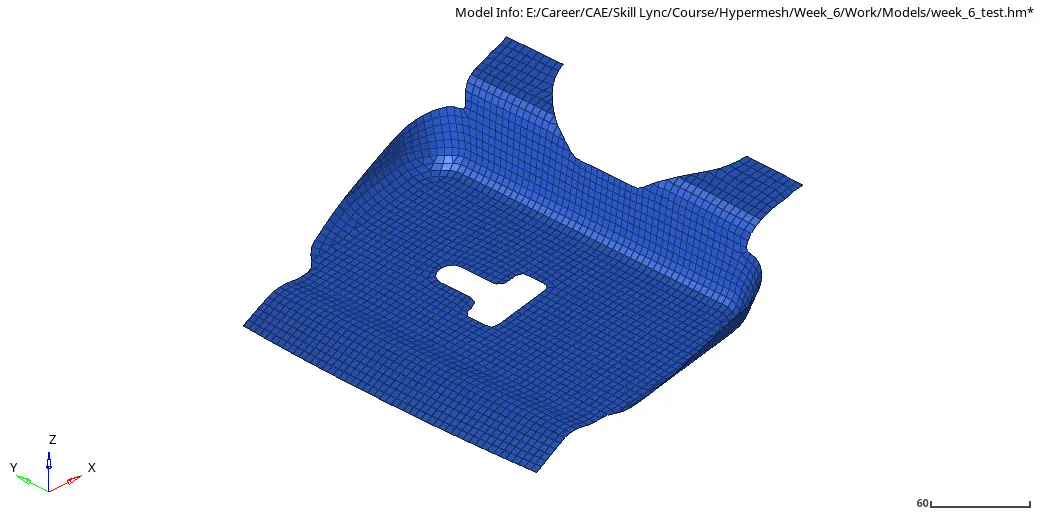
Hinge Midsurface Mesh:
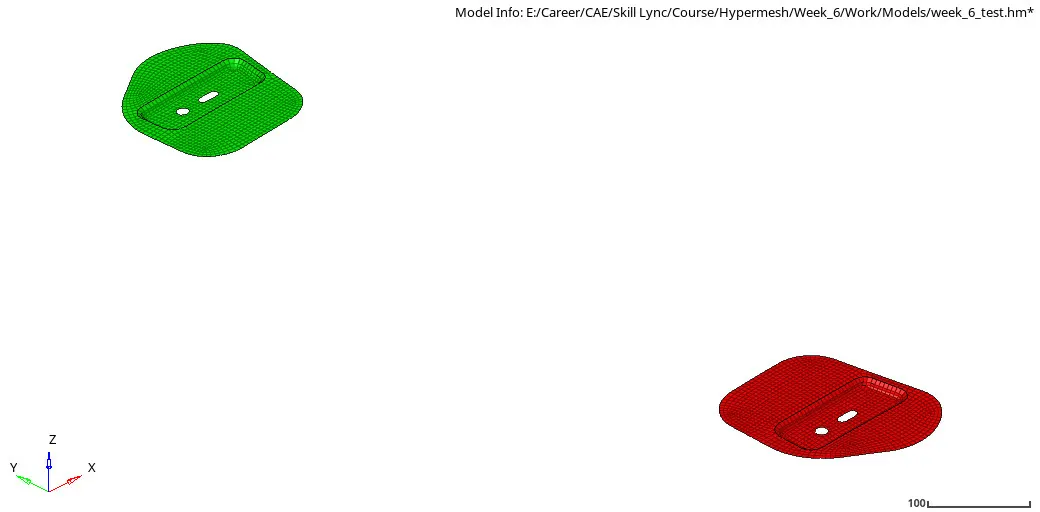
Outer Panel Mesh:
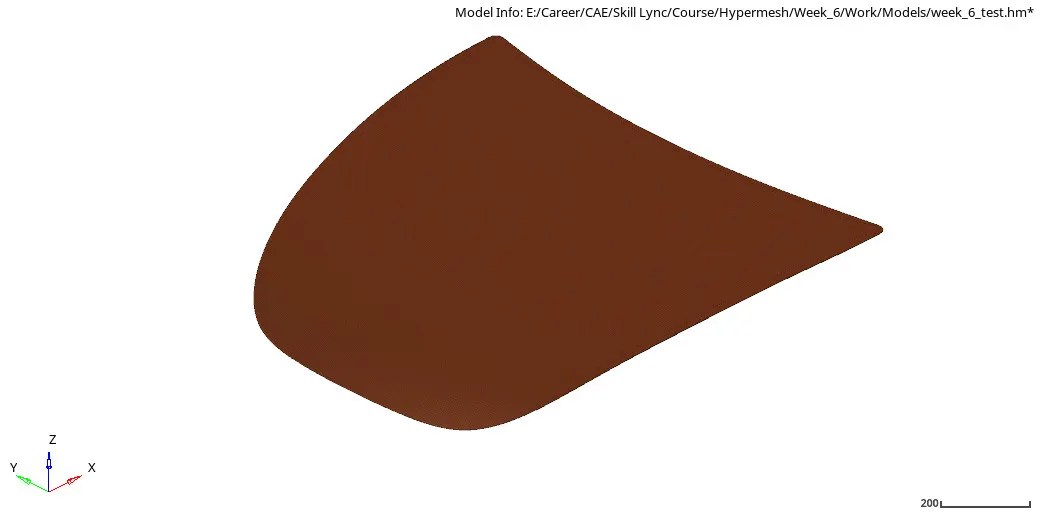
Inner Panel Mesh: