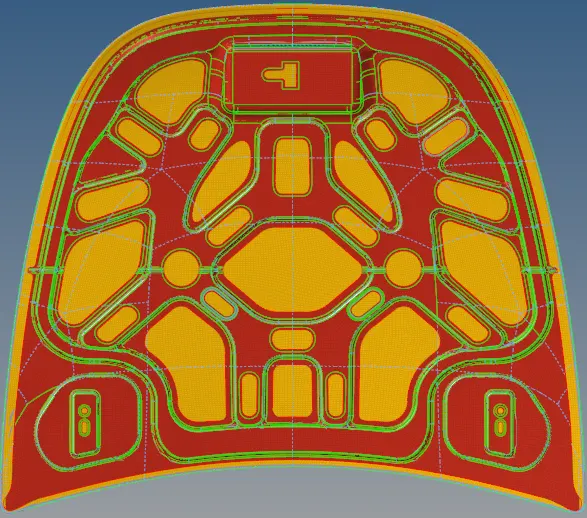
Week 6- Challenge
Introduction:
Quality Criteria are the specific elements or functions that will be selected, tested and measured in order to confirm that the quality objectives have been met.
Objective:
To extract the mid surface and generate the mesh for hood according to the given quality criteria using Hypermesh.
Procedure:
In order to attain the above objective we need to do the following steps;
- Import the model into Hypermesh using the import geomentry menubar.
- Delete the solids using the delete tab.
- In order to extract the mid surface we must make sure the model is free from errors.
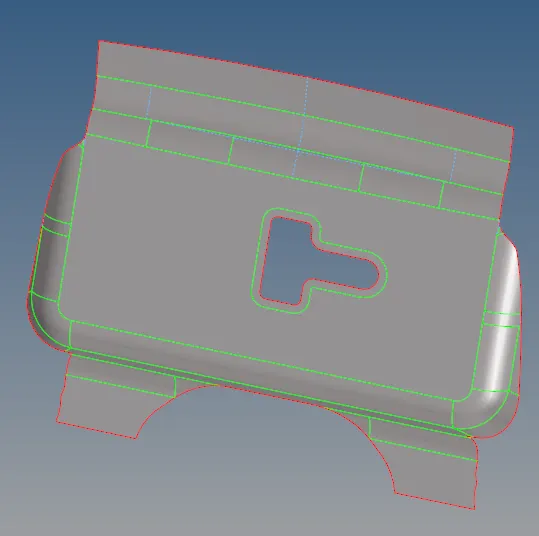
- Then extract the mid surface using auto midsurface option in geomentry panel.
- Mid surface is extracted individually for each component.
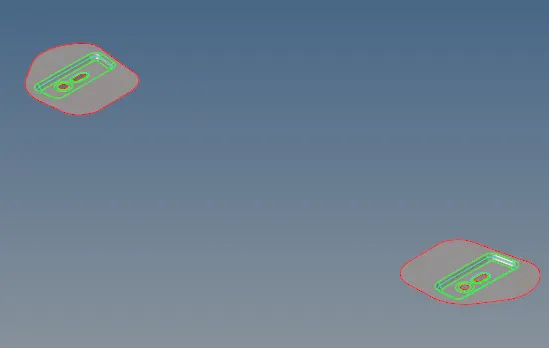
- The components are Inner panel,Outer panel,Latch and Hinge.
- Now, Topology cleanup is done.
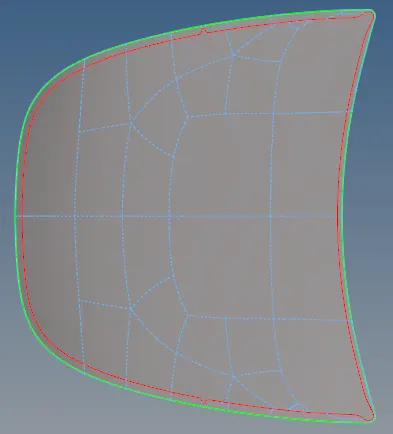
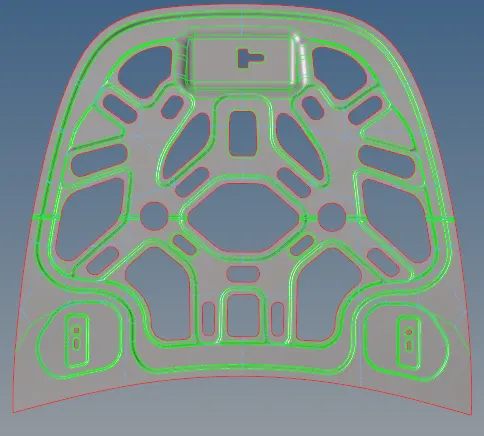
- For that we must ensure the surface and edges are free from errors or any deformation in the surface.
- According to the mesh of the particular surface needed the edges are surpressed.
- Inorder to mesh the component we ensure that the extracted mid surface is clean topological errors.
- Mesh the components individually using automesh in 2d mesh panel.
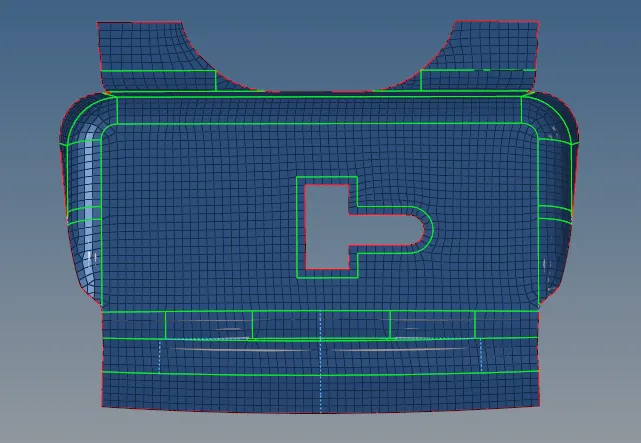
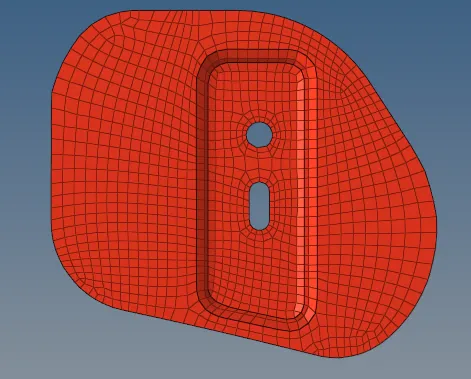
- Assign the element size as 5mm and the element shape as quads.
- First half of the surface is meshed, then reflect option is used to mirror it to other half.
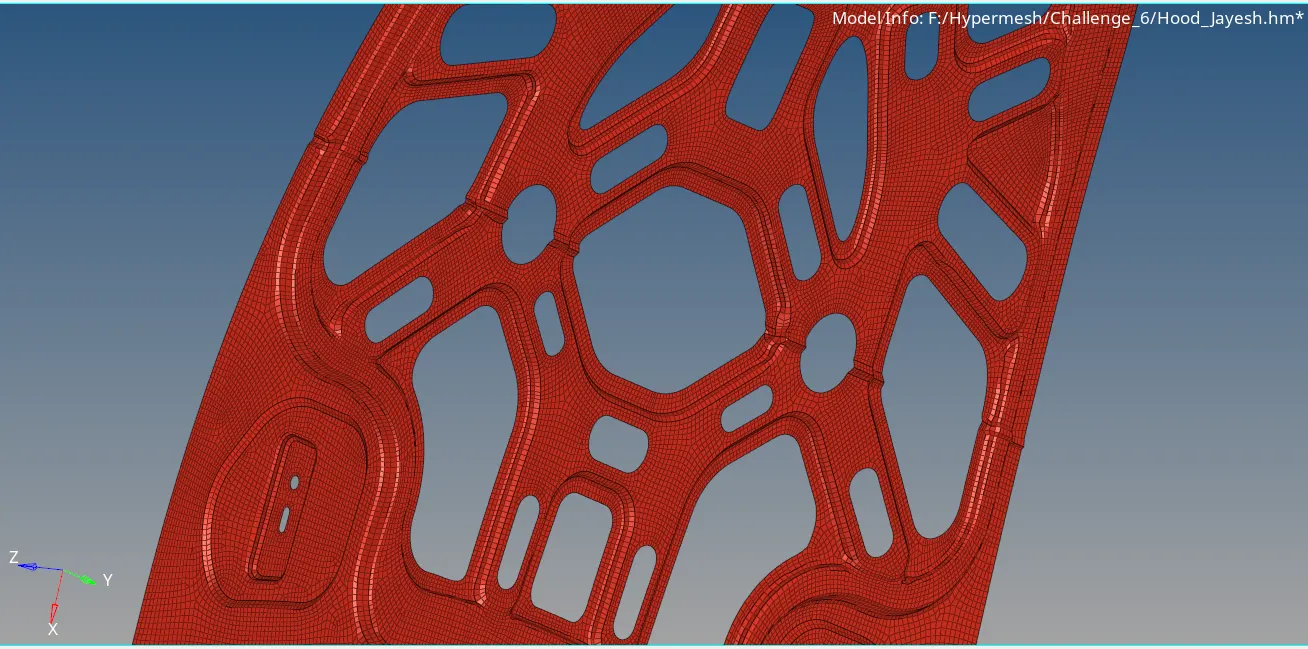
- The mesh is refined until its smooth and the tria elements should be removed as much as possible with drag tria tab in Quality index option.
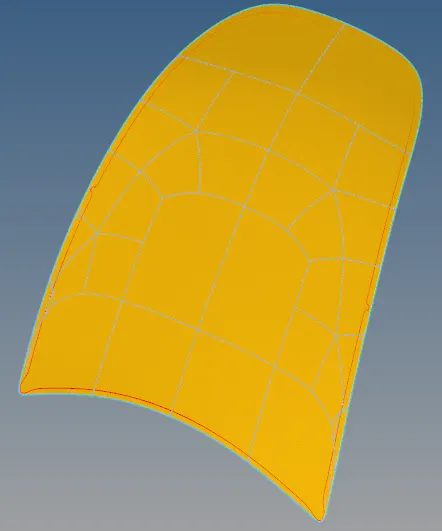
- The nodes are increased and decreased during the mesh according to proper capturing of the surface.
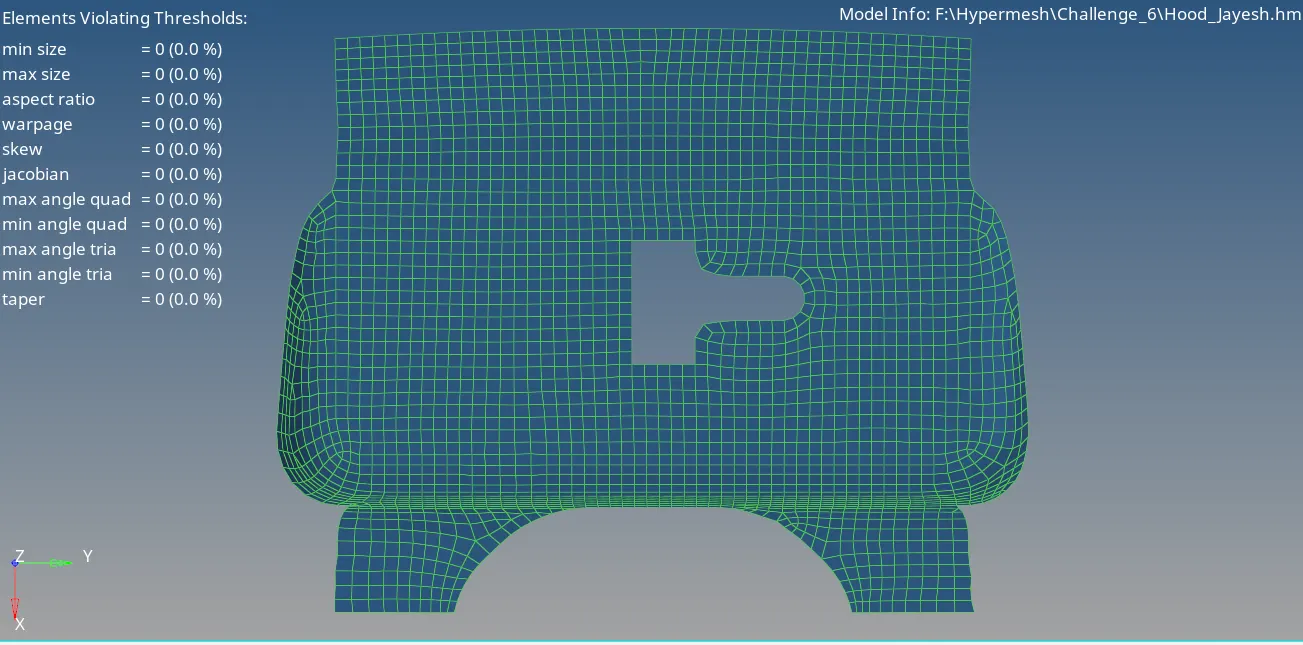
- After meshing, now check fpr the quality criteria and reorganise the elements where it fails to give the quality.
- Tool-Check elems-where we can find various quality criteria like warpage,aspect ratio,skewness,length,angle and taper.
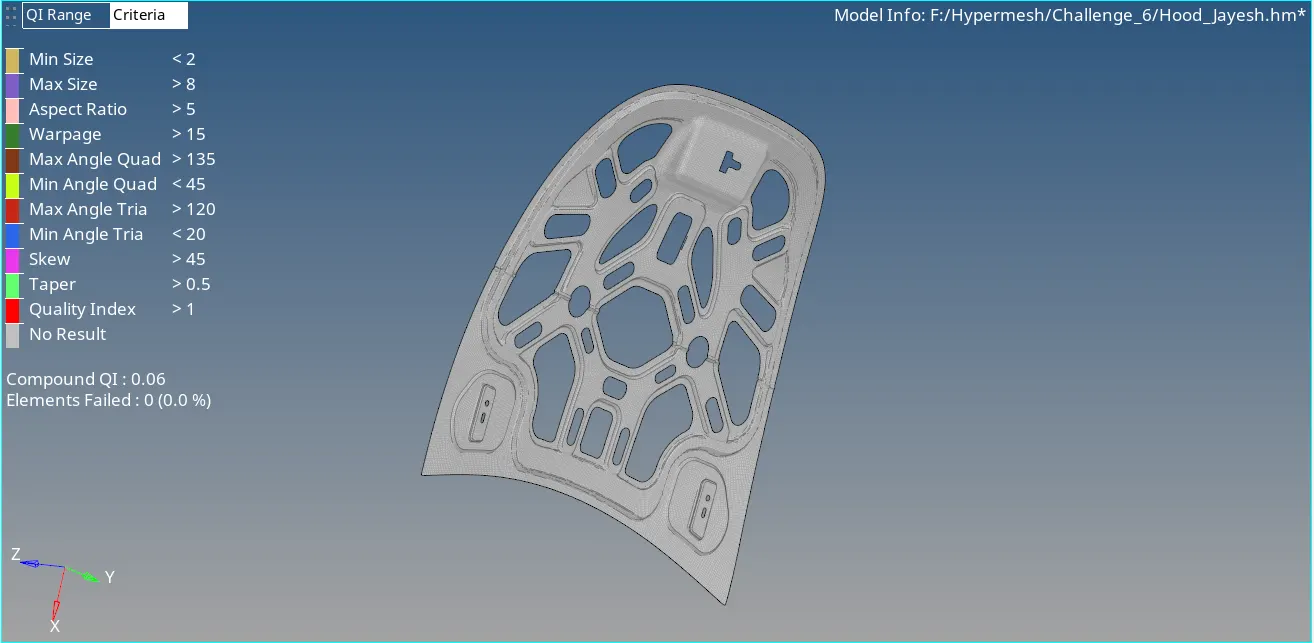
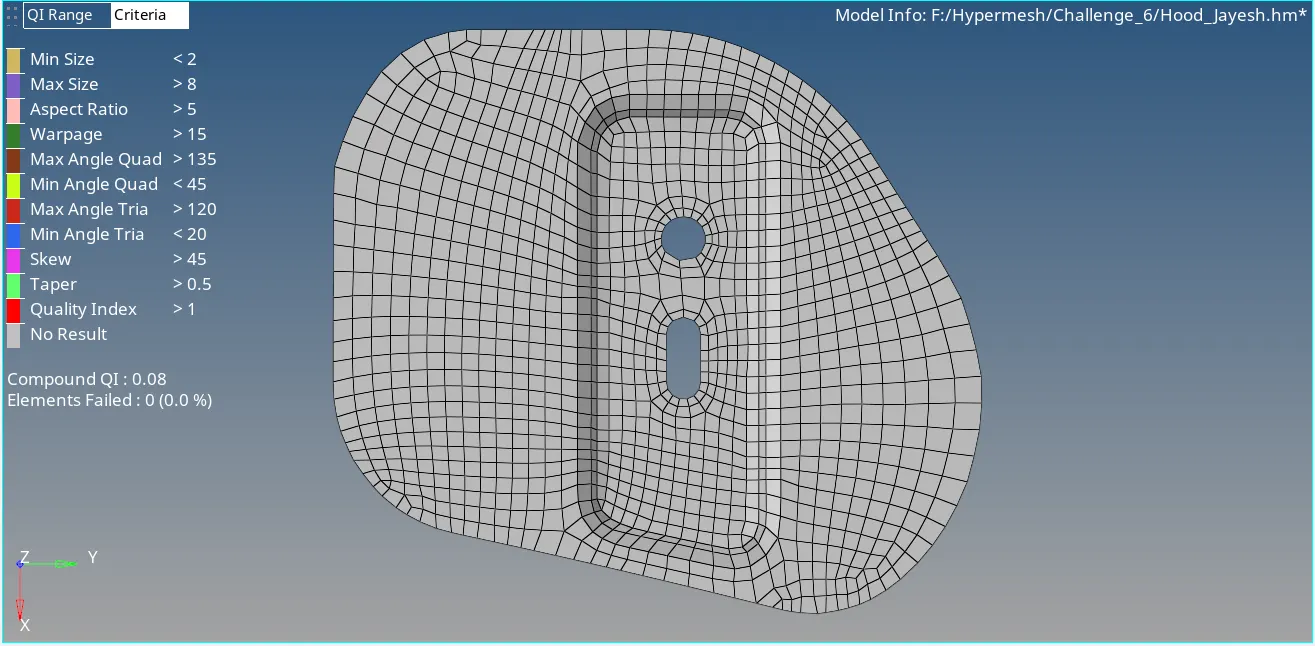
- Values given to the criteria accordingly and checked.
- Then using reflect option mirror of the elements is done.
- After reflecting the mesh we fill the gap between mesh using the edges option in the tools panel.
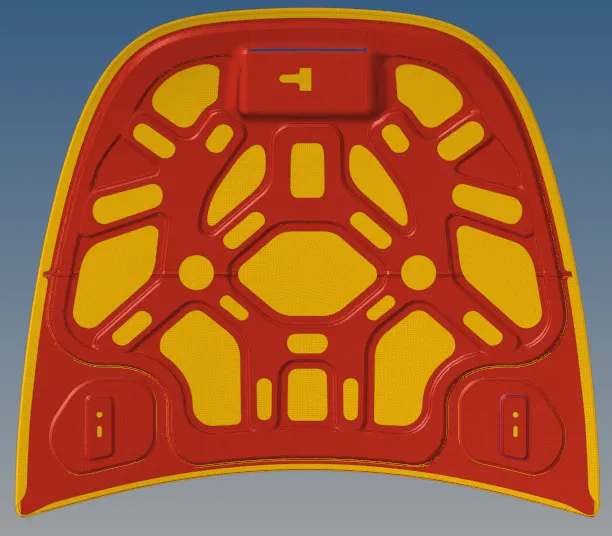
- Therefore, its done.
Tools Used:
- Midsurfacce
- Quick edit
- Edge edit
- Autocleanup
- Automesh
- Quality index
- Elem Cleanup
- Edit element
- Translate
- Project
- Reflect
- Check elems
Conclusion:
Hence, extraction of midsurface and generation of mesh of hood according to the given quality criteria is done.