Week 6- Challenge
Aim:
To mesh the given component with the given element length and the quality criteria.
Procedure:
The model which is imported to the hyperworks go to import solver deck-> import geometry.
After importing the component appears on the screen.
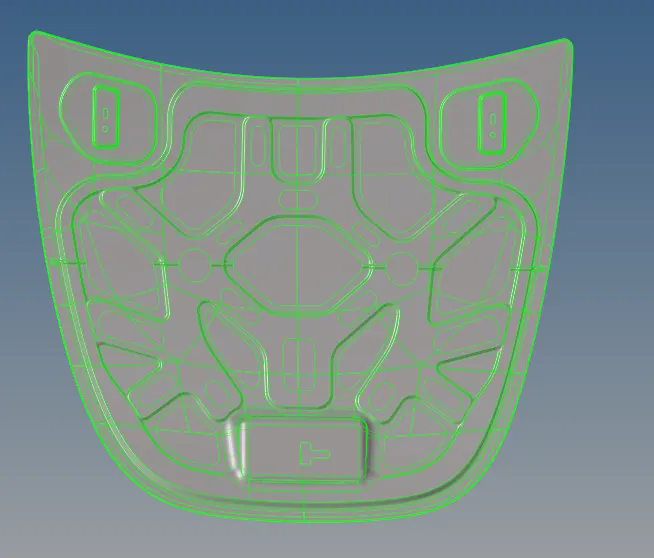
Now each component is separated to extract the midsurface.
For that go to geom-> midsurface-> select the surface-> extract.
Why midsurface?
Midsurface modeling is a technique for creating a simplified shell representation of a solid model. Midsurface modeling can reduce the computational expense of analyzing a complete solid model when a shell model with a defined thickness and fewer details is suitable for the required analysis.
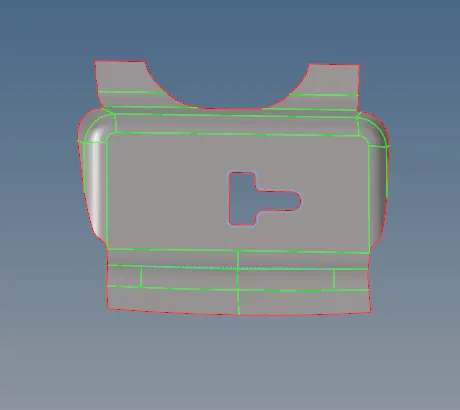
The latch reinforcement
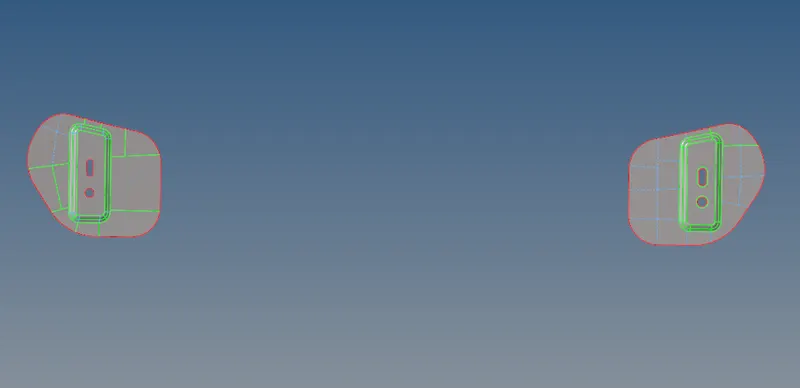
Hinge reinforcement
Outer extract
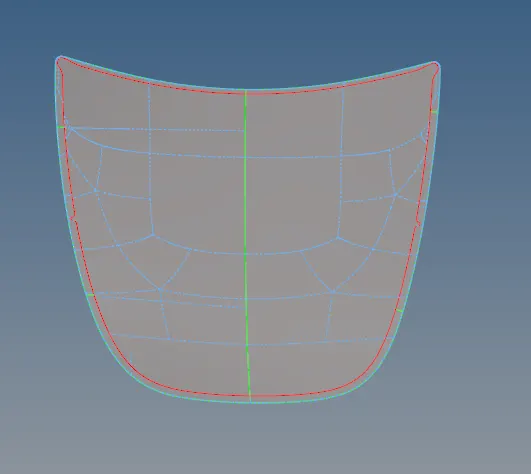
Inner extract
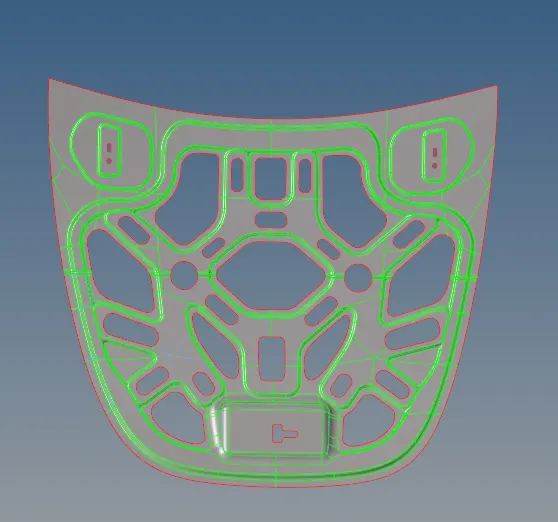
The above parts are midsurfaced individually.
After taking the midsurface, now the component has to be meshed.
After meshing each component is separatly meshed
For that go to 2D-> automesh-> select the surface-> mesh. The selected surface gets meshed.
Before starting the meshing the parameter of the quality criteria is installed at preference-> criteria files.
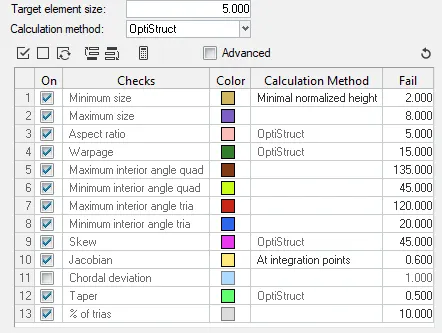
After the each time meshing the option quality criteria is checked.
For that go to 2D-> quality index-> there the parameter which has given can be checked.
In the quality index every quality criteria in given with the individual color. The color shows which color induicates which problem has occured during the meshing.
Mostly often the smooth for that 2D-> smooth is used often for giving the proper element flow.
After meshing 2D -> rebuild mesh option is to change the mesh style or mesh in a proper manner.
The tria often occurs at the time of the meshing. For reducing the trias meshing the element again or the opposite trias can be dragged towards each other.
After the meshing the flow can be increased and decreased by pressing the mouse right click and left click. Which helps to better flow of mesh.
The other thing is quick edit. The quick edit is used for toggle the line and creating the line.
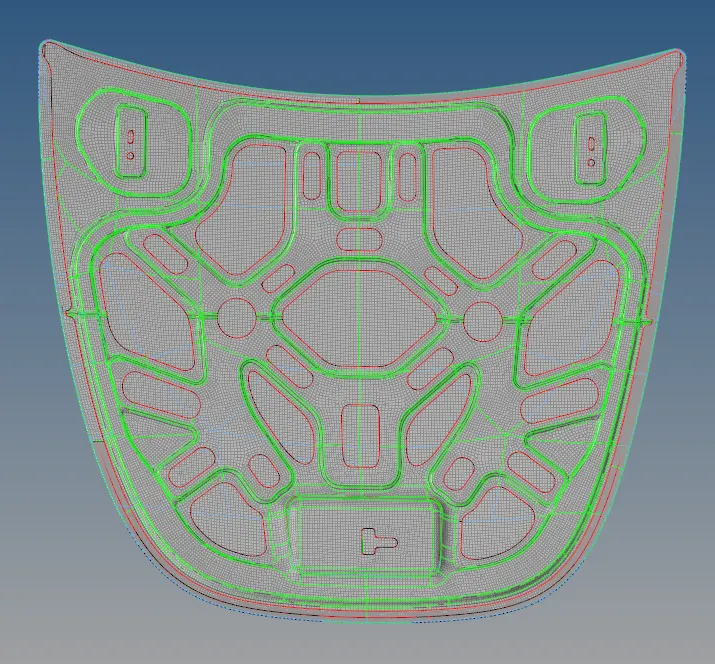
After the process the result which is obtained.
Result:
Conclusion:
After going through the every process and using the parameter the ouput of the component occurs.