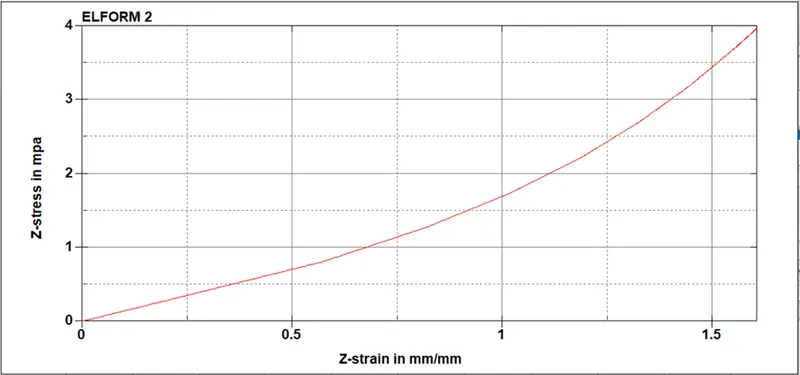
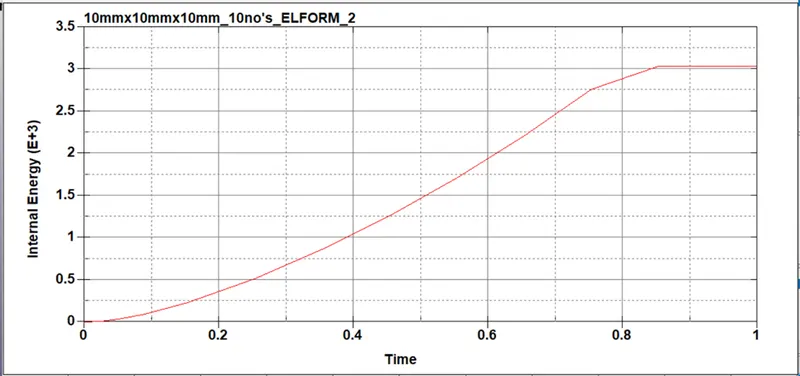
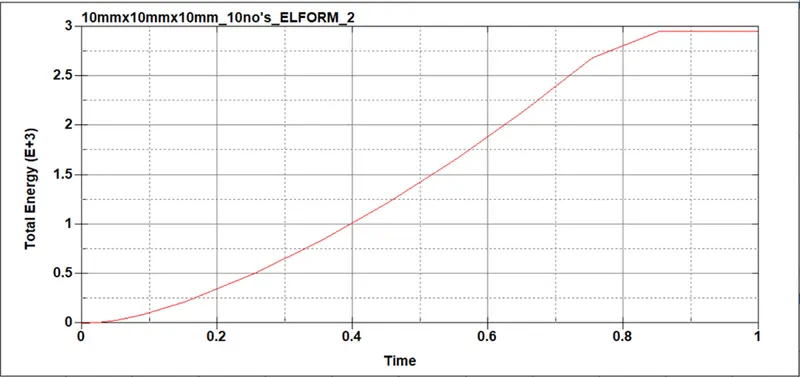
Week-6 Calculate the Stretch Ratio by comparing the ELFORM (-2,-1,1,2) with Ogden_Material Model.
Week-6 Calculate the Stretch Ratio by comparing the ELFORM (-2,-1,1,2) with Ogden_Material Model.
Aim;-
Create a block of 10mmx10mmx10mm dimension with 10 elements for each direction and use the material card attached (Ogden_Material.k) that is representative of the material properties from the above figure.
Use appropriate boundary conditions to simulate tensile behavior for the model and finally compare the results from your simulation to the plot above up to stretch ratio 5. Only the uniaxial plot is to be compared.
Compare the results for the simulation using ELFORM = 1, 2, -1, -2
The unit of µ in the material definition is in MPa and α is a dimensionless quantity. Modify those quantities according to your unit systems.
Use a proper solver (Implicit/Explicit) and also explain the reason.
Deliverables:
- An excel sheet with proper conversion and calculation of Stress/Strain and the Stretch Ratio for all the ELFORM.
- A proper image of the plot comparison of various ELFORMS against the Uniaxial Plot given in the challenge.
Procedure: -
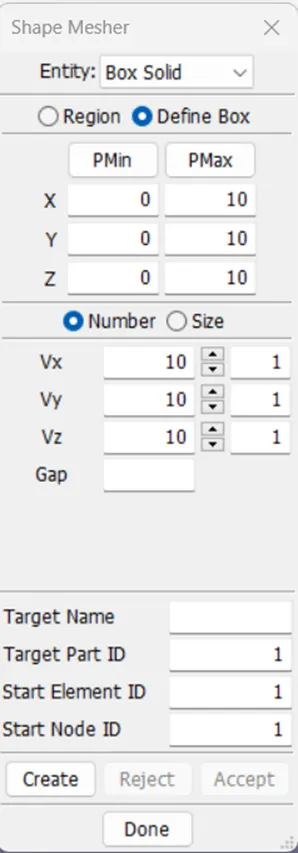
- To create 10mmx10mmx10mm solid cube.
Go to mesh-select shape mesher-select define box-enter dimension of cube-(X,Y,Z)in (10,10,10)-select element number (Vx,Vy,Vz) (10,10,10)-select create and Done.
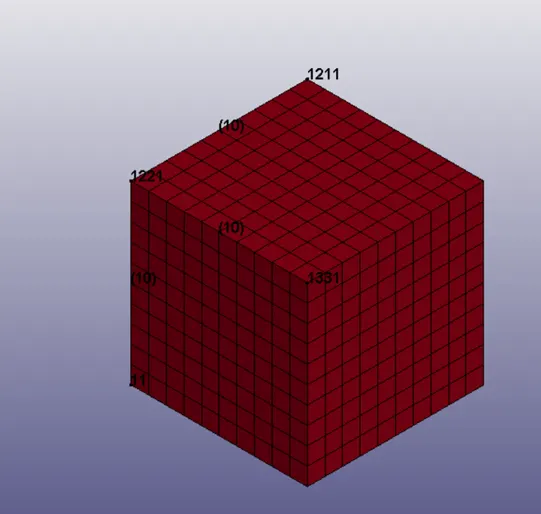
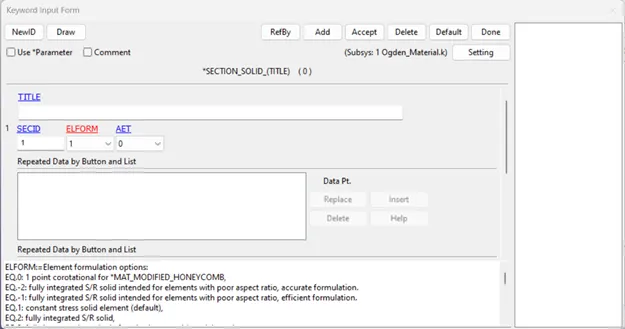
- Assign section in solid section
Make new SECID and select ELFORM 1(constant stress element) and accept
- Select boundary conduction.
To fixed x,y direction and allow to move z direction.
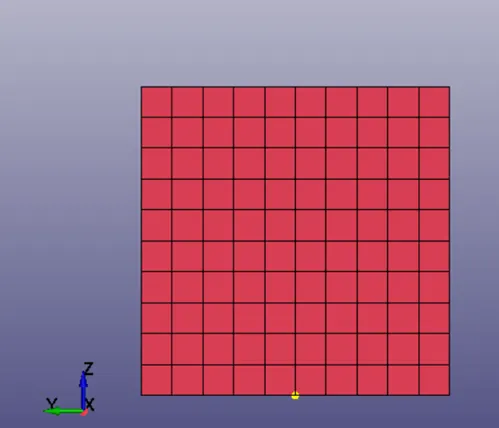
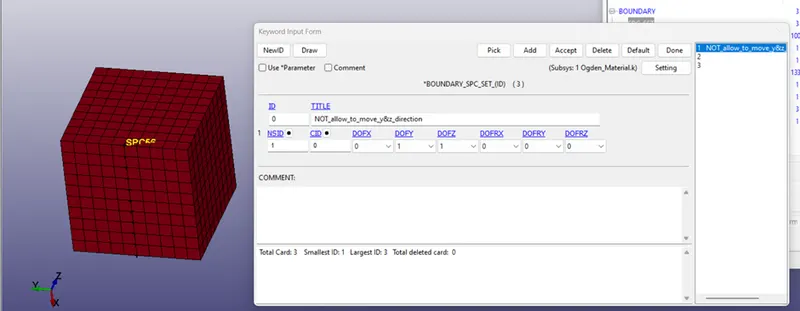
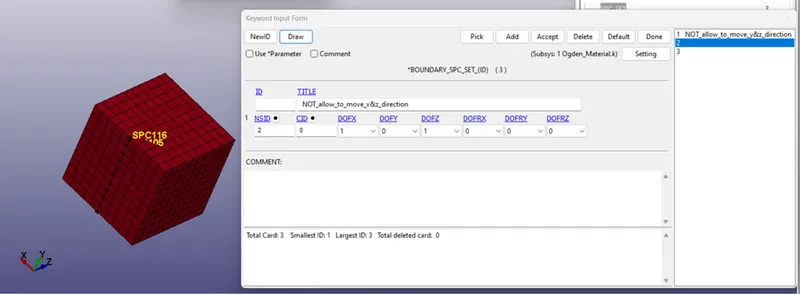
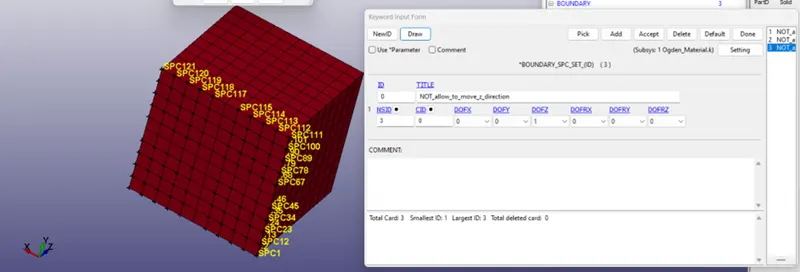
Hear we need to consider uniform deformation for all direction(x,y,z).
- To assign BOUNDARY_PRESCRIBED_MOTION_SET.
Before assign z direction moment in node set and LCID
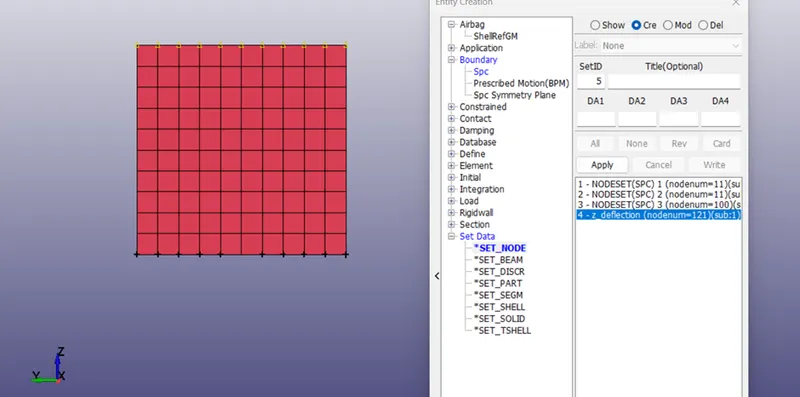
To create LCID need to know strain value to move in z direction.
stretch ratio = 5
stretch ratio=1 + engineering strain
1 + engineering strain= 5
engineering strain=5-1=4
each side 10 element so,10*4= 40
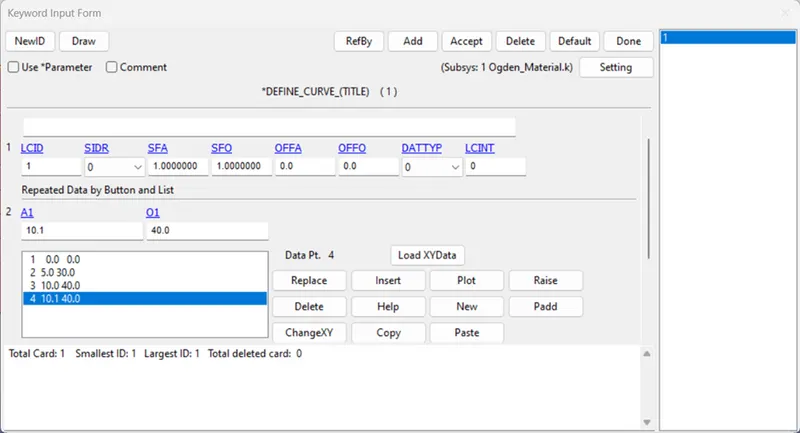
PRESCRIBED_MOTION_SET
Select NSID z direction deflection, DOF allow to move in z direction and select LCID.
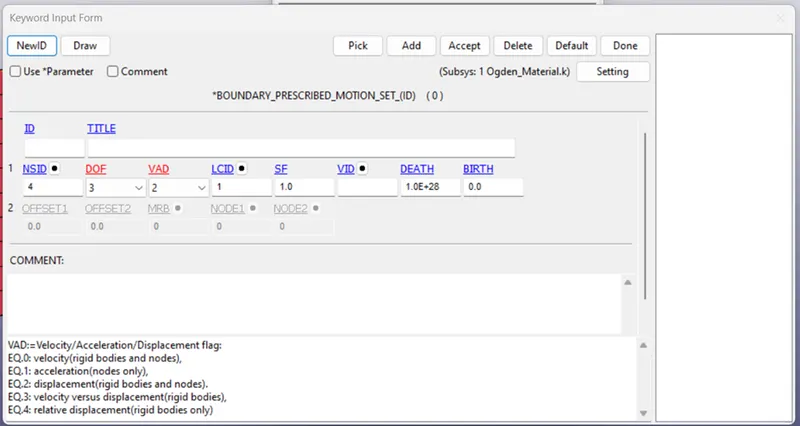
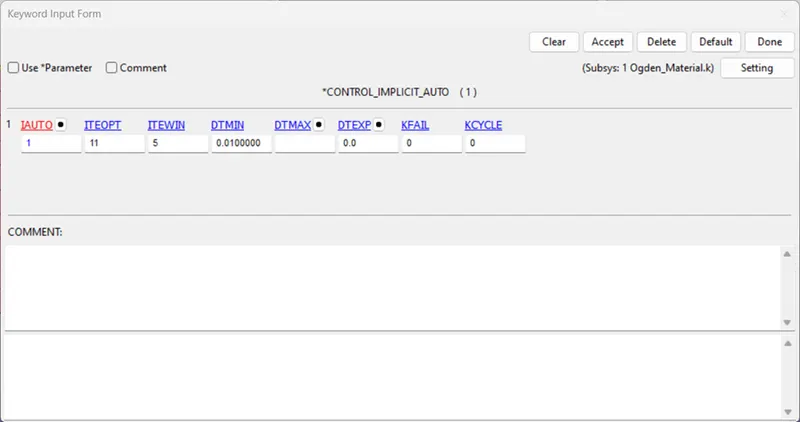
- Assign CONTROL
Select implicit auto- IAUTO(ALLOW IMPLICIT)
- Assign Data base
DATABASE_ASCII_option
DATABASE_BINARY_D3PLOT
DATABASE_EXTENT_BINARY
- Save fail and Run ls Dyna.
- After complete check D3Plot. Plot stress vs strain.
And same procedure follows remining all and change section Element formulation options only.
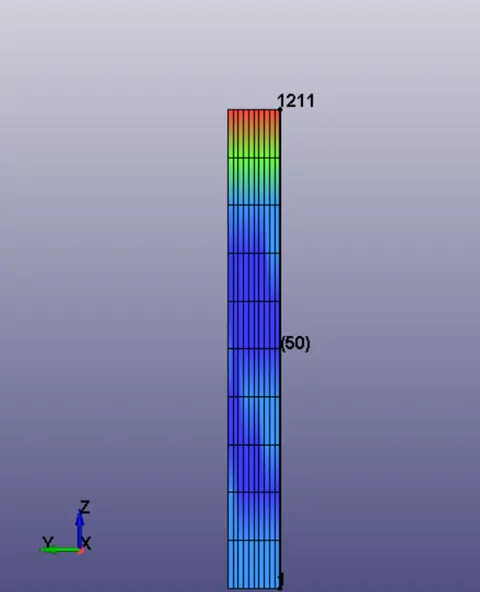
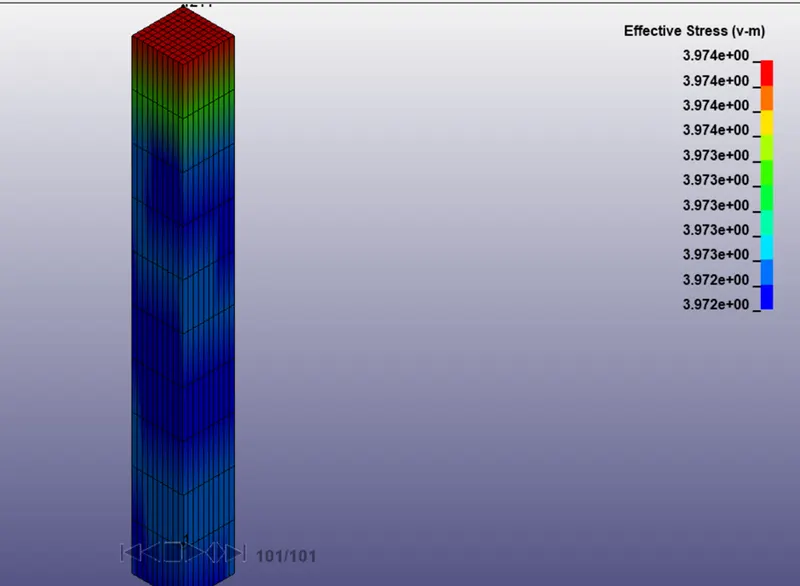
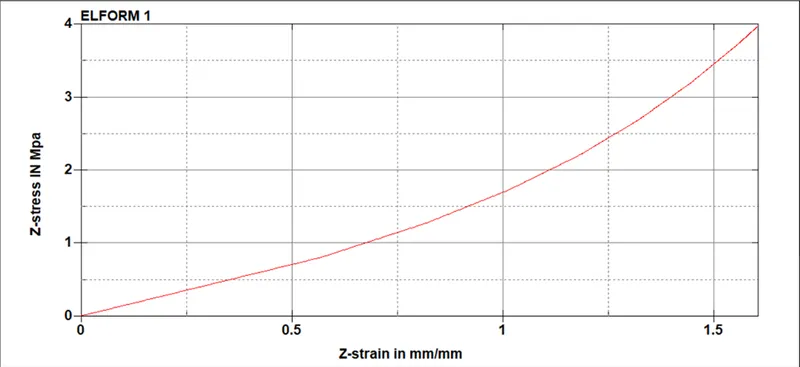
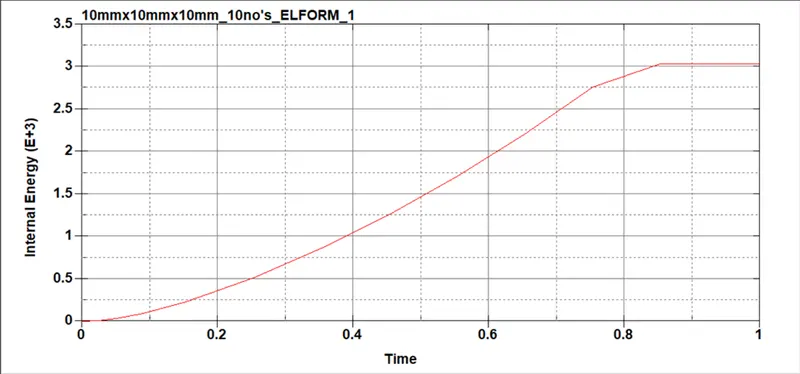
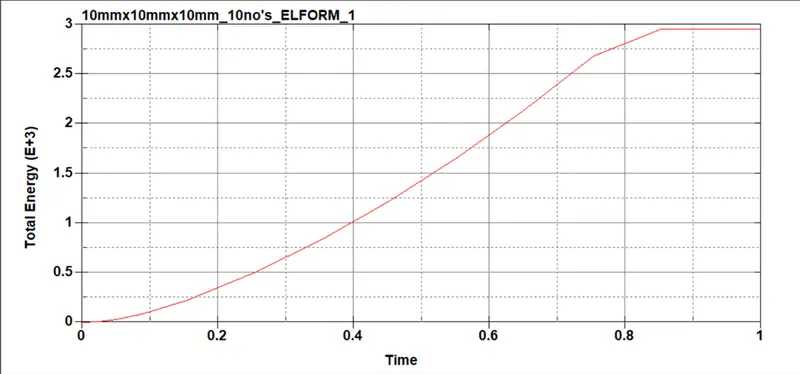
ELFORM=1
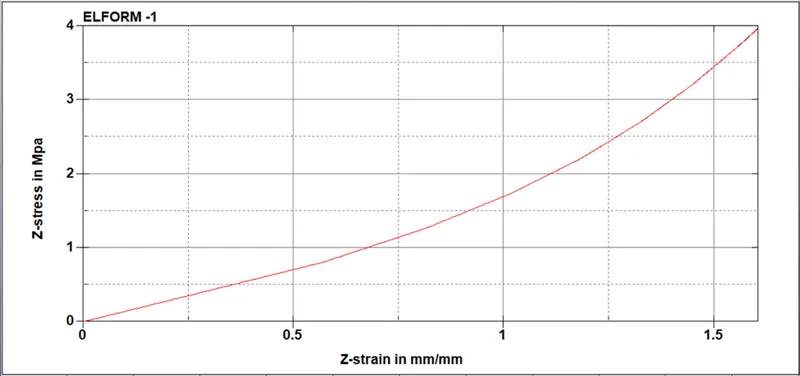
ELFORM= -1
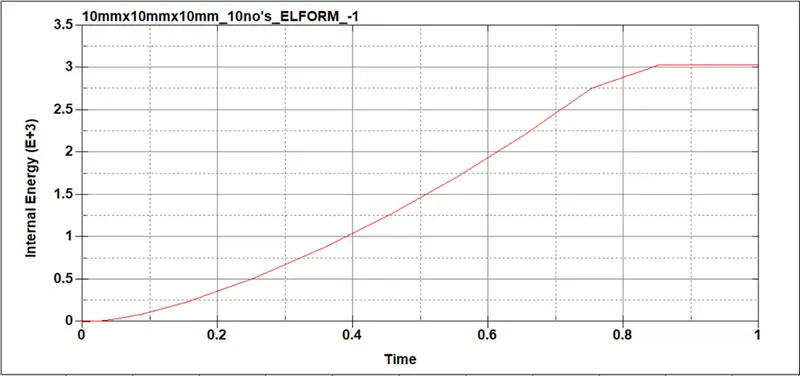
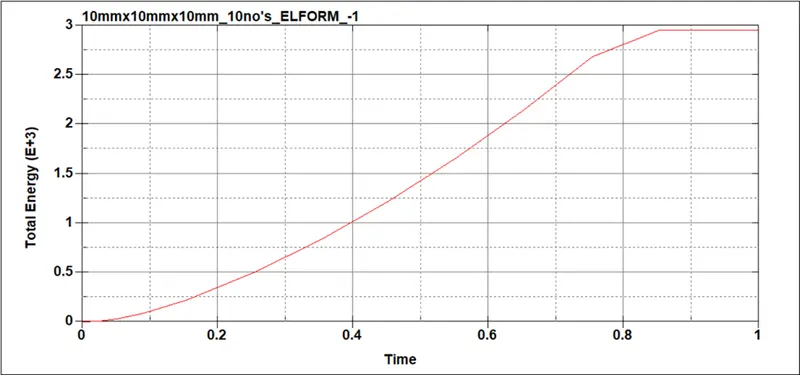
ELFORM=-2
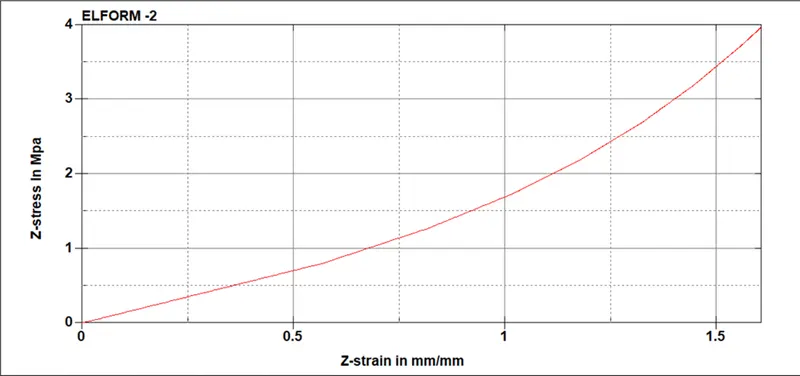
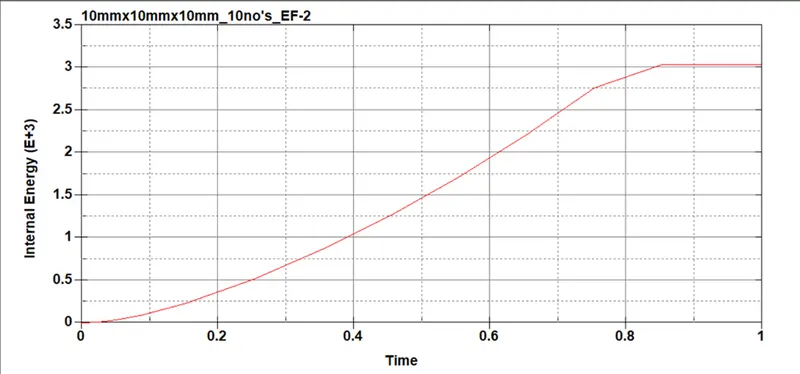
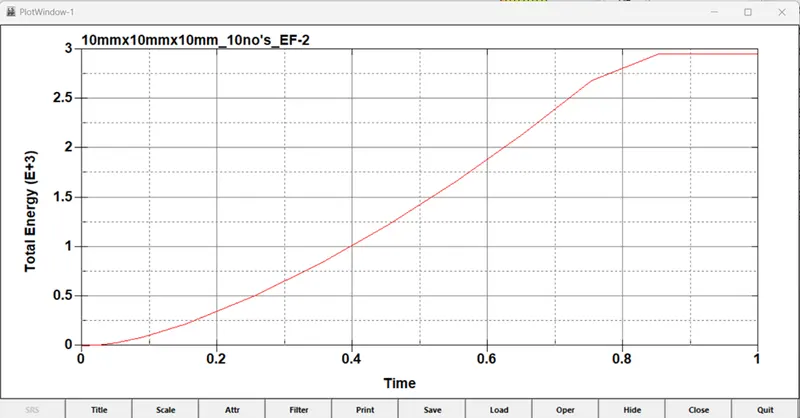
ELFORM= 2