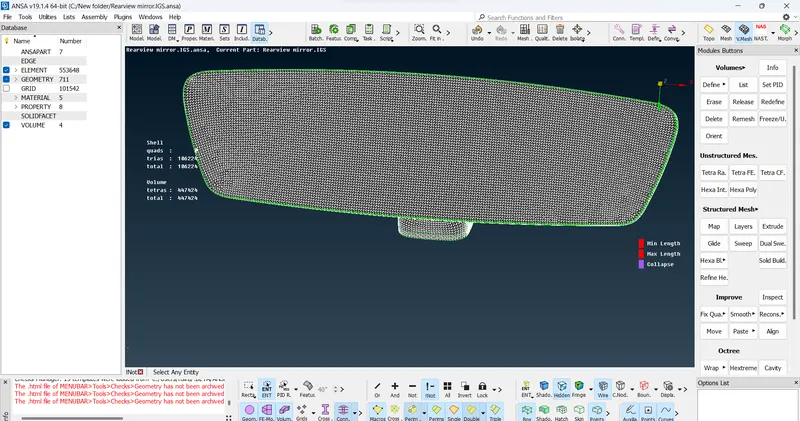
Week- 5 - Solid meshing
Aim:
For the given Rear view mirror component,i'm going to the check for the geometrical errors and mesh the Surfaces with the given 2D element Quality criterias.
Procedure:
Step 1:
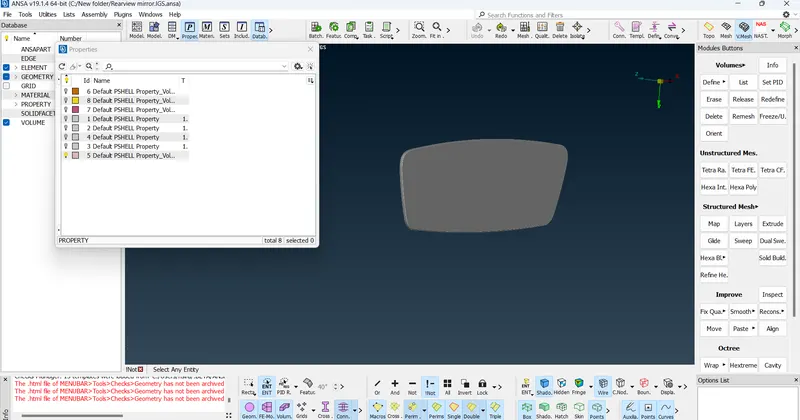
Open the model in ANSA
Step 2:
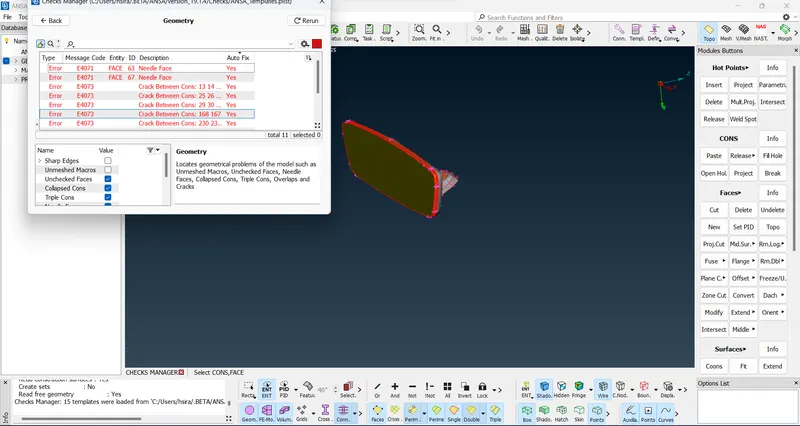
Check for the geometry errors.
Geometry checks option is selected from the uiliites tab, to check for the errors.
Step 3:
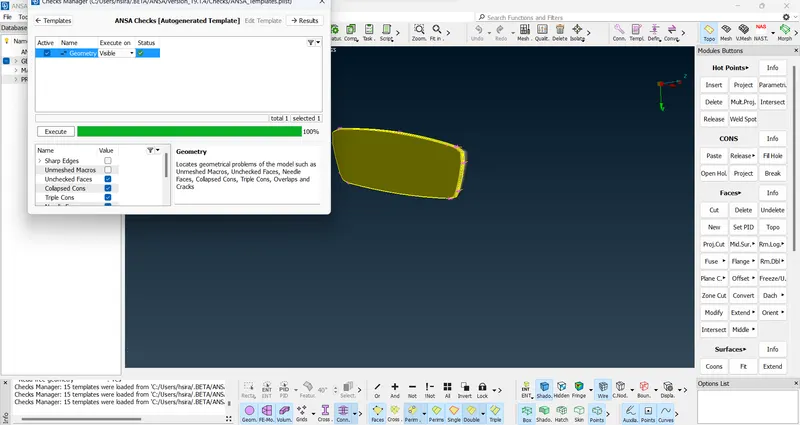
Error in the model has been cleared.
Step 4:
Fix the given 2D element Quality criterias given below.
|
S.No |
Quality Criteria |
Value |
|
1 |
Target/Average length |
1 |
|
2 |
Minimum Length |
0.5 |
|
3 |
Maximum Length |
2 |
Check for the below quality after Volume meshing.
|
S.No |
Quality Criteria |
Value |
|
1 |
Tet collapse |
0.2 |
Step 5:
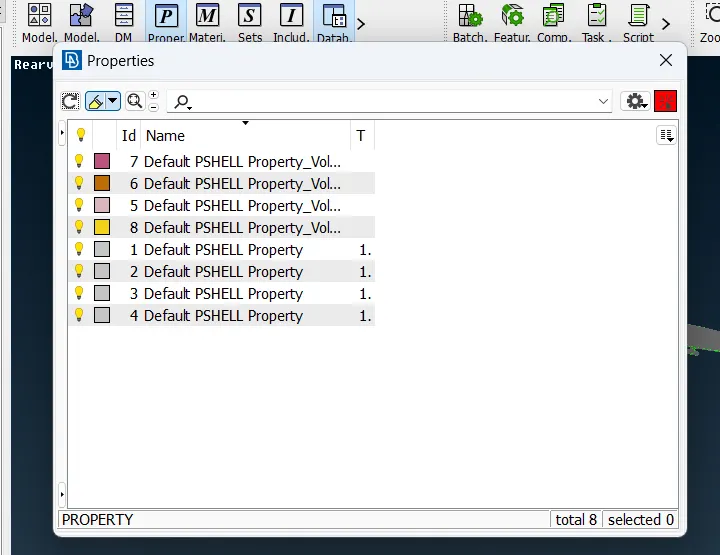
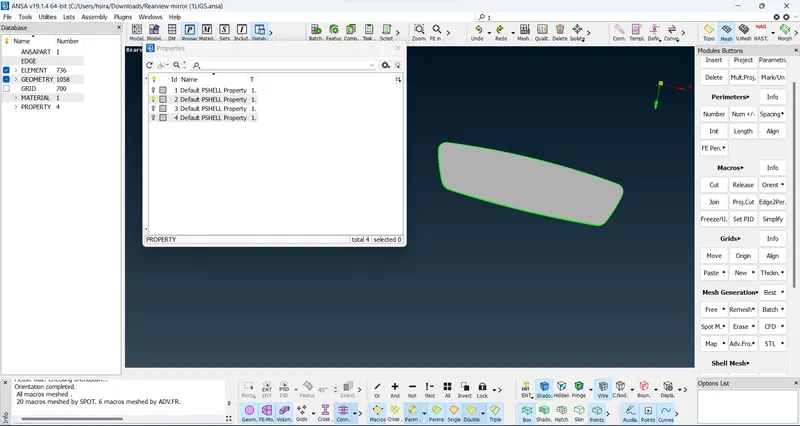
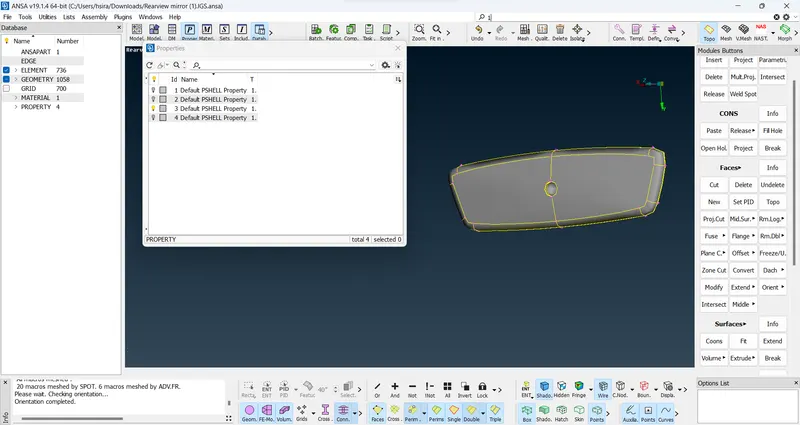
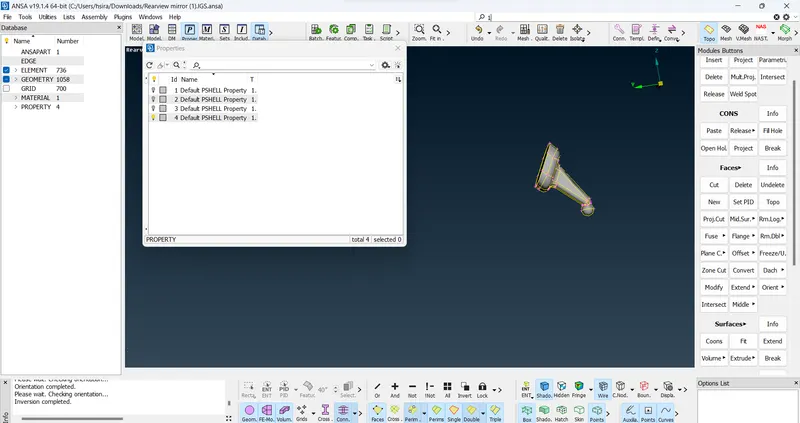
After fixing the mesh criteria, mesh the 2D element one by one using individual PID
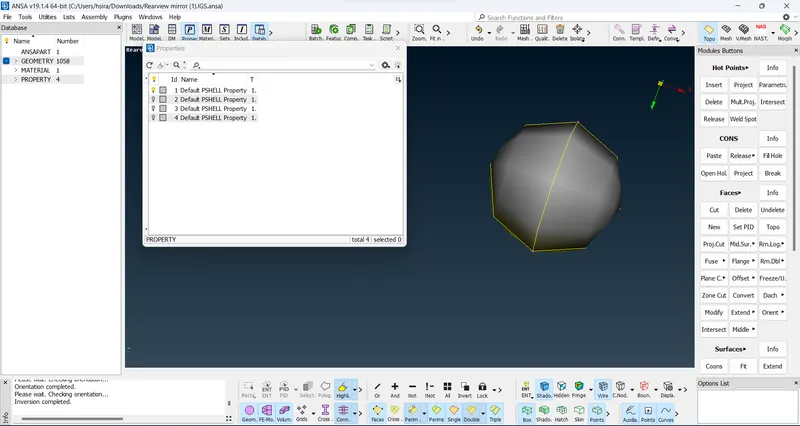
Step 6:
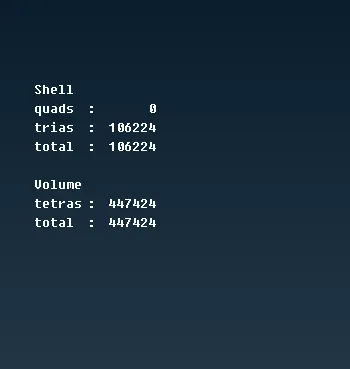
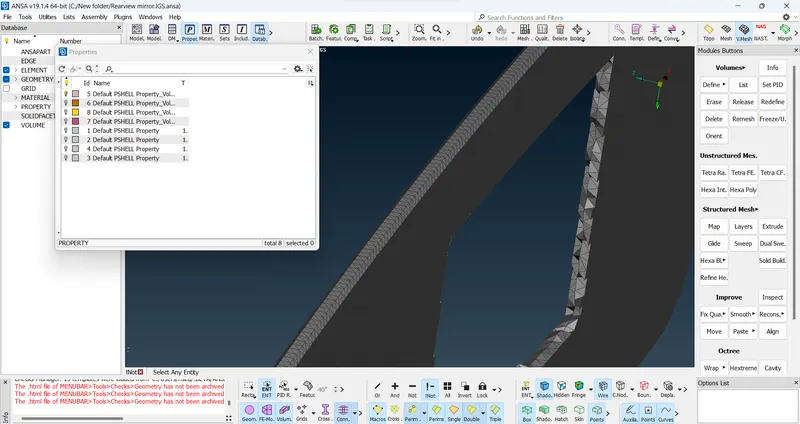
Go for Volume mesh
Step 7:
Volume Mesh> Volumes> List
List:-This function enables the handling of the defined volumes in the database.
Step 8:
Volume Mesh > Volume > Define
Define [Auto Detect]:-This function automatically defines multiple volumes using already meshed macros or FE-model mesh.
Step 9:
Check for the Tet Collapse
|
S.No |
Quality Criteria |
Value |
|
1 |
Tet collapse |
0.2 |
Step 10:
Check for the off elements.
Learning outcomes:
1. Button :VOLUME MESH>Unstructured Mesh>Tetra Rapid
Function Name :Tetra Rapid
Summary :
The Tetra Rapid algorithm meshes the Volume with Tetra Elements.
2. Button :VOLUME MESH>Unstructured Mesh>Tetra FEM
Function Name :Tetra FEM
Summary :
This function automatically creates a Tetrahedral mesh inside selected Volumes, initially with pyramid elements if the starting surface mesh contains quad elements. It is to be used mainly for structural applications. Volumes to be meshed with this function must have been defined using the Define(Volumes) function.
Conclusion:
The geometrical errors and meshing of the Surfaces with the given 2D element Quality criterias, Using tetra elements to mesh the Volumes defined in the model and checked the quality after Volume meshing.