Week- 5 - Solid meshing
AIM:-
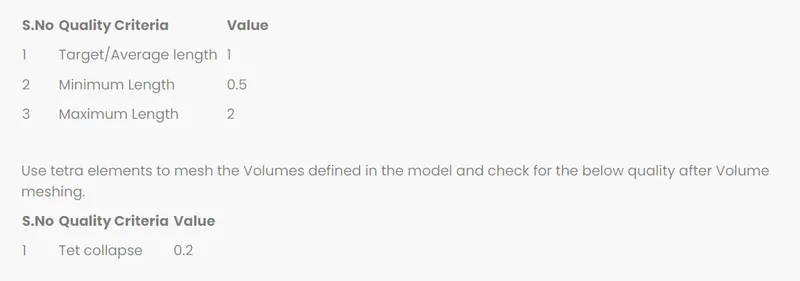
- For the given Rear view mirror component, check for the geometrical errors and mesh the Surfaces with the given 2D element Quality criteria’s given.
- Use tetra elements to mesh the Volumes defined in the model and check for the below quality after Volume meshing.
OBJECTIVE:-
- Check for the geometrical errors.
- Mesh the Surfaces with the given 2D element Quality criteria’s
- Use tetra elements to mesh the Volumes defined in the model and check for the quality after Volume meshing, for the given Rear view mirror component,
INTRODUCTION
COMPUTER AIDED ENGINEERING (CAE)
Computer-aided engineering (CAE) is the use of computer software to simulate performance in order to improve product designs or assist in the resolution of engineering problems for a wide range of industries. This includes simulation, validation and optimization of products, processes, and manufacturing tools.
A typical CAE process comprises of pre-processing, solving, and postprocessing steps. In the pre-processing phase, engineers’ model
the geometry (or a system representation) and the physical properties of the design, as well as the environment in the form of applied loads or constraints. Next, the model is solved using an appropriate mathematical formulation of the underlying physics. In the post-processing phase, the results are presented to the engineer for review.
ANSA
ANSA - Stands for Automatic net generation for structural analysis. ANSA is an advanced multidisciplinary CAE pre-processing tool that provides all the necessary functionality for full-model build up, from CAD data to ready-to-run solver input file, in a single integrated environment.
ANSA is the users’ preference due to its wide range of features and tools that meet their needs. The list of productive and versatile features is long and the alternative tasks and processes to be completed using them are countless.
REAR VIEW MIRROR
A rear-view mirror (or rear-view mirror) is a flat mirror in automobiles and other vehicles, designed to allow the driver to see rearward through the vehicle's rear window (rear windshield).
In cars, the rear-view mirror is usually affixed to the top of the wind shield on a double-swivel mount allowing it to be adjusted to suit the height and viewing angle of any driver and to swing harmlessly out of the way if impacted by a vehicle occupant in a collision.
The rear-view mirror is augmented by one or more side view mirrors, which serve as the only rear-vision mirrors on trucks, motor cycles and bicycles.
PROCEDURE:-
- Open the hood rear view mirror from the files and it must be carried out for several operations.
- Check the geometry of the model from the 'checks' and execute the operation by selecting required check parameters.
- Fix the geometry manually or by means of auto fix (geometry clean up).
- Measure the thickness of the component by measure command.
- Give a proper Orientation to the model using Orient auto.
- Go to classic mesh > length > give appropriate perimeter/ macros.
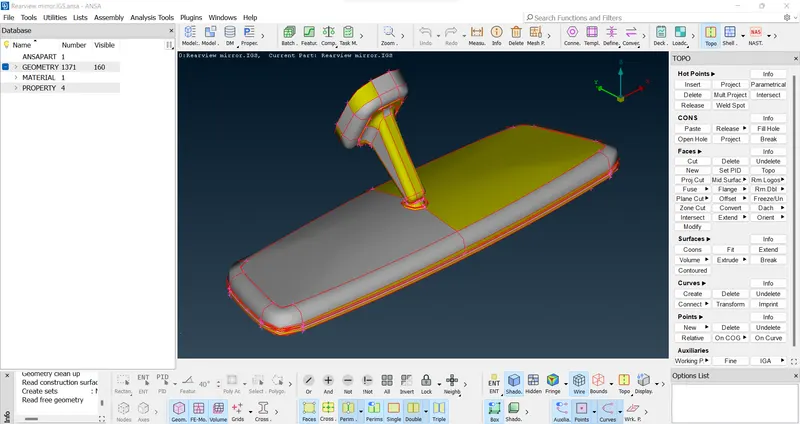
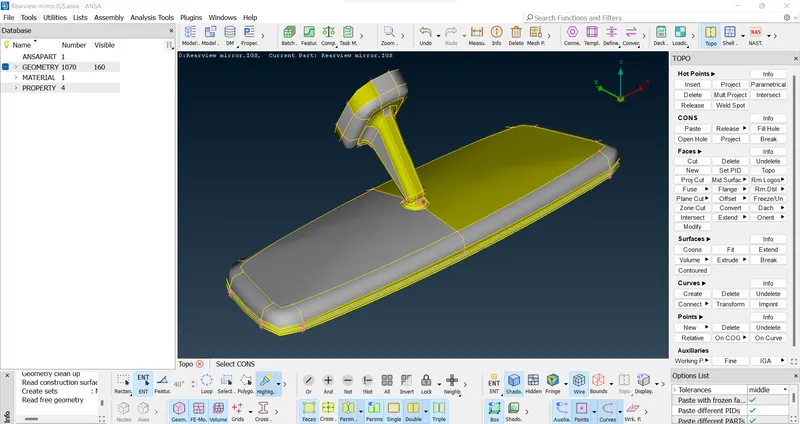
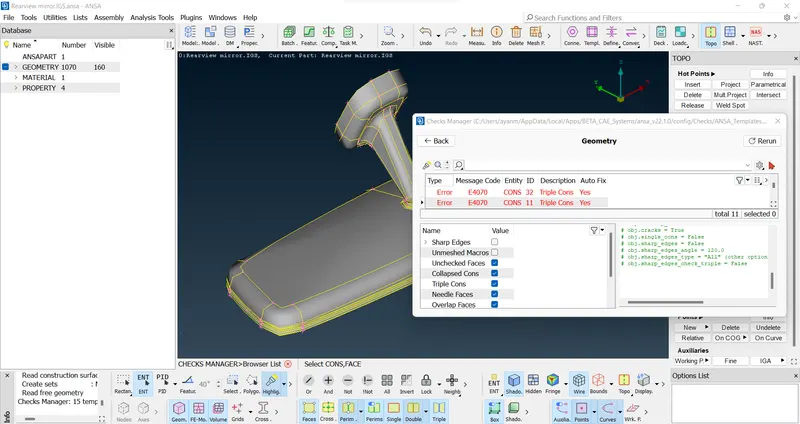
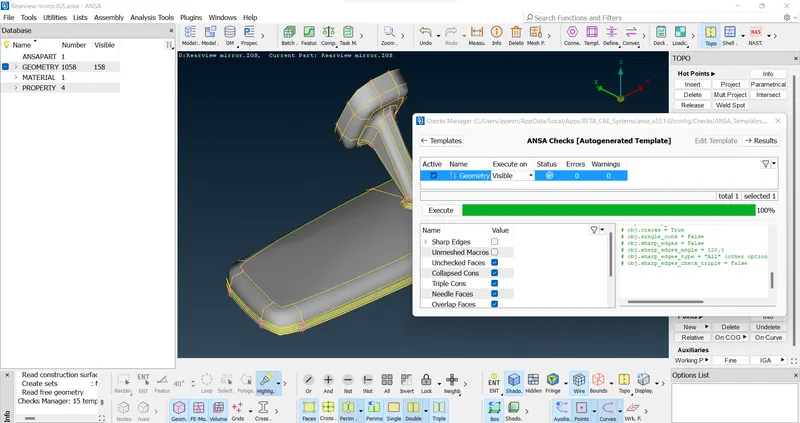
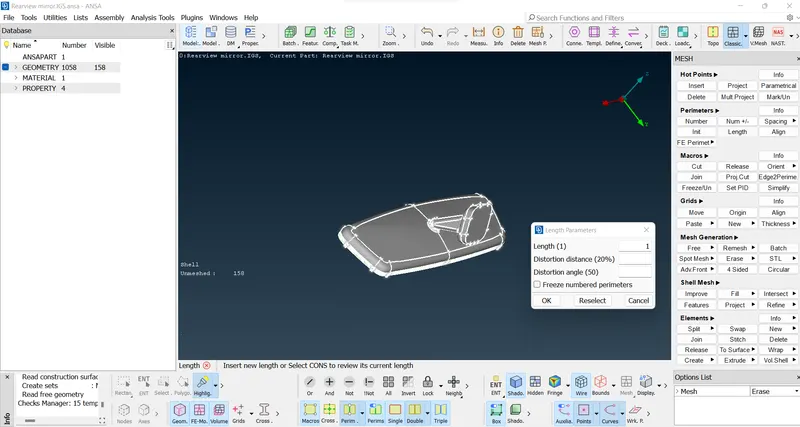
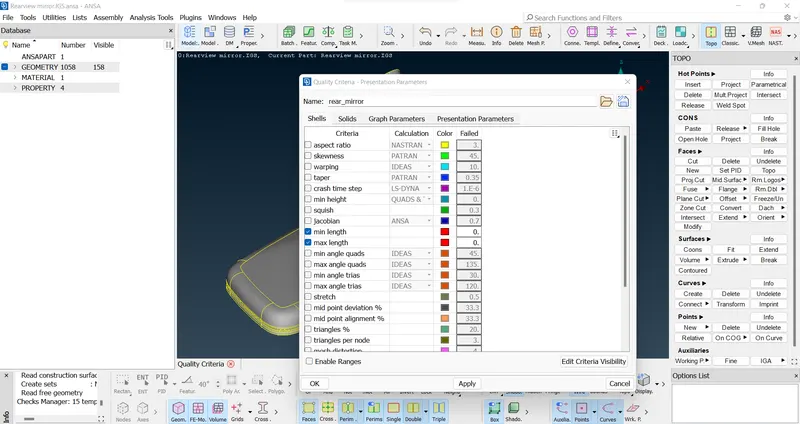
- Now give proper given quality criteria to the model.
- Give the minimum length of 0.5 and maximum length of 2.
- Give the mesh parameters as per the given criteria.
- Give average target length and minimum length in Mesh Parameters tab & set ‘Ortho Tria’.
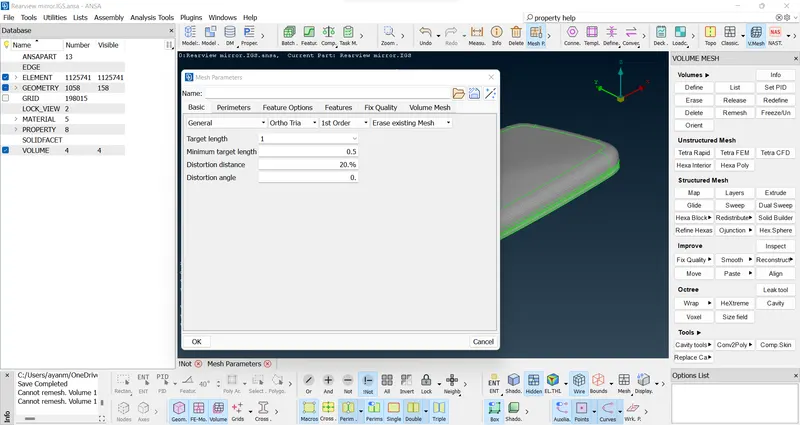
- > Separate the model in two parts for better understanding.(stored in lock view)
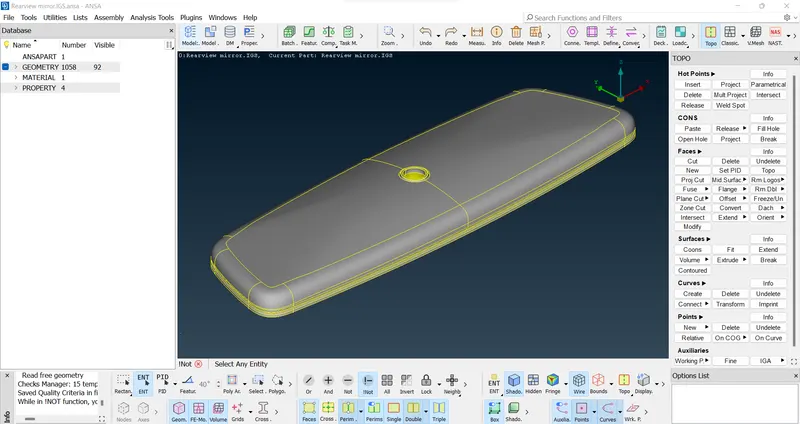
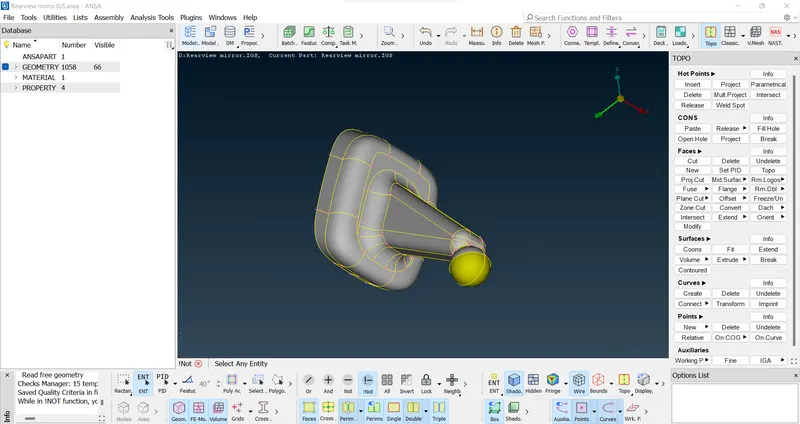
- Give proper meshing to the components by using spot mesh from mesh generation in classic mesh.
- Preferred Use ‘Ortho tria’ for curved surfaces and ‘tria’ for flat surfaces.
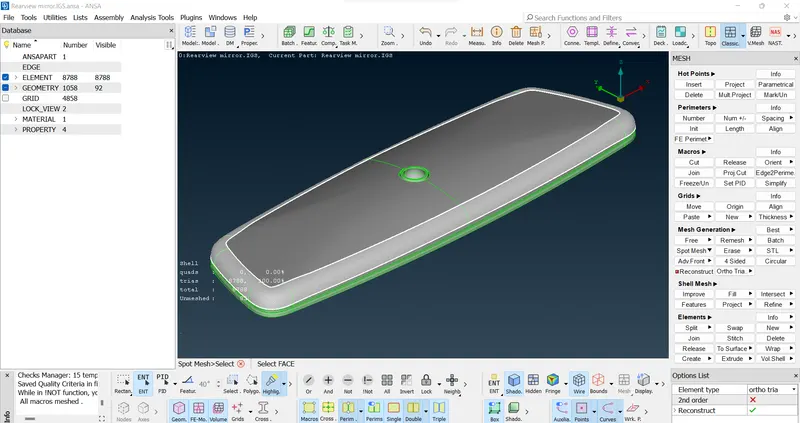
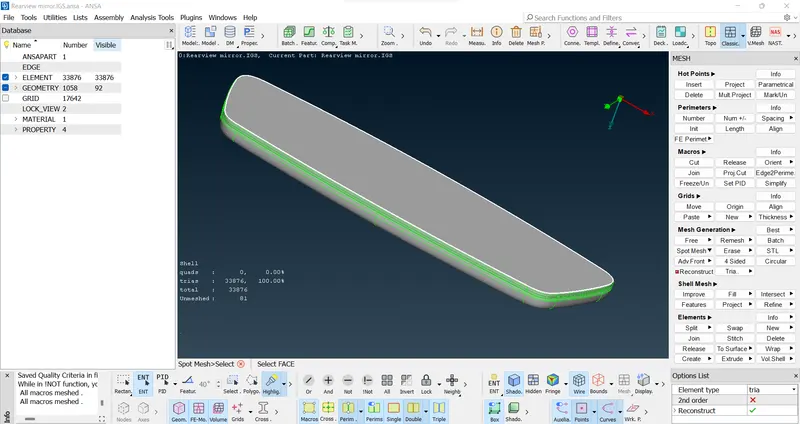
- Complete the meshing by using ortho tria and tria.
- Improve/smooth/reconstruct the mesh to attain a good mesh flow.
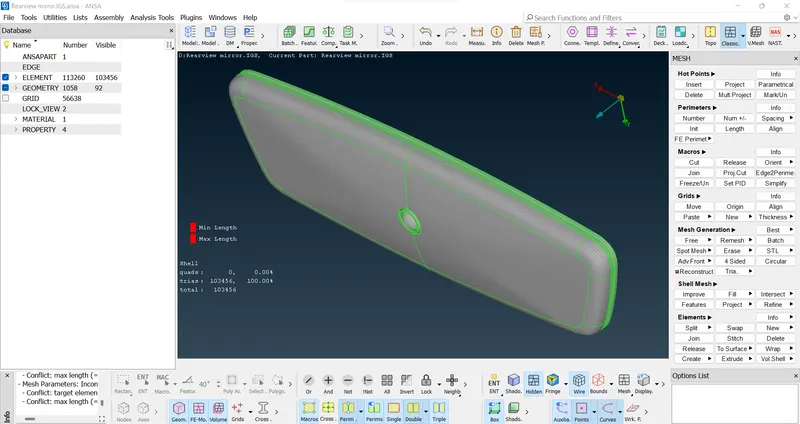
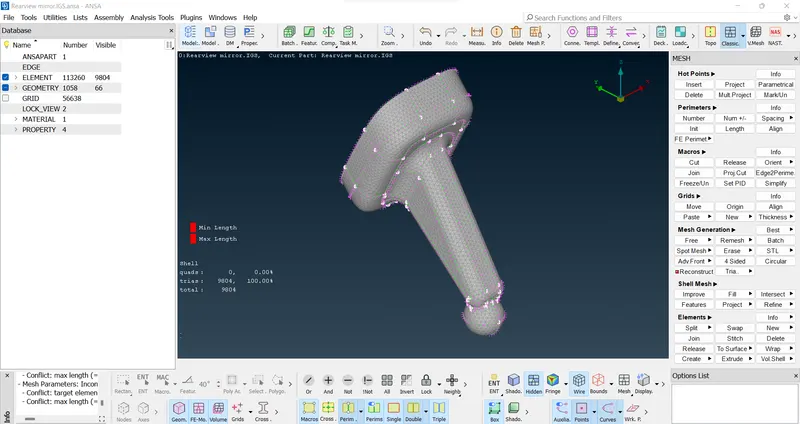
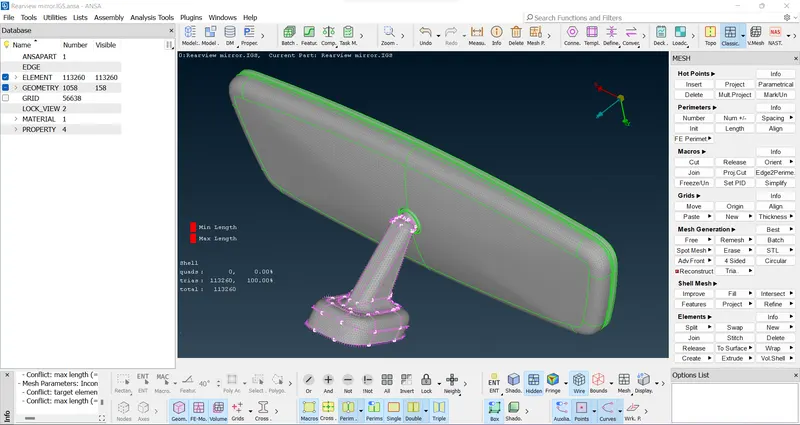
Volume Mesh >
- Give tet collapse value in quality criteria > solid > as 0.2 and check for the collapse.
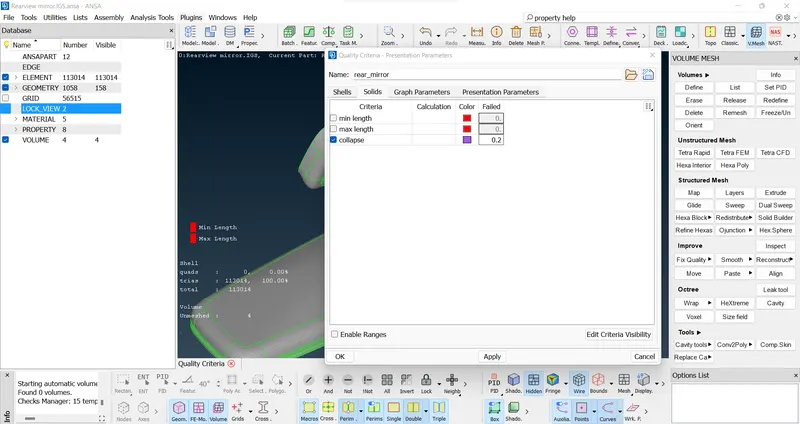
- First go to volume define and define a volume to the surface mesh.
- Then go to volumes > list > remeshed with Tetra FEM/Tetra Rapid & make the status to meshed.
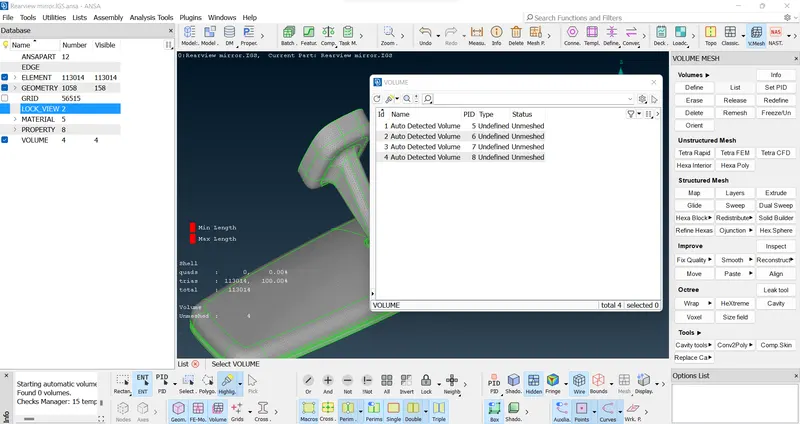
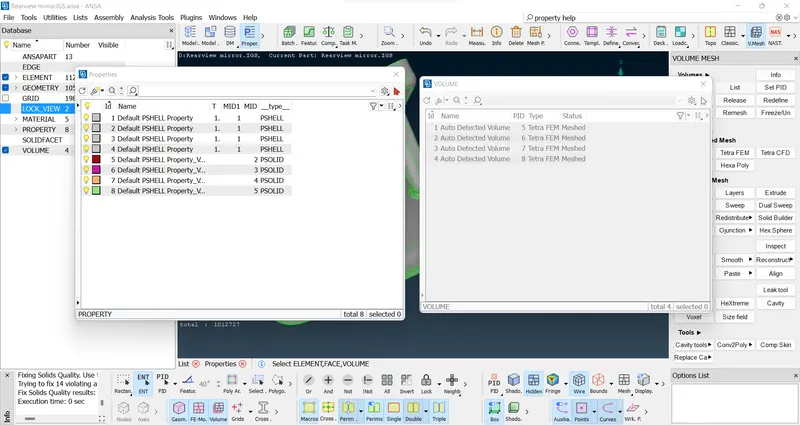
>>Also check property for shell and volume properties.
- Clear all the off elements generated by improve/fix quality from V mesh.
- Clear all the kinks, raised edges and other errors. (We can use origin, grid moves option for clear off elements manually).
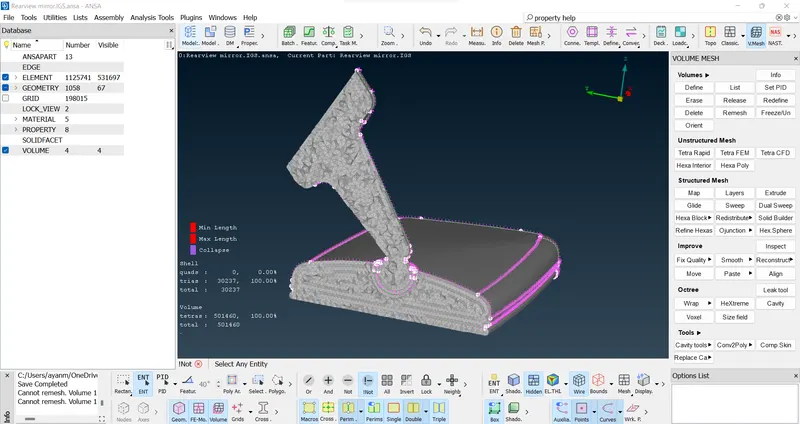
in bounds mode>>
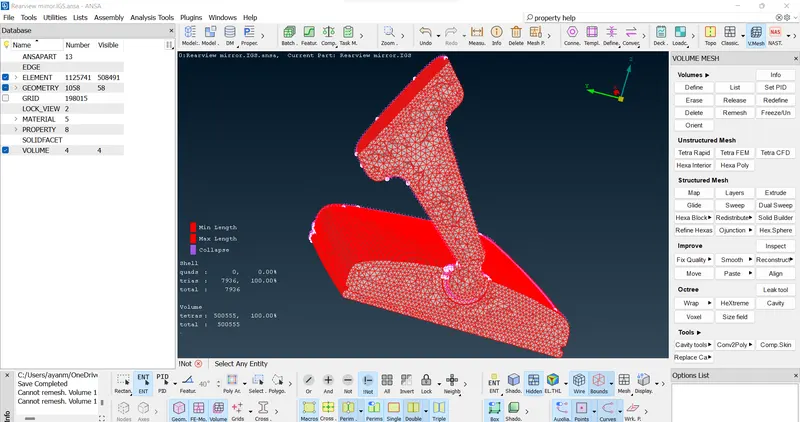
- Save the file by using a proper name.
LEARNING OUTCOMES:-
we have learned to do tetra mesh by using ortho tria and tria by giving proper quality criteria for solid meshing.
V mesh > spot mesh > ortho tria > enter for curved surfaces
V mesh > spot mesh > tria > enter for flat surfaces.
for defining the volume, V mesh > define > enter and meshed the volume with Tetra FEM.
Ramesh the all un meshed volume by right clicking.
For quality improving V mesh/improve/fix quality.
Smooth / reconstruct/ move options can be used as the need.
CONCLUSIONs :-
Performed the tetra Solid meshing for the rear-view mirror as per given quality criteria by using ANSA and learned lot about the new commands in solid meshing.
FINAL MODEL LINK :-