Week- 5 - Solid meshing
3D Meshing for solid component
Aim:
To convert rear-view mirror of an automotive vehicle from CAD to CAE model for FE analysis using ANSA pre-processor.
Procedure:
- Import the CAD geometry into ANSA pre-processor
- Perform geometry clean up and study the CAD
- Perform 2D meshing on the inner and outer surfaces of the CAD
- Perform 3D meshing on trias using TETRA FEM
- Maintain element quality as per prescribed guidelines
Import the CAD geometry into ANSA pre-processor
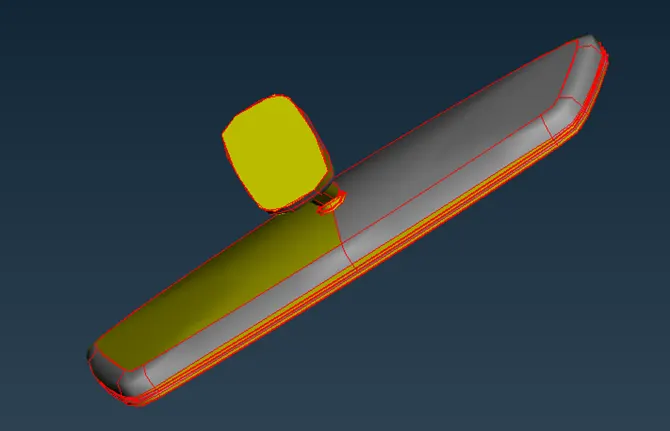
- The given CAD geometry in the native STP format is imported into ANSA by just dragging it into ANSA Workspace. The CAD geometry is shown below.
Perform geometry clean up and study the CAD
- It is pretty evident that the geometry needs clean up. Its normal have to be oriented properly.
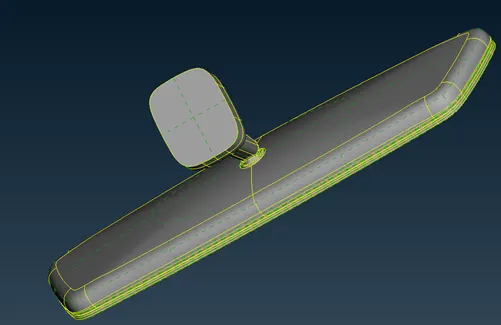
- Additionally, most of the cons need to be corrected from being a free edge to a shared edge. This can be accomplished by using the Faces > Topo option

- After performing Topo the solid model will look like the one below
- Geometry clean-up macro can be executed by clicking on the Geometry menu from the check’s manager
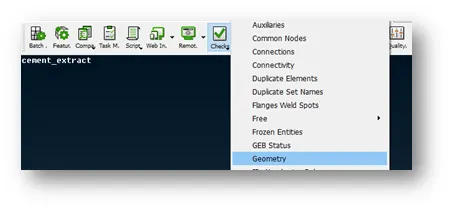
- The checks manager will appear and clicking on the execute button will identify the topological errors in the geometry. Right clicking on the error will fix it. If ANSA is unable to fix the issue, then it has to be fixed manually. Right now, in this case, no errors were found
Perform 2D on the inner and outer surfaces of the CAD
- There are four PID’s in this model. It is better to mesh each one individually. Initially 2D mesh is done on each of the PID’s
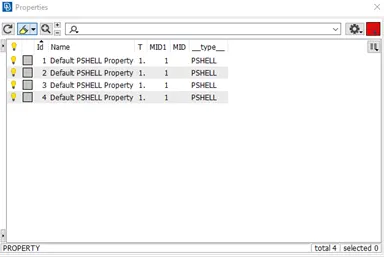
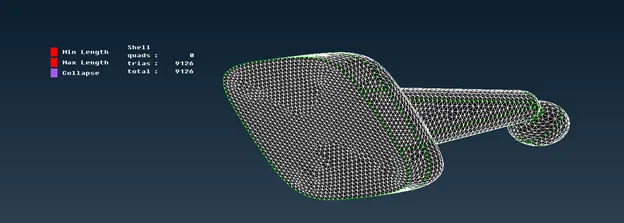
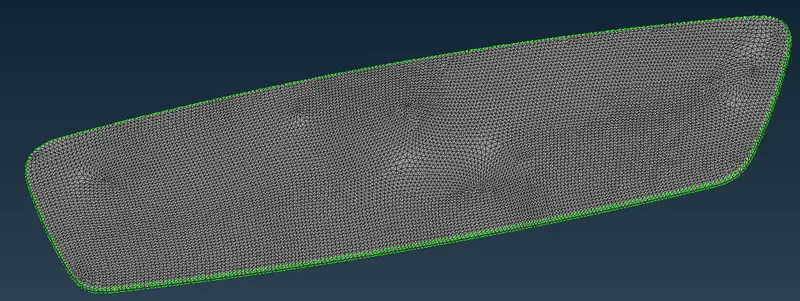
- For modelling solid components into tetra elements, is it advantageous to use Ortho triangular on curved surfaces and normal triangular elements on flat surfaces. The surface mesh is shown below for each component.
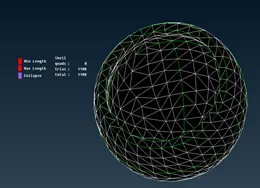
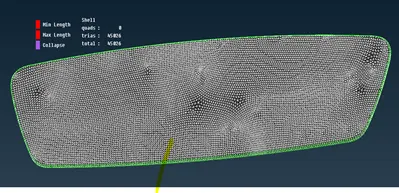
Perform 3D meshing using TETRA FEM on trias
- The first step involved in tetra meshing is the creation of volumes. Define 4 volumes for 4 solids which were surface meshed. The Volumes > Define function can be used to do the same
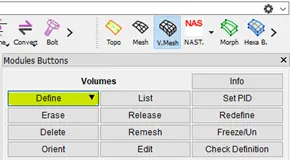
- Create the volumes individually by isolating each PID. Use TETRA FEM option to mesh the volume. ANSA will prompt the user to create a PSOLID property for the volumes. Please do so.

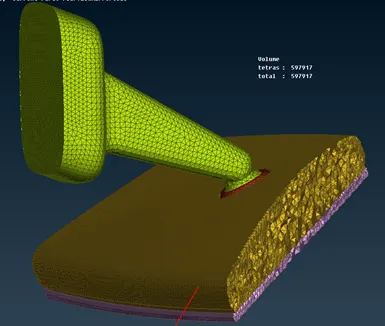
- Check if the TETRAS are created properly by isolating some the elements. In the below image you can clearly visualize the solid.
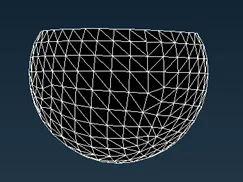
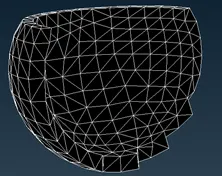
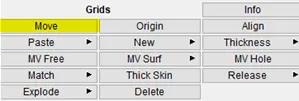
- Please check for kinks and dips on the model. Those issues are not tolerated in TETRA meshing. If there are kinks and dips, fix them manually using the Grids > Move option in Mesh module
Maintain element quality as per prescribed guidelines
- The most important criteria in tetra modelling is TET collapse. Please ensure that, tetra collapse does not occur in the model
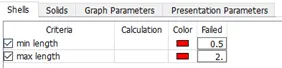
|
2D criteria |
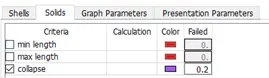
|
3D criteria |
Learning outcomes
- Ability to mesh solid components
- ANSA Volume Mesh module knowledge improvement
Result
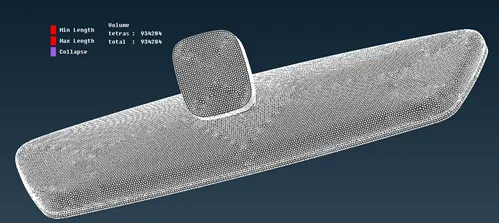
The final meshed component with zero OFF elements and 934284 tetra elements.