Week- 5 - Solid meshing
AIM :
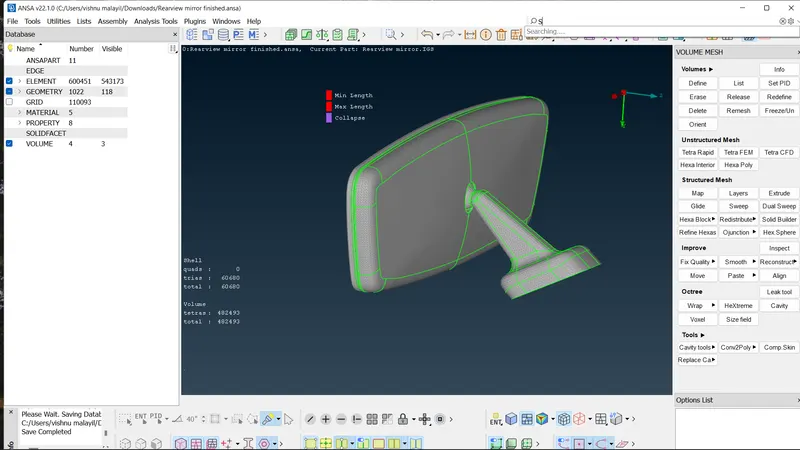
To mesh the rear view mirror component with given 2D element quality criteria and with out any geometrical errors.
OBJECTIVES:
- Use tetra elements to mesh the volume defined in the model.
- check for the below quality after meshing
- maintain good surface quality after volume meshing.
PROCEDURE:
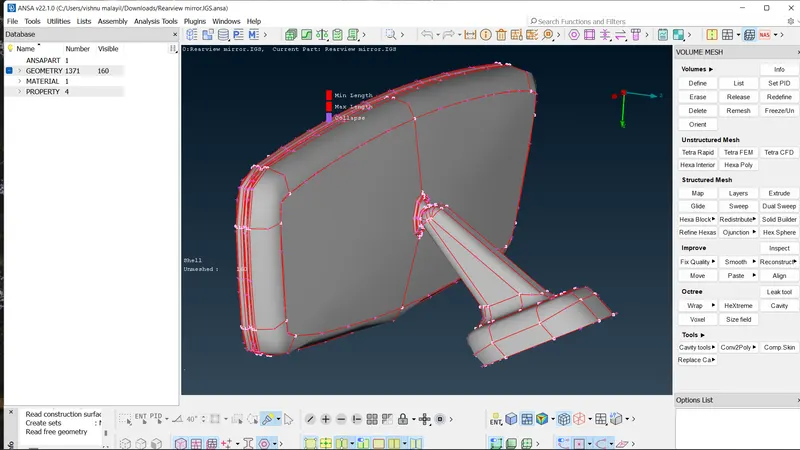
- Export the gremetry
- filr>open
- there are 4 elements mesh each one of them using following procedure.
GEOMETRY CLEAN-UP
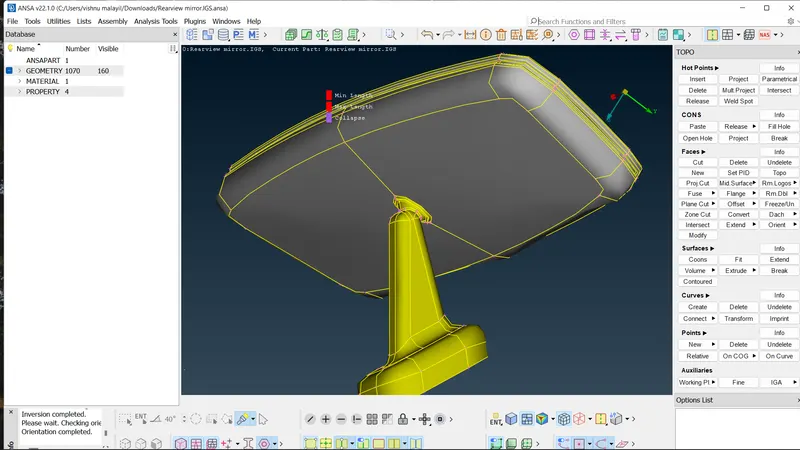
- check for proper attachment and continuity of the elements
- topomodule>topo
- topo>fine
- topo>orient for assign colour
- do cons resolution
- classic>perimeter>length as 1mm
- go for geometrical check
- check>geometry>execute.
GENERATING 2D MESH
- Assign perimeter length as target element length.
- set mesh parameter
- mesh parameter>tria mesh
- give quality criteria
- shell>minimum and maximum length.
- solid>collapse
- mesh flat surfaces using
- classic>mesh generation>best
- reconstruct for better mesh
- check for quality criterias.
- mesh rest of the areas using ortho mesh
- best>element type>ortho tria.
PRE VOLUME CHECK
- check for single cons and tripple cons.
- check for un-meshed areas
- go for intersection check
- check>penetration>intersection>execute.
VOLUME DEFENITION
- Volume mesh>volumes>define
- detect on>visible
- auto create the volume
GENERATING 3D MESH
- Volume mesh>un-structured mesh>tetra rapid
- using tetra rapid generate the 3d mesh
- check the 3d mesh.
RESULT:
- completed the mesh using tetra elements.
- maintaines the quality criteria
- completed the mesh without any geometrical errors.