Week- 5 - Solid meshing
|
S.No |
Quality Criteria |
Value |
|
1 |
Target/Average length |
1 |
|
2 |
Minimum Length |
0.5 |
|
3 |
Maximum Length |
2 |
Use tetra elements to mesh the Volumes defined in the model and check for the below quality after Volume meshing.
|
S.No |
Quality Criteria |
Value |
|
1 |
Tet collapse |
0.2 |
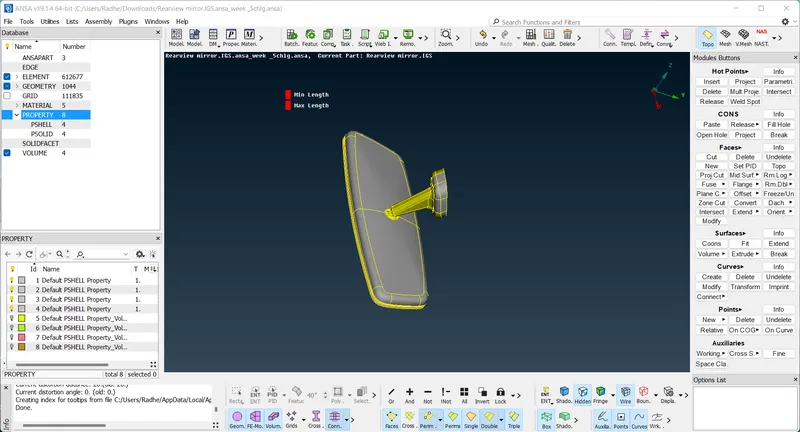
AIM -: To mesh the given the rearview mirror the component both 2D and 3D, after checking the model.
Procedure -:
1) firstly we need to the topo option then select all red cons to change yellow cons (single cons to double cons).
2) after that go to check the geometry then we can all the select defects and right click to fix and execute the model.
3) after orient the model go to the mesh and put the perimeters length.
4) afterthat we can go to the use a cut options then some lines are toggled due to faliure min. length.
5) Now we can go the mesh the component, spot mesh option use to the mesh component.
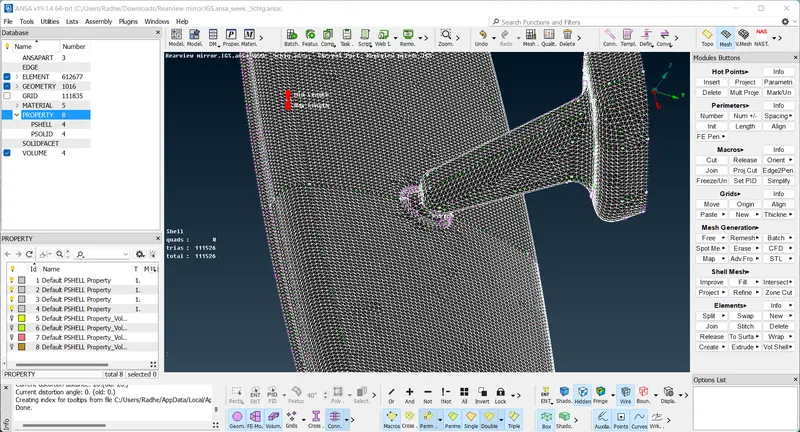
6) after that use a recostruction option then mesh is good flow and element are pass by quality criteria.
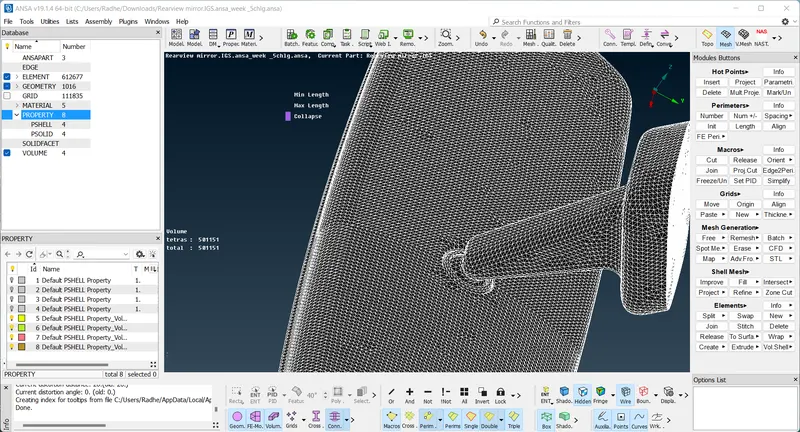
7) after that go to the volume tetra mesh use to define option then show a unmeashed then click the right click and use to the remesh option.
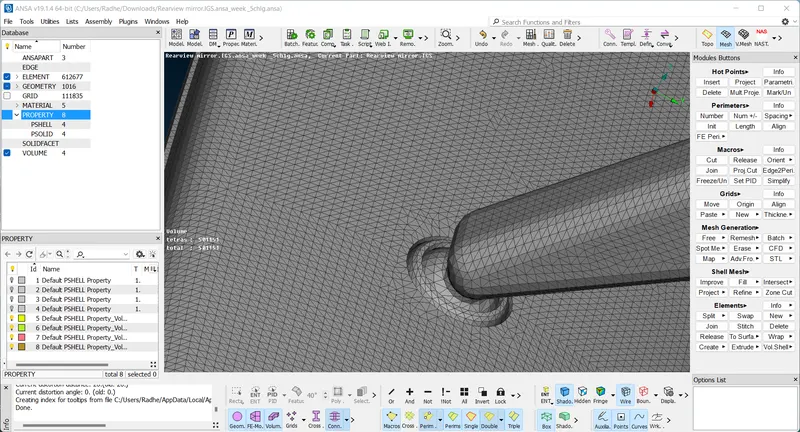
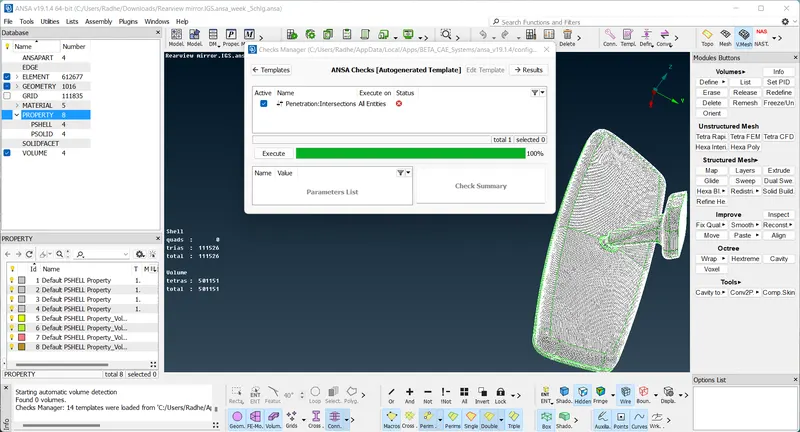
1.This challenge is Learnt about some tools related to solid meshing.
2. This challenge Learnt to assign volumes for closed shell element regions.
3.This challenge Learnt about to fix tet collapse failures.
RESULT
The given component was geometrically fixed and meshed as per the given requirements and criteria and the generated shell mesh was used to create the solid mesh.