Week- 5 - Solid meshing
Aim :-
To perform 3D unstructured mesh on given rear view mirror with the help of ANSA tool
Objective :-
- To check for Geometry
- To generate surface mesh with good mesh flow
- Convert surface mesh into vloume mesh
Procedure :-
1) To do Geometry clean-up :-
i) Importing CAD geometry in ANSA
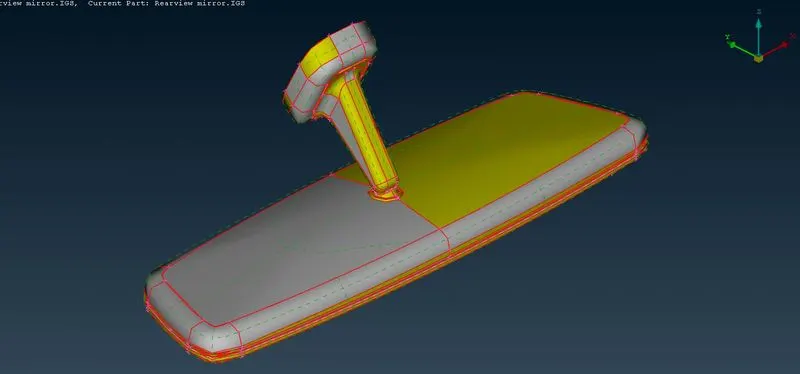
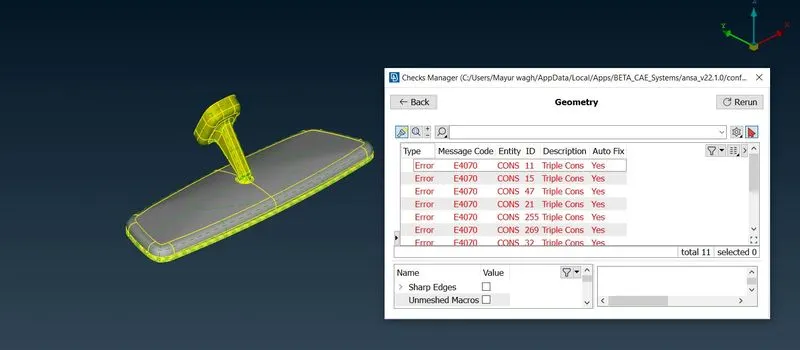
ii) Check for the Geometry under 'checks' :-
After performing topo cmd we got 11 error in the geomerty, fix the the error by auto method.
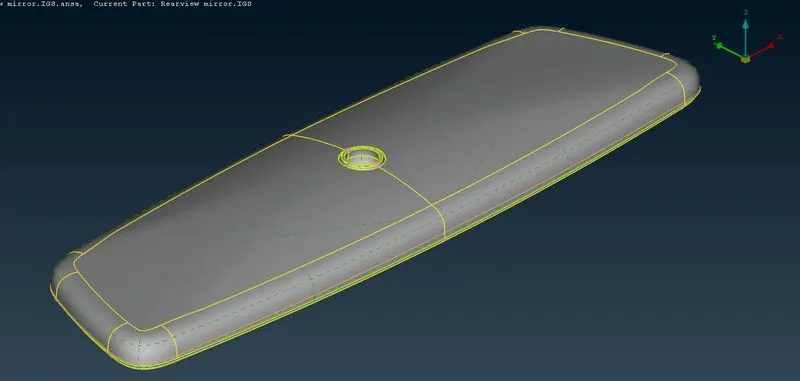
iii) Set the Shell element under perimeter option in classic mesh
After that geomerty is good for meshing
iv) Isolate the Given model according to diff. PID's:-
By this geometry is easy to operate for the meshing
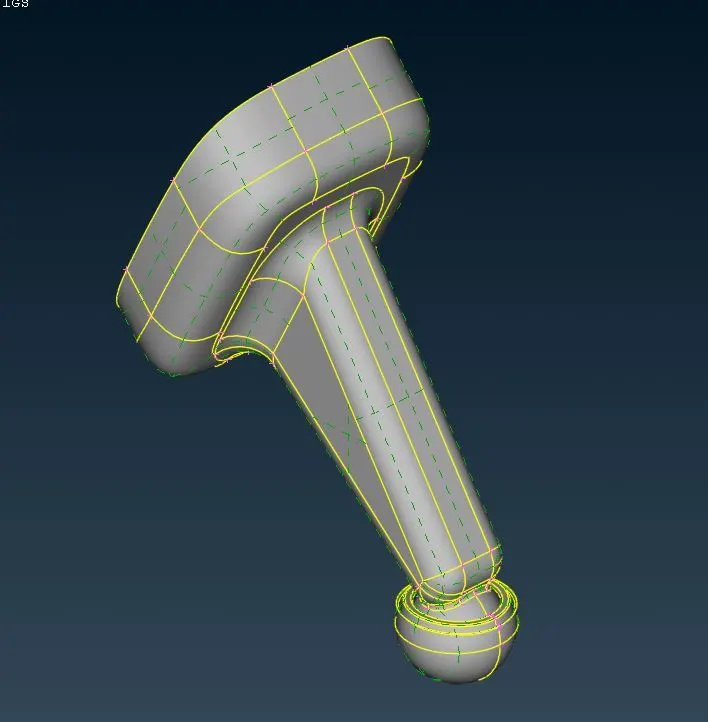
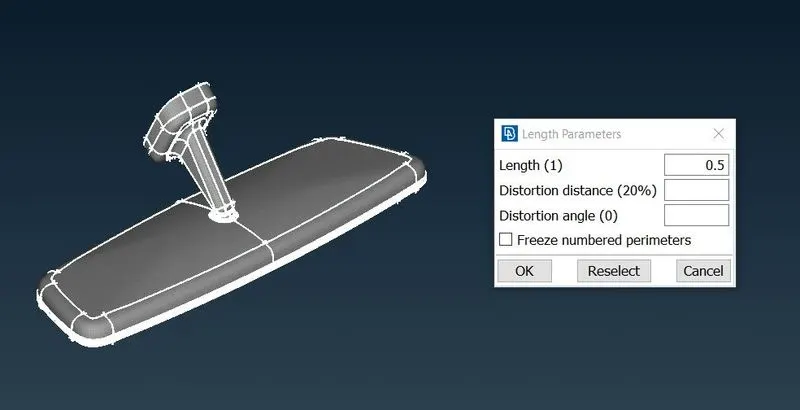
2) Set the meshing Parameters :-
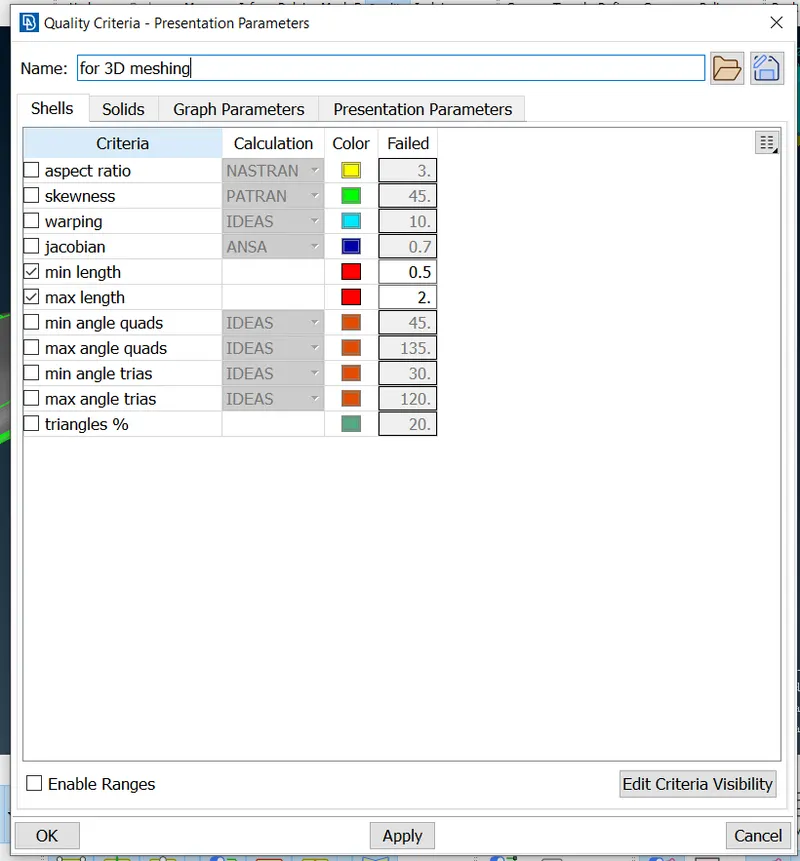
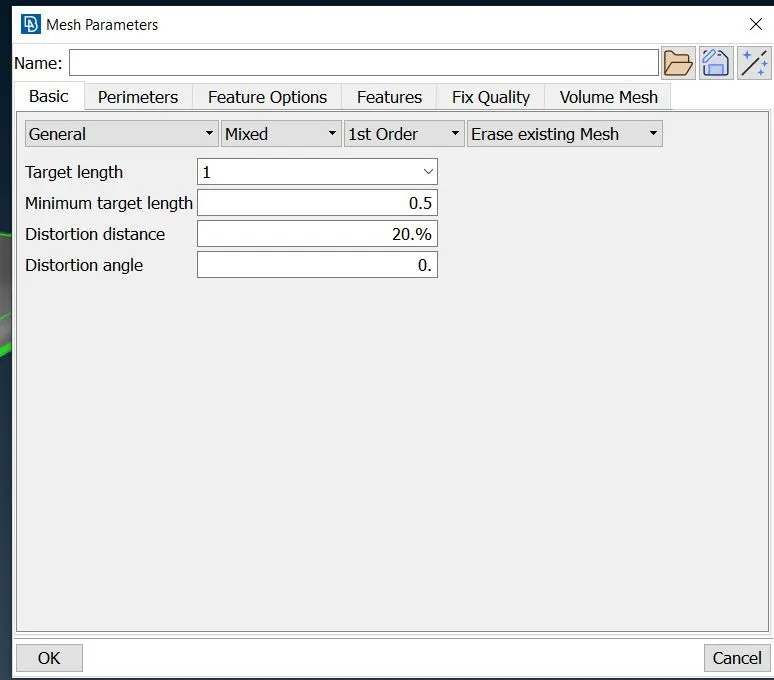
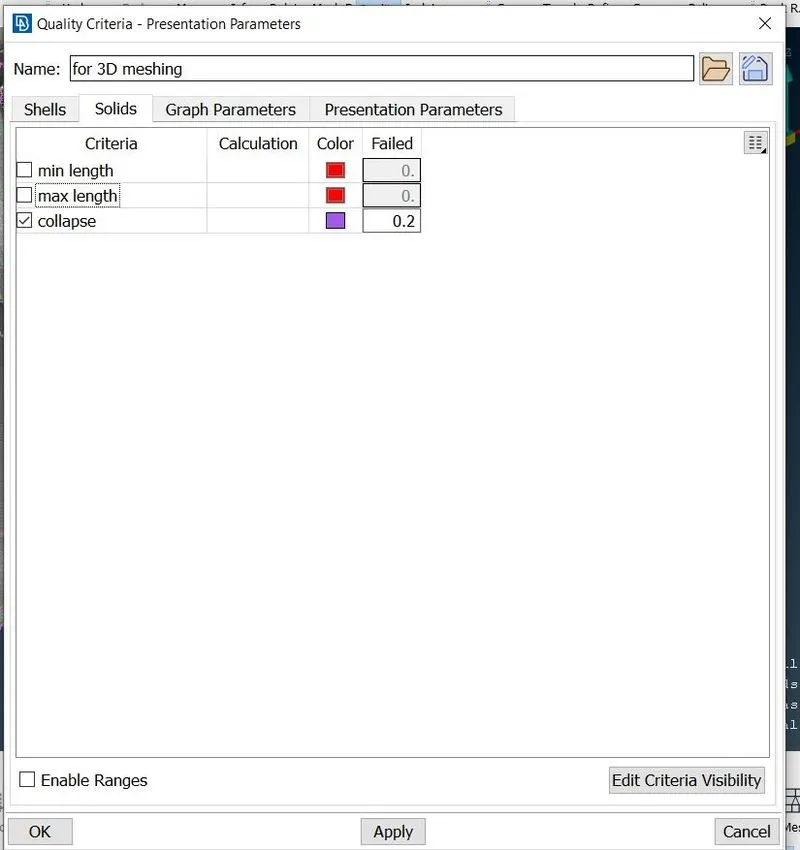
3) Start the meshing :-
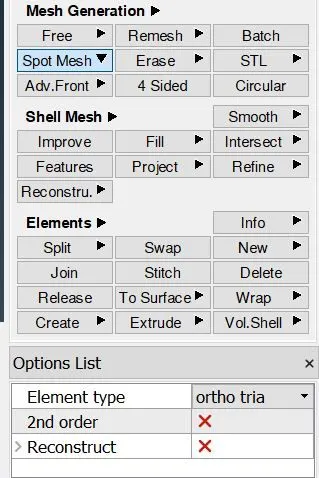
For the given model i used 'Spot mesh Option' for the meshing under mesh generation
Element type :-
For flat surface :- Normal Tira elements.
For curve Surface :- Ortho tria elements.
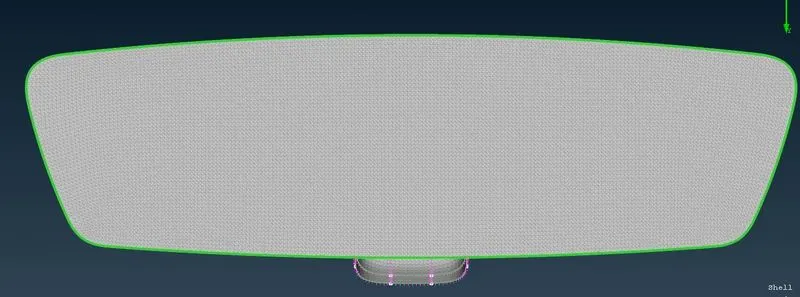
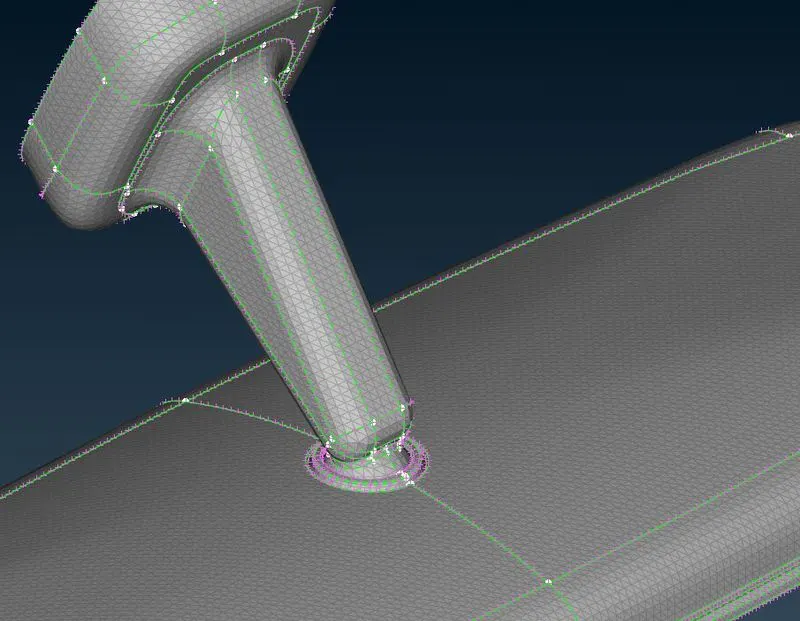
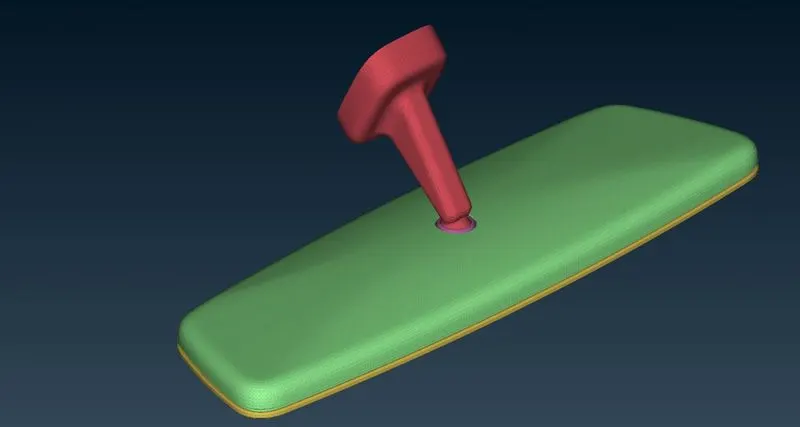
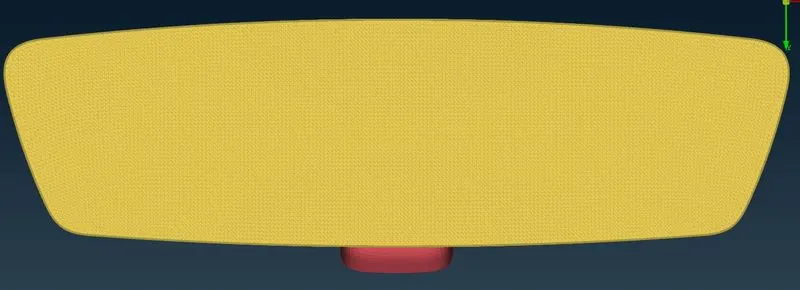
Meshed Surface :-
I used 'Improve', Reconstructed', 'Smooth' To get better mesh flow
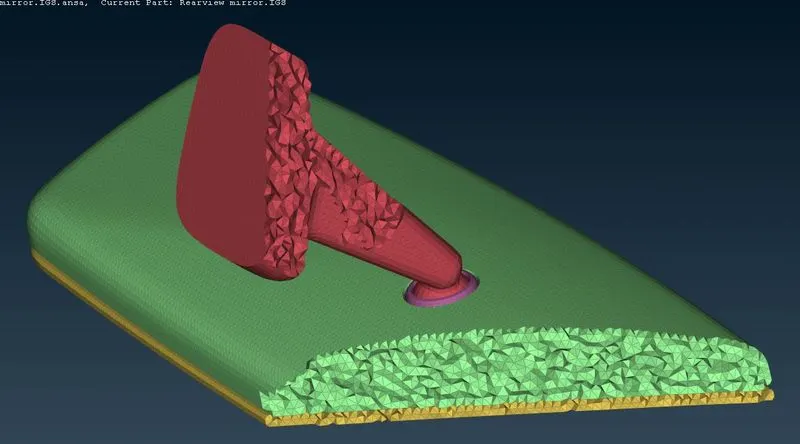
4) Start generating Volume mesh :-
i) Generate 'PSOLID' PID under Volumes
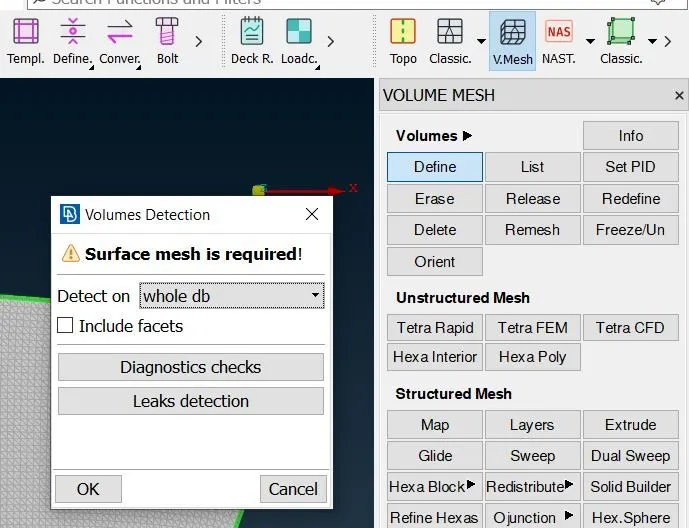
ii) set PID for all components :-
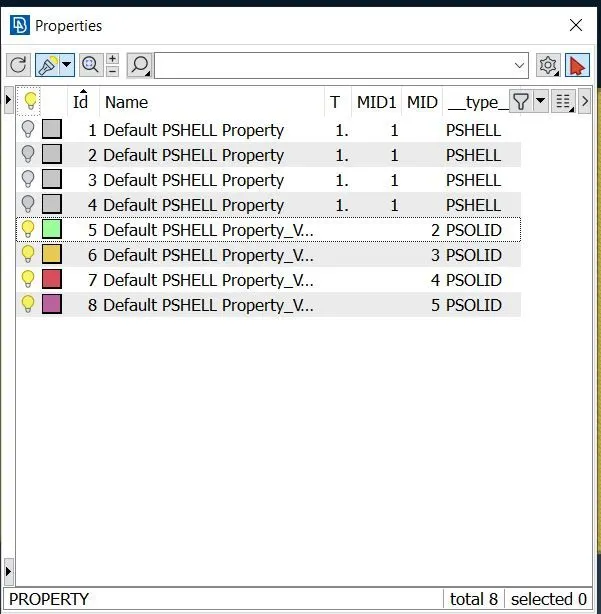
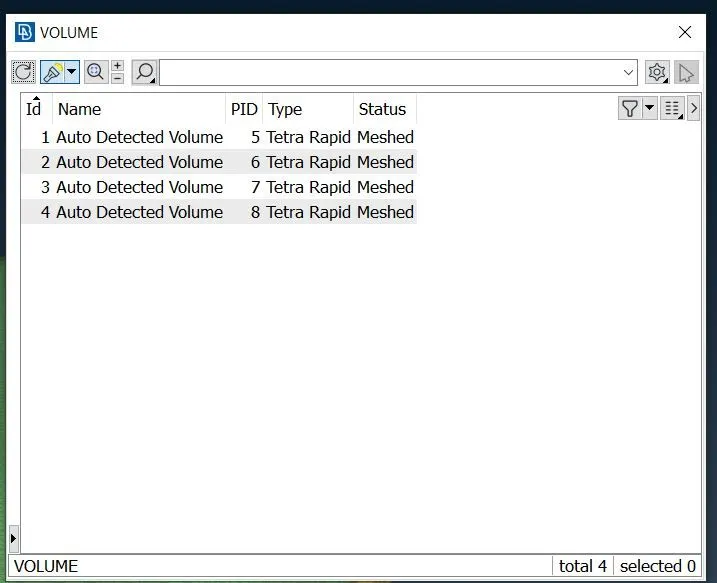
iii) Generate Volume mesh from surface mesh with the help of 'Tetra rapid option'.
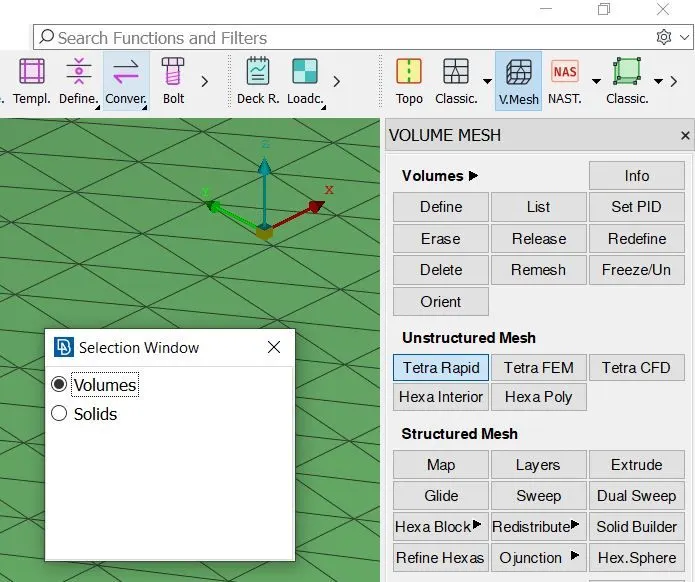
iv) Check for off elements :-
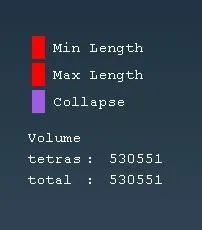
Complete volume mesh Model :-
Conclusion :-
1) DOne with geometry clean-up
2)Generate tria and ortho tria elements of surface
3)Generate Psolid PID for the model
4)Done with volume mesh
Drive Link for ANSA file :-
https://drive.google.com/file/d/1Nbh-32zYZDCmfuxQeLaK331BkxR6M5gS/view?usp=sharing