Week- 5 - Solid meshing
1. Objective:
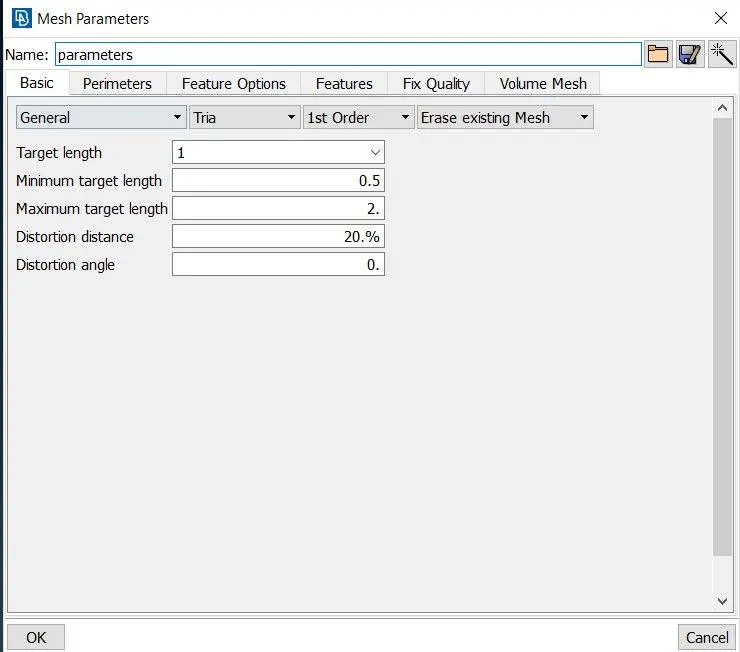
For the given Rearview mirror component, checking for the geometrical errors and meshing the Surfaces with the given 2D element Quality criteria are given below.
|
S.No |
Quality Criteria |
Value |
|
1 |
Target/Average length |
1 |
|
2 |
Minimum Length |
0.5 |
|
3 |
Maximum Length |
2 |
2. Procedure:
Step-1: Importing Geometry
Use the open menu in the ANSA to import the model. Also, we will check the geometry Quality by increasing the element quality. To do that we are using the length option in Mesh.
Step-2: Checking Geometrical Error.
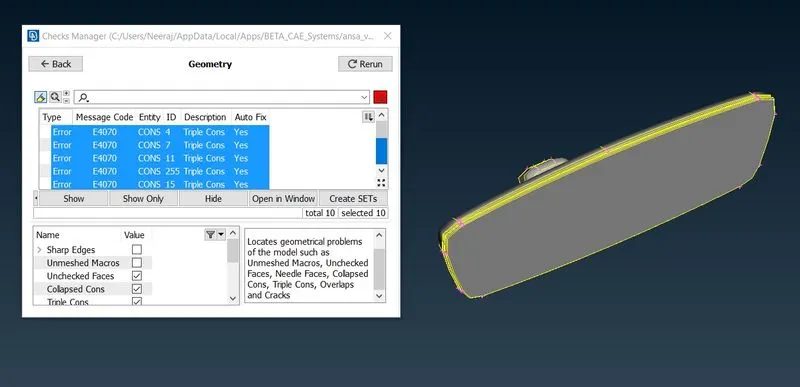
Here we need to fix the geometrical Error before proceeding further to avoid the final Error.
Step-3: Fixing Geometrical Error.
Using Autofix to fix the geometrical Error.
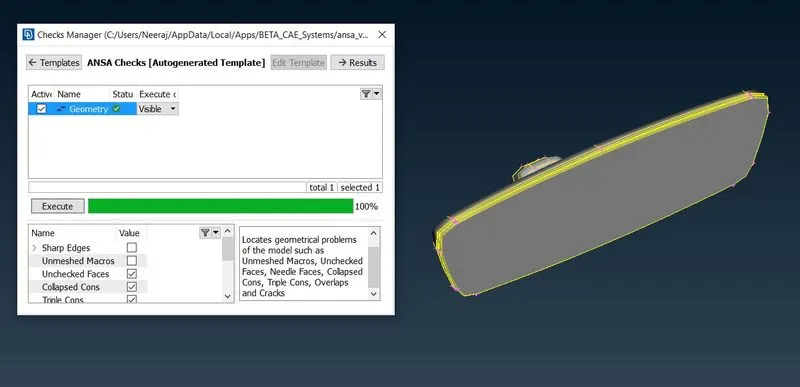
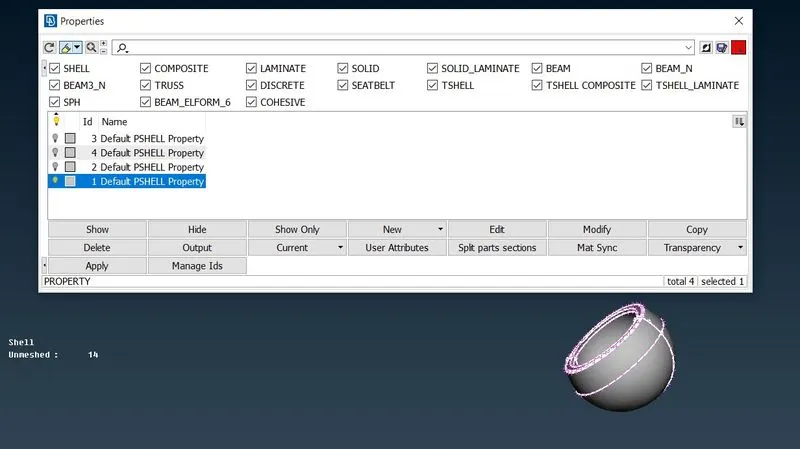
Step-4: Checking PIDs
Checking PIDs for the number of parts associated.
Step-5: Setting up Quality Criteria.
Step-6: Using Batch Mesh Option to Generating Mesh.
Defining Mesh Scenario in Batch Mesh.
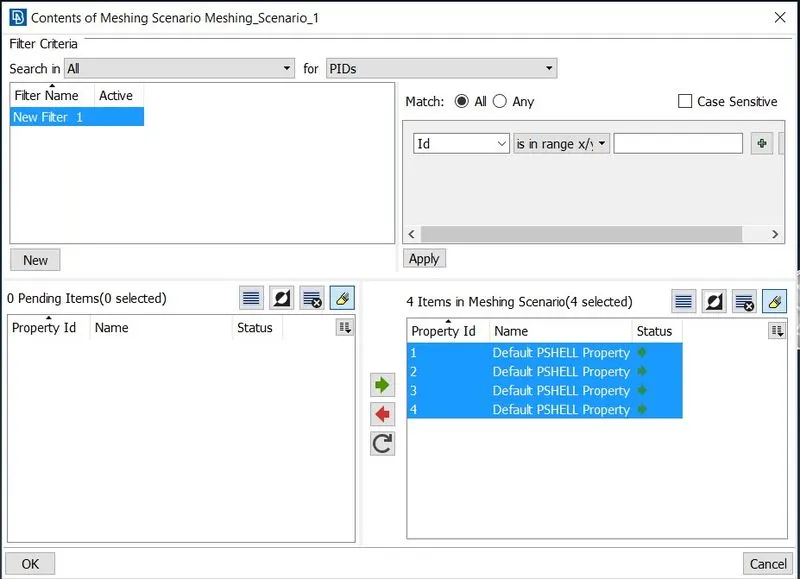
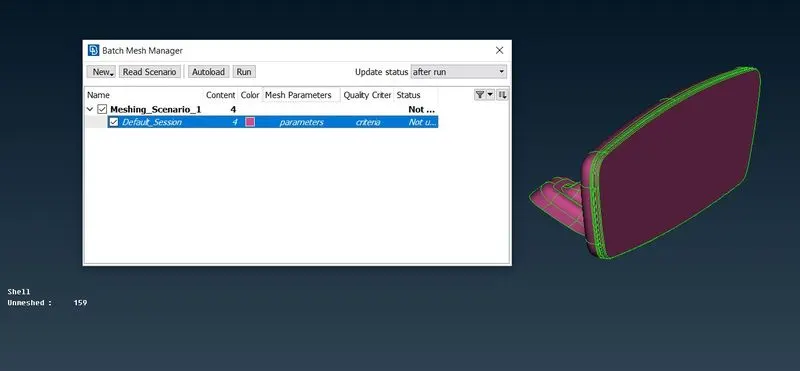
Step-7: Generating Mesh Using Run Option.
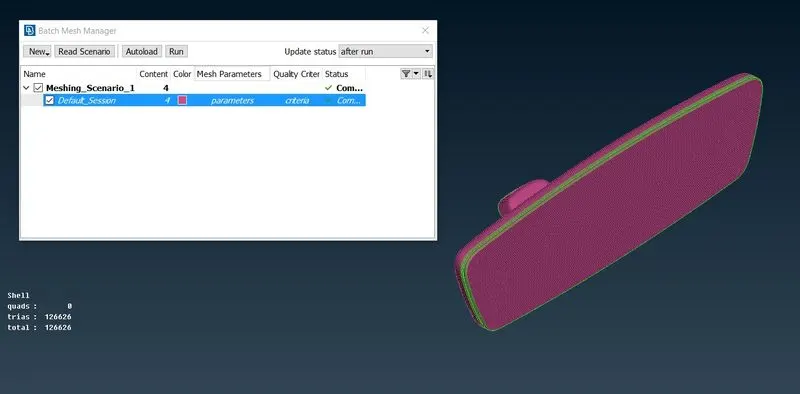
Step-8: Checking Mesh in Each Part
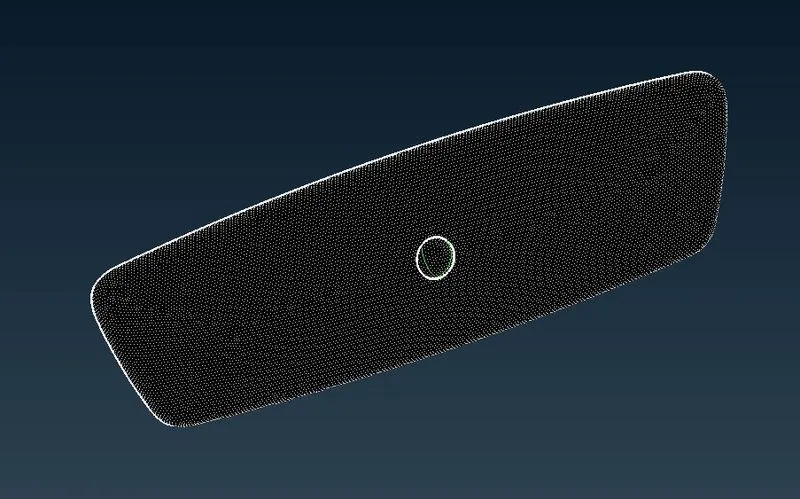
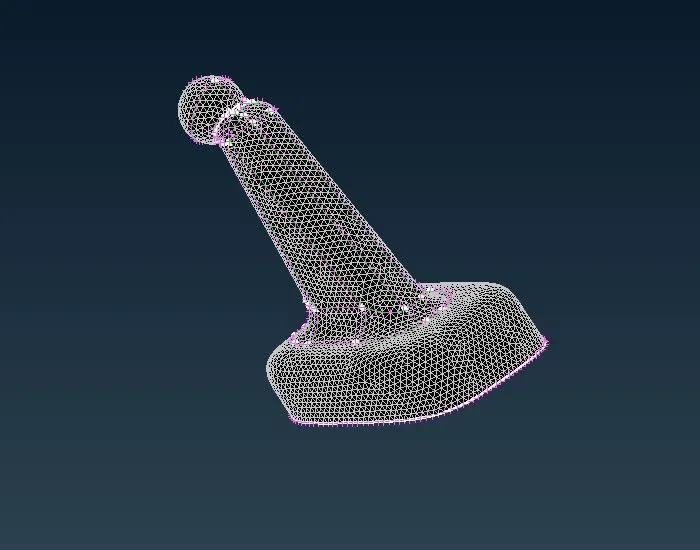
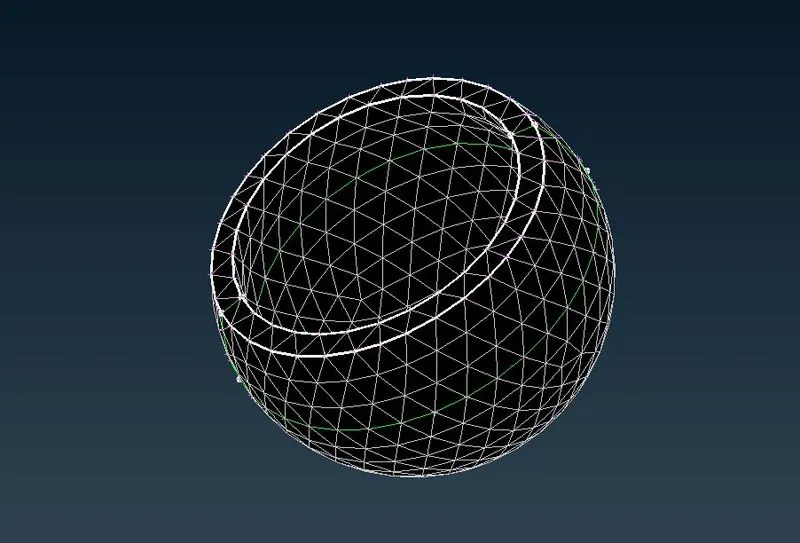
Final Mesh:
The Final Mesh is having good quality without error.
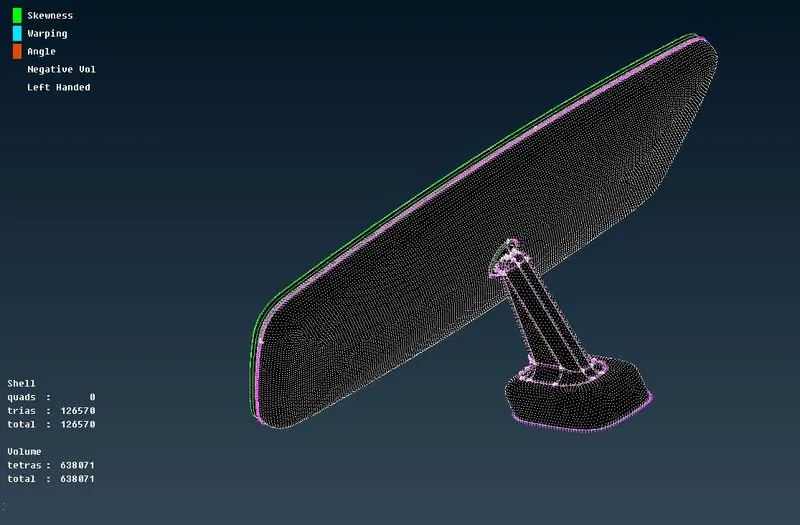
Conclusion:
Hence we are able to Complete the Meshing of Mirror using following Method
1. Importing Geometry.
2. Checking and Fixing Geometrical Error.
3. Checking PIDS.
4. Defining the Mesh Quality.
5. Defining the Batch Mesh Scenario.
6. Running Batch Mesh.
7. Checking Quality Error.