Week - 5 - Checking and correcting the Normals
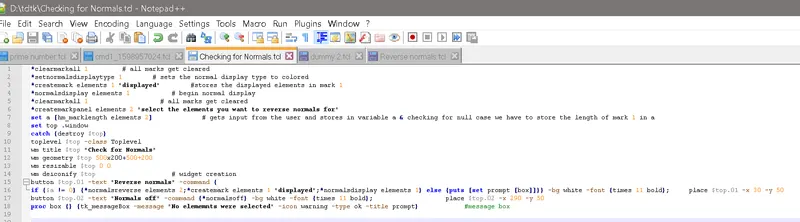
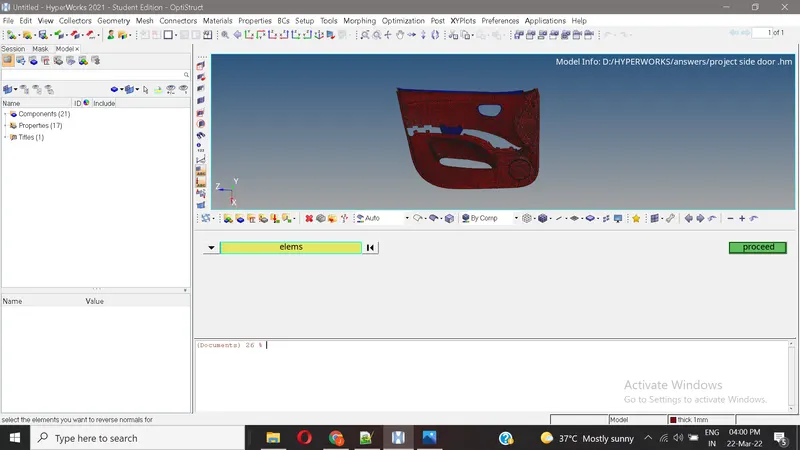
Displays the normals of all elements
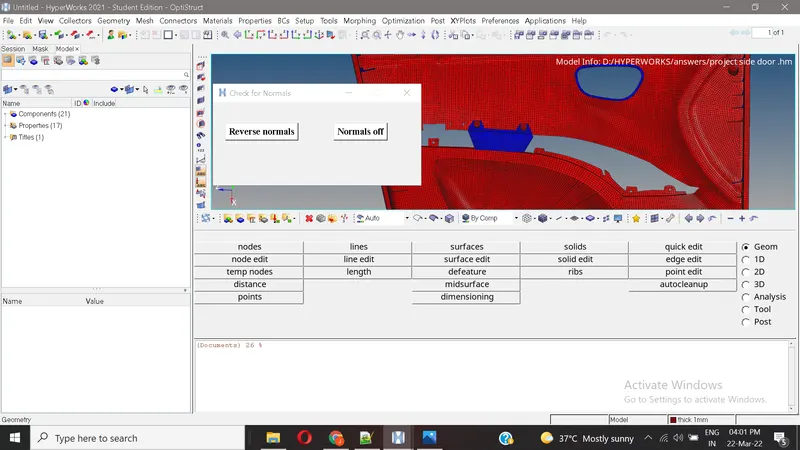
After the selection of elements, the widgets getting displayed with two buttons.
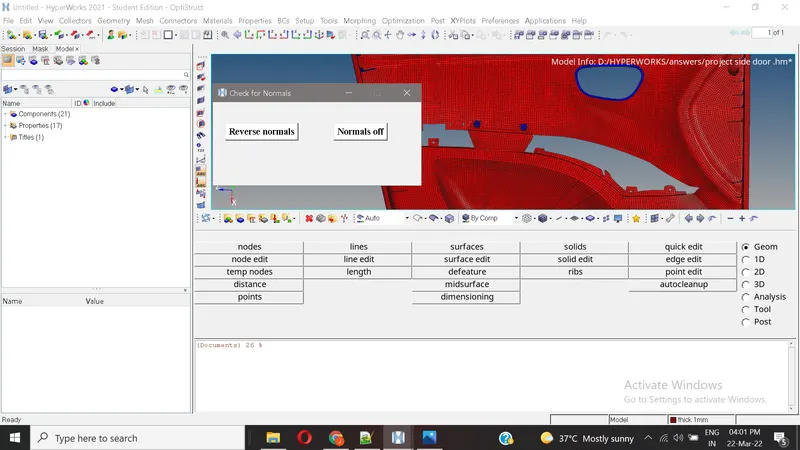
On pressing the reverse normals button, the selected elements normals reversed.
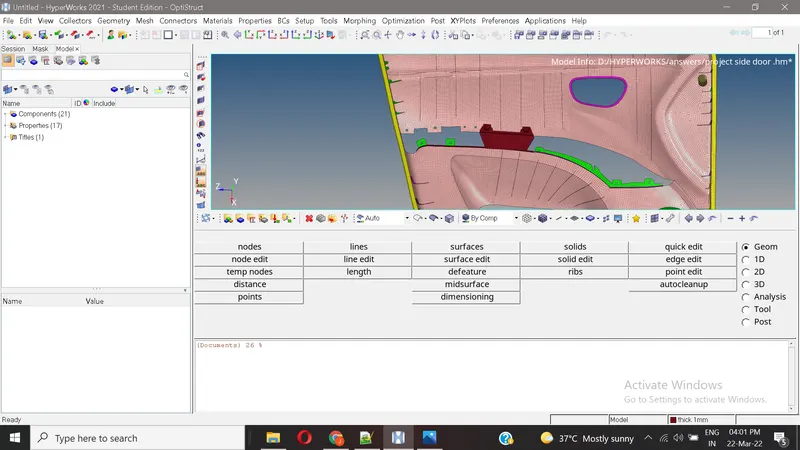
on pressing the normalsoff button, the normals of all elements turned off.
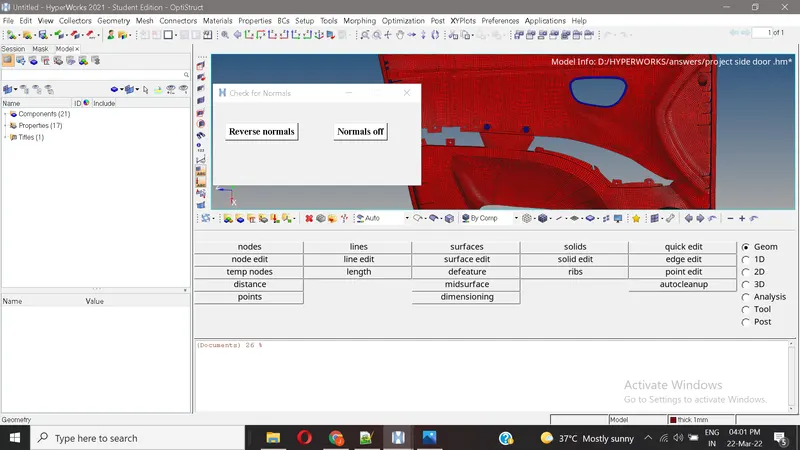
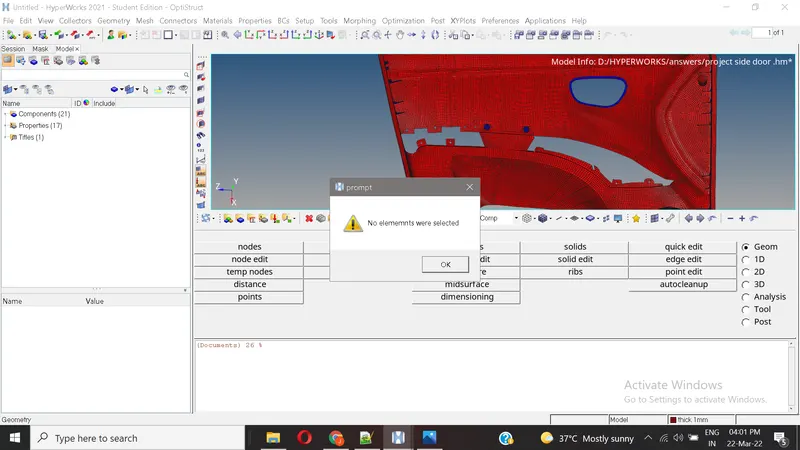
with no selected elements, on pressing the reverse normals button, the following popup message displayes.