Week 5 Challenge : Surface wrap on Automotive Assembly
AIM
To Create surface wrap for Engine, Transmission, Gearbox
Objective
Clean up the rings and unwanted surfaces and assemble to together to generate surface wrap
COMMAND USED
visual command
OR(/)- view only selected
AND(+)- a visible nearby entity of PID
NOT(-) - Hid parts
!NOT(!-) - only view selected or hide need to view
ALL- view all parts
LOCK - lock the view in the current window
Delete (selected entity & PID)
Hot points - delete
CONS-Face operation
cut, Paste, and project (the edges)
Faces-
cut(cut the face), New(create new surface to patch the single conns by fitted, conns command) , extend- the surface to selected second face
new-merge (to merge assemble component)
Mesh-classic mesh-wrap (to create control volume-inside volume )
Procedure
open engine component
Delete the unwanted rings which are mentioned below
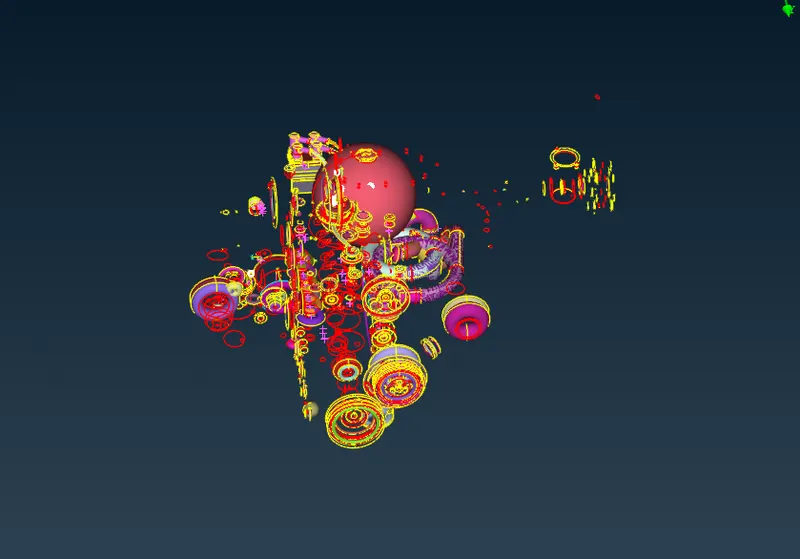
make an outside view without a free edge and delete small surfaces and delete overlapping surface
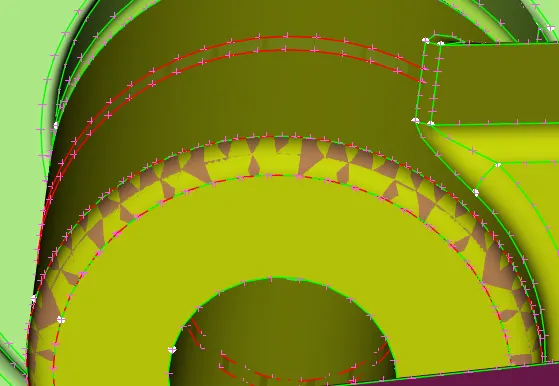
overlap and free edge
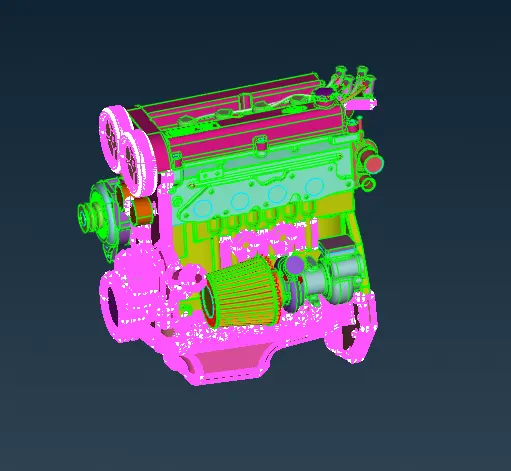
check- geometry (to view free edges and overlapping)
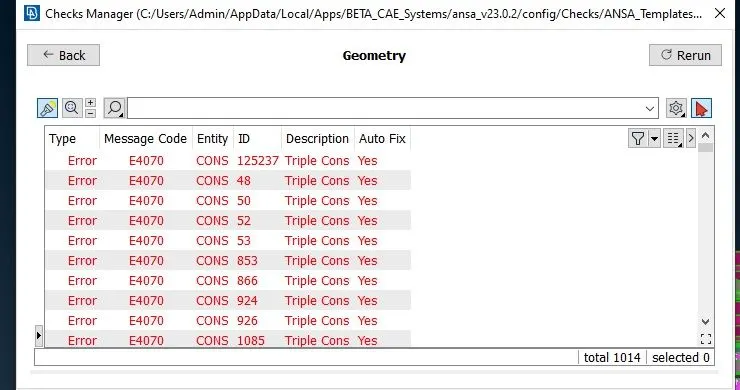
only Triple cons are presented
clean up model
similarly, cleaning up the Transmission
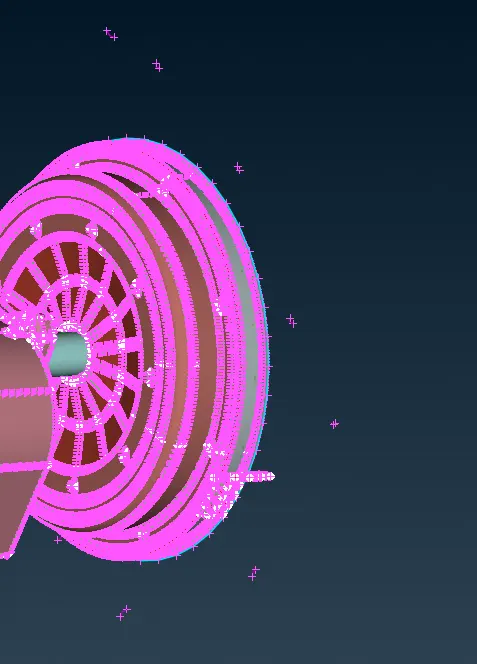
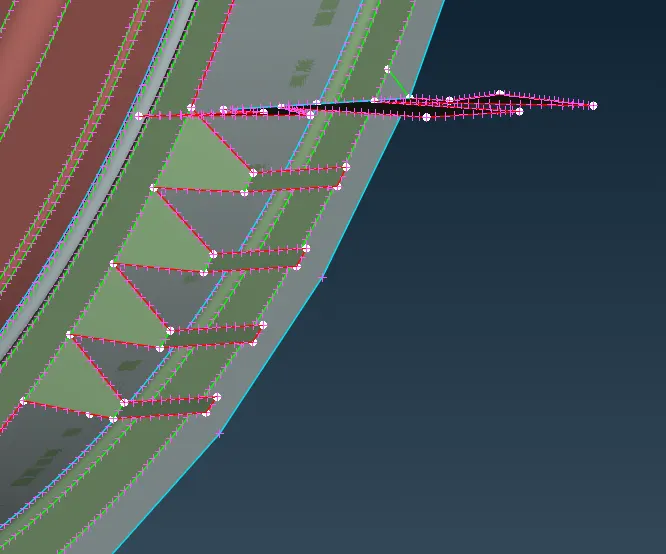
removing small surfaces and unwanted surface which is mentioned above
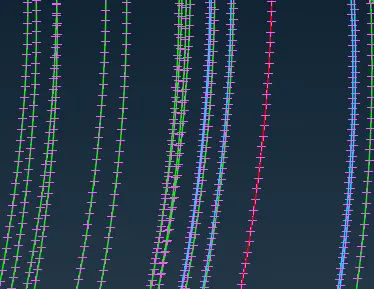
close the free edge by using the new coon command
merge the engine, transmission, and gearbox using the merge command
patch and close the open hole using the new conn
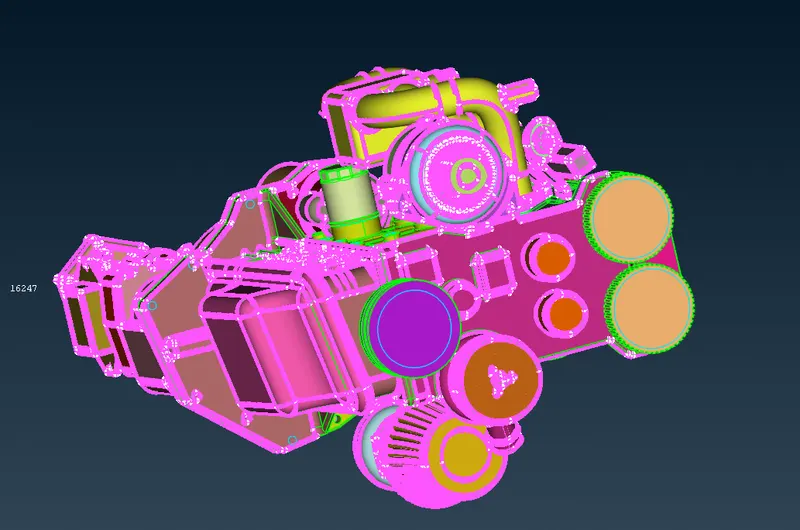
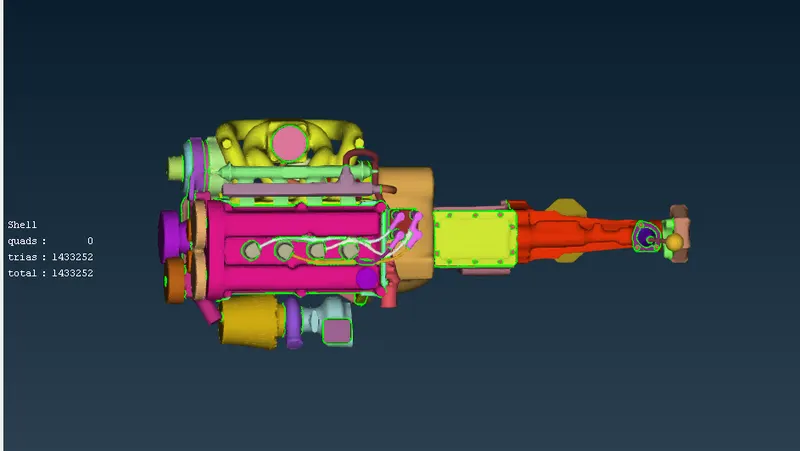
TOP view
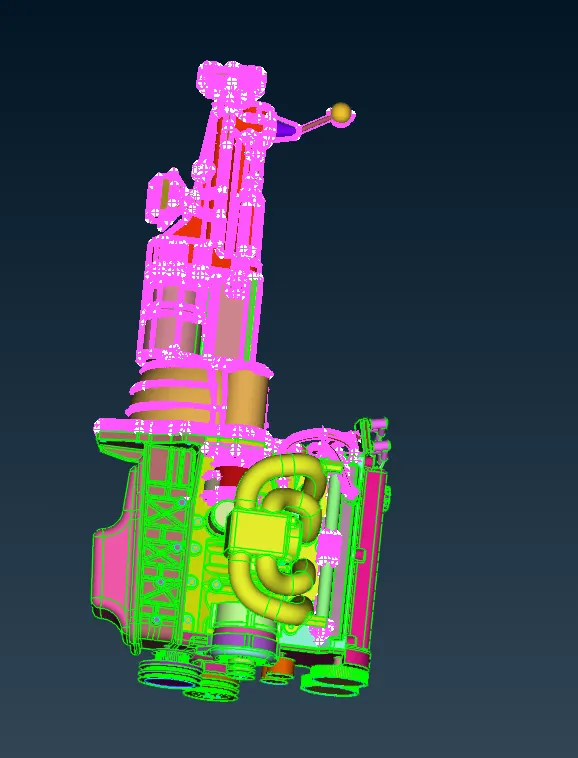
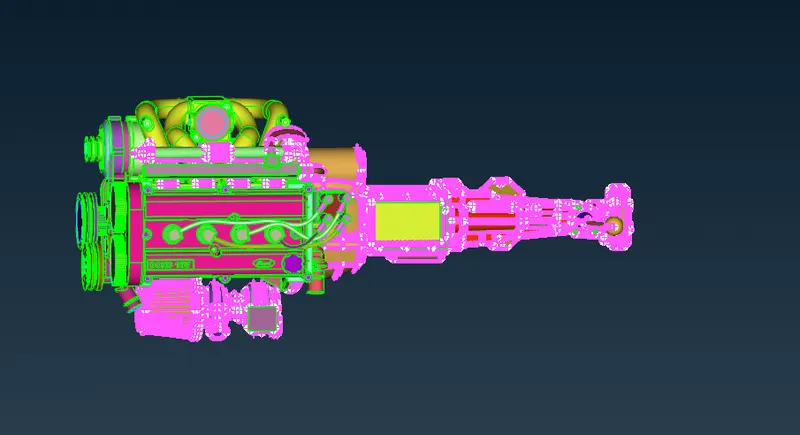
SIDE VIEW
wrap mesh
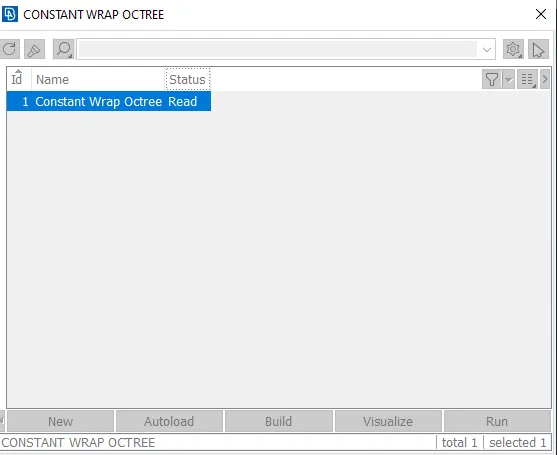
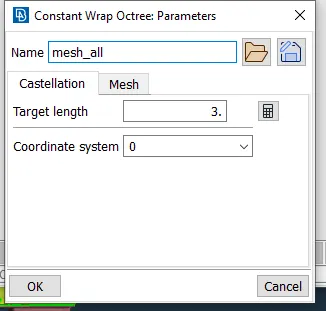
mesh castellation with a target- length of 3mm, Shell type-Trias
select clean-up models and delete all PID using suppress command
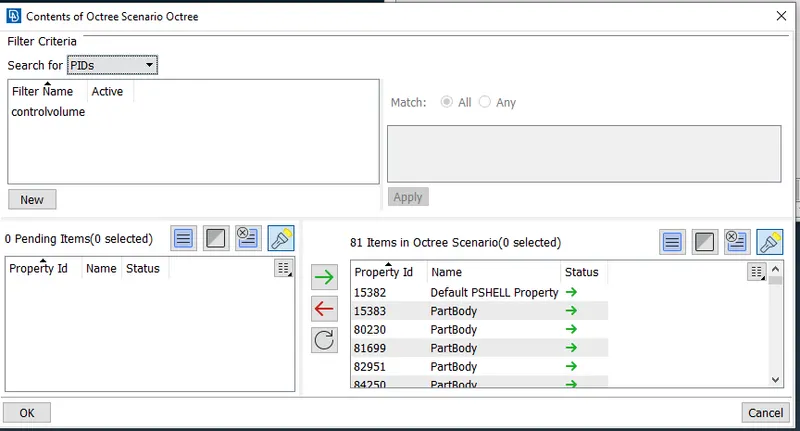
Wrap
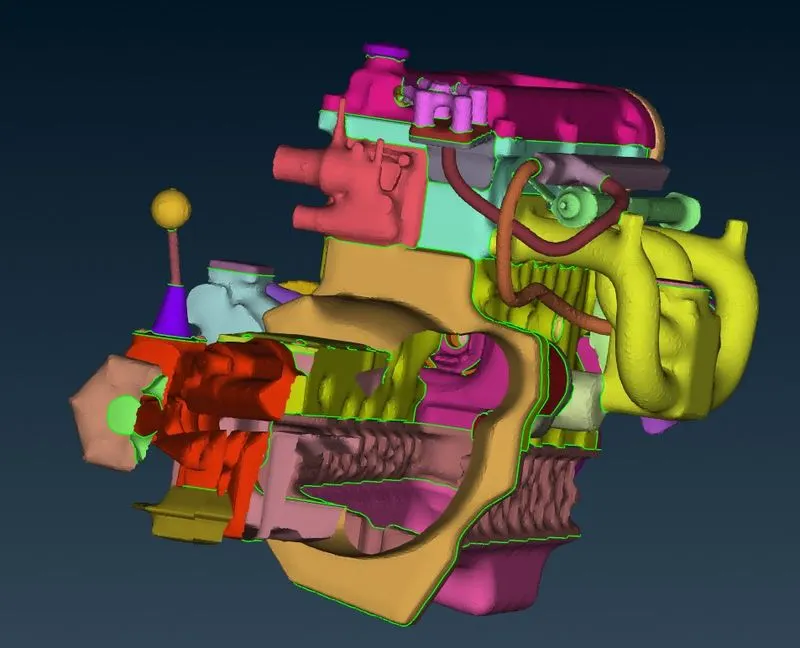
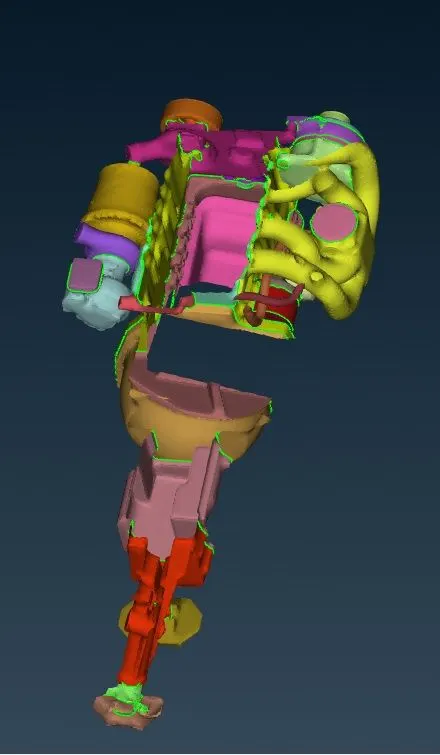
cut inside view
Inferences
Thus assembled a model of the engine, transmission & gearbox are cleanup the wrap the model successfully
File Link
https://drive.google.com/file/d/1a7d_4kEa135wX-Kw9xO_-4-Kbo0o9sH6/view?usp=share_link