Week 5 Challenge : Surface wrap on Automotive Assembly
Aim: For the given models, check for the geometrical errors and delete surfaces which are unwanted for Surface wrap. After clearing geometry, Merge all 3 models and perform surface wrap.
Target length for Wrap = 3 mm
Theory about surface wrap:
Deleting the unwanted geometry
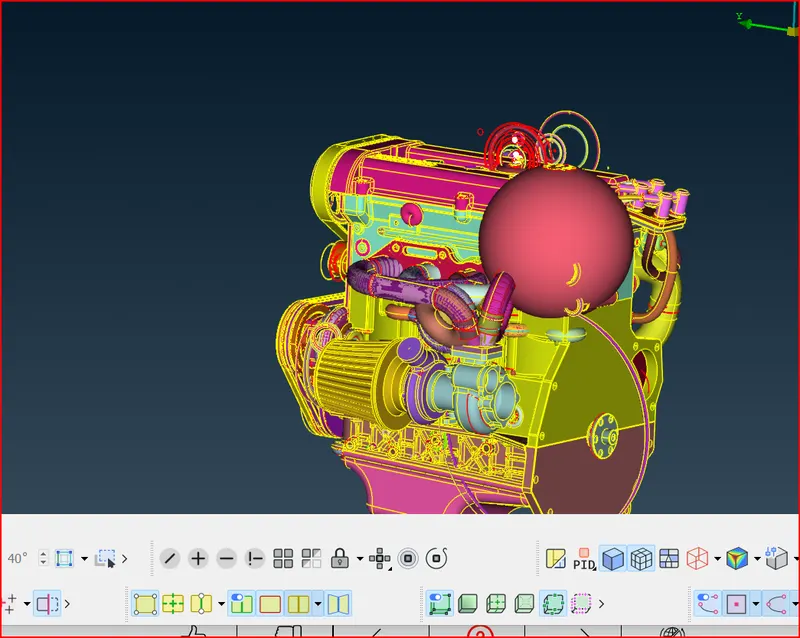
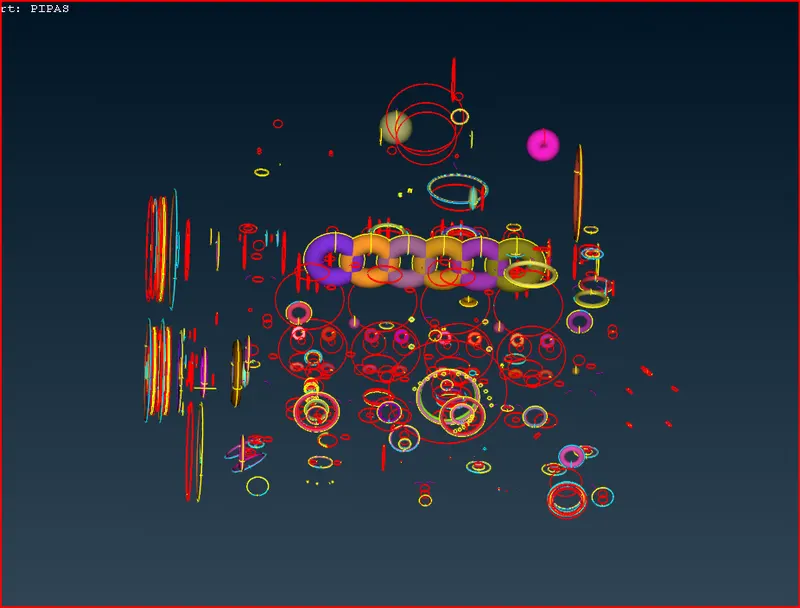
Cleaned Geometry
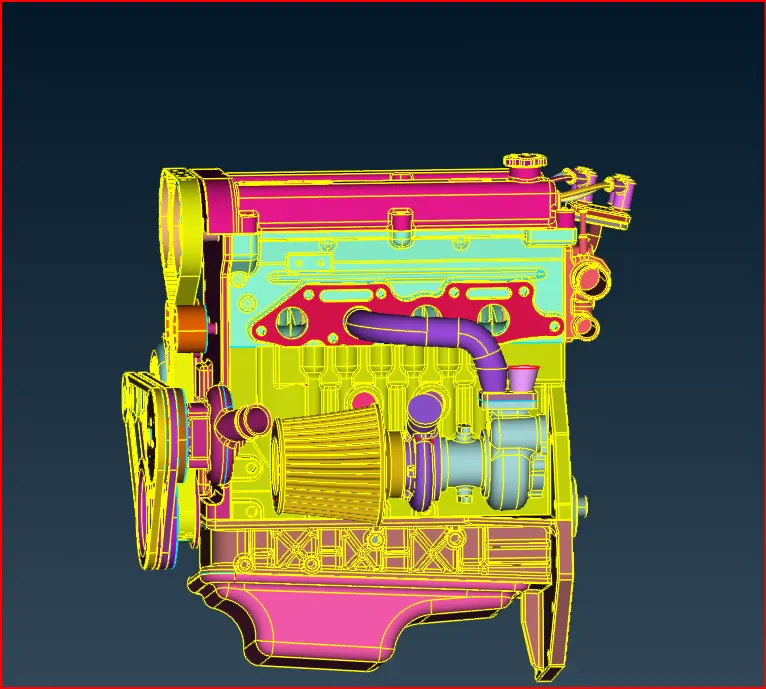
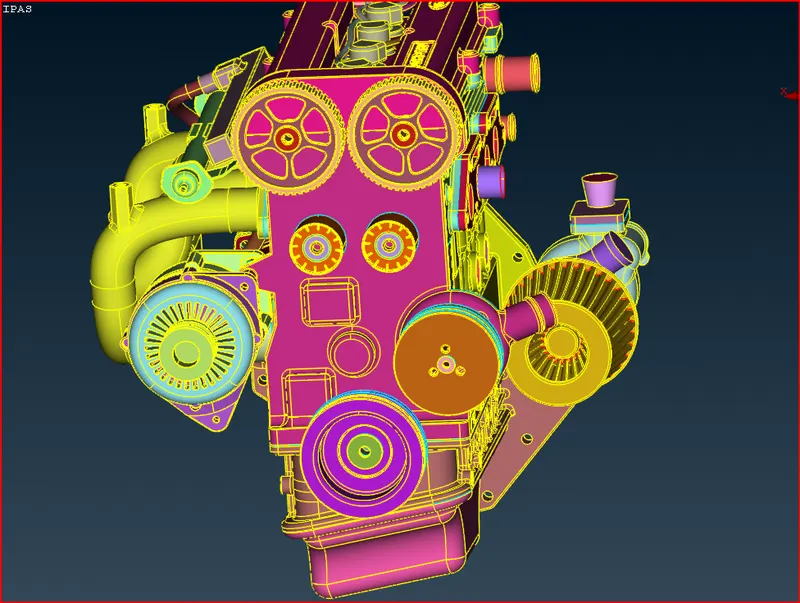
Closing all the open faces:
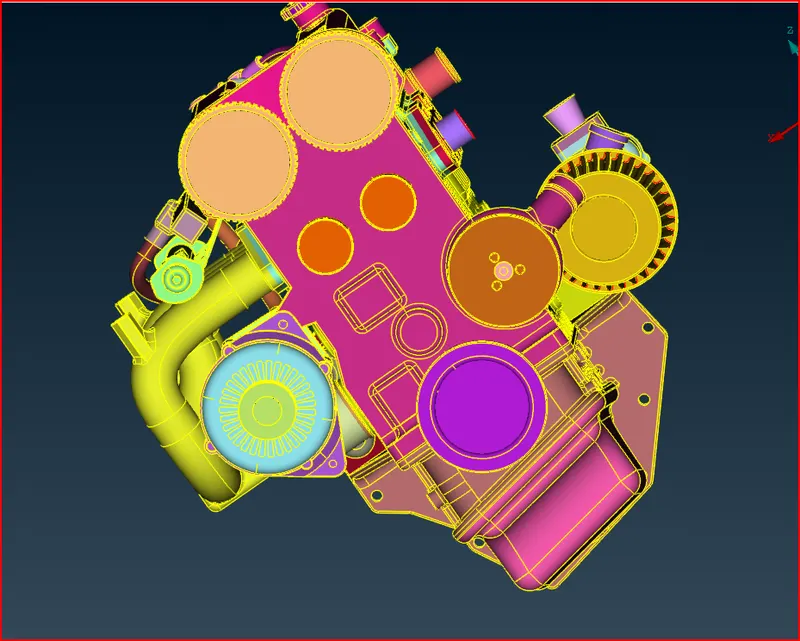
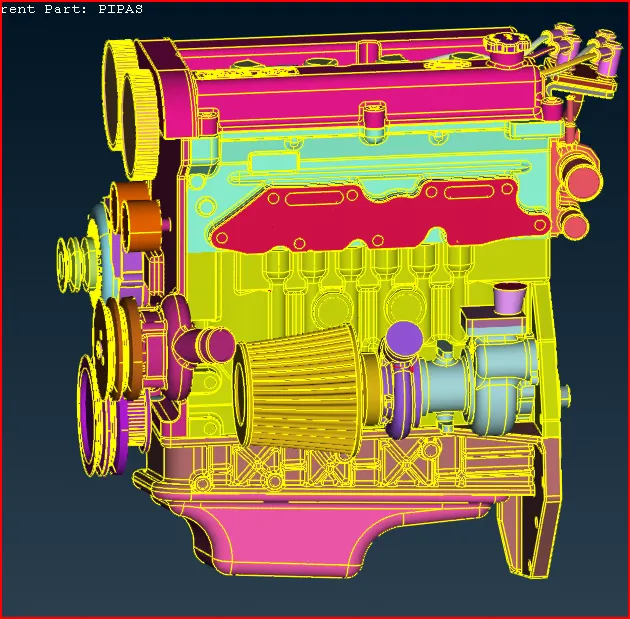
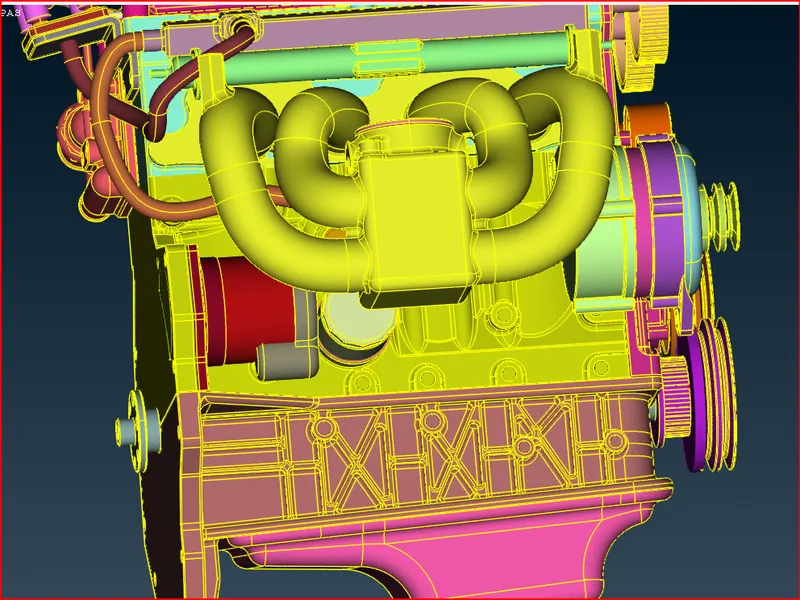
Merged components
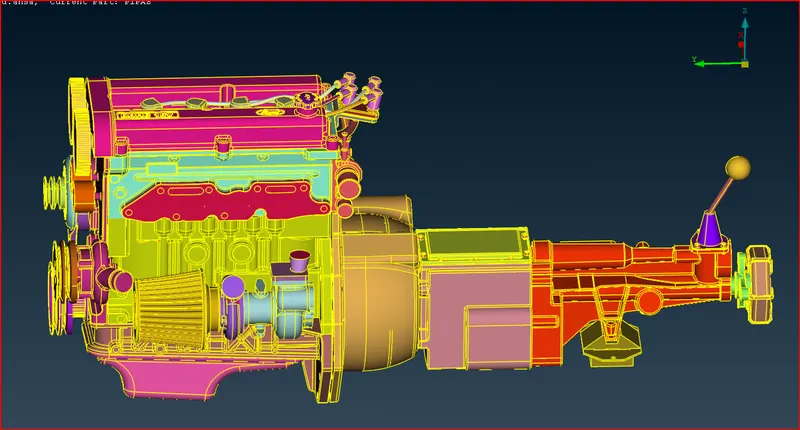
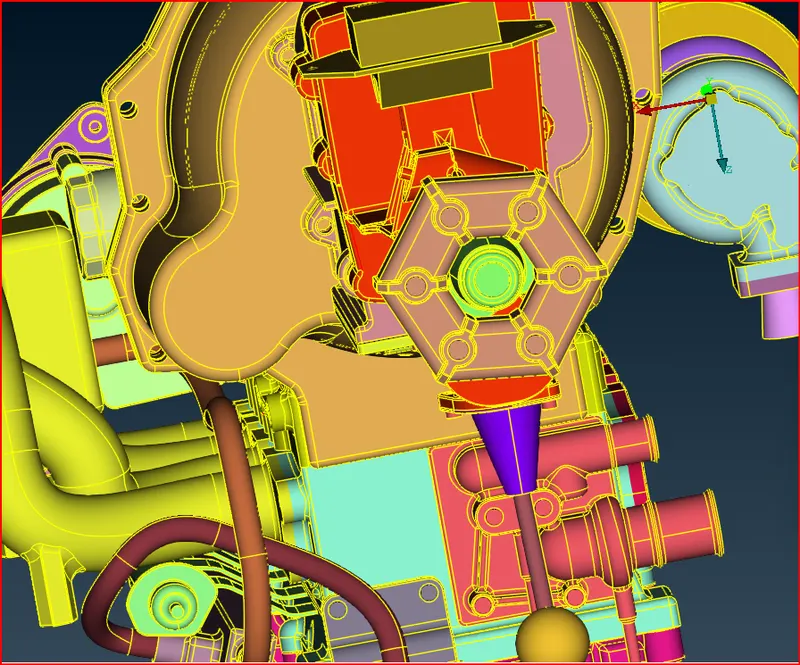
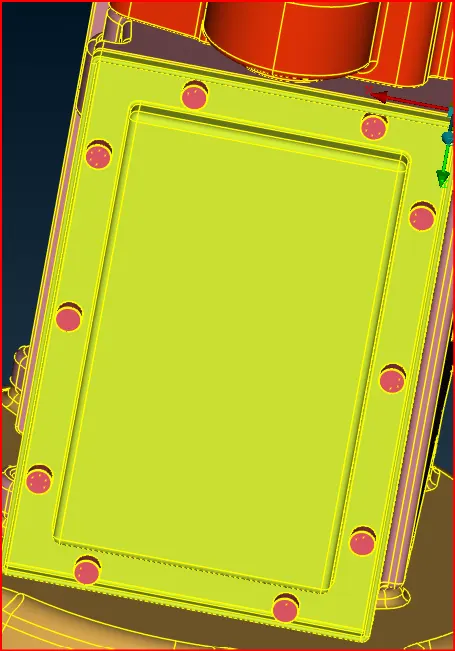
Front view
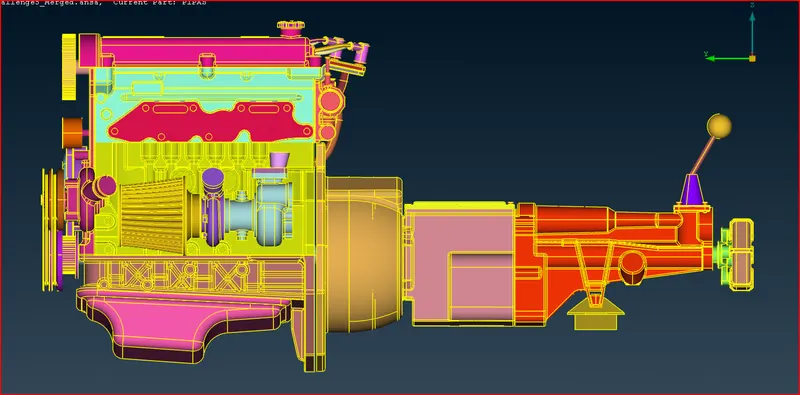
As all the faces are closed now we can proceed for the surface wrap:
Go to mesh>Elements>wrap>Constant length.
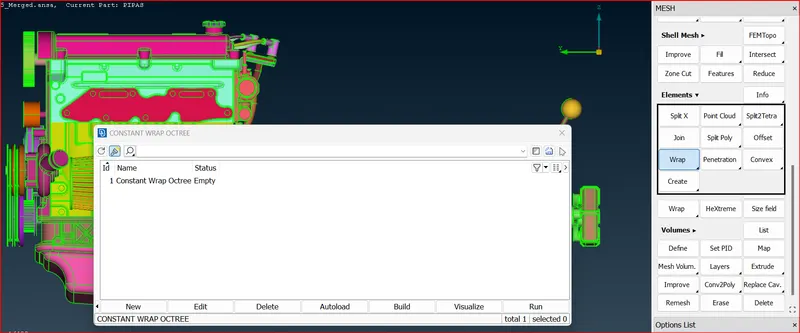
Double click on empty.
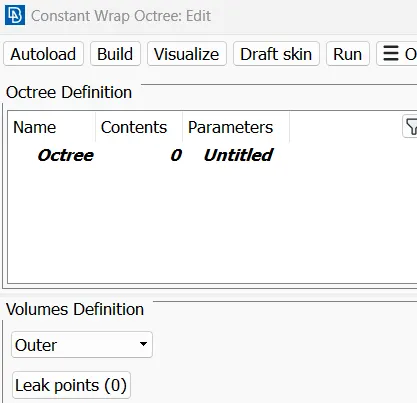
Double click on parameters.
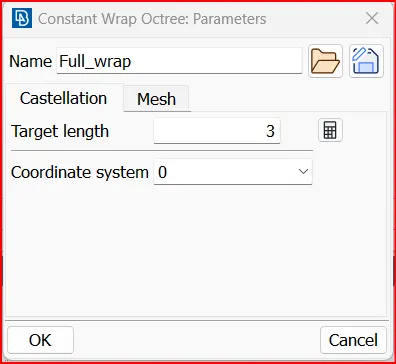
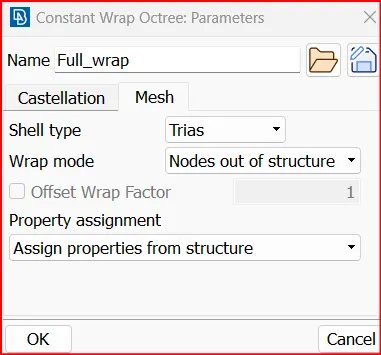
Double click on contents
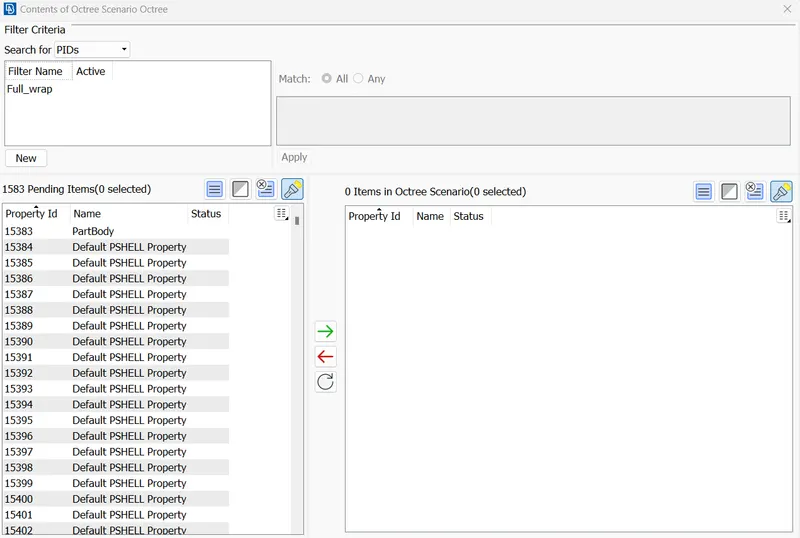
In the pid manager we can see that there are total 1583 pids including the one which was deleted during the cleanup.
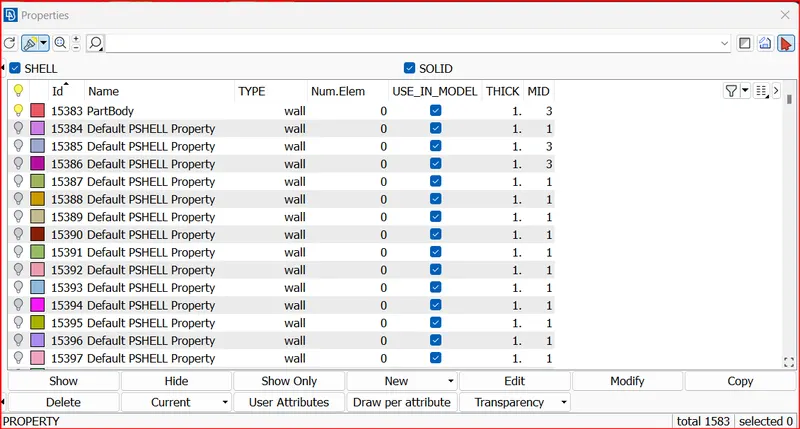
so to delete the unnecessary pids, Go to utilities>compress>ok.
This step will delete the unnescessary pids.
Now we have 101 pids.
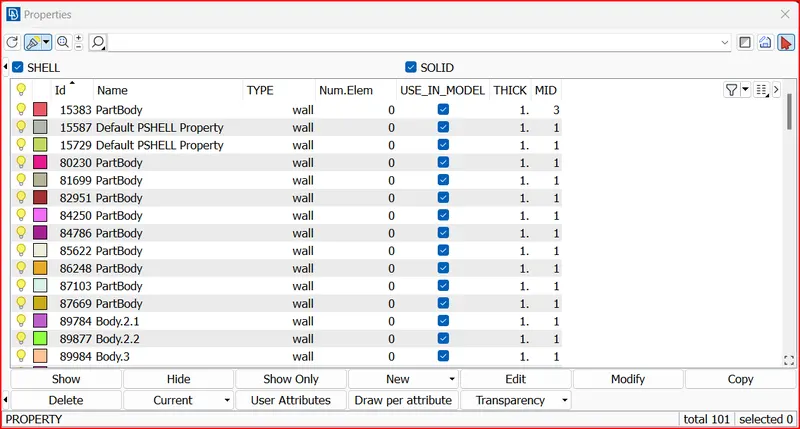
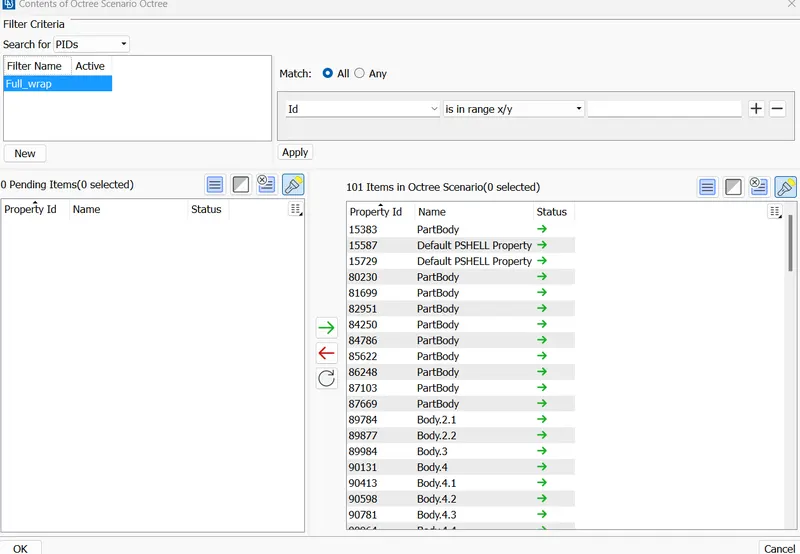
Now the contents is 101.
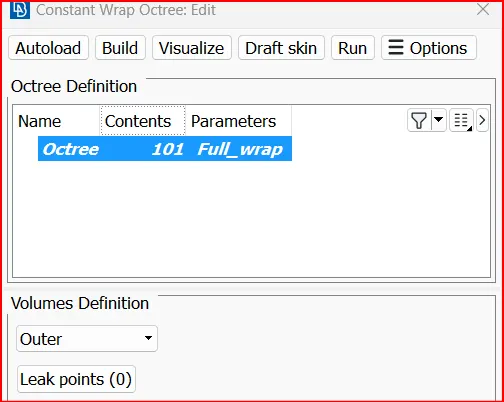
Surface wrap completed status: It shows ready.
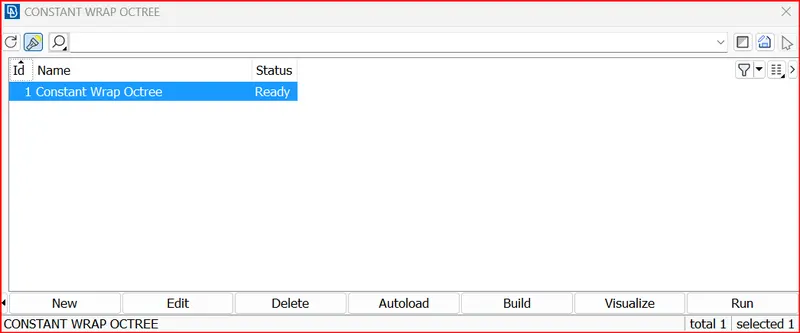
Now we can examine our model
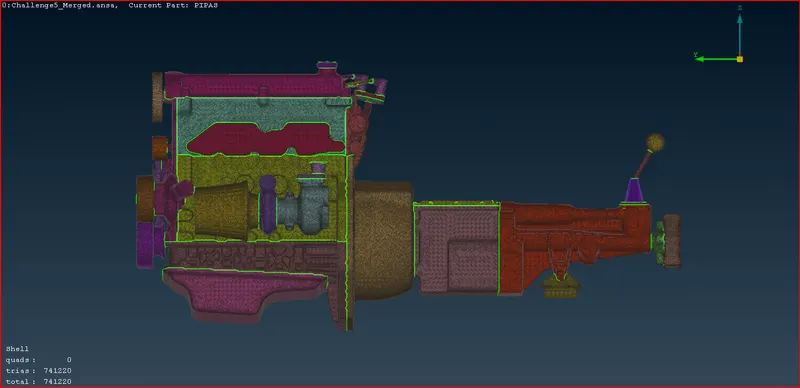
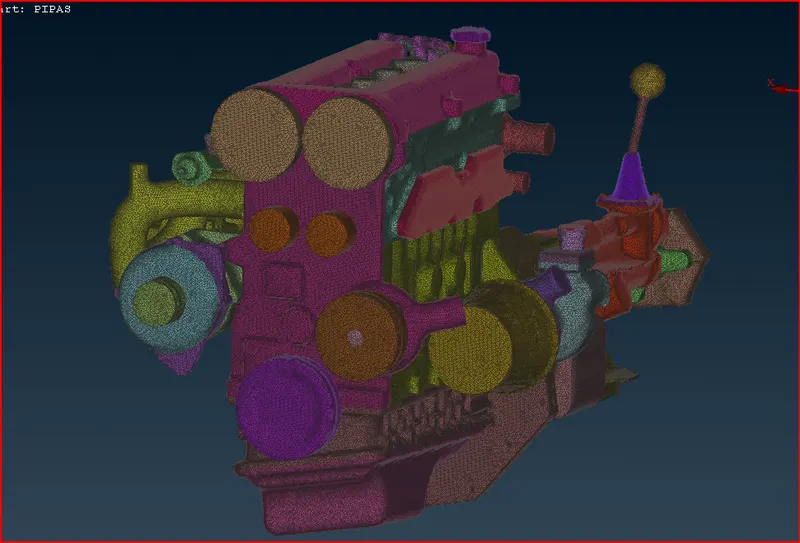
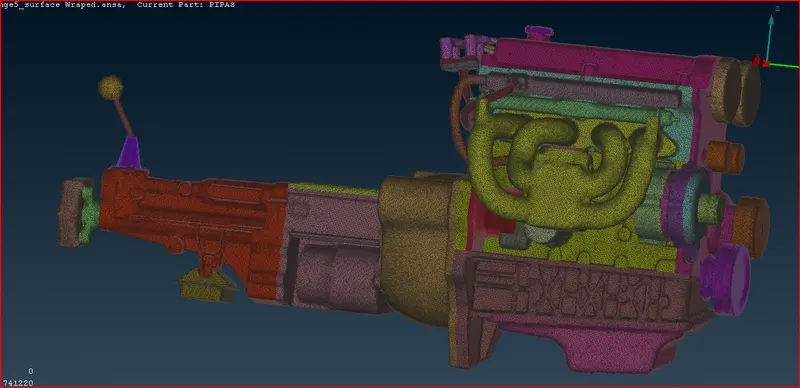
Look inside the surface wrap hide the side surfaces using not and box selection tool
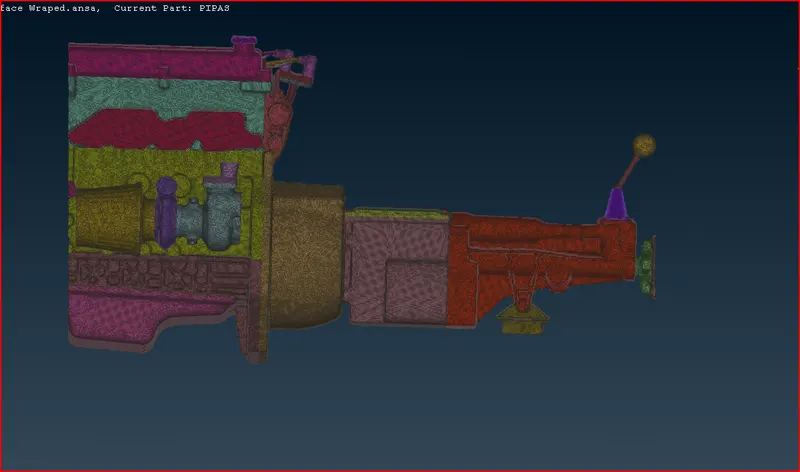
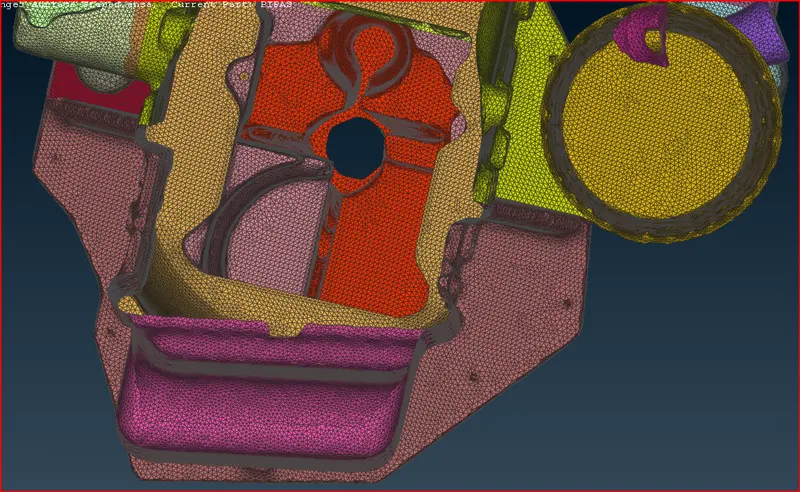
As we can see the other end we can conclude that the surface wrap has been done correctly and the geometry is captured well.
Conclusion:
In this challenge we have done geometric cleanup for the engine, Transmission and gearbox model Individually by delting the unnecessary surfaces.
Then we merged the individual components together using the merge option in files and created an assembly.
Now we closed the open surfaces and performed the surface wrap.