Week 5 Challenge : Surface wrap on Automotive Assembly
Surface Wrap on Automotive Assembly
Aim :- To perform Surface wrap with the given target length of 3mm for the given models after clearing the geometries. Given 3 models are Engine model,Gearbox model,Transmission model.
Theory :- ANSA is a CAE Pre-processor tool for Finite Element Analysis and CFD analysis widely used in the automotive industry. ANSA stands for Automatic Net Generation for Structural Analysis. ANSA maintains the association between CAD geometry and FE mesh. It carries several proprietary algorithms for meshing suitable for both CFD and structural models.
Surface Wrap :- Surface wrapping is making a surface mesh which is exactly similar to that of outer profile of part without meshing part's inner surface. The outer wrapping mode produces a water tight shell covering the exterior of the inner geometry.
Procedure :-
1.Download the required models which are to be merged and wrapped(Engine model, Gearbox model, Transmission model)
2.Drag and open the Engine model which is in ' .ansa ' file format.
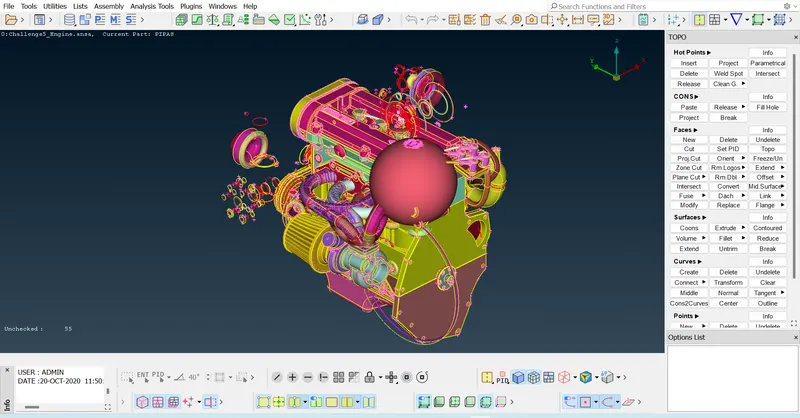
TOPO CLEANUP
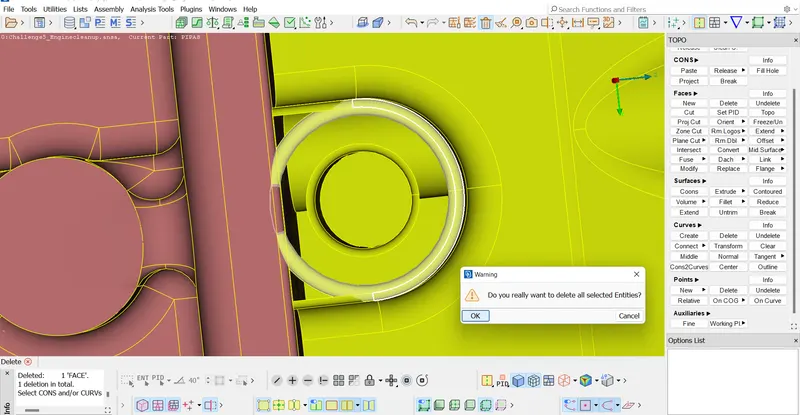
Delete all the unwanted surfaces and rings inside the model.(Since we do only surface wrap we need outer surfaces)
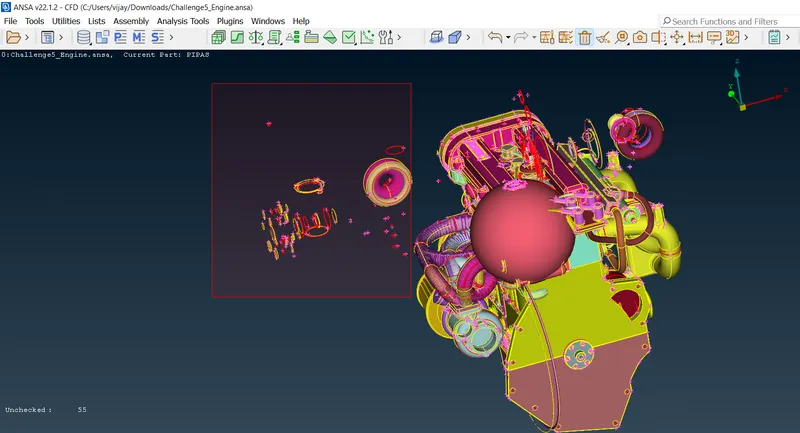
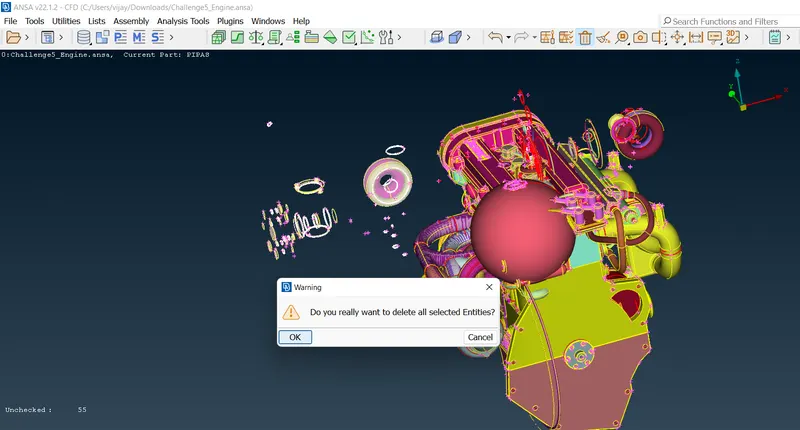
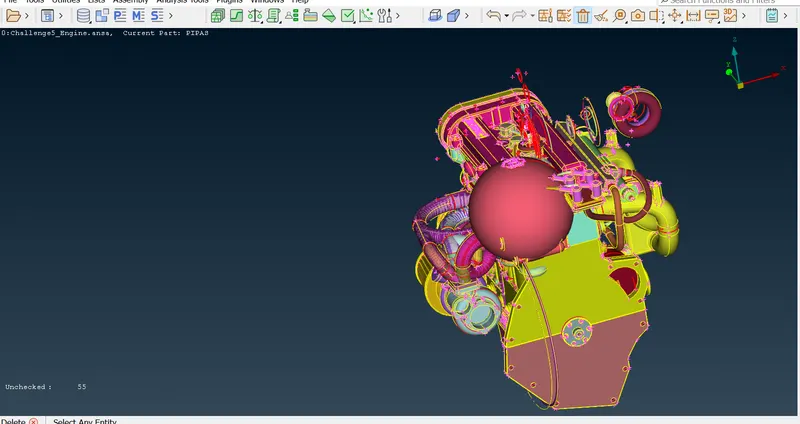
Deleting all the overlapped surfaces
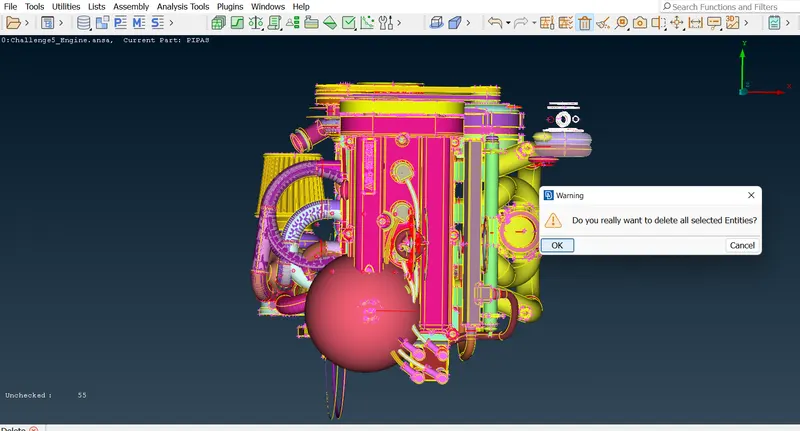
Set a view and select the unwanted surfaces/rings and delete them.
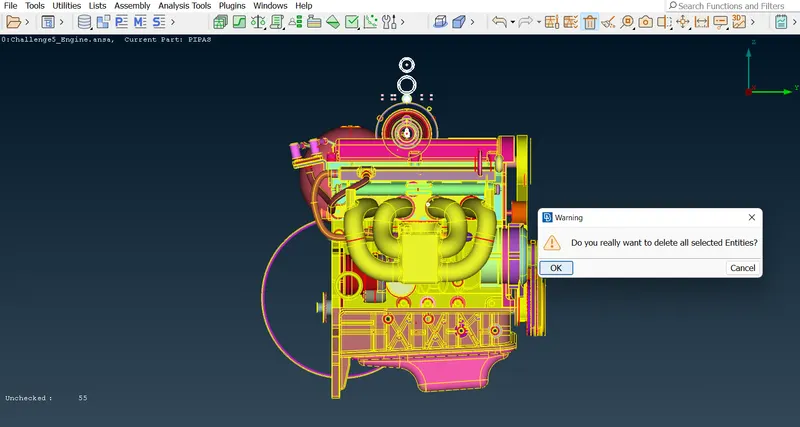
Delete all the unchecked surfaces
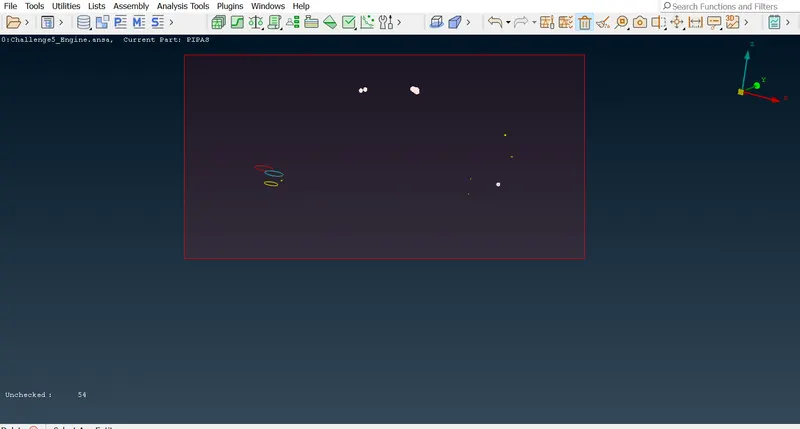
Delete the bigball shaped structure which is not necessary.
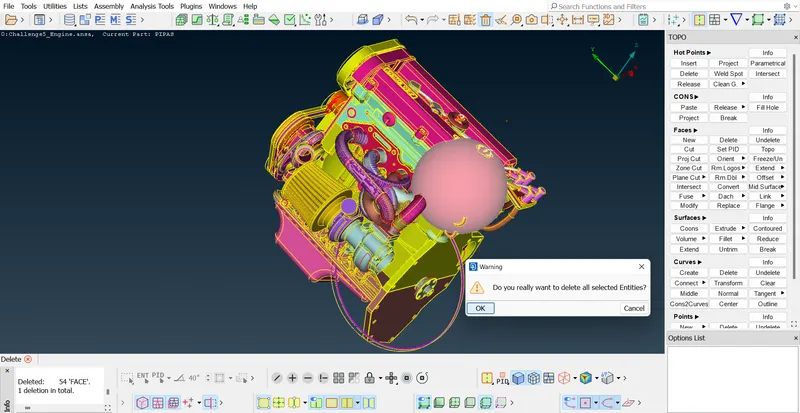
Hide the outer wanted surfaces and then delete the inner surfaces.
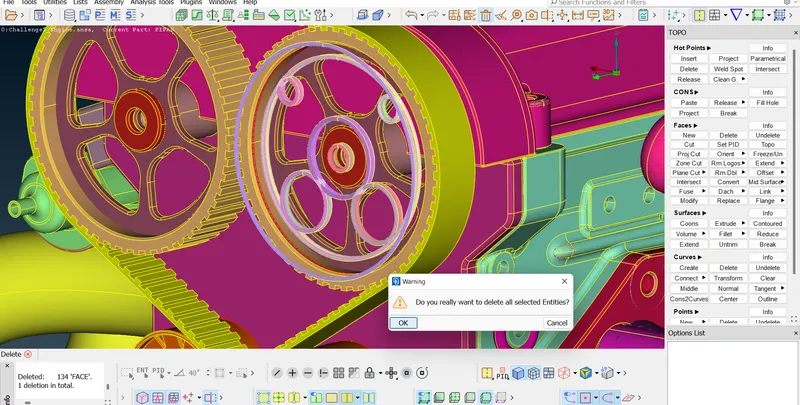
Hide all the major wanted PIDs and then delete the unwanted surfaces
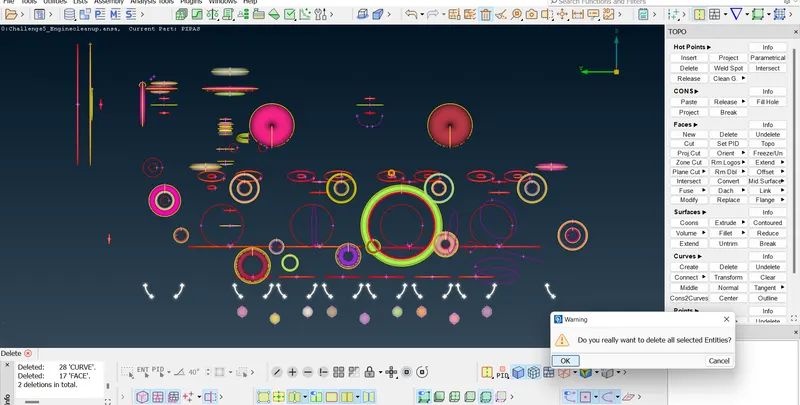
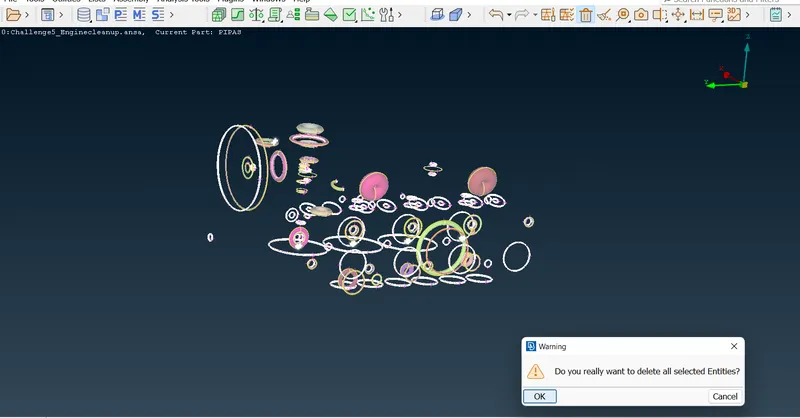
Should close all the outer faces and remove the unwanted triple CONS
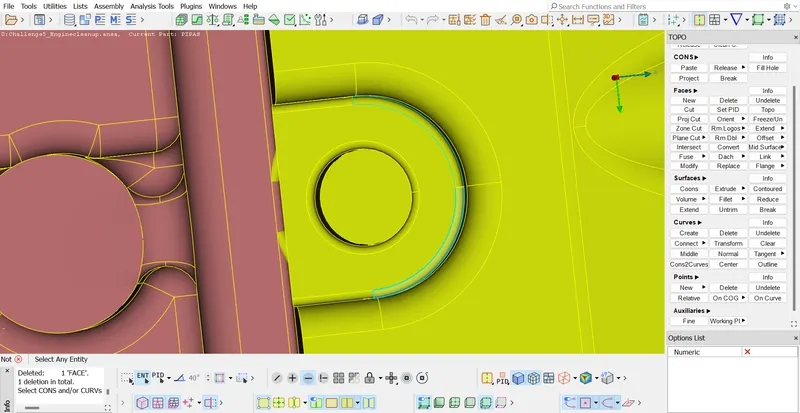
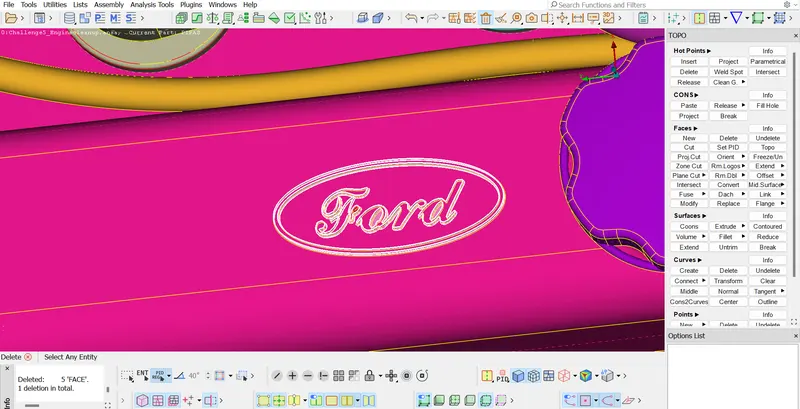
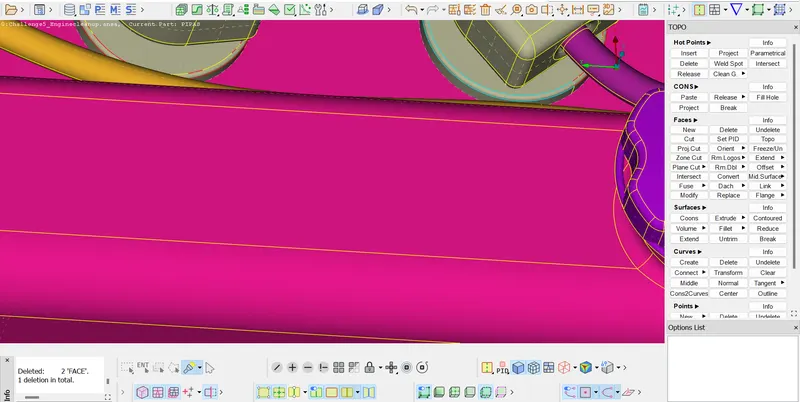
Remove the LOGO part and make it a plain surface
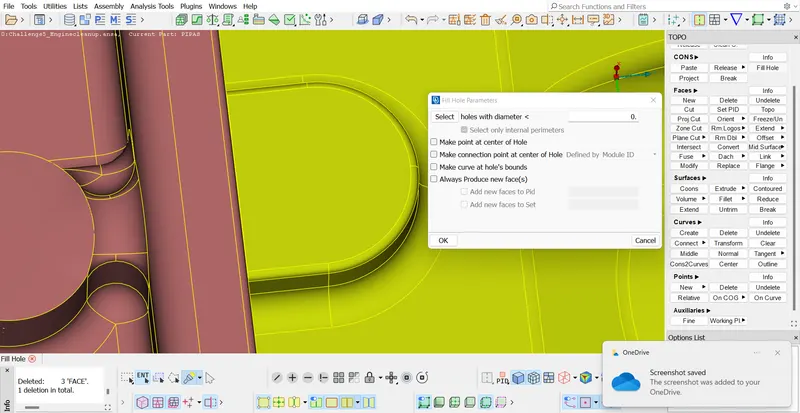
Deleting the ring surface inside the PID and creating new surface
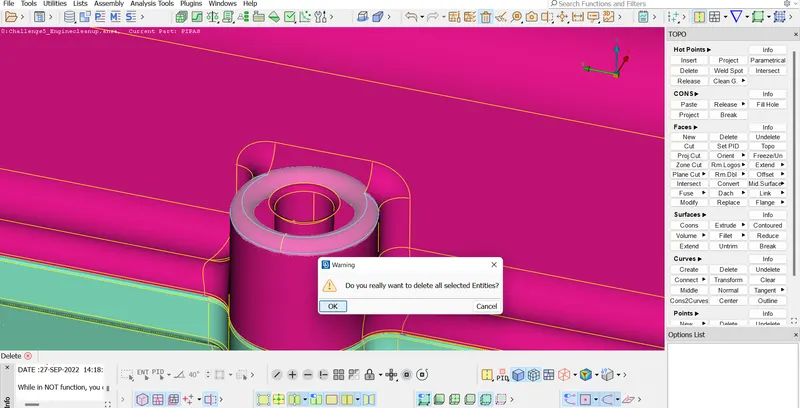
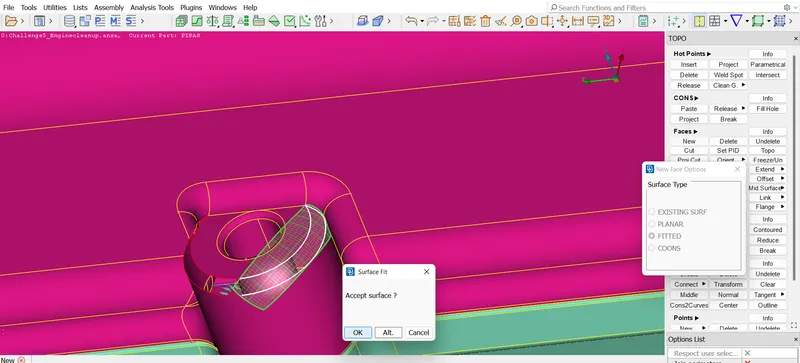
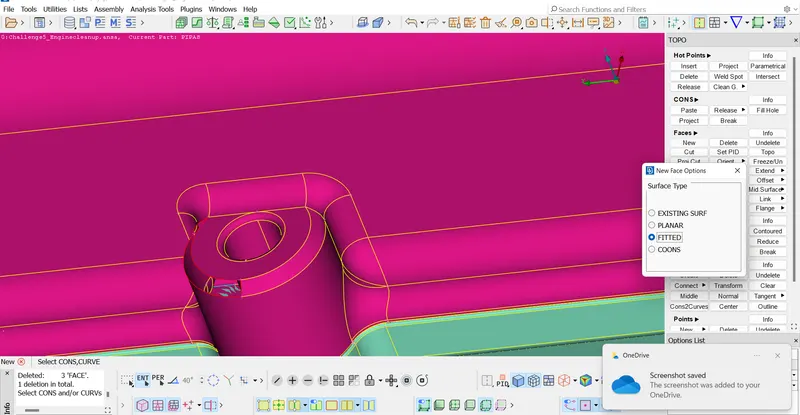
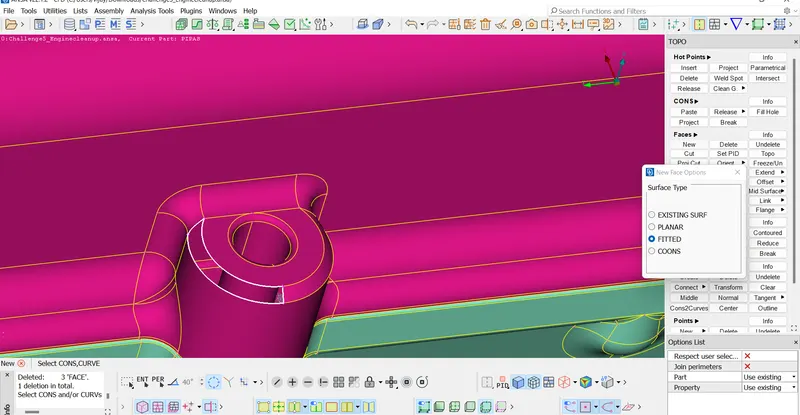
Removing the rings which are responsible for Triple CONS
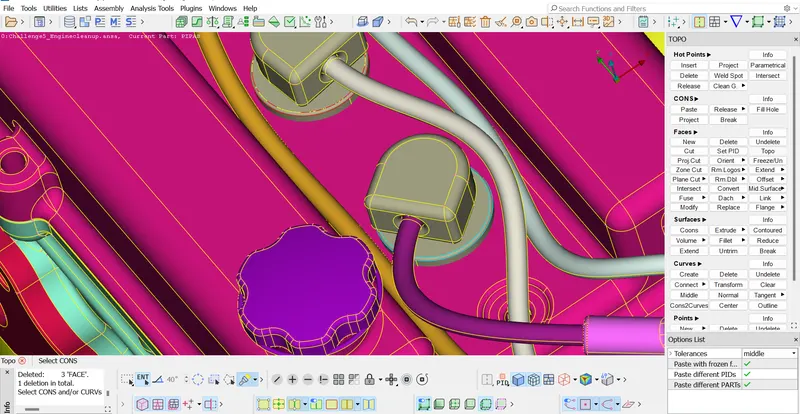
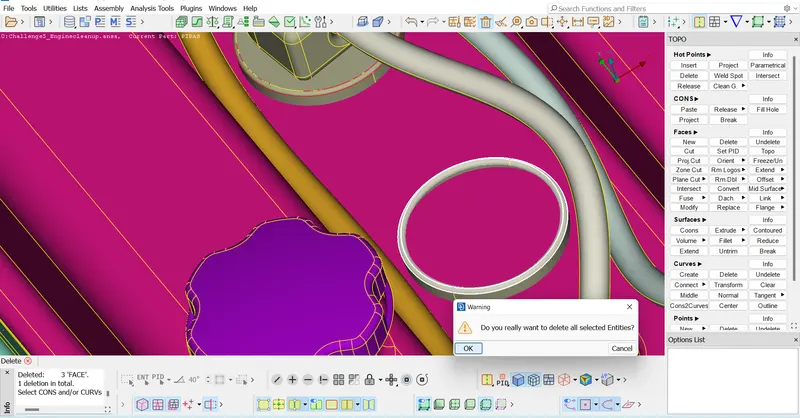
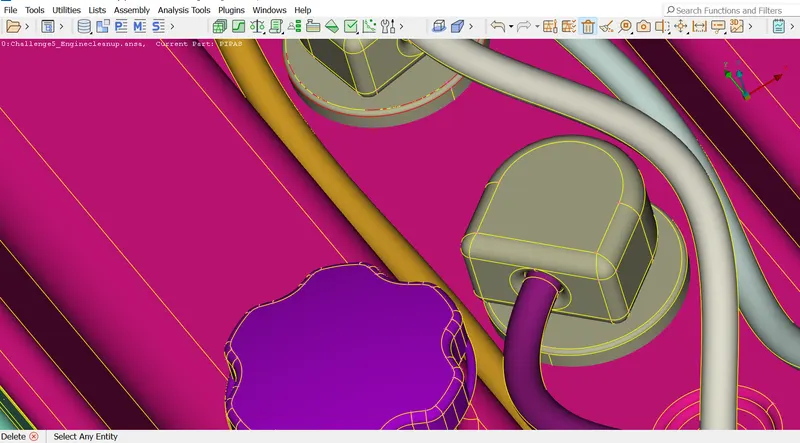
Deleting the belts
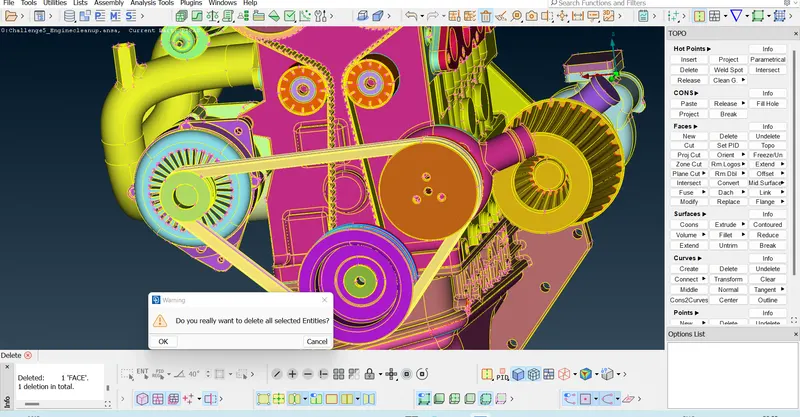
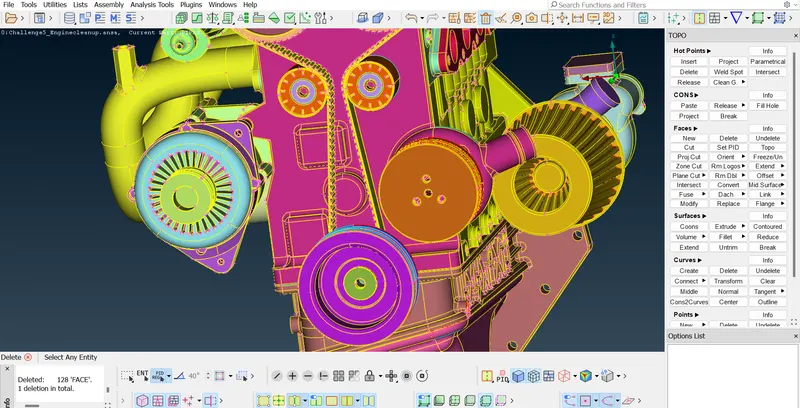
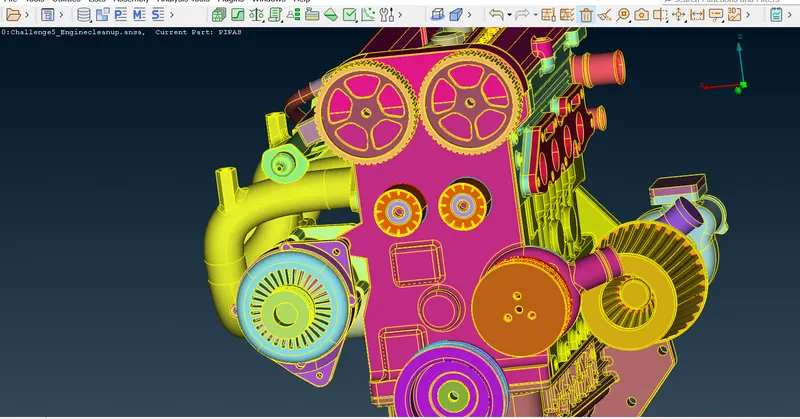
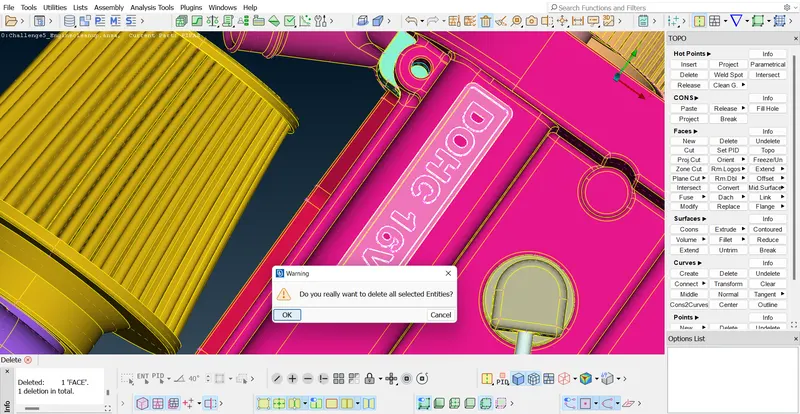
Delete the other LOGO parts
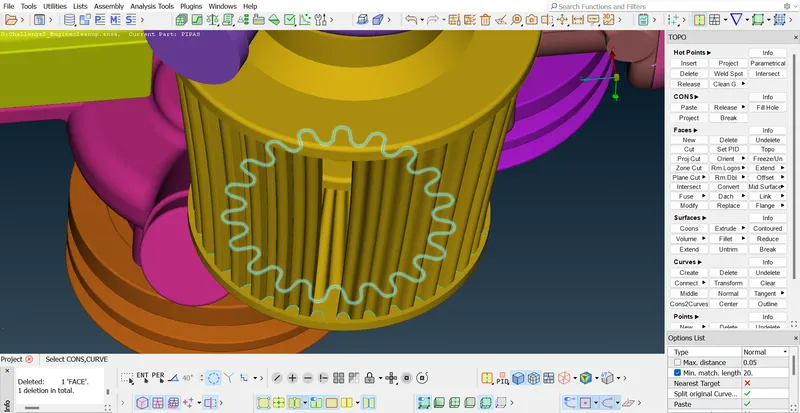
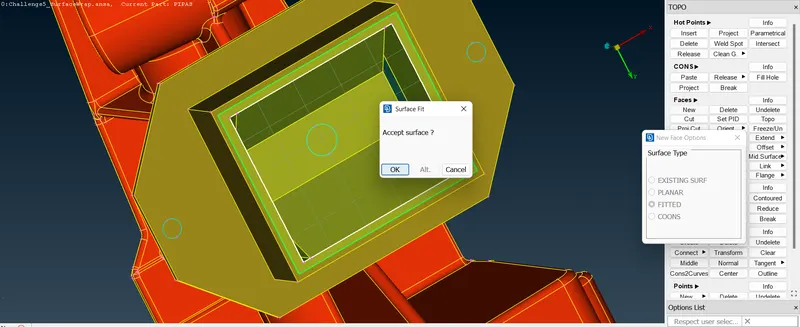
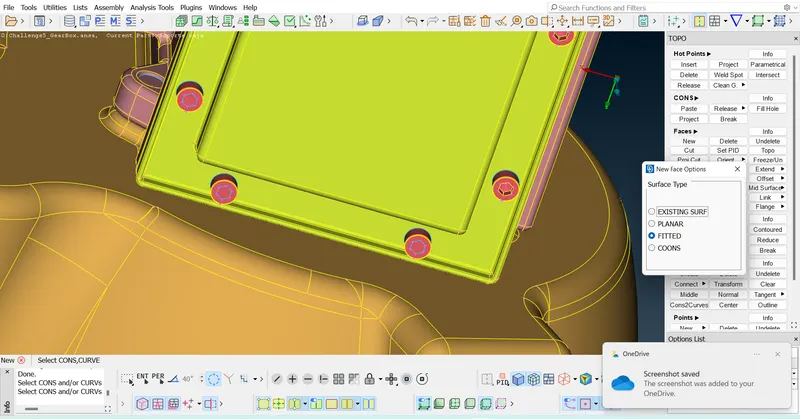
Fixing the single CONS by projecting them to the surfaces
Close and save the file after fixing all the single CONS at the outer surface of the engine model since we deal with only the wrapping of the surface.
3.Now open the Transmission model '.ansa' file
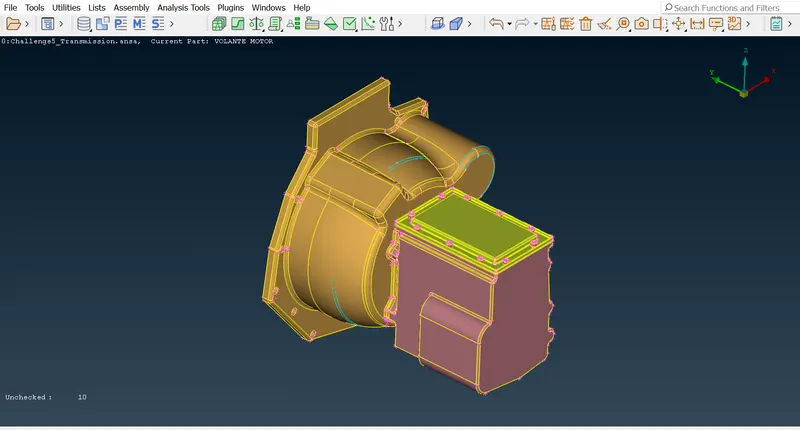
Delete the small unchecked surfaces
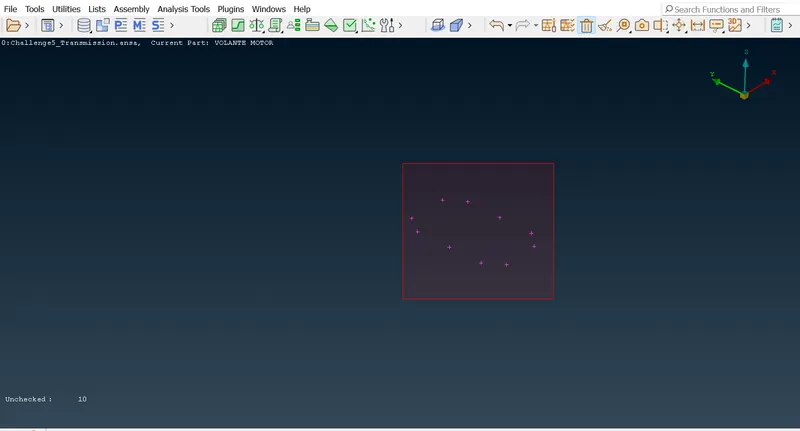
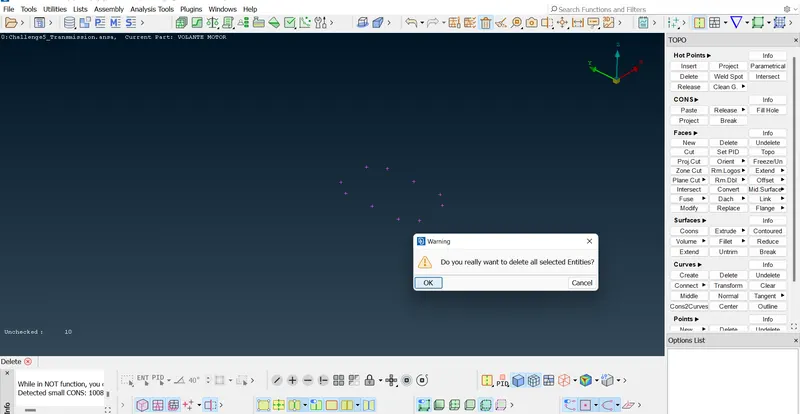
Removing the triple CONS
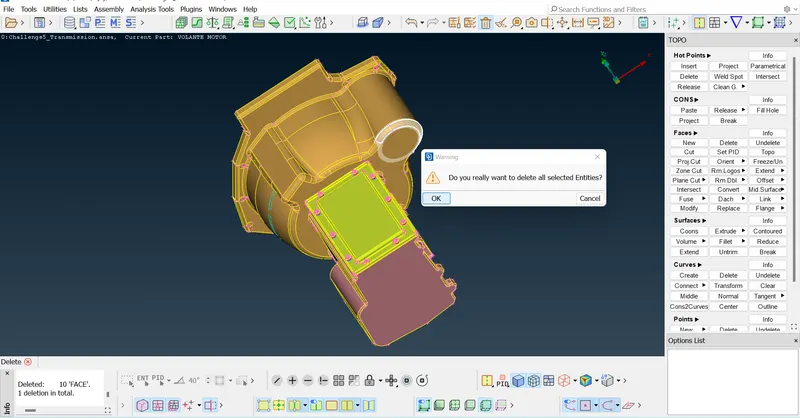
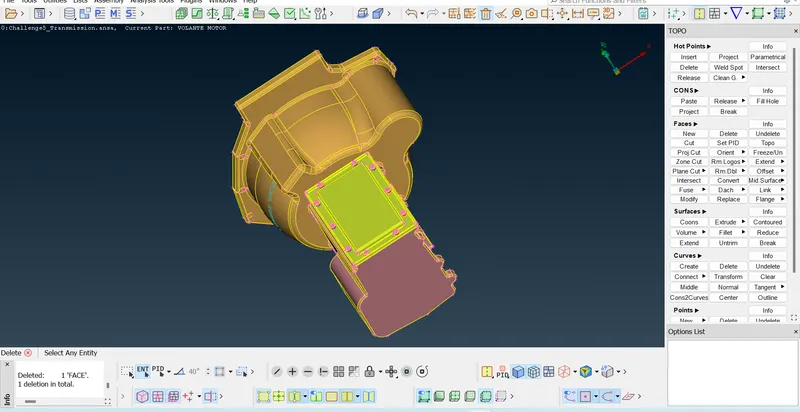
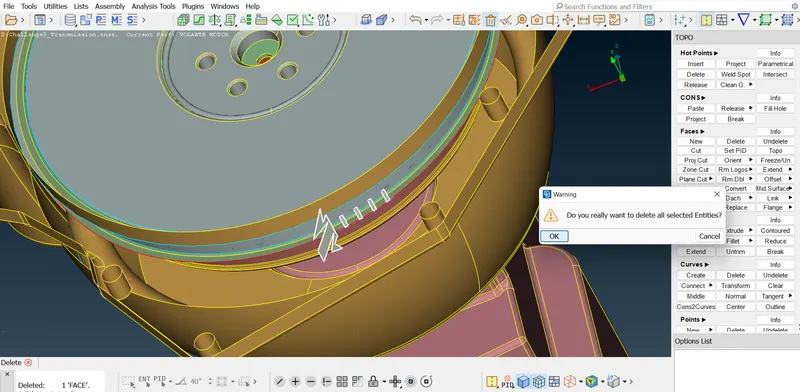
Deleting the overlapped faces
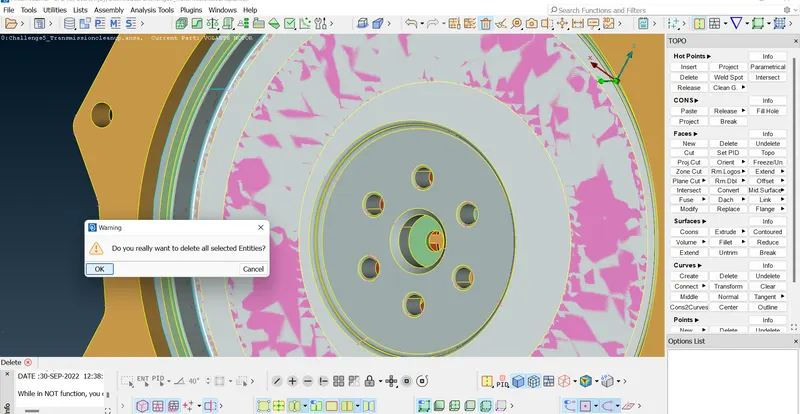
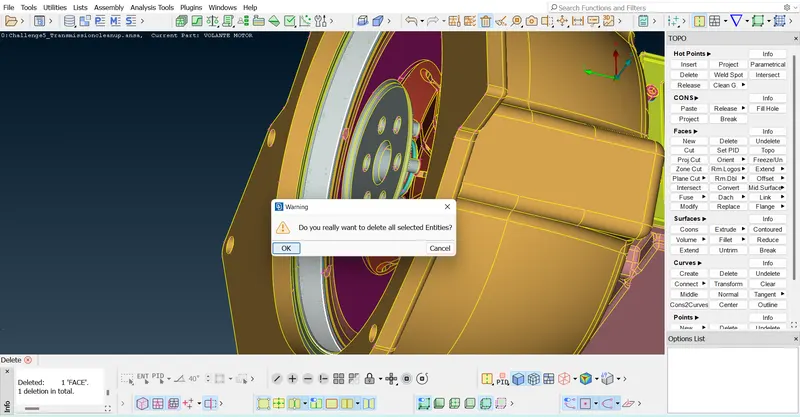
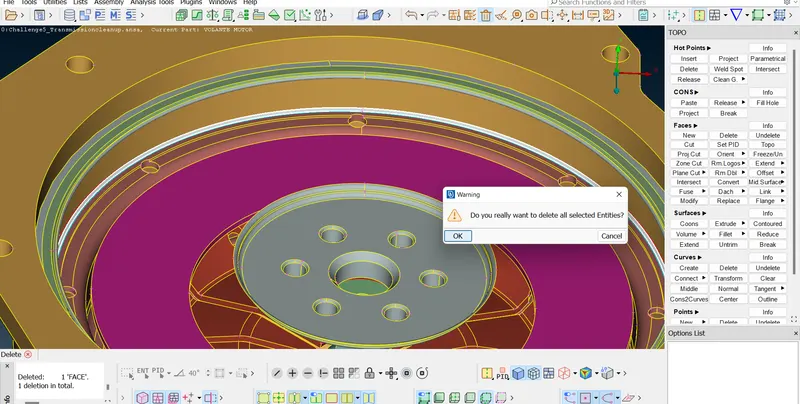
Removing the surfaces wherever the Single CONS are present
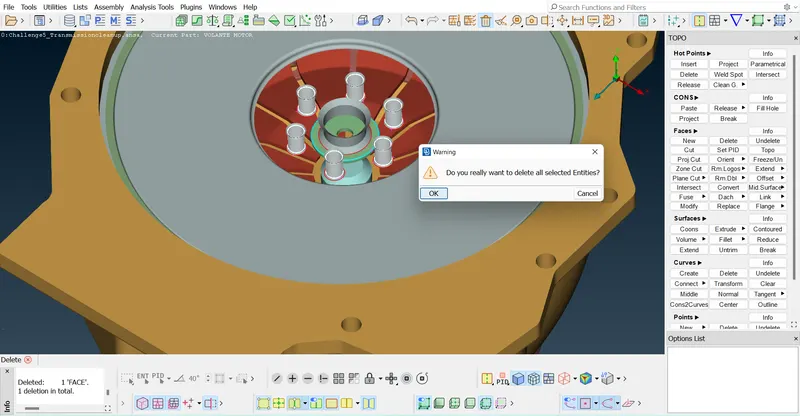
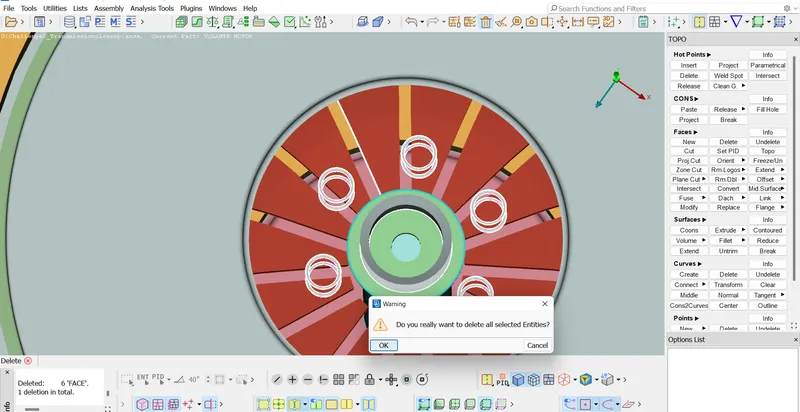
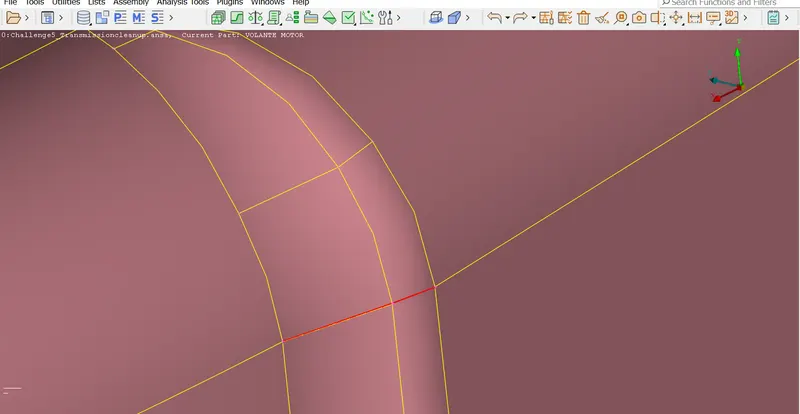
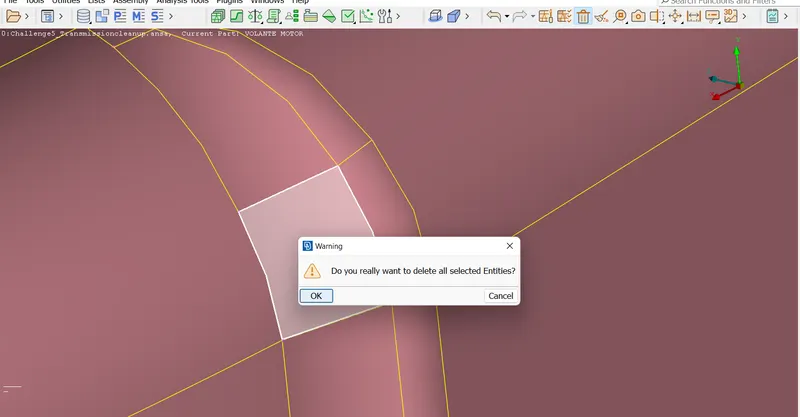
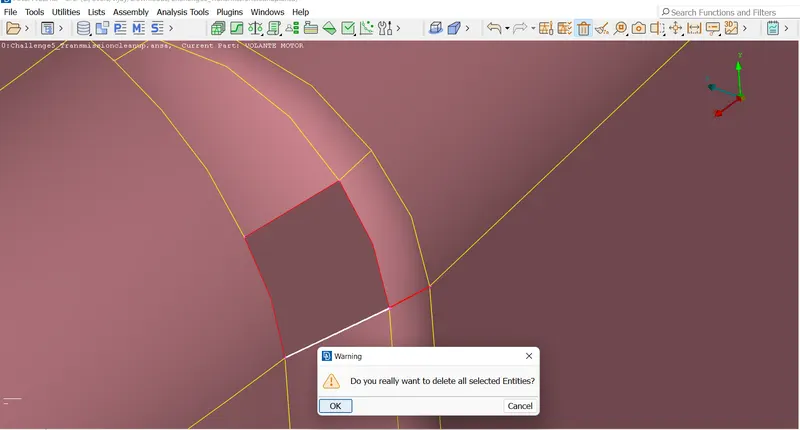
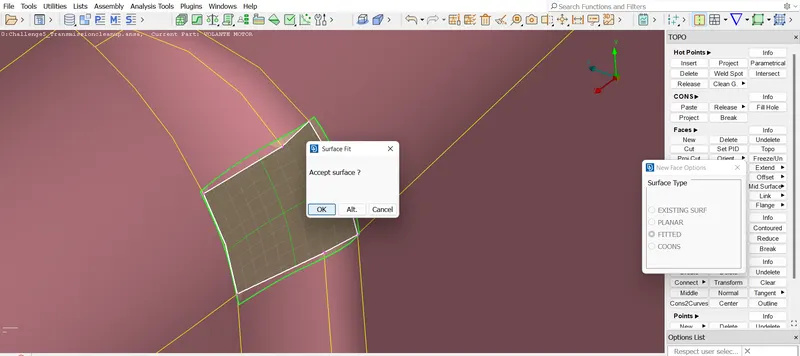
Similarly finish the geometry cleanup of the GearBox model
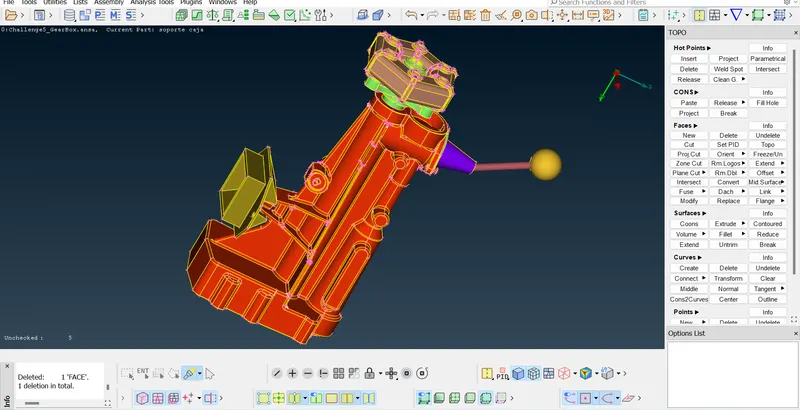
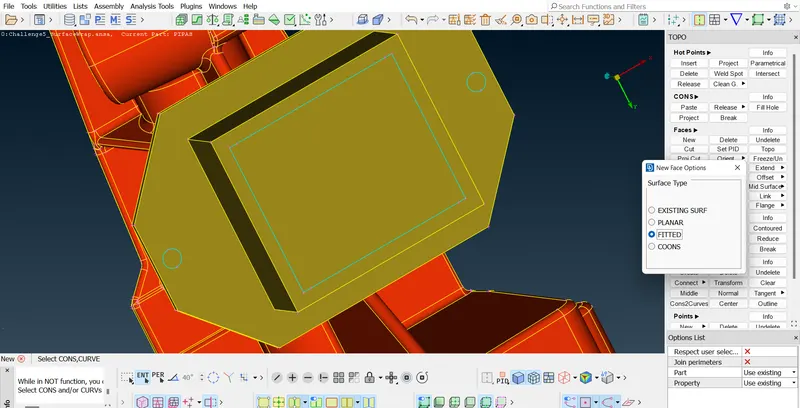
Closing the outer surfaces
After finishing the TOPO cleanup now go to File option and choose 'Merge' and select the Transmission model and Engine model for merging.
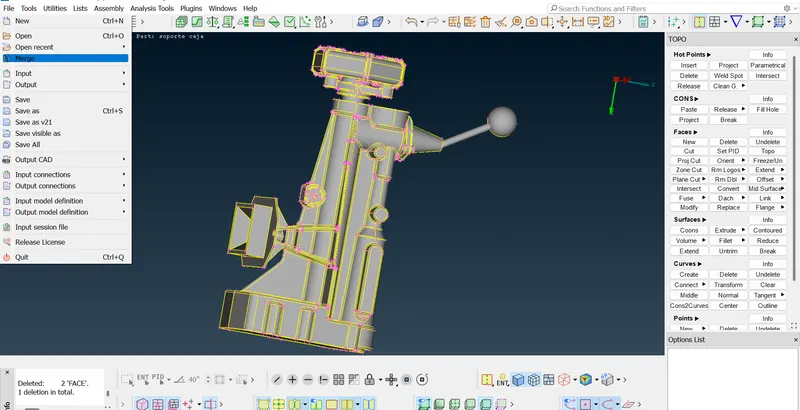
We can select both at a time or we can merge individually.
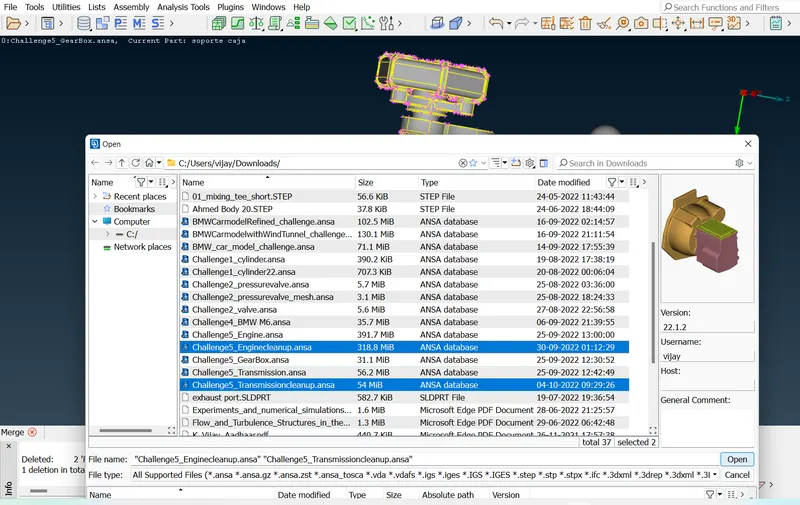
Now click on OK
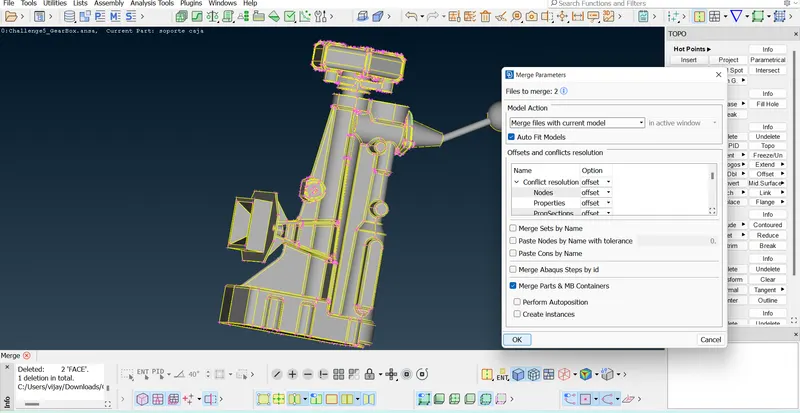
All the 3 models are merged and now just click on OK
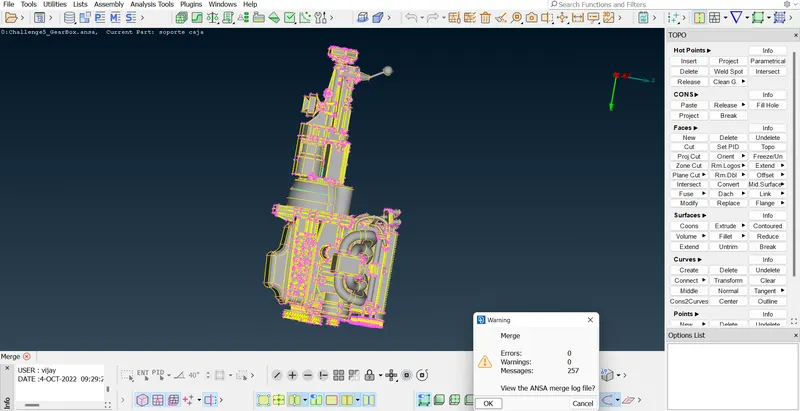
Close all the outer surfaces since the wrap should not go to the interior surfaces.
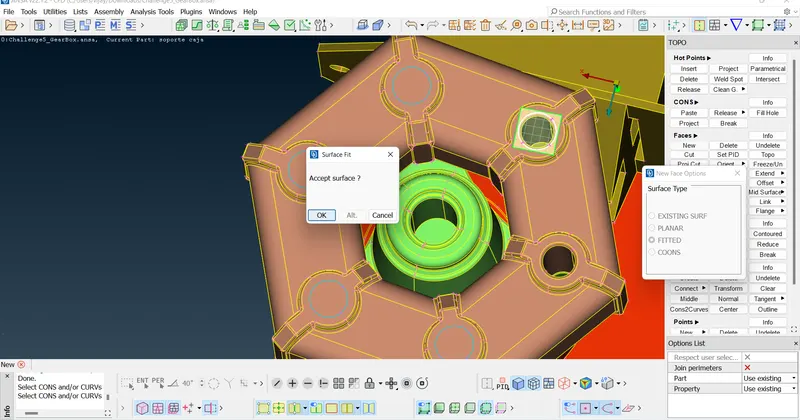
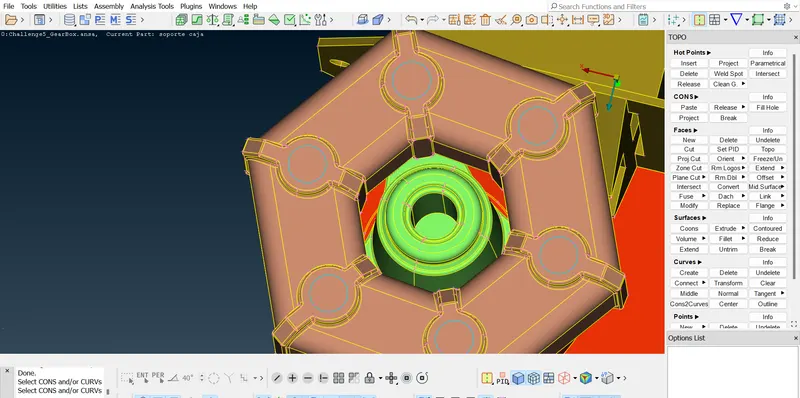
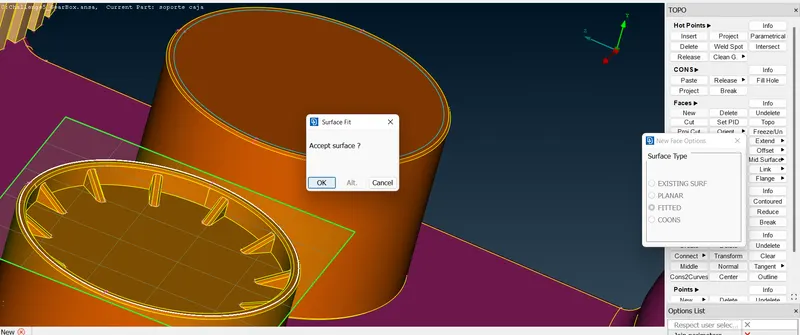
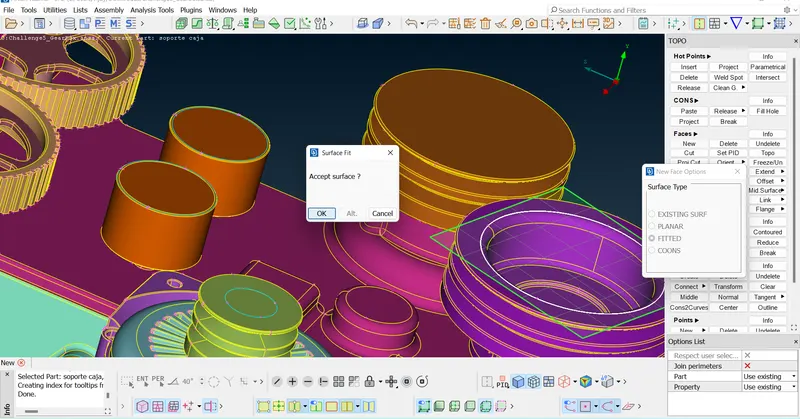
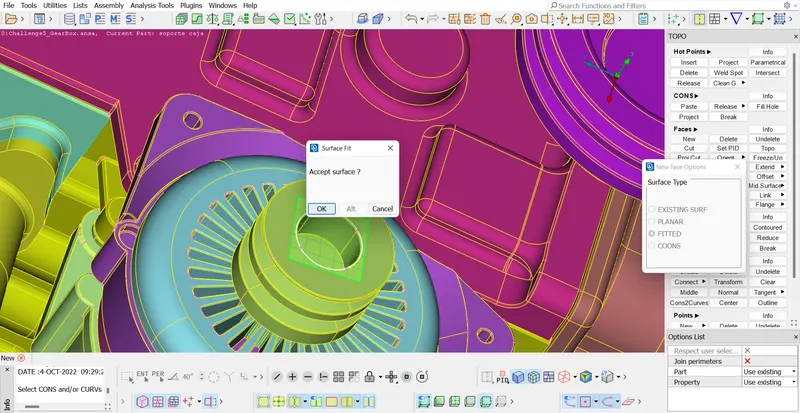
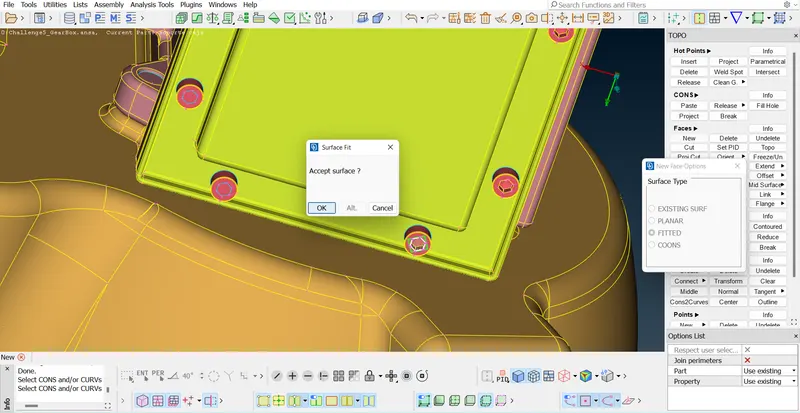
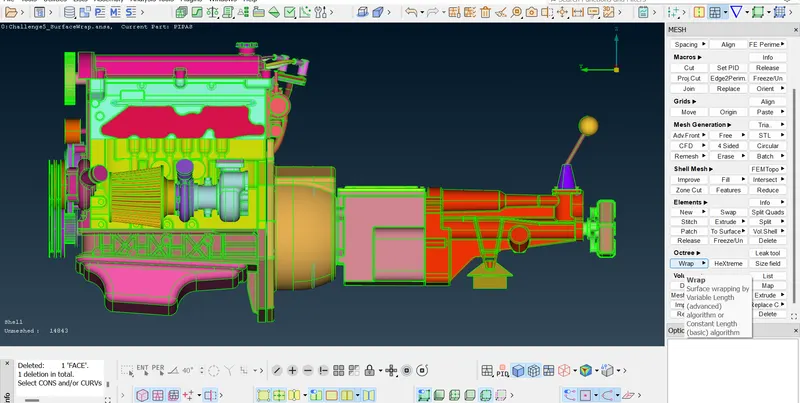
After closing all the outer surfaces click on Wrap(under Octree) - Constant wrap octree
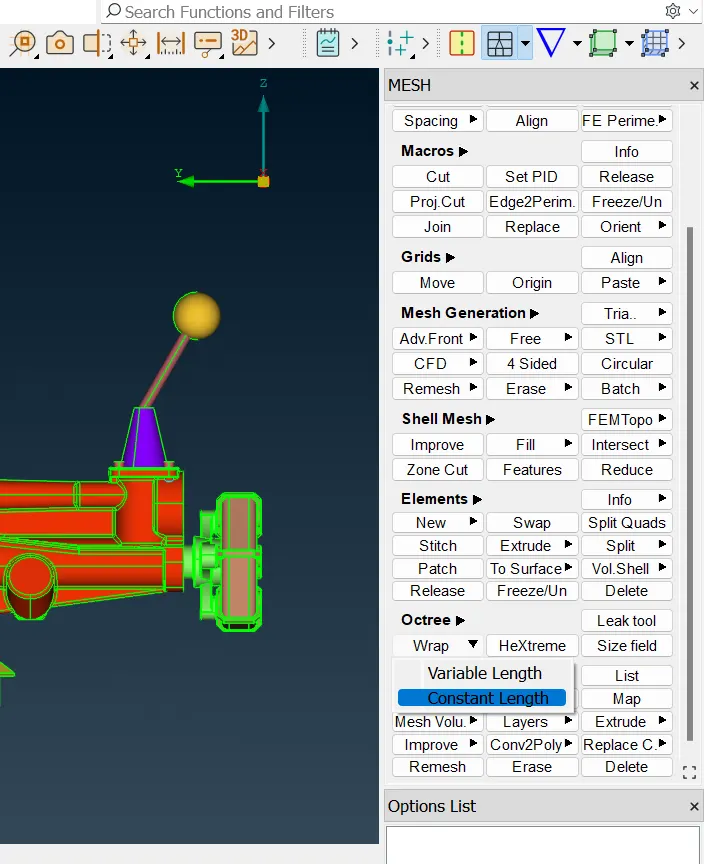
click on Constant length
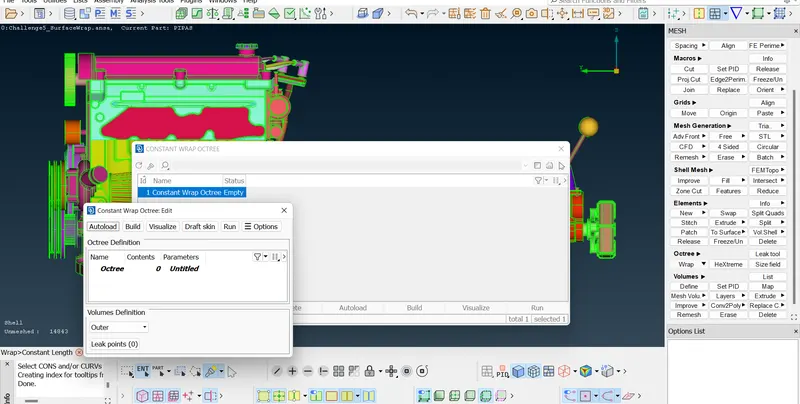
Double click on "Untitled" for giving the name for the wrap,give the target length = 3 (as per given target length for surface wrap)
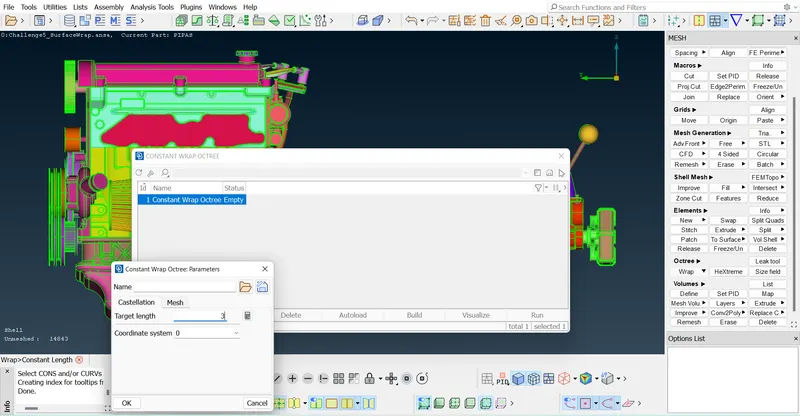
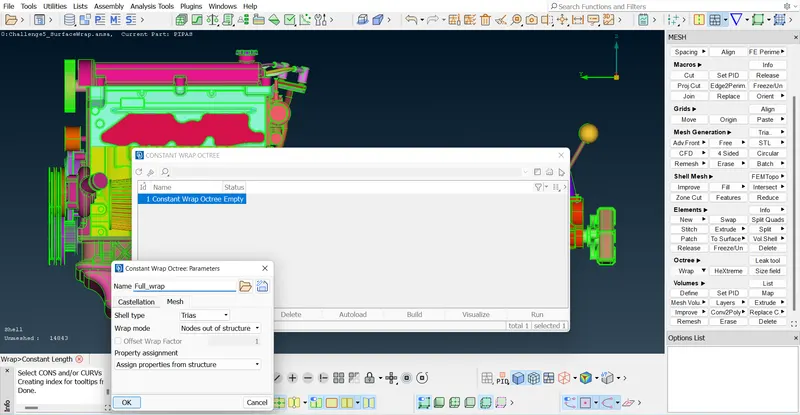
Give the name as 'Full_wrap' and just close this.
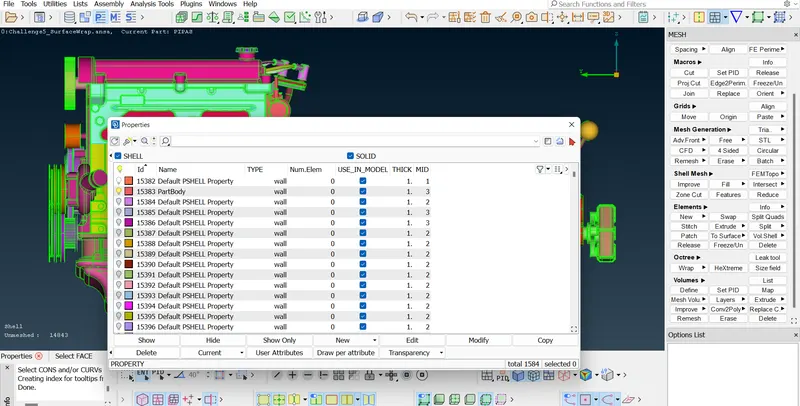
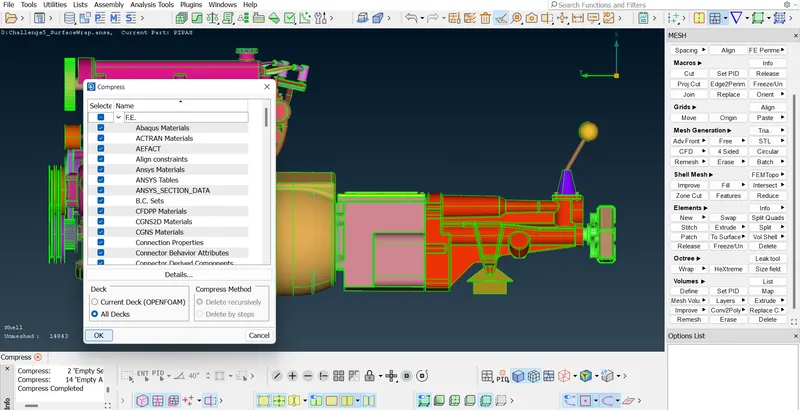
Go to Properties and see the number of PIDs and then use Compress option to delete the extra added PIDs by ANSA
click on OK
Now again go to Constant wrap and see the contents = 0 so double click on the '0' to give contents to wrap,select all the PIDs using CtrlA and move them to Octree
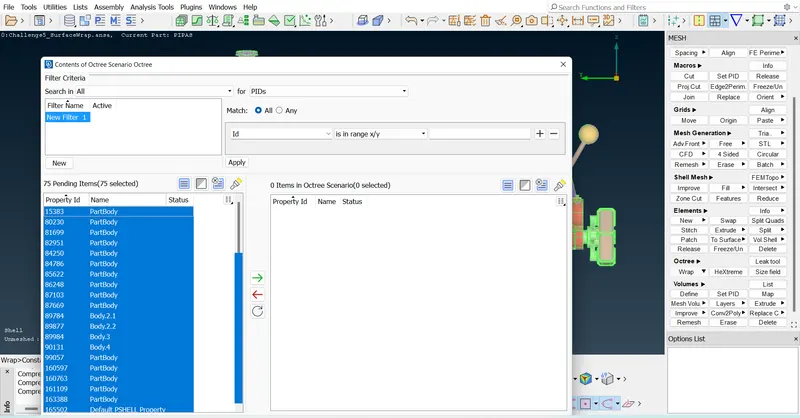
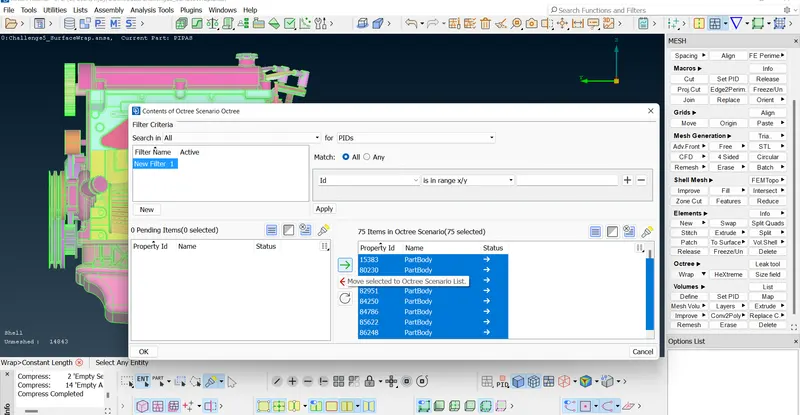
Click on Run and wait for sometime to complete the Surface Wrap by ANSA
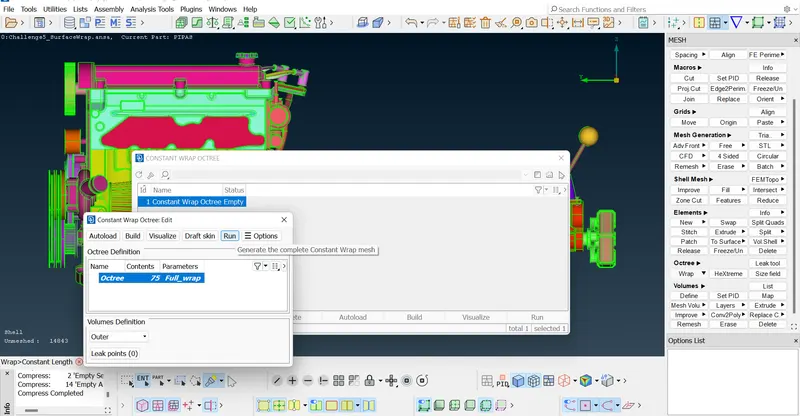
RESULTS :-
Finally the surface wrap of target length 3mm is completed after merging the 3 given models (Engine,GearBox,Transmission models) Total Trias = 730888.
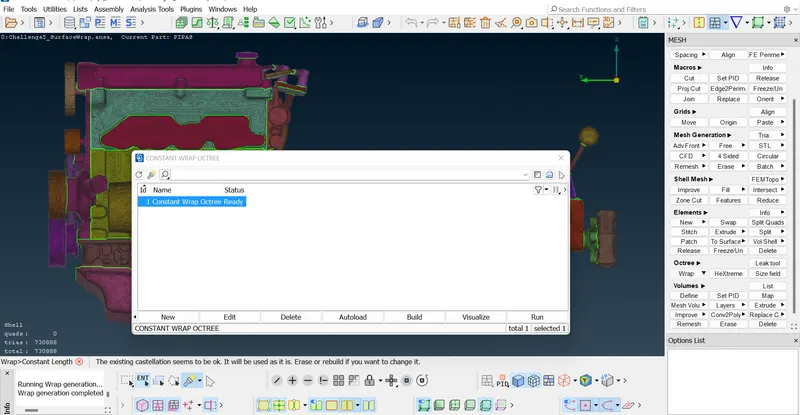
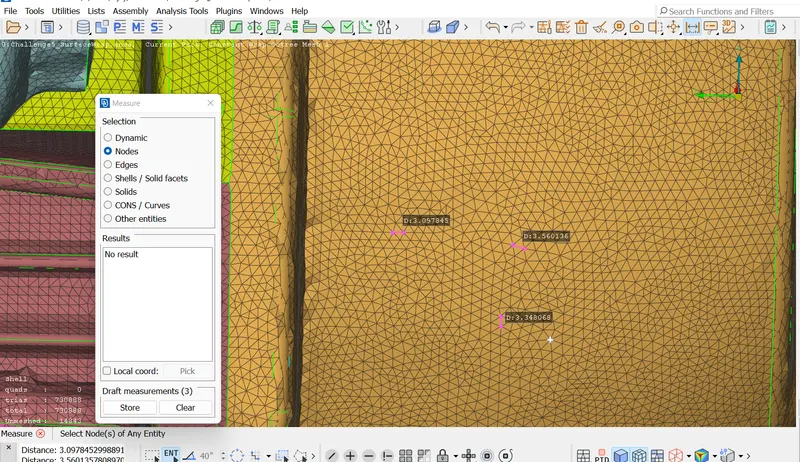
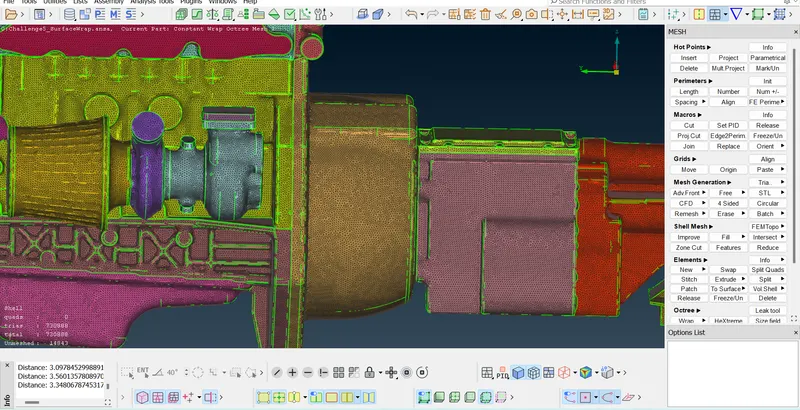
By turning off Geometry and turning on FE mode we can see only the surface wrap model
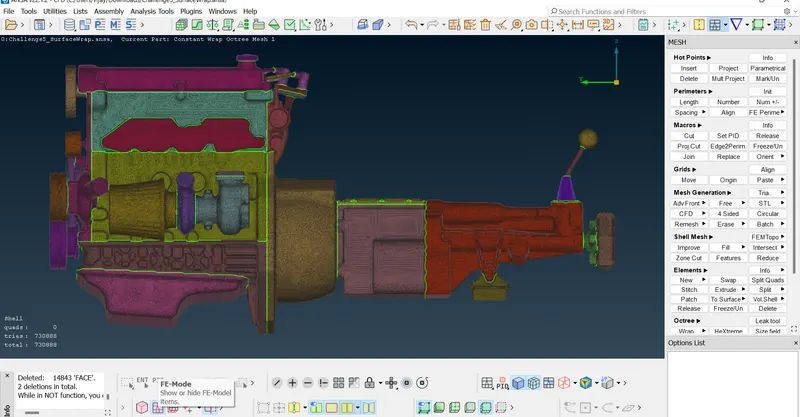
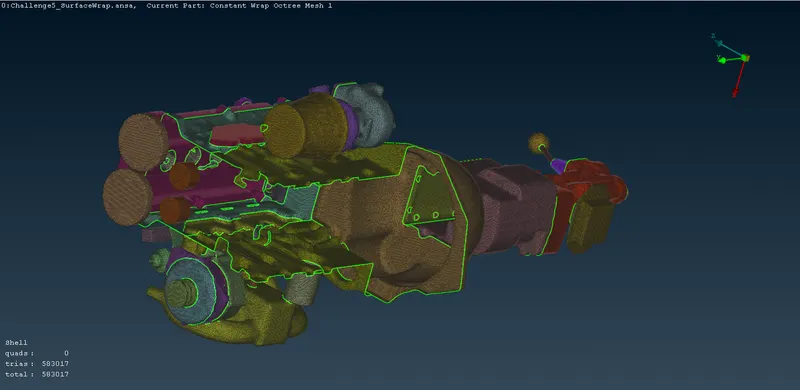
By using Not option we can hide the required entities or PIDs of the surface wrap and can observe the surface wrapping of the model.
Learning Outcomes from this project:-
1. We came to know that the surface wrap will not be good enough if the outer surfaces are not closed.
2. For surface wrapping there is no need to worry about the single CONS or triple CONS present inside the surface(interior parts)
3. We learnt how merge function works and how to use 'Wrap' function.
Functions used :-
Under TOPO
- Hotpoints > Delete - This function deletes Hot Points lying on a CONS segment. After deletion, the adjacent CONS segments sharing the Hot Point become one.
-
CONS > Paste - This function pastes (joins together) two or more CONS segments that lie close to each other, and which usually are boundaries of different Faces. A new topological condition is created and these Faces become neighboring.
-
CONS > Project - This function projects, as CONS or 3D Curves, a number of selected 3D-curves, CONS, element edges, line elements or Hexa Box edges on a number of selected Faces, WPLANEs and CROSS_SECTIONs, in a user controlled direction. The selection of the CONS or 3D-curves can be assisted by the 'Corner Angle', 'PID Neighbs' for line elements or 'Path'.
-
Faces > New - This function defines a new surface by selecting its boundary curves and creates a corresponding face that covers the new surface. The calculated surface appears as a net.
-
Faces > Delete - This function deletes selected Faces. As the Face is deleted the neighboring topological conditions change. If the picked Face to be deleted serves as a parent Face to other linked Faces, then extra confirmation is required for the deletion, and an option to convert all linked Faces to geometry is given.
-
Faces > Undelete - This function recovers a Face that was previously deleted, provided that the COMPRESS command was not used since the Face was deleted. As the Faces>Undelete function is activated, all deleted Faces still in the database become highlighted and can be selected for recovery.
-
Faces > Topo - This function automatically creates topological conditions between selected adjacent CONS.
-
Auxiliaries > Fine - This function increases or decreases the presentation resolution of a selected 3D-curve or CONS segment.
Under Mesh
-
Octree > Wrap [Constant Length] - It is a very fast algorithm used for the creation of a watertight triangular surface mesh of uniform size length from an assembly of unconnected or intersecting components. It can be used for various analyses like CFD, NVH and more.
Conclusion :-
- The given 3 models Engine model,GearBox model and Transmission model were merged and surface wrapped with the given target length of 3mm.
- ANSA file for the surface wrap of the given 3 models after merging them - https://drive.google.com/file/d/1kkLWa0woKd_V6W5-yRaaVr77iTlIiAj_/view?usp=sharing
- We should delete the unwanted surfaces and the surfaces which are penetrating into each other at the outer surface of the geometry before proceeding for the Surface Wrapping.Also we should close the surfaces and holes.