Week 5 Challenge : Surface wrap on Automotive Assembly
AIM: To Prepare the surafce wraping and merge all 3 models of Engine, Gearbox and Transmission.
SOFTWARE USED : ANSA Software.
TOOLS USED IN SOFTWARE : Checks, Topo Deck, Loop, Parameters Tool for length, Mesh Generation Tool for meashing,Fill hole.
PROCEDURE :
1. Downloaded the model from the challeng and saved it in a specified location.
2. Inserting the downloaded model in to ANSA Software.
3. Learining the given question and understanding it.
4. Go to checks option to check the Geomentry Errors in the model.
5. Using delete option clear the unwanted objects from the model.
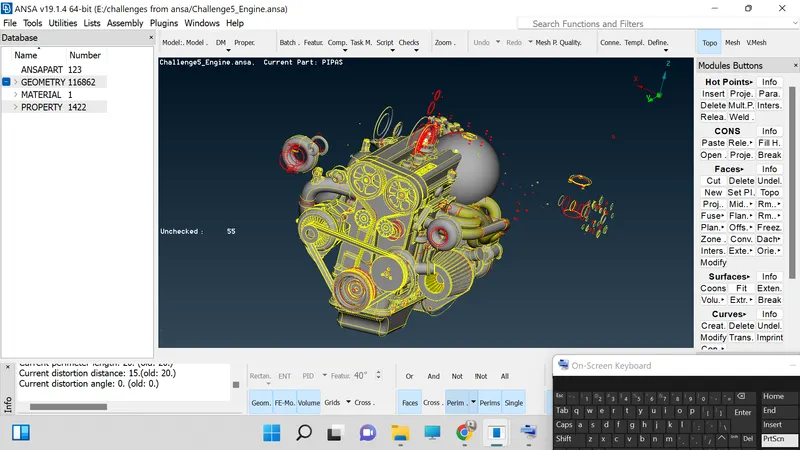
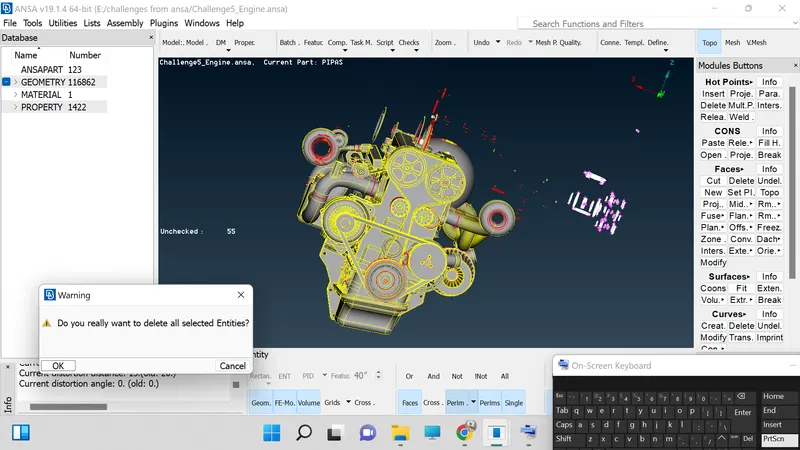
6. Select the views for better deletion option.
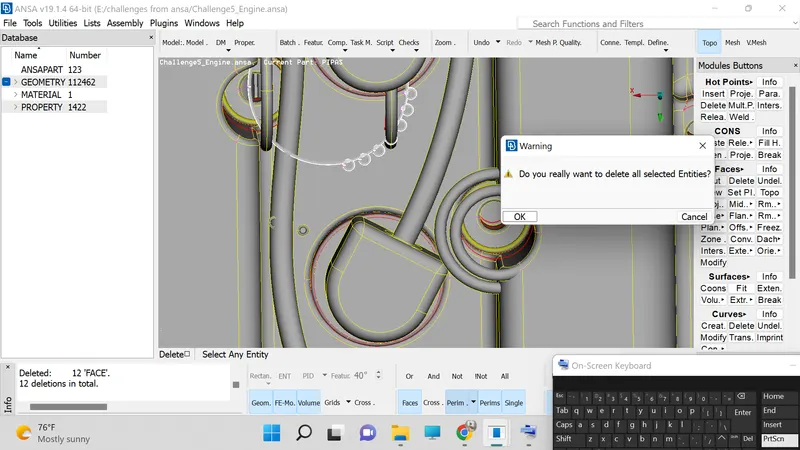
7. Use INOT option to hide the surfaces and clear the unwanted surface from the inner side of the model.
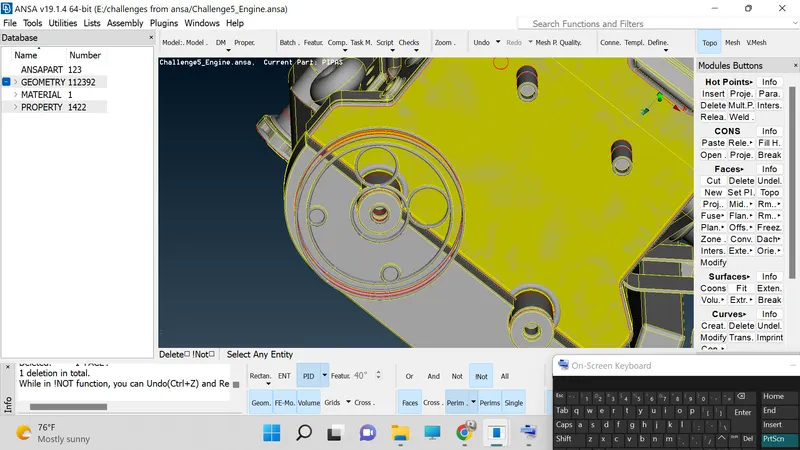
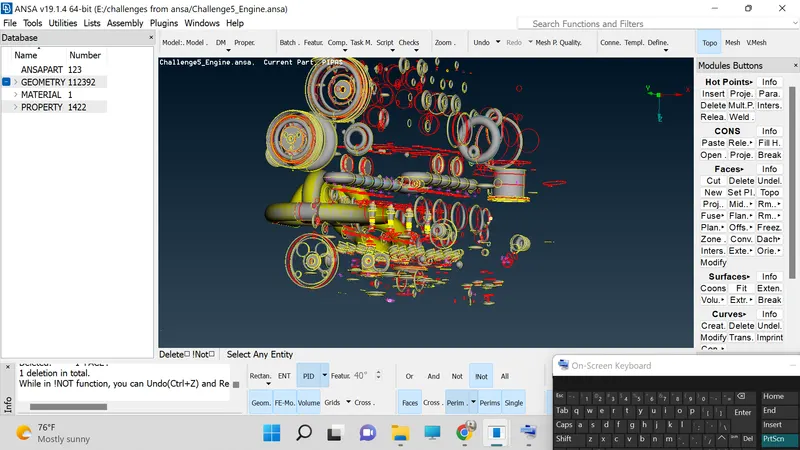
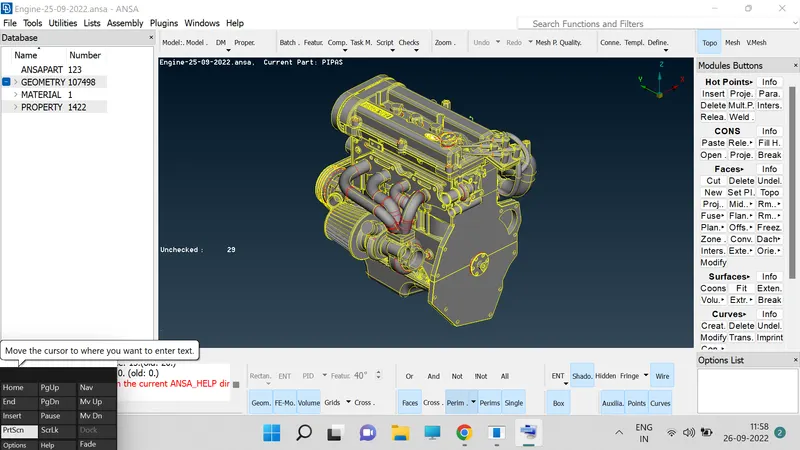
8. Similarly now we are going for the gear box model and repeat the above step nos 5 to 7.
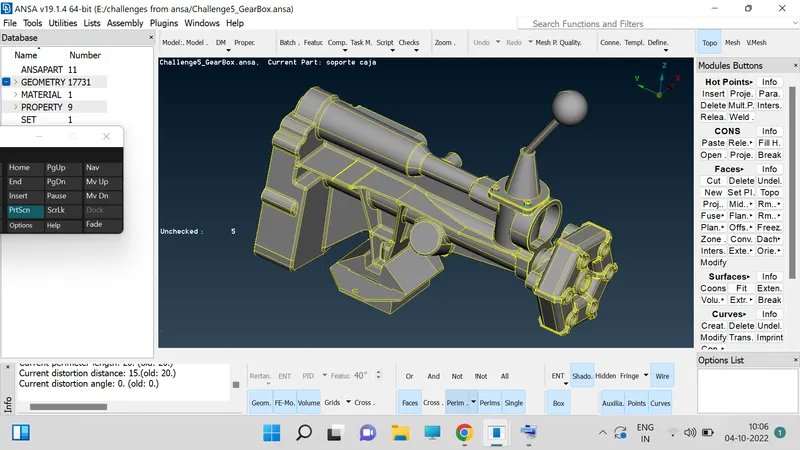
9. Below shown delete of unwanted parts.
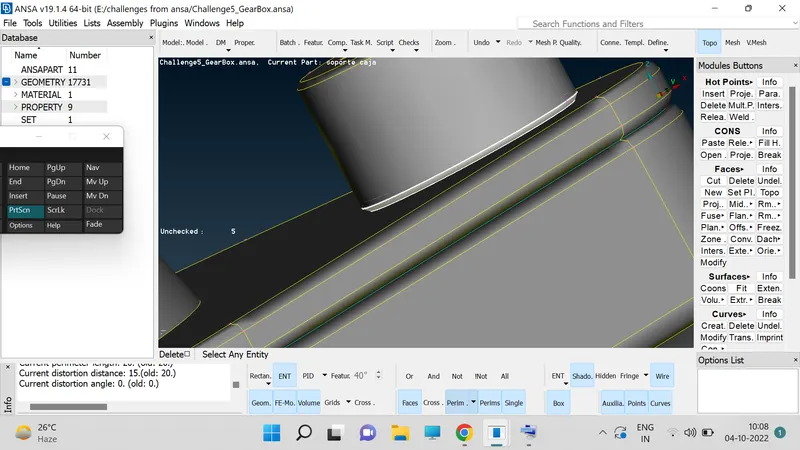
10. Try topo for the entry model to know the triple cones.
11. Go for entity mode and check the triple cones and delete the unwanted surfaces.
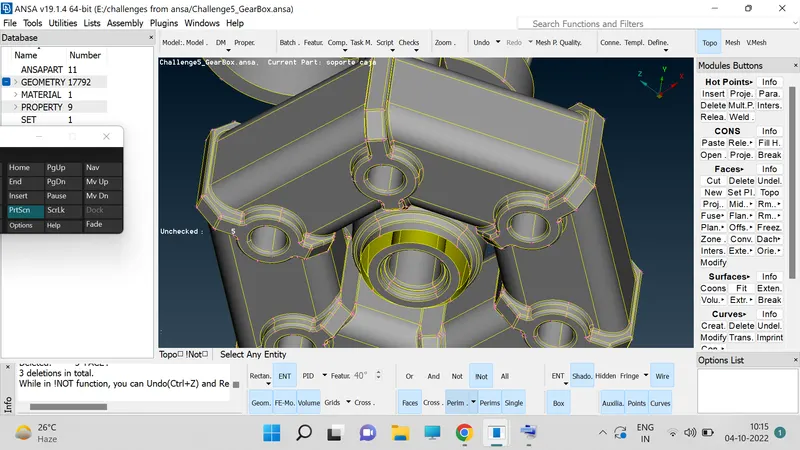
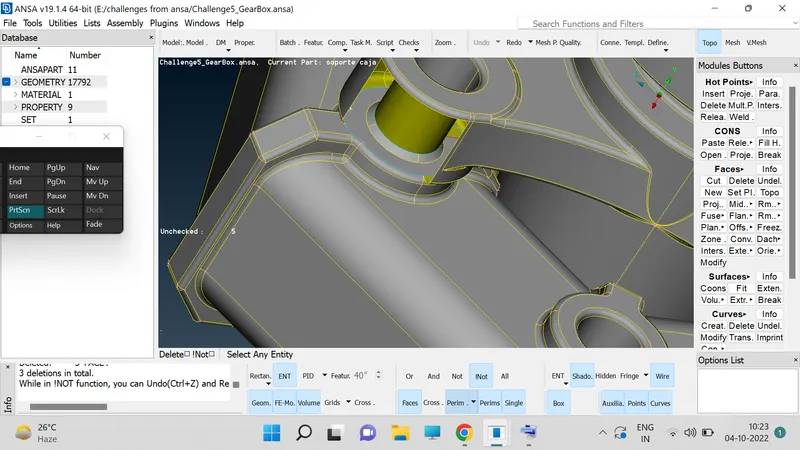
12. Create hot points to create the face to join the two surfaces.
13. Use extend option to extend surface on the two surfaces.
14. After checking all the parts we will close the gear box model and open the other model.
15. Select the transmissino model and open it.
16. Click on OR option select the particular PID's.
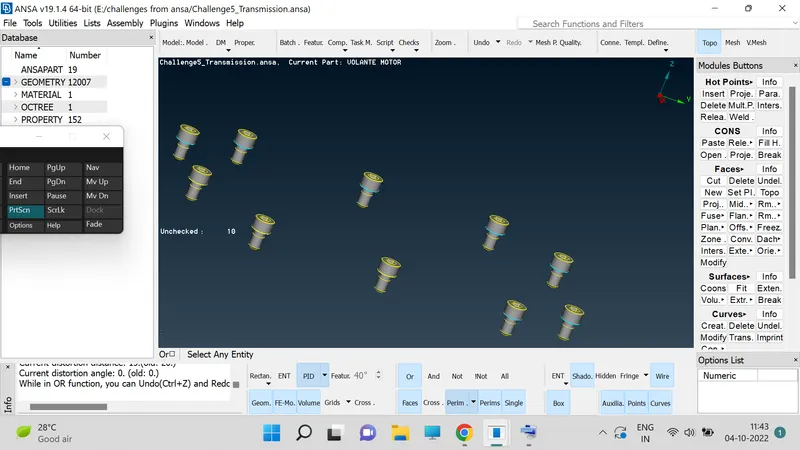
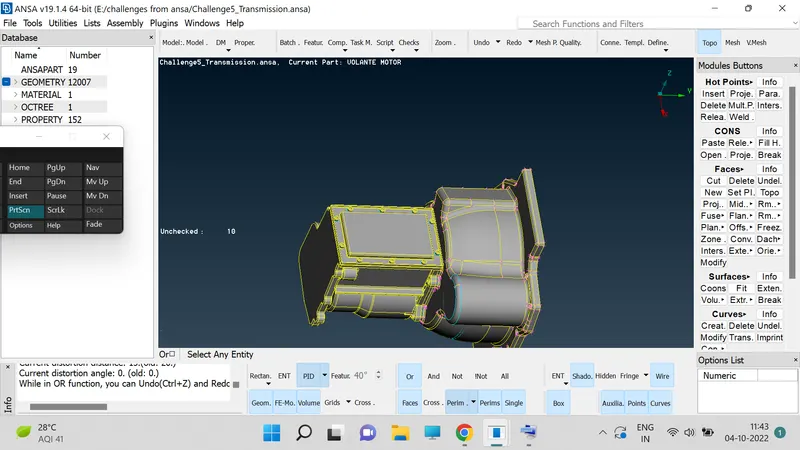
17. Apply TOPO option to see the triple cons on the model.
18. Hide one by one surface by using ENT mode.
19. Delete the extra surfaces.
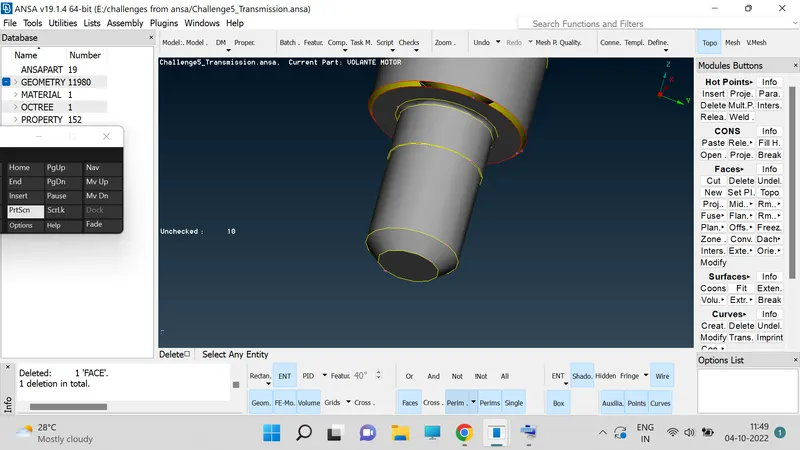
20. Delete the excess surfaces present outter side and inner side of the model by using the AND, OR and INOT options.
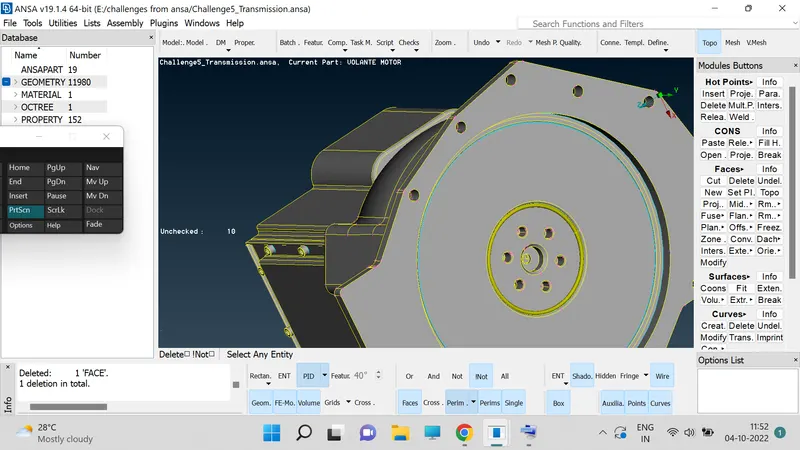
21. After completing the topology clean up for GEAR BOX, TRANMISSION and ENGINE. Then we will go for the surface raping.
22. Select the single model and close the open holes if any and delete the thin parts if any present in the model.
23. Repeat step no 22 for all 3 models and after filling the holes and then merge them in to single piece.
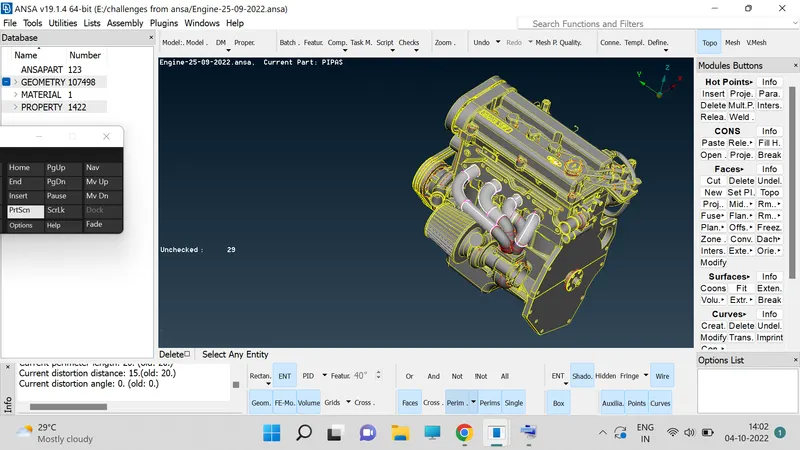
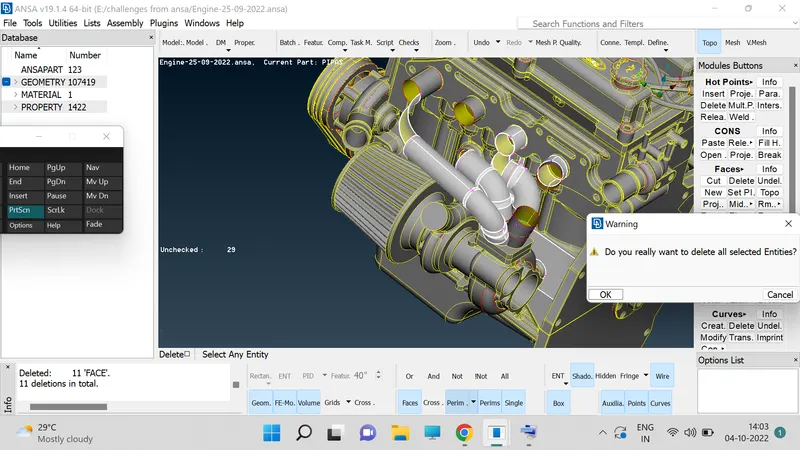
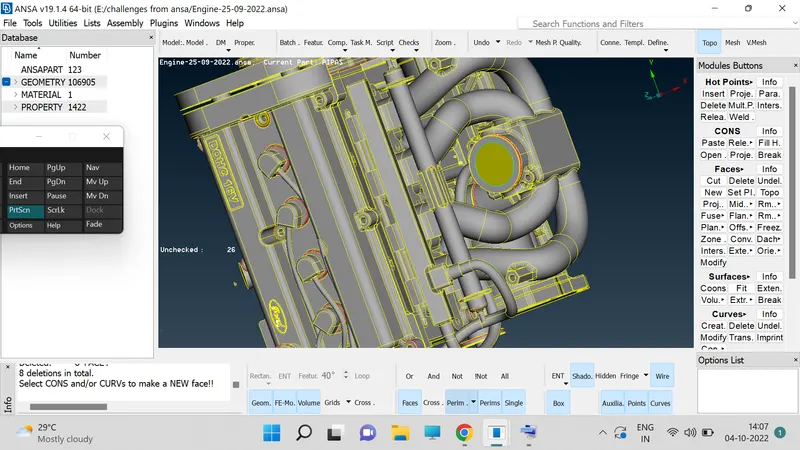
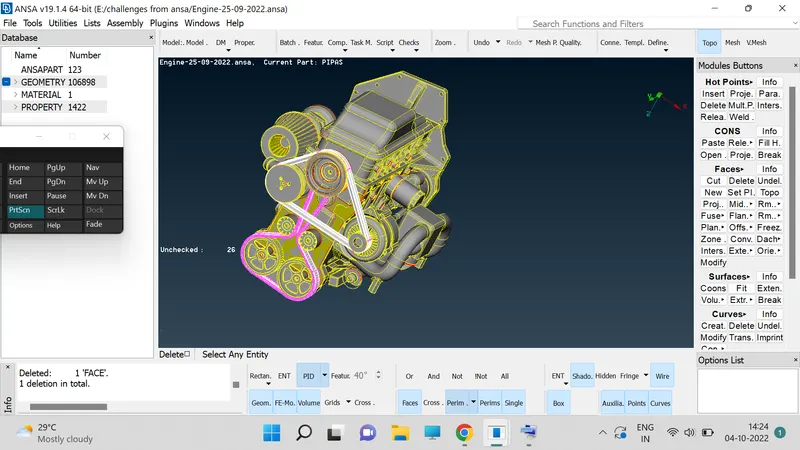
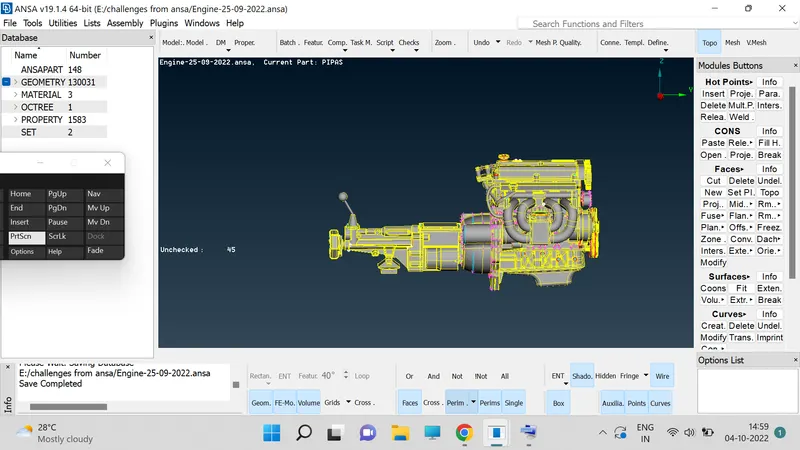
24. Go to MESH deck we will find the WRAP option in which we have CONSTANT click on it.
25. Then a constant wrap window then we need to double click on the window then new window will apper as shown below.
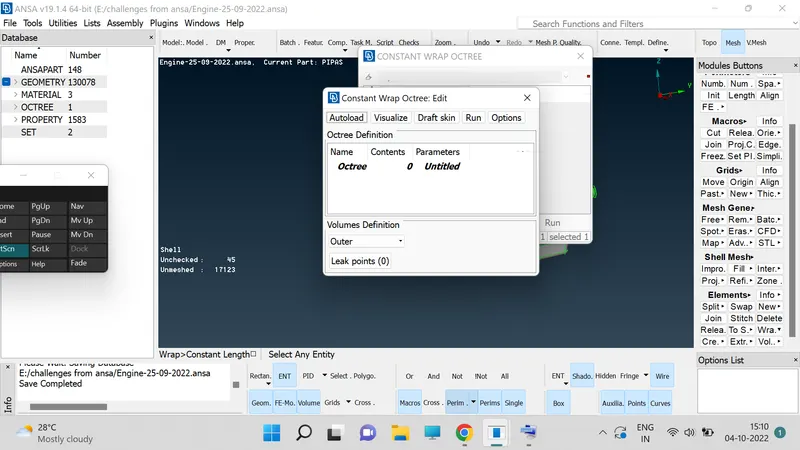
26. Above it is showing 0 in states bar, So we need to assigne entites.
27. On untiles double to get target length box.
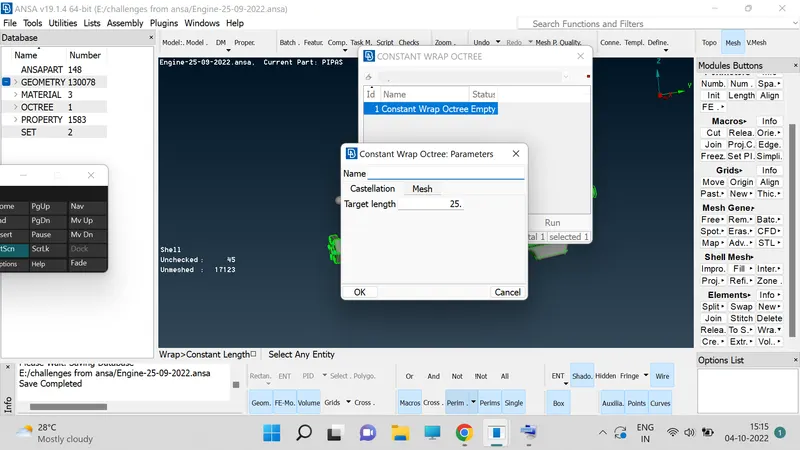
28. Put your target length as 5mm.
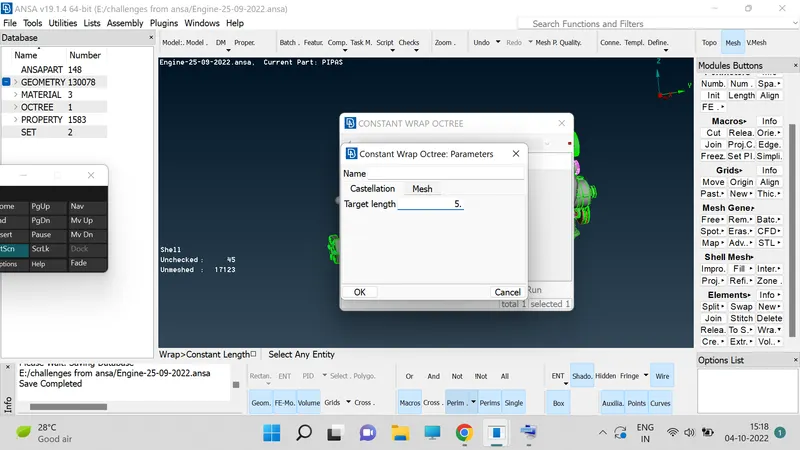
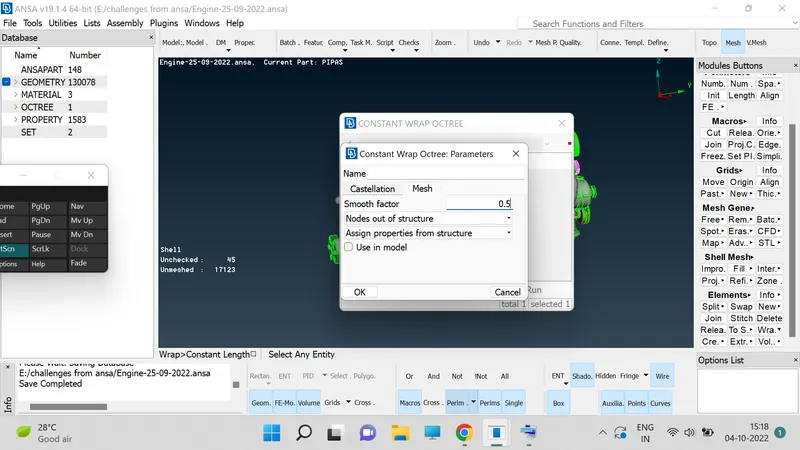
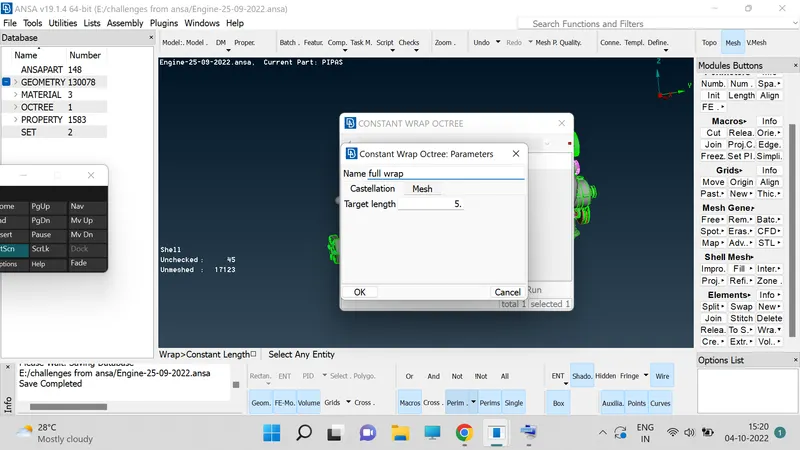
29. Double click on zero then a window will be appers. Give the name over their as Full Wrap.
30. Properties their we can find the properties which we down from strating on words.
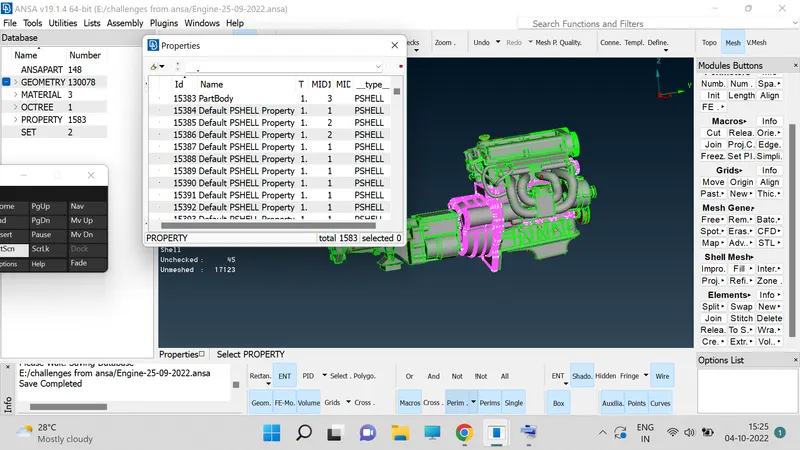
31. In above tab we are able to see the delete tabs also in this step we are going to clear the deleted steps.
32. Those parts are not able to delete directly so we need to use an option here i.e. COMPRESS.
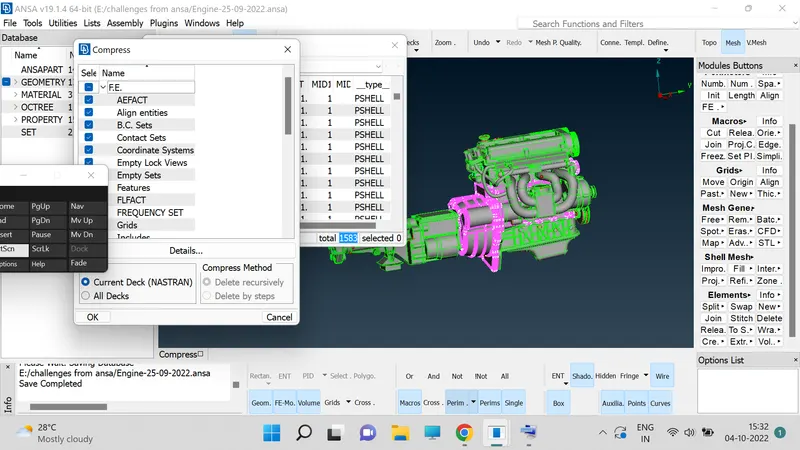
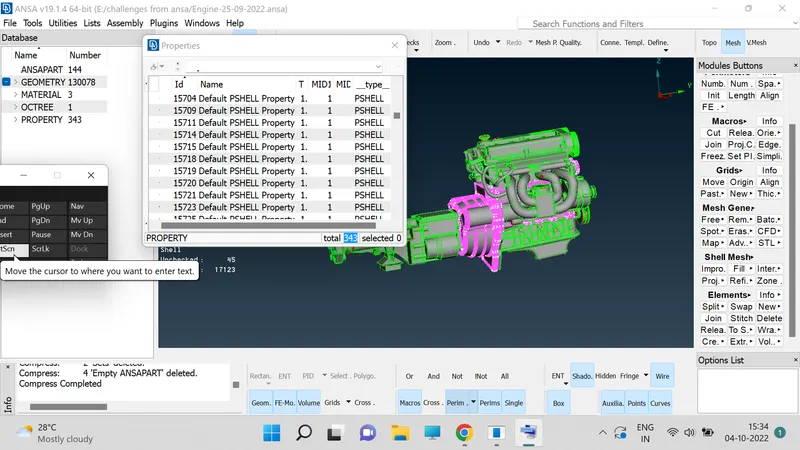
33. Now again go to wrap and double click on the status bar, we will now have less pids compared to previously now for selecting all at a time click on control A and click on shift oprtion present on the right side.
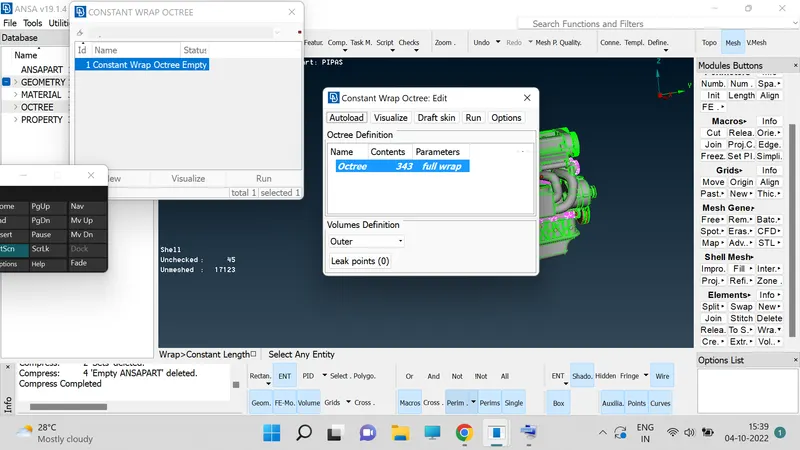
34. Now click on RUN option lets wait for some time to get surface wraping on over model.
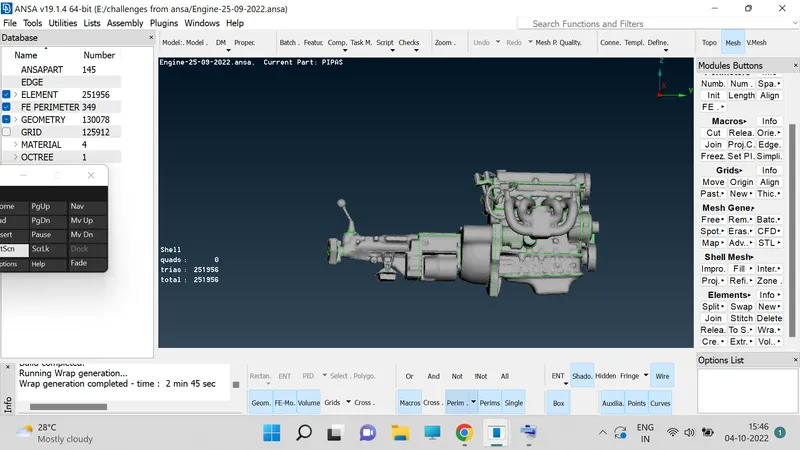
35. Now click on NOT option and go to entites option now cut tht model on two edges to cheack the model.
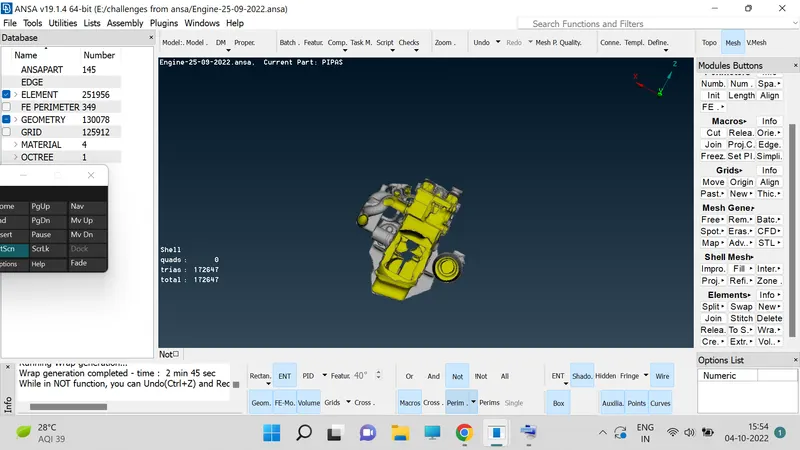
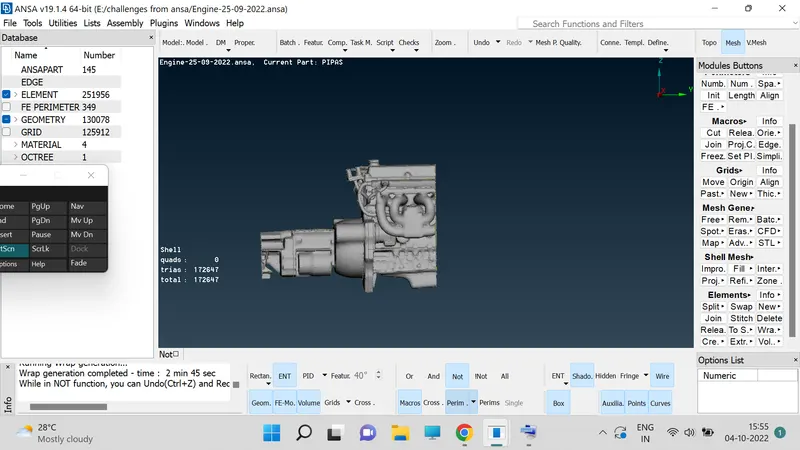
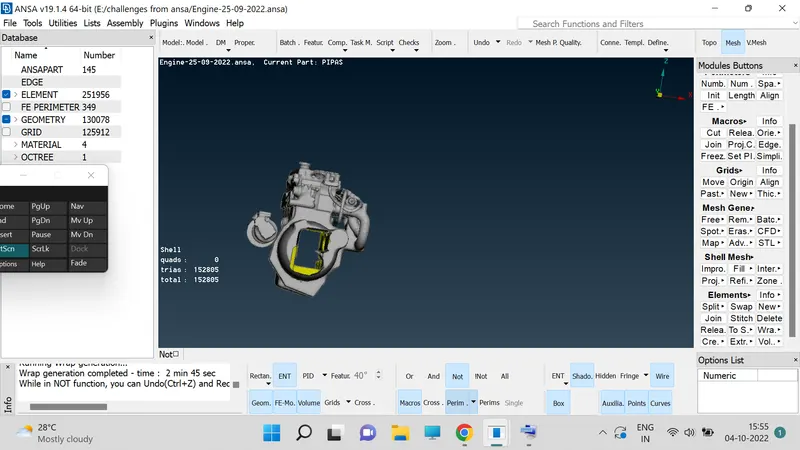
RESULTS : Hence completed the merge and wrap of engine, transmission and gear box.
https://drive.google.com/file/d/1b9537HzZa21qVyqglcLZd4WfvA4q2-oM/view?usp=sharing