Week 5 Battery characteristics using drive cycle
Simulate generic battery model charge discharge using UDDS data.
ANS: A driving cycle is a set of values, generally, velocity vs time, which represents how a vehicle travels through a path. In simple words, it would be a velocity vs time graph of a vehicle.
Why do we need a driving cycle?
Main uses of driving cycles are
- To assess the performance of a vehicle (fuel economy, emission tests)
- To analyze battery state and energy consumption in electric vehicles.
- To simulate vehicle model prior to the actual development
Vehicles are designed and developed selecting components optimally. If an electric vehicles is considered, selection of motor, power electronics components, battery, mechanical parts involves calculation and optimization to reduce the losses in terms of energy and cost.
There are two types of driving cycles:
- Transient driving cycles involve many changes, representing the constant speed changes typical of on-road driving.
- Modal driving cycles involve protracted periods at constant speeds.
UDDS stands for Urban Dynamometer Driving Schedule, and refers to a United states environmental protection agency mandated dyanometer test on fuel economy that represents city driving conditions which is used for light duty vehicle testing.
It is also known as U.S. FTP-72 (Federal Test Procedure) cycle, LA-4 cycle, in Sweden as A10 or CVS (Constant Volume Sampler) cycle and in Australia as the ADR 27 (Australian Design Rules) cycle.
Though it was originally created as a reference point for fossil fueled vehicles, it is also used to give estimates on how many miles an electric vehicle will travel on a single charge.
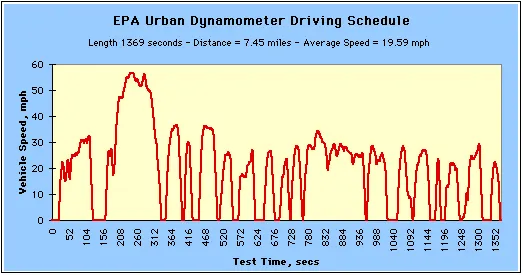
According to the UDDS drive cycle we build genric battery model:
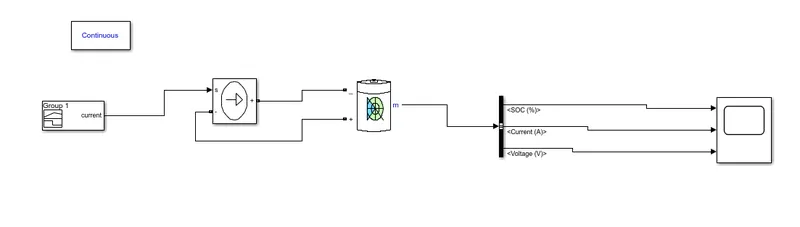
In this above model we use following blocks :
1.Signal builder:
The Signal Editor block displays, creates, and edits interchangeable scenarios. You can also use the block to switch scenarios in and out of models.
The Signal Editor block supports MAT-files that contain one or more scalar simulink data objects.
You can port Signal Builder block configurations to the Signal Editor block using the signal builder function.
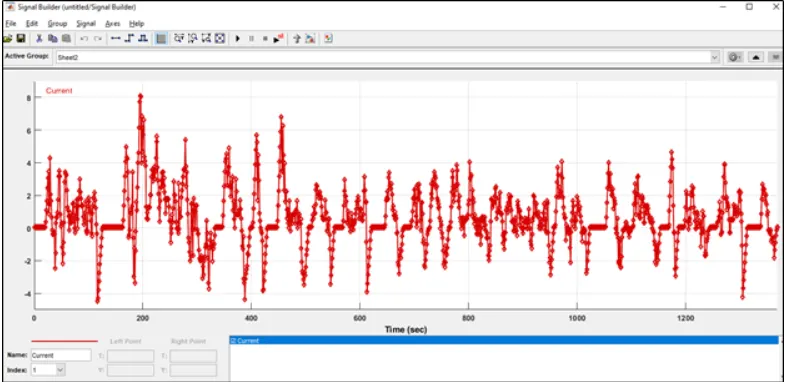
By using this block we can give UDDS cycle current as input,for this we have to import the UDDS cycle into signal builder block.
2.Controlled current source:
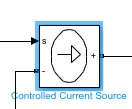
The Controlled Current Source block converts the Simulink® input signal into an equivalent current source. The generated current is driven by the input signal of the block. The positive current direction is as shown by the arrow in the block icon.
You can initialize the Controlled Current Source block with a specific AC or DC current. If you want to start the simulation in steady state, the block input must be connected to a signal starting as a sinusoidal or DC waveform corresponding to the initial values.
3.Genric battery model:
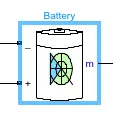
The Battery block implements a generic dynamic model that represents most popular types of rechargeable batteries.
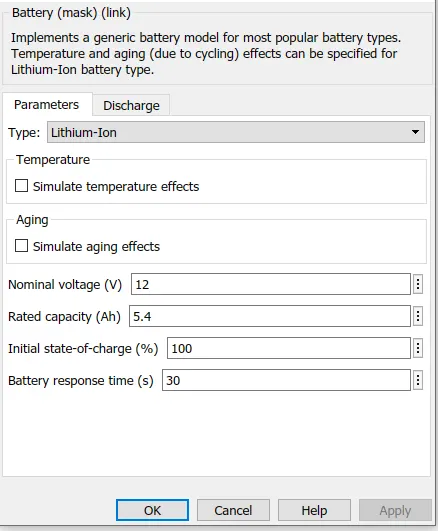
4.Bus selector:
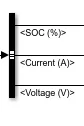
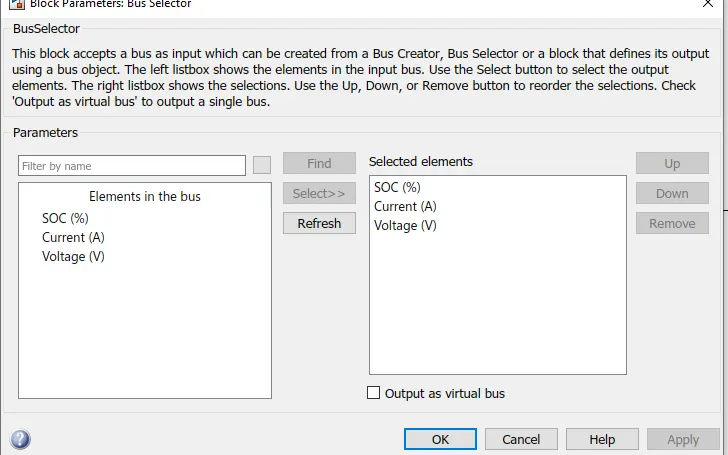
The Bus Selector block outputs the elements you select from the input bus. The block can output the selected elements separately or in a new virtual bus.
5.Scope:
The Scope block displays its input with respect to simulation time. The Scope block can have multiple axes (one per port); all axes have a common time range with independent y-axes. The Scope allows you to adjust the amount of time and the range of input values displayed.
6.Power gui:
The Powergui block is necessary for simulation of any Simulink model containing SimPowerSystems blocks. It is used to store the equivalent Simulink circuit that represents the state-space equations of the model.
RESULTS:
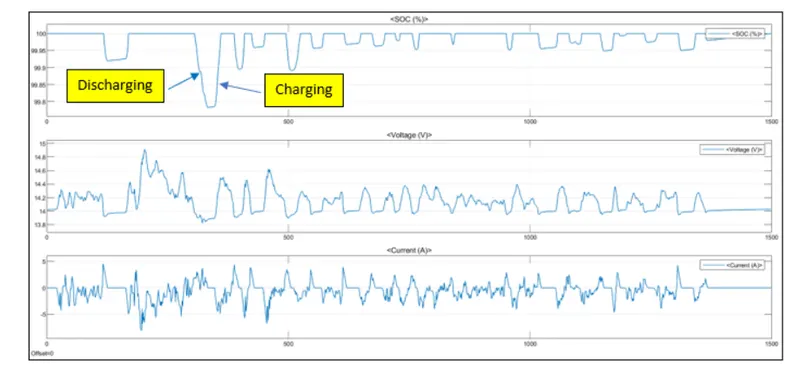
This graph for battery parameters,we can see the battery SOC is becoming up & down according with charging & discharging of battery.
The negative current displays current coming into the battery means charging and positive current shows the discharging of battery.