Week 5
Aim:
Meshing the surface of a Rear view mirror.
Objective:
For the given component perform a quality check with the given quality criteria.
|
S.No |
Quality Criteria |
Value |
|
1 |
Target/Average length |
1 |
|
2 |
Minimum Length |
0.5 |
|
3 |
Maximum Length |
2 |
|
4 |
Tetcolapse |
0.2 |
Procedure to clean geometry:
Import the rear view mirror model as a step file format inside the ansa workbench.
Perform a topological check from the cons tab module.
Select the topo option >> select the entire geometry and press middle click.
Now go to checks manager>> select the geometry>> click on execute. Geometrical errors associated with the model will pop up. Select the errors and right click on it and select fix. This will fix all the errors and will clean the geometry.
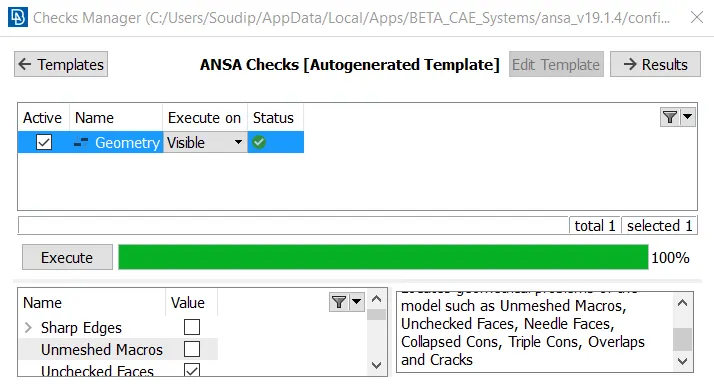
fig 1. checks manager
Performing meshing on different surfaces:
From the topo module, select the mesh option.
To prepare volume mesh we generally prefer to use ortho tria mesh at the outer curved features and tria mesh at the plane/flat surfaces. Combination of ortho tria and tria can be easily converted to tetra elements mesh for volume mesh generation.
from the mesh parameter setting we set the length and type of mesh pattern:
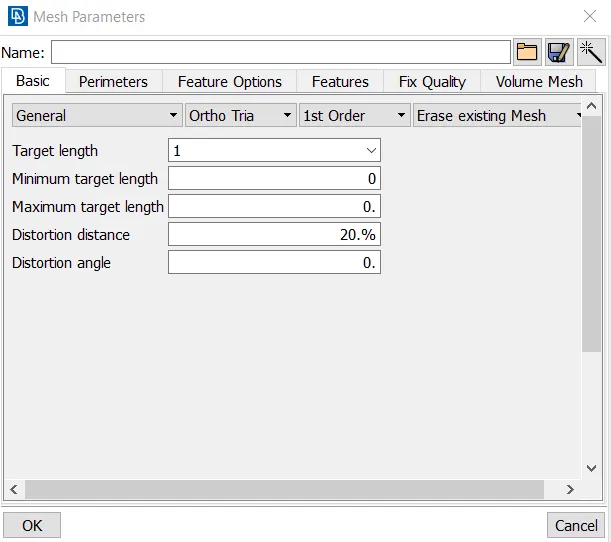
fig 2. Mesh settings
Go to the mesh module, From the perimeter option select length>> select the entire perimeter or macros>> give the target length and click ok. This will distribute the cons evenly on the boundary of the surfacing features.
Meshing of rear view mirror component 1:
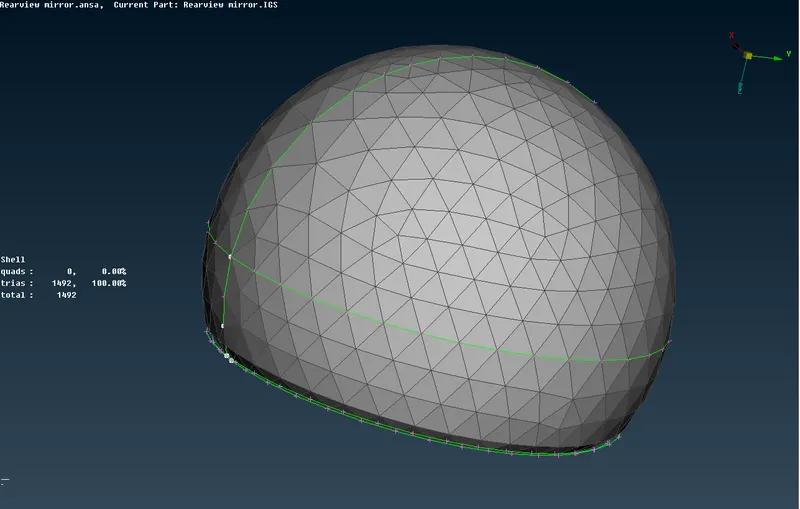
fig 3. Mesh view of component 1
Meshing of rear view mirror component 2:
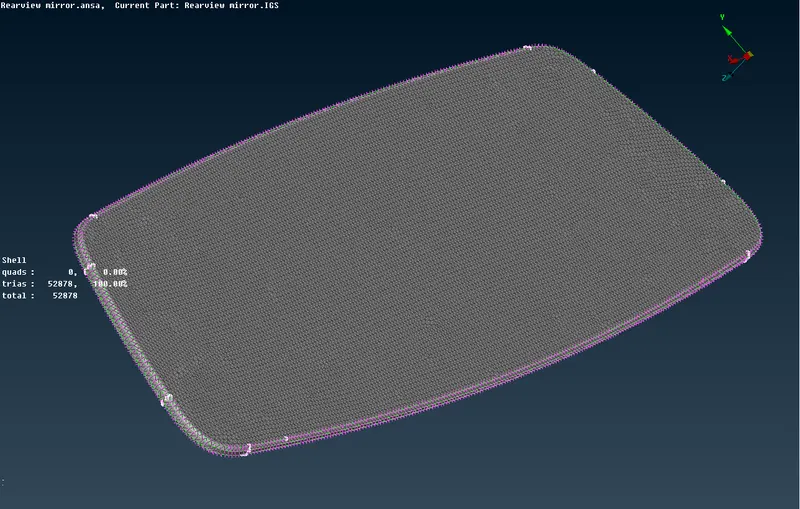
fig 4. Mesh view of component 2
Meshing of rear view mirror component 3:
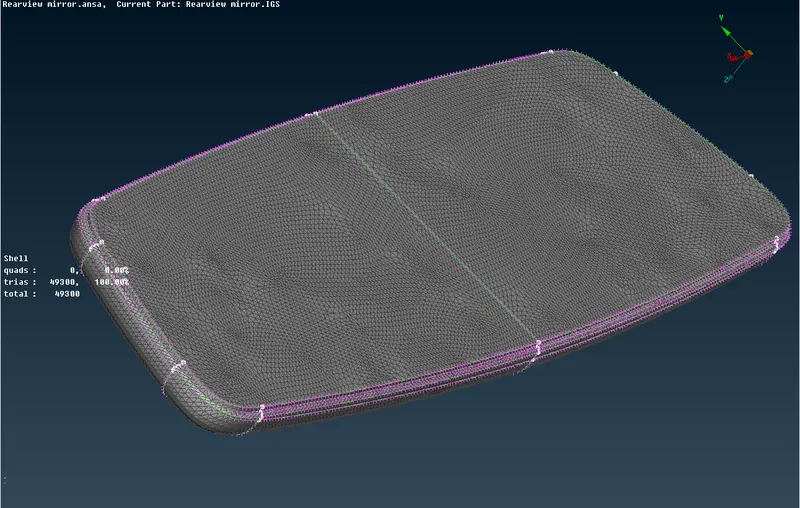
fig 5. Mesh view of component 3
Meshing of rear view mirror component 4:
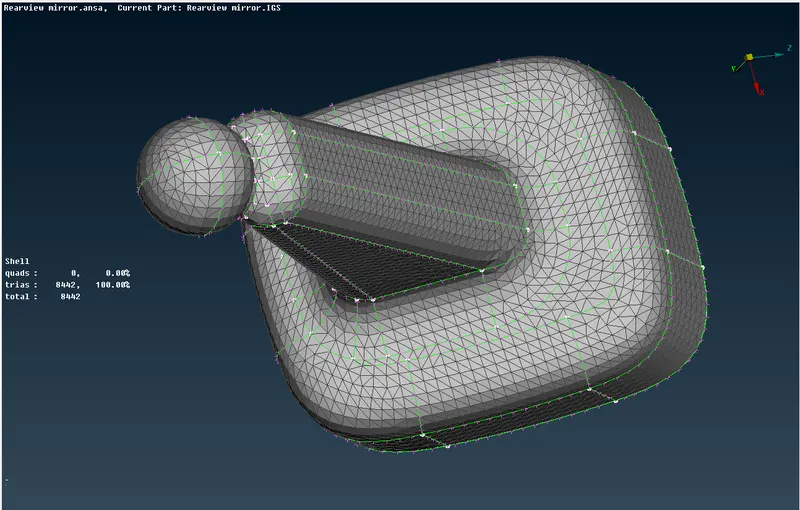
fig 6. Mesh view of component 4
Volumetric mesh generation of rear view mirror:
Go to volume tab to define the volumetric regions.
First we select the define command. Choose manual selection. Select the faces of interest.
Now we create seperate property ID for each solid componenets
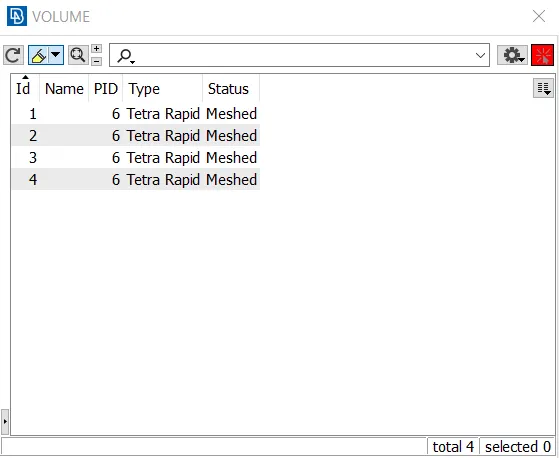
fig 7. solid PID
For generating volume mesh. Go to list option and select the solid part ID. Right click and select remesh option. This will create volume mesh inside the solid structural component.
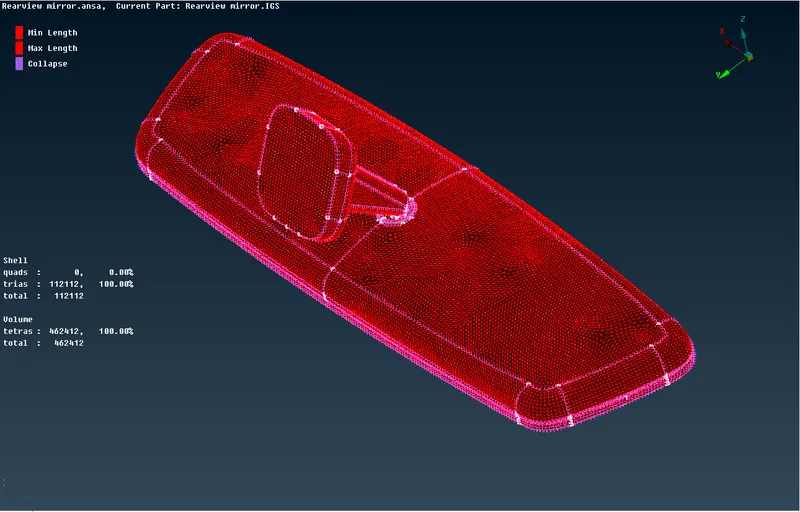
fig 8. Tetra mesh representing volume mesh generation
Conclusions:
The volumetric mesh generation has been successfully achieved with the above mentioned quality criteria.