Week 5
Study -
For the given component, check for the geometrical errors and mesh with the given element Quality criteria. Use tetra elements to model the component and there should not and kinks and dips on the surface of the component.
Write a detailed report on your meshing process.
|
S.No |
Quality Criteria |
Value |
|
1 |
Target/Average length |
1 |
|
2 |
Minimum Length |
0.5 |
|
3 |
Maximum Length |
2 |
|
4 |
Tetcolapse |
0.2 |
1. Title – Model with Tetra Element Mesh
2. Objective –
- To check geometric errors and fix them.
- To generate shell mesh with tria elements and convert into tetra element.
- To check for kinks and dips on surface of component and fix them.
3. Procedure –
ANSA is a multidisciplinary tool which was used for structural analysis but now it is used various domain like computational fluid dynamics, finite element method, augmented reality etc. ANSA is a preprocessor, which makes model solver ready. ANSA is easy to handle and update because of its best features and it supports many CAD formats. ANSA has many algorithms to generate best quality mesh and have some features to improve mesh. ANSA can convert its model into various format as an output like ANSYS, LS-dyna, NASTRAN, RADIOSS etc. So, we can it is single solution to preprocess model and export it for various solver. In this study we are going to generate tetra elements for model so we have to stick with a procedure which is as follows –
1. First, Import CAD model, using option open from file menu.
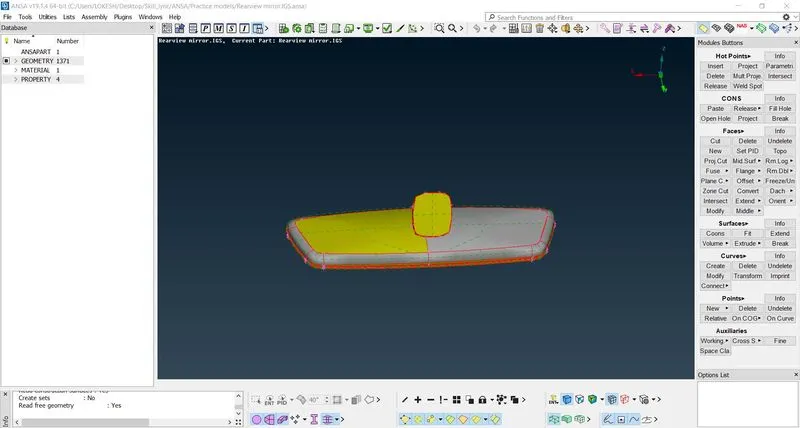
Fig. Imported CAD model
2. Use option topo to perform topology. It will convert single cons into double cons.
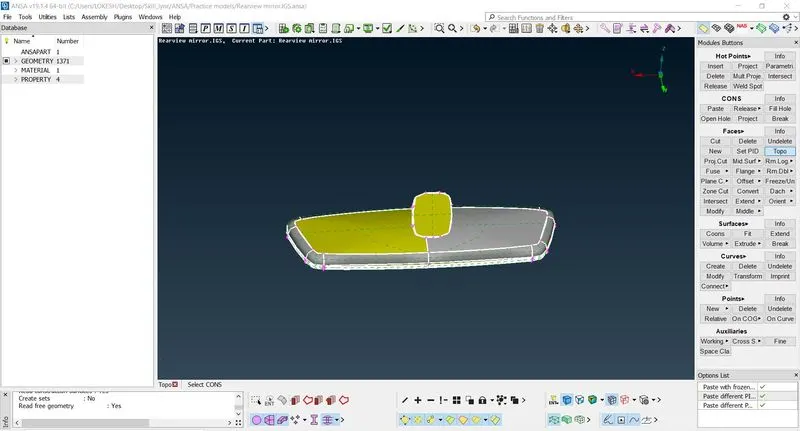
Fig. Performing Topology
3. Now run check geometry option and look for some faults like needle crack, triple cons, overlapping surfaces etc.
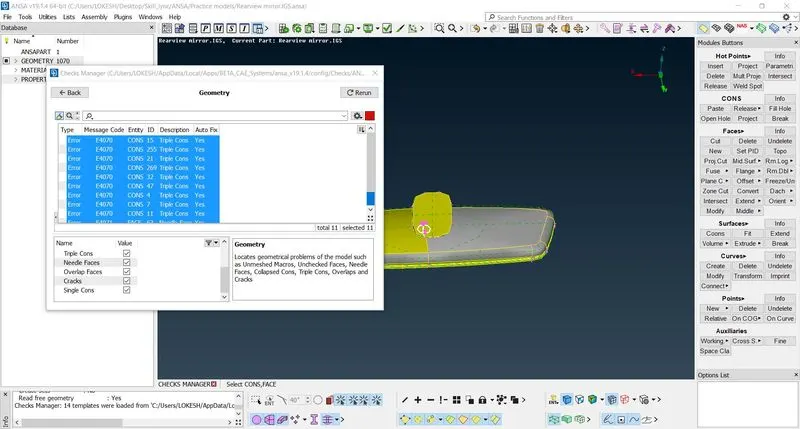
Fig. Geometry check
4. Use option fix to automatically fix the fault and run check geometry again. If we are getting green line, means we can proceed otherwise we have to fix faults manually.
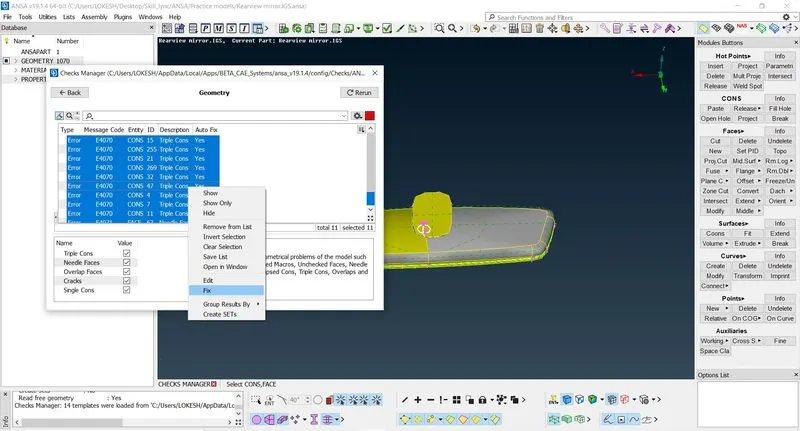
Fig. Fixing Errors
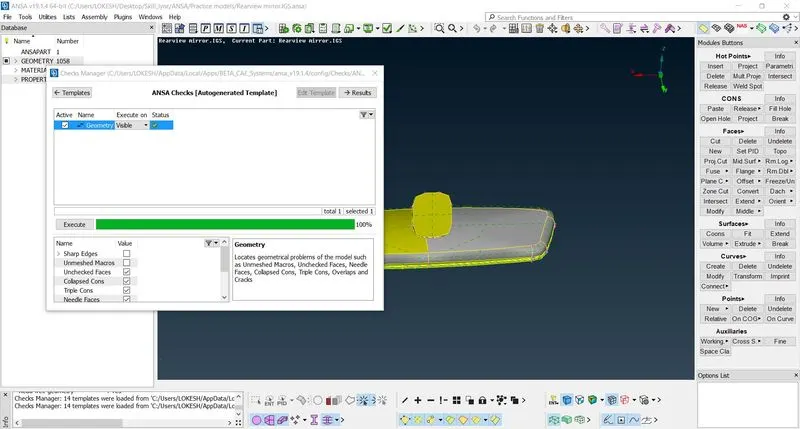
Fig. Geometry Check
5. Use option length to given uniform length of 1 between al hot points.
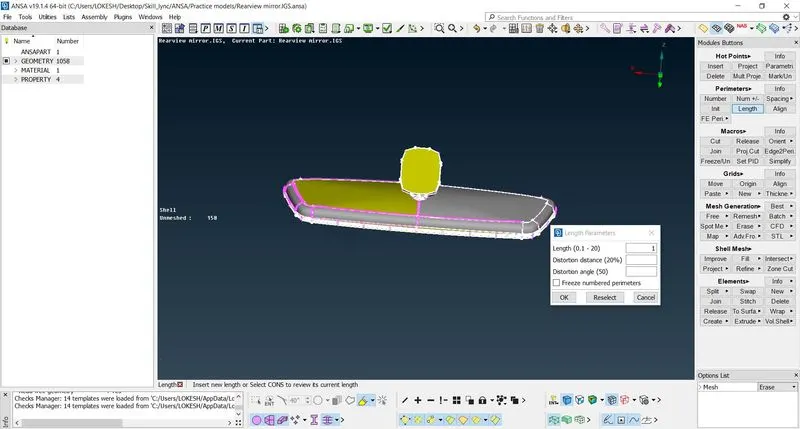
Fig. Assigning length
6. Now, we have to set mesh parameters like type of element, minimum length, maximum length, targeted length.
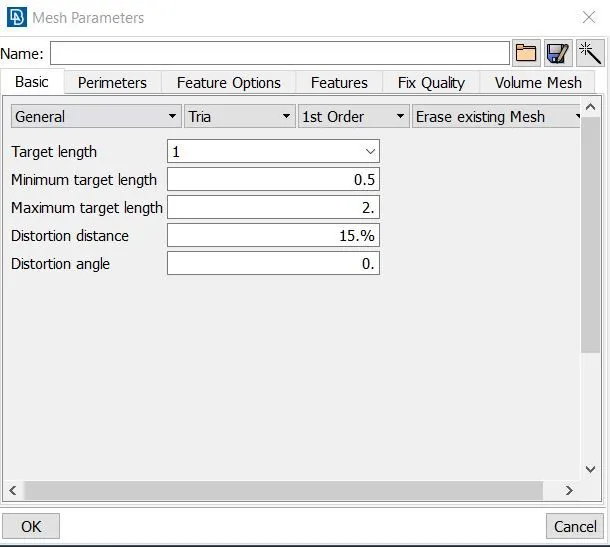
Fig. Mesh Parameters
7. Set quality parameters. Generally, we don’t consider quality parameter except element length because shell mesh is going to convert into solid mesh. So, set here minimum and maximum element length with suitable colour.
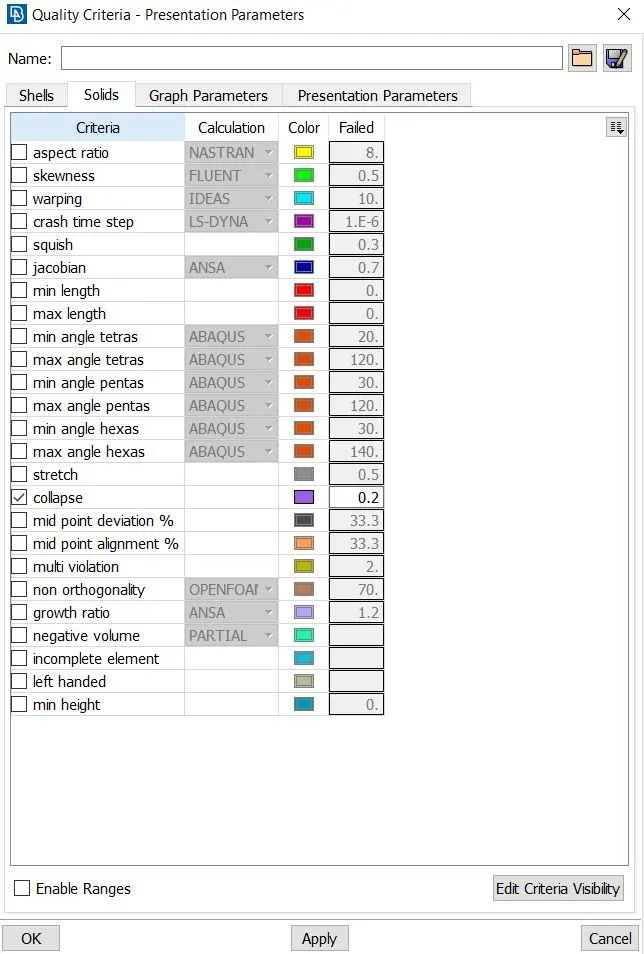
Fig. Quality Criteria
8. Now deploy mesh using option spot. Mesh will have all tria elements. On the curves ortho tria is used and on flat surfaces simple tria is used. These can be switched in mesh parameters or in option which will be seen after clicking on mesh options, in extreme down right corner.
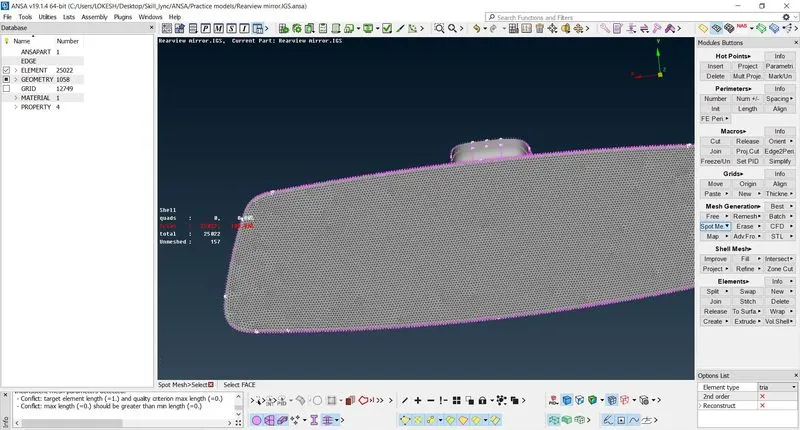
Fig. Mesh Generation
9. Check elements which are not under quality criteria and fix them using improve, move free options. No quad element should be there.
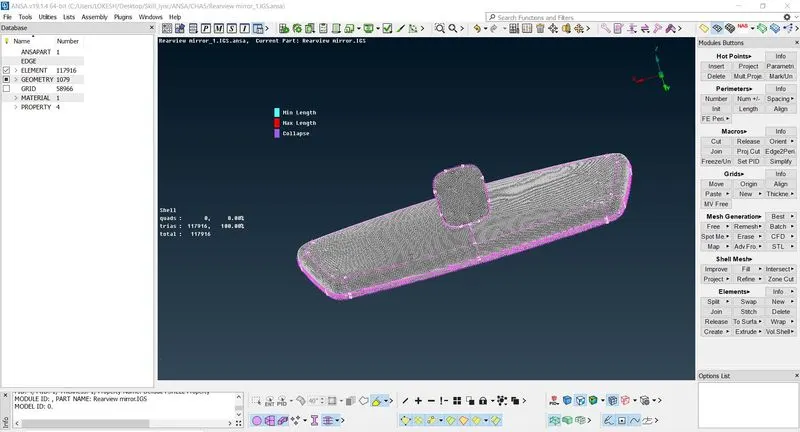
Fig. Quality Check
10. Now switch to volume mesh feature and define volume. By using option list number of volumes can be checked.
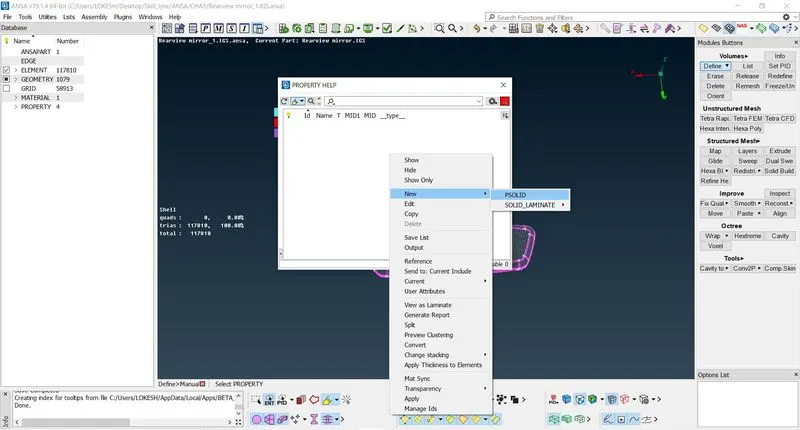
Fig. Generate Volume
11. In volume list all volumes status will be shown as unmeshed. In unstructured mesh option use tetra rapid, tetra FEM can be used to generate tetra elements from trias.
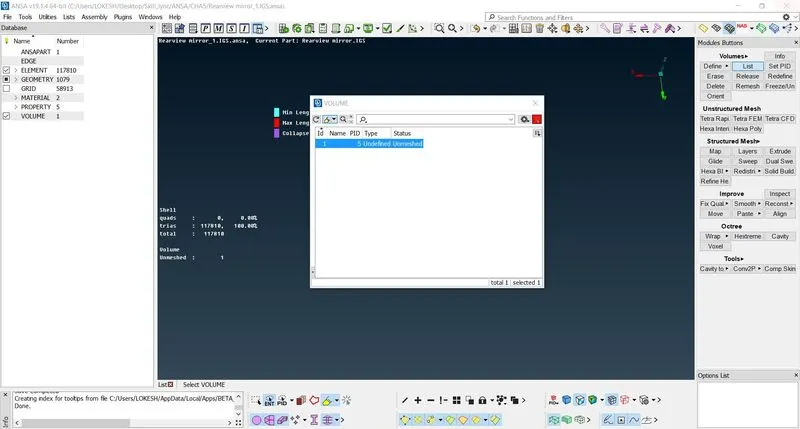
Fig. - Volume List
12. Look for kinks and dips and fix them. Now it can be exported to required format.
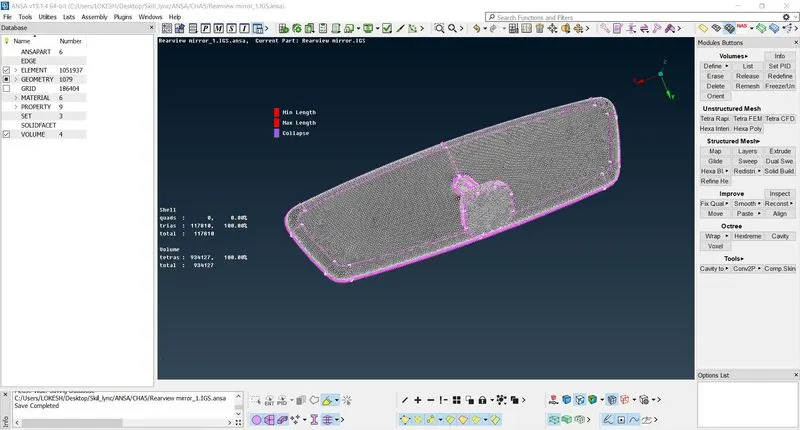
Fig. Model with Tetra Mesh
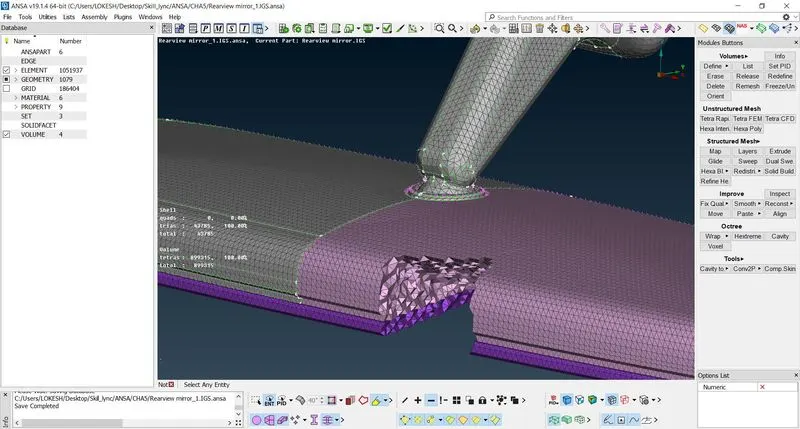
Fig. Tetra Mesh
4. Conclusion –
ANSA is a versatile tool, which can be used to generate shell mesh (2D mesh) and solid mesh. Solid mesh can be generated in unstructured or in structured way. Unstructured mesh will be formed with tetra mesh and structure mesh will be formed with hexa elements. In this study we generated tetra mesh which is converted from tria elements and understood how different algorithm can make difference on mesh quality.