Week 5
AIM:
To tetra mesh the given component as per the provided quality criteria
PROCEDURE:
Import the model rearmirror.igs into ansa topo tab.
it consists of four major components they are: mirror, cap, mirror glass & holder.
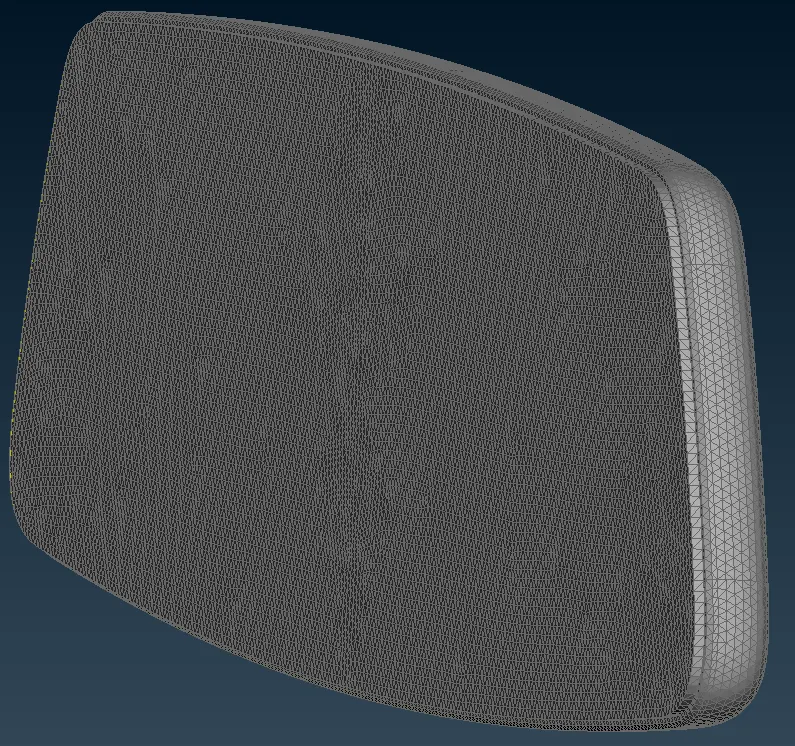
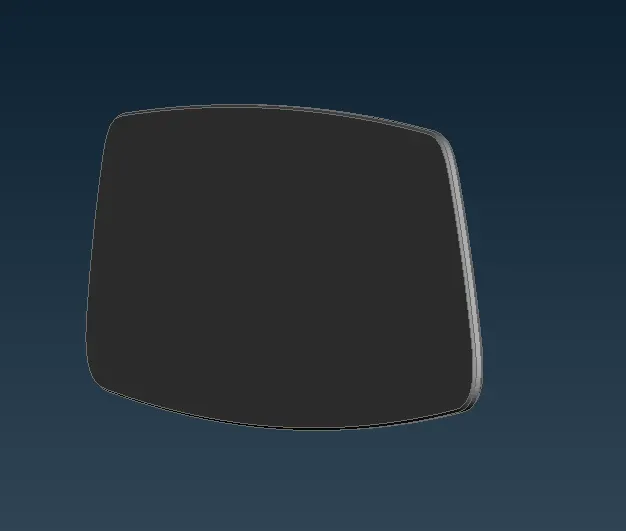
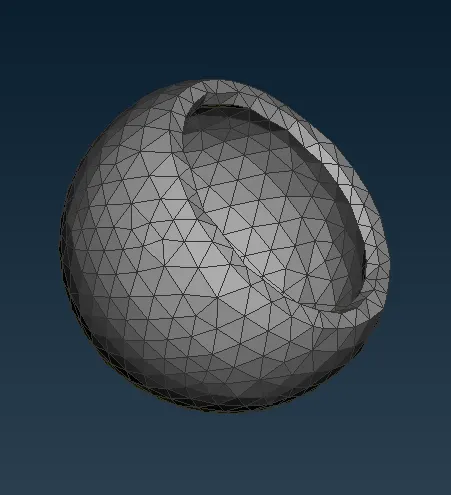
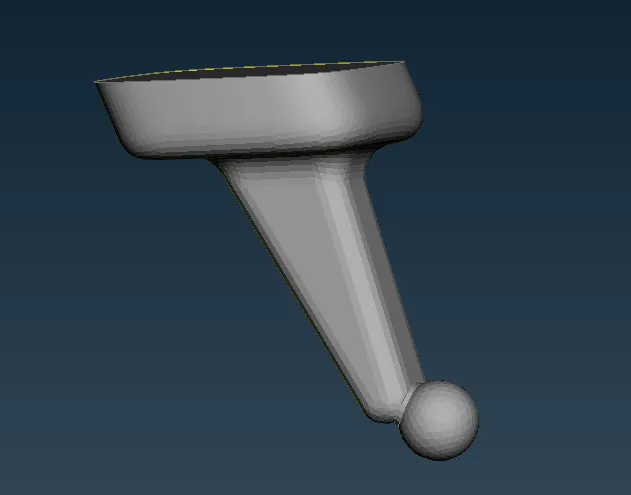
NOTE: As all the above shown components are symmetrical, one part of the section is meshed and it is reflected to the other half, using the transform-> copy-> symmetry option.
It has been catogorised with the help of the view lock option.
Check for the topological errors through the checks manager-> geometry.
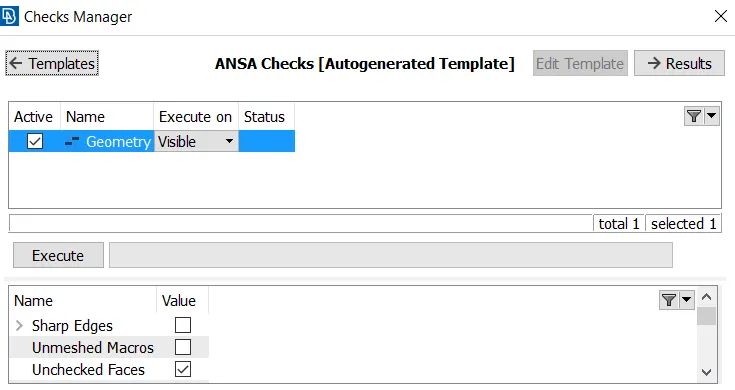
Select the errors and use the auto fix option to fix the errors.
In case of unfixed errors, go with the mannual fixing options in order to remove the errors such as overlapping faces, triple cons, unchecked faces,etc,.
As this is a component that needs to be meshed with tetra elements, its has been shell meshed in the first step and later the volumes have been tetra meshed.
Meshing of the entities is done face by face inorder to obtain a better mesh flow.
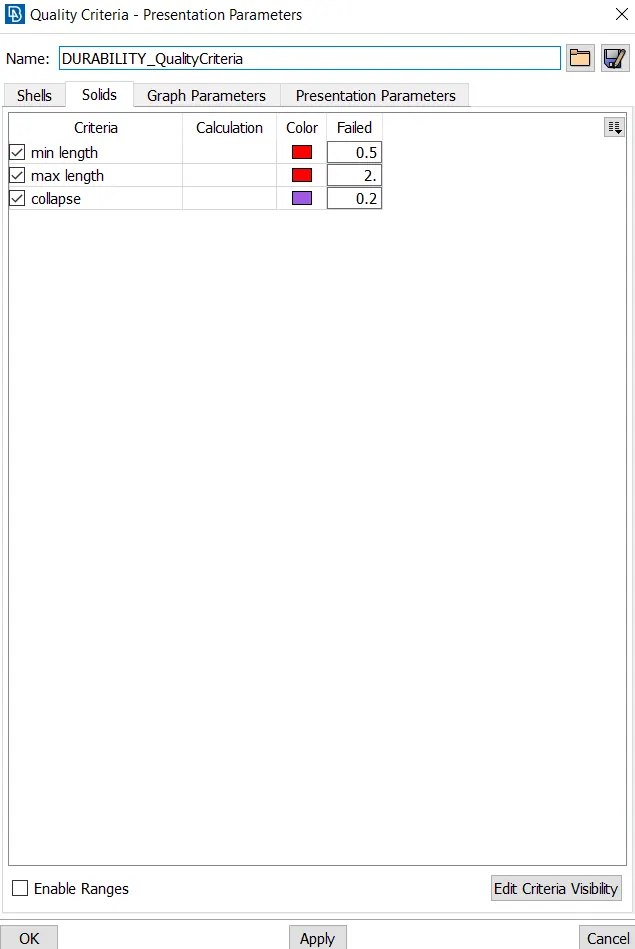
Now insert the quality cretria values in the quality crietria tab, as shown below.
Go to mesh parameters and set in the values.
Now go to the mesh tab and select the component after selecting the length-> faces and assign the value as 1.
As 1 is the target element length, the surfaces gets tunned as per the mesh requirement, after setting the element length in the mesh-> perimeters.
Use the best mesh option under mesh generation slot to obtain a better mesh.
The mesh is carried out in the face by face order.
In case of deviated mesh use the reconstruct option on the same slot to fine tune the mesh.
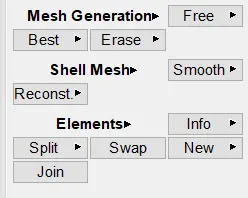
Use the smooth option after every mesh operation inorder to obtain a fine mesh flow.
After the meshing is done, the property is assigned using the define-> manual
Select the volume using the manual option and click on volumes-> list, to assign the property.
No property card is shown, now create a new property card using the volumes-> list option and select new-> PSOLID
Now right click and proceed with the remesh option
Now the entire volume is filled with tetra mesh elements, as shown below.
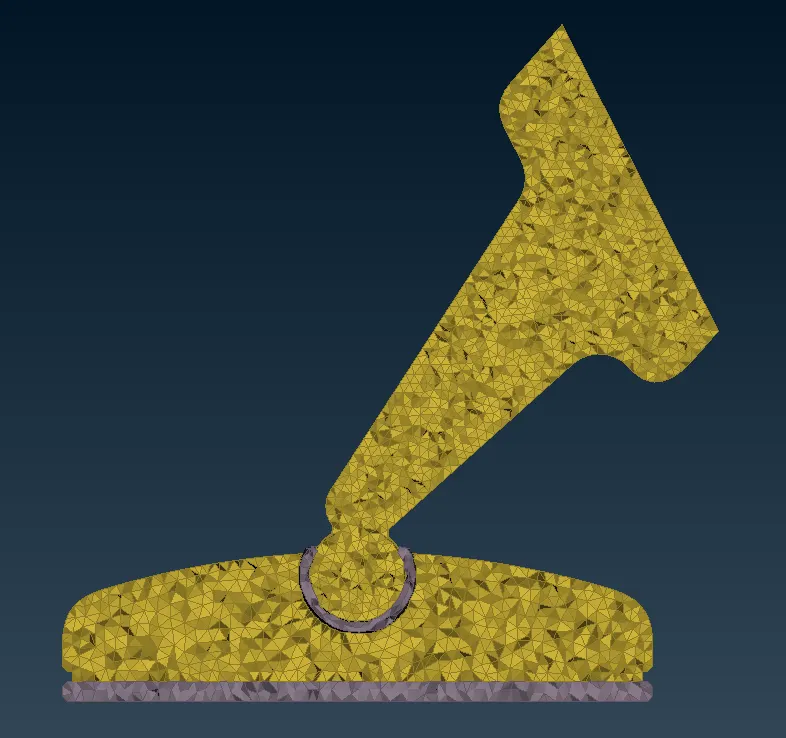
Four such property cards are assigned
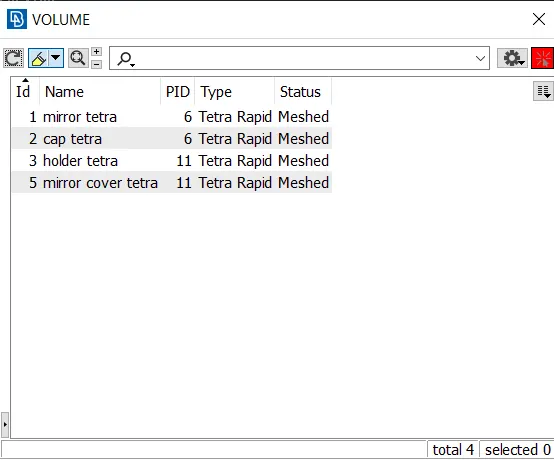
Check for tetra min, max & tet collapse errors
If any errors shows up use the reconstruct, smooth & fix quality option from the improve tab to fine tune the mesh.
The MVfree option can also be used to adjust the node location manually, by draging it.
RESULT:
Thus the given component is meshed as per the quality criteria provided, along with assigning the property.