Week - 5 - 2D meshing for Plastic components
OBJECTIVES: -
- Geometry clean up
- Defeaturing
- Mid surface generation
- Mesh mid surface to meet up quality criteria
PROCEDURE: -
- OPEN ANSA V22
- Import the bottle cap geometry
- Input perimeter length as 1 by selecting entire entity
- Check the geometry
- If it shows error in geometry clean it by using auto fix option remaining error clean manually,delete existing faces, creating new faces or by adjusting cones
- Generate mid surface using MIDDLE or OFFSET option in faces for each part separately because, most of the part has diffrent thickness .
- some of the parts need to joint manualy ,do it by using extend in faces
- joint to surface using the intersect in faces
- Put a new PID for the each mid surface created by using SET PID in faces
- input thickness for each mid surface as per parent geometry
- Arrange its orientation correctly by using ORIENT option in faces
- Change DRAW MODE from entity (ENT) to PID
- Change module form topo to mesh module
- Check for geometry error for mid surface also (exclude single cone and tripple cone also)
- Do correction for geometry if it is necessary
- Do geometry clean up by adjusting cones and also using defeaturing to get good mesh flow
- Input quality criteria
- Mesh mid surface by using best mesh or spot mesh
- input mesh parameter as given in challenge
- Adjust mesh by using reconstruction and smooth option
- Eliminate maximum triangular element by using split option in element
- Adjust number of nodes by using num+/- option in perimeter
- If quality issue raised avoid it by it by using smooth or reconstruction or by using grid adjustment
- Move or remove triangle using paste in grid option
- Check quality issue and do correction for it
- check mesh flow avoid tringle touching each other ,avoid triangle which directed to each other
- improve mesh flow
- Finish the Challenge
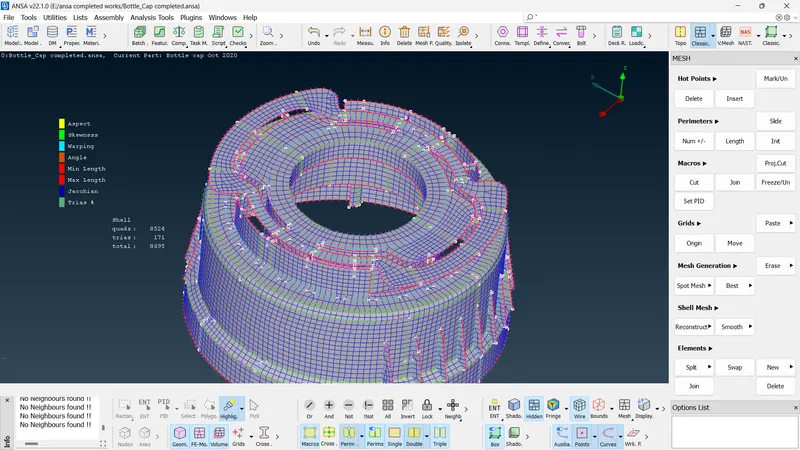
COMPLETED MID SURFACE MESH:-
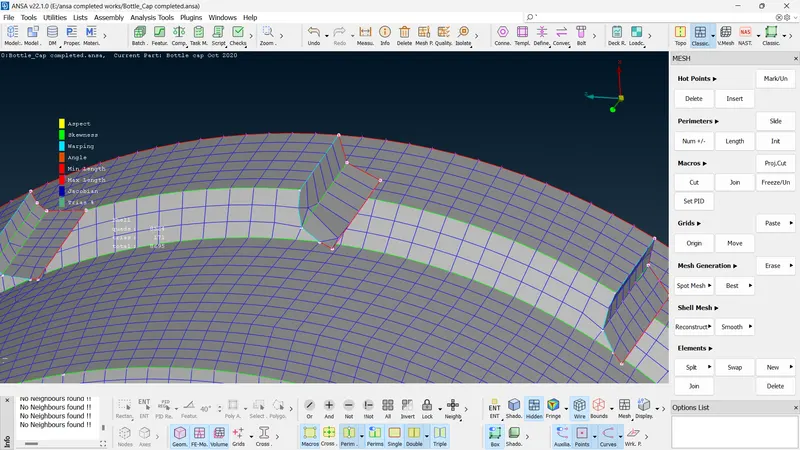
2.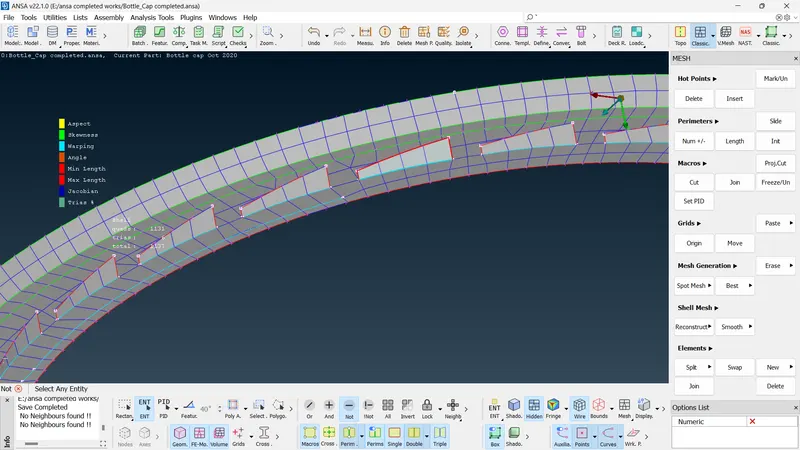
3.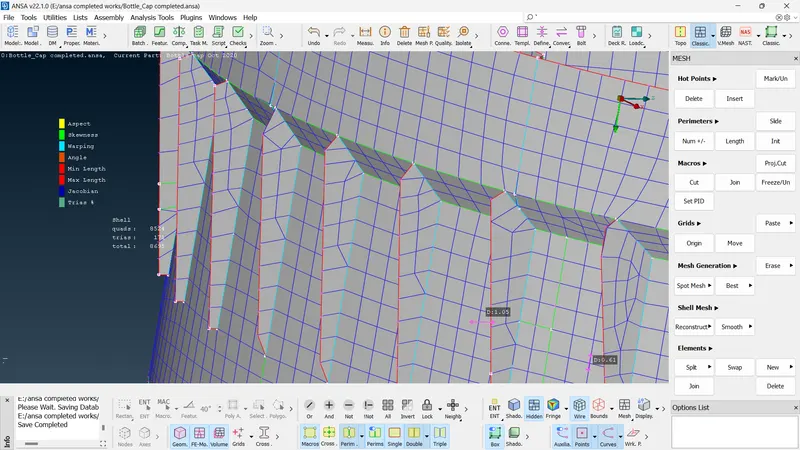
4.