Meshing a Rear-View car mirror on ANSA
AIM : To check for geometrical errors in the given component (rear view mirror) and mesh it using tria elements on the surface and tetra elements to fill the volume.
THEORY : A rear-view mirror is a flat mirror in automobiles and other vehicles, designed to allow the driver to see rearward through the vehicle's rear window (rear windshield).
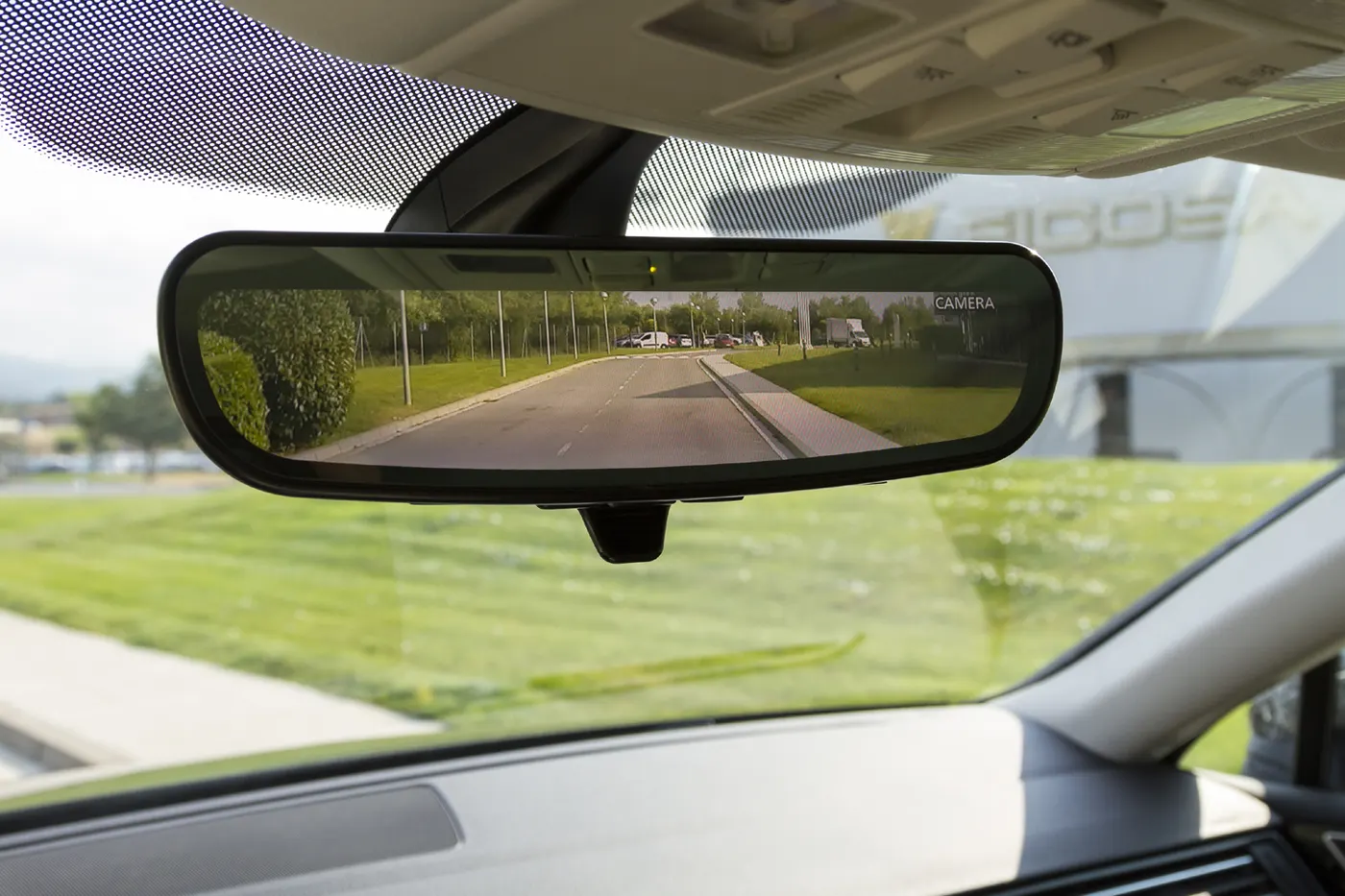
In cars, the rear-view mirror is usually affixed to the top of the windshield on a double-swivel mount allowing it to be adjusted to suit the height and viewing angle of any driver and to swing harmlessly out of the way if impacted by a vehicle occupant in a collision.
PROCEDURE :
- The CAD model is imported in ANSA.
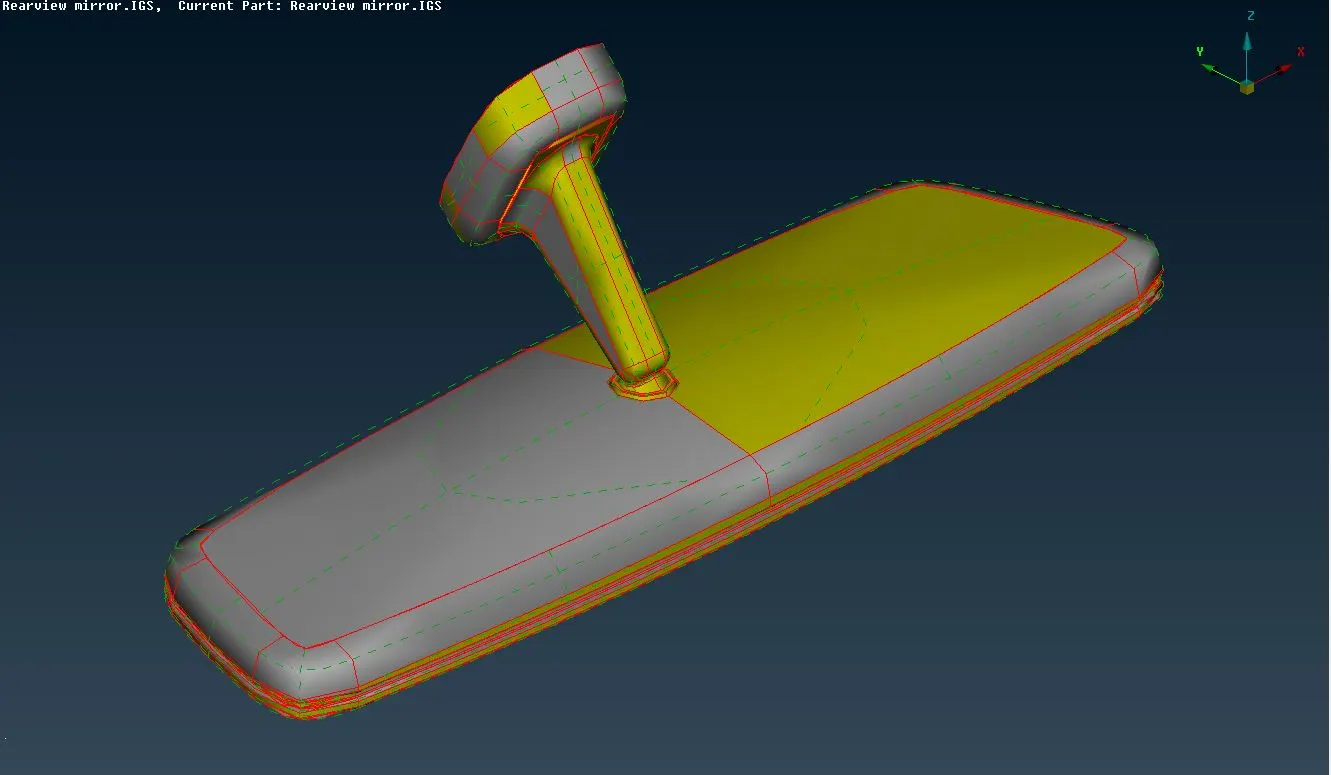
- All the individual parts are seperated to perform geometry cleanup and proper PIDs area assigned.
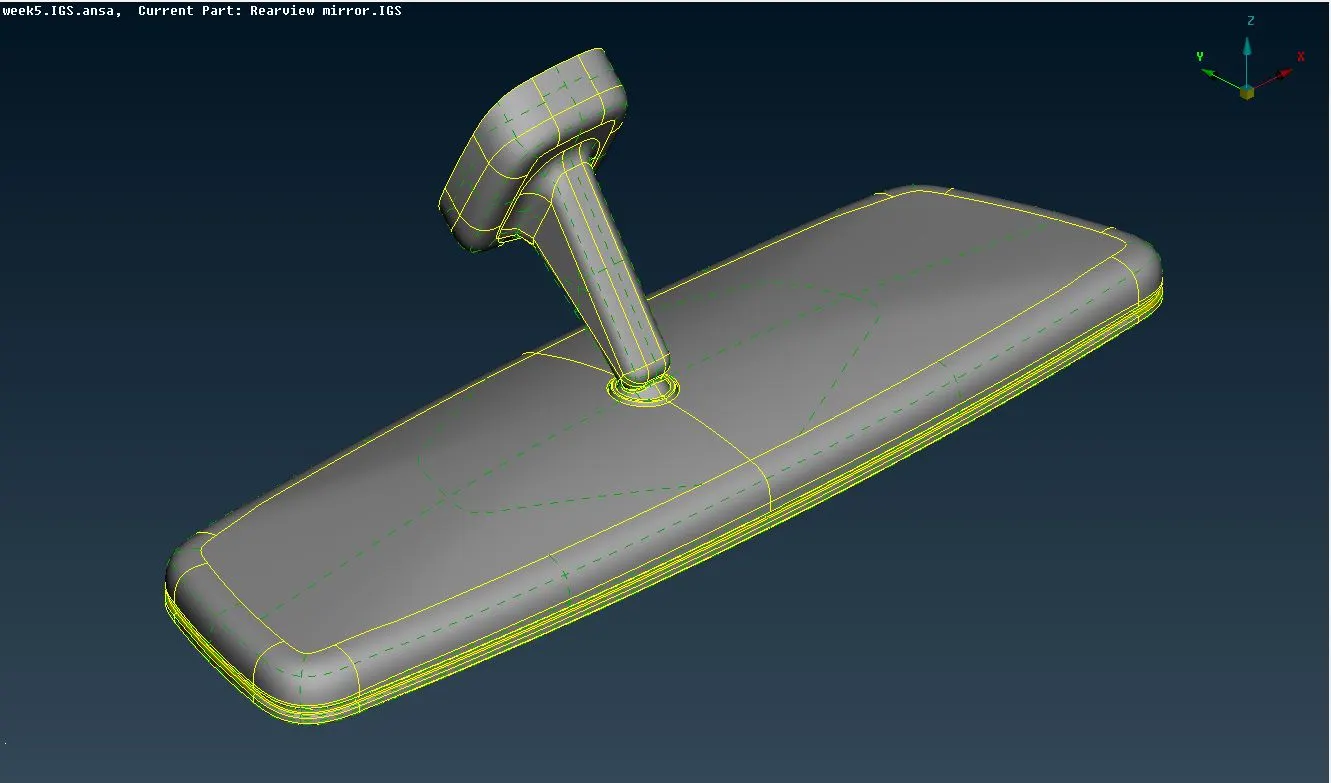
- The face orientation is done. Topology and geometric cleanup is performed to remove any surface irregularities.
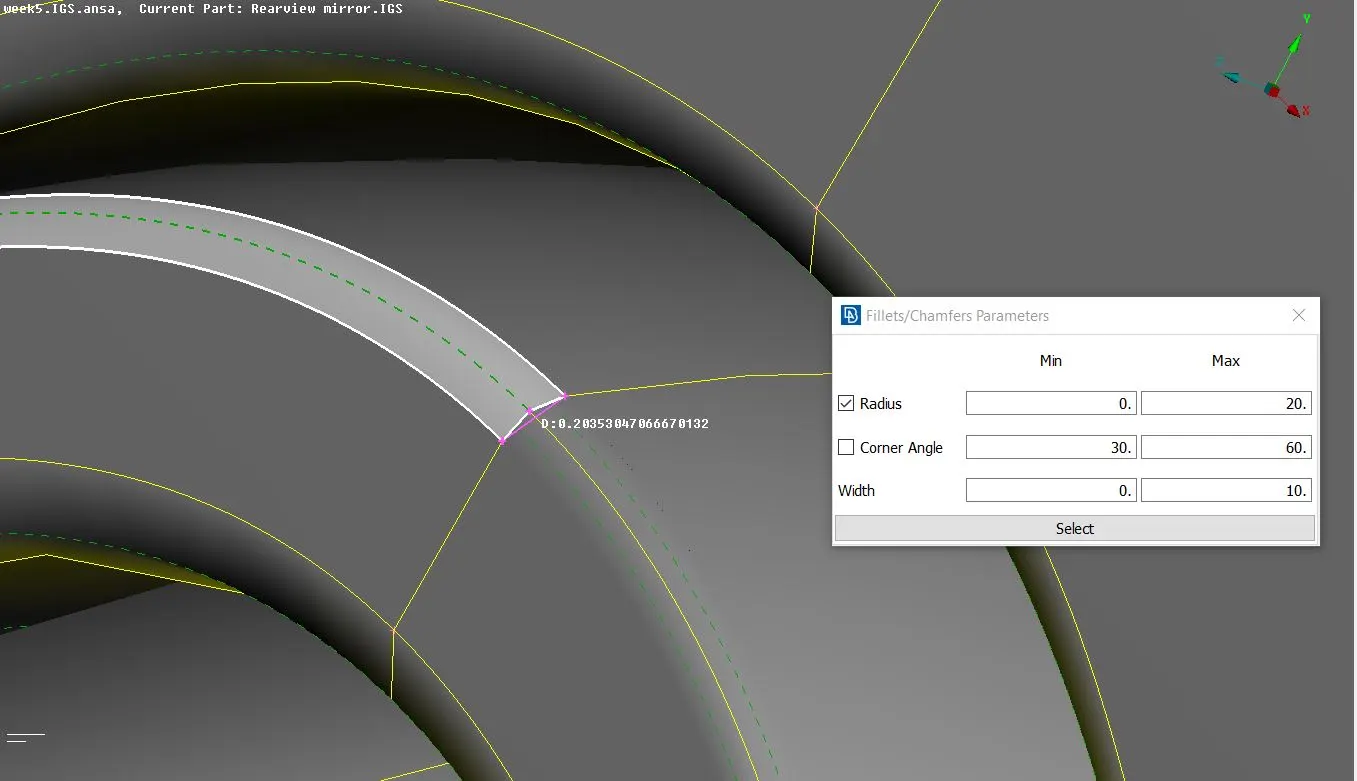
- In order to account for the minimum length criteria, the DACH divide operation is performed at some fillet regions.
- After the geometry cleanup, the body is ready to be meshed.
- Accordingly, the quality criteria is provided and the mesh parameters are setup.
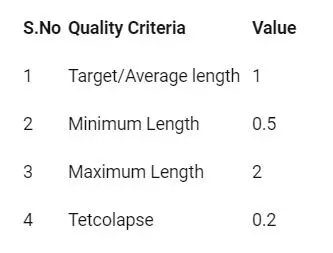
- By using Spotmesh option under Mesh generation mdoule, the shell mesh is deployed manually.
- Ortho tria elements are deployed over curved faces while normal tria elements are deployed at flat faces in order to not disturb the geometry.
- Also, if possible, fillets are captured with 2 rows of elements rather than one. This results in a better mesh flow.
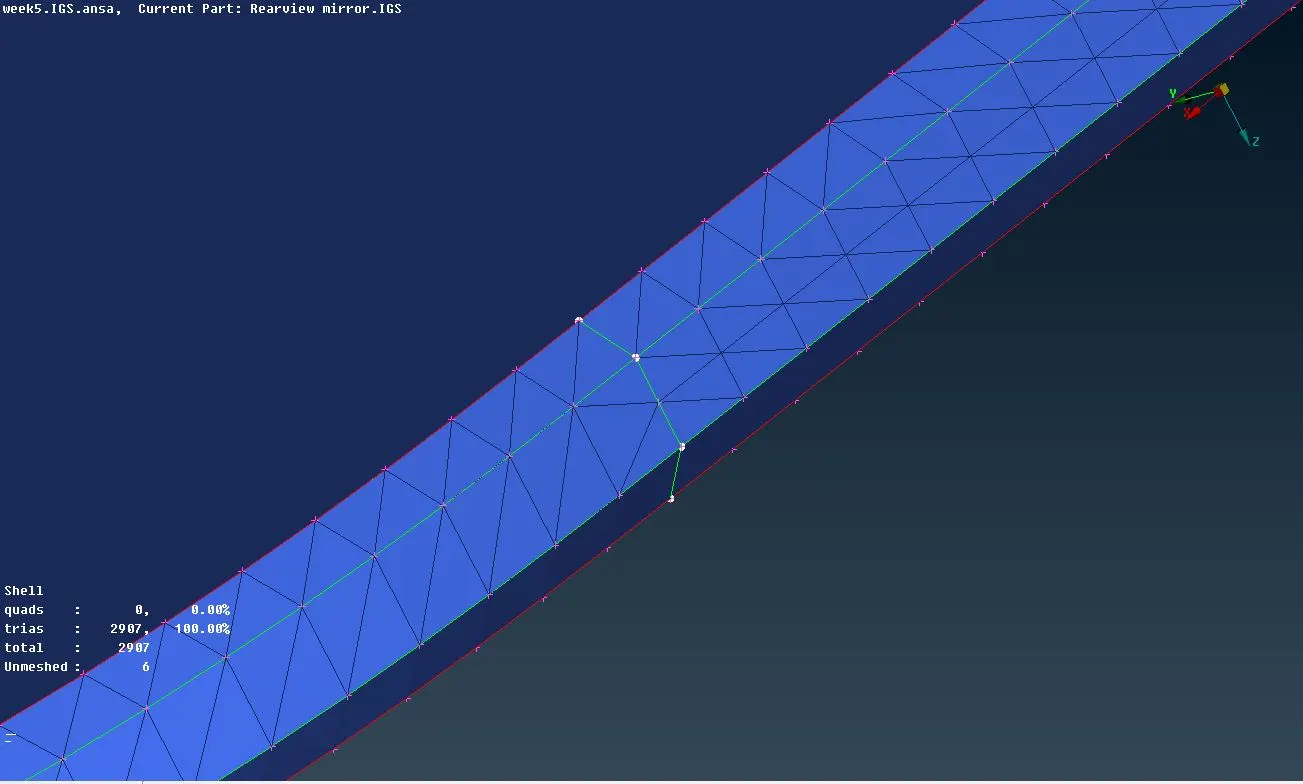
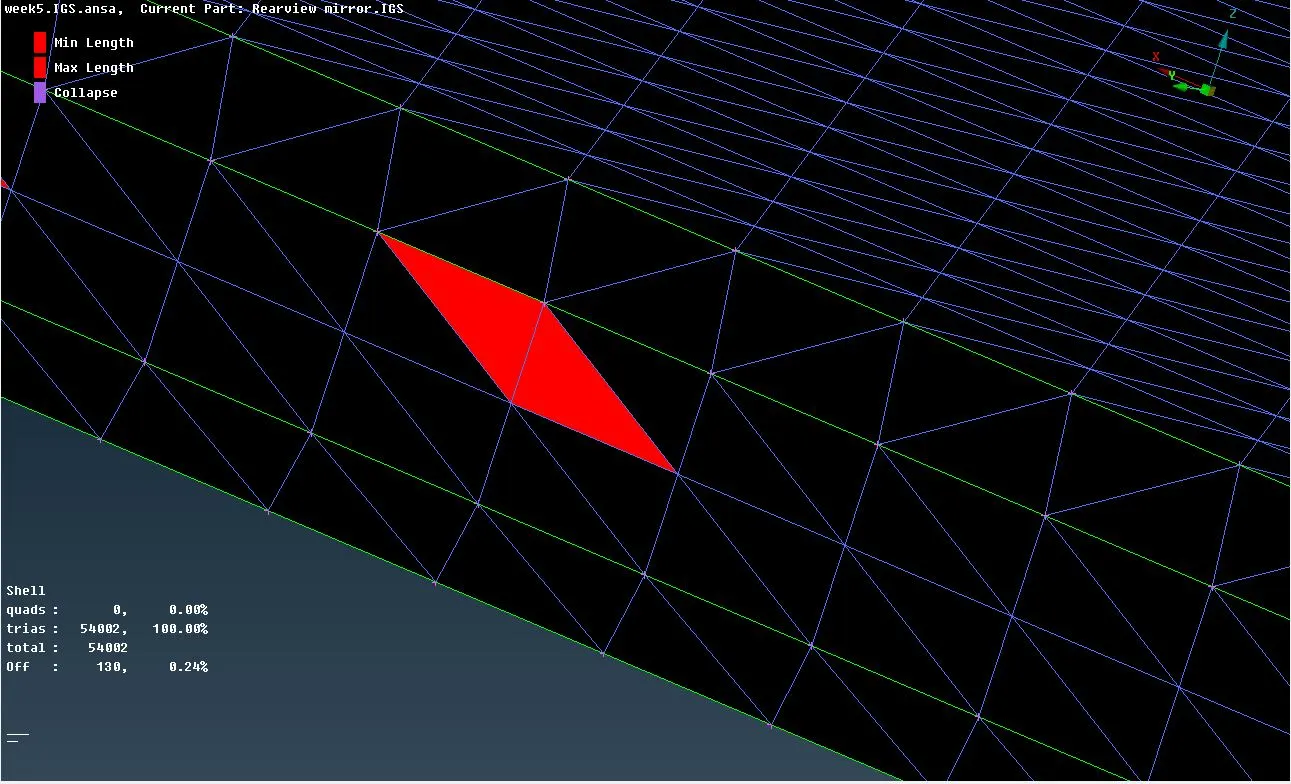
- The off elements are removed by switching ON the hidden mode. The best way to deal with such off elements is by using the MV Surf command under Grids module.
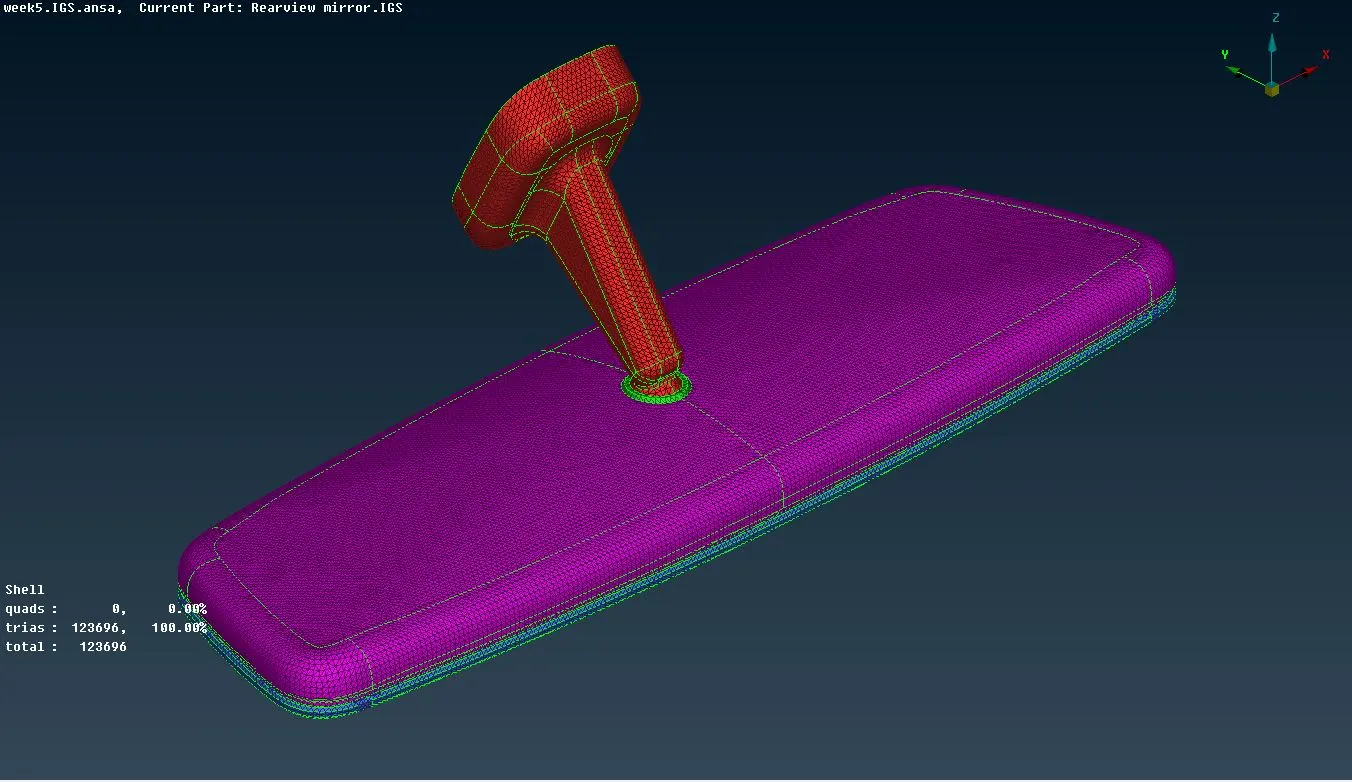
- Finally a fine surface mesh is achieved.
- Now the VMesh tab is opened.
- In order to fill the volume inside with tetra elements, first the volumes need to be defined using the Define button under Volumes module.
- After defining, a proper solid(volume) PID is assigned to the each volume.
- Now, the tetra elements are deployed either by Tetra Rapid or Tetra FEM commands under Unstructured Mesh module, each of which gives a slight different mesh flow. Both these use inbulit ANSA algorithms for deploying the tetra mesh.
- In order to get better results, the mesh is reconstructed by using commands under Improve module.
- The view is switched to hidden mode to deal with the off elements. The most important quality that the model needs to be checked for is Collapse or Tet Collapse. The elements failing under this criteria are to be necessarily removed.
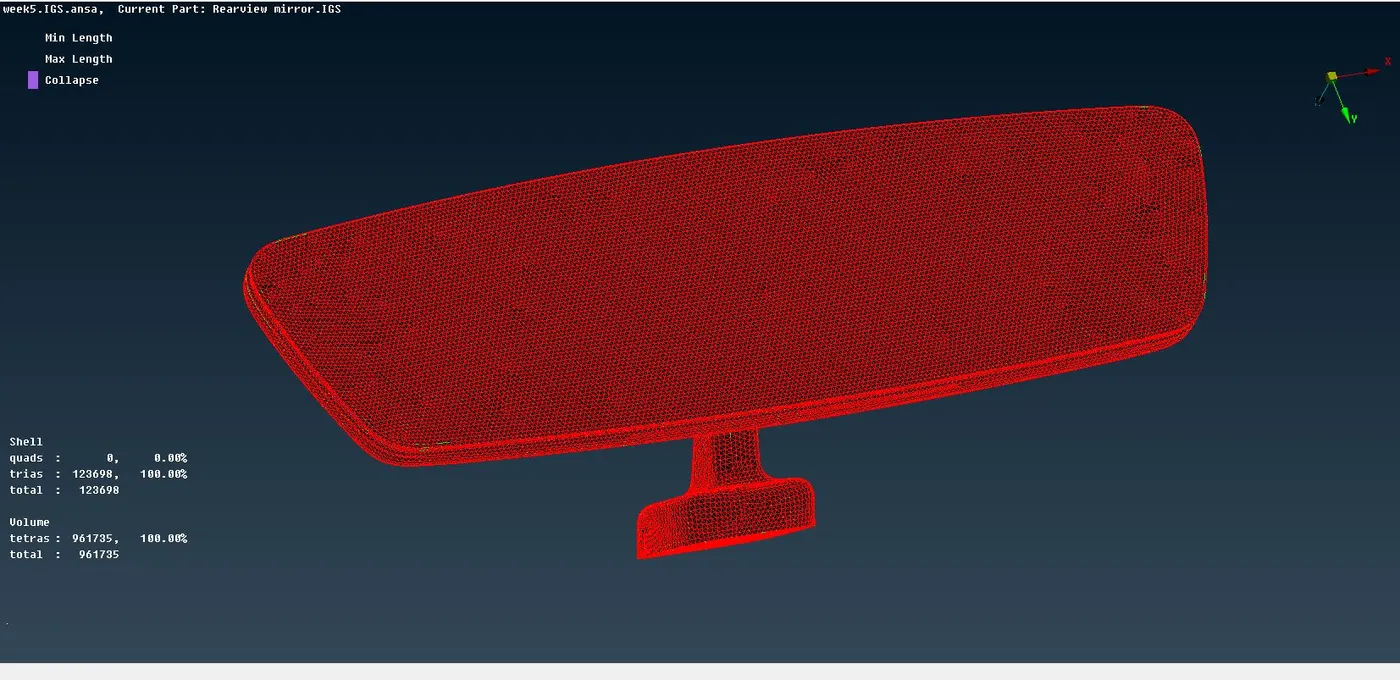
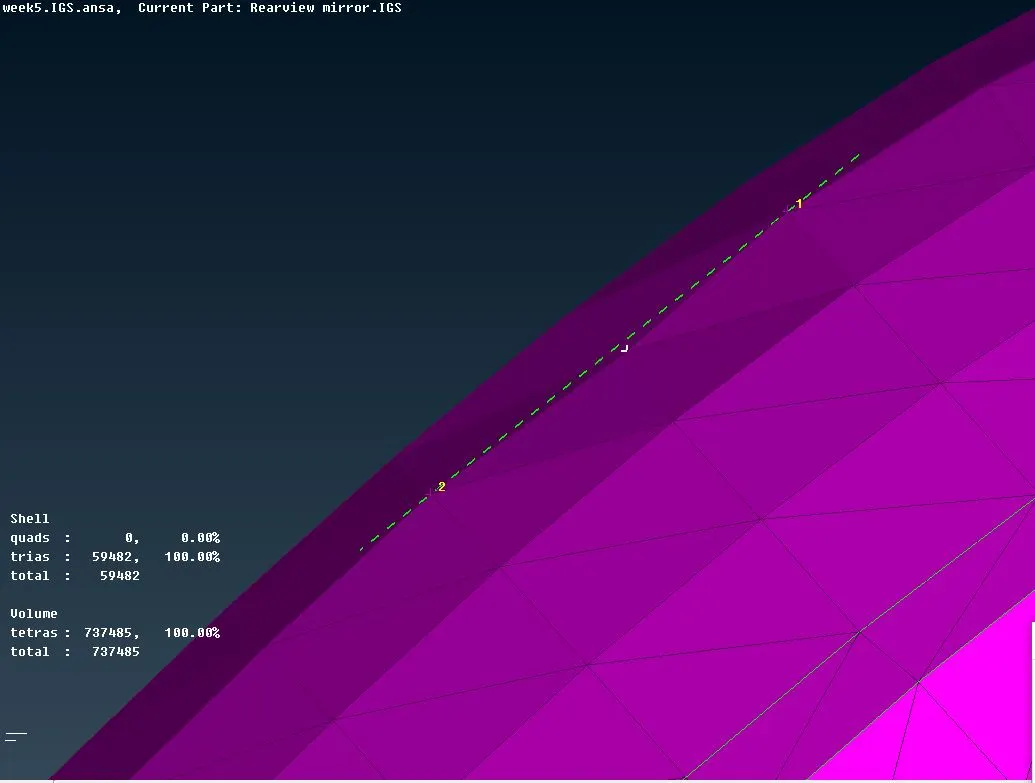
- Finally, the model is checked for any irregiularities on the surface such as peaks or kinks. If found, such geometric issues should be removed by using any suitable tricks. e.g. - Align command under Improve module.
LEARNING OUTCOMES : Got to learn quite a few things -
- How to perform a volumetric mesh over a solid body.
- What does an unstructured mesh actually comprise of and how does it look like.
- How to remove any surface dents after deploying the volumetric mesh.
sharable google drive link -
https://drive.google.com/file/d/18PtKEQdmdZnP0KvhEl3K-0UXlnRIiFNp/view?usp=sharing