Meshing of front car hood using ANSA
AIM :
To check for geometrical errors in the given component and mesh it. After meshing, proper thickness has to be assigned to the component.
THEORY :
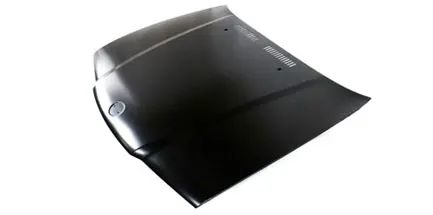
The hood or bonnet is the hinged cover over the engine of motor vehicles that allows access to the engine compartment, or trunk for maintenance and repair.
PREPROCESSING :
- The CAD model of Hood assembly is imported into ANSA.
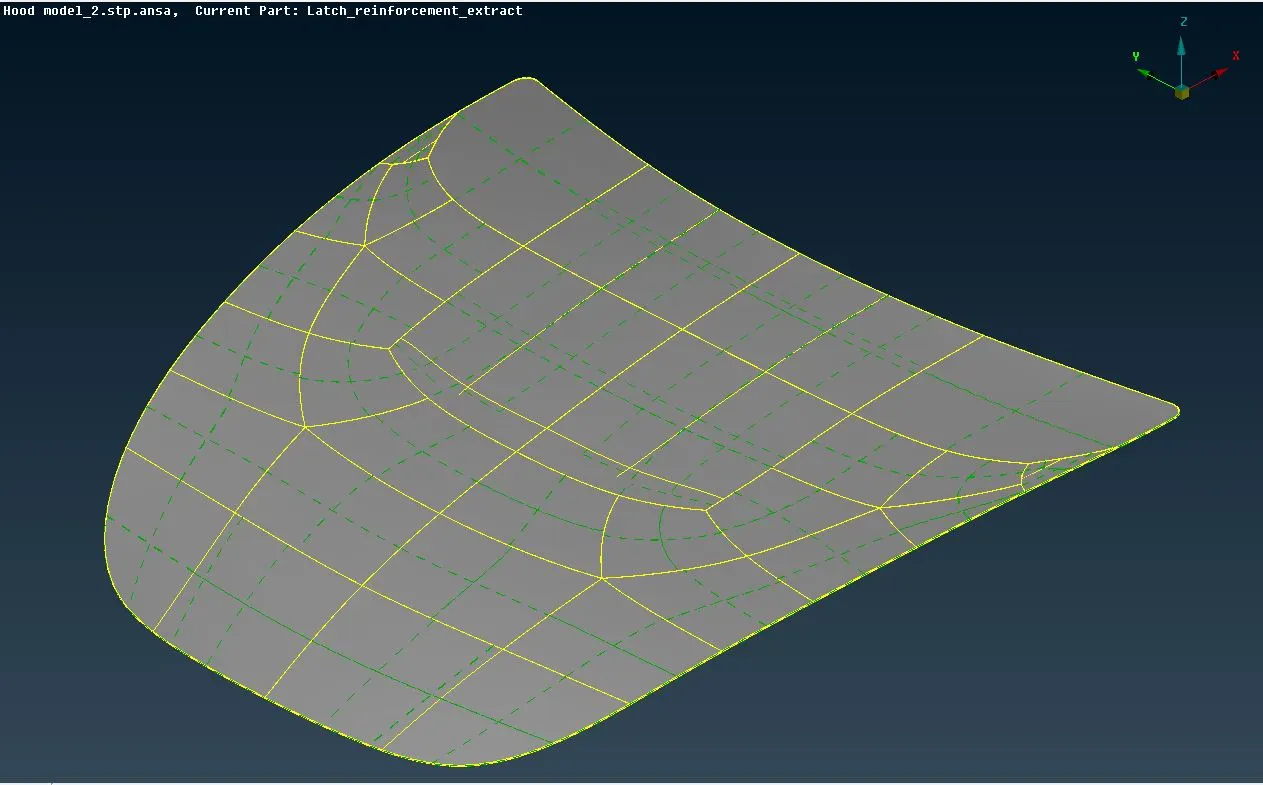
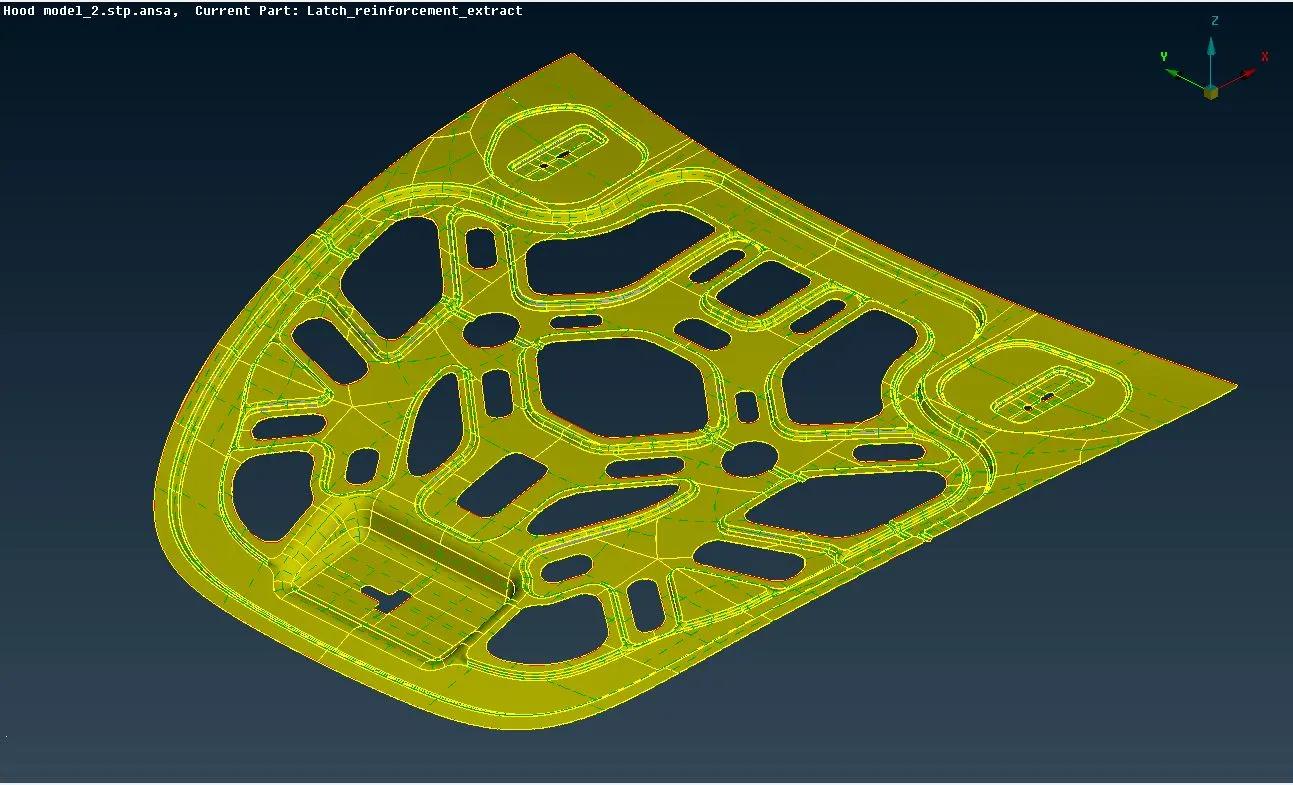
- Firstly, all the individual components are separated from the Hood assembly viz. the outer & inner extracts, the latch & hinge reinforcements. The commands in the faces draw tile are used for this purpose.
- The faces are oriented in a way such that the outer faces remain grey while the inner faces remain yellow in the entity mode.
Mid Surface Extraction :
Instead of meshing the whole 3D body, only the mid-surface (2D surface) is extracted, and after its geometry cleanup and processing, it is meshed. This mid-surface is nothing but a representation of its parent 3D body. This results in saving of process time and computational cost.
- The thickness of each individual component at multiple locations, is measured and stored. The measure command is present in the utilities tile.
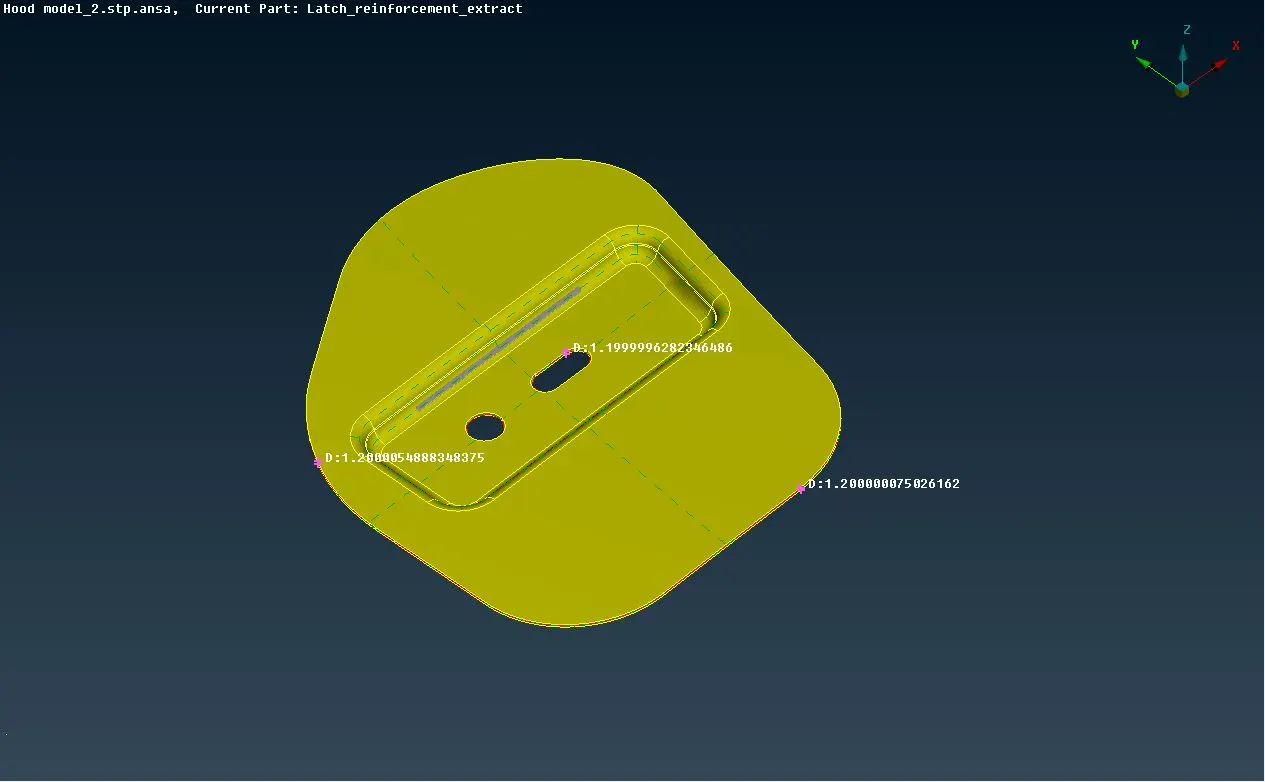
- Mid surface can extraction can be done by two methods.
(a) By using the Mid. Surface command in faces module. However, if this command is used, the parent body is lost and needs to be revived later.
(b) By using the offset command in faces module. In this method, each face needs to be offset-ted individually. The offset distance needs to be specified with proper algebraic sign as ANSA tends to offset it away from yellow entities and towards grey entities. In this method, ANSA asks whether or not to delete the parent body while offsetting. The newly generated individual offset faces have no interlinking with each other. So, a Topology operation needs to be performed to stitch these with each other.
In this project, the offset method of mid-surfacing is used to keep the parent body as it is. - All the individual mid-surfaces are stored in separate locks for ease of work.
- The mid-surfaces are assigned separate property IDs by specifying thicknesses of their respective parent bodies.
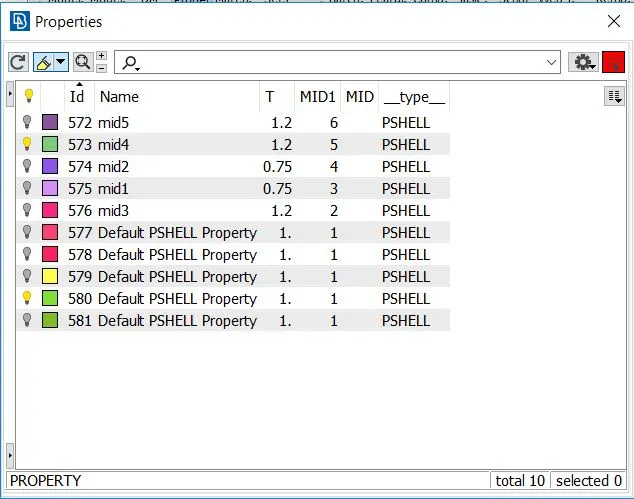
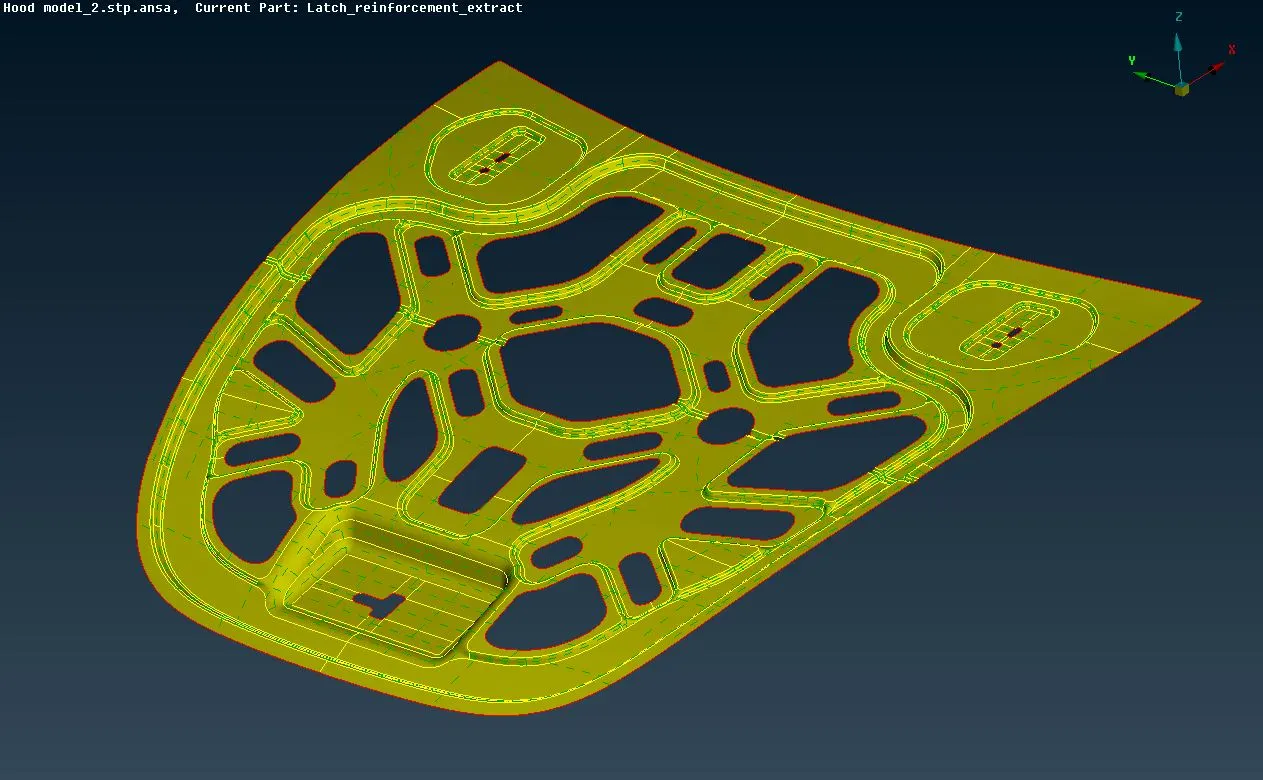
- As a part of geometry cleanup, the mid surface is checked for geometric errors. The unnecessary cons/faces are removed so that it wont complicate the mesh generation further.
Mesh Generation :
- The quality criteria (F12) is setup as per specified instructions :
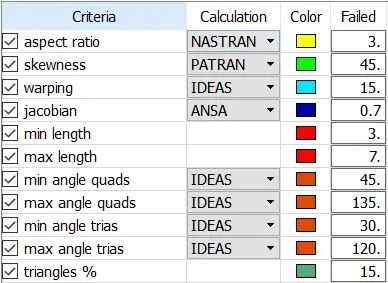
- Also, the mesh parameters are set up : target length = 5, min. target length = 3, max. target length = 7, mesh type = general, element type = mixed.
- The parts are now ready to be meshed. The Best command under the Mesh Generation module in the Mesh section is used. This command automatically generates the most appropriate mesh based upon the default algorithm in ANSA.
- However, the mesh can further be improvised as per our satisfaction and convenience. For this, Mesh Generation, Shell Mesh, Elements, the different commands under these three modules are used.
- The most commonly used commands are Swap, Split, Smooth, Reconstruct, Improve, etc.
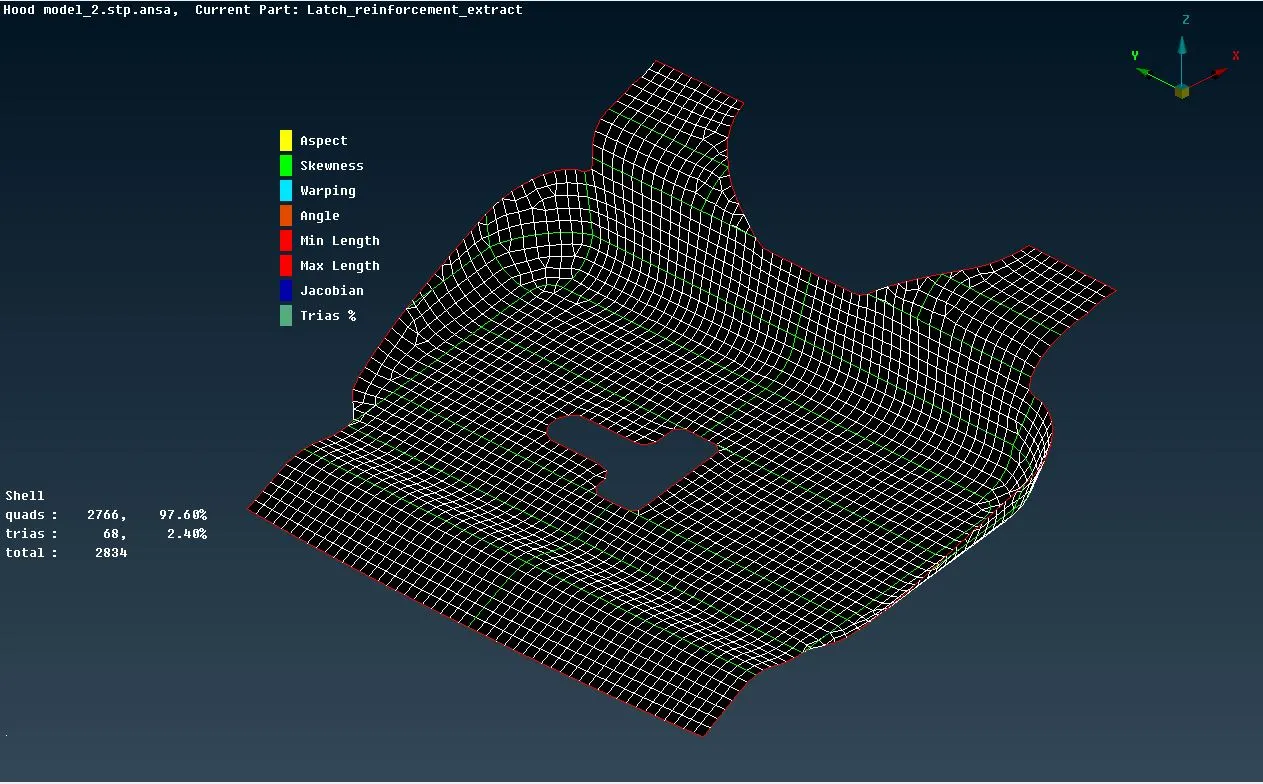
- The concentration of triangular elements should be kept as minimum as possible.
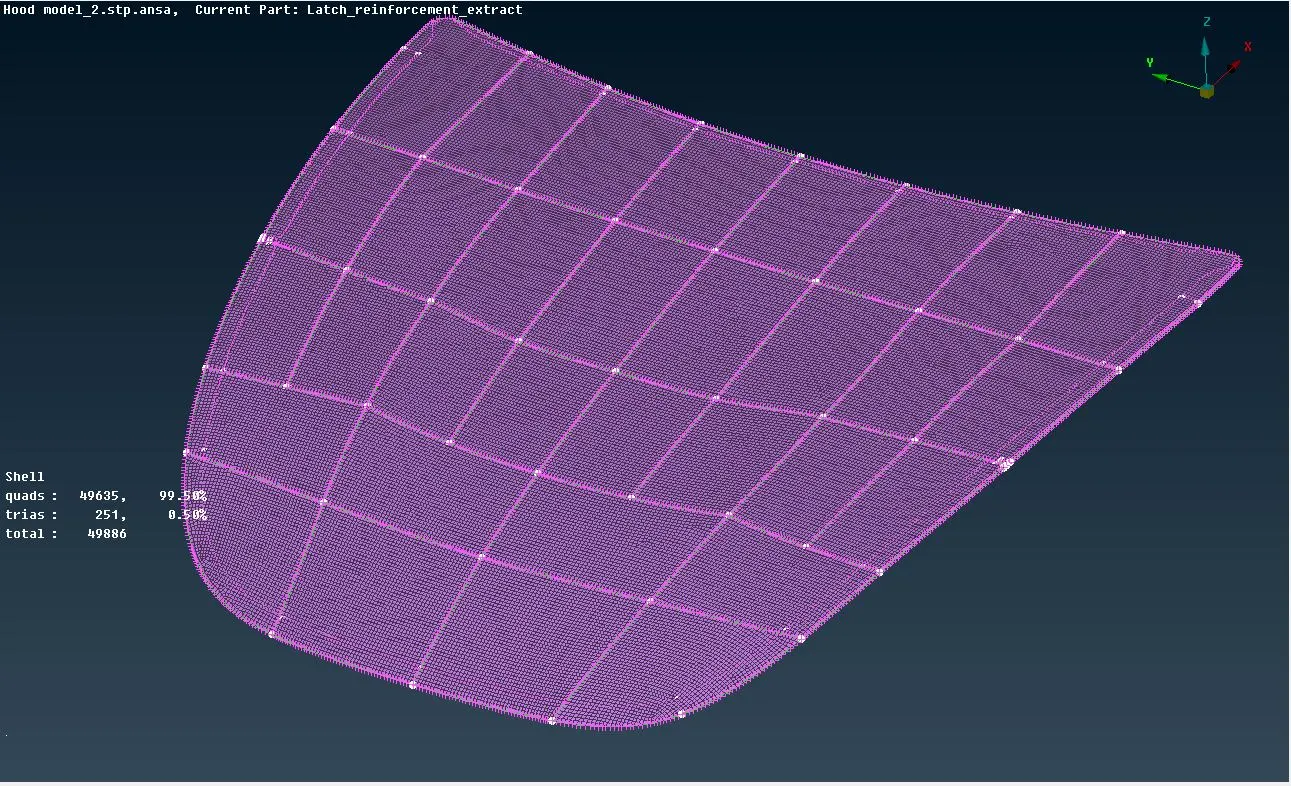
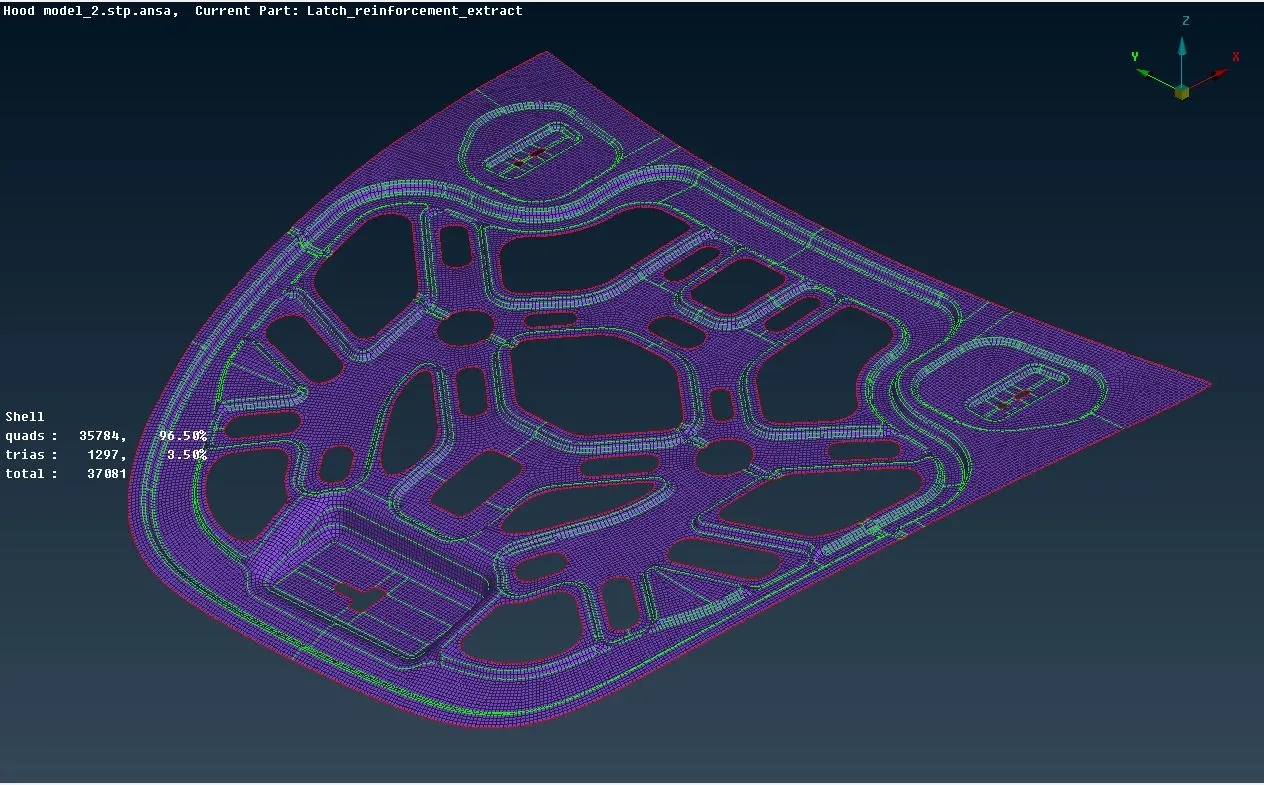
- By turning the Hidden mode ON in the Auxiliaries tile, ANSA tells about the elements which are failing under different quality criteria. Such elements should be corrected properly.
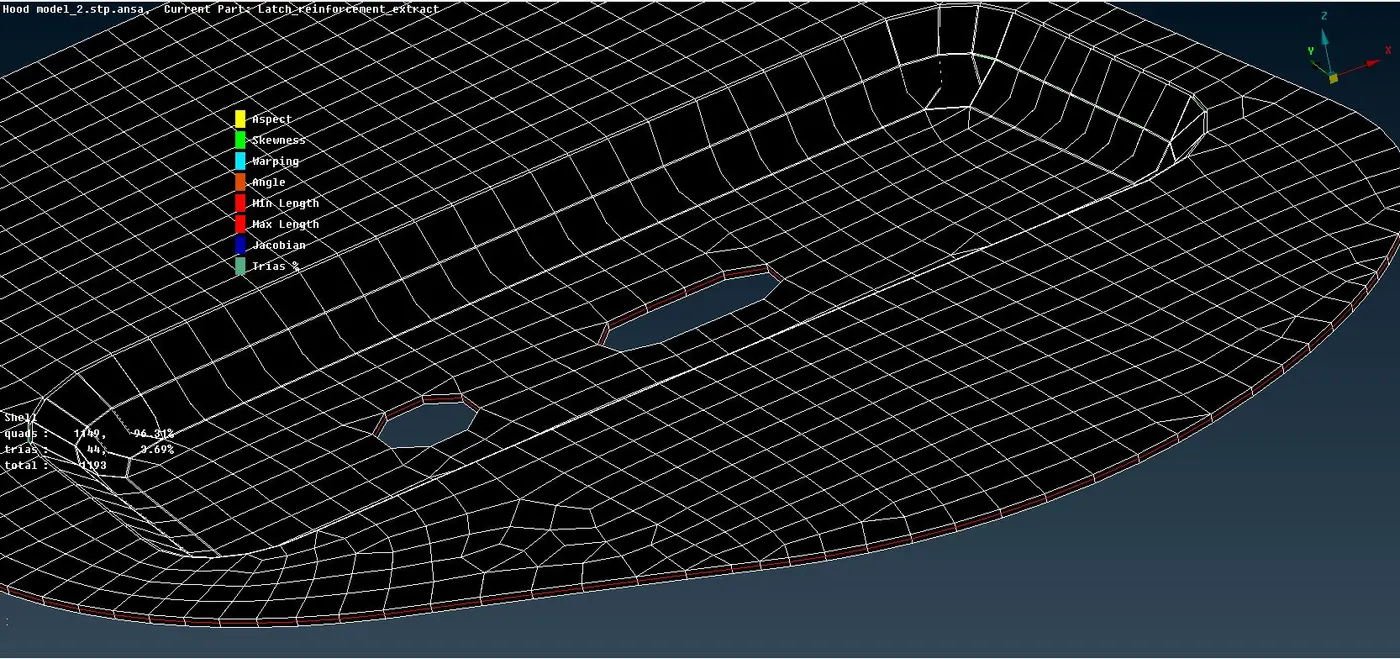
- To view the mesh as a solid instead of a shell, turn the draw shell as solid option ON under presentation parameters.
CONCLUSION :
This method of mid-surface extraction and then meshing the 2D body is much more faster, easier and cheaper than if done directly for the parent 3D body.
https://drive.google.com/file/d/1Su1MrDERlVEJ2yOTQv2Y0Y3OKZ5AodKN/view?usp=sharing