Week 4- Meshing of Backdoor Challenge
AIM :
For this challenge, you will have to mesh the backdoor geometry of a car that is provided below. Provided below are the quality parameters that you have to follow.
Target Element size - 5 Units
| S.N | Quality Criteria | Value |
| 1 | Aspect Ratio | 5 |
| 2 | Skewness | 45 |
| 3 | Warping | 15 |
| 4 | Taper | 0.5 |
| 5 | Min. Length | 3 Units |
| 6 | Max. Length | 7 Units |
| 7 | Min angle Quad | 45 |
| 8 | Max angle Quad | 135 |
| 9 | Min angle Tria | 30 |
| 10 | Max angle Tria | 110 |
| 10 | Tria % | 15 |
PROCEDURE :
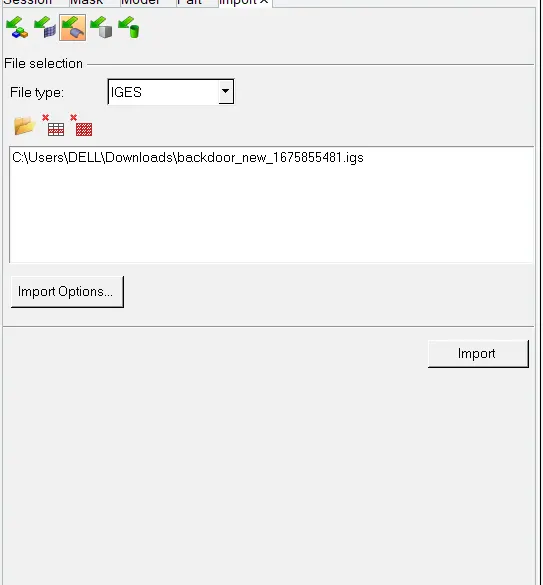
- Import the geometry by clicking on the import option and select import geometry.
- Select the file type to '.igs'.
- Browse and select the file to be imported
- Click the import button
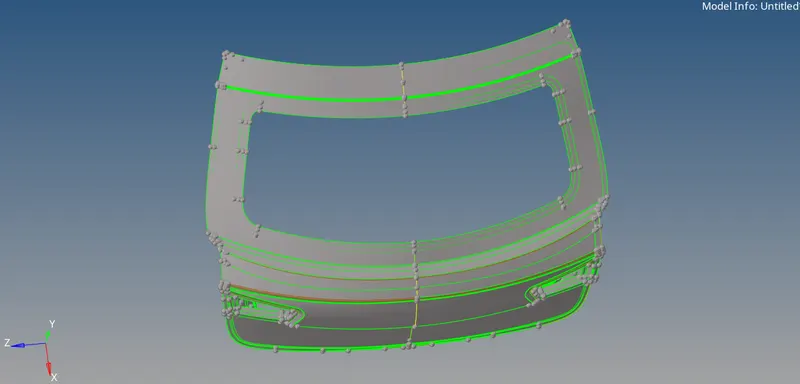
- Once import the cad model and and check for geomentrical issues
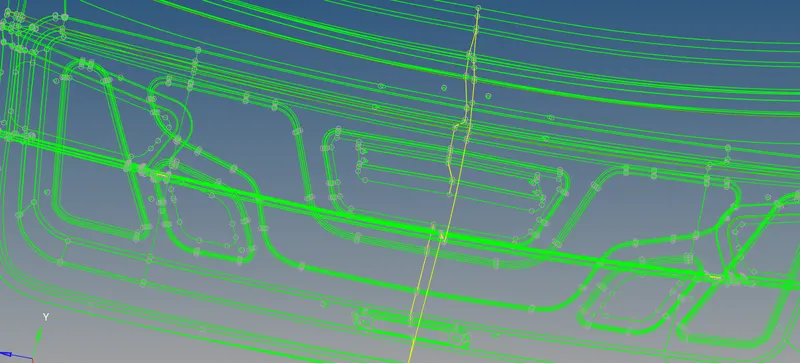
- In my model are some unwanted surfaces and free edges are presented in my parent geomentry and correct the all geomentrical issues
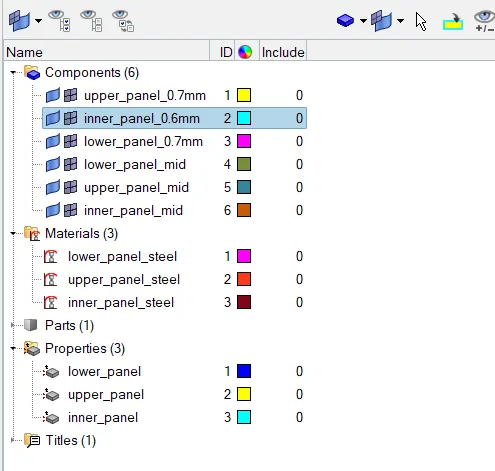
- This is total 190 component are available, iam seaparate the 190 components in 3 components
- After seperate the components then the empty components are deleted
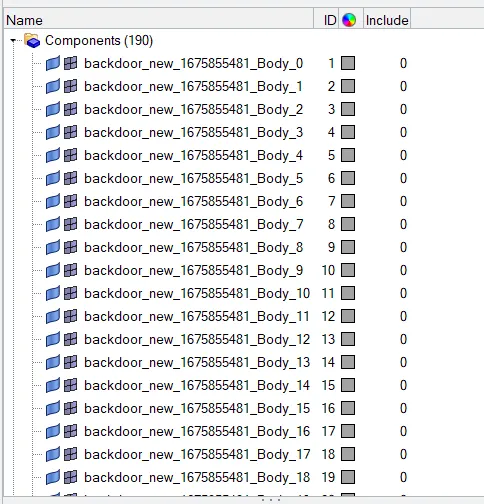
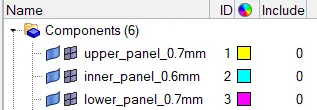
- Iam seperated 3 components lower_panel, upper_panel, inner_panel
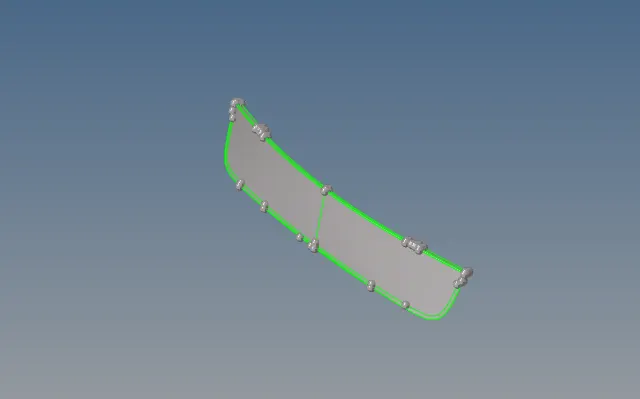
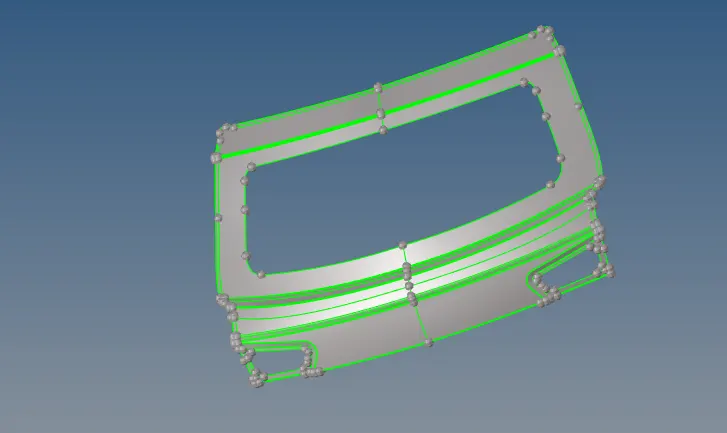
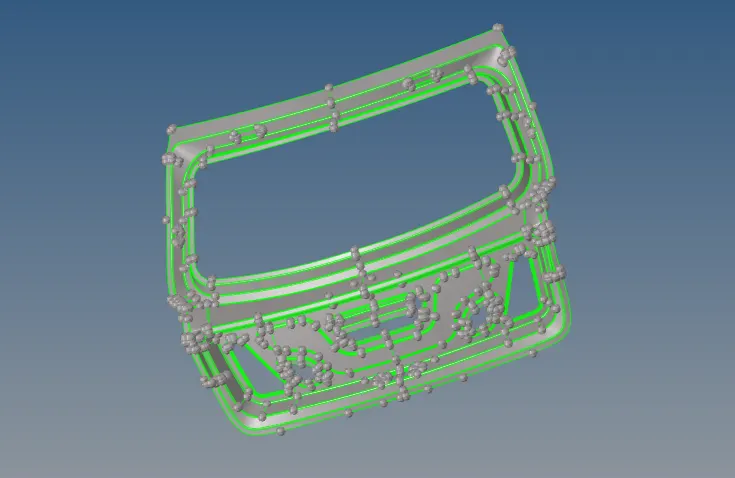
- Now extract the mid-surface, we are using auto midsurface by using offset option
- Lower_panel extract mid_surface only using (offset - closed solid to incomplete solid) and switch off the outbound normals
- Once generated the midsurface create the component of the midsurface
- Create the material and assign the material type of the part
- Create the properties of the midsurface and assign the material and thichness
- Create the component of the midsurface and assign the properties
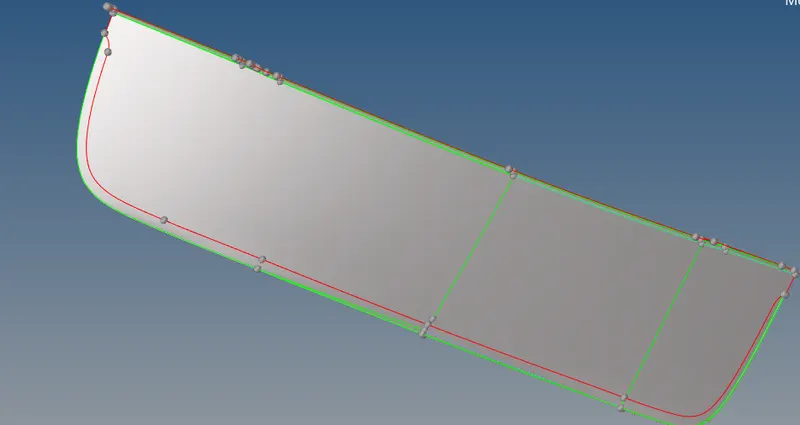
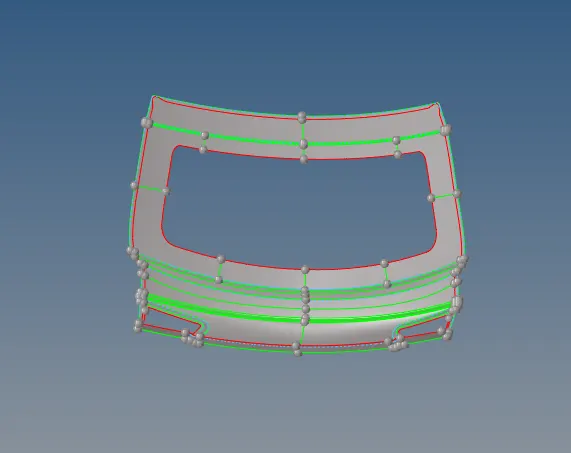
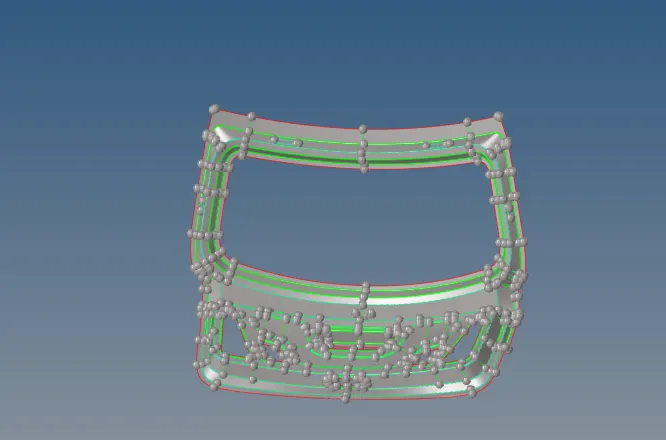
- Before we start the mesh, check the components are symmentry are not in my model all components are symmentry component
- Now we delete the one half of the component
- If there is any unnecessary lines,We can toggle that edges to get a proper mesh flow.
- In this component.In the fillet region,there some unneccessary shared edges so,toggle that edges also.If we
mesh without toggling the edges,the element's will fail.
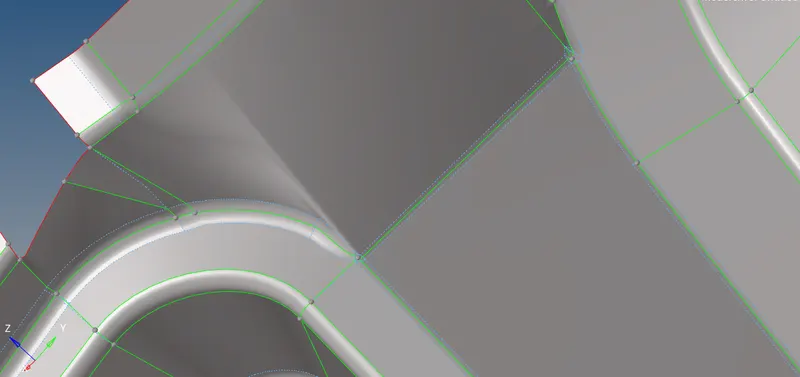
- Important Parameter's in tria management
- No trias in corner's or edge's.
- No opposite trias.
- No back to back trias.
- No trias in fillets or hemmings(We can have minimum but anyhow try to avoid).
- No rotational quads.
- No trias should share a boundary with feature line.
- Connectivity between elements.
- Split and perform the mesh.
- Use mixed type mesh for irregular shaped surfaces and quads only for rectangular/square surfaces(Opposite sides should be parallel and equal).
- Start meshing from the centre regions or from least free edges.You will get proper mesh density and proper mesh flow.
- If the mesh is not proper since remesh or rebuild the mesh by using this two tools.
- And then the hole area are, iam keep the 4 numbers of the hole
- Now create the node in centre of the hole and rotate to the parellel to the feature line, without rotate the hole,the element's will fail.
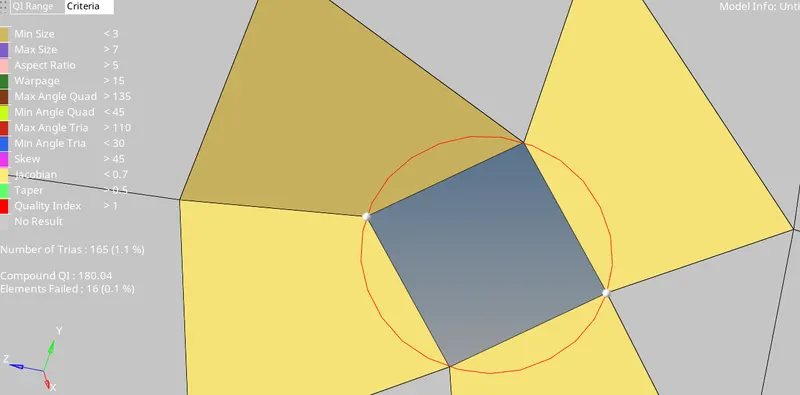
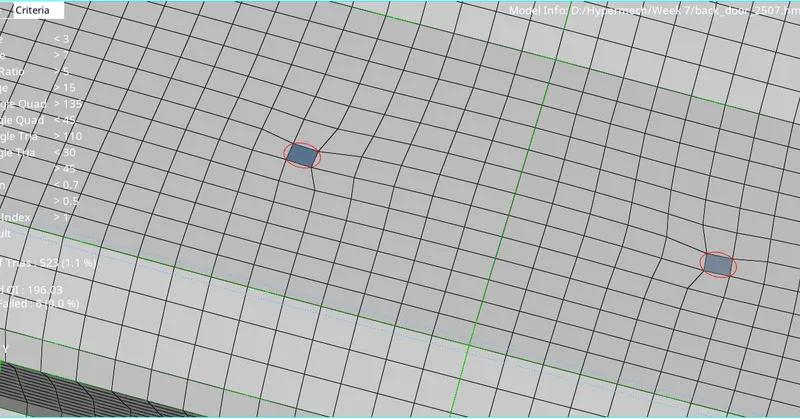
- Final meshed componenets screenshot photos uploaded it
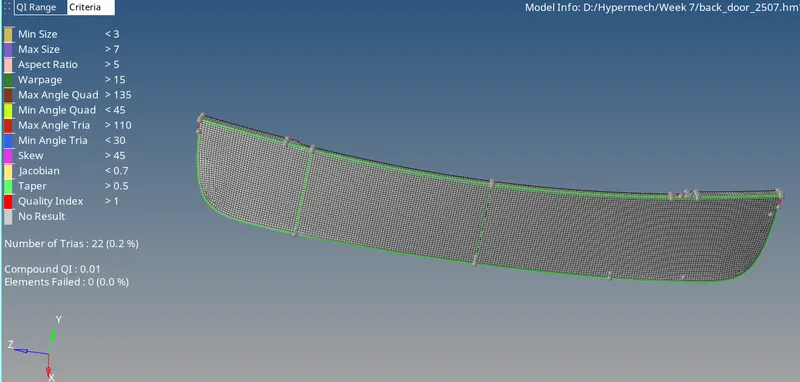
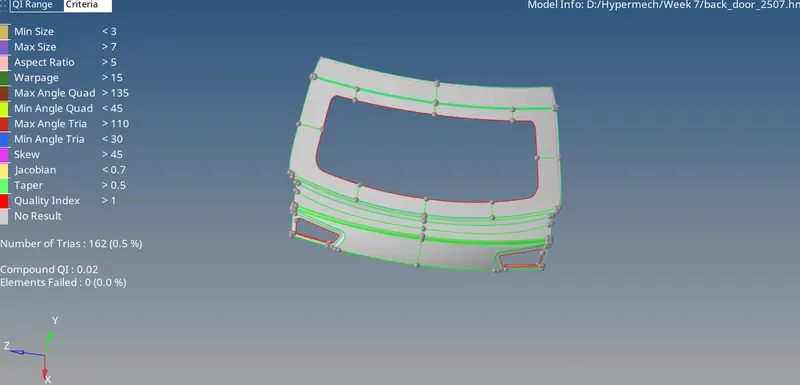
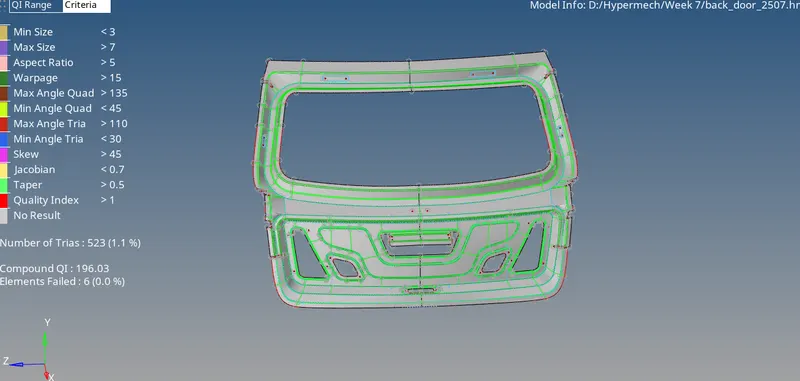
Result :
- Hence the mid surface for every individual component has been extracted manually and every component has been meshed with proper good mesh flow and attained the quality criteria as per given.
- Every tria conditions has been followed in this model and completed successfully.
Conclusion and Learning Outcome :
- In this challenge.I came to know how to extract midsurface manually and mesh a component properly with proper mesh flow.
- Proper feature capturing,avoid trias as much as,
- Avoid rotational quads(rotational quads in hemming regions),
- Attain quality criteria and do manual clean up,
- Check for the duplicates,nodes,normals,and tria percentage.