Week 4 Challenge : CFD Meshing for BMW car
Aim
To Mesh BMW car for CFD External flow analysis
OBJECTIVE
volumetric Mesh of external tunnel for analysis
To PROCESS
clean up
2D Mesh
external tunnel Volume
3D Mesh
clean up Aim
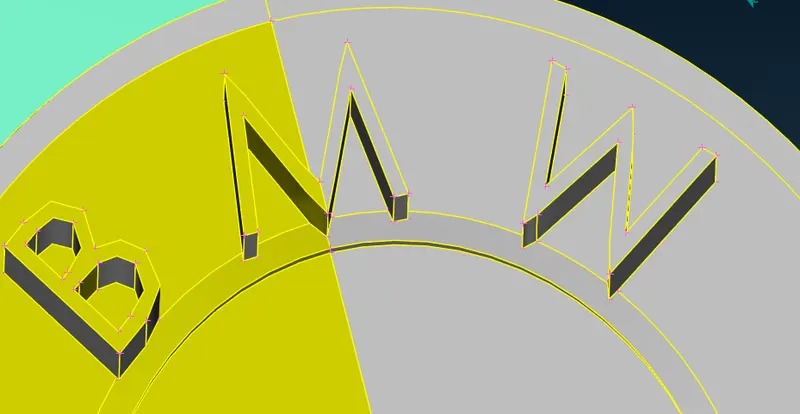
Clean up of BMW Car by deleting the symmetry portion except for Symbol which is not a symmetry model for ready for meshing
objective for cleanup
BMW car makes sure all the parts are without single cons except the body half the portion, only the external profile needs to capture removing internal surface surface
Meshing Aim
To obtain 2D shell tetra mesh with satisfying Quality criteria
objective
to obtain mesh quality criteria we need to make sure & maintain the mesh min length of coons
Volume Meshing Aim
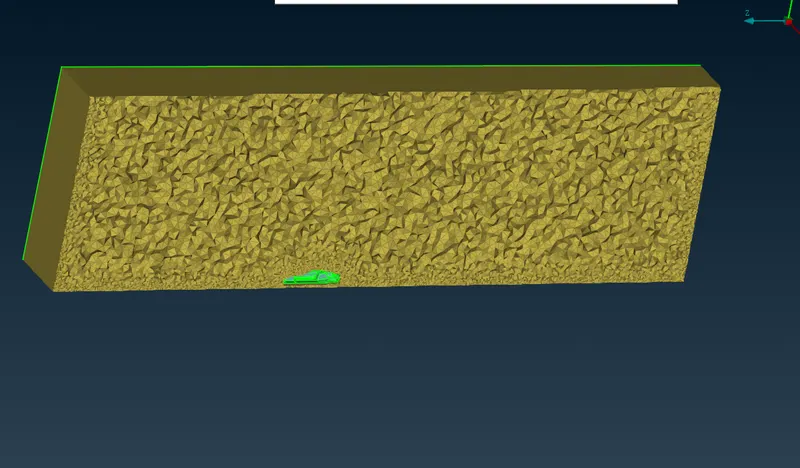
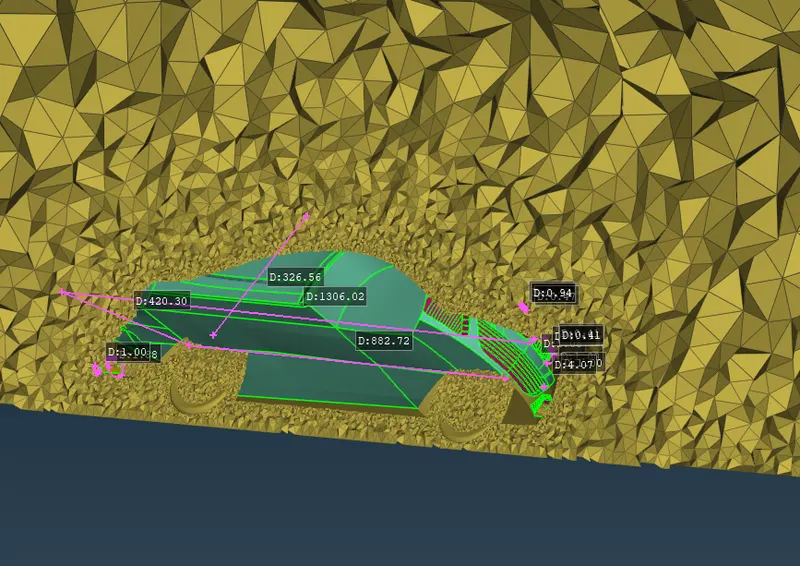
To obtain volumetric mesh only the profile of the car at tunnel volume with minimum mesh size at the study area ( car region) and maximum mesh size at the top of the tunnel
volume Meshing objective
volume mesh the tunnel model without any error in quality criteria
COMMAND USED
Decks
select the solver to mesh- open form
view common
macros- visibility of surface
crosshatches- visibility of split surface define
single cons- free edges without any connection to surface
Double cons- connection of two surface
Triple cons- connection of three surfaces at a time
SURFACE CREATION & EDIT
TOPOMODE- classic
surface creation & cleanup mode
HOTPOINT
below operation will be performed in the following command & use that command to create, manipulate & delete hot points
insert(create), Project,multi-project, parametrical ( create with reference by % or by distance), Delete, intersect, release
CONS
below operation is used to perform create an edit of surface
past (merge two edges of the surface), release (make 1 step degrade of edges), project( project edge to face), fill hole (patch the holes)
FACES
below operation used for surface create delete & manipulate
Cut - cut & uncut split the surface or Faces, Delete, unDelete, new-conns or fitted (create from coons), TOPO (level up conns), PROJECT Cut (project the surface & cut), OFFSET, intersect (can split intersect & also delete surface), extend
POINTS
create & manipulate points using the below option
NEW (create from co-ordinate& inline- from coons selected), Relative- (with respective points), Delete, Undelete
Curve
creation and manipulation of curves by the below operation
create (concerning points), Delete, undelete
MESH CREATE & EDIT
Meshmode-classic
Mesh create & edit mode
Perimeters
length -macros - surface, Perimeter- edges or coons, Spacing- controlling nodal points & distribution of nodes
Grids
mesh manipulation
Move (nodes), Past (nodes)
Mesh Generation
2D shell mesh generated by using the below commands
spot mesh- (select, visible, regenerative), erase, Reconstruction
Auxillary
Fine(to make a smooth surface)
Measure tool
measure between node & coons
PROCEDURE
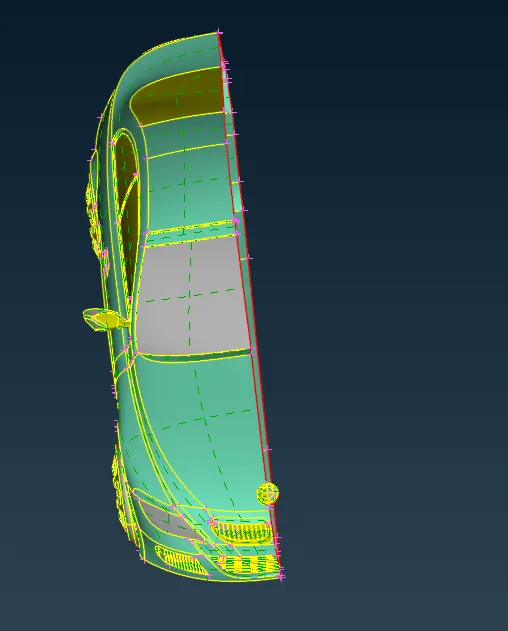
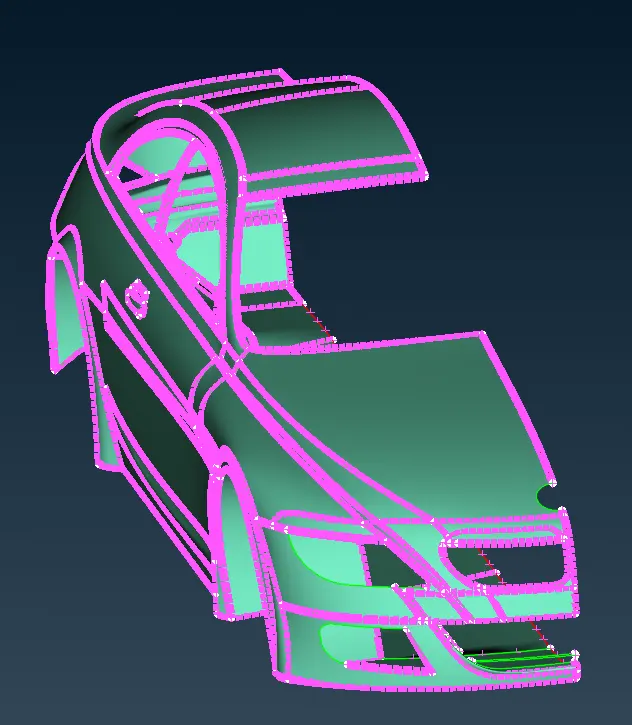
delete car Half the portion except the logo which is not symmetry
make the inside mode hollow and remove all unwanted surface
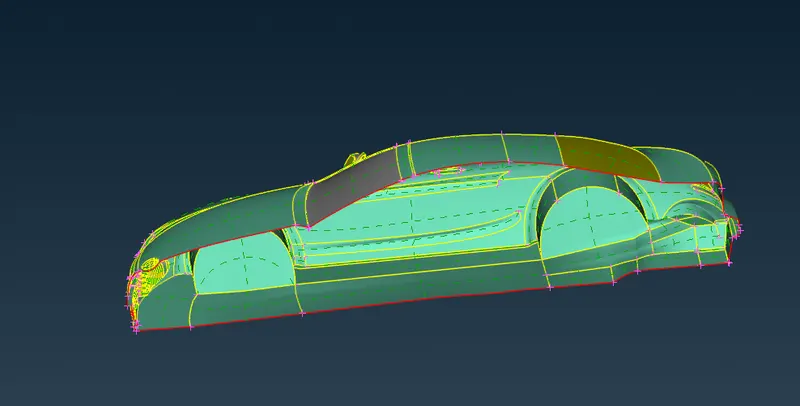
split each model to clean up the model without free edge assign a name to the respective model after cleaning up
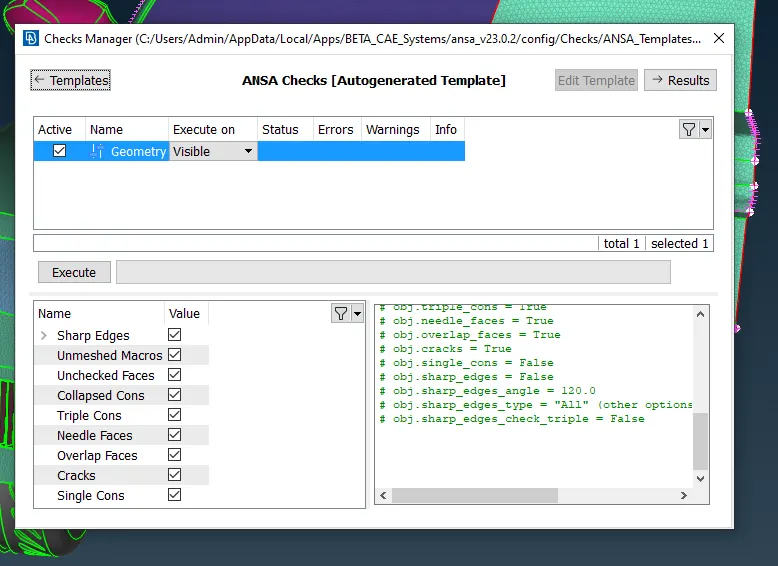
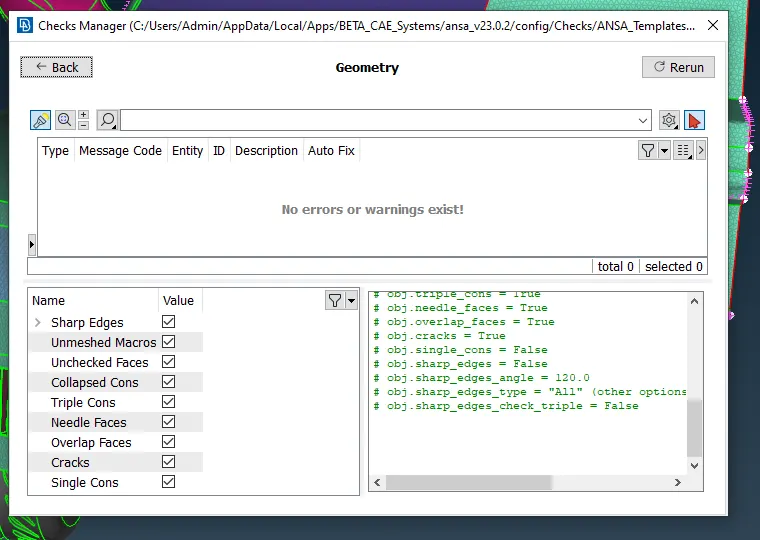
check each part for error to troubleshoot
check-geometry
Names assign
BODY
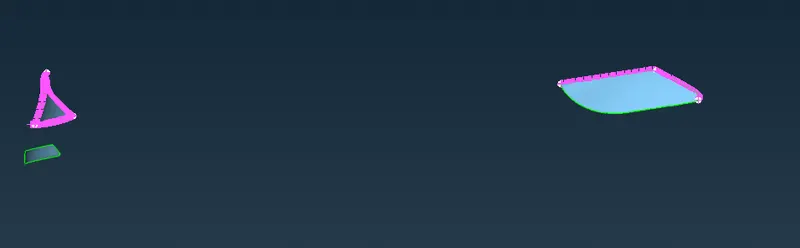
LIGHT
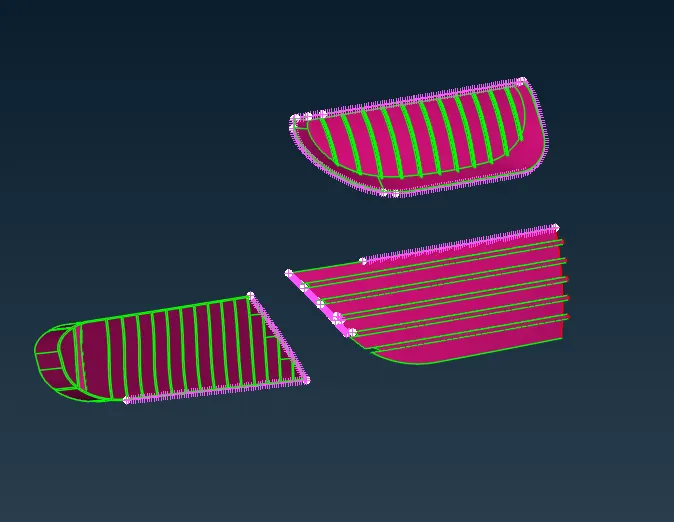
GRILL
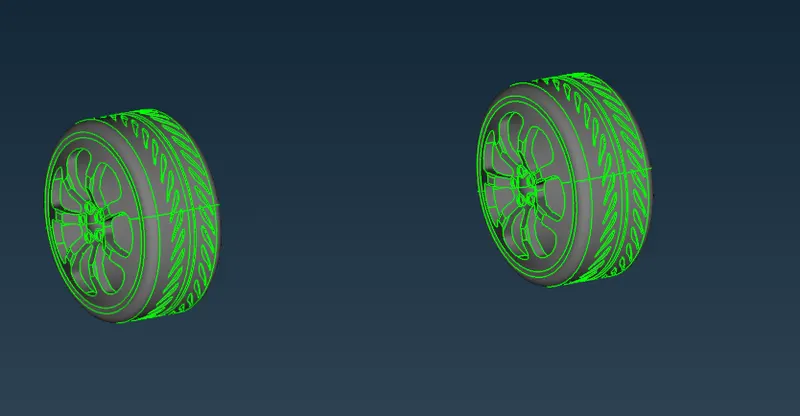
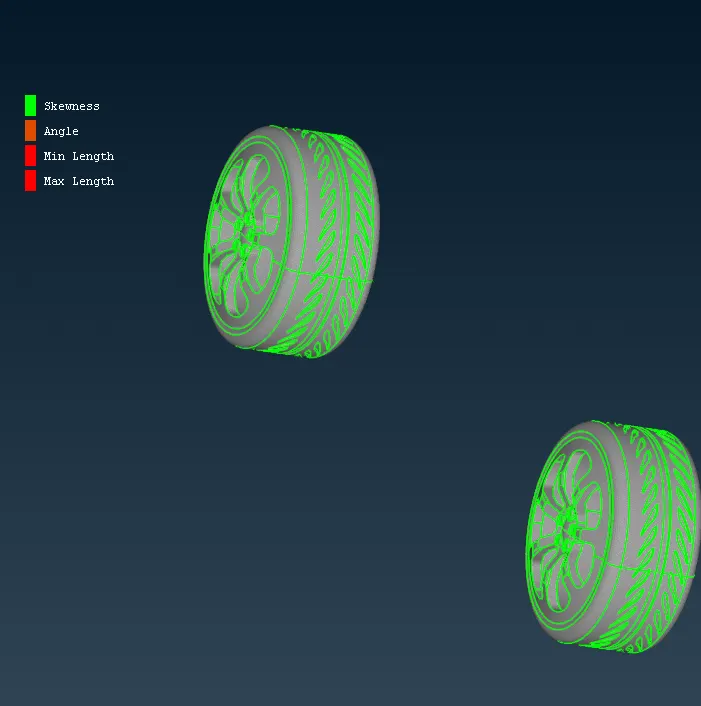
RIM & TIRE
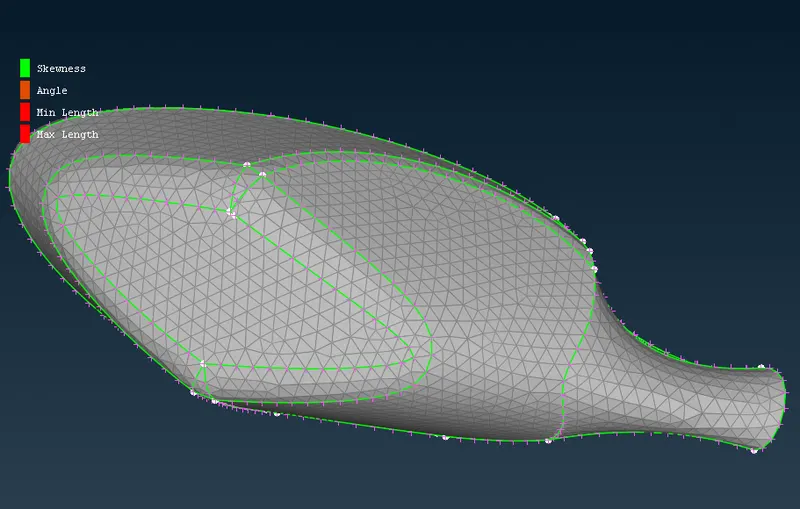
OPTICAL REAR-VIEW MIRROR
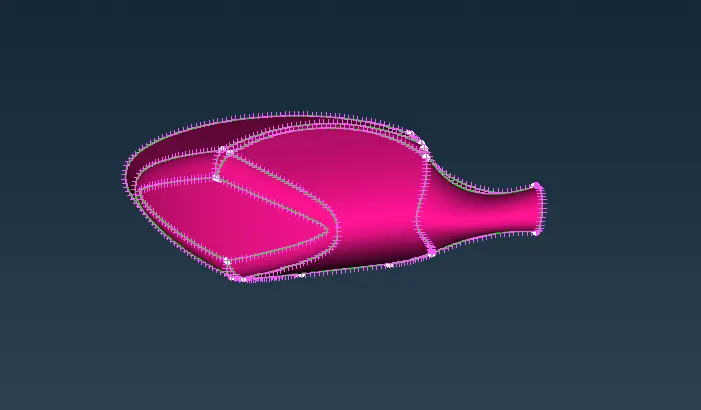
WINDOW
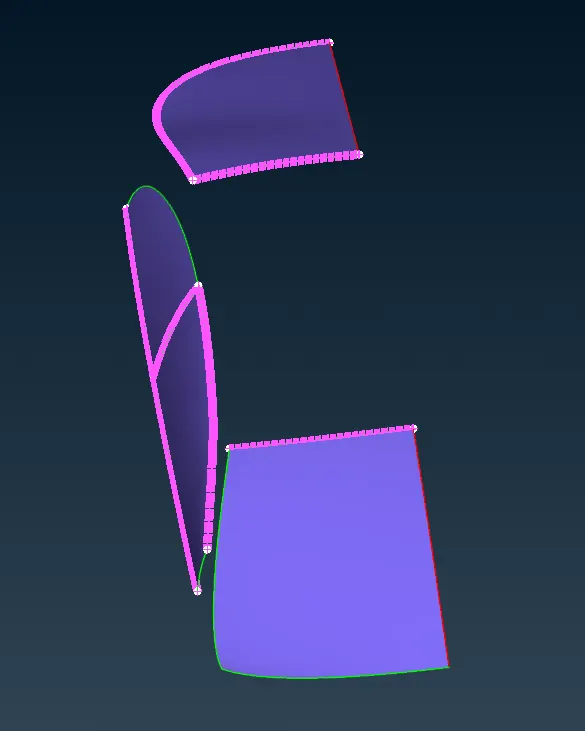
by using the surface clean-up tool all bodies prepared
Mesh Quality criteria
check out the minimum measurement of each body and store it to assign the minimum element size
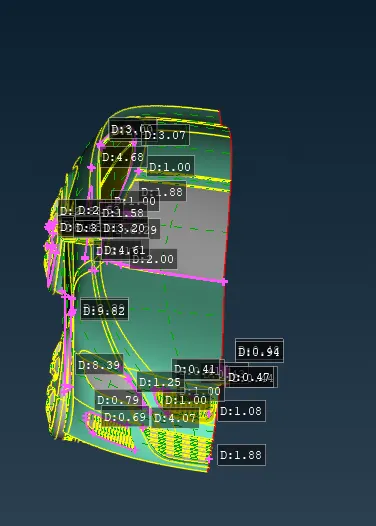
Assign Quality criteria
fixed parameters
max angle Quards- 0.7
max angle trias -0.7
skewness -0.3
OPTICAL REAR-VIEW MIRROR
minimum-1 mm
max- 3 mm
average-2 mm
WINDOW
minimum-1 mm
max- 3 mm
average-2 mm
RIM & TIRE
minimum-1 mm
max- 3 mm
average-2 mm
LIGHT
minimum-2 mm
max- 6 mm
average-4 mm
GRILL
minimum-0.4 mm
max- 2 mm
average-1 mm
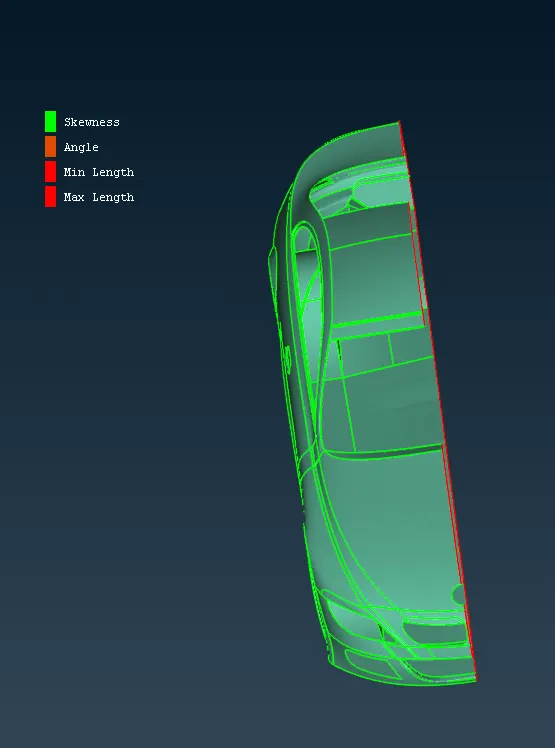
BODY
minimum-1 mm
max- 5 mm
average-3 mm
TUNNEL
MINIMUM- 15 MM
MAXIMUM- 25 MM
AVERAGE-20 MM
Assign length parameters & macros as average mesh size for all except body-only macros assign as average mesh size perimeter will vary mesh size according to the attachment to the body
MESH OUTPUT
As conform to the mesh quality criteria by unlocking the hidden mode
overall
FRONT
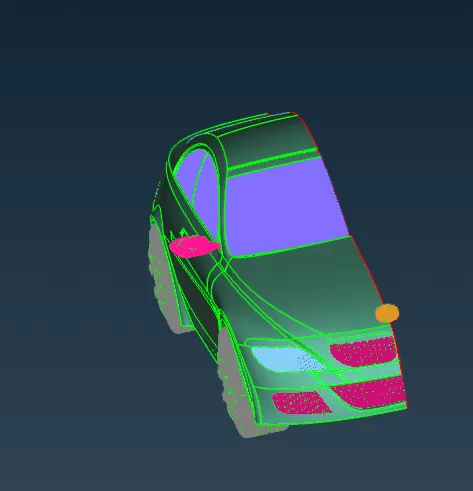
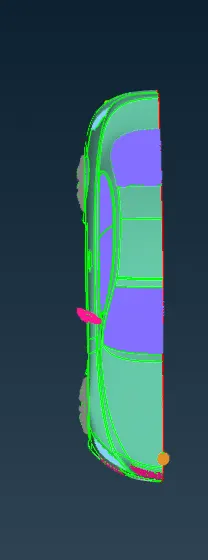
TOP
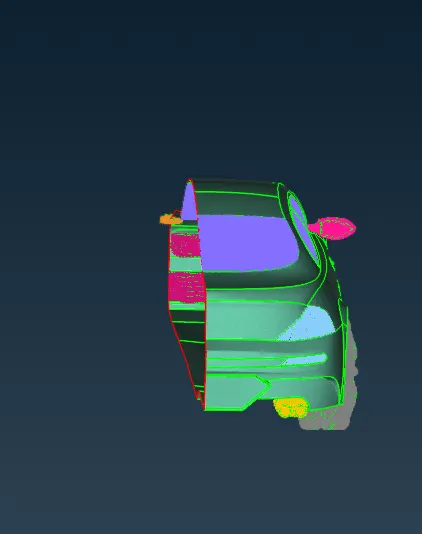
REAR
Grills & LOGO
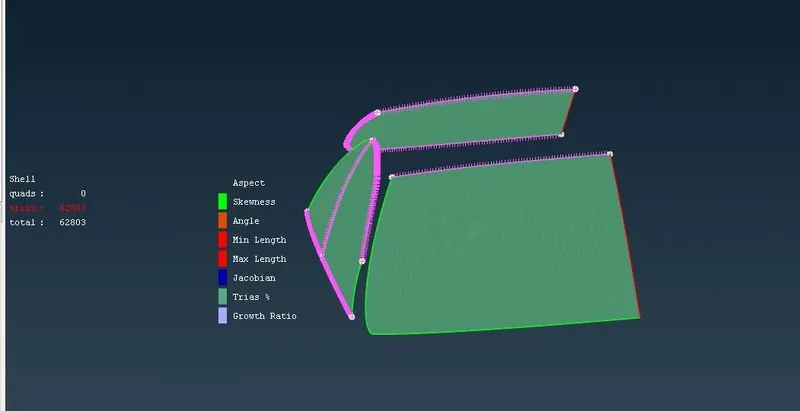
windows
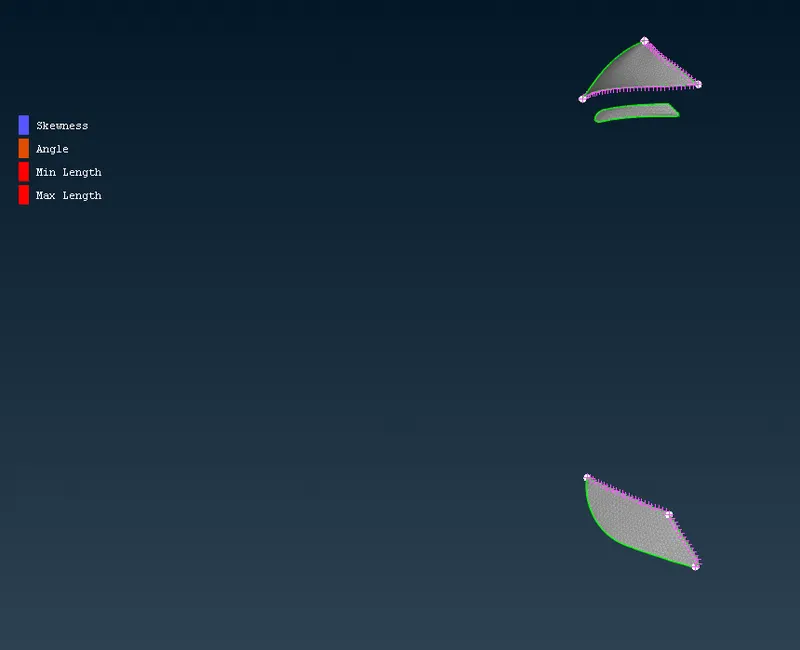
Lights
TIRES & RIMS
MIRROR
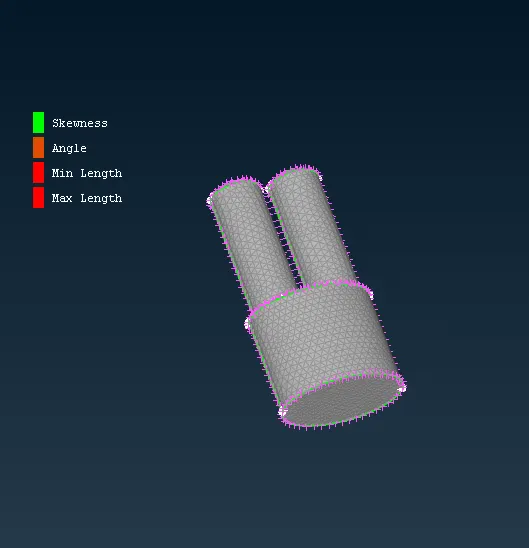
SILENCER
BODY
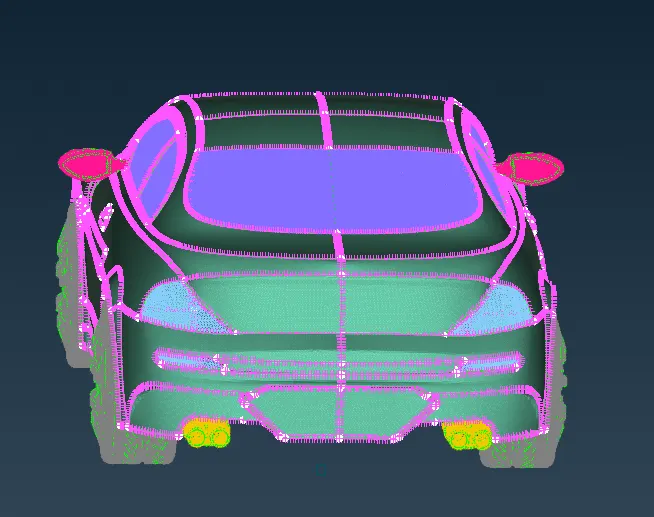
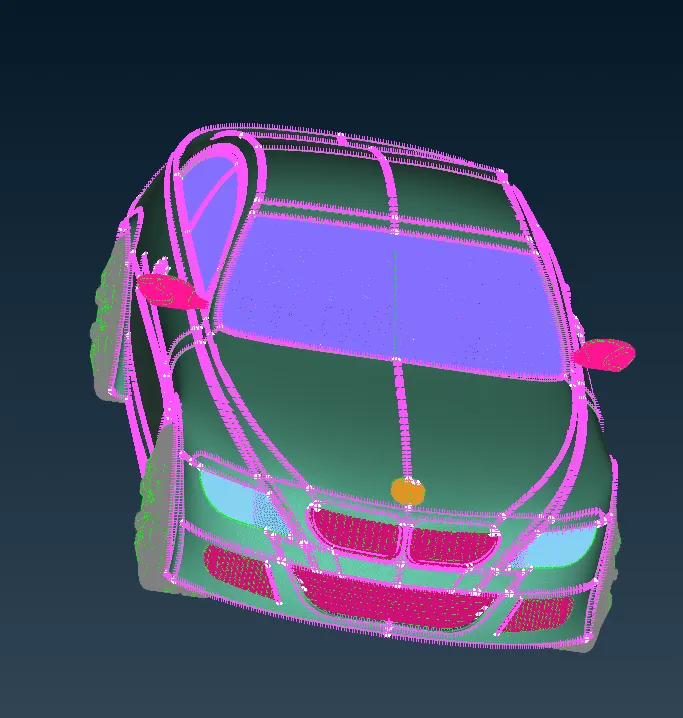
After individual parts are meshed use Transformation-copy-symmetric (set a base 3 points) to mirror all parts to concerning the plan
WHOLE BODY
Tunnel volume creation
create a tunnel reference point
#tunnel parameter
# created by Jagaveerapandiyan.S
#length of car x
x=1306.02
#referance point
r=882.72
#tunnel
inlet=4*x+r
outlet=6*x+r
top=3*x+r
bottom=750
#width of tunnel
t=x*2
print('parameter point creation for tunnel')
print('inlet=',inlet)
print('outlet=',outlet)
print('top=',top)
print('bottom=',bottom)
#width created referance from base point
print('thickness from referance=',t)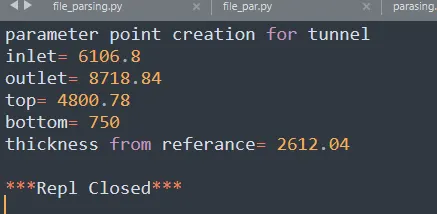
output surface created with reference from the point by using relative command and coons created curve command the surface created by face-new-coons
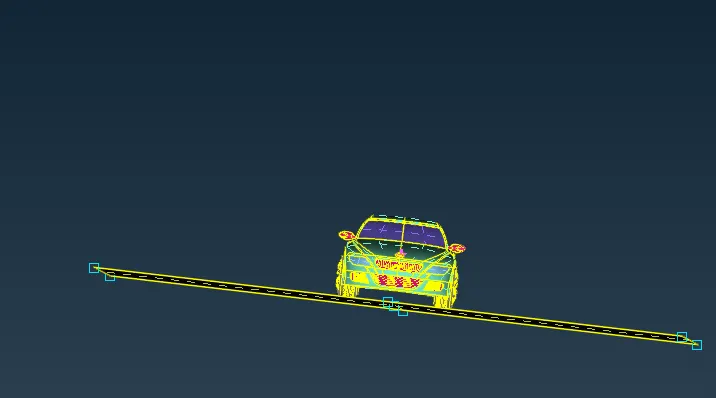
use face- offset (top parameter)
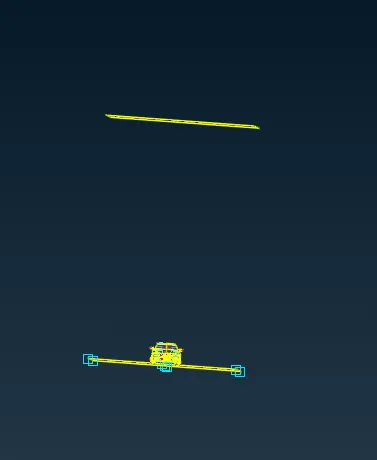
face-new-conn (to create a new surface) to create & finish the entire surface of the tunnel
overall volume
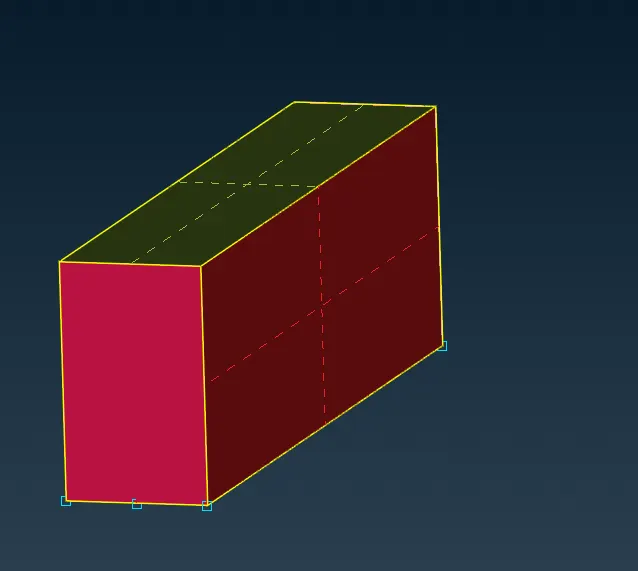
Mesh
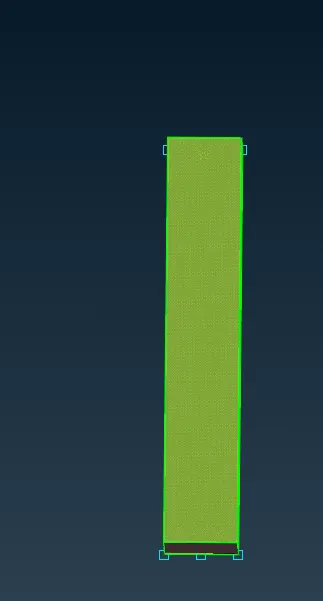
Bottom
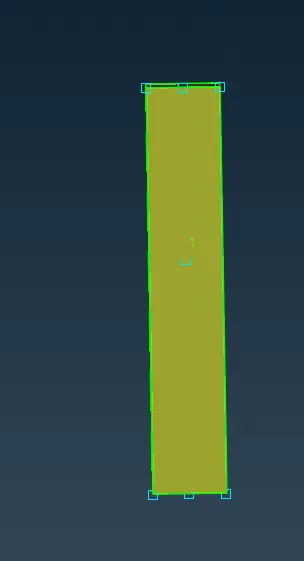
on mesh -parameter- spacing
biasing-geomentry
Dstart-20
Dlimit-100
factor-1.1
to create a fine region at car & core region away from car
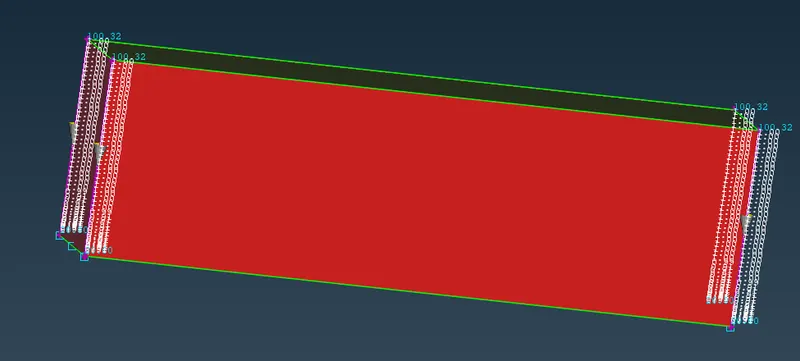
create volume
volume-define- detect on the whole body
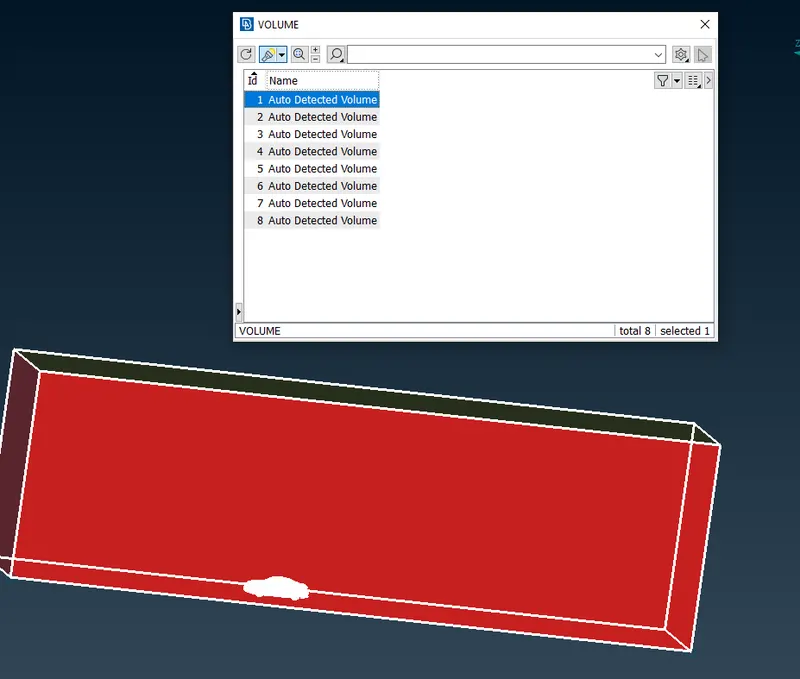
only tunnel study area with care profile volume needed rest not necessary for volumetric mesh
After volume mesh is done by using
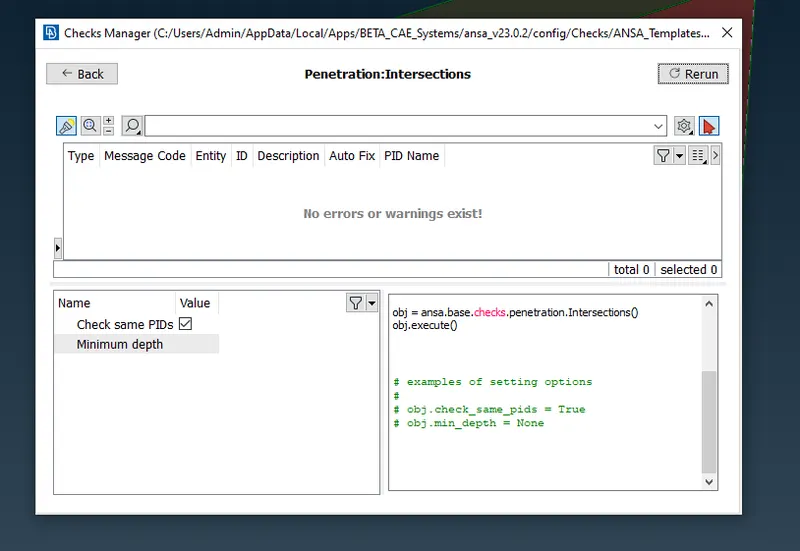
check geometry to check errors & conform for volumetric mesh
volume mesh
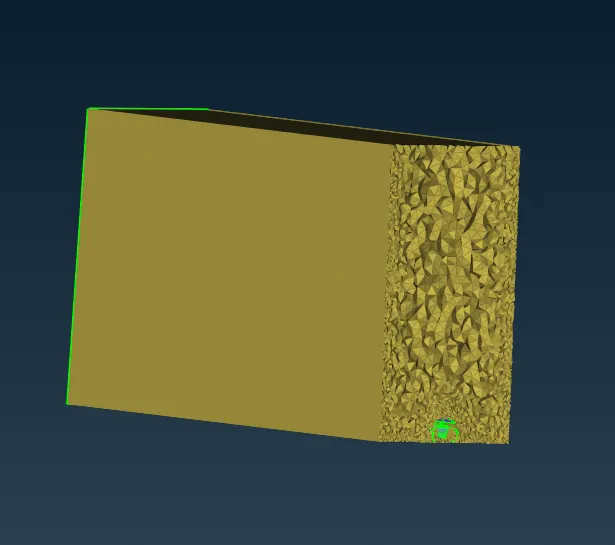
side view
Problem faced
symbol
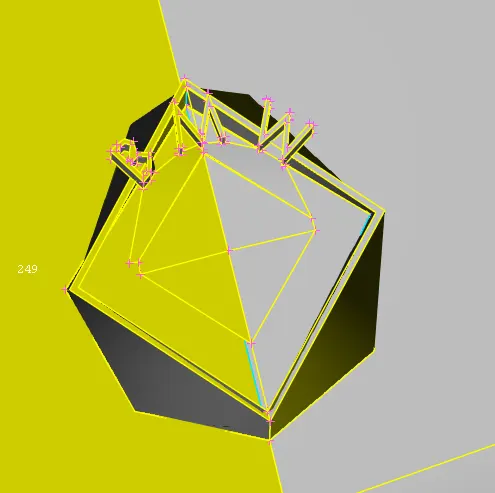
minimum size & Quality criteria not obtained in the logo which is troubleshot by deleted & recreated the symbol's small surface
INFERENCE
Each PID is cleaned up & 2D mesh to extract volume mesh for tunnel volume is created and volumetric mesh is done successfully without any error
Ready for external flow analysis