Week 4 - 2D Meshing for Sheet Metal
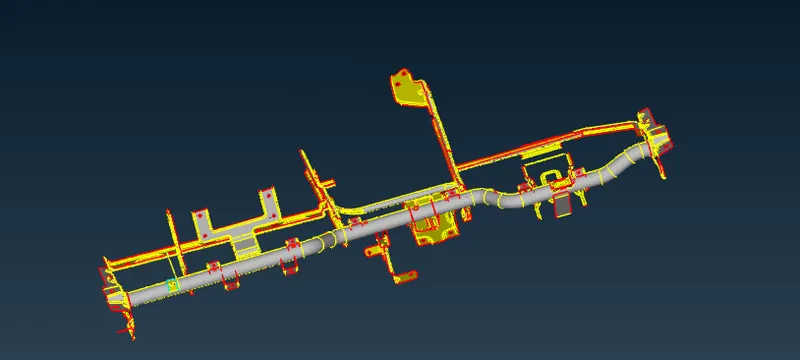
CCB MODEL
Objective: To generate mid-surface for CCB CAD model & generate mesh within the given quality parameters.
Quality Criteria are as follows:
|
1 |
Target/Average length |
5 |
|
2 |
Minimum Length |
3 |
|
3 |
Maximum Length |
7 |
|
4 |
Aspect |
3 |
|
5 |
Warpage |
15 |
|
6 |
Skewness |
45 |
|
7 |
Jacobian |
0.7 |
|
8 |
Minimum Quad Angle |
45 |
|
9 |
Maximum Quad Angle |
135 |
|
10 |
Minimum Tria Angle |
30 |
|
11 |
Maximum Tria Angle |
120 |
|
10 |
Tria Percentage |
15 |
Steps to be followed :
- Initial we have to check the geometry with the help of tool called geometry cleanup. This tool indicates if there are any missing point or unnecessary triple con generated on the model.
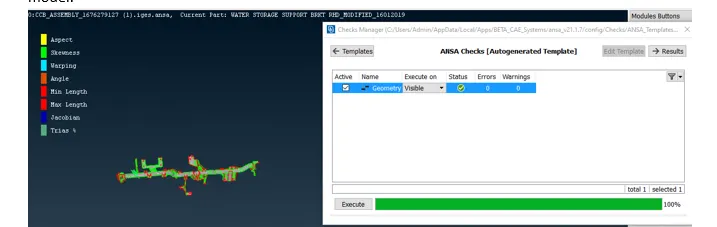
- Once the geometry cleanup is done & no errors are been highlighted then we can proceed further with providing the midsurface to our model.
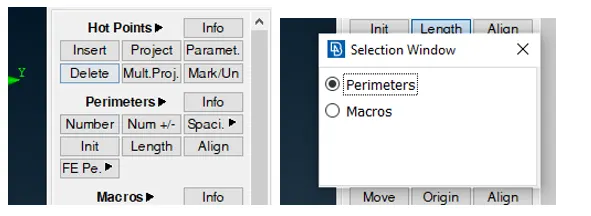
- First of all we have increase the resolution of the model by choosing length option in mesh module & provide a parameter length of 1mm & macro length of 1mm. This will help us to have a more refined surface.
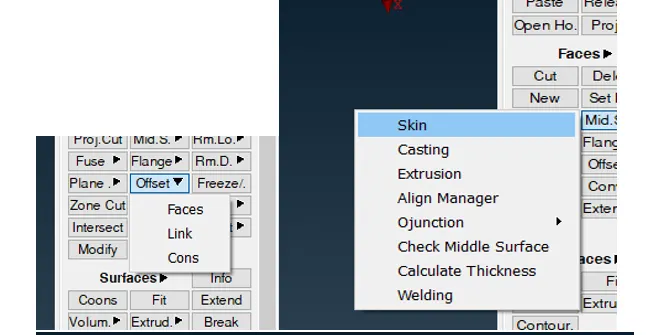
- Next before generating midsurface we have to go through overall thickness of the part so as to have an idea of which option to be selected for mid surfacing. After checking it can be observed that uniform thickness is been observed in every part & we can choose direct midsurface generation & providing property ID with the help of toolbar called ‘Midsurface Skin’ in toolbar & generate auto midsurface. Another option is for manual midsurface choosing the offset option.
- To save time & generate mesh quickly we shall go for mid-surface “skin” option from the module. This option generates automatic midsurface with a unique property ID & provides a thickness as required. So we can save more than 2 to 3 steps from manual mid-surface. Next by choosing single part from property ID we shall create single midsurface for each body.
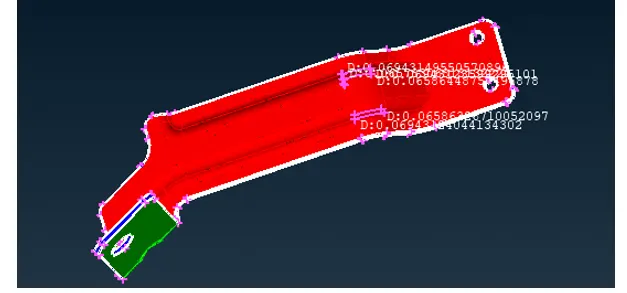
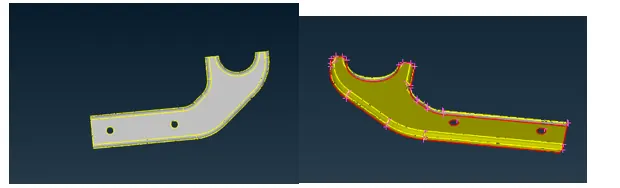
- Similar we have repeat the step for all other parts & create midsurface for the same. Once mid surface with unique PID is created then we can move on to mesh module from topo module.
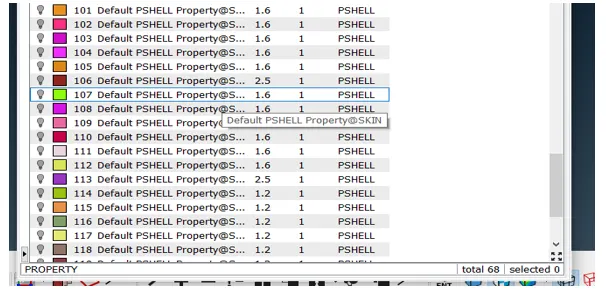
- Next now we move to mesh module & initiate with meshing process. But before that we have to provide quality criteria & define a target element length.
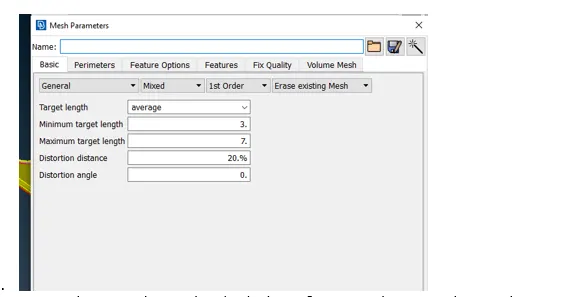
8.Now we have to select each individual part & start meshing. Few things to be considered before meshing are as follows:
A).Provide a perimeter length of 5mm to all the part before meshing.
B)Delete the extra hot point from the surface.
C)While creating mesh make sure that trias & rotating quads are less generated.
D)Avoid opposite trias & off elements that exceed the quality criteria.
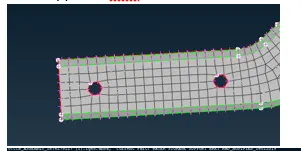
9.Now we have meshed all the parts we can check for any off elements & work on the same in order to bring it under quality criteria & try to improve the mesh flow.
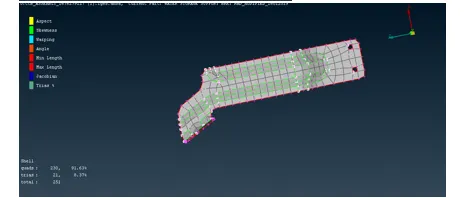
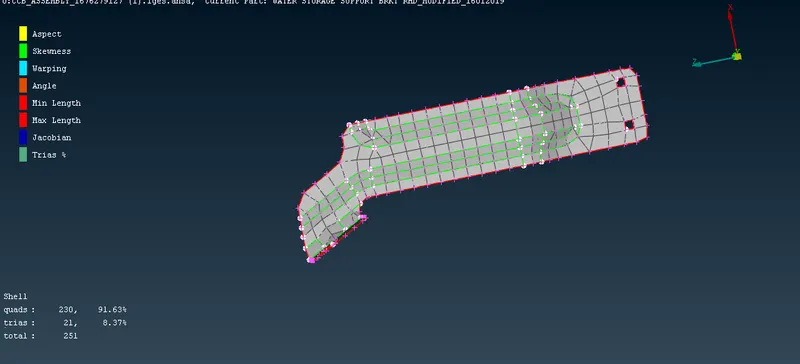
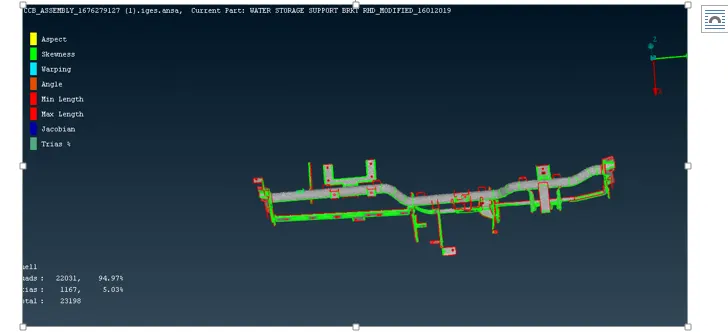
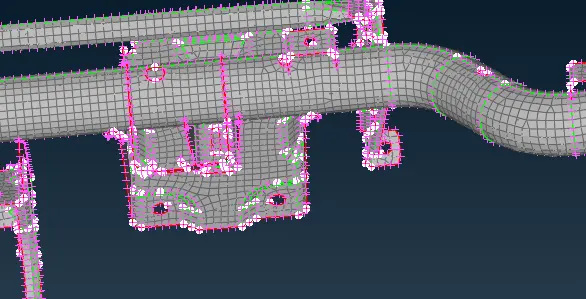
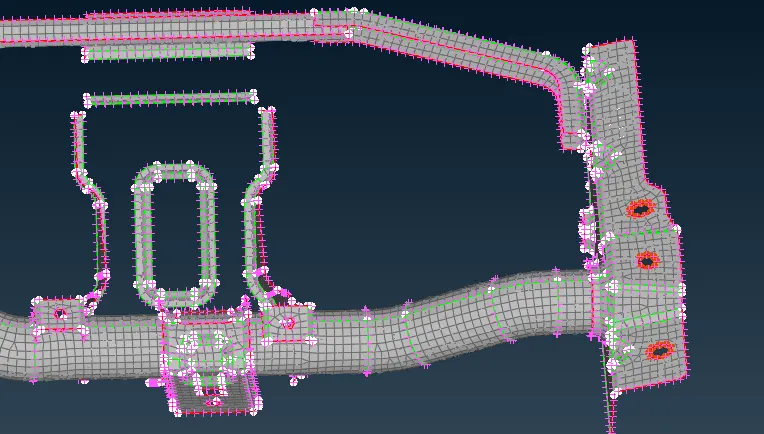
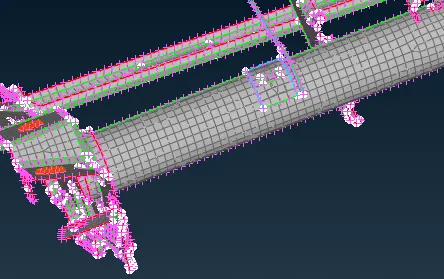
Conclusion:From the above model we learned how to generate midsurface using mid option and save lot of time from manual meshing.
Also we learned how to reduce trias & generate proper uniform meshing throughout the surface .