Week 4 - 2D Meshing for Sheet Metal
OBJECTIVES: -
- Geometry clean up
- Defeaturing
- Mid surface generation
- Mesh mid surface to meet up quality criteria
PROCEDURE: -
- OPEN ANSA V22
- Import the CCB
- Input perimeter length as assembly
- Check the geometry
- If it shows error in geometry clean it by using auto fix option remaining error clean manually
- Generate mid surface using MID.SURFACE option in faces for each part separately because, for some of the part it needs to adjust it outer surface inner surface and boarder colour properly as red, green and blue
- Put a new PID for mid surface created by using SET PID in faces, grouping should be based on their thickness like 1.2,1.6,2 &2.5
- Arrange its orientation correctly by using ORIENT option in faces
- Change DRAW MODE from entity (ENT) to PID
- Change module form topo to mesh module
- Check for geometry error for mid surface also (exclude single cone)
- Do correction for geometry if it is necessary
- Do geometry clean up by adjusting cones and also using defeaturing
- Input quality criteria
- Mesh mid surface by using best mesh or spot mesh
- Adjust mesh by using reconstruction and smooth option
- Eliminate maximum triangular element by using split option in element
- Adjust number of nodes by using num+/- option in perimeter
- If quality issue raised avoid it by it by using smooth or reconstruction or by using grid adjustment
- Do mesh on half of part if the part has symmetry on any axis and delete unmeshed half of part using delete option in faces in topo module (exclude unsymmetric part)
- Mirror meshed half by using transform >copy>select meshed half (exclude unsymmetric portion)>select symmetry by using default symmetry plane
- Do topo for joint which shown single cone (red colour)
- Check quality issue and do correction for it and also check mesh flow
- Finish the Challenges
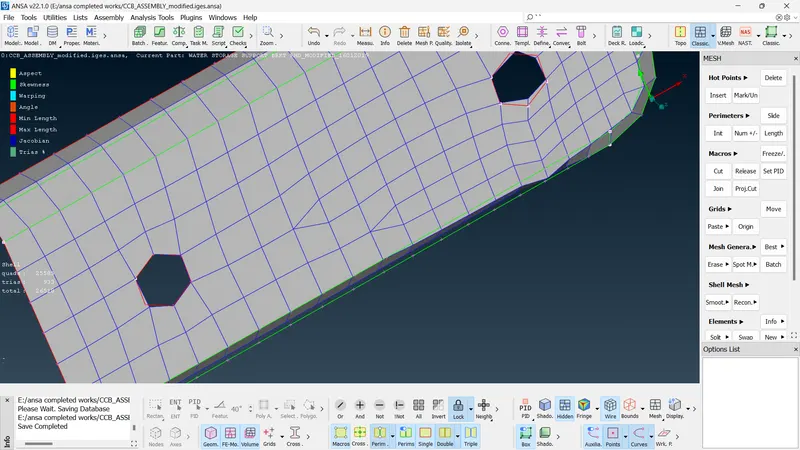
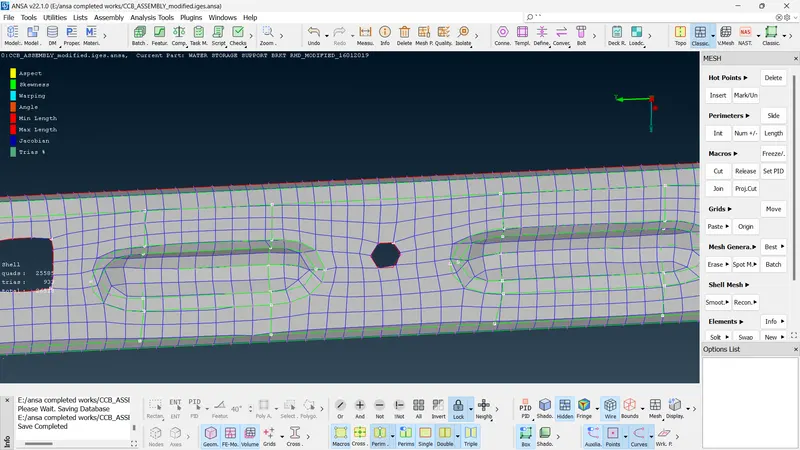
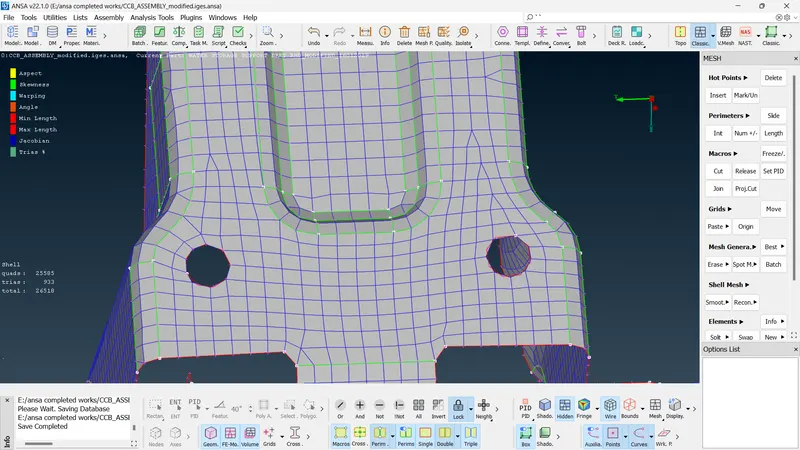
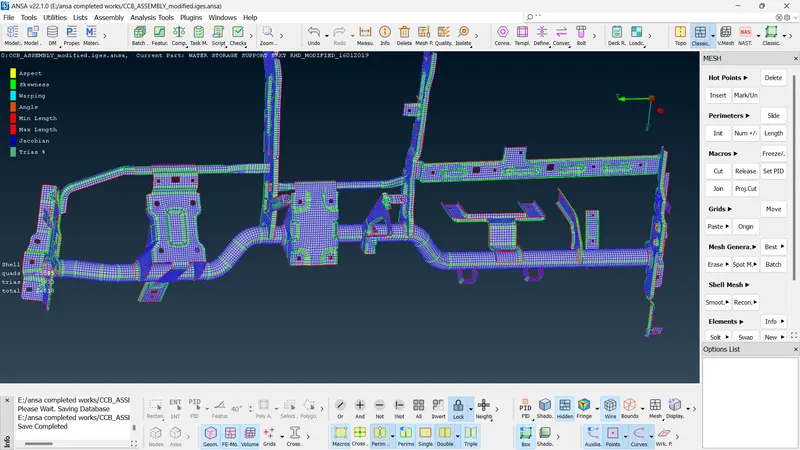
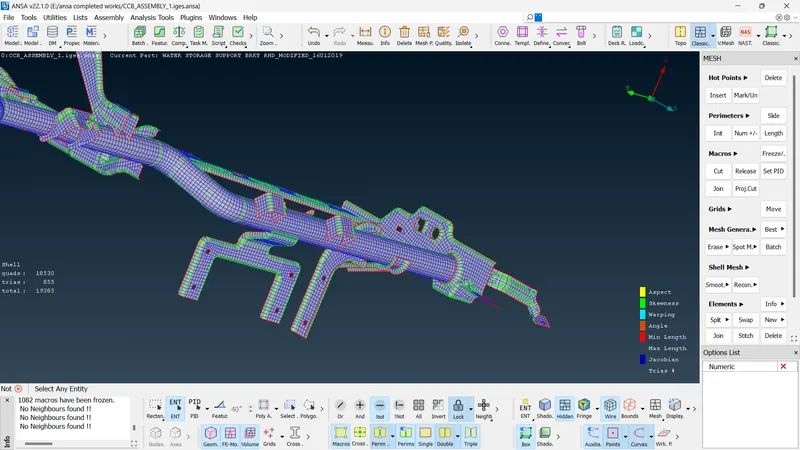
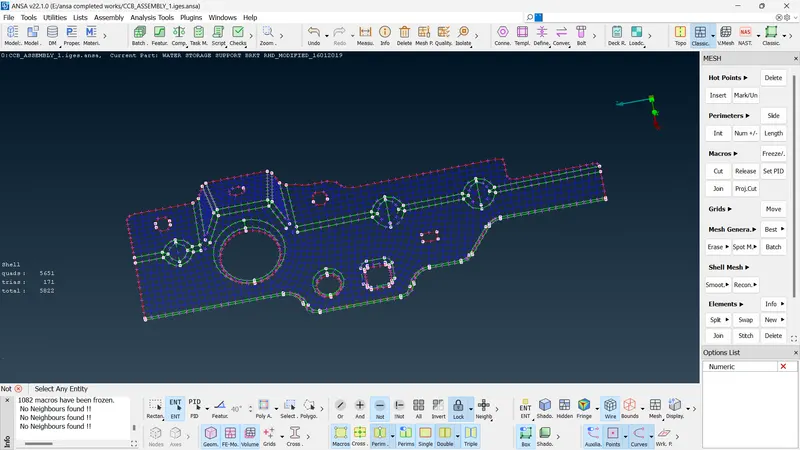
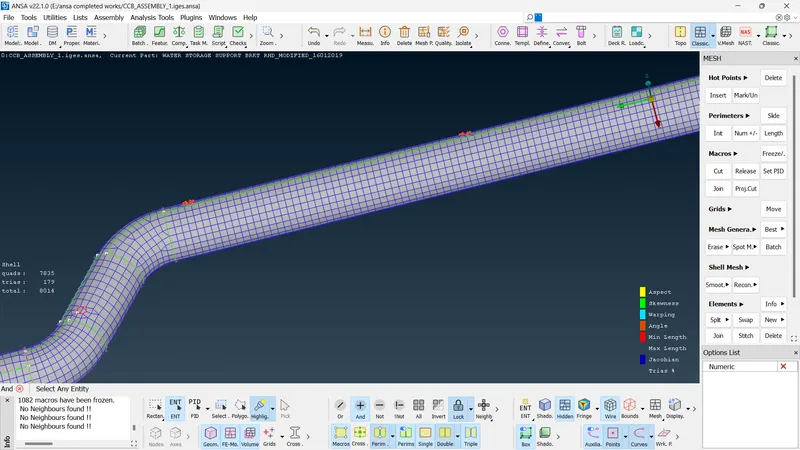
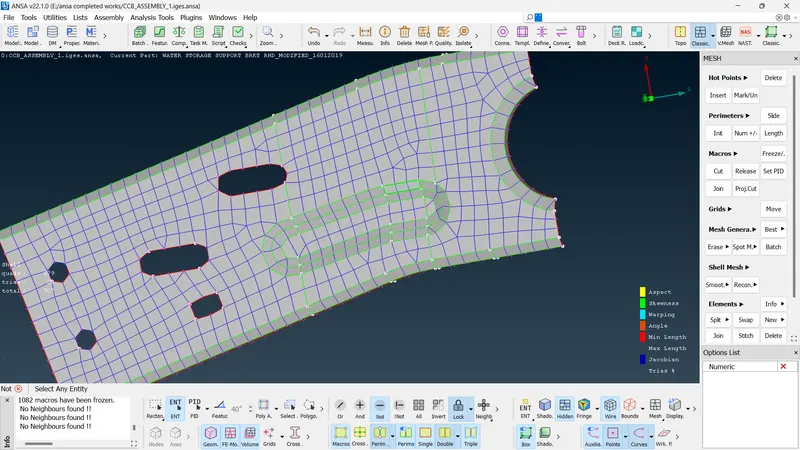
screen shots:
1.
2.
3.
4.
5.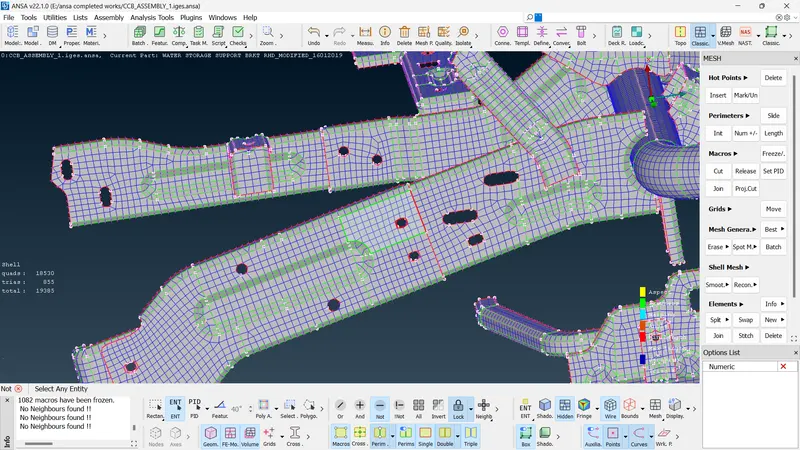
- After correction done for quality issues and mesh flow :-