Week - 4 - 2D meshing for Plastic components
AIM:
- To check for the geometrical errors for the given component.
- To extract all the mid surfaces of the given component with a suitable method.
- To mesh all components in the model with the given element Quality criteria. After meshing the component assigned thickness to the model.
OBJECTIVE:
- To write a detailed report on the meshing process and also mention which method we used to extract the mid-surface.
PROCEDURE:
- First, we want to open it then we import the CAD model by using the File->open option and select the Bottlecap. ansa hence the model will appear in the graphical area that is shown below,
- We check for the geometric errors using the check geometry option present in the tools option as shown in the image given
-
The errors are fixed by both automatic and manual methods now the geometry is cleared from geometric errors and they proceed for mid-surface operation. The geometry cleanup image is shown below,
MIDSURFACE:
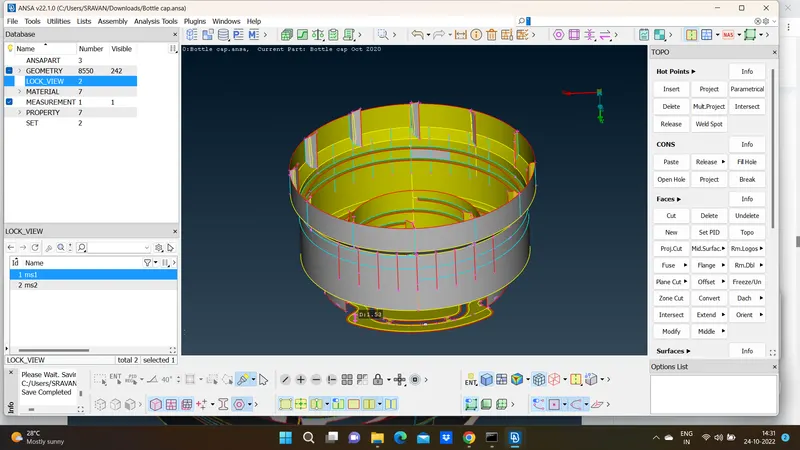
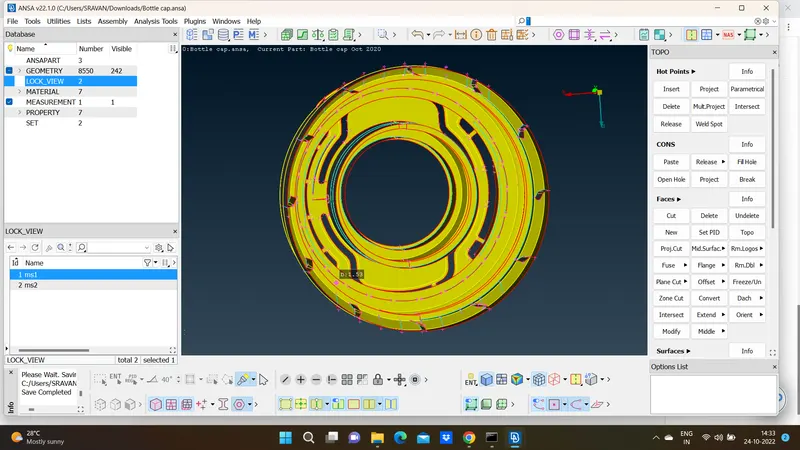
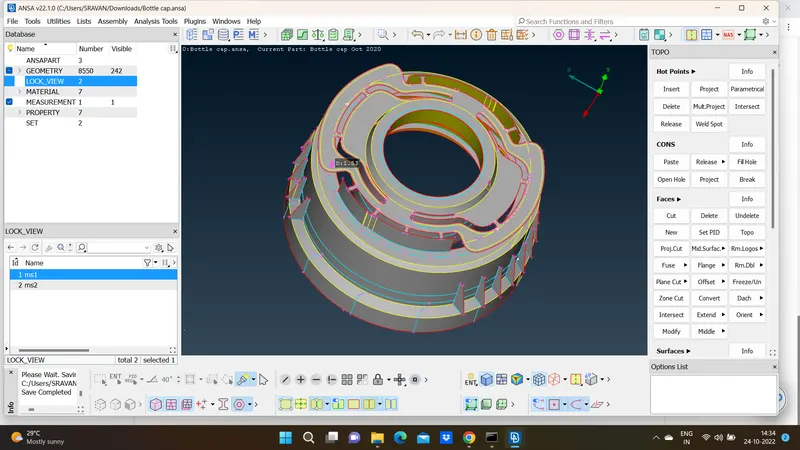
- After completed the Geometry clean-up, the Model should proceed for MidSurface. In Mid-Surface, it can be done with Auto or Manual. In this casting model, the auto mid-surface is not working due to some complex features present in the model so Midsurface obtained manually by measuring the thickness of every individual area because of irregular thickness.
- By selecting the Topo>faces>offset option we can take the mid surface of the component with individual offset value that will depend upon each thickness of components present in that model. The offset option is the manual method to take the mid surface of the components a selection.
Meshing :
- In the 2-D meshing, we will be considering only the above mid surfaced parts and we will be meshing it with mixed elements that include both quad and tria elements according to the quality criteria given in the aim. There are some critical quality parameters required for meshing the component that is given in quality criteria.
- Therefore we want to enter the all mesh parameters, quality criteria in the mesh parameters, and quality criteria options.
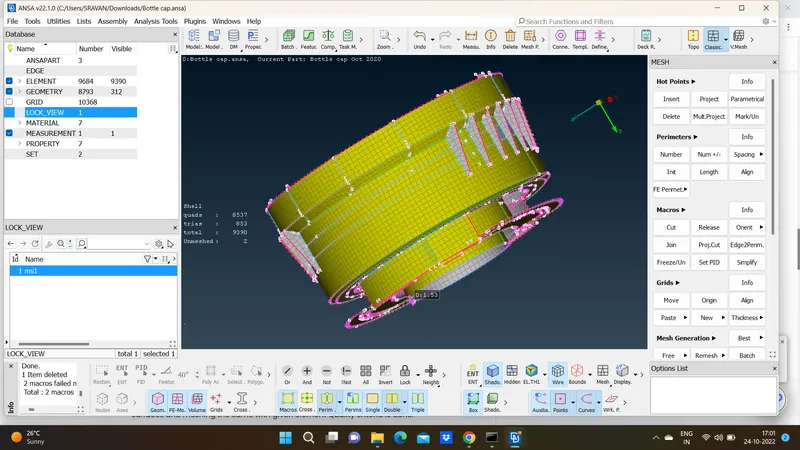
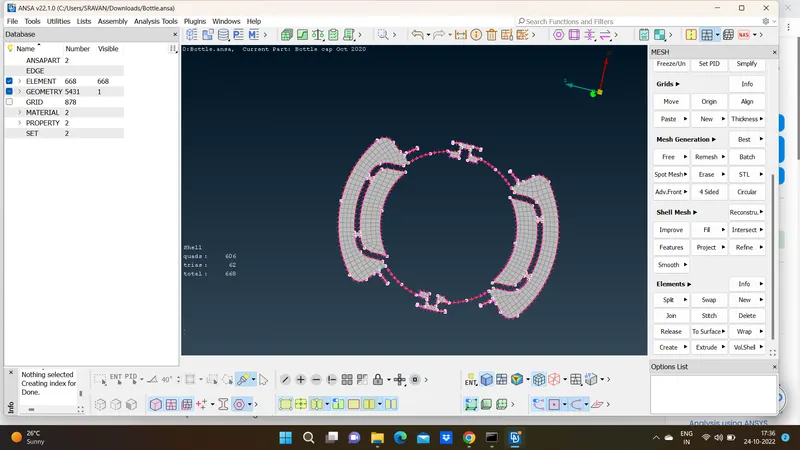
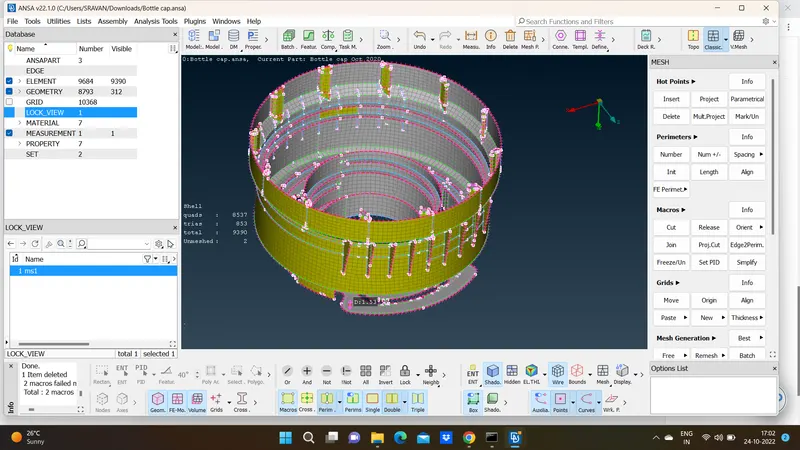
Now we want to mesh the component region by region and clear all the off elements using the best, split, reconstruct, smooth, and swap commands in the mesh module. Finally, we obtain a good quality mesh