Week - 4 - 2D meshing for Plastic components
2D Meshing of Plastic Component
Aim :-
For a given plastic component for geomertical 's ,after that take mid-sufrace and meshed the component with given quality criteria.
Procedure :-
1) Ckecking for geomertcial error.
2) Take mid- surface(Manual or auto).
3) Set PID.
4) Surface Mesh.
5) for the Element and improve the mesh flow.
1) Ckecking for geomertcial error. :-
In this step, we CAD . This includes, all surfaces being stitched properly, checking any triple cons available, and checking any broken surfaces are present. These geometrical checks are automatically done and solved by ANSA
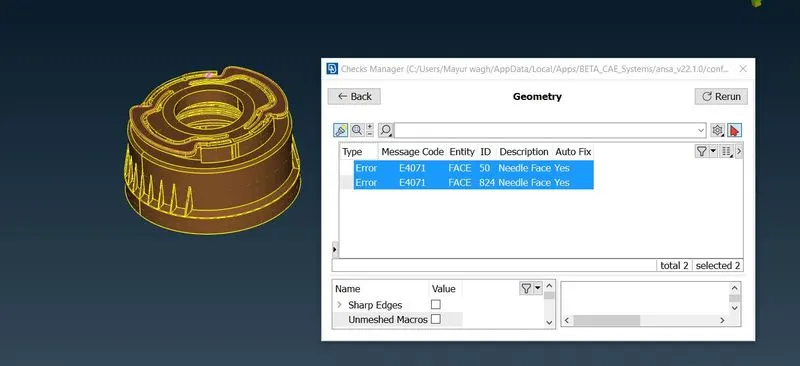
Above error is fixed by auto method
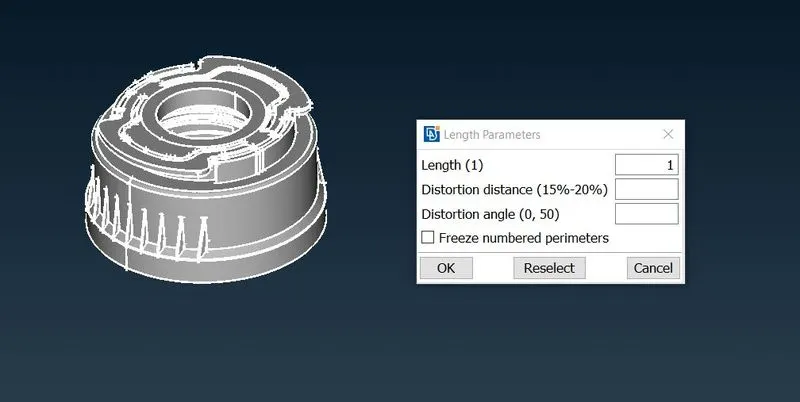
i) Set the Perimeter and macro's length to average lenght of element :-
ii) Take mid- surface(Manual or auto). :-
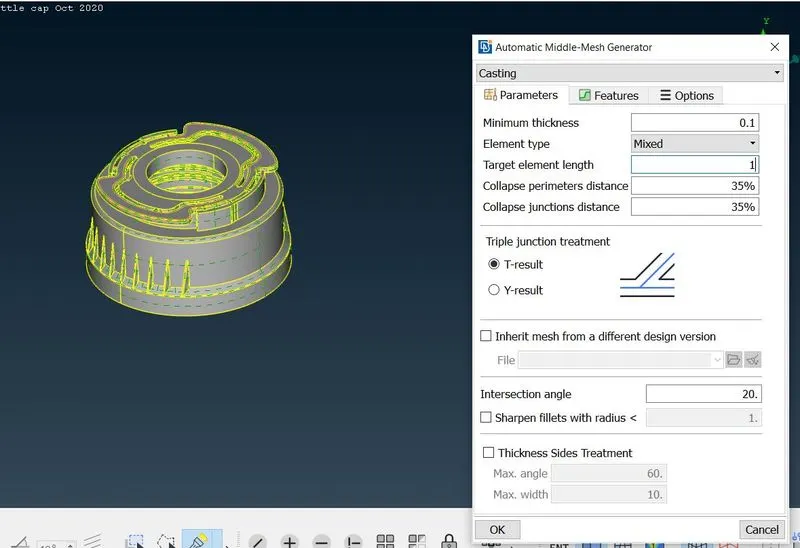
When the checks are done go for mid surfacing. There are two ways to obtain the mid surface. One is the Auto mid option and another one is manual mid. For Auto mid, an object should be closed volume. Auto mid assigns thickness automatically when creating mid. Sometimes auto mid option failed to generate mid surface, in that case, we go for manual mid.
Try for auto-mid option but ANSA is not given proper result, So doing Manual Mid option
iii) Measuring thickness at some location for mid-surface :-
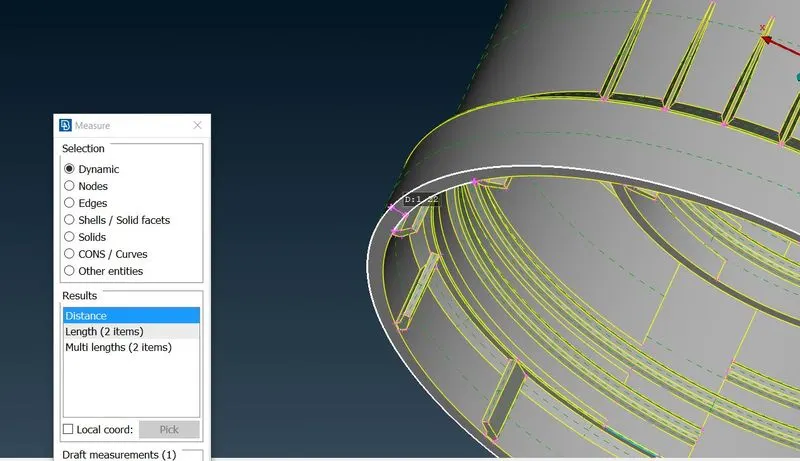
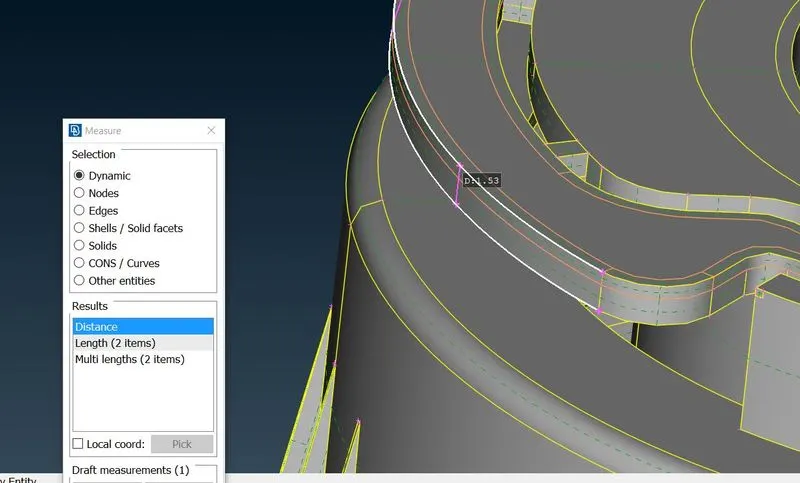
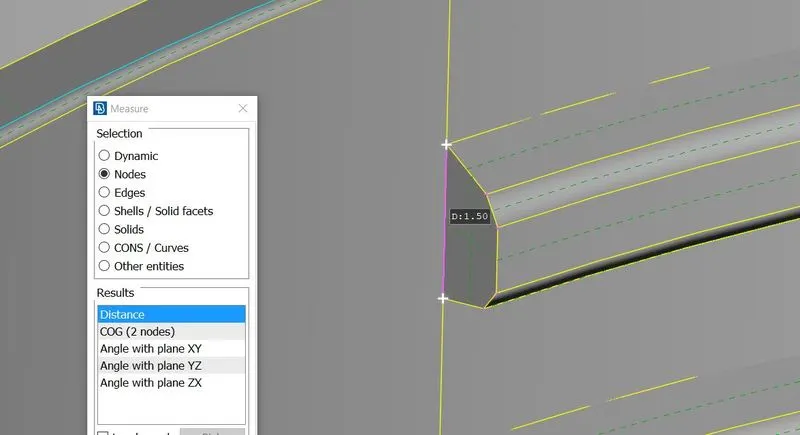
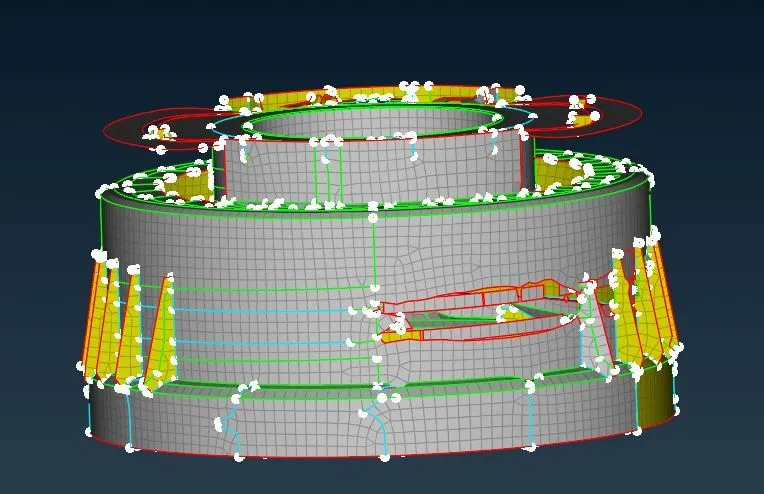
iv) Some Snap of Manual mid snap :-
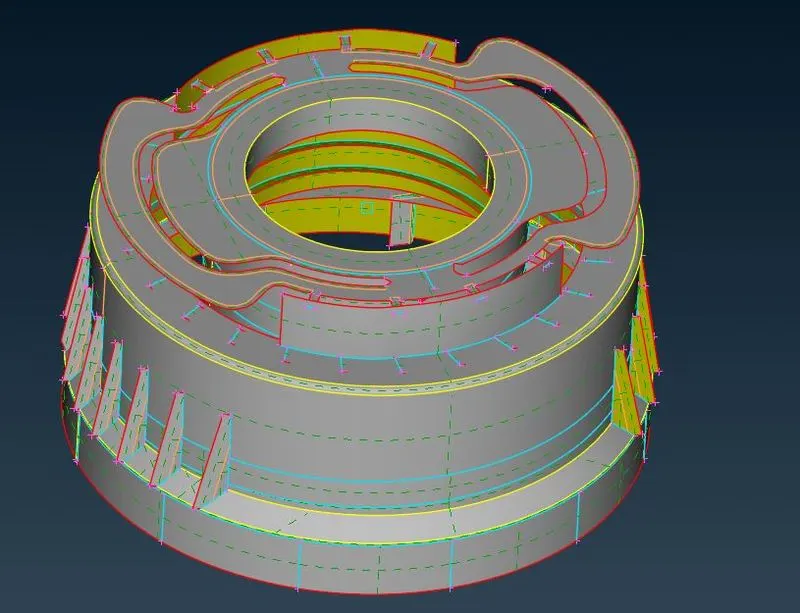
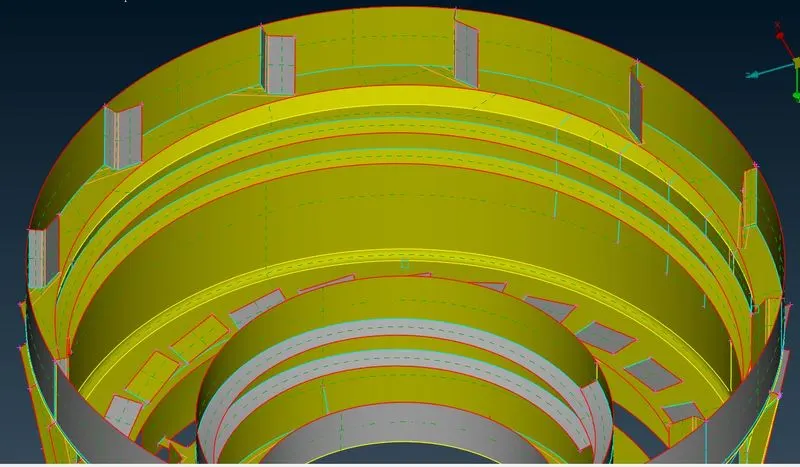
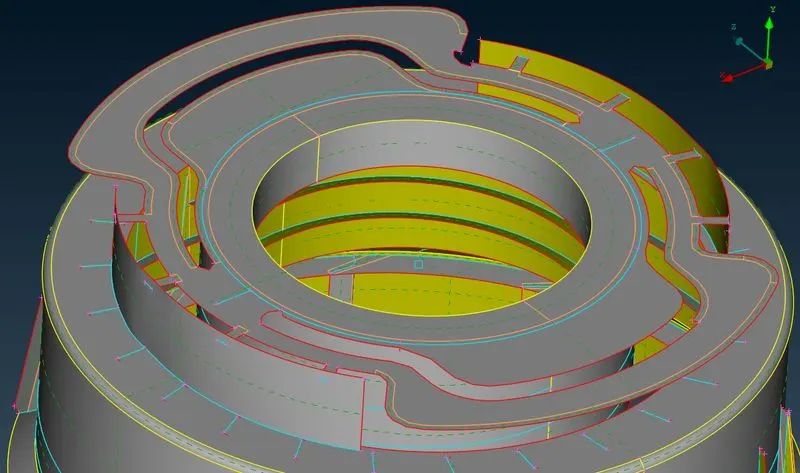
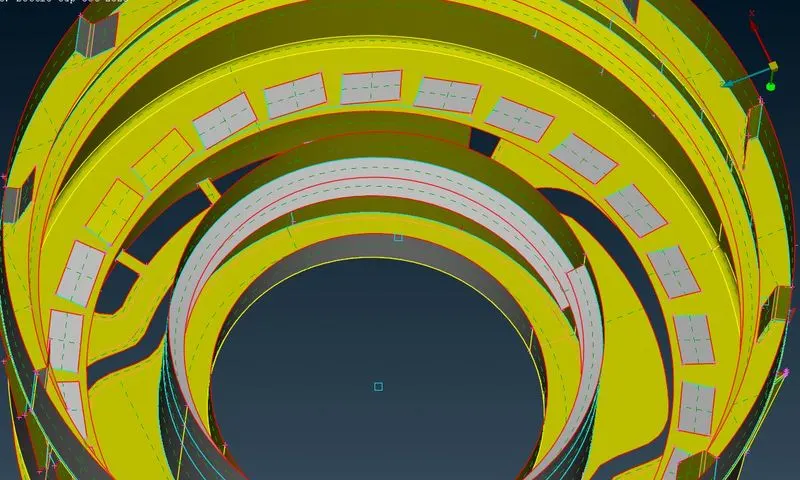
Cmd used for manual mid-surface :- offset,New,Middle topo,cut,curves create ,curves middle, project cut, etc
2) Set PID :-
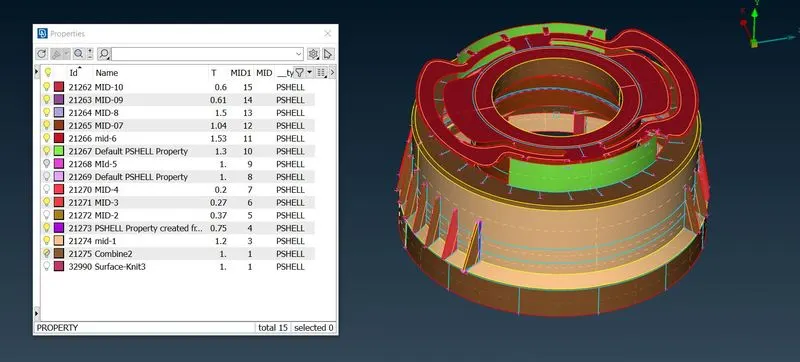
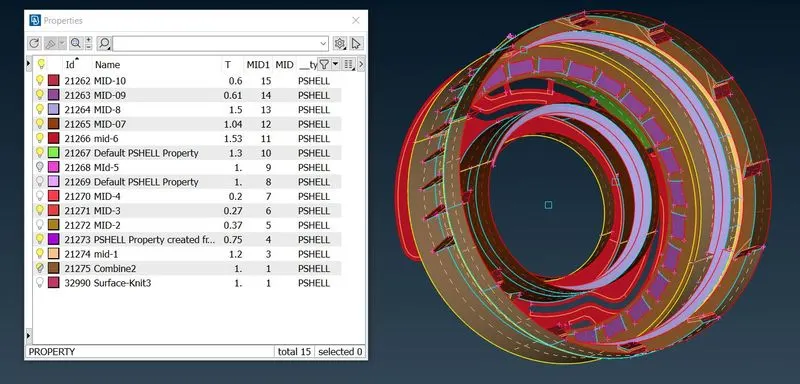
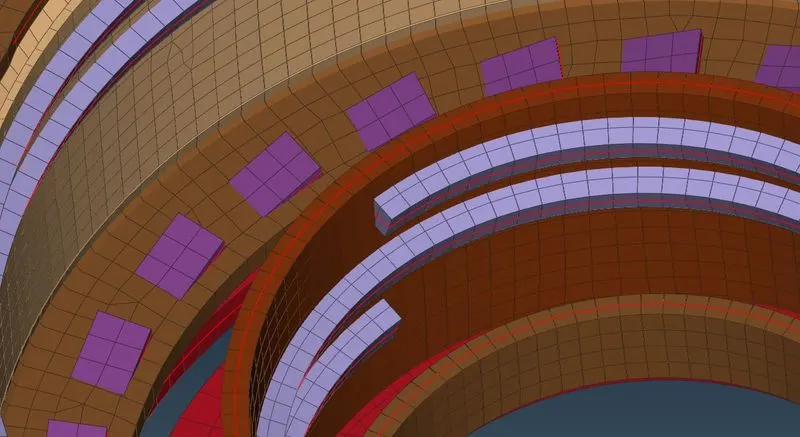
4. Shell Meshing :-
Before doing mesh, we have to give the quality criteria and mesh parameters. We can give the quality criteria by function key F11. Or you can give quality criteria and mesh parameters in utilities Tab.
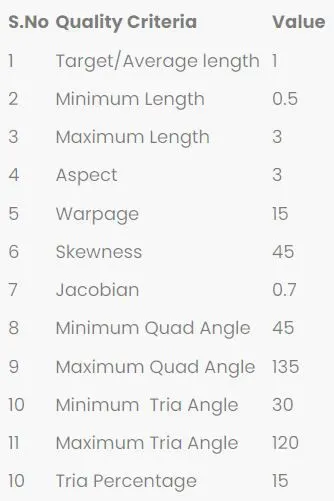
SNAP of Meshing :-
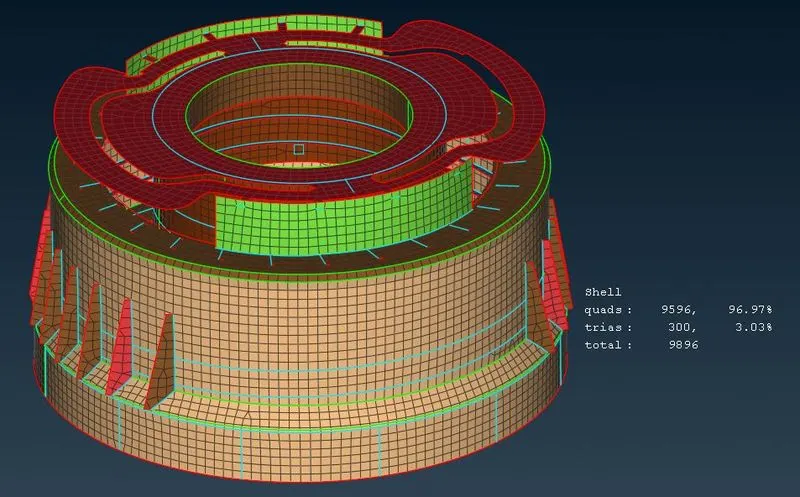
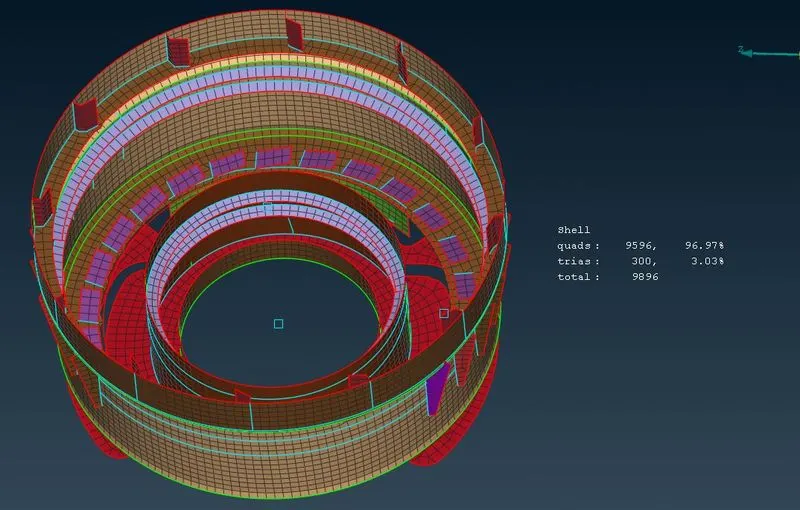
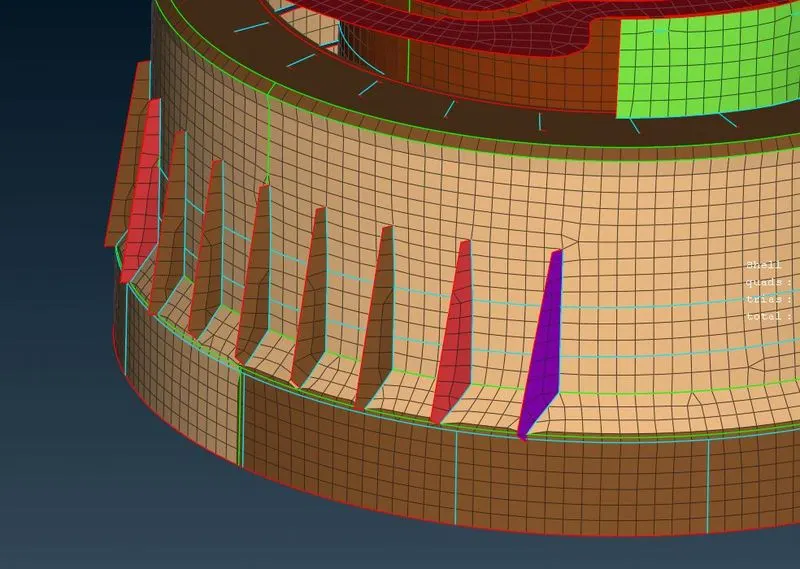
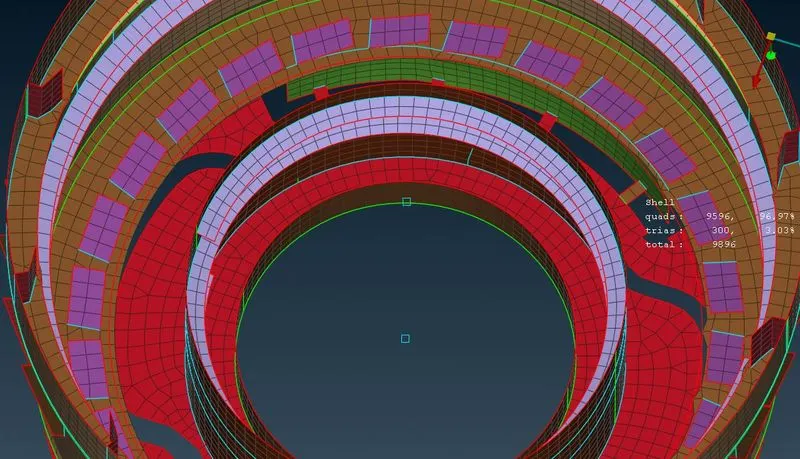
Switch On Draw shell from solid option :-
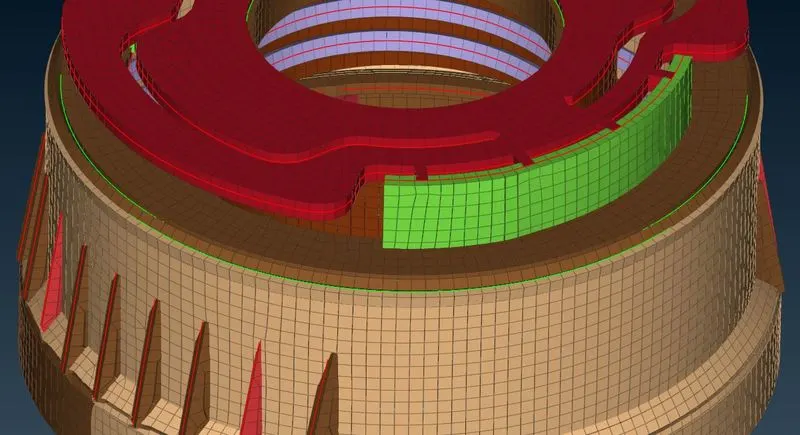
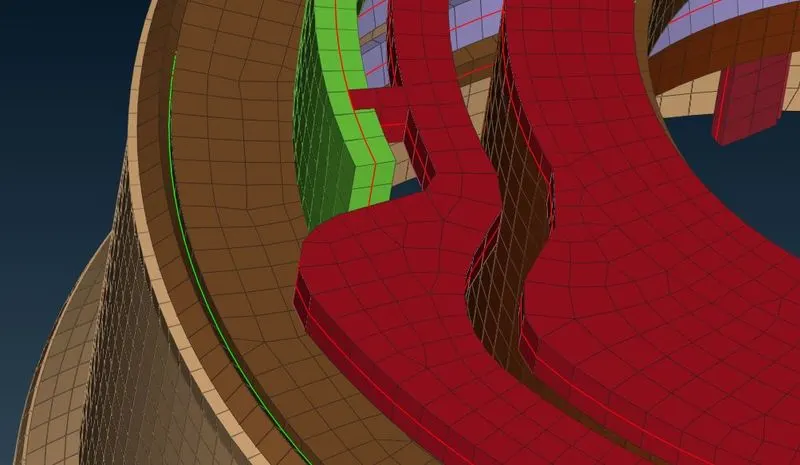
5). Learning Objective :-
i) How to extract auto-mid of plastic component
ii) Taking manual mid of plastic component using different option
iii) How to use transform option
iv) Getting better mesh flow
6) Conclusion :-
Obtained mid surface and shell mesh for the given Plastic cap.
Link for download ANSA file :-
https://drive.google.com/file/d/1_MF_OTKwawiomNU7iXKZydx2_az4FeKH/view?usp=sharing
ANSA Drive Folder
https://drive.google.com/drive/folders/1D2CvX1KyR4AHEEFY8TLngGv6eg043j_x?usp=sharing