Week - 4 - 2D meshing for Plastic components
1. Objective:
For the given Plastic Bottle Cap model, check for the geometrical errors and take the mid surface by suitable mid surfacing techniques. PID and Thickness assignment has to be done for all the mid surfaces. Mesh the same with given element Quality criteria.
|
S.No |
Quality Criteria |
Value |
|
1 |
Target/Average length |
1 |
|
2 |
Minimum Length |
0.5 |
|
3 |
Maximum Length |
3 |
|
4 |
Aspect |
3 |
|
5 |
Warpage |
15 |
|
6 |
Skewness |
45 |
|
7 |
Jacobian |
0.7 |
|
8 |
Minimum Quad Angle |
45 |
|
9 |
Maximum Quad Angle |
135 |
|
10 |
Minimum Tria Angle |
30 |
|
11 |
Maximum Tria Angle |
120 |
|
10 |
Tria Percentage |
15 |
2. Procedure:
Step-1: Importing Model to Ansa.
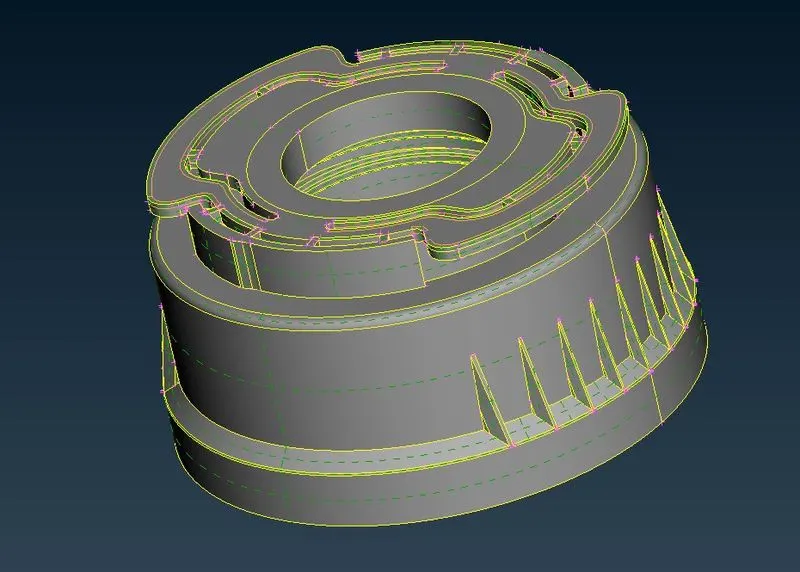
Step-2: Checking PID
While Checking PID we found that the Single combine part. So further we need to check the geometrical Errors.
Step-3: Checking Geometrical Errors
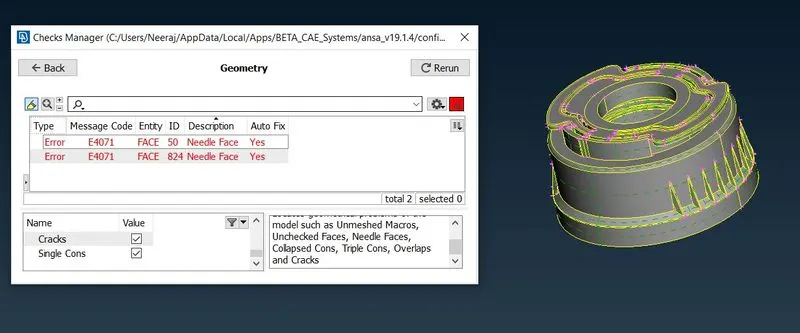
here we can see the geometrical Errors in the model so, for that, we are using the Autofix option to fix this.
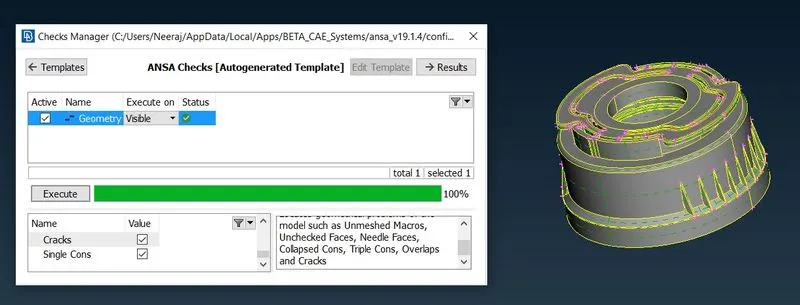
Step-4: Checking Thickness at various Locations using Measure Option.
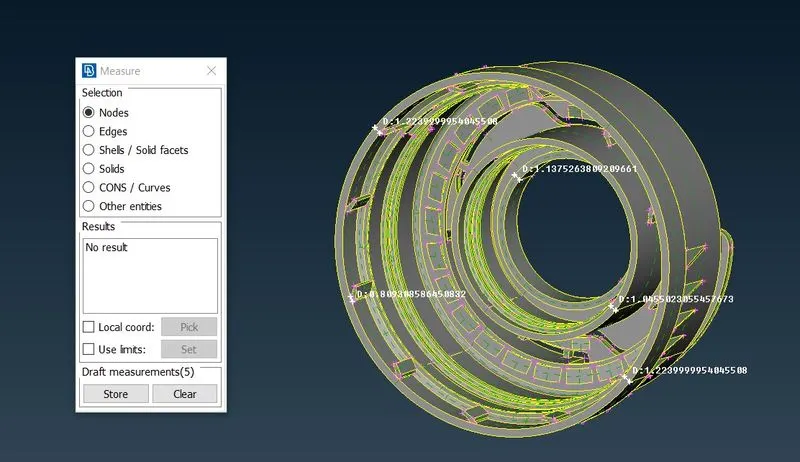
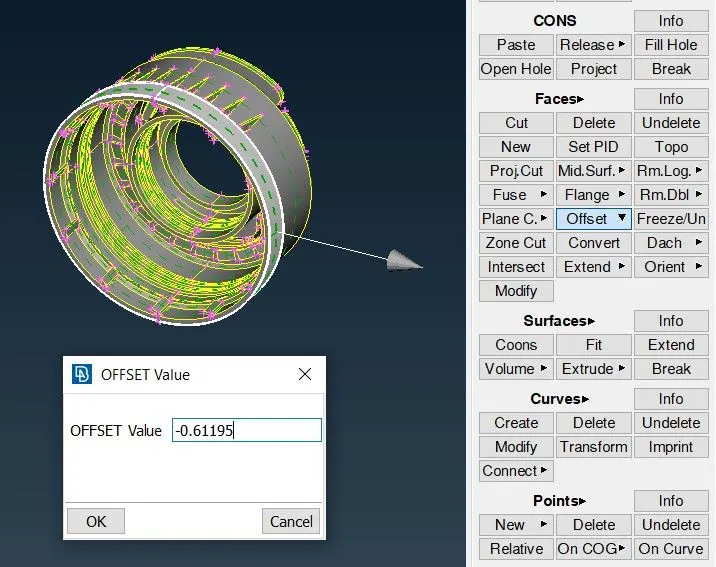
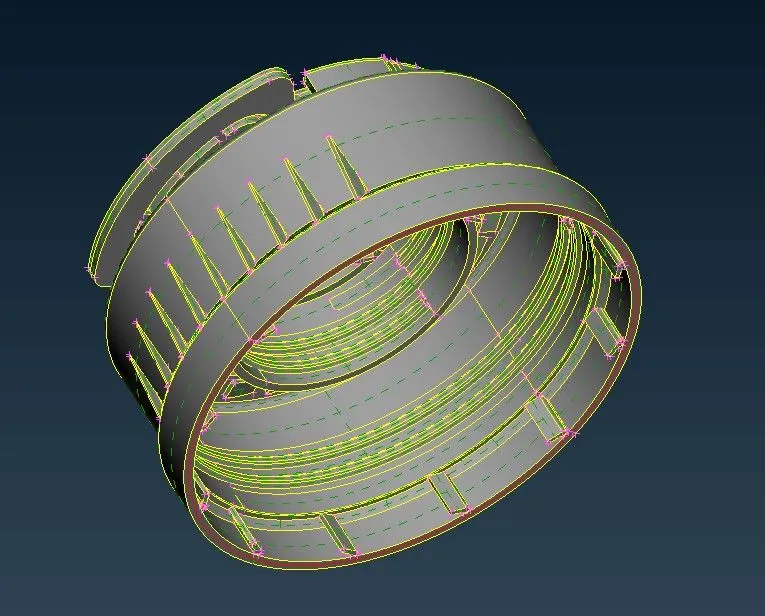
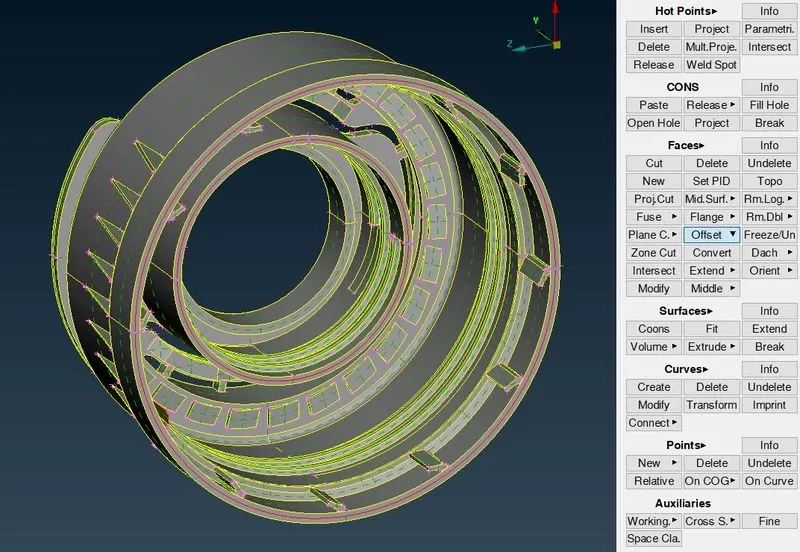
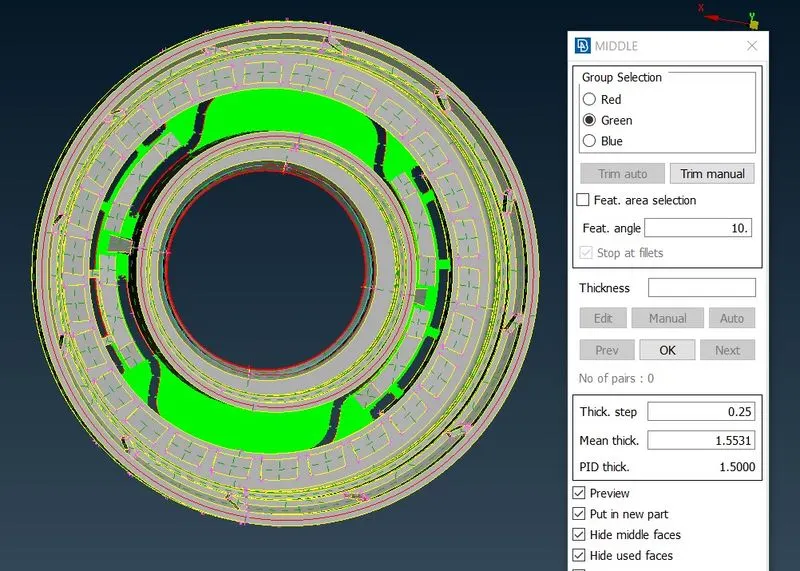
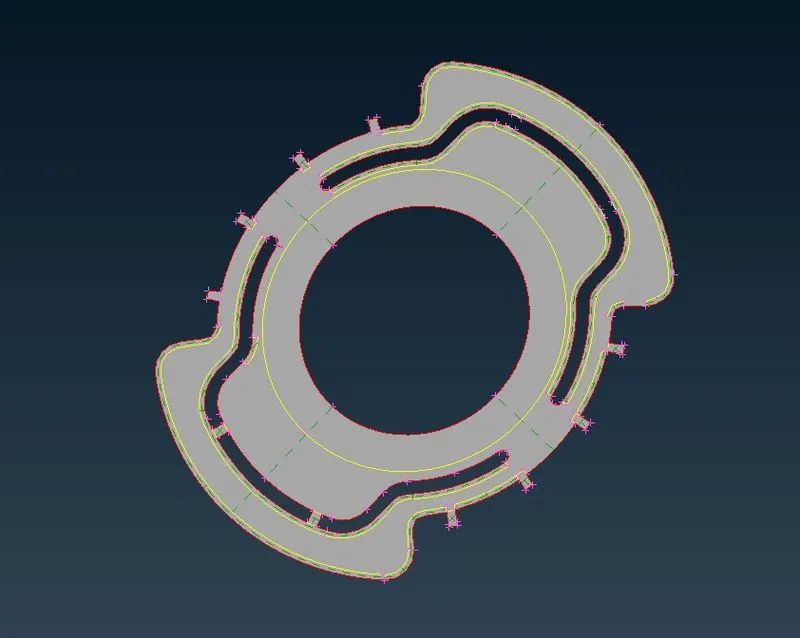
Step-5: Extracting Mid Surfaces
Here using Suitable operations to get the mid surface on various locations such as Offset, Mid Surface, Middle.
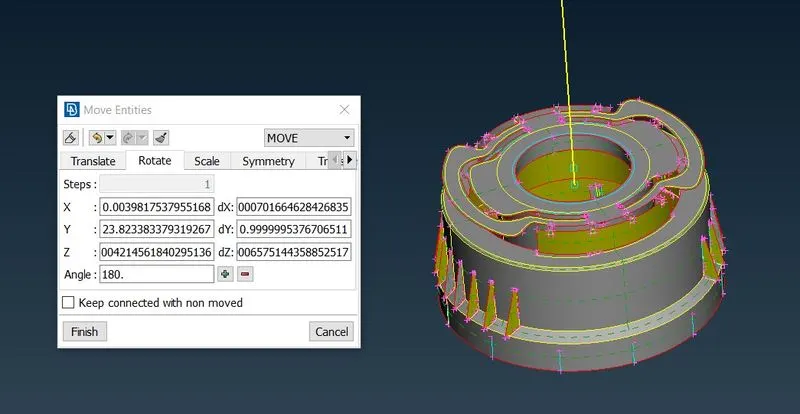
Step-6: Rotating Entities
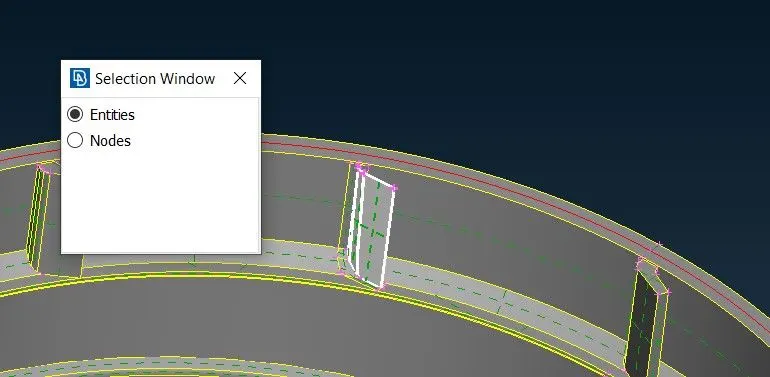
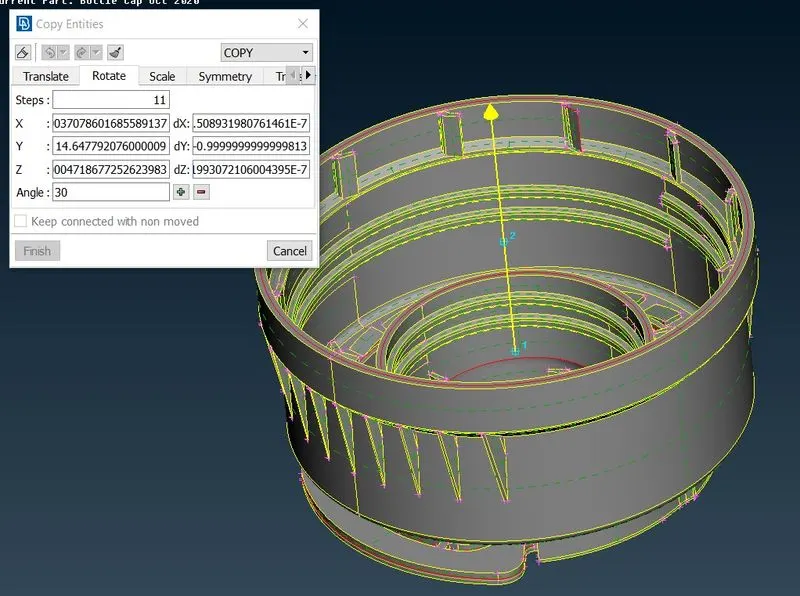
Now In the model, we can see that the same feature is on having multiple times on circumference of the body. So, Instead of extracting the mid surface of each and every feature, we can Extract the mid surface of one feature and make multiple copies of it on the circumference using the rotation option.
For the rotation, first, we need to create the two points on COG at different heights to locate the axis of rotation. also, we need to define the rotation angle.
The angle between two entities = Total Angle of a circle / Total no. of teeth
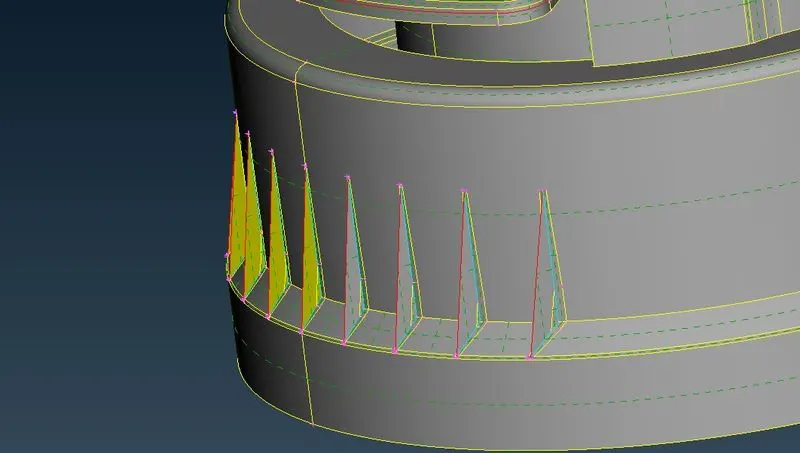
Now, We need to Extract the mid surface of the outer body fins on both sides. Here to save time we can extract the mid surface on one side of the fin and use the rotation option to mirror the same fin of another side of the body.
Step-7: Using Extend option.
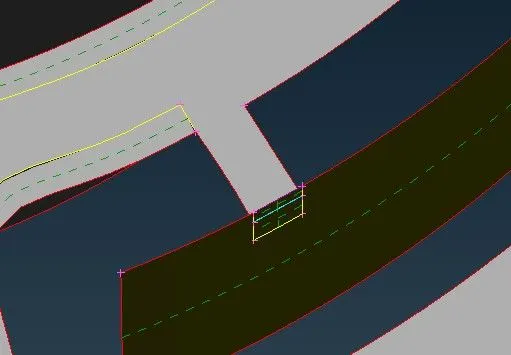
Now, After Extracting Mid surface at the different areas, we need to connect them. So using Extend option in faces to extend it and using the New option in the faces to make the new surfaces suing different sub-options such as Fitted, Coons, etc.
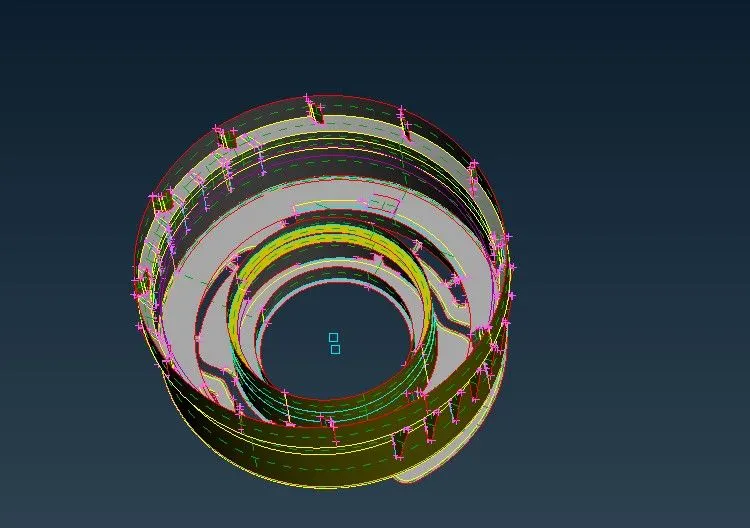
Step-8: Extracting Mid Surface of the Teeth Area.
Step-9: Setting Up Mesh
Before Meshing we need to Set the Quality Criteria and Target Element Parameters as shown below.
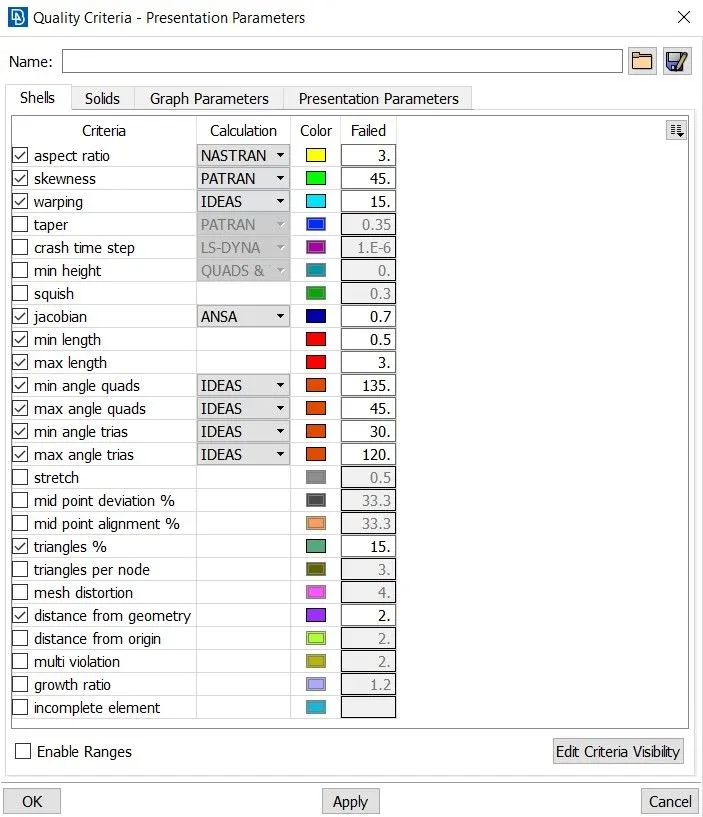
Further using the best mesh method to mesh the model and using various mesh correction methods such as the reconstruction, increasing/decreasing number of elements, cut face, etc to reduce the Tria Elements.
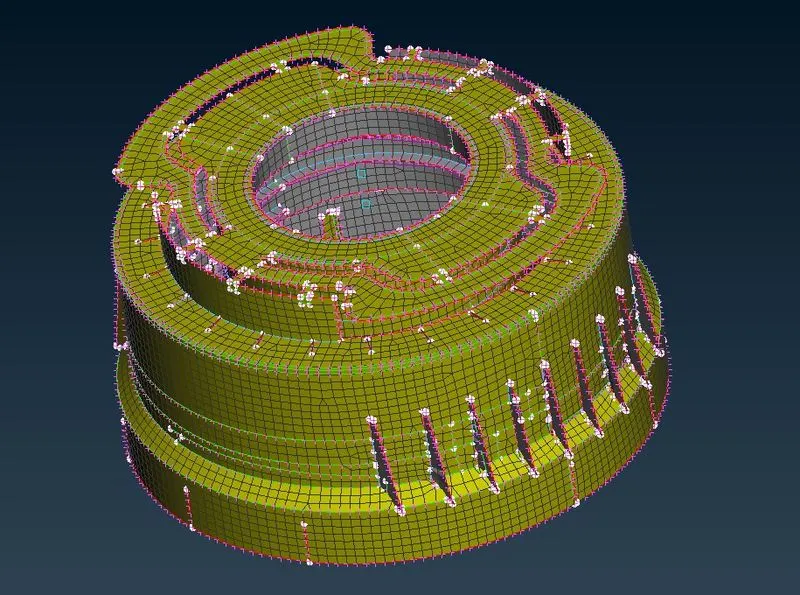
Conclusion:
Hence we extracted the mid surfaces of the Plastic body parts using various operations as below.
i. Extracting Mid surface Using Offset, Mid Surface, Single/Multi Mid Surface options.
ii. Checking and Fixing Geometrical Errors.
iii. Using the Rotation Option to Create the same feature on the circumference of the body.
iv. fixing Patches in the parts using Extend Surfaces option and by Creating new Surfaces.
v. Crating curves and projecting them on the surface and making a new surface for the teeth feature and etc.