Week - 4 - 2D meshing for Plastic components
Aim-
For the given Plastic Bottle Cap model, check for the geometrical errors and take the mid surface by suitable mid surfacing techniques. PID and Thickness assignment has to be done for all the mid surfaces. Mesh the same with given element Quality criteria.
Given Data-
1. CAD Geometry
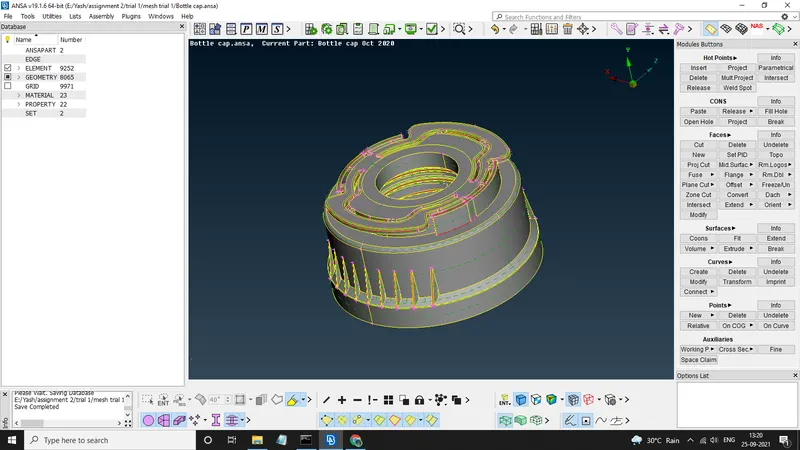
2. Quality Criterias
|
S.No |
Quality Criteria |
Value |
|
1 |
Target/Average length |
1 |
|
2 |
Minimum Length |
0.5 |
|
3 |
Maximum Length |
3 |
|
4 |
Aspect |
3 |
|
5 |
Warpage |
15 |
|
6 |
Skewness |
45 |
|
7 |
Jacobian |
0.7 |
|
8 |
Minimum Quad Angle |
45 |
|
9 |
Maximum Quad Angle |
135 |
|
10 |
Minimum Tria Angle |
30 |
|
11 |
Maximum Tria Angle |
120 |
|
10 |
Tria Percentage |
15 |
Methodology-
1. Geometry Check (if any issues are present then fixing them)
2. Extraction Of Mid Surface
3. Assigning PIDs To Mid Surfaces
4. Giving the quality criterias
5. Creating A Mesh
Theory-
a) Check For Material - Here we first check the property ID of the geometry, That is material properties are defined or not,
if not then we have to mark them ON.
b) Check For Geometry - WE always have to check our geometries for any kind of geometrical errors by following these steps
FACES>>TOPO this will stitch the surfaces together
CHECK MANAGER >> GEOMETRY this will show us all the present errors
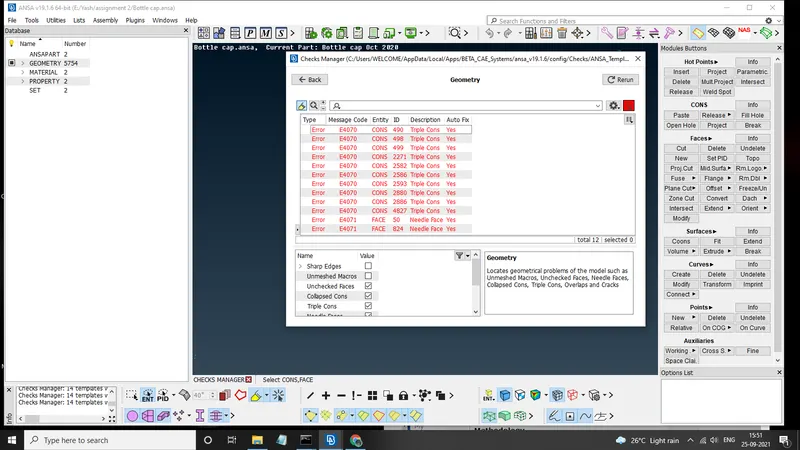
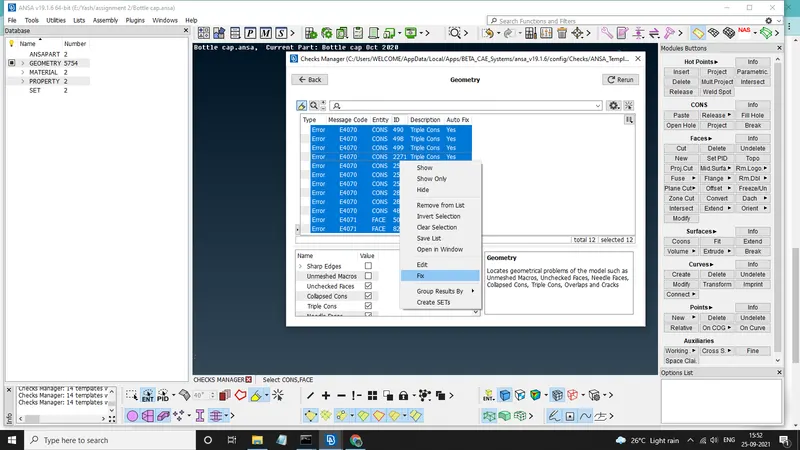
we have several issues with geometry which can be fixed by using FIX command
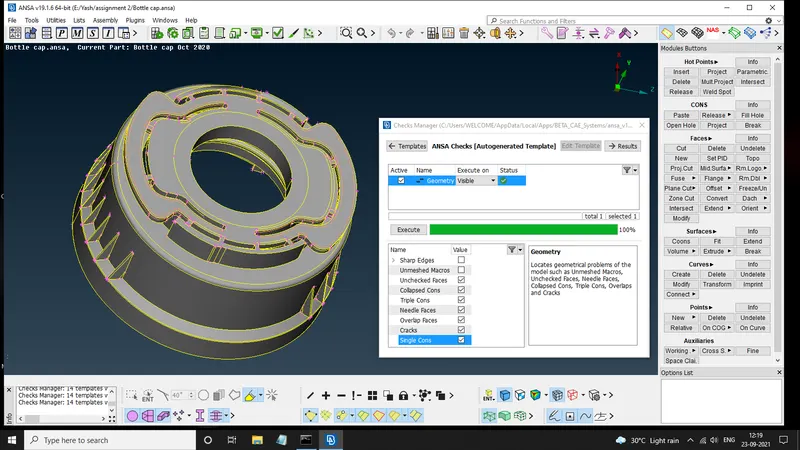
now our geometry is all set
c) Checking Orientation & Giving PerImeter Length- We have to check the orientation of surfaces(that is if surface is grey then it is a positive surface or is its yellow then its a negetive Surface) After this we assign them perameter length from MESH MODULE>>PERIMETERS>>LENGTH
d) Taking Mid Surfaces - Since the geometry have several thickness variations we have to give it a manual mid surface by selecting the parts that have same thckness.
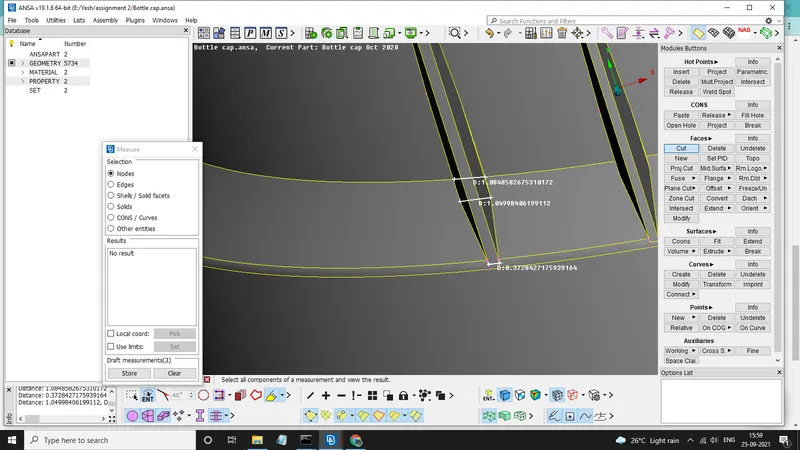
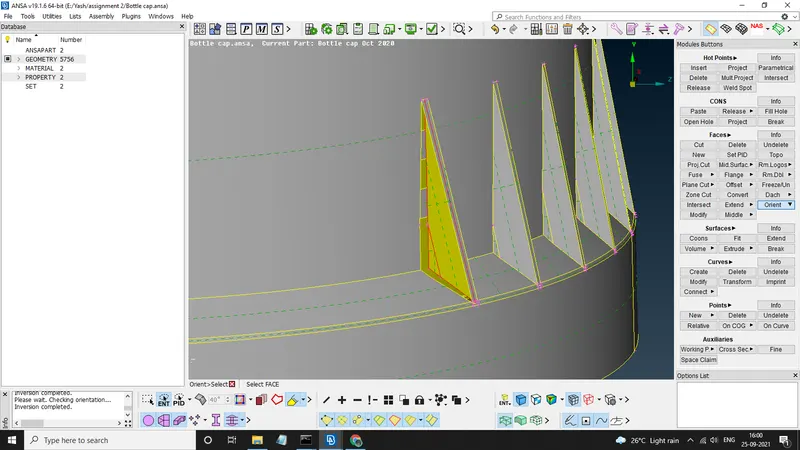
Here we used FACES>>MIDDLE this will createw middle face of any 2 selected entities.
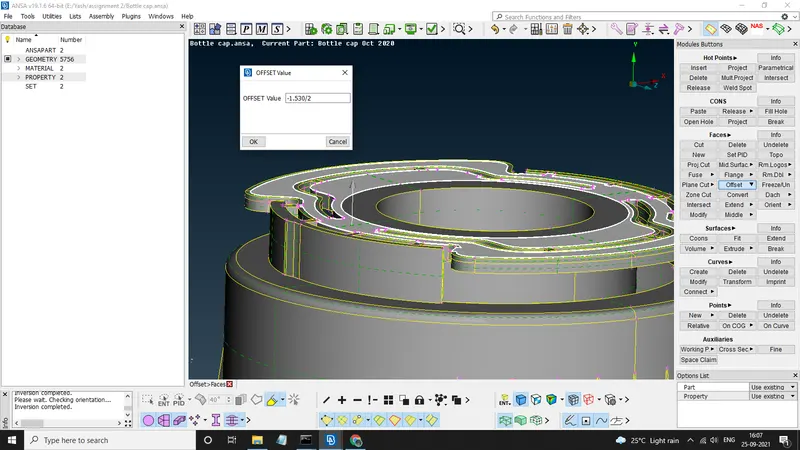
And here we used FACES>>OFFSET to offset the selected face to its Thickness/2.
e) Setting PIDs - After we mid surfaced every part of CAD, We assign then thickness by giving them idividual PIDs
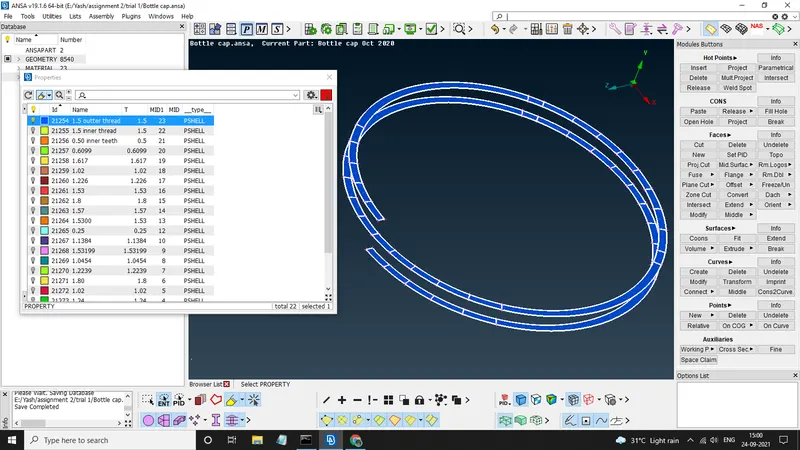
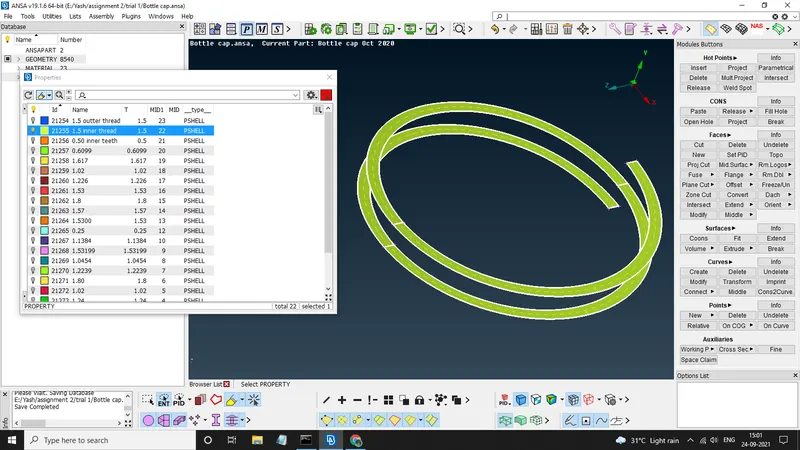
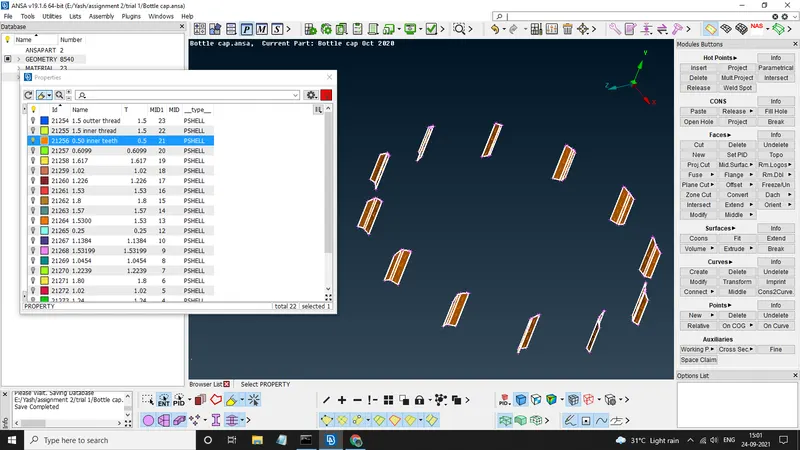
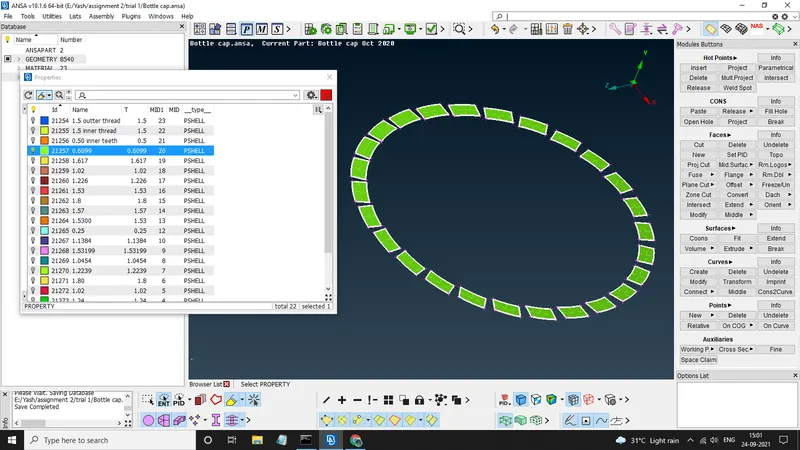
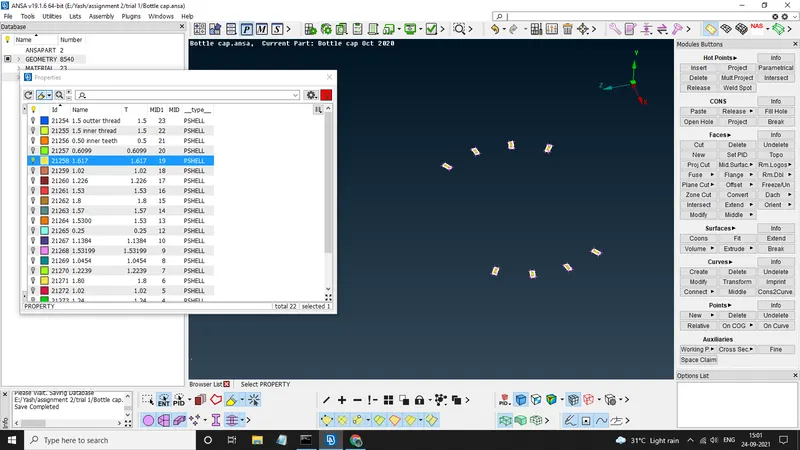
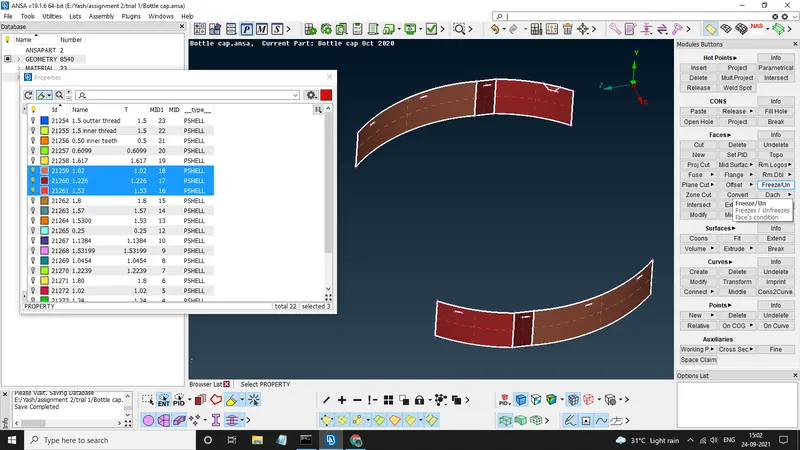
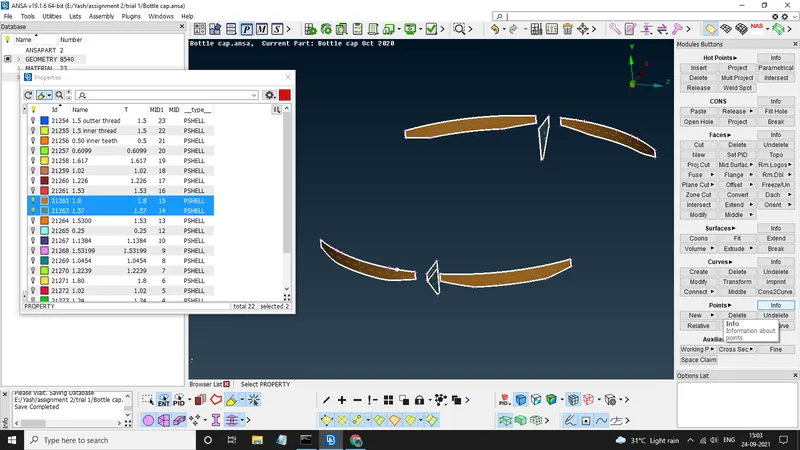
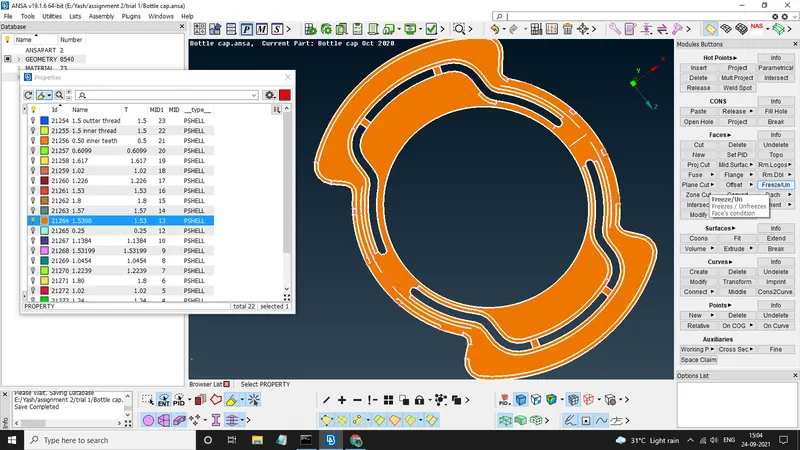
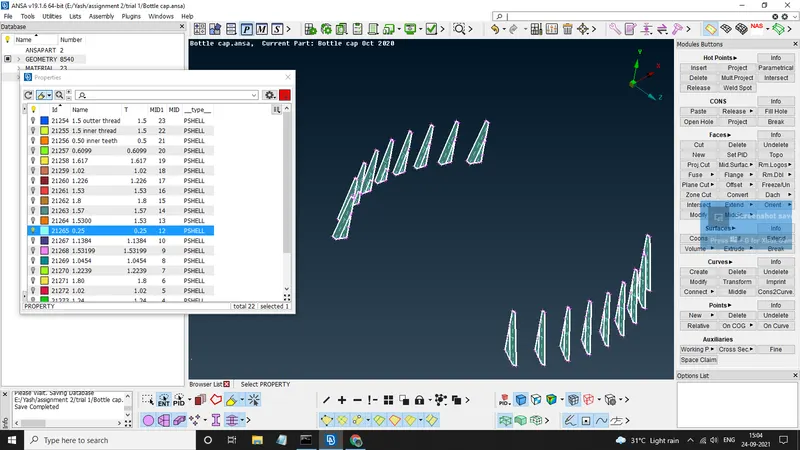
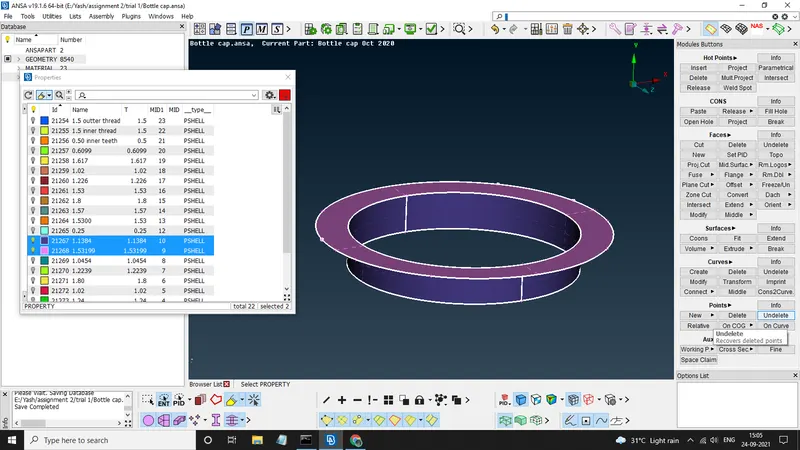
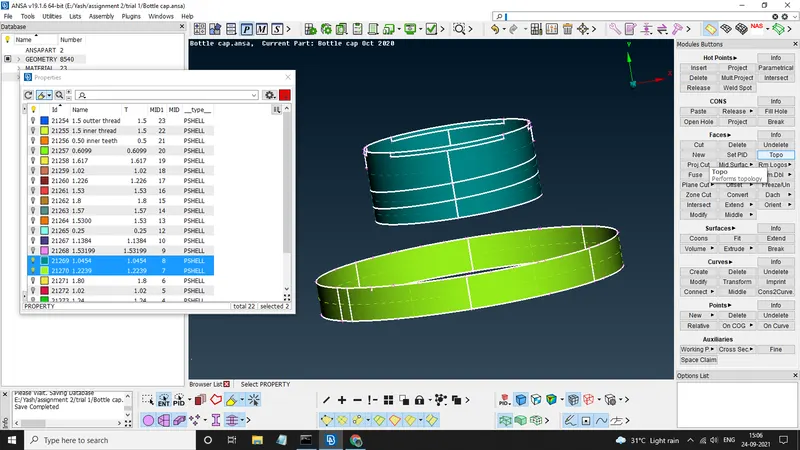
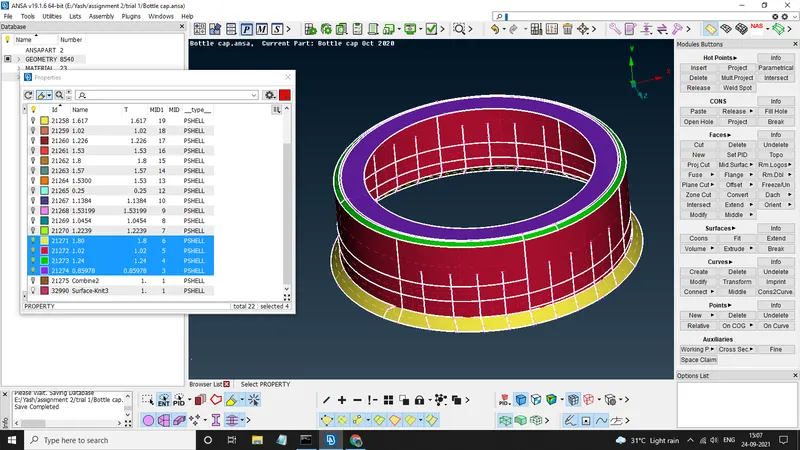
Each Part have been assigned their respective thickness.
f) Quality Criteria & Mesh Perameteres - Now we will assign the quality criteria and mesh perameters as given
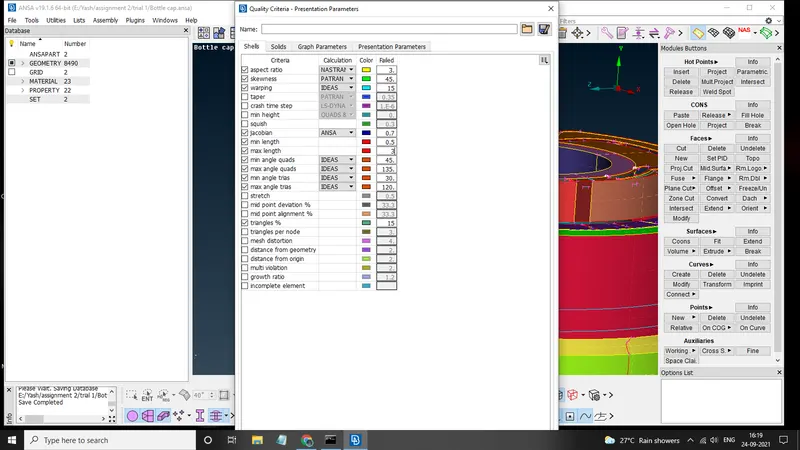
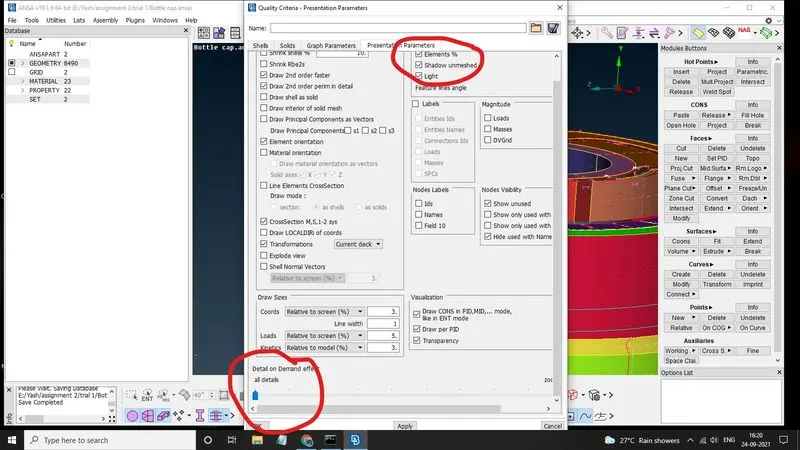
Always remember to set Details on Demand on ALL DETAILS And Click on the Elelment%
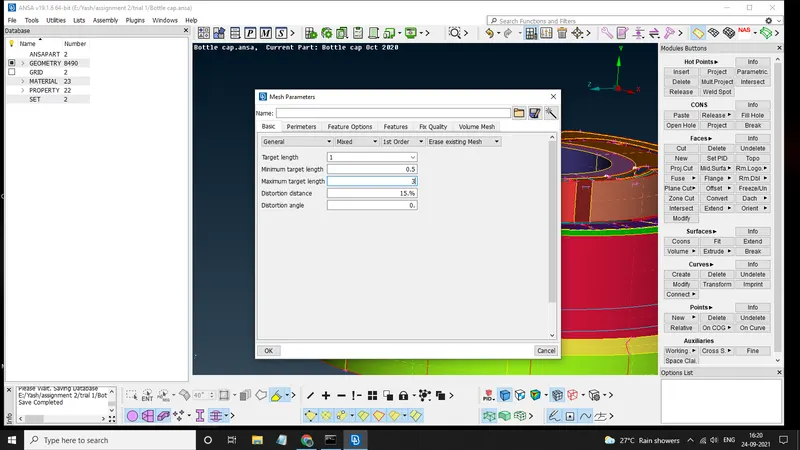
g) Creating Mesh - After setting the criteria we start meshing by using MESH GENERATION>>BEST, SHELL MESH>>SMOOTH, SHELL MESH>>RECONSTURCT, GRIDS>>MV FREE/MV SURF/MV HOLE, ELEMENTS>>SPLIT
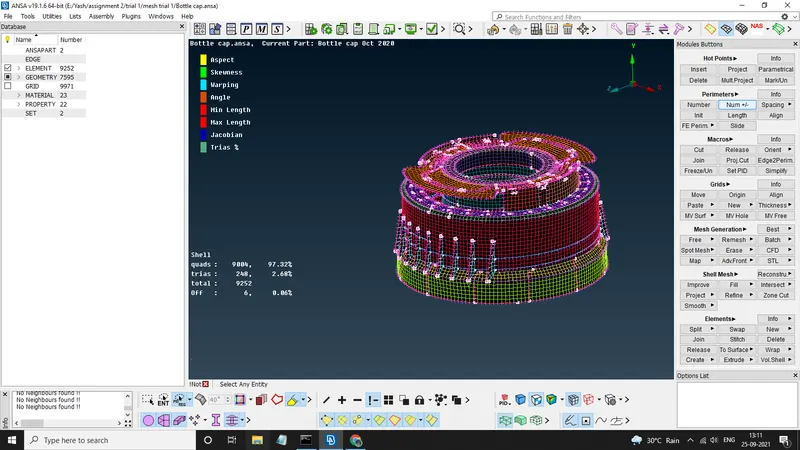
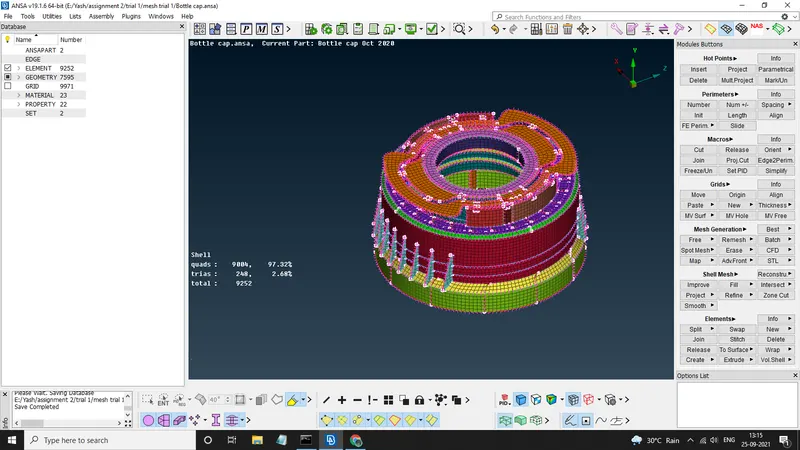
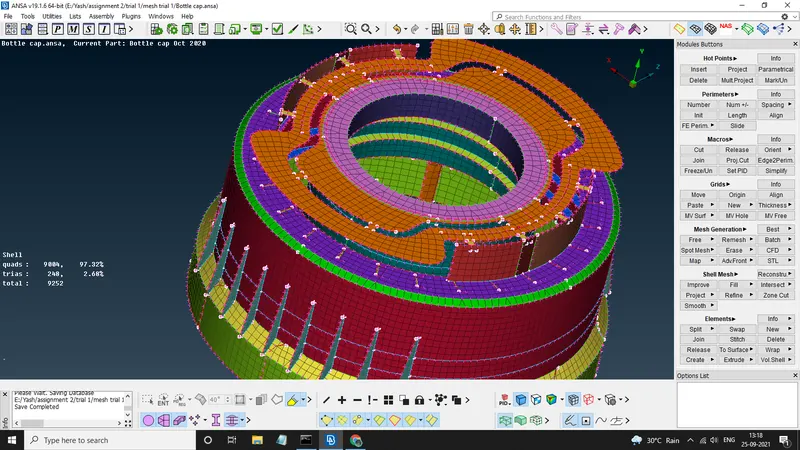
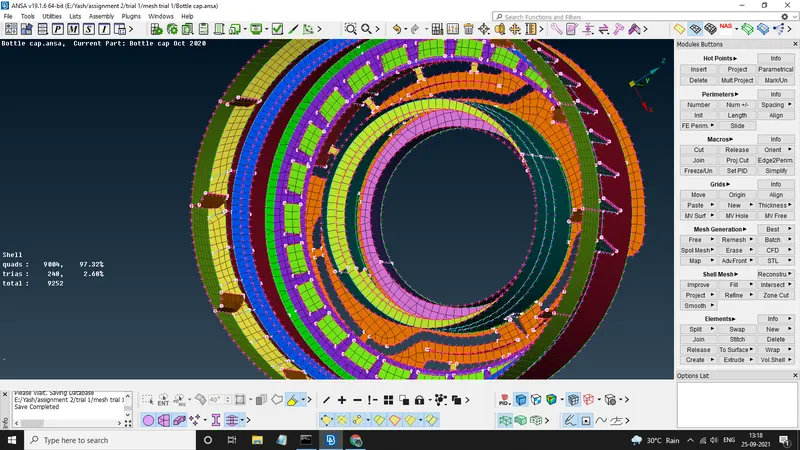
Since the given tri element criteria was 15% , our model have only 2.68% tri elements
therefore our model passes for the given criteria.
Conclusion - The given bottle cap had varing thicknesses so we perform manual offset of surfaces, due to this we had to give them seperate PIDs, after this mesh was generated with given quality criteria.