Week 4-1D Element Creation Challenge
Objective / Aim :
To create 1D element for the given componenet includes Rod element Beam element Bar element Masses and spring
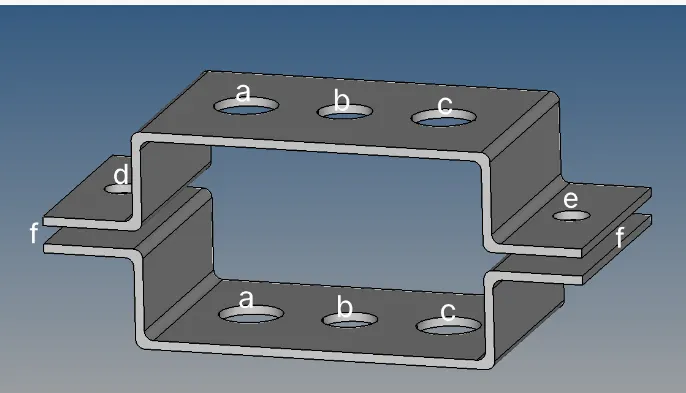
Component : Bracket
Procedure :
Steps 1
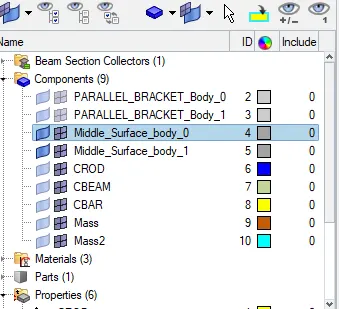
Import the geometry in hypermesh to take midsurface
To take midsurface use geometry midsurface select the surface displayed and create
Once the midsurface is created properly hide the solid keep the midsurface
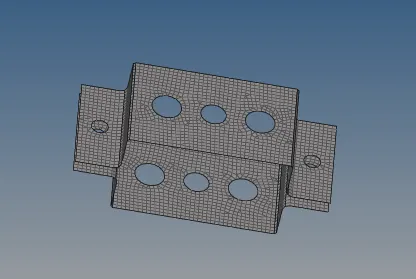
Then under 2D use the automesh and mesh the entire componentof element size 5 units
Create CRod Cbeam CBar Mass and spring
Steps 2
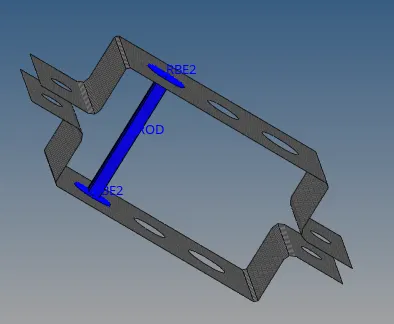
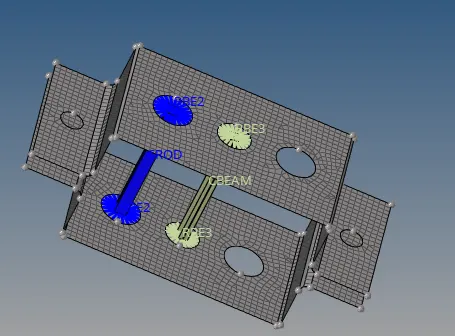
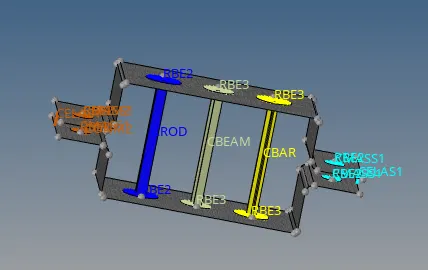
Create CRod using the RBE2 link on the holes create the nodes for element for A region
On the top and bottom component RBE2 link is provided with Dof element created
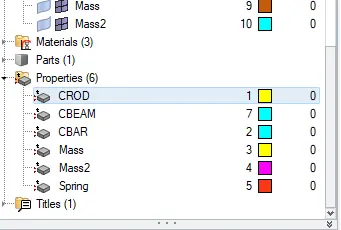
Steel Material is given for the component property name and color given
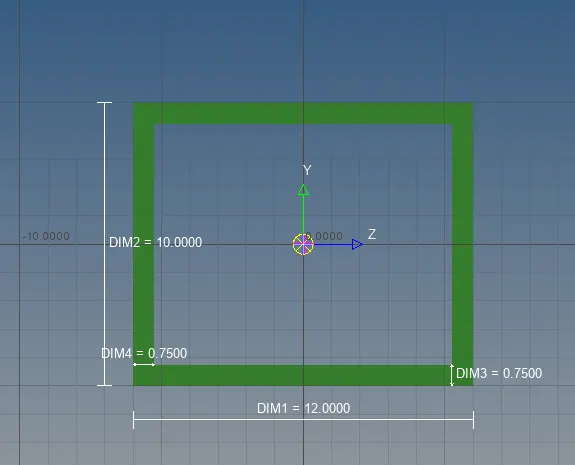
Hyperbeam view is selected cross section Box section is given dimensions are given a=12mm b=10mm t=0.75mm
Then 1d Traditional and detail element is used to view the created CRod
Steps 3
Create CBeam using the RBE3 link on the holes create the nodes for element for B region
On the top and bottom component RBE3 link is provided with Dof element created
Steel Material is given for the component property name and color given
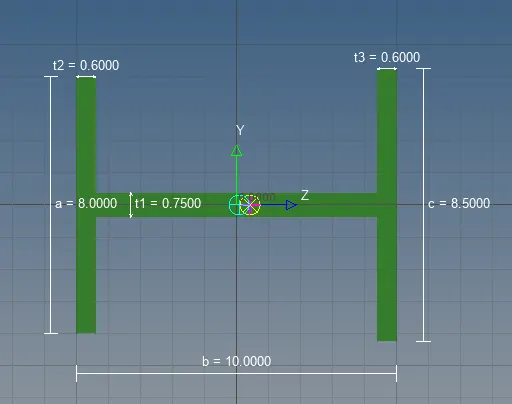
Hyperbeam view is selected cross section I section given dimensions are given a=8mm b=10mm c=8.5mm t1=0.75mm t2=6mm t3=6mm
Then 1d Traditional and detail element is used to view the created CBeam
Steps 4
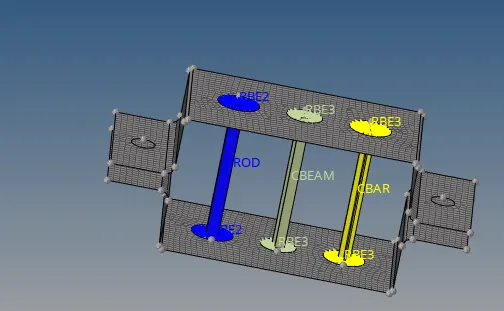
Create CBar using the RBE3 link on the holes create the nodes for element for C region
On the top and bottom component RBE3 link is provided with Dof element created
Steel Material is given for the component property name and color given
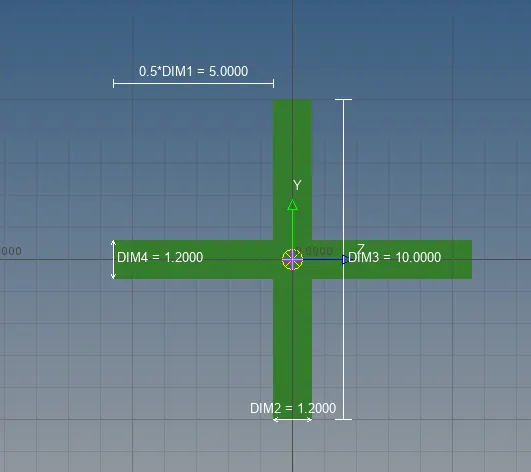
Hyperbeam view is selected cross section X section given dimensions are given DIM1=5mm DIM2=1.2mm DIM3=10mm DIM4=1.2mm
Then 1d Traditional and detail element is used to view the created CBar
Steps 4
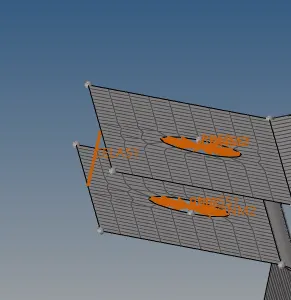
Create the masses for the D and E region on geometry with RBE2 link
Masses under 1D is created and the nodes created on top and bottom and connected
Magnitude 10 given and Property is also created for the Masses
Using spring under 1D the two nodes are created at the edge of hole where the surface ends
Towards the edge of hole the node is created and line is joined using both nodes on D and E region
Learning Outcomes :
Midsurface is extracted for the bracket component
Meshing is done for the bracket using size element 5
CRod is created using RBE2 link and dof is given
CBeam and CBar created with RBE3 link and dof is given
Mass with Magnitude 10 RBE2 link and spring used to join the nodes
The use of hyperbeam view for different cross sections with their dimensions
Result
Thus 1D element is created for the given component and file is attached for reference