Week 4-1D Element Creation Challenge
Week 4-1D Element Creation Challenge :-
AIM:
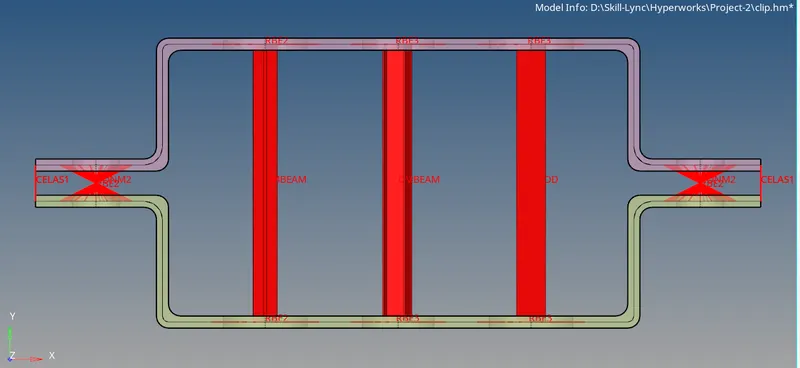
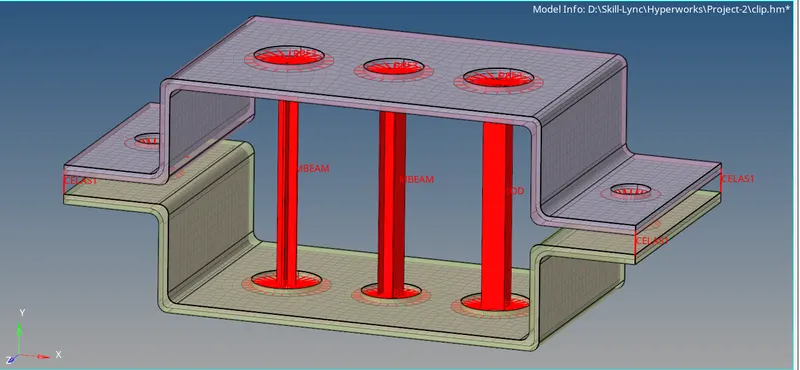
To Mesh the Given component with the Size of 5 Units & to Create ID elements on the following component with give cross-section and DOF.
Given Data :-
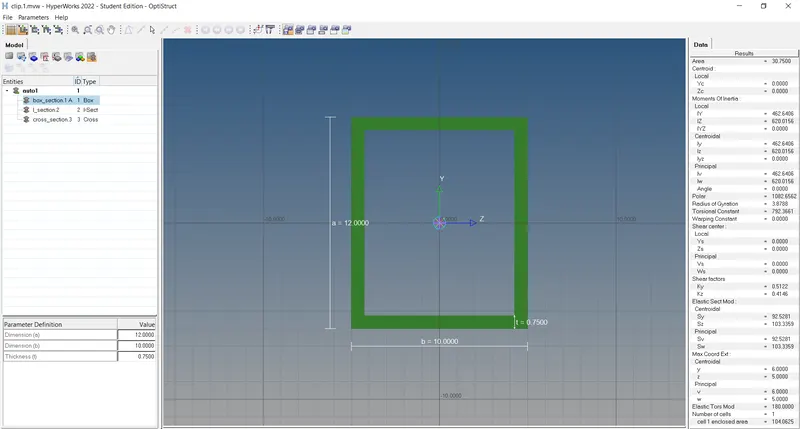
a. Rod element:- Translational DOF should be Constrained with RBE2 link
Cross-Section: BOX- Dimension a= 12 mm
dimension b=10 mm
Thickness t= 0.75 mm
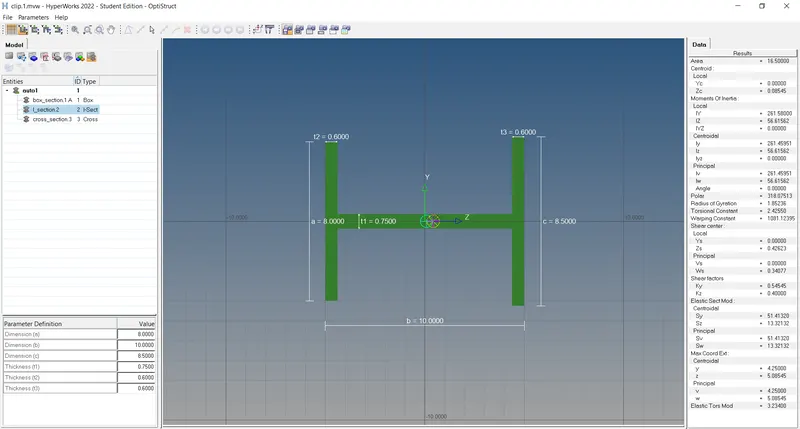
b. Beam element:- All DOF should be constrained with RBE3 link
Cross-Section: I Section- Dimension a= 8 mm
Dimension b= 10 mm
Dimension c= 8.5 mm
Thickness t1= 0.75 mm
Thickness t2= .6 mm
Thickness t3= .6 mm
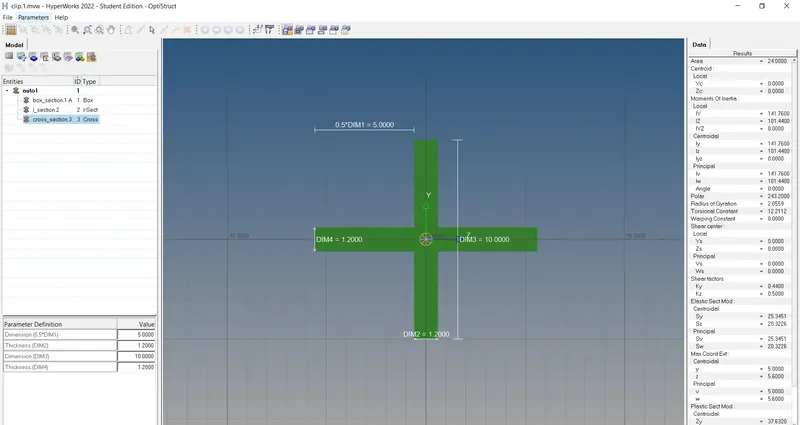
c. Bar element:- Constrain only x and y DOFs With RBE3 link
Cross-section: X section- Dimension DIM1= 5 mm
Thickness DIM2= 1.2 mm
Dimension DIM3= 10 mm
Thickness DIM4= 1.2mm
d. & e. Apply the mass of magnitude 10 with the RBE2 link
f. Join the two components with Spring elements
Procedure :-
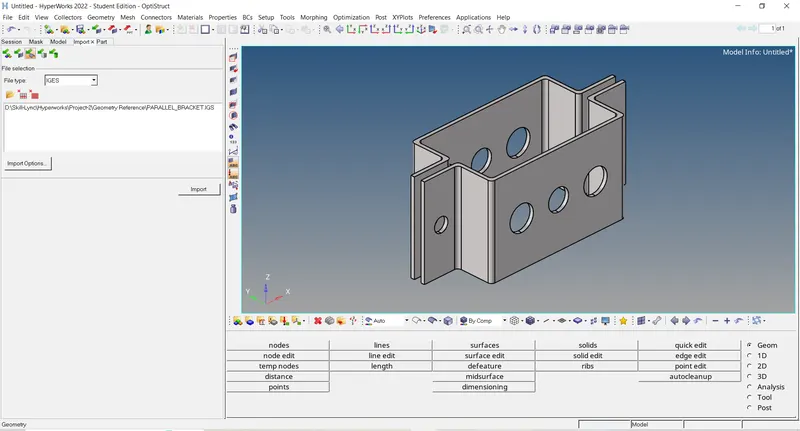
1) Import Geometry in Hypermesh :-
Import solver deck - Import - Select file from location - select file type - click on import
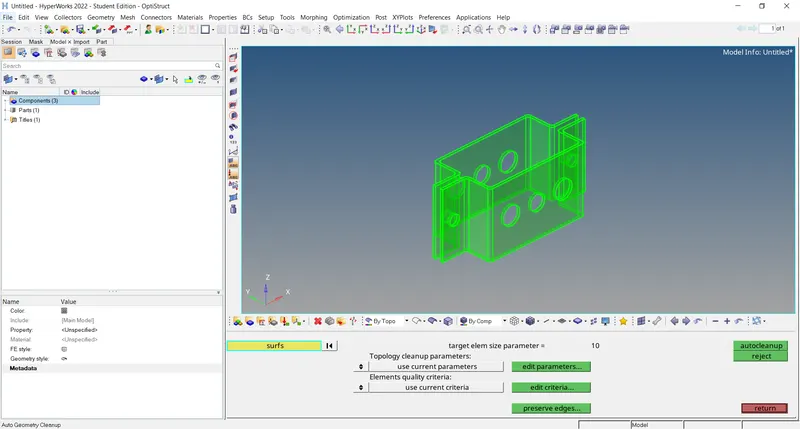
2) Geometry clean-up :-
Geom- autocleanup
3) Extract Mid-surface :-
Geom- Mid-surface
After trial and error method i see that skin offset is give best result for mid surface
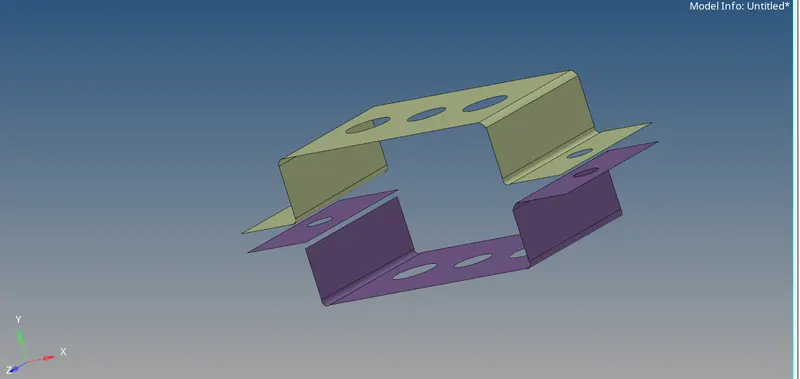
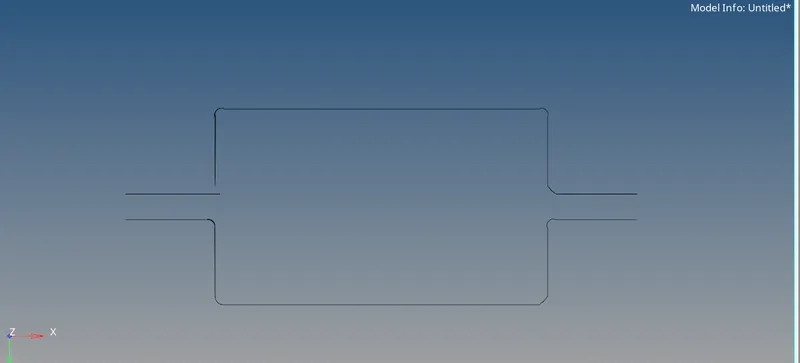
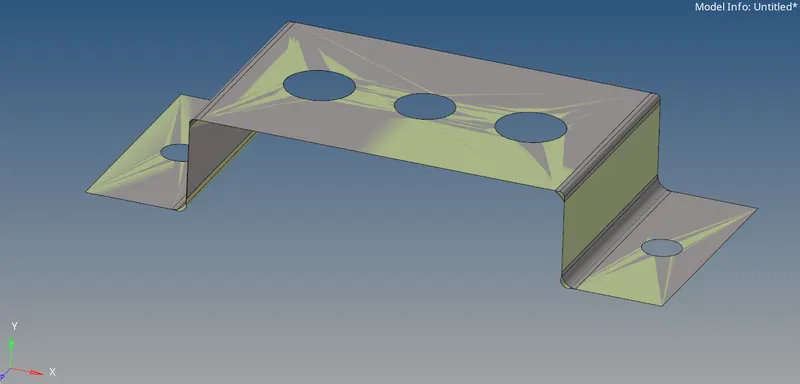
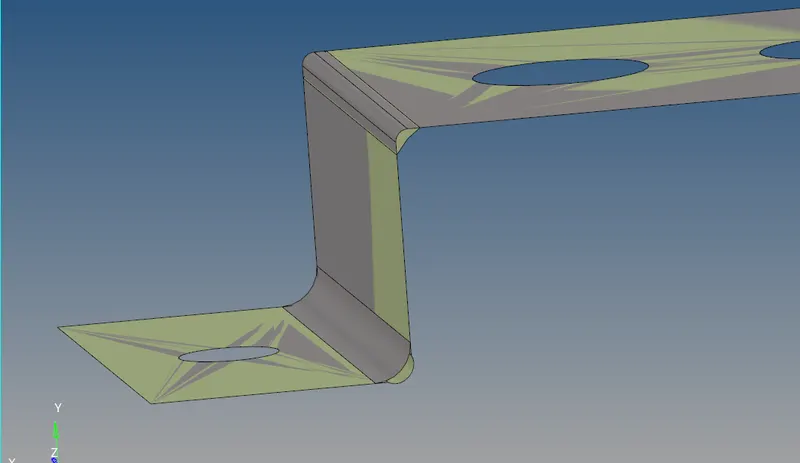
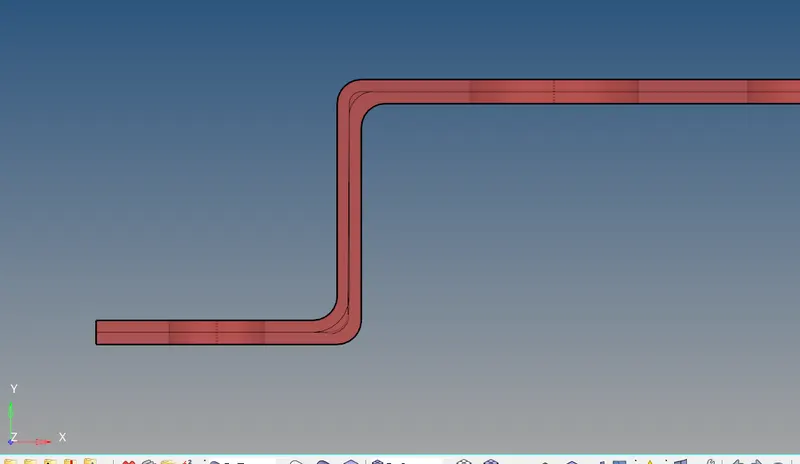
Final Mid-Surface :
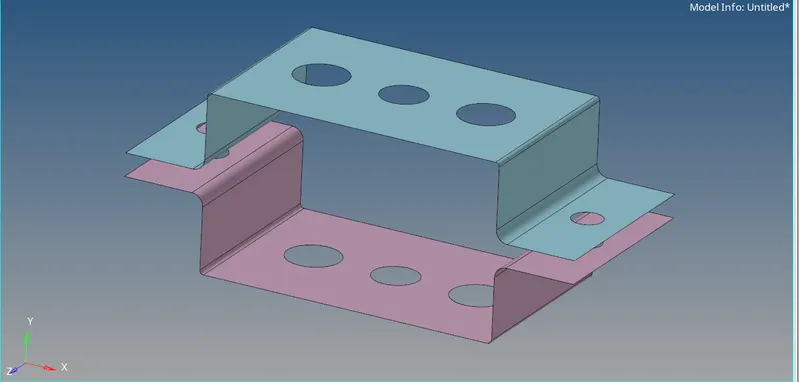
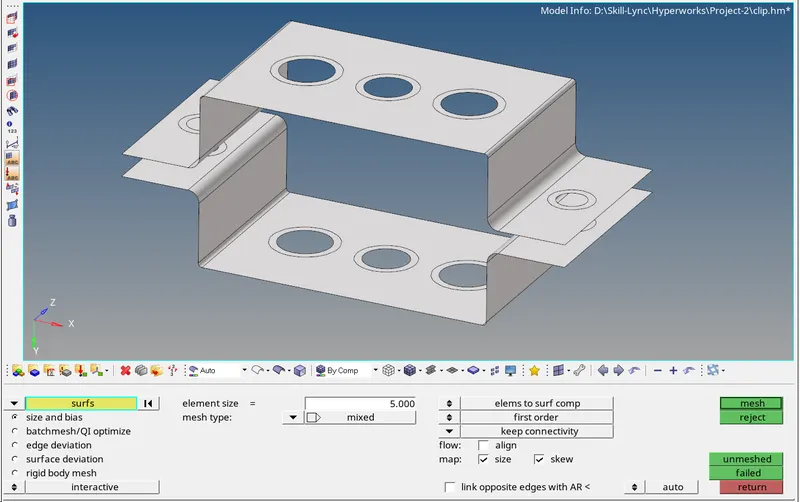
3) Meshing :-
FOr meshing automesh option is used under 2D Panel

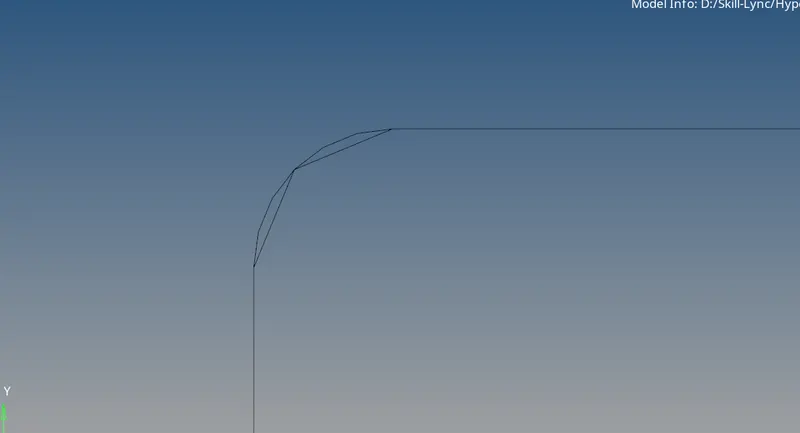
at Filter feature capturing is not good so incresses no of note at fillet region :-
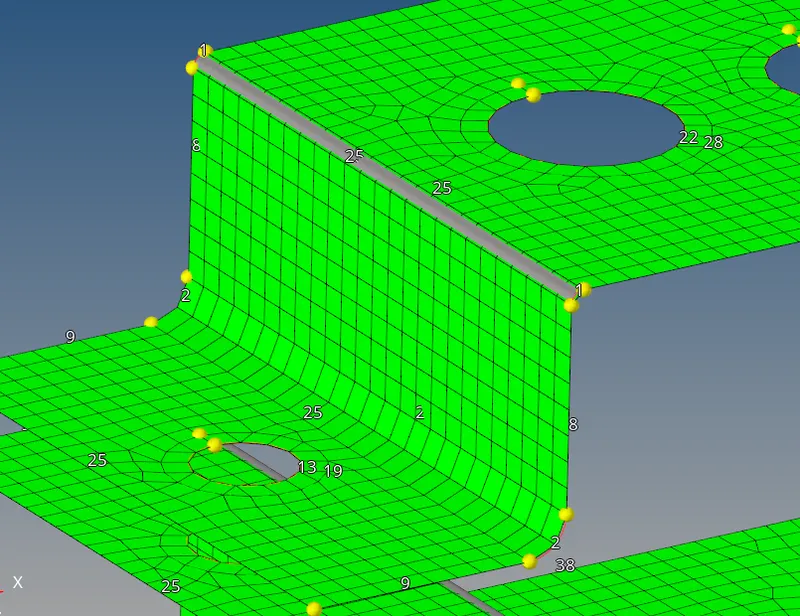
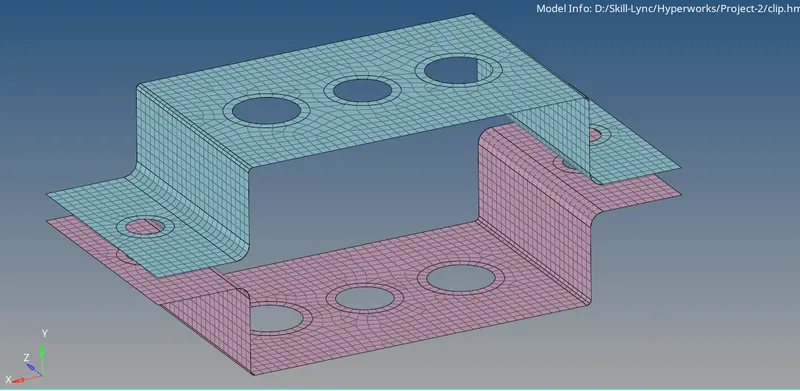
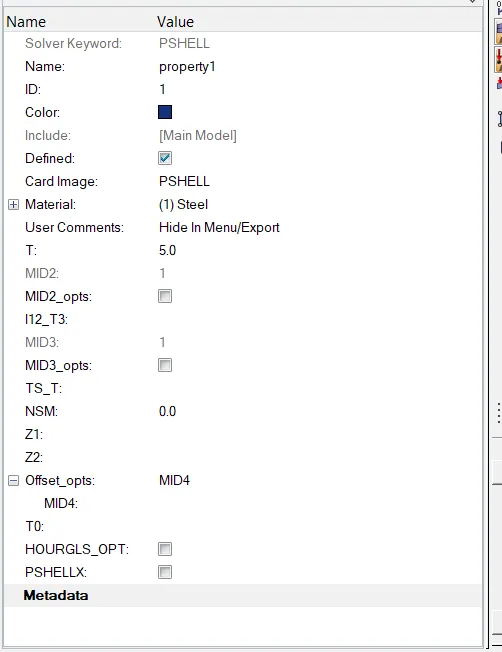
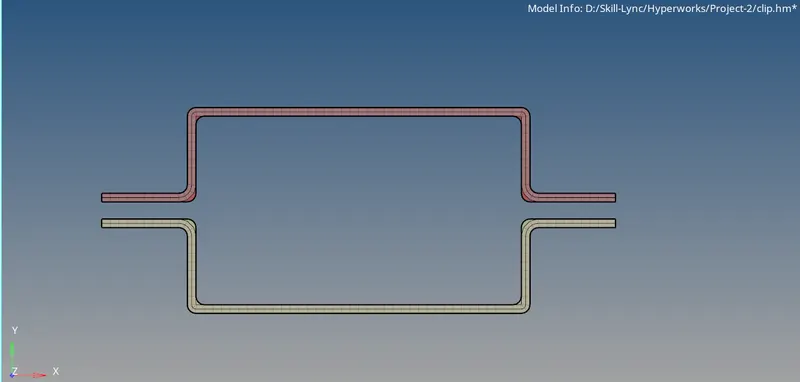
Apply thickness and checking and compair mid-surface and original model :-
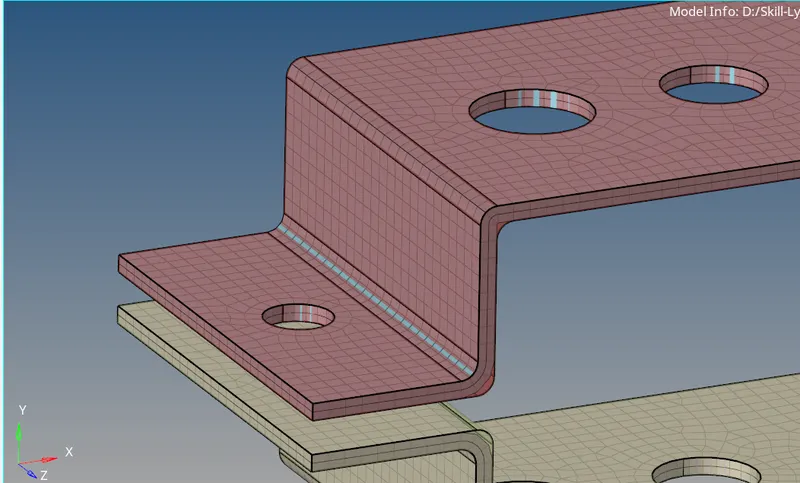
Final Mesh Model :-
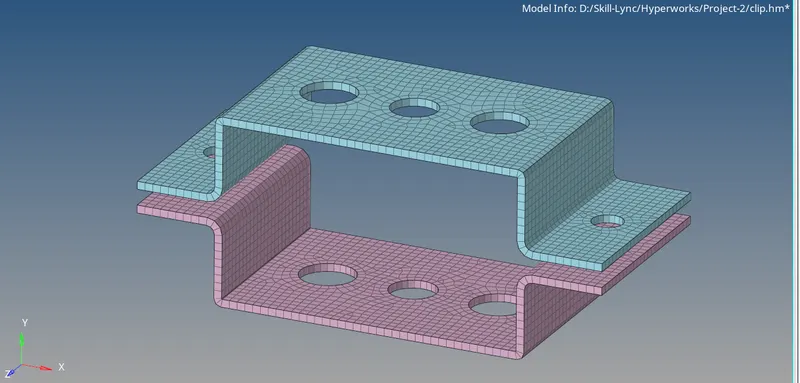
3) Define connections & 1-D elements :-
Types of 1D elements :-
i) Bar
ii) Beam
iii) Rod
iv) Spring
v) Mass
Types of Connection :-
i) Rigid/RBE2
ii) RBE3
Define Connections :-
in 1D Panel-Rigind

Select the nodes- define requried DOF-Create :-
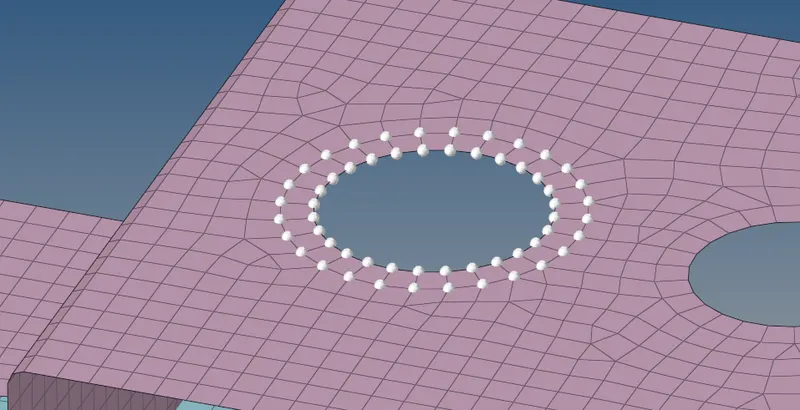
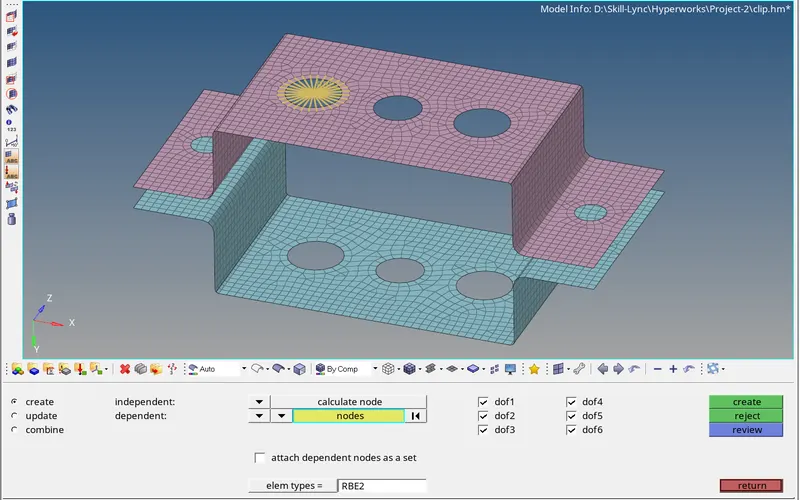
Define cross- sections for the 1 D elements :-
1D Panel - HyperBeam - Standard section - create

Box :-
I section :-
Cross :-
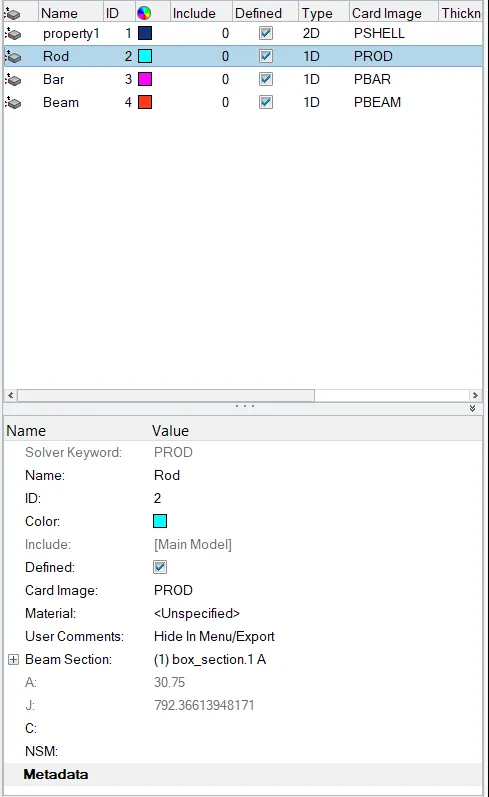
Create property and define corss section for each shape :-
Model with all connection :-
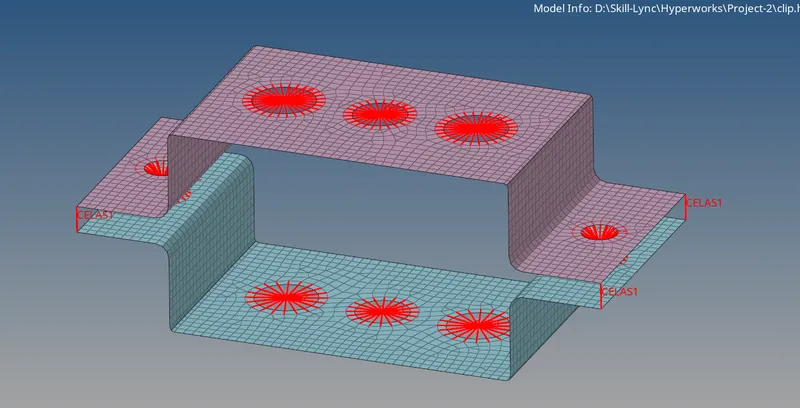
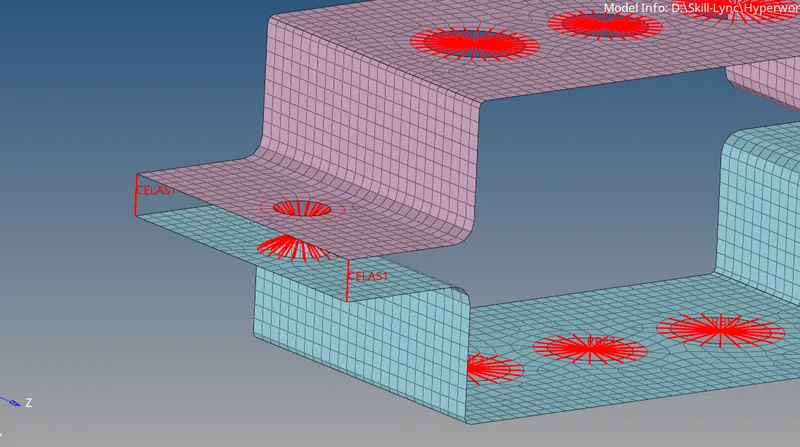
Compete Model With Connections and 1D link :-