Week 4-1D Element Creation Challenge
PROJECT: 1D ELEMENT CREATION CHALLENGE
AIM:
Mesh the Given component with the Size of 5 Units. Create 1D elements on the following component with given cross-section and DOF
A. Rod element:- Translational DOF should be Constrained with RBE2 link
Cross-Section: BOX- Dimension a= 12 mm
dimension b=10 mm
Thickness t= 0.75 mm
B. Beam element:- All DOF should be constrained with RBE3 link
Cross-Section: I Section- Dimension a= 8 mm
Dimension b= 10 mm
Dimension c= 8.5 mm
Thickness t1= 0.75 mm
Thickness t2= .6 mm
Thickness t3= .6 mm
C. Bar element:- Constrain only xand y DOFs With RBE3 link
Cross-section: X section- Dimension DIM1= 5 mm
Thickness DIM2= 1.2 mm
Dimension DIM3= 10 mm
Thickness DIM4= 1.2m
D & E. Apply the massof magnitude 10 with the RBE2 linK.
F. Join the two components with Spring elements
DESCRIPTION:
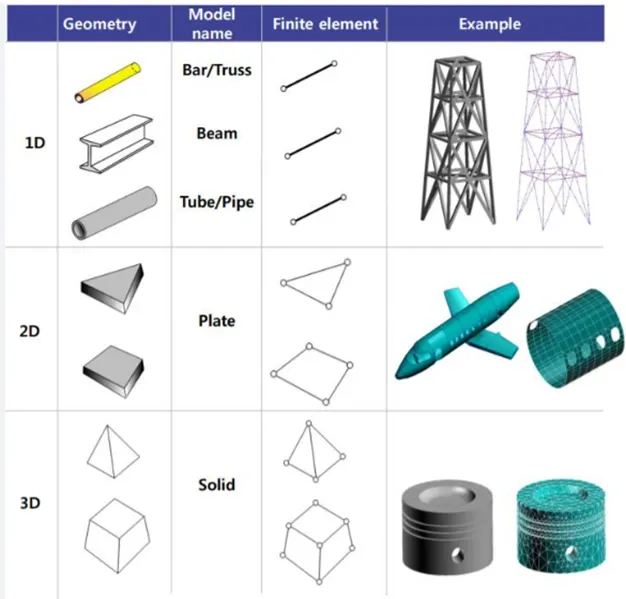
- 1D elements are used for modelling line-type members such as columns, pipes, beams, rod, bars.
- 2D elements are commonly used for plane-type members, plate membrane and thin shells such as walls, slabs, sheet metal parts and plastic components.
Rods:
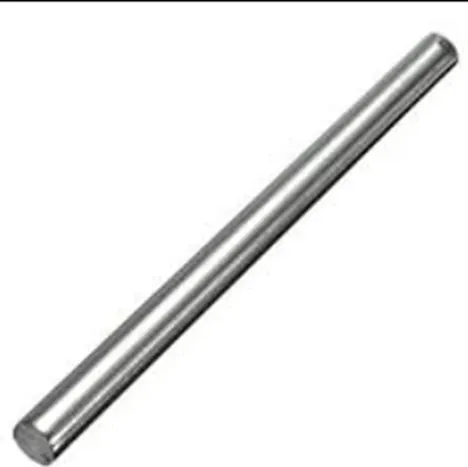
- Rods are rigid elements. It is used for Tensile and Compressive loading applications.
- Ex: solid Circle
- Applications: Tension / Compression members (Truss), Shaft subjected to torque.
Bars:
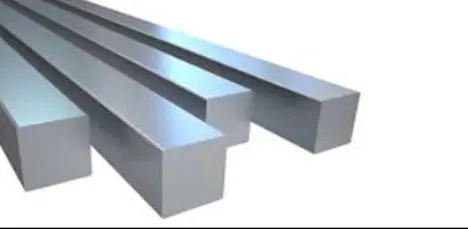
- These elements will allow bending also along with tension and compression. It is used for symmetrical sections. All 6 Degrees Of Freedom (DOF) will be used.
- Ex: solid Circle
- Applications: Shaft subjected to Multi axial loading, Bolted / Welded joints.
Beam:
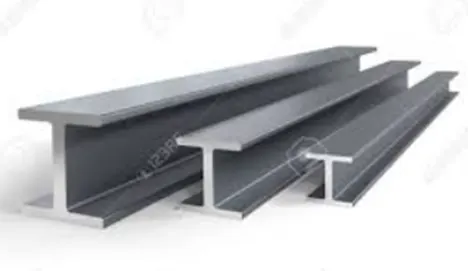
- It is similar to bar elements, but it is used for asymmetrical sections as well. These elements are mainly used to model more complicated geometrics with varying cross sections.
- Ex: Any section.
- Applications: Same as bars with an unsymmetric cross sections
PROCEDURE:
Import the model by using geometry option in the form of IGES format.
Go to Geometry-> mid surface -> select components and extract.
The mid surface need to be moved using tool-> organise -> move.
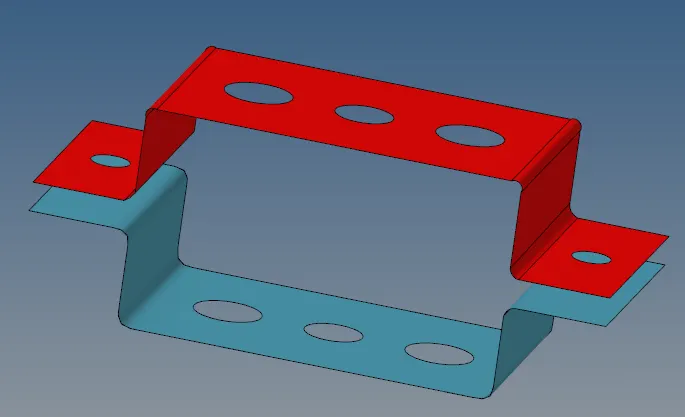
MID SURFACE
As the thickness of the given component, the mid surface is taken for the whole model.
Then we assign the material as steel & properties to the mid surface component in the model browser.
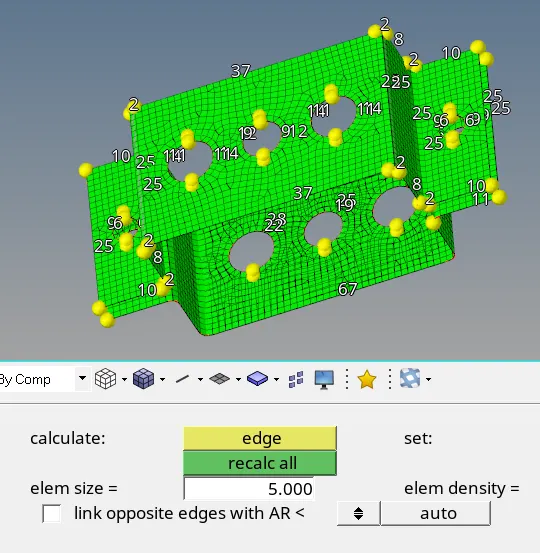
MESHING
Give washer splits from Quick edit with 5mm thickness. Once materials & properties are assigned, we are meshing the component, by using automesh option in 2D & target element length should be 5mm. Then adjust the nodes.
We create RBE2 and RBE3 elements using rigids and RBE3 in 1D module for holes.
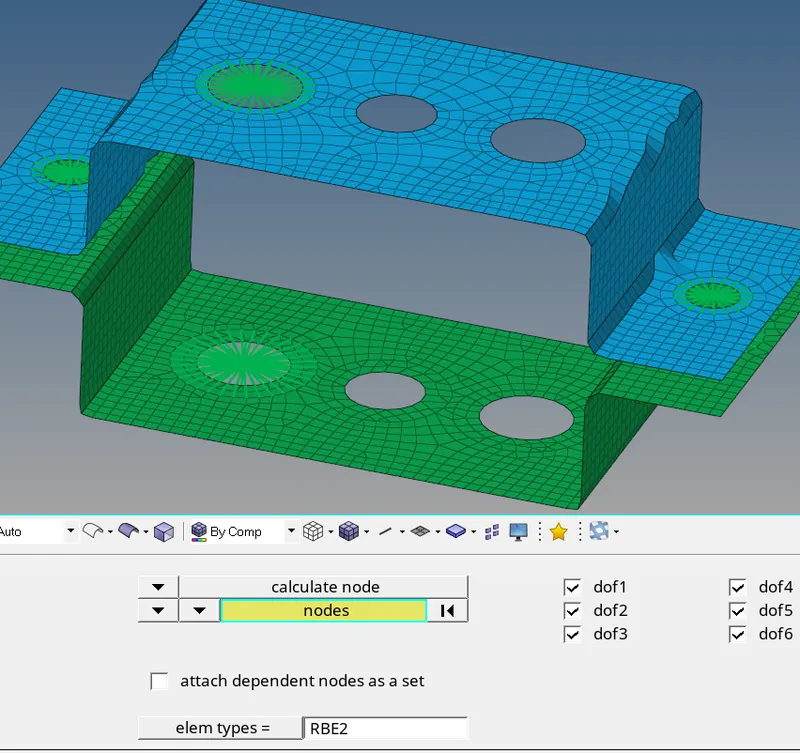
CONNECTIONS
Then we create cross sections for Rod, Bar & Beam
We create section for the rod in the form of box which has been given for the first case. Rods are used for tension and compression.
Cross-Section: BOX- Dimension a= 12 mm
Dimension b=10 mm
Thickness t= 0.75 mm
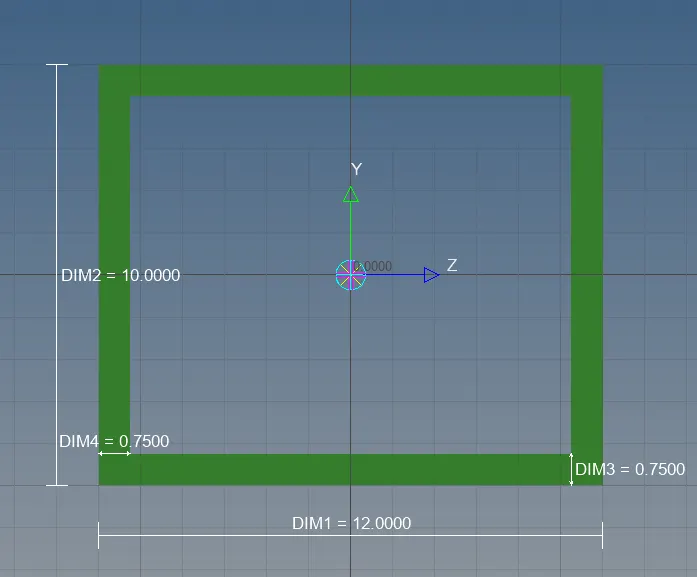
ROD
We create section for the beam in the form of I-section which has been given for the second case. Hyper beam is used to create beam in cross sections.
Cross-Section: I Section- Dimension a= 8 mm
Dimension b= 10 mm
Dimension c= 8.5 mm
Thickness t1= 0.75 mm
Thickness t2= .6 mm
Thickness t3= .6 mm
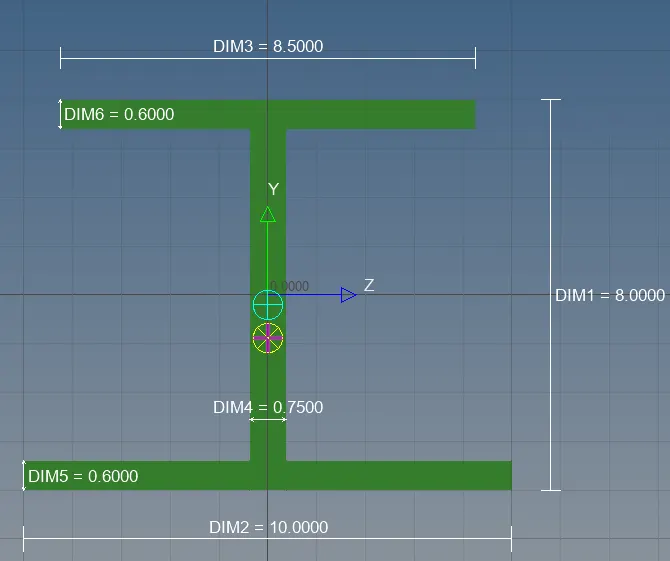
BEAM
We create cross sections for the bar in the form of Cross-section which has been given for the third case. Bars are used for symmetrical section and 6DOF is used.+
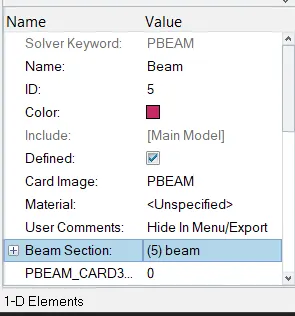
CARD ID
Cross-section: X section- Dimension DIM1= 5 mm
Thickness DIM2= 1.2 mm
Dimension DIM3= 10 mm
Thickness DIM4= 1.2mm
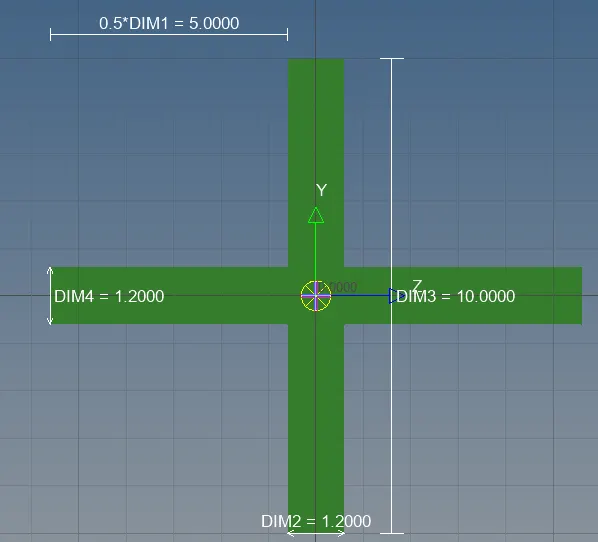
BAR
Once sections are created, we need to create property for Rod, Beam, Bar with property cards such as PROD, PBEAM, PBAR
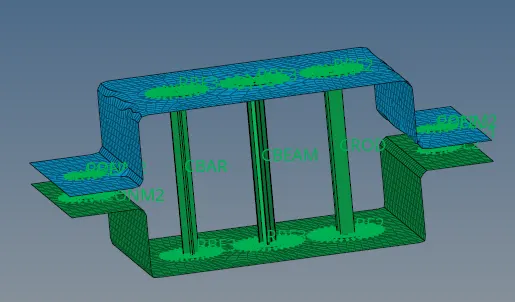
BAR, ROD AND BEAM
Mass is applied with the magnitude of 10 in RBE2 & spring elements are joined as been mentioned.
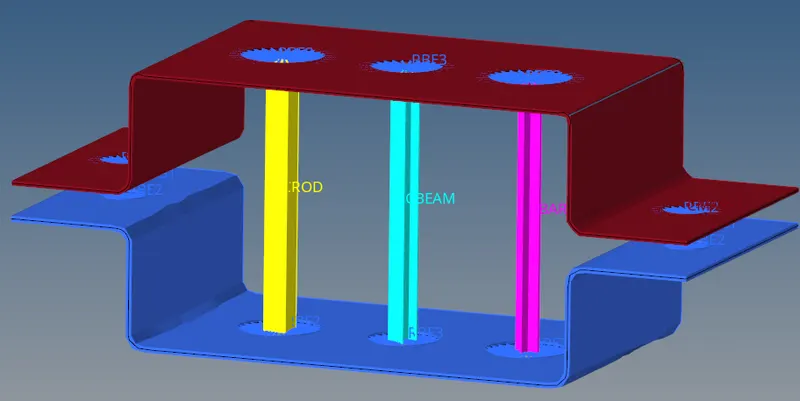
FINAL IMAGE
RESULTS:
Mid-surface is taken for the given geometry & material properties has been assigned. Later we have meshed the components & Holes has been connected with RBE2 & RBE3 elements. Then we created CROD, CBEAM, CBAR 1D elements with their DOF constrained according to the data has been mentioned. Then we created cross sections for Rod, Beam, Bar & Property cards has been assigned for PROD, PBEAM, PBAR. The mass has been applied with the magnitude of 10 on RBE2 & spring elements are joined.