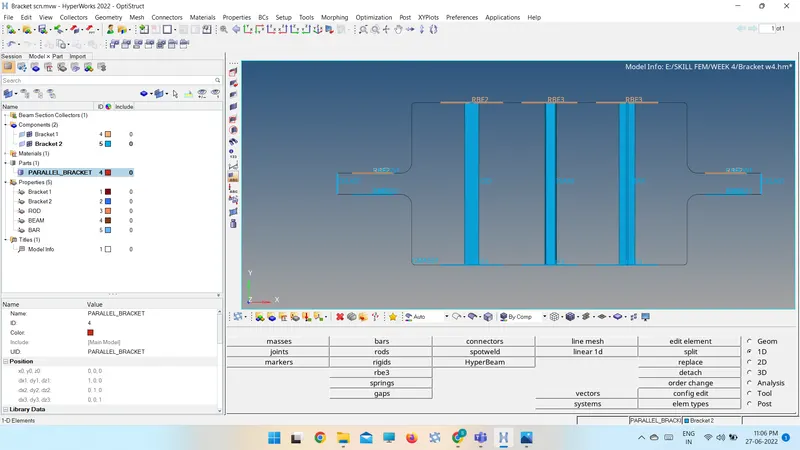
Week 4-1D Element Creation Challenge
AIM: To mesh the given component with mesh size 5 units.
To create 1D elements with specified cross section.
PROCEDURE:
- Import the component using Import Geometry option.
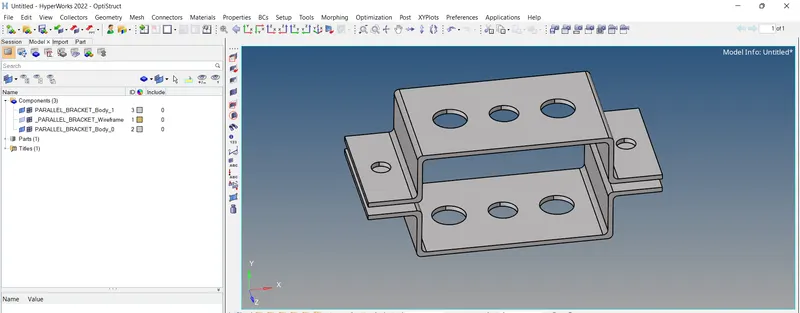
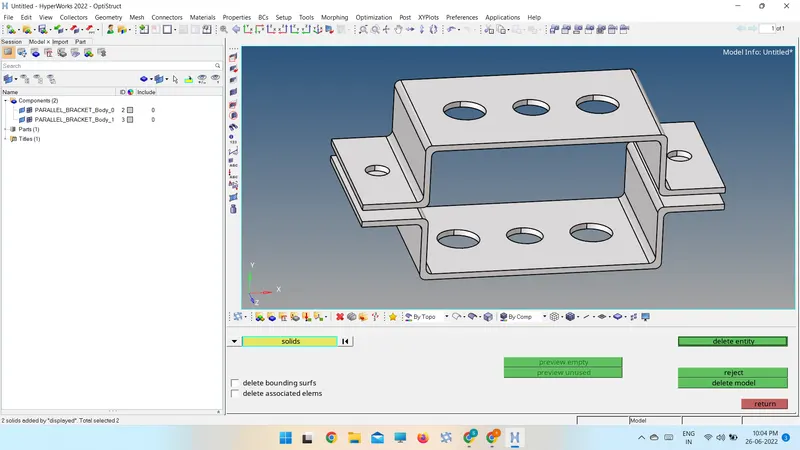
- Delete the solids using Delete-> Solids
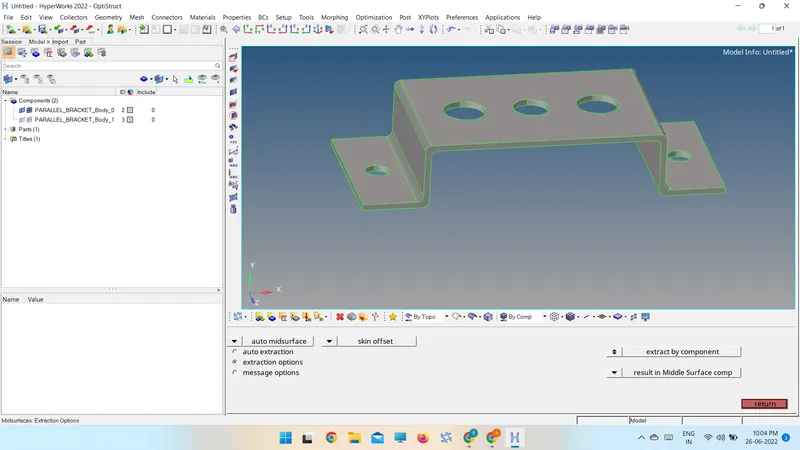
- Extracting mid surface by skin offset option.
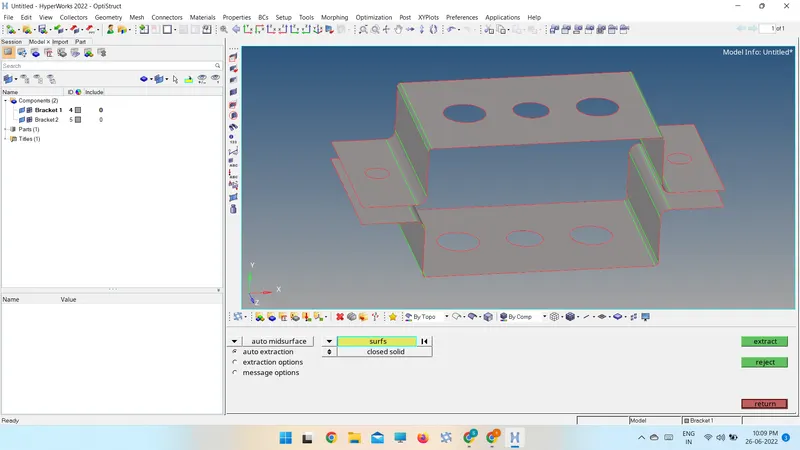
- Washer split is created for holes to achieve required element size and to avoid trias in critical area.
- Material is created in model tree.
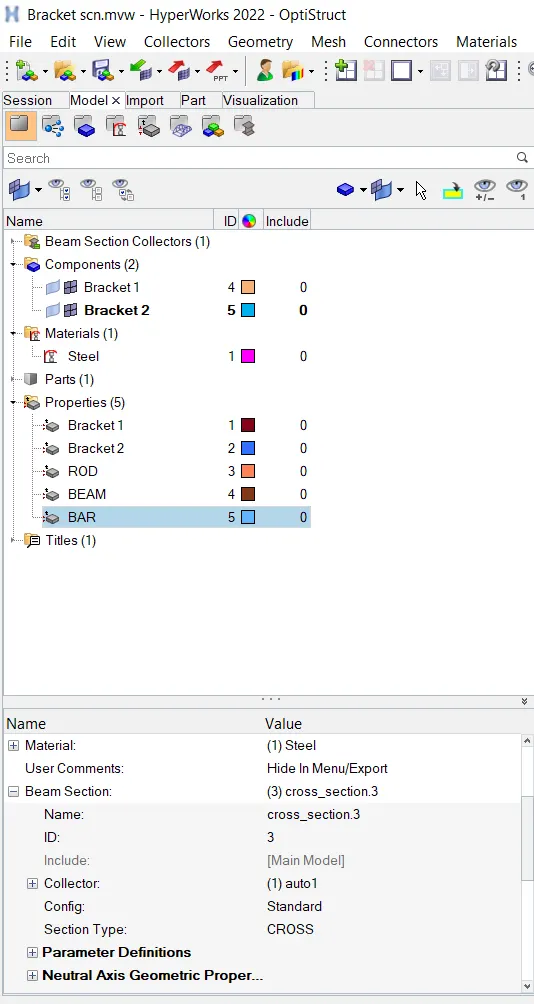
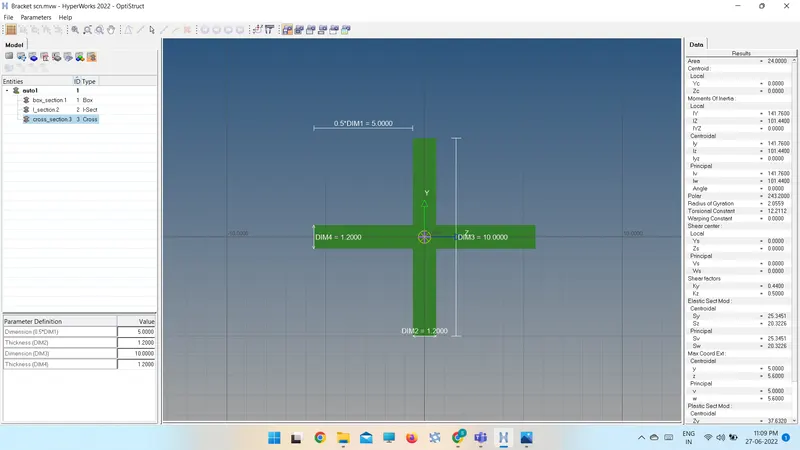
- Cross sections are created in hyper beam window with given dimensions.
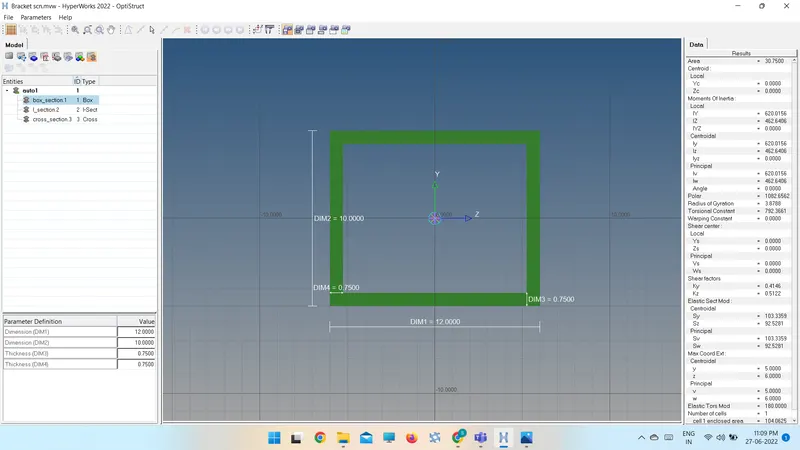
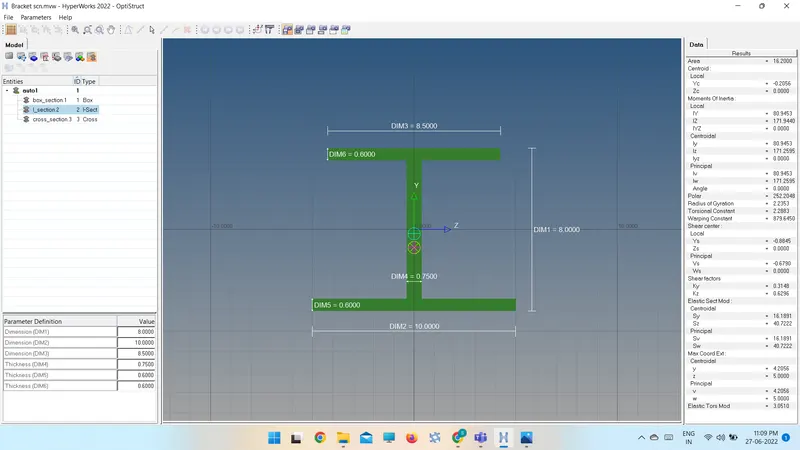 .
.
- Property is created
- For brackets; Card image(PShell), Material and thickness (T=5) is assigned.
- For rod, beam and bar; Card image and cross-section is to be assigned.
- Properties are assigned to the respective components.
- In 2D -> automesh
- Element size is given as 5 units and done meshing.
- At (a)RBE2 link is created by constraining translational DOF.
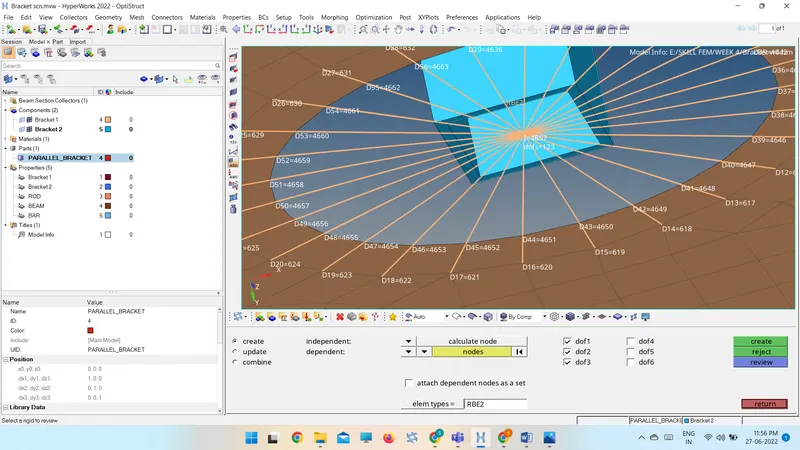
- At (b) RBE3 link is created by constraining all DOF.
- At (c) RBE3 link is created by constraining x and y DOFs.
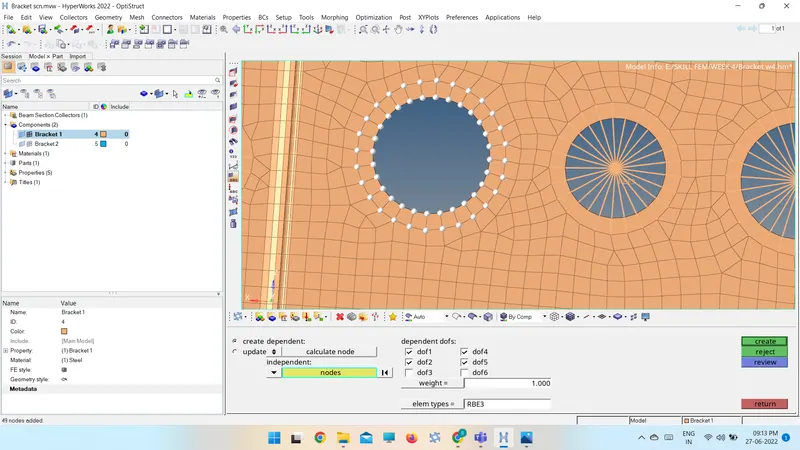
- At a, b, c 1D elements Rod, Beam, Bar by assigning property and element type respectively.
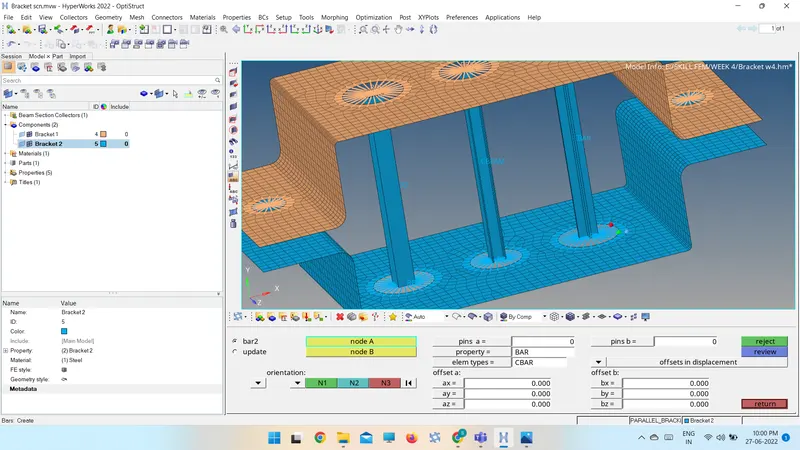
- At (d, e) RBE2 link is created by constraining all DOF.
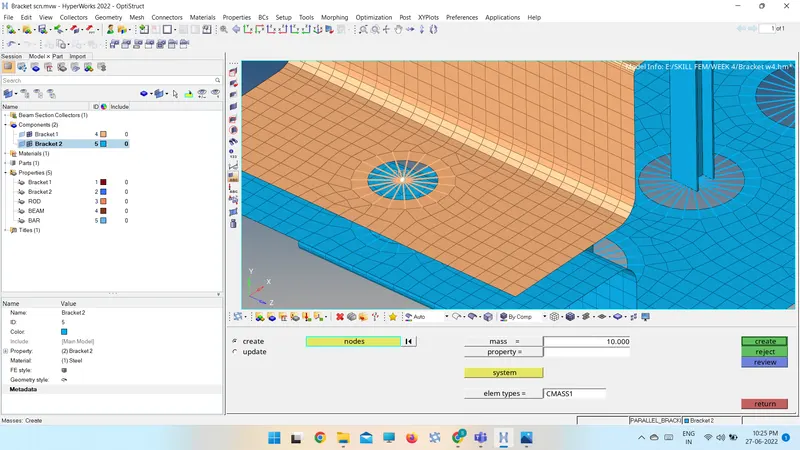
- Mass of magnitude 10 is applied at d, e.
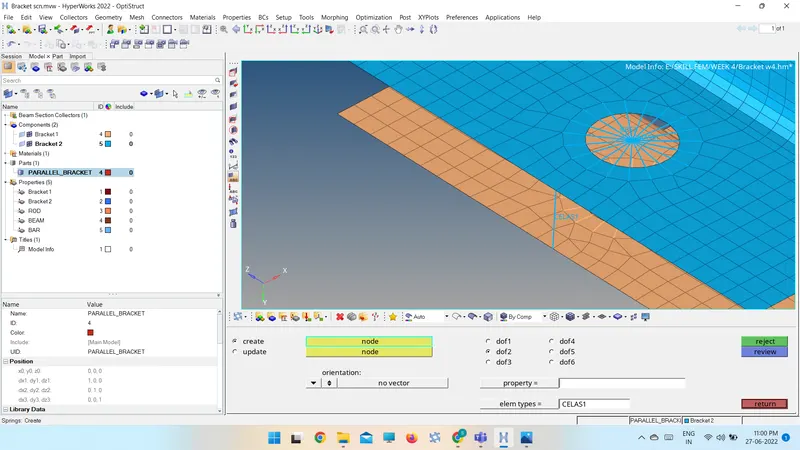
- At (f) two components are connected with Spring elements.
FINALMODEL: