Week 4-1D Element Creation Challenge
Objective: Mesh the Parallel bracket component with the Size of 5 Units. Create 1D elements on the following component with given cross-section and DOF.
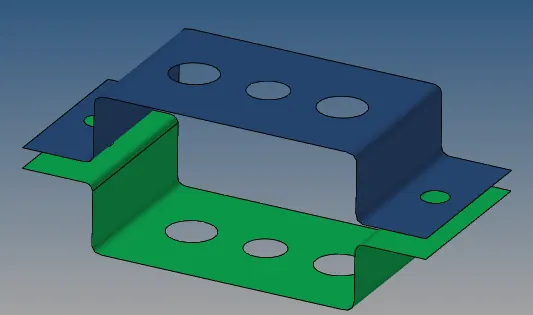
CAD Model :
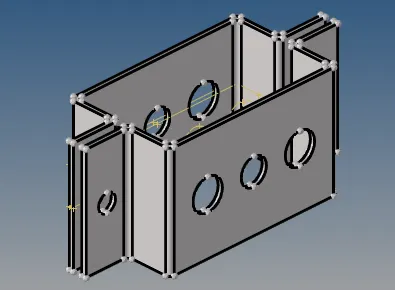
Procedure :
Step 1. Import the given CAD model and delete solids from the model.
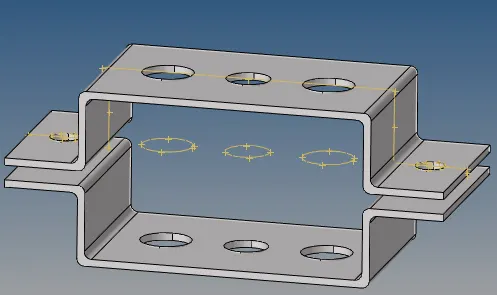
Step 2. Midsurface creation on the given model.
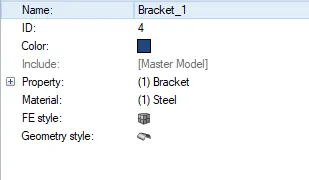
- Created two new components Bracket_1 and Bracket_2 in the Model tree.
- Extracted the mid surface of the upper bracket and lower bracket separately.
- After extracting, the mid surfaces were assigned to Bracket_1 and Bracket_2 by using Tools>Organize>


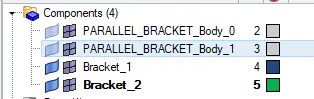
- Deleted other components in the model tree
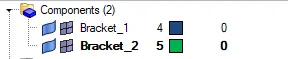
- Extracted mid surface
Step 3 : Assigning thickness to the component.
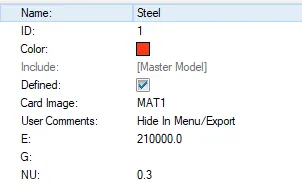
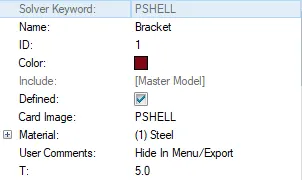
Since the mid surface is a 2D representation of the 3D component, to make it a 3D representation we need to assign it with a thickness. The thickness of the upper and lower bracket was measured and was equal to 5mm. Material steel is assigned to the brackets. After creating the material we need to assign a property to the material. In the property, we need to define the thickness as 5 mm.
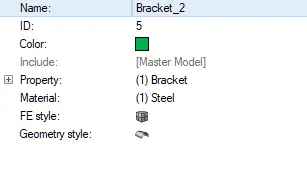
Step 4 : Geometry cleanup
- Provided washer splits. Offset value = 4 mm.
- Autocleanup the component.
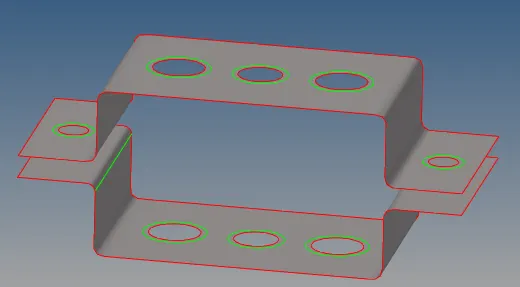
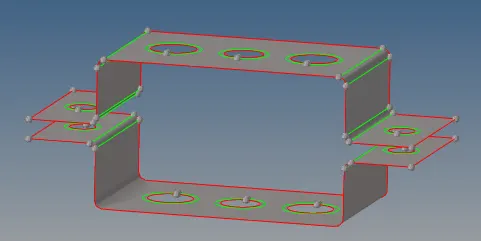
Step 5: 2D Meshing the component.
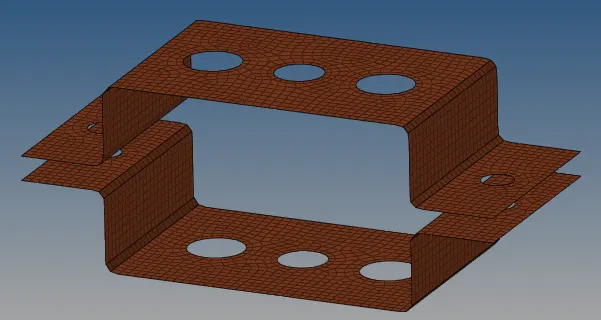
Step 6: Creating 1D elements
- Rod Element

- Hyperbeam>

- Rod>
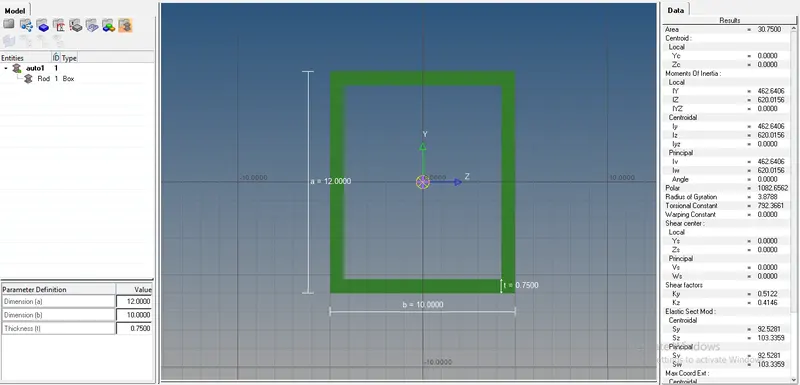
- Beam>
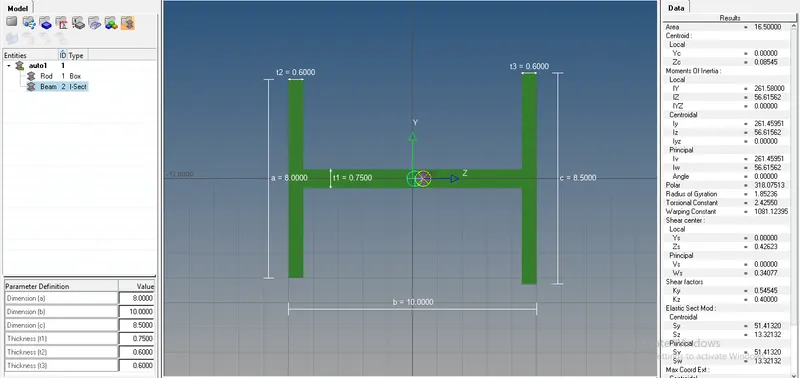
- Bar>
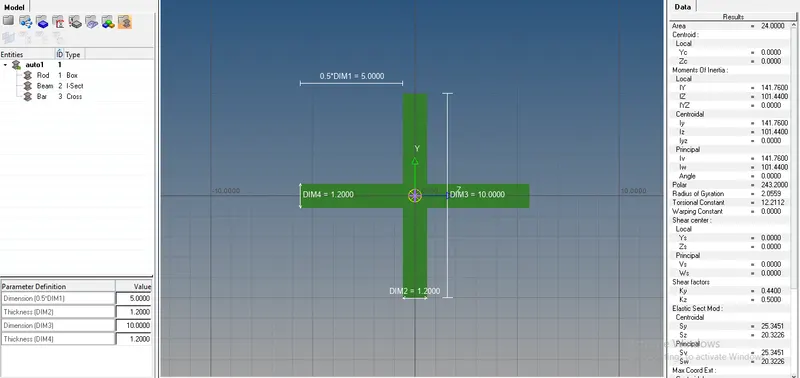
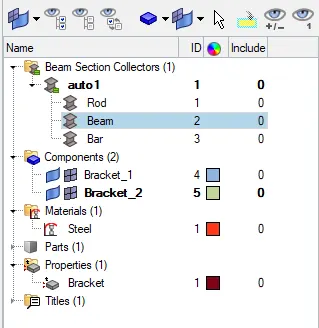
- Assigning
- Select Rods>

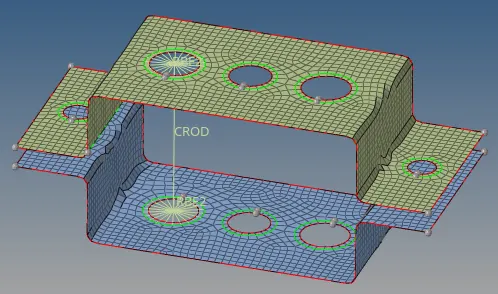
- Assigning cross-section to the rod
- Rod will have its own property, hence we need to create a property.
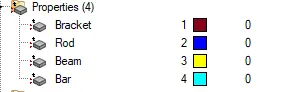
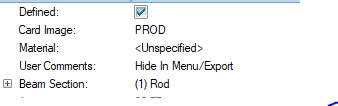
To the Property Rod, assign card image as PROD and beam section as Rod
- Update property to the Rod
- Rod>update>Property>Rod>Select CROD
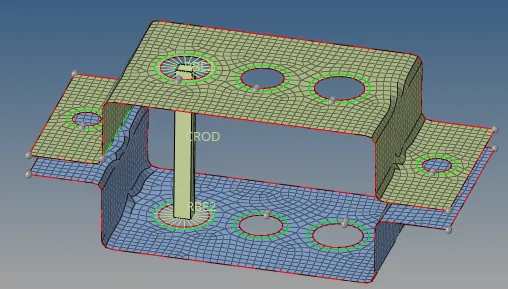
- A similar procedure is done for the beam and bar
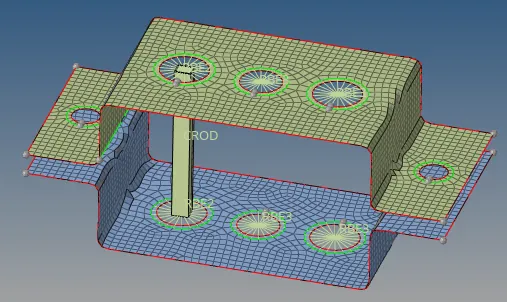
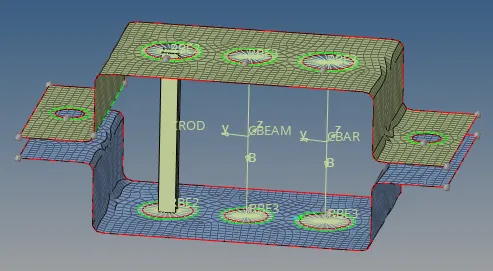
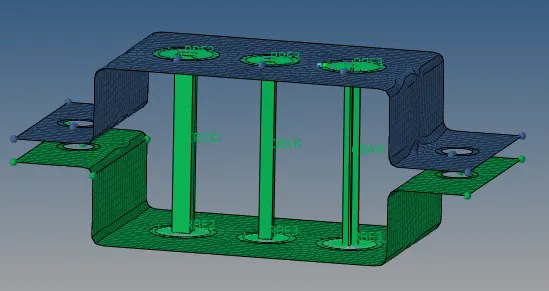
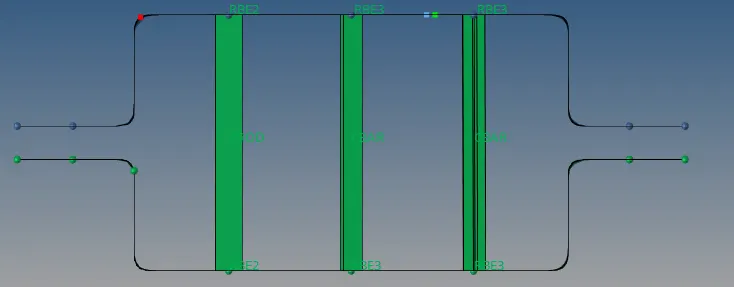
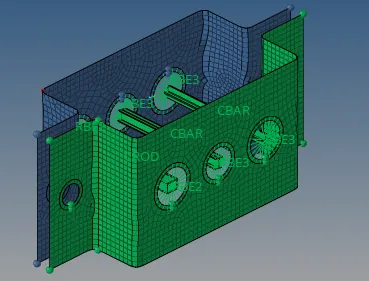
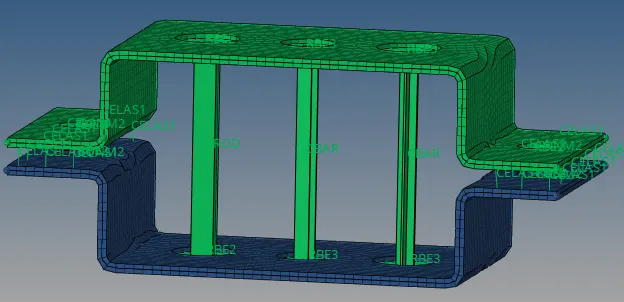
Step 7: Apply the mass of magnitude 10 with the RBE2 link at points d and e
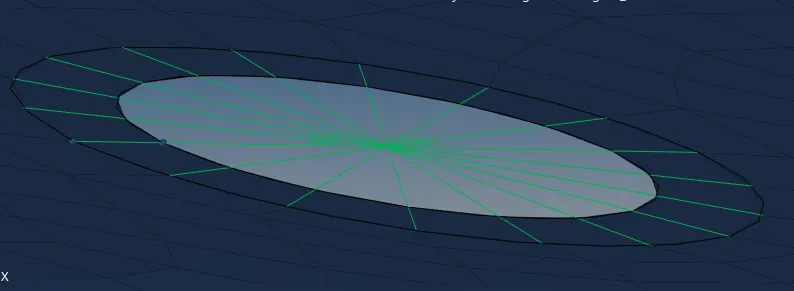
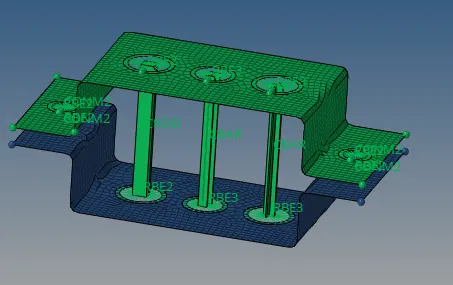
Step 8: Join the two components with Spring elements
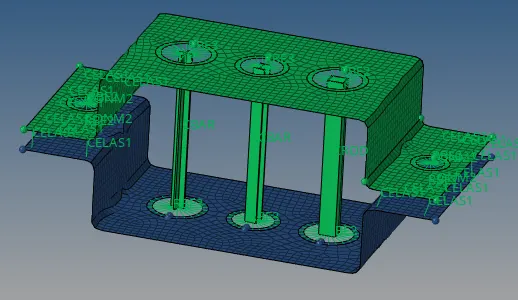
Final Model 2D detailed representation
Learning outcomes:
- Geometry cleanup and extraction of the mid surface of the given component
- Created various 1D elements and got used to elements such as RBE2, RBE3, spring, and mass elements.
- Creating the cross-section for the Rod, Beam, and Bar elements and assigning the property to these elements.