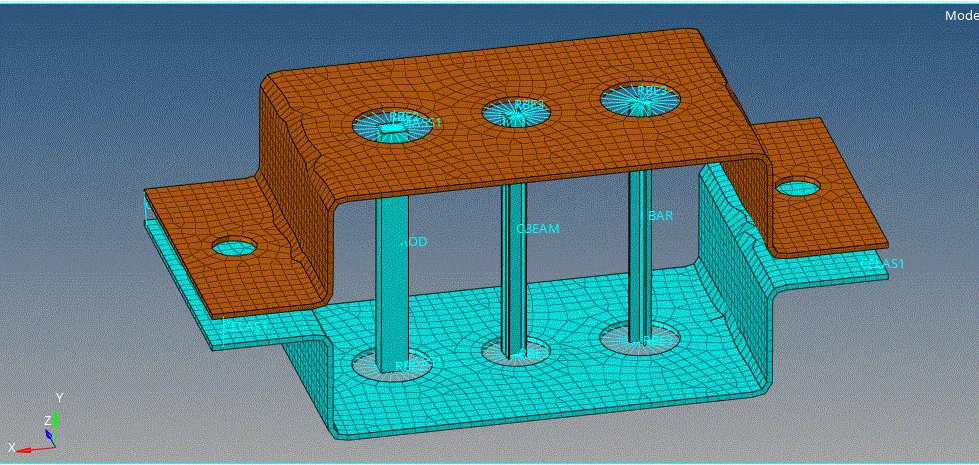
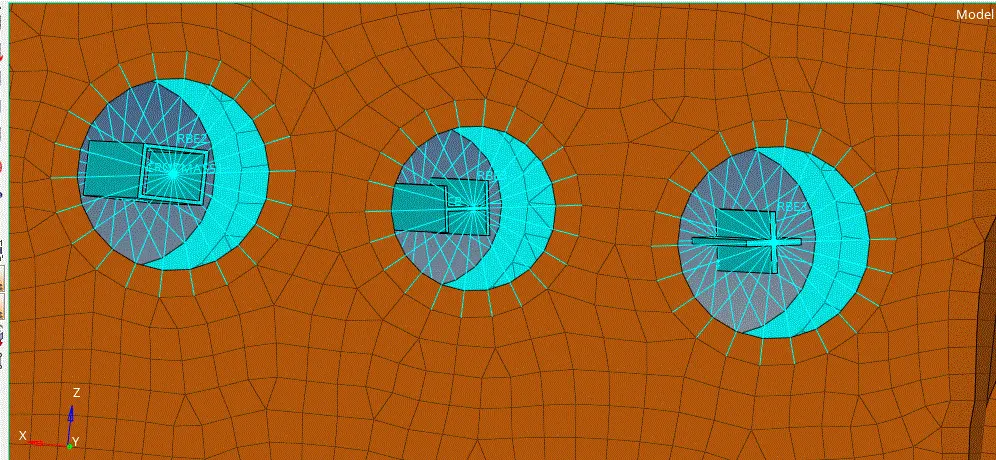
Week 4-1D Element Creation Challenge
AIM:Mesh the Given component also to Create 1D elements on the following component with given cross-section and DOF associated
- go to IMPORT GEOMETRY and import the geometry
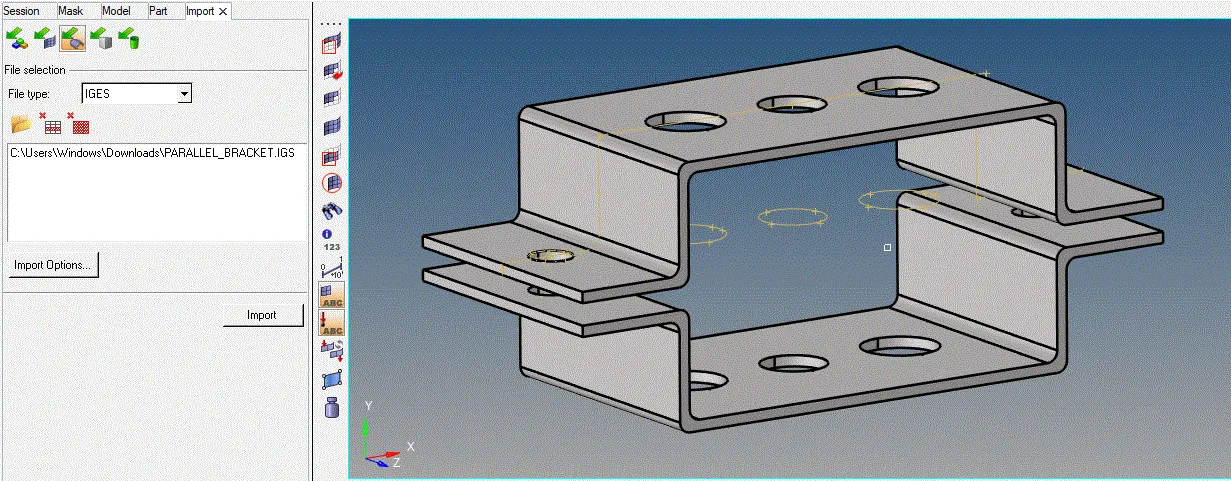
- now, extract the mid surface, in 2D
- automid is prefered in general for the middle surface extraction
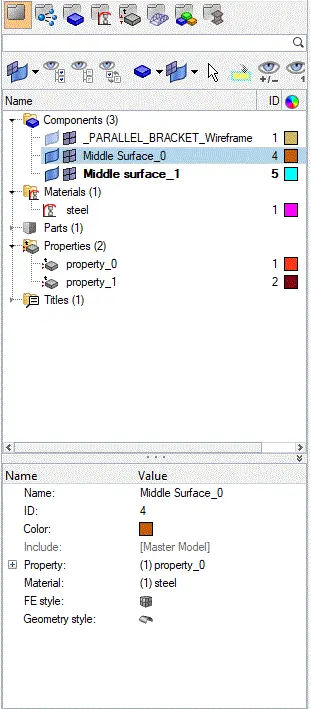
- manage the tree on the left side, giving correct directries to the extracted mid surfaces
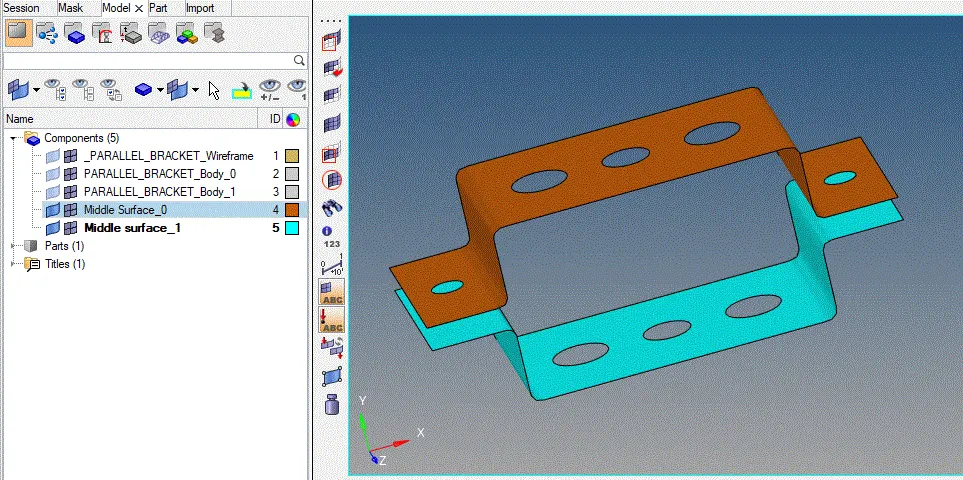
- set and assign the materials,properties to the extracted middle surface
- manage the tree and assign the correct properties
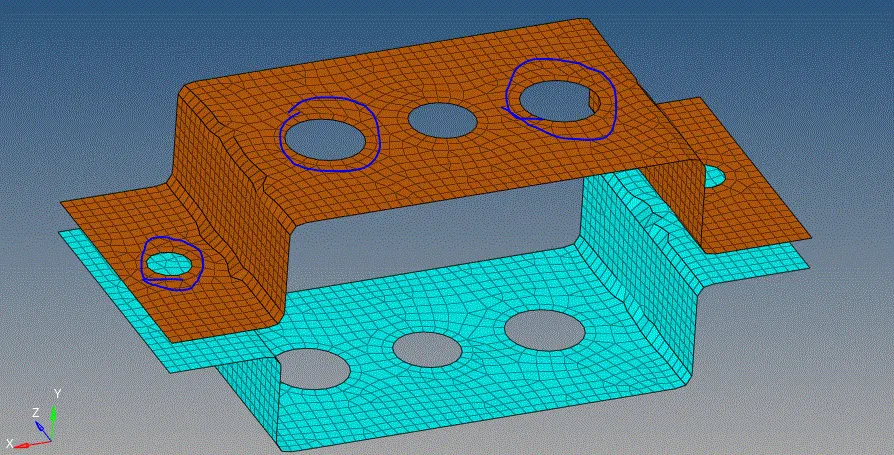
- give the washer splits for the surfaces and mesh the total extracted surfaces
- give the mesh size as 5 units, and mesh all the displayed surfaces
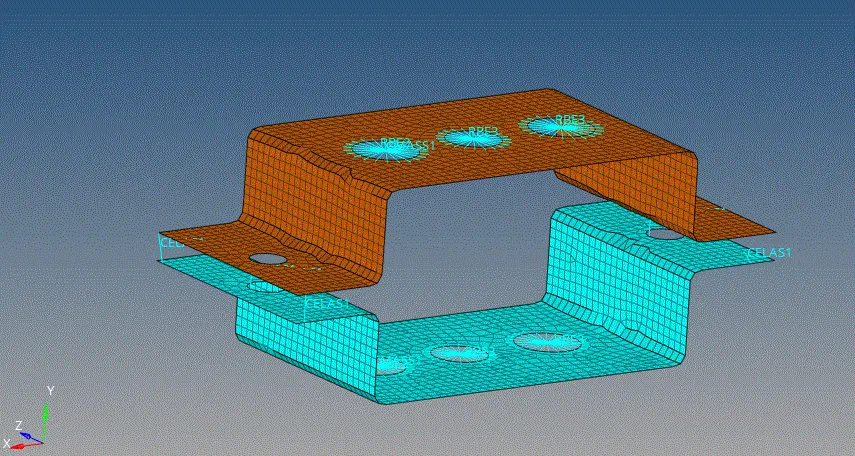
- give the links, i.e, RBE2,RBE3, links to the respective holes and assign the rigids
- give the bar, rod,beam 1D elements, to the assigned RBE2, RBE3, links and also crease spring emements
- also, assign the mass at the RBE2 links regions
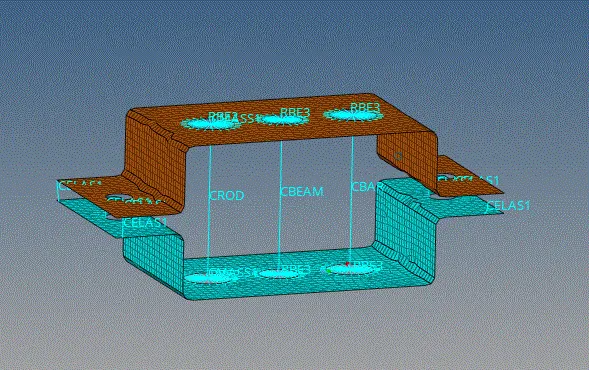
- Now , go to hyperbeam option, and create the necessary 1D element cross-sections, with the respective measurments
- create all the ROD,BAR,BEAM crossections in the optistruct mode
- manage the tree,and name these 1d cross c-sections, with assigned as in property names
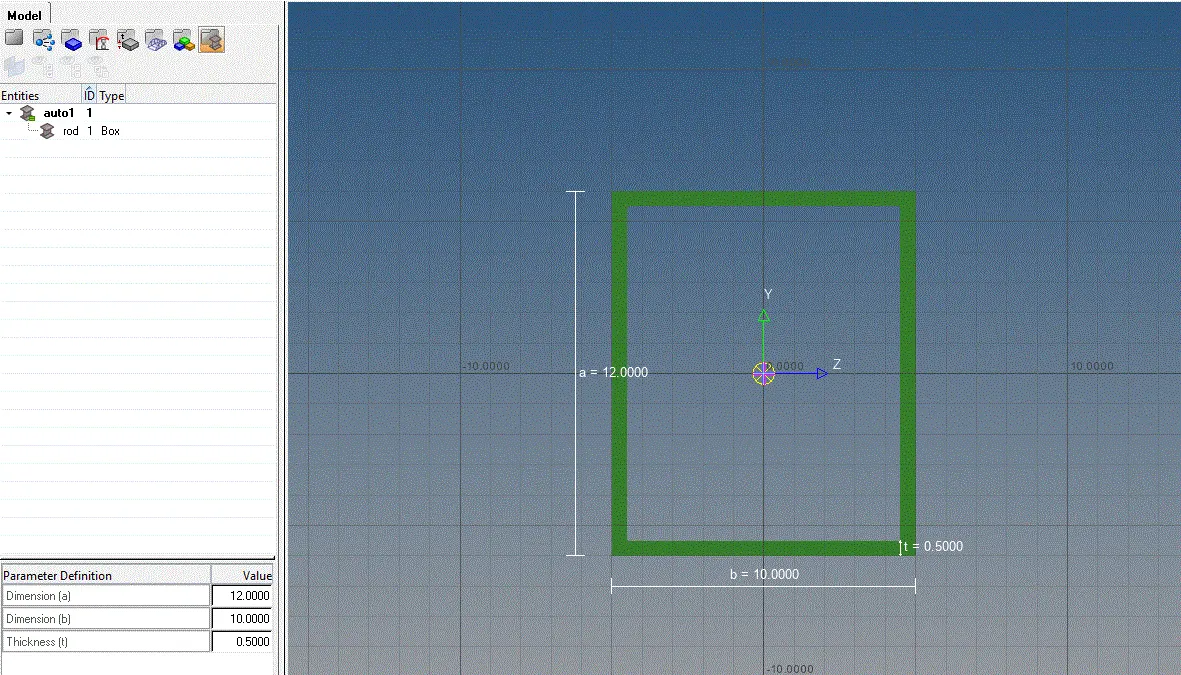
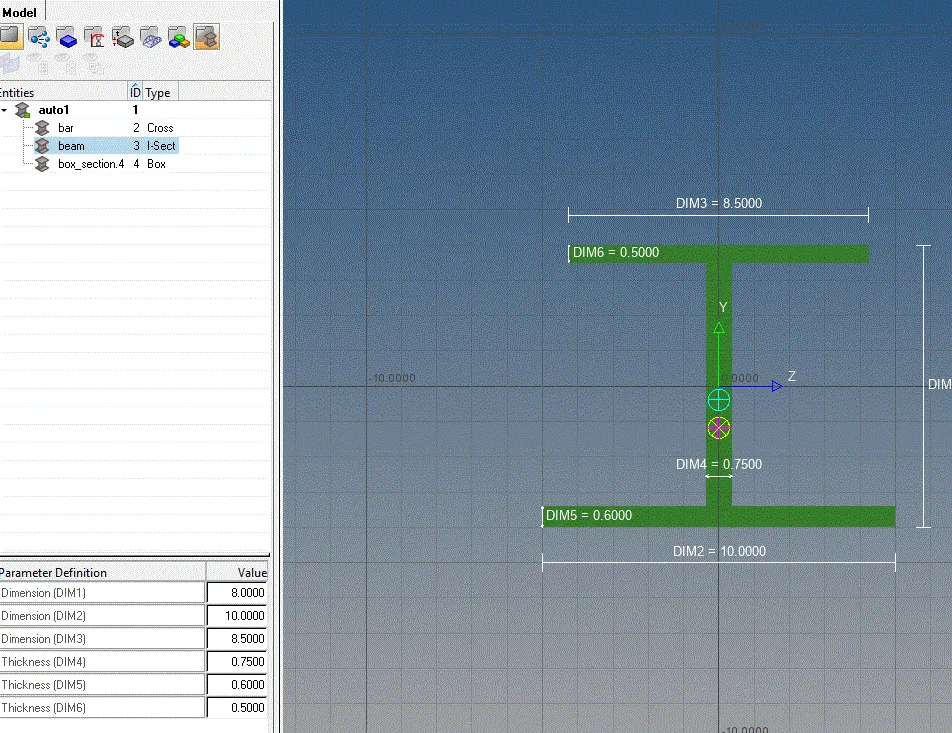
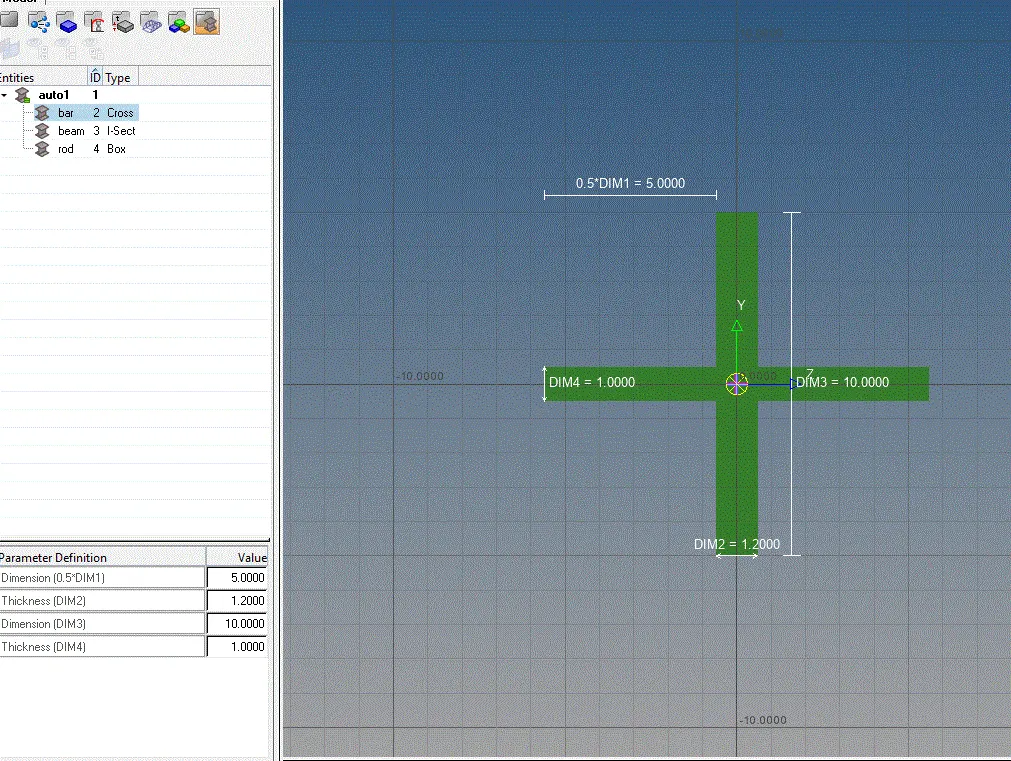
- go to original deck and update these cressections, with the respective iD elements, set with the properties before
- change the view mode to 1D and 2D elemets detailed representation and see the cross- section of the represented bar, rod, beam